Skip to content
Photoroom MCP

Automated product visuals with the Photoroom MCP

Connect Photoroom to Claude, ChatGPT, Codex or Cursor and make product photos by asking: clean cutouts, ghost mannequin, on-model shots and more, all from a prompt.
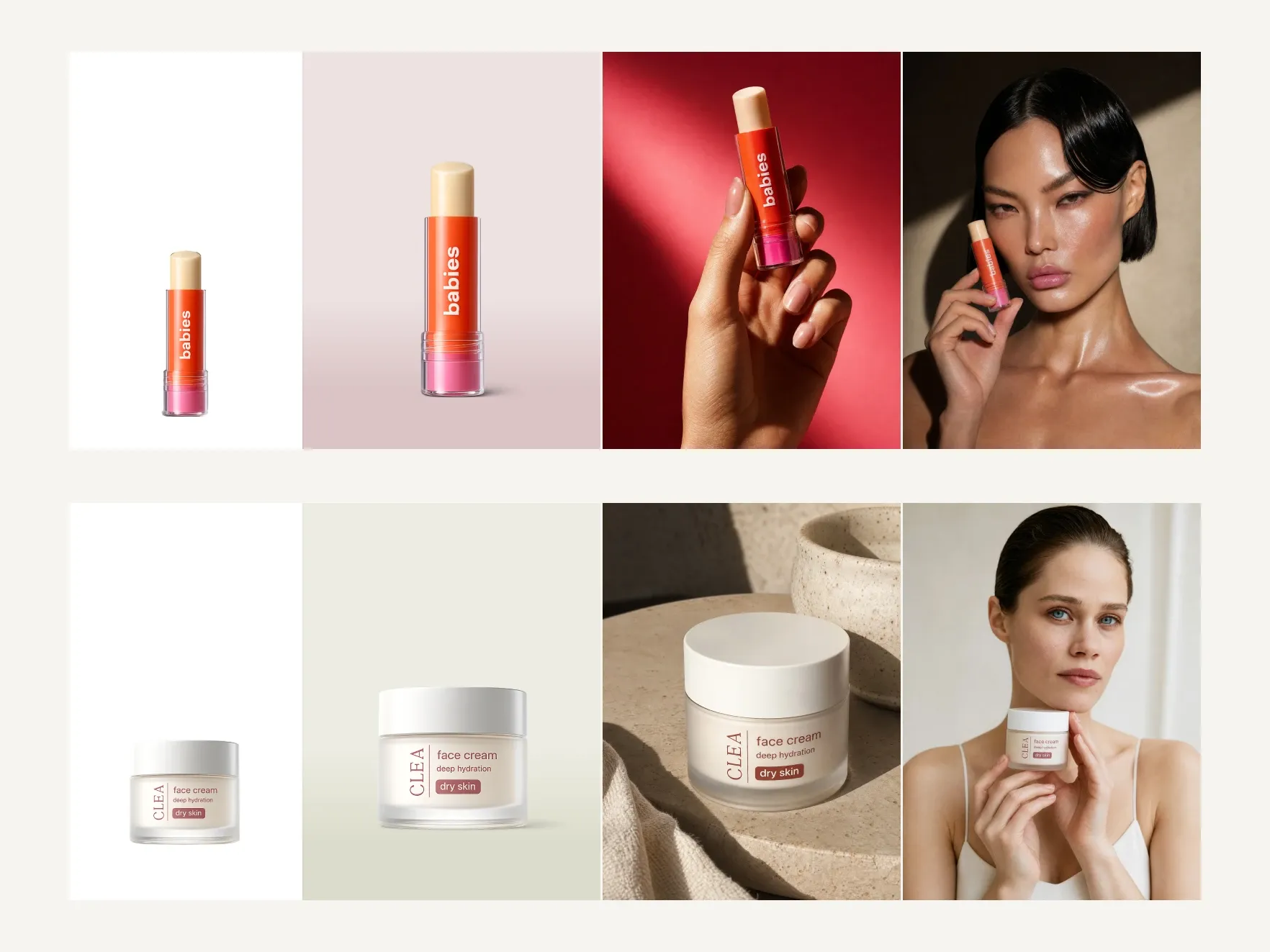
Lip balm and face cream, each shown as a clean cutout, on a colored backdrop, in a styled scene and held by a model

Pick your AI app and connect Photoroom

Install the official Photoroom app in ChatGPT, or connect Photoroom to Claude, Codex or Cursor with a custom connector. Pick your app to get started.

Photoroom app icon next to the Claude logo, on a soft gradient background
Claude and Cowork
For people who edit in a chat, or hand Cowork a folder of files. Add Photoroom as a custom connector, sign in, and edits use your Pro, Max or Ultra plan credits.
Photoroom app icon next to the Claude Code logo, on a soft gradient background
Claude Code
For developers in the terminal. Add Photoroom with one command, then ask Claude Code to edit a whole folder of product photos on your Pro, Max or Ultra credits.
Photoroom app icon next to the ChatGPT logo, on a soft gradient background
ChatGPT
Edit product photos inside a ChatGPT conversation. Install the official Photoroom app, sign in, then type @Photoroom in any chat.
Photoroom app icon next to the Codex logo, on a soft gradient background
Codex
Works from the terminal, the desktop app or your IDE. Add Photoroom once and ask Codex for product edits wherever you work.
Photoroom app icon next to the Cursor logo, on a soft gradient background
Cursor
For developers building a platform or listing flow. Add Photoroom to your mcp.json and get product images made from inside your code editor.
Trusted by leading companies
Photoroom editing tools, in whichever app you connect

Cut out, add shadows, stage a scene, iron a shirt, build a ghost mannequin shot and much more, in the AI app of your choosing.

Photoroom MCP

Connect the Photoroom MCP to the LLM where you work and automate your product listing visuals.

Background Removal

The AI background removal API detects complex edges, handles transparency, and delivers clean cutouts at scale - ideal for product catalogs and marketplace listings.

Virtual Model

Place apparel and accessories on AI-generated models that match your brand aesthetic. On-model imagery via the Virtual Model API: no casting, no studio, no production timelines.

Flat Lay

Generate consistent, editorial-quality flat lay product photography at enterprise scale. Maintain visual identity across thousands of SKUs through the Flat Lay API.

Ghost Mannequin

Produce ghost mannequin apparel shots with perfect shape retention through an AI-powered Ghost Mannequin API endpoint. Scale invisible mannequin photography without a studio.

Product Staging

Place your product into realistic lifestyle scenes - held, worn, or displayed - with the natural lighting and composition of a high-end photoshoot.

Edit With AI

Describe any change in plain language and our AI makes it - swap colors, remove or add objects, restage the scene, or shift the camera angle.

Product Beautifier

Enhance low-quality product and food images automatically with the Beautifier API. No retouchers, no studios. Our AI restores detail, corrects color, and improves overall quality at scale.

Add Shadows

Add realistic shadows to the main subject of your image, with complete control over the softness, intensity and position of the shadow.

Generate Backgrounds

Dynamically create new backgrounds with our first-class generative AI, perfectly matching the subject of the original picture.

Relighting

Fix badly lit photos automatically. Our AI rebalances over- and under-exposed images, with modes that keep product colors accurate or optimize for portraits.

Text Removal

Remove watermarks, labels, and real-world signage from your images automatically - choose what goes and what stays.

Expand

Resize any image to any format without cropping. Our AI generates the extra background to match the original, filling every empty pixel seamlessly.

Uncrop

Recover subjects clipped by the frame. Our AI reconstructs the missing parts from the visible portion, automatically.

Ironing

Make every garment look freshly pressed. Our AI smooths creases and wrinkles out of clothing photos automatically - no steamer, no reshoot.

Create Any Image

Generate images from a text description alone - no source photo needed. Describe the scene, pick a format, and get original content back.

Uncertainty Score

Know when a cutout needs a second look. Every response returns a confidence score from 0 to 1, so you can auto-flag ambiguous images for review at scale.

Perspective Correction

Straighten angled shots of flat, rectangular products - cards, books, games - into clean, straight-on views. No generative AI, so hallucinations are impossible by design.

Positioning

Control exactly where the subject sits in the result - scaling, alignment, padding, and margins - so every image in a catalog comes out consistently framed.

Smart Cropping

Reframe images around the subject automatically - prompt it to focus on a specific element, or crop faces out for marketplace compliance.

Upscale

Turn small, low-res images into sharp ones at 4× the size - with a fast mode for volume and a slow mode for maximum quality.

One MCP server for the whole team

Whoever needs the images can make them, in the AI app they already use.
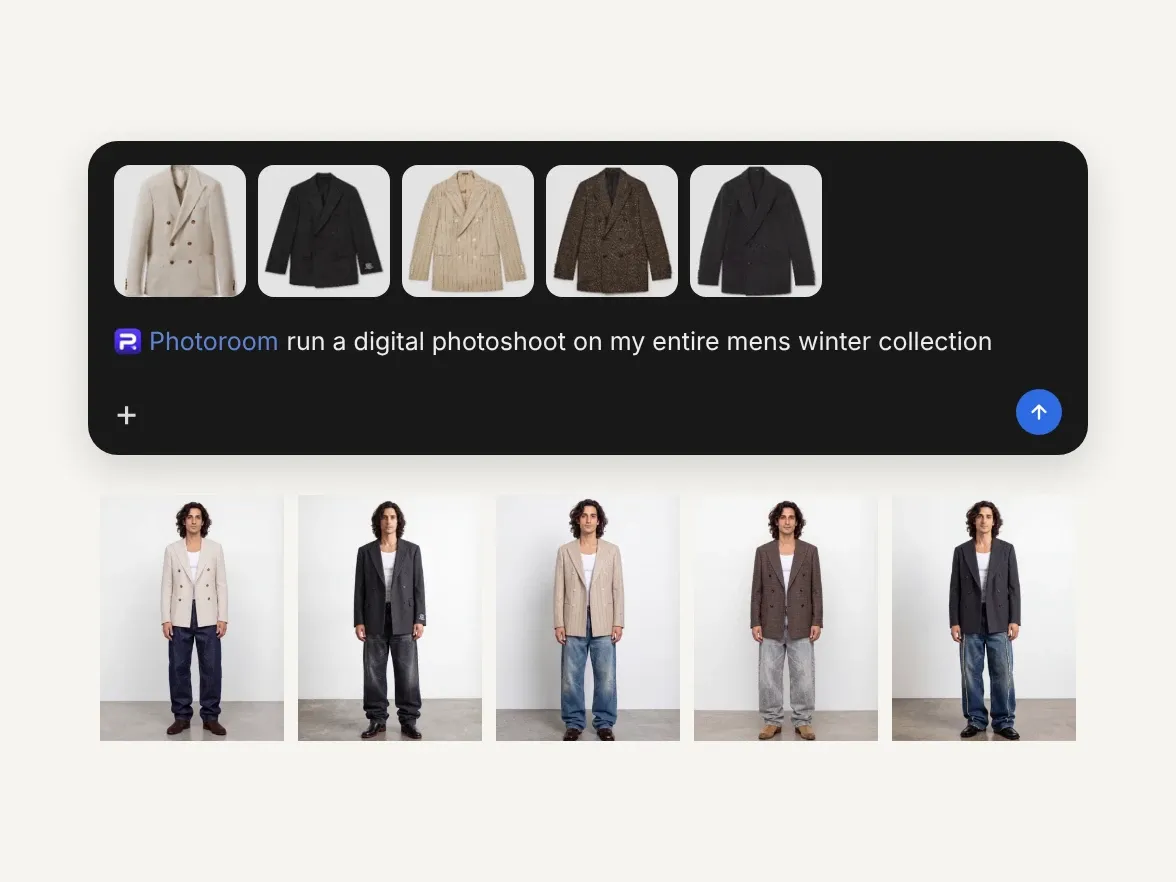
Chat prompt asking Photoroom for a photoshoot of five jackets, with the five on-model photos it made below

One-off edits without a ticket to engineering

A launch set or a marketplace resize: small jobs used to wait for a script or a designer. With Photoroom connected, the person who needs the images asks for them in their AI app and gets finished files back.

Orange handbag and denim jacket beside three model photos, each wearing or carrying them

Chat apps for merchandisers, coding agents for developers
Content and ops teams ask in Claude, Cowork or ChatGPT. Developers add the same server to Claude Code, Codex or Cursor and edit a folder of product photos from the terminal or editor. Wherever they ask, edits use your Pro, Max or Ultra credits.

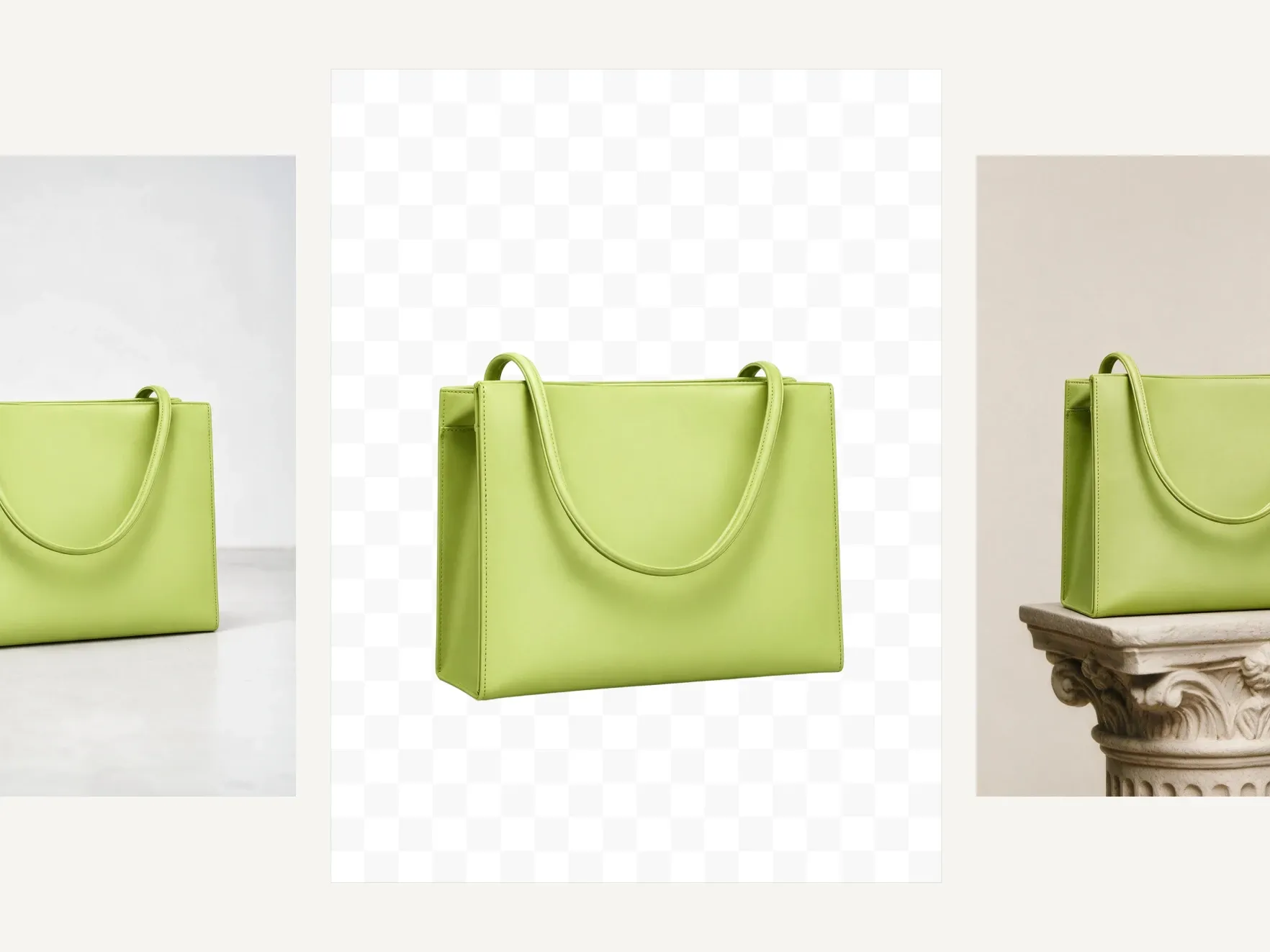
Green tote bag cut out on a transparent background, with two staged versions on either side

Photoroom in the apps your teams already use

Your teams won't all pick the same assistant, and they don't have to. Each app connects to Photoroom, so switching assistants never means switching image tools.

The editing behind the MCP already runs whole catalogs

4x

faster market rollouts

89%

lower image processing costs

56%

higher conversion on listings

236%

increase in average order value

Exclusive to Enterprise plans

When the whole catalog needs the same edit

Enterprise plans add what catalog volume needs: Visual Agents to chain several edits into one workflow, Visual QA to check every output, the Enterprise Guarantee, product video and more.
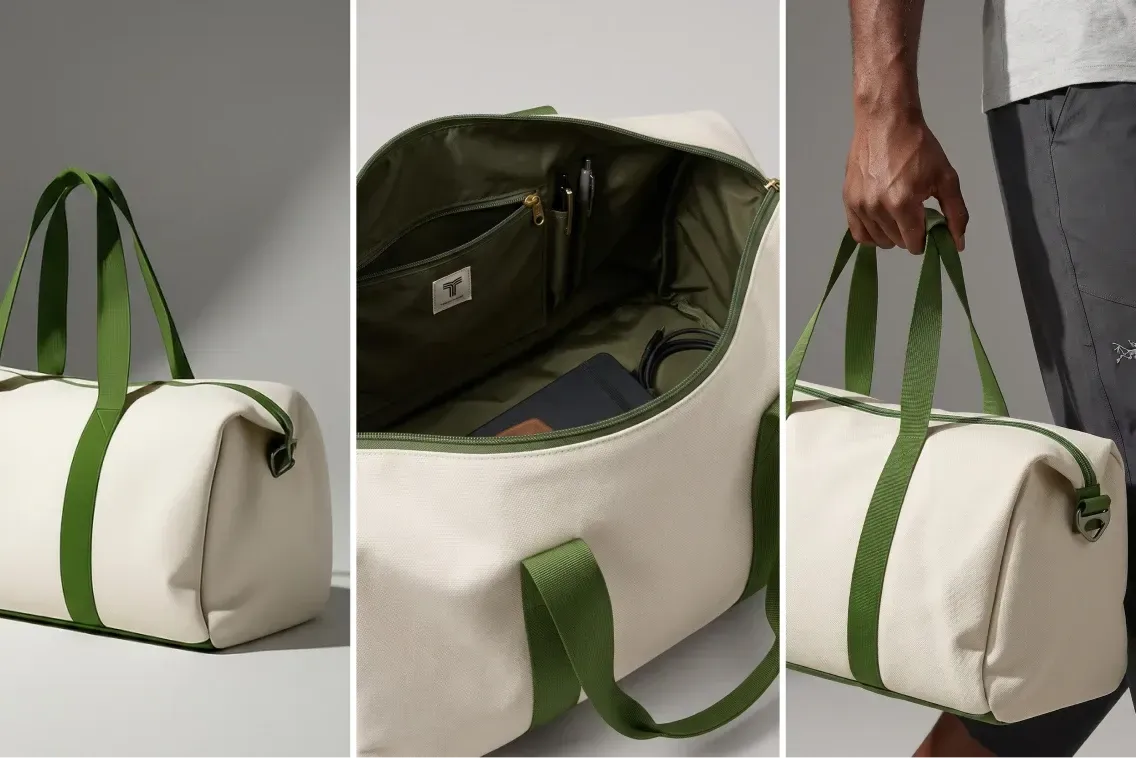
Collage of a beige duffel bag with green straps, showing its exterior, spacious interior with pockets, and a hand holding it.
Visual Agents
Visual Agents execute the perfect workflow for your use case. They analyze every input, generate and edit, score the output, retry until it passes. Every visual runs the same loop and only the ones that pass reach your catalog.
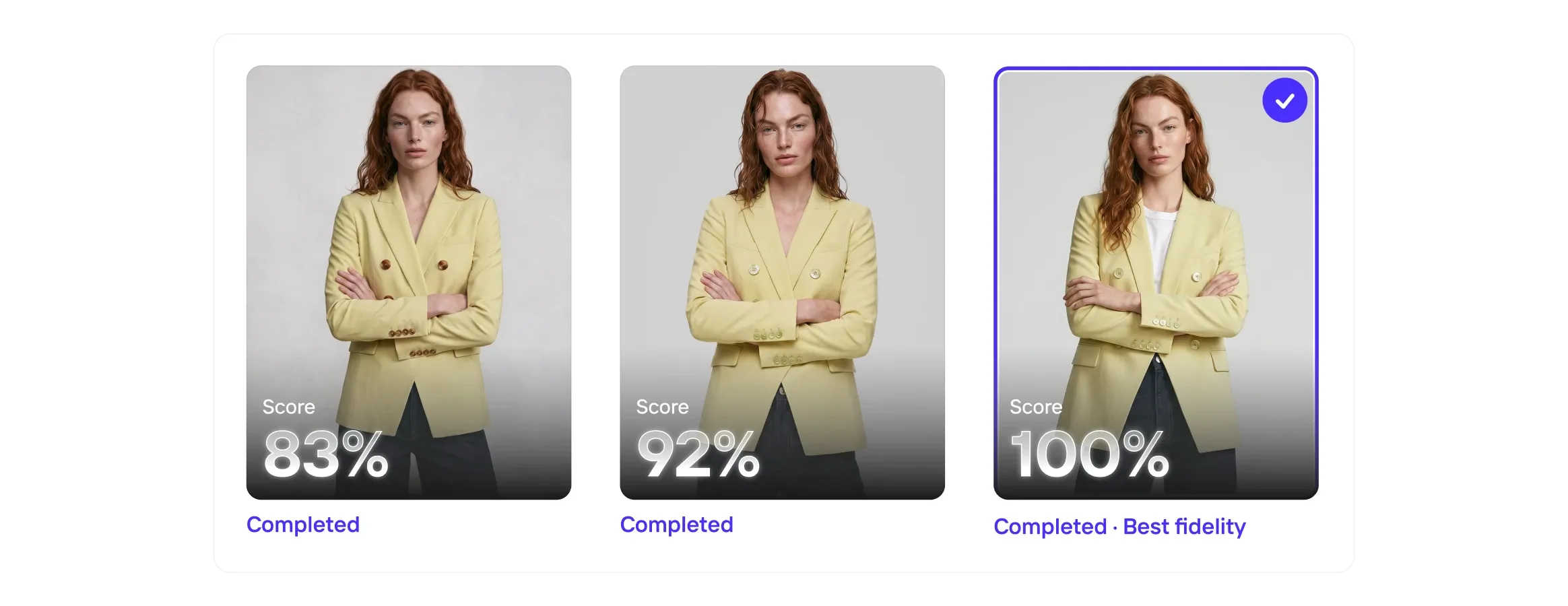
Three images of a woman in a yellow blazer, each with a completion score: 83%, 92%, and 100% labeled as "Best fidelity."
Visual QA
Even the best AI models get it wrong, so Visual QA scores every output for fidelity, catches the misses, and corrects the details before they reach your customers.
Collage of a woman in a white halter dress, a bowl of vibrant poke, and a woman holding a mustard handbag with hoop earrings.
Enterprise Guarantee
Pay only for outputs that pass. Every output is checked against your brief by our fidelity model, and anything that misses is regenerated before it reaches your team.
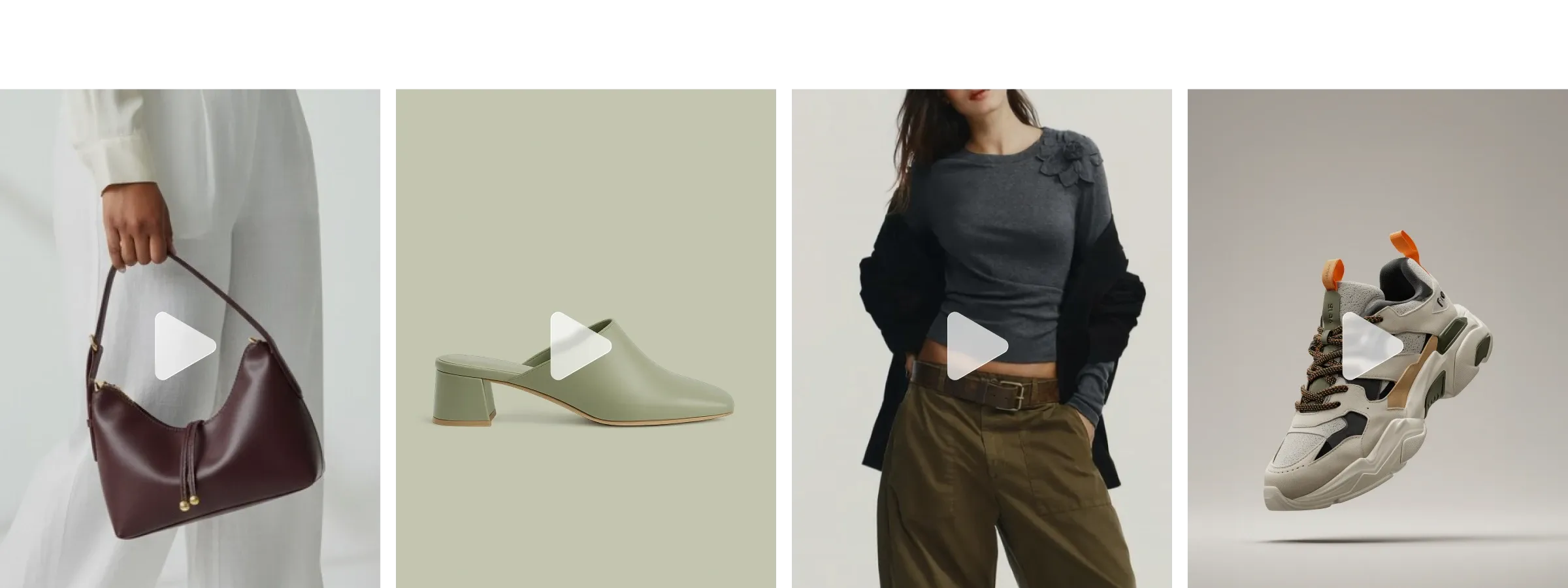
Four fashion items with play icons: a brown handbag, sage green mule, person in a gray shirt and cardigan, and white sneakers with orange accents.
Image to Video API
The Image to Video API turns static product photography into short-form video automatically. Submit a product image and receive a polished video with natural camera motion, animation, or configured effects.
Photoroom MCP

Put Photoroom inside your team's AI app

Connect the app you already use and turn product photos into listing images, launch sets and new scenes by asking. Rolling it out across several teams and apps? Our sales team can help you plan it.

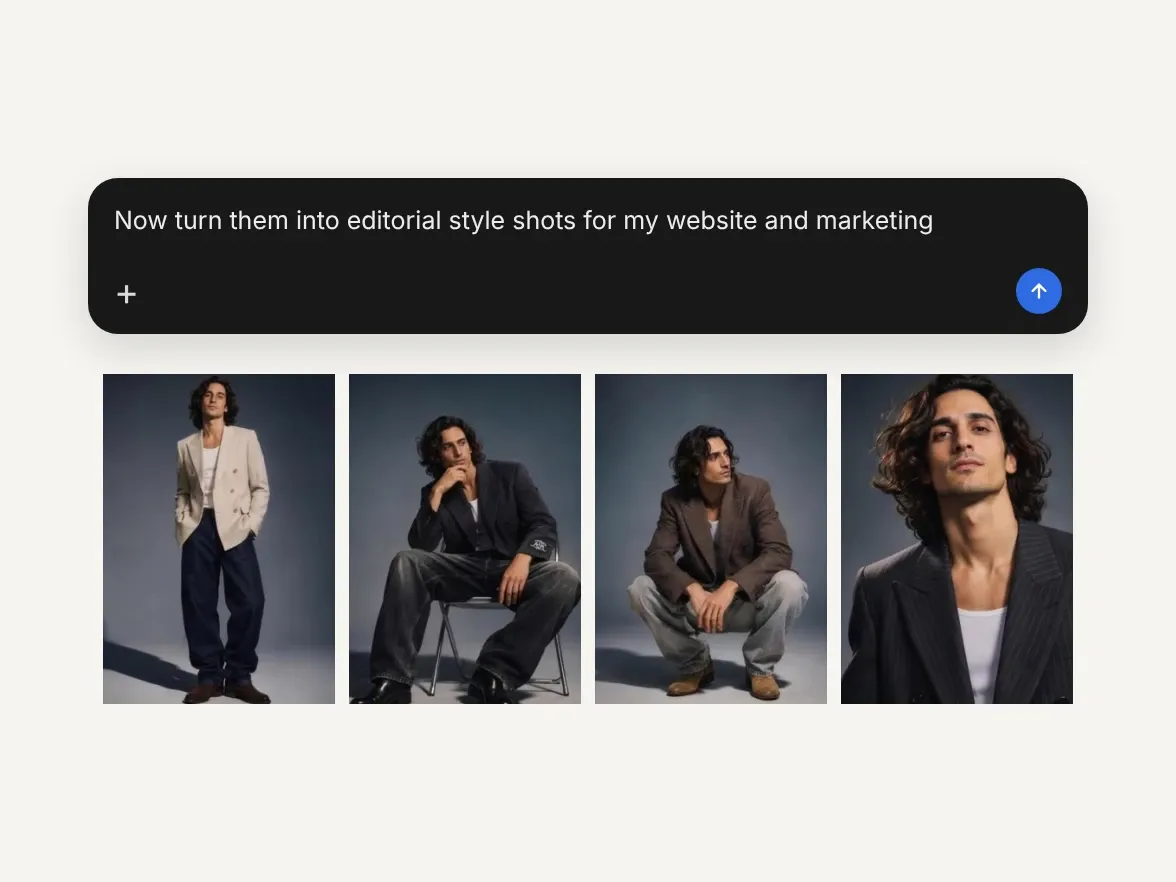
Chat prompt asking for editorial shots of the same jackets, with four studio editorial photos it made below

Frequently asked questions

What are the best MCP integrations for e‑commerce product image editing?

Photoroom's MCP server is built for product images: it gives AI apps such as Claude, ChatGPT, Codex and Cursor Photoroom editing tools, from background removal to ghost mannequin. You ask in plain English and the finished image comes back in the same app. Photoroom also integrates with Shopify, Google Drive, Zapier, Figma, Airtable and more; see all integrations.

What MCP servers work with Claude for product photography?

The Photoroom MCP works in Claude, Cowork and Claude Code. Add it as a custom connector in Claude, or in Claude Code run claude mcp add --transport http Photoroom https://mcp.photoroom.com/mcp. Claude can then remove backgrounds, add shadows, iron, make a flat lay or a ghost mannequin, and much more. Setup steps are on the Claude page.

Which AI assistant is best for bulk product image editing?

For bulk product image editing, connect the Photoroom MCP to a coding agent such as Claude Code, Codex or Cursor, or to Cowork; a chat app suits a handful of photos. See how e‑commerce teams bulk edit product images.

What is the Photoroom MCP?

The Photoroom MCP is Photoroom's own server for AI apps. It speaks MCP, the Model Context Protocol that AI apps use to find and call outside tools. You describe the edit, and the app picks the Photoroom tool that does it. Connect it at https://mcp.photoroom.com/mcp with a Pro, Max or Ultra plan.

How do I connect the Photoroom MCP?

In ChatGPT, install the official Photoroom app from Plugins and sign in. In other apps, add https://mcp.photoroom.com/mcp in the app's connector or MCP settings, then sign in to Photoroom when the app asks. Each app names the setting differently, so follow the steps for Claude, Claude Code, ChatGPT, Codex or Cursor.

Do I need an API key?

No. You sign in with your Photoroom account, and edits use your Pro, Max or Ultra plan's credits.

How does pricing work?

Edits through the Photoroom MCP use your Pro, Max or Ultra credits. Plans and credits are on the pricing page. On an Enterprise plan? Talk to your account team.

Which plan do I need?

Pro, Max or Ultra. Connect https://mcp.photoroom.com/mcp and sign in, and edits use your plan's credits. In ChatGPT there's no address to add: install the official Photoroom app. On an Enterprise plan? Talk to your account team.

What should I do if I need help?

Visit the Photoroom Help Center for app, plan and account questions. Enterprise customers can contact their account team.

Start selling at first sight

Get listing-ready product visuals in seconds.