Skip to content

Edit your catalog in Photoroom, sell everywhere

Photoroom helps you generate, standardize, and optimize product images and listings, so your catalog stays consistent at any scale. Edit all your products in Photoroom and publish your catalog directly to Shopify and soon other marketplaces, automating your listings end to end from a single place.
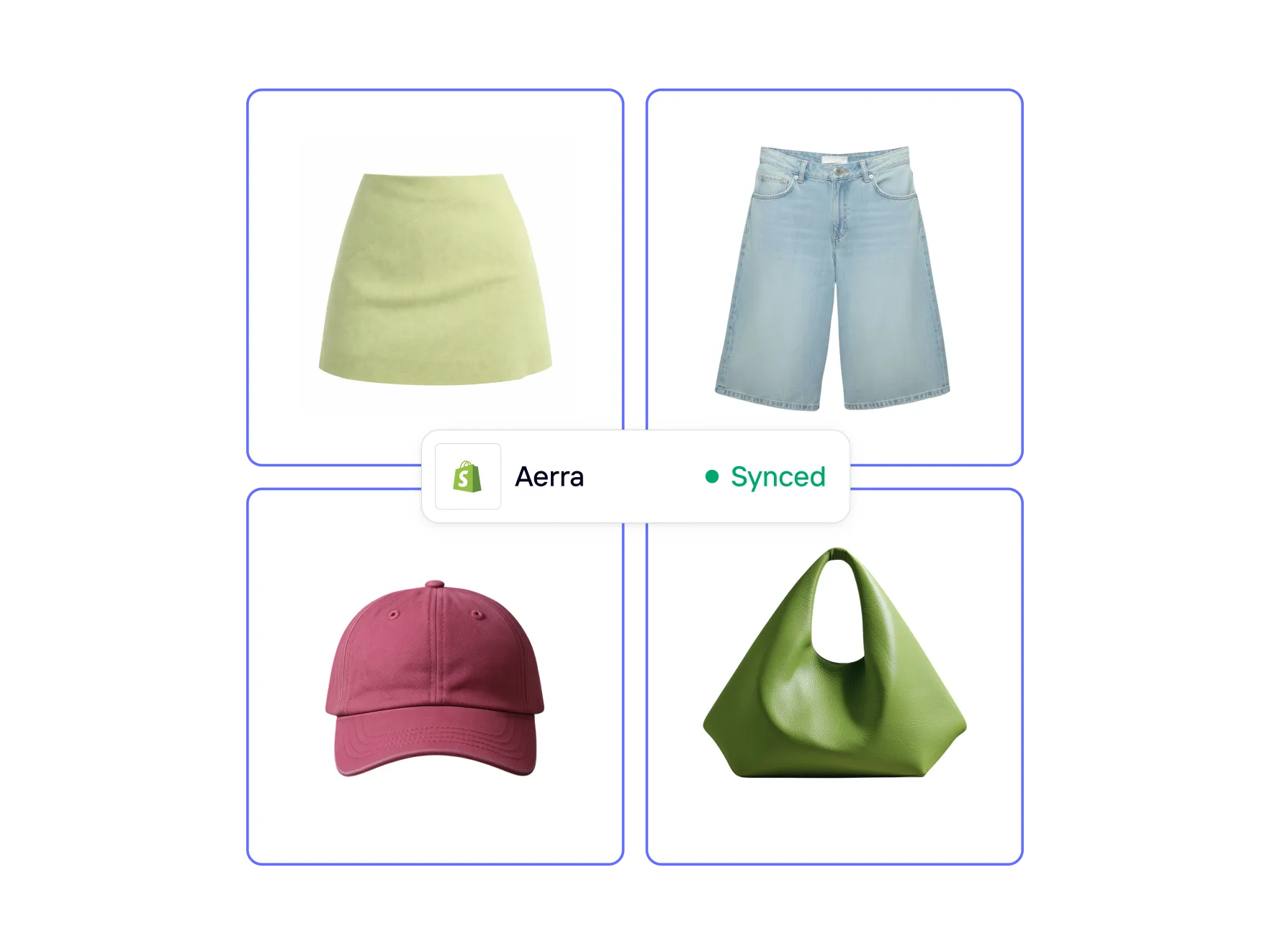
Available on: web, iOS and Android - Max and Ultra plans

Why consistent product catalogs are your growth lever

Build catalogs faster without manual editing

Create and update large numbers of product images and listings without editing each item individually.

Keep a single visual standard across your catalog

Ensure every product follows the same background, framing, and style as your catalog grows.

Adapt catalogs as products and markets change

Refresh visuals for new products, seasons, or regions without rebuilding your catalog from scratch.

Build, manage, and publish your product catalog

Scale your catalog without manual work

Managing products one by one doesn't scale. Each new SKU adds more editing, more files, and more chances for inconsistency. Photoroom lets you create, edit, update, and publish large product catalogs in bulk processing images at once, applying the same visual standard across every product, and syncing your catalog directly to Shopify and other marketplaces when you're ready.

Know what every listing still needs

Not every product is ready to sell the moment it goes live. Some listings are missing images, variant visuals, alt text, file names, or stronger product copy. Listing Score shows a progress-based score for each product directly on the listing page and highlights what to improve next, so sellers can quickly spot weak listings and make them more complete, discoverable, and ready to convert.

Lower the cost of visual production and sell faster

Photoshoots and manual design work are expensive and difficult to repeat at scale. Each update adds time and cost. Photoroom reduces the need for repeated shoots and manual design by generating professional catalog visuals from existing product photos. This helps control production costs while maintaining quality and start selling faster and more efficiently.

Keep every product visually consistent

Inconsistent images weaken brand trust. When backgrounds, lighting, or framing vary, catalogs feel messy and unreliable. Photoroom standardizes how products appear so every item follows the same visual rules and listings look cohesive and professional as the catalog grows. For Shopify merchants, Photoroom’s product photo editor for Shopify helps keep visuals aligned across the store.

Adapt your catalog as your business changes
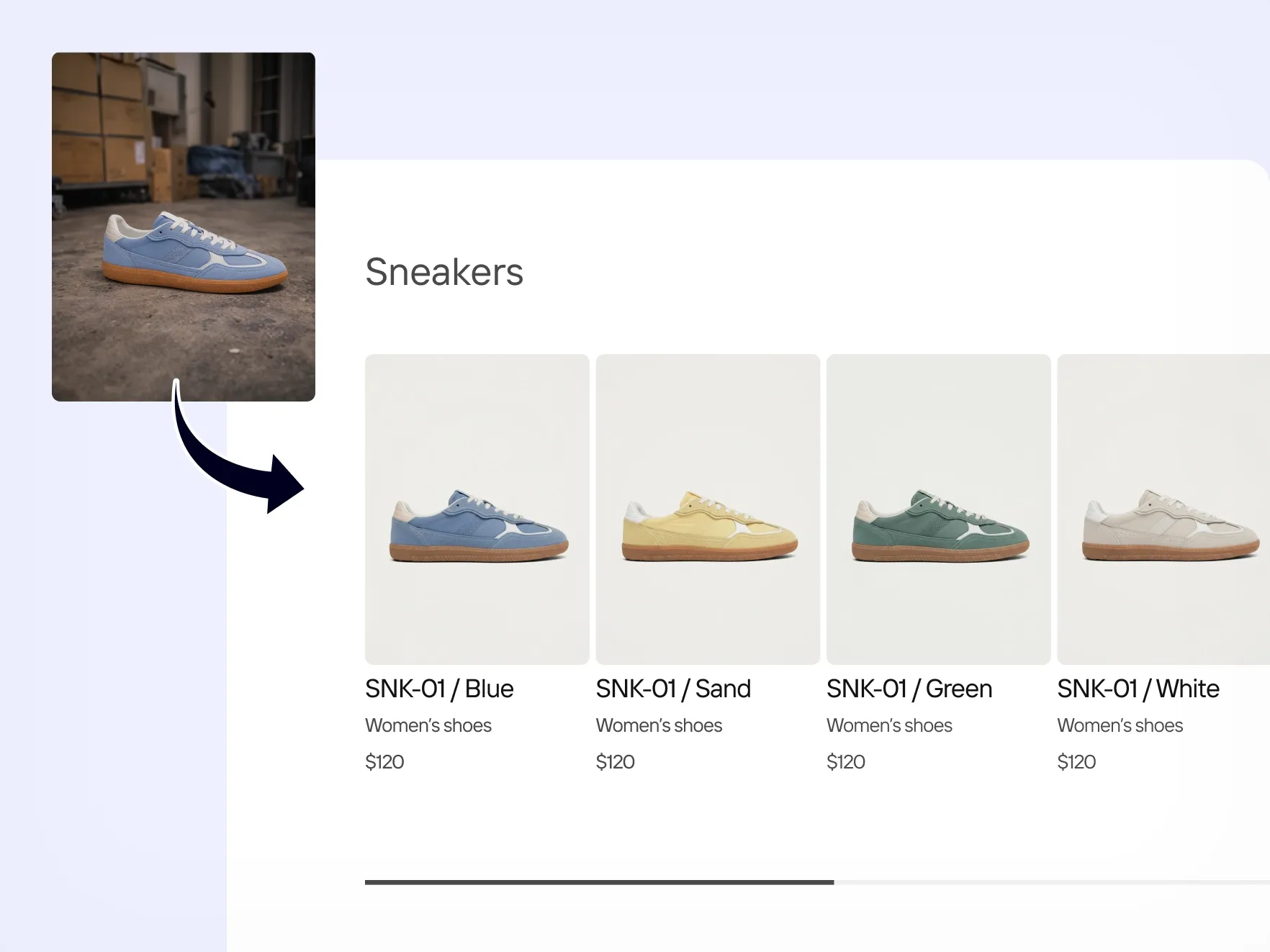
Updating visuals for new markets, products, or seasons often means redoing everything from scratch. With Photoroom, you can refresh styles, formats, and layouts across your entire catalog without starting over then publish directly to your connected marketplaces. Edit all your products in Photoroom and push your updated catalog to Shopify with one publish action. Support for additional marketplaces is coming soon.

Turn raw photos into catalog-ready visuals

Traditional workflows take days or weeks. Raw photos must be cleaned, formatted, and resized before they can be used in listings. Photoroom transforms raw product photos into clean, catalog-ready visuals in minutes. Images are prepared for listings from the start, allowing products to go live faster without long editing cycles.

Want to increase your conversion rate by 50%?

Enter your product page and we'll tell you what to fix.

Frequently asked questions

What is a product catalog in e‑commerce?

A product catalog in e‑commerce is a structured collection of product listings that includes images, titles, prices, and descriptions. It is used to organize products and present them consistently across websites, marketplaces, and marketing channels.

Why are product catalogs important for online stores?

Product catalogs are important because they help shoppers browse, compare, and understand products quickly. A clear and consistent catalog improves user experience, builds trust, and supports higher conversion rates by making products easier to find and evaluate.

What is the difference between a product catalog, a PLP, and a PDP?

A product catalog is the full system that contains all products and their data. A PLP (product listing page) shows a group of products from the catalog, such as a category view. A PDP (product detail page) shows one single product with its images, price, and specifications.

How do I keep product catalogs consistent at scale?

You can keep product catalogs consistent at scale by using standardized image styles, structured product data, and automated workflows. This ensures that every product follows the same visual and formatting rules as the catalog grows.

What makes a product catalog scalable?

A product catalog is scalable when new products can be added, updated, and adapted without manual work for each item. Scalability depends on automation, bulk image processing, and systems that apply the same visual and content rules across all listings.

How does Photoroom's marketplace sync work?

Photoroom's marketplace sync lets you edit all your products in one place and publish your catalog directly to your connected marketplaces. Changes flow from Photoroom outward when you publish, your catalog is updated and overrides what's currently live. It's a one-way sync for now, so edits made directly in your marketplace won't reflect in Photoroom.

More AI tools for your Shopify store

Listing Score checker
Improve your product listing quality automatically
Automate and scale Shopify product listings
Automates product listings and connect directly to Shopify so you can publish faster.
Photoroom for Shopify App
Create polished product visuals and start selling faster.
Optimize Shopify product images for SEO and AI search
Automatically generate alt text, SEO-ready file names, and WebP images for your entire Shopify catalog.
Recolor images
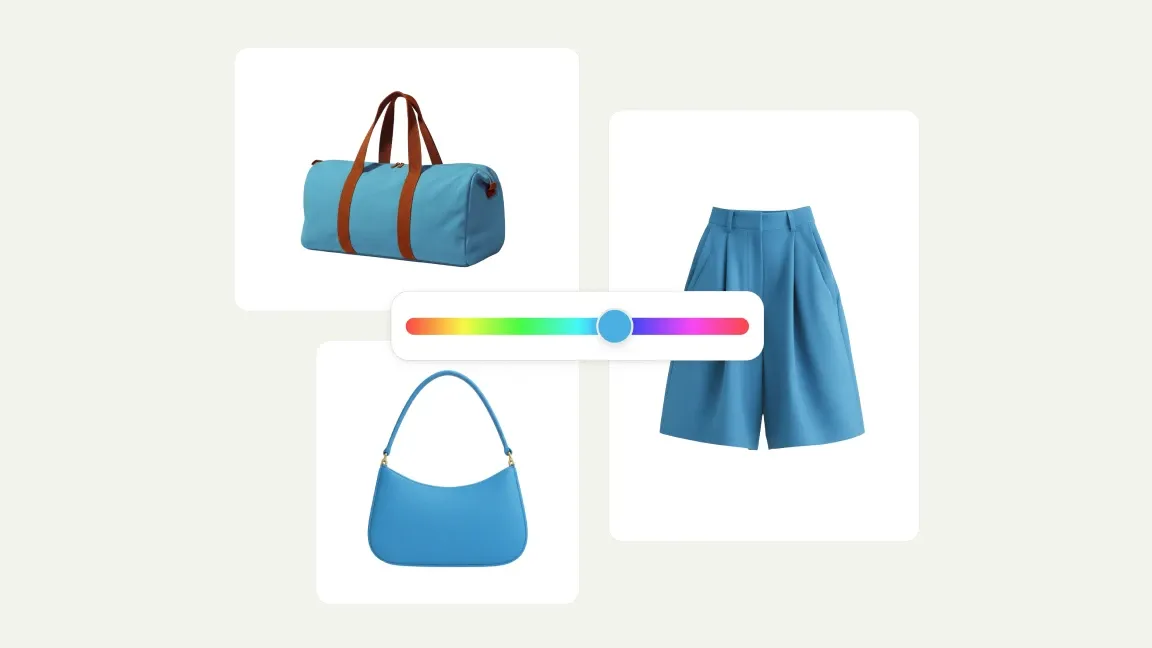
Use AI to recolor Shopify fashion product images and fix color inconsistencies.
Add shadows to Shopify images
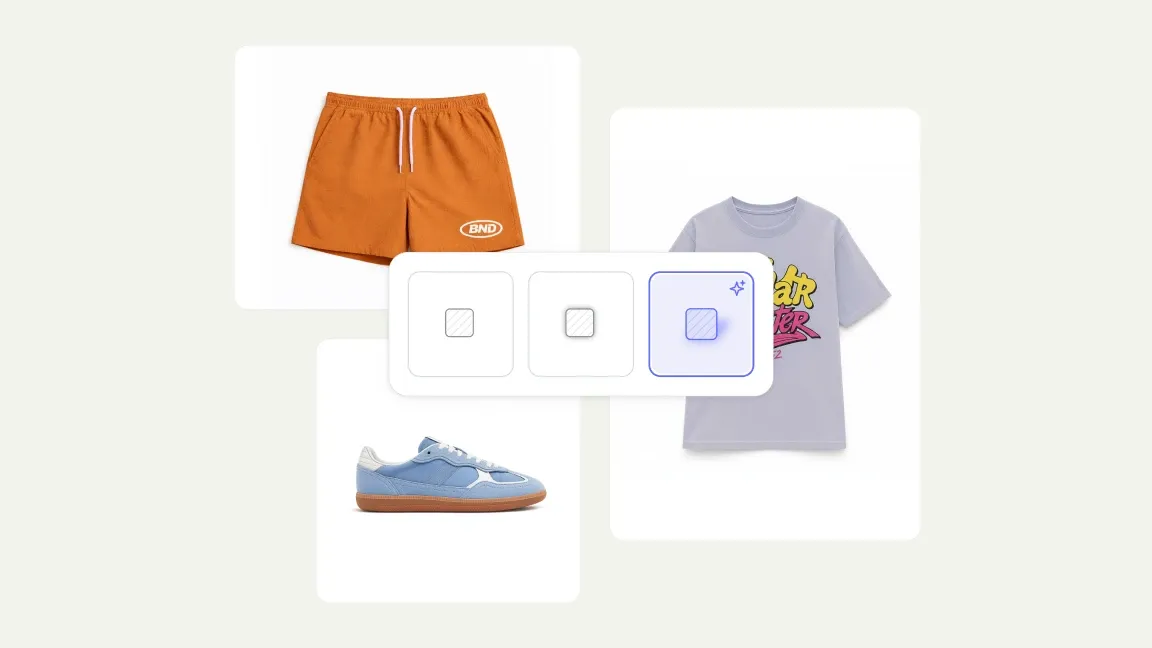
Make fashion product images look more realistic on Shopify
Clean up Shopify product images
Make your Shopify store look more polished with cleaner product images
Add AI fashion model to your Shopify product catalog
Make your product pages more compelling and launch your collections faster.
Create color variants for Shopify product images
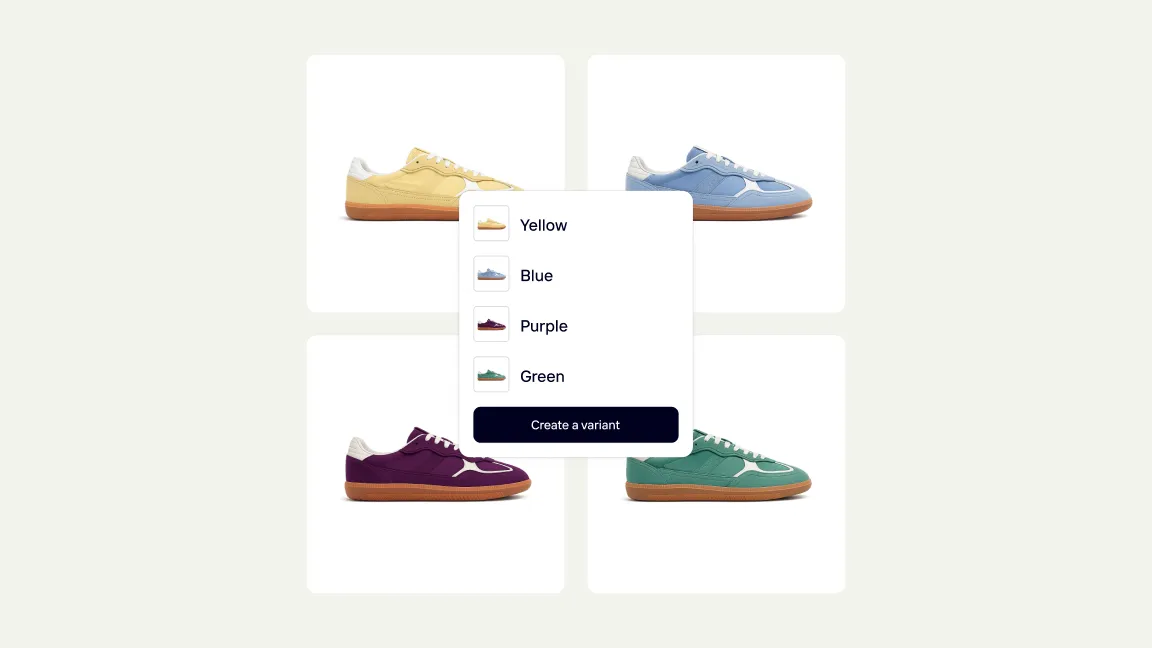
Launch more options quickly on Shopify without new photoshoots.

Start selling at first sight

Get listing-ready product visuals in seconds.