

Fix color inconsistencies in Shopify product images
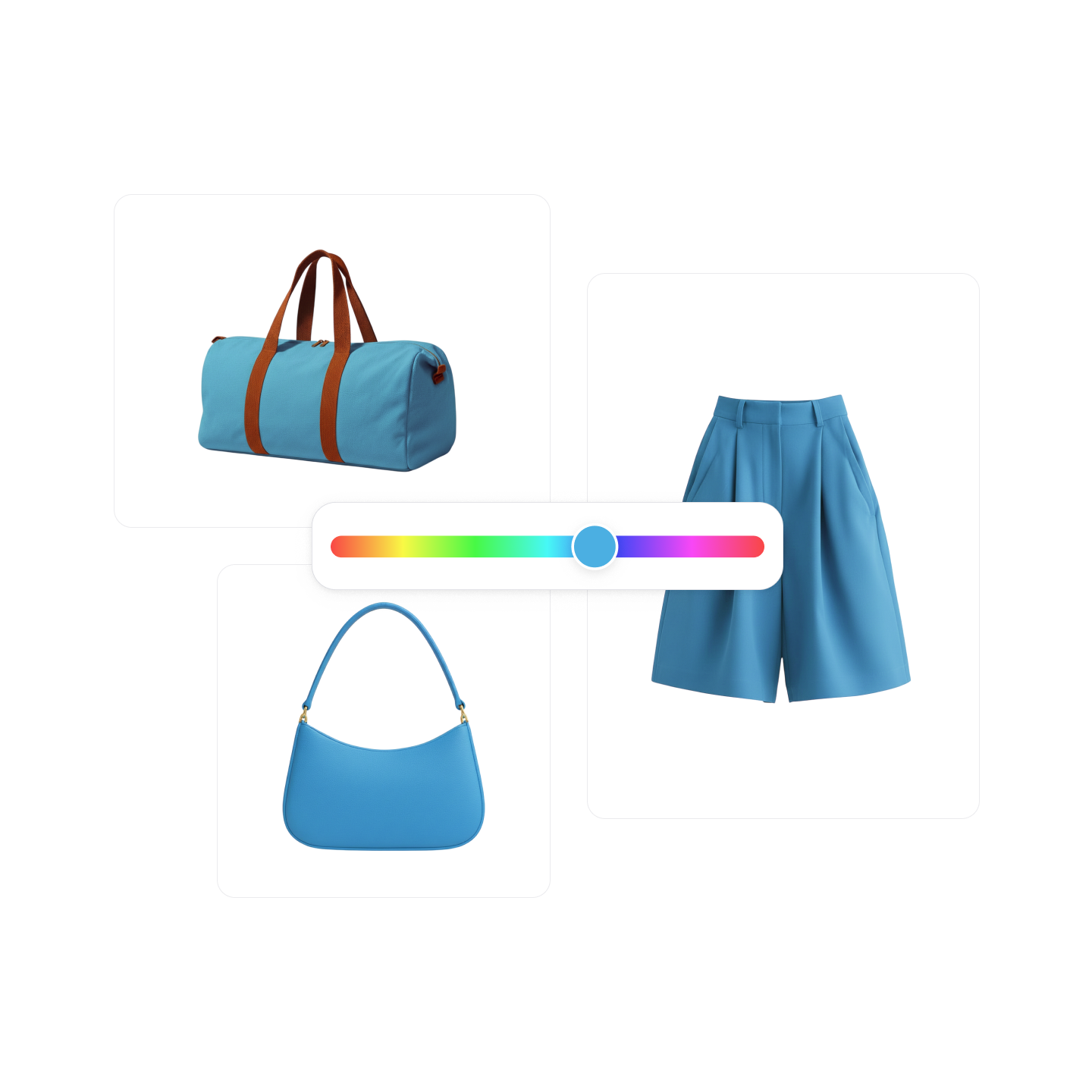
Product photos often display slightly different colors due to lighting or editing. Photoroom helps Shopify merchants recolor product images to correct lighting shifts and keep colors consistent across their store.

Why consistent product colors improve your Shopify catalog

Fix color inconsistencies caused by lighting
Correct color shifts from lighting or cameras so the same product appears consistent across images and listings.

Adjust product colors without manual editing
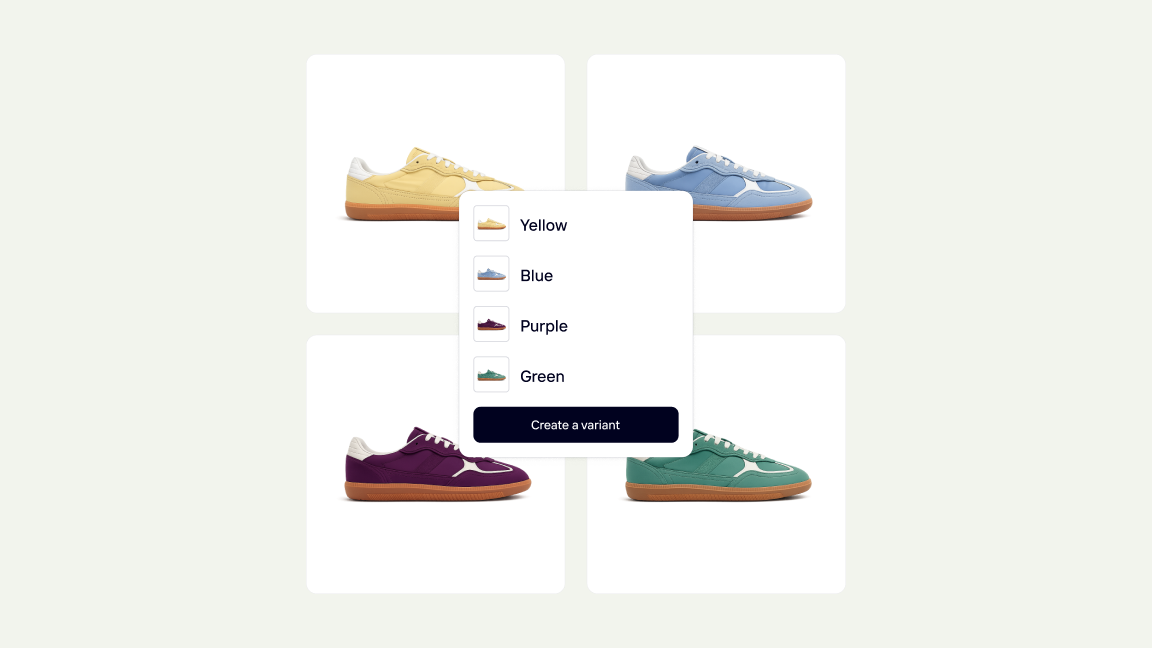
Recolor clothing and accessories digitally instead of fixing colors manually or reshooting products.

Keep your catalog visually consistent and trustworthy
Apply the same color standard across images so shoppers see accurate, reliable product colors.
Correct and align product colors across your catalog

Show accurate product colors to shoppers
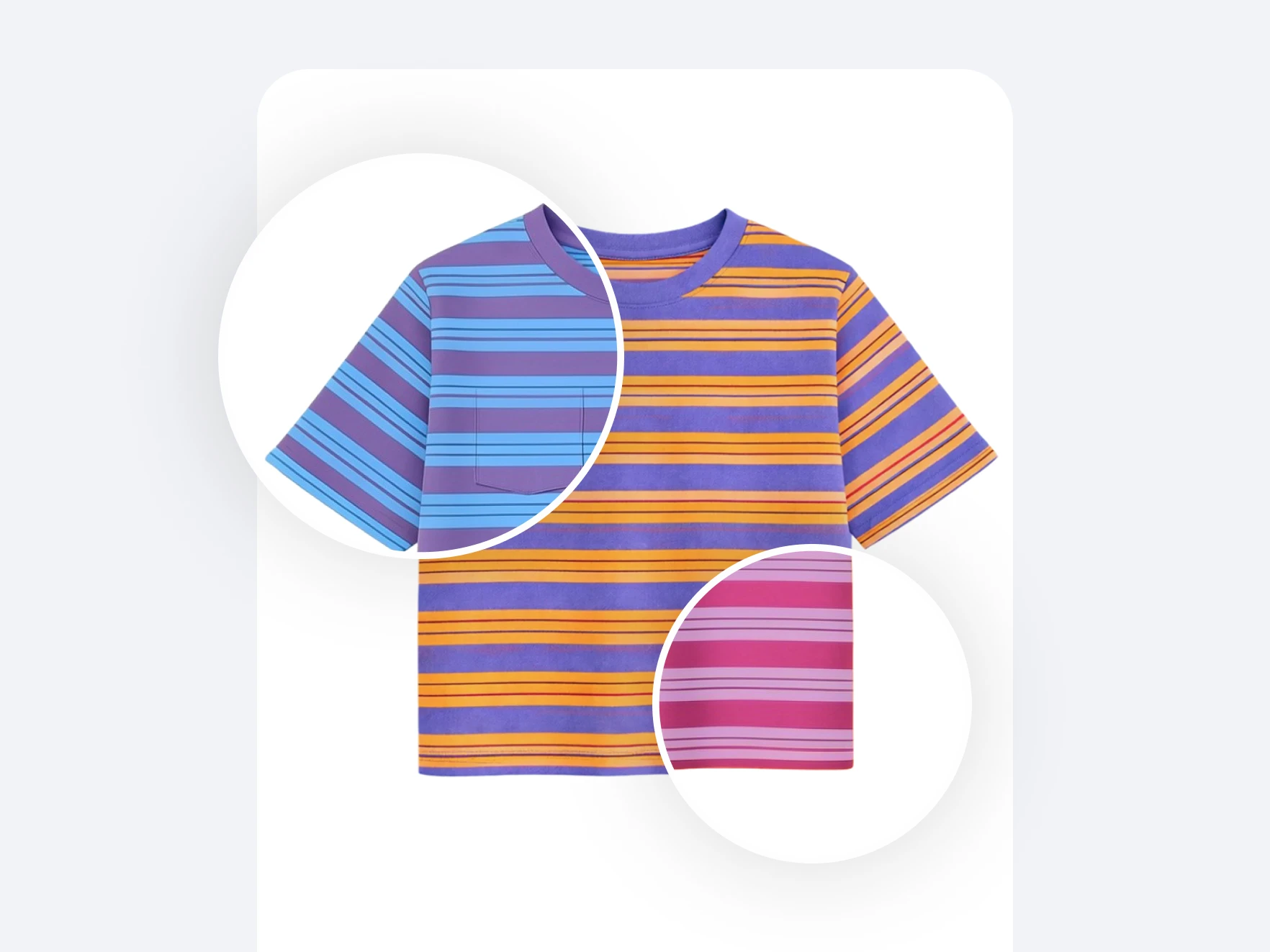
Fix color issues without editing or reshooting

Keep colors consistent across your catalog
How to recolor your product images on Shopify
Photoroom connects to Shopify so you can correct and align product colors directly from your catalog.
1
Connect your Shopify store
Install the Photoroom Shopify app and sync your product catalog so images can be edited and updated directly from your store.
2
Select Recolor and adjust product colors
Open the Recolor tool, choose the product image you want to edit, and select the color you want to apply. You can specify which part of the image should be recolored.
3
Export the updated image to Shopify
Generate the corrected image and send it directly back to your Shopify listing, or continue editing with other Photoroom tools before publishing.