










Skip to content

Turn one product photo into a full shot list with AI

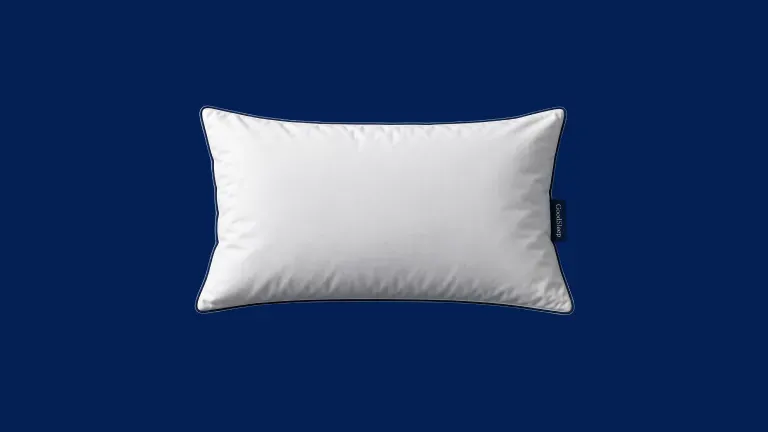
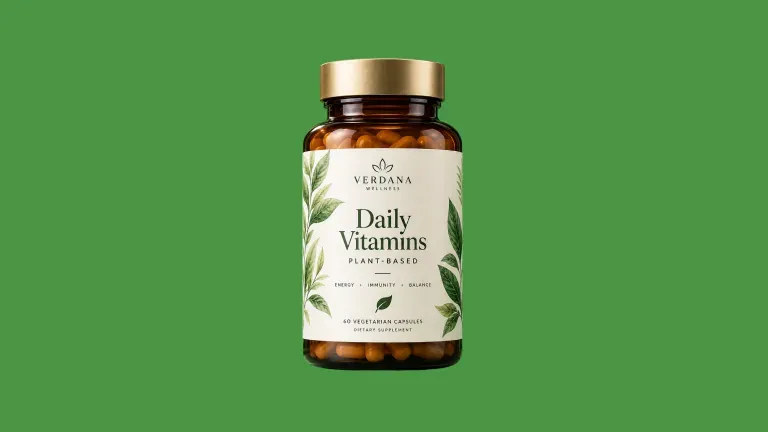
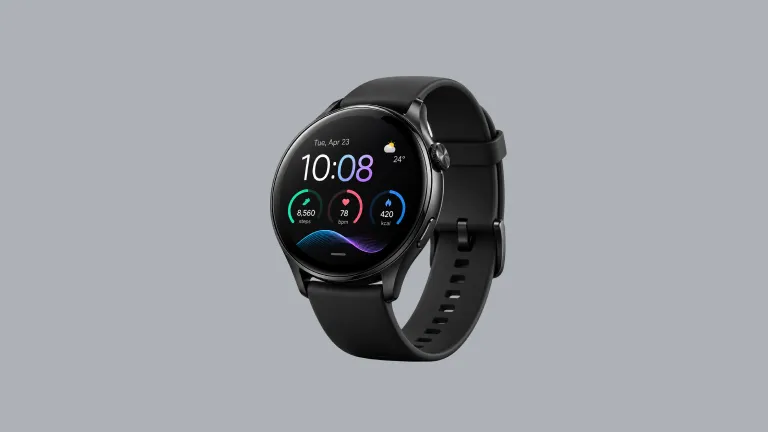
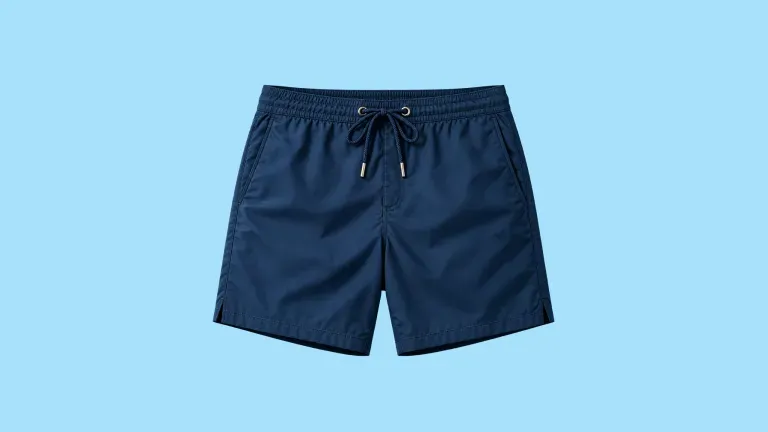
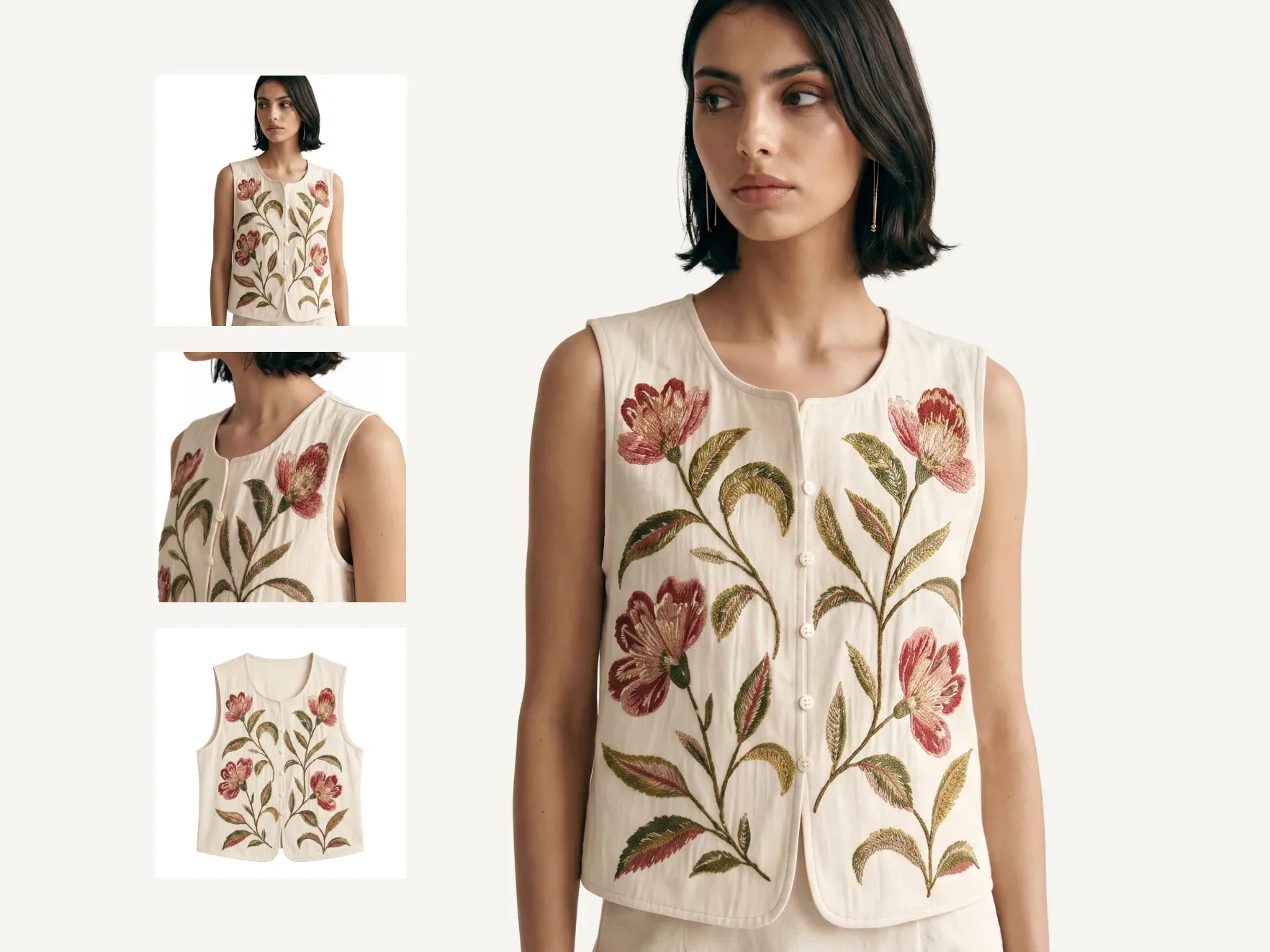
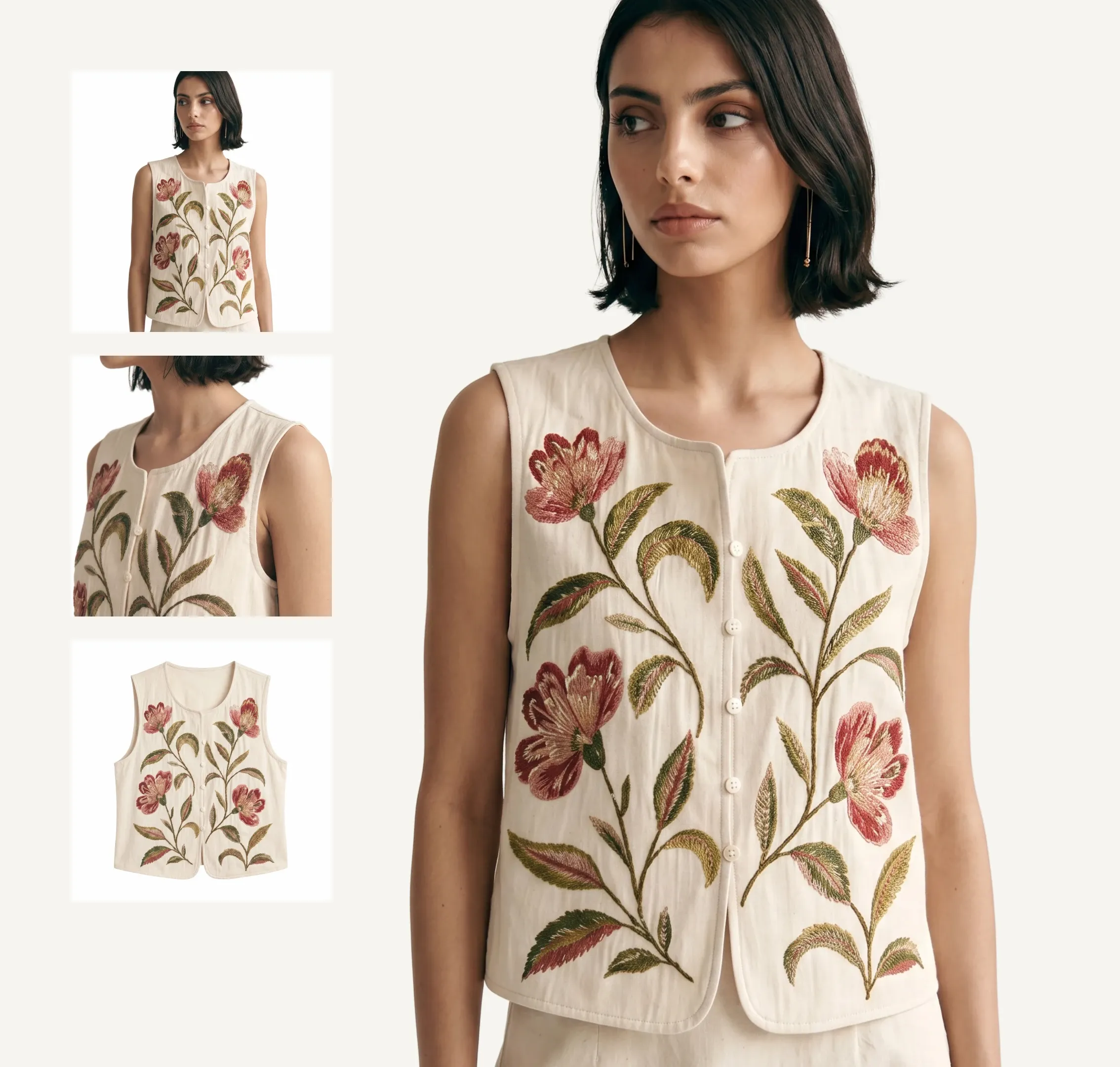
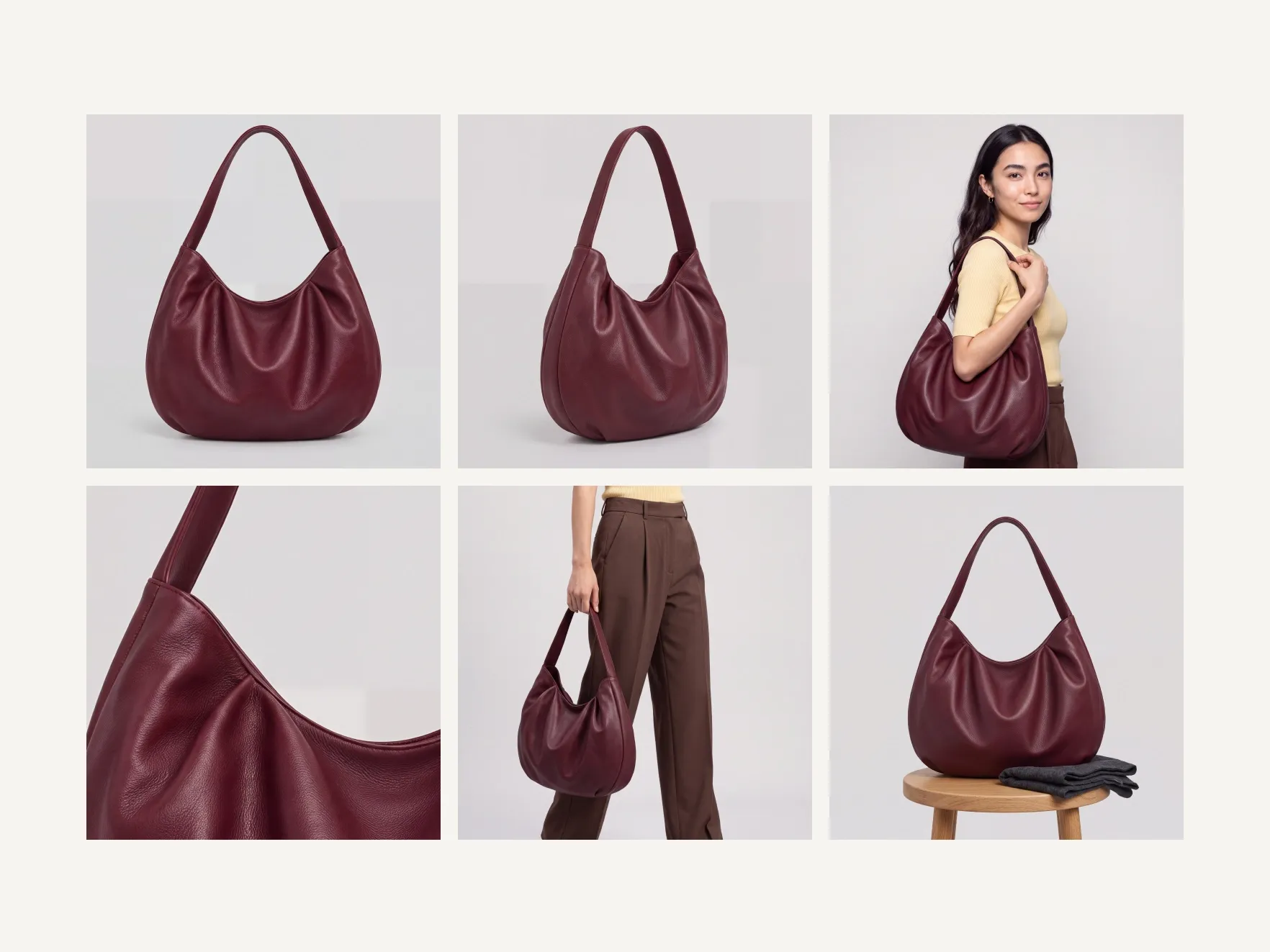
AI Shot List by Photoroom is an AI product photography tool that turns a single product photo into a complete set of listing images: front, back, side, detail, and lifestyle shots. It detects your product type and generates the angles shoppers expect to see before they buy.
Included in Max and Ultra plans
Every product, every angle

From a single product to your whole catalog

For sellers

For sellers

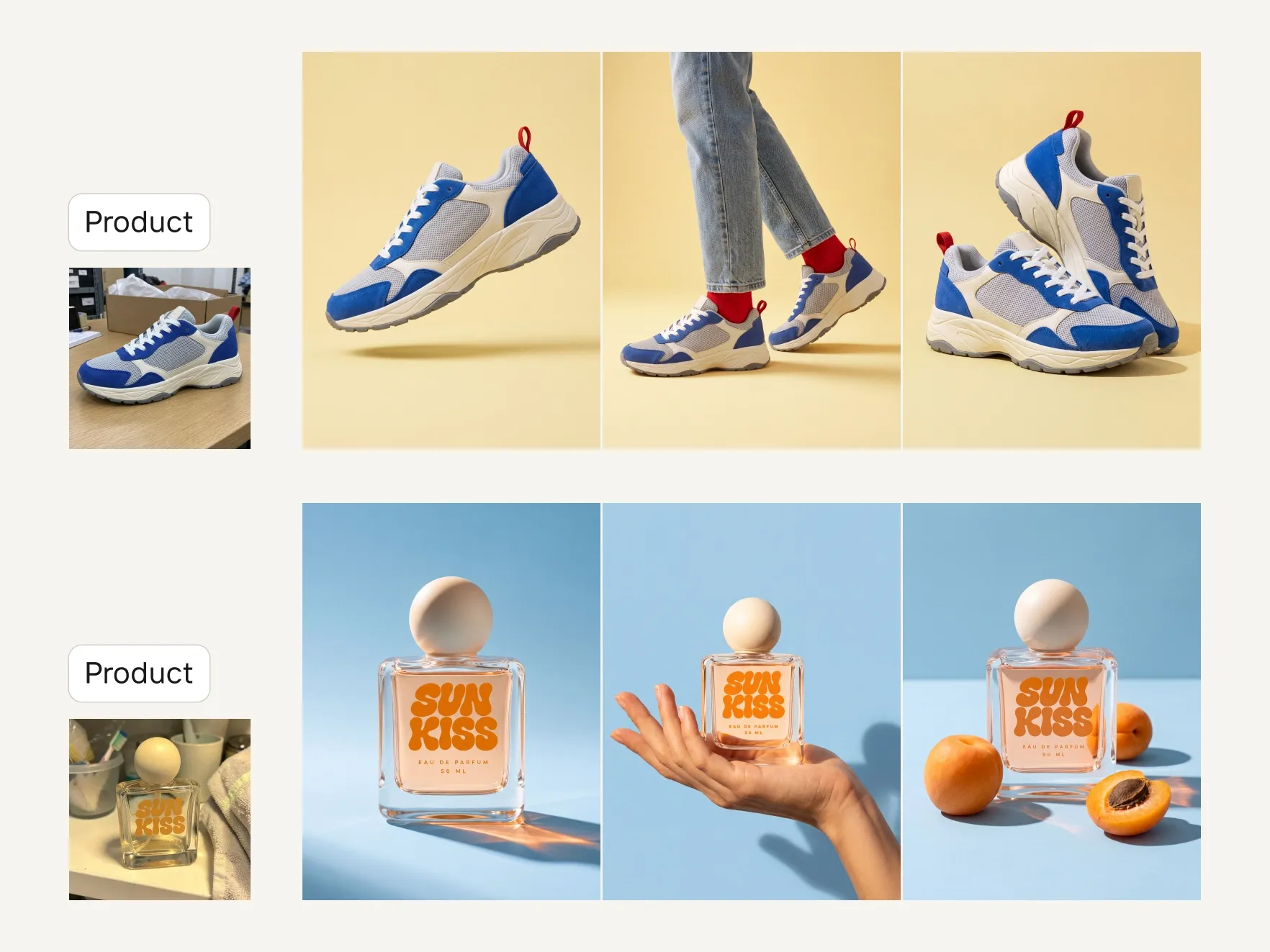
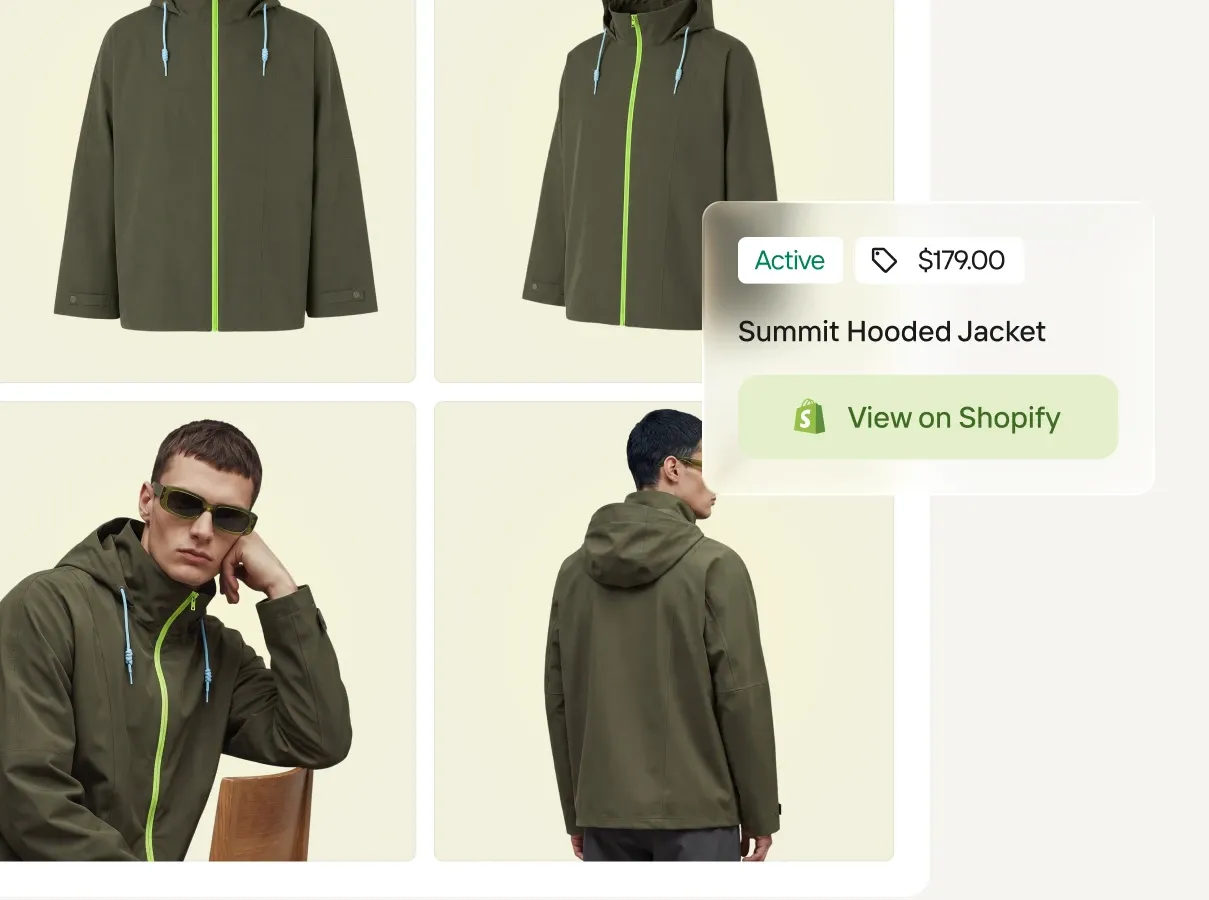
Upload one product photo to Photoroom and get the full set of shots your listing needs: front, side, detail, and lifestyle. No photoshoot, no reshoots, ready in seconds.

For API users

For API users

Connect Photoroom’s API to your platform to automate product image production at scale, then use AI Shot List in Photoroom to add every angle shoppers expect to each listing.

For enterprise catalogs

For enterprise catalogs

Standardize the same shot list across your whole catalog, with fixed angles, consistent styling, and the same set of images for every SKU. Backed by dedicated account support and volume pricing as production scales.

Trusted by leading brands worldwide
Better workflow

Get every product shot you need, faster and for less.

Multiple angles from a single upload

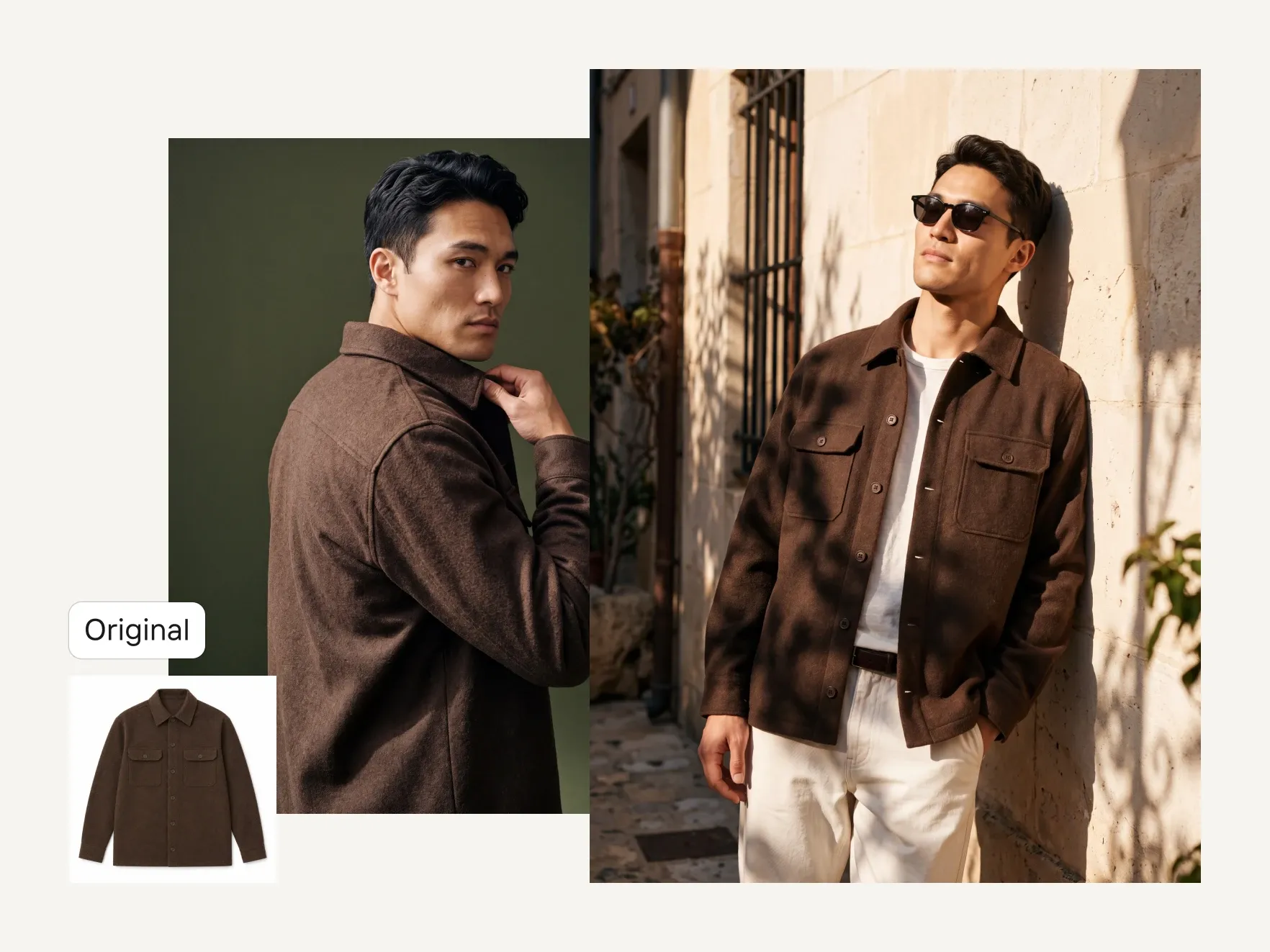
Shoppers want to see a product from every side before they buy, but shooting each angle means a studio, a setup, and hours of editing. With AI Shot List, one product photo becomes a full set of front, back, side, detail, and lifestyle shots. Clean studio angles are powered by Product Beautifier, lifestyle scenes by Product Staging, and fashion shots by Ghost Mannequin, Flat Lay and AI Fashion Models.

Shots tailored to your product type

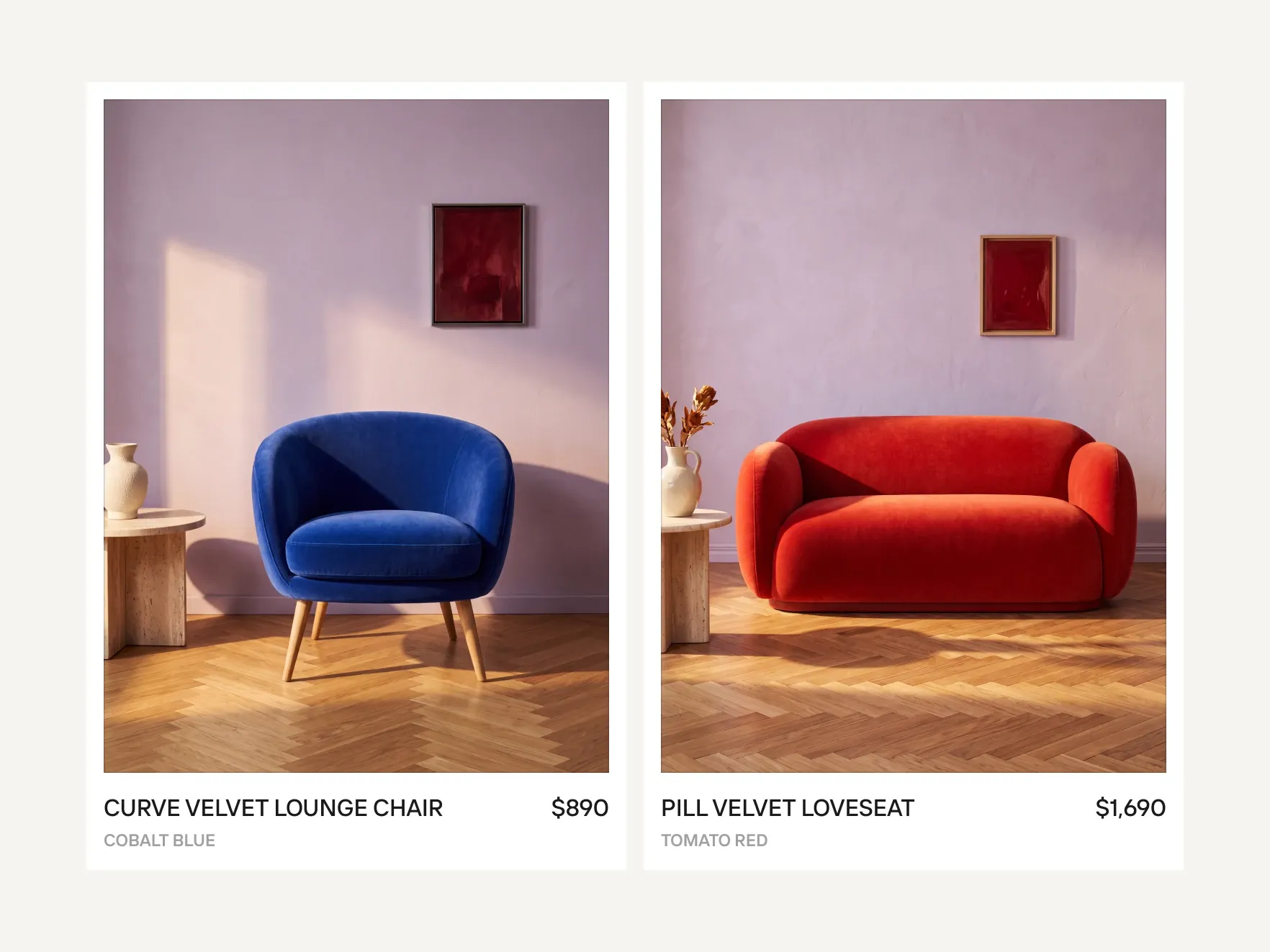
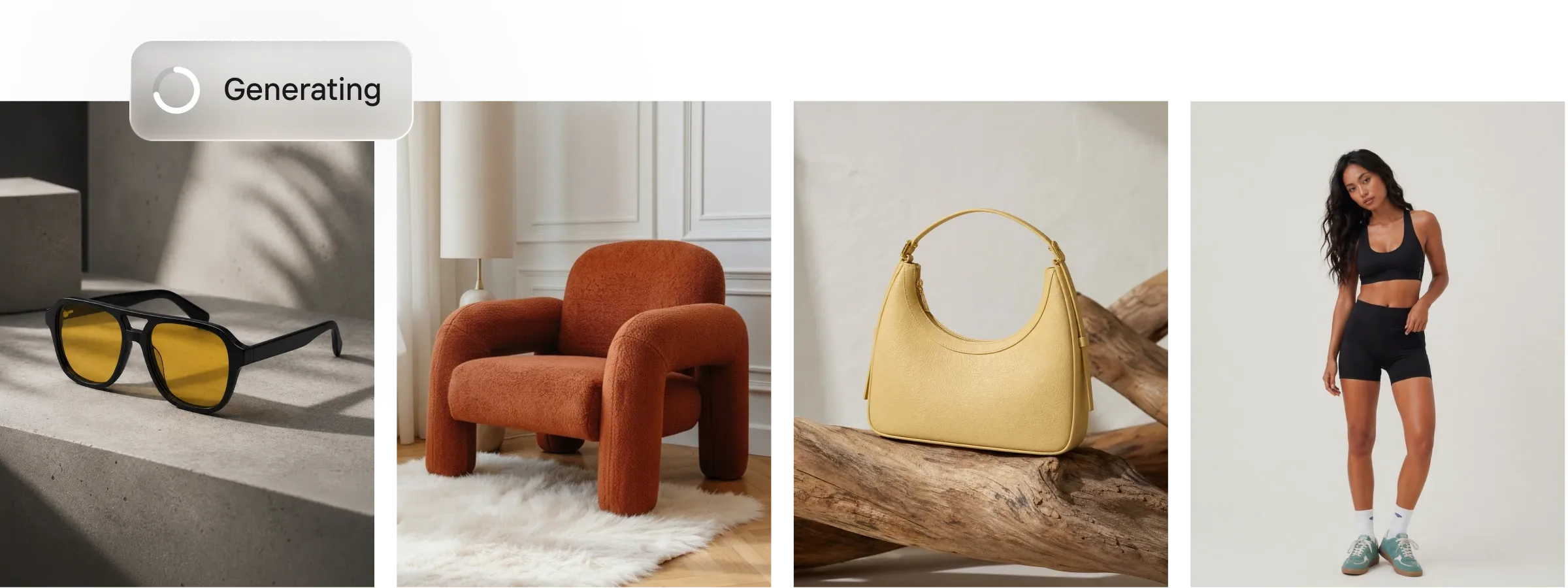
A sneaker, a sofa, and a serum don’t need the same images. AI Shot List detects your product type automatically and suggests the shots that fit it, so you only generate what your listing needs. That works whether you sell clothing, furniture, beauty, or any type of product. Want sharper results? Add more photos of the same product from different angles to improve accuracy.

From your catalog to a full listing in minutes

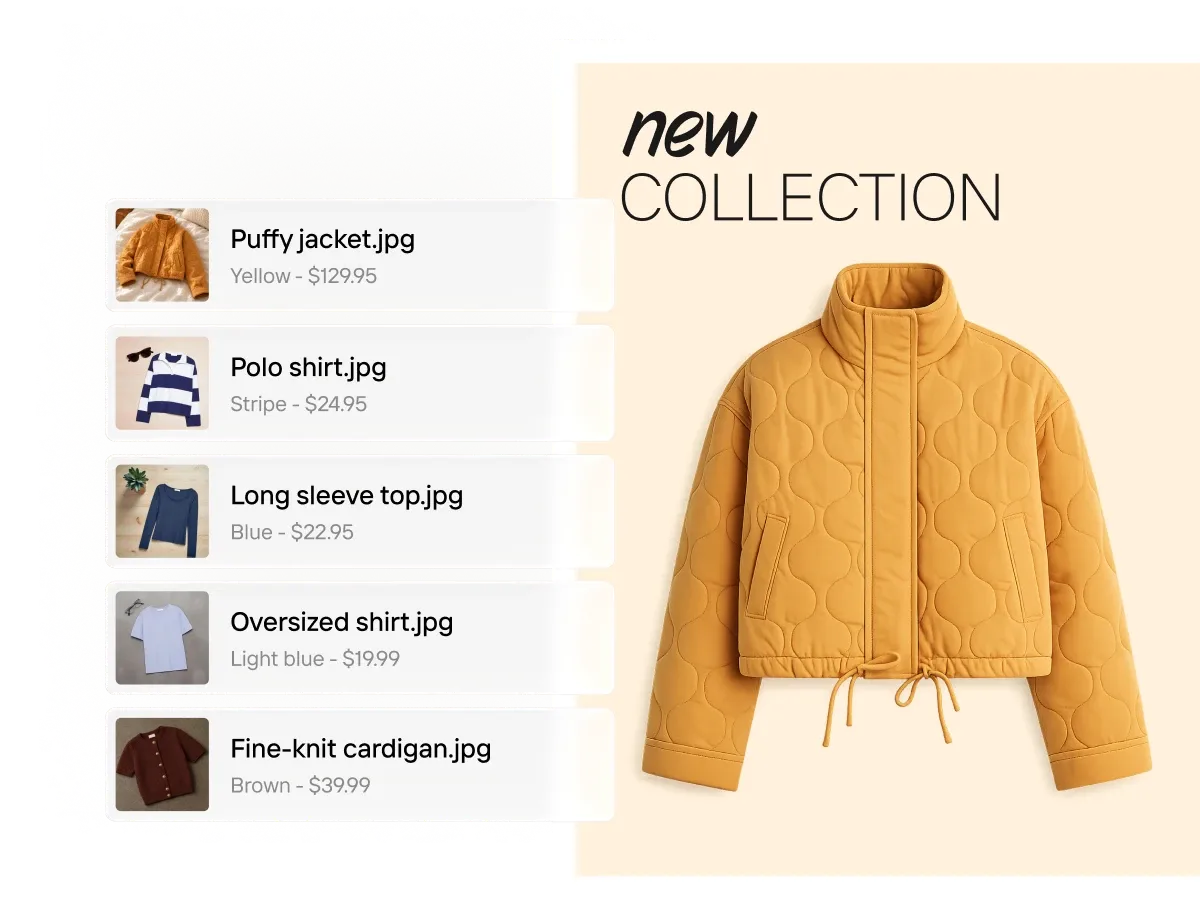
Waiting on a photoshoot slows down every product launch. With AI Shot List, you can pull product images straight from your store catalog or cloud storage, generate every shot you need, and have a complete set of listing images ready the same day. Publish to your online store or marketplace listings without booking a studio.

High-resolution shots, ready for every channel

Every shot lands in the Photoroom editor, so you can fine-tune details, adjust backgrounds, or resize images before they go live. When you’re done, download the full set as one ZIP file in PNG, JPEG, WEBP, or AVIF, with optional upscaling for crisp, high-resolution images on any marketplace or product page.

Try it yourself

How to create a product shot list with AI

1

Add your product photos

Start with a single product photo, taken on your phone or pulled from your existing library. Upload it from your device, import it from Shopify, Google Drive, or Dropbox, or pick an image you’ve already created in Photoroom.

2

Choose the shots you need

Photoroom detects your product type automatically, then lets you pick the shots to generate: front, back, side, detail, or lifestyle. Add more photos of the same product from different angles for more accurate results, then click Generate.

3

Download your full shot list

Export every shot in one go as a ZIP file, in PNG, JPEG, WEBP, or AVIF, with optional upscaling for higher resolution. Then upload your images to your online store, marketplace listings, or social channels.

Running this across a large catalog?

Enterprise teams get a dedicated integration specialist to set it up inside their existing workflow.

Built to grow with you

Take your shot list further

Marketplace Sync
Publish on-brand to Shopify and any marketplace feeds.
Image API
Automate image production at scale.
Enterprise
Custom models, dedicated capacity, custom endpoints, and SLA-backed uptime. SOC 2 Type 2.
AI Product Photography
Generate studio-quality product visuals without a studio.
Product images and videos, made easy

Your complete AI solution

Create, edit, and optimize product images and videos for every channel at any scale, from a single listing to a full catalog.

Background Remover

Detect complex edges and deliver clean cutouts in seconds, then remove any background and replace it with a studio-quality backdrop that showcases your products.

AI Backgrounds

Generate custom product photo backgrounds with AI that match the lighting and perspective of your original photo, or change background colors in one click.

Product Staging

Place your product in realistic lifestyle scenes, held, worn, or displayed, so customers can picture it in use with Product Staging.

Virtual Model

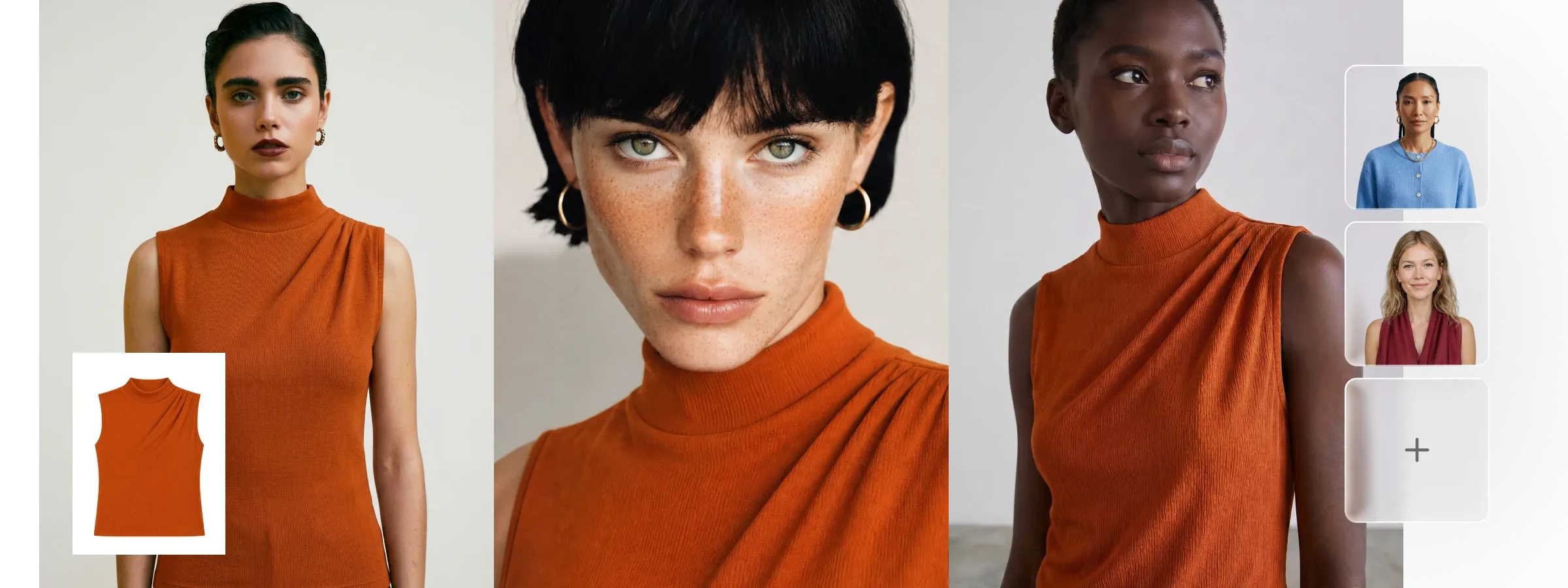
Show apparel and accessories on diverse AI-generated models that fit your brand with Virtual Model. No casting, no studio day.

AI Ironing

Make every garment look freshly pressed. The AI smooths creases out of clothing photos automatically, so you can remove wrinkles from clothes with no steamer and no reshoot.

Recolor

Create every color variant from a single photo, with accurate product colors and no reshoot per variant.

Product Beautifier

Restore detail, correct color, and improve lighting on low-quality product photos automatically with Product Beautifier.

AI Shadows

Add realistic shadows under your product, with control over softness, intensity, and position.

Product Fixer

Fix AI-generated images to match your product with Product Fixer, so every detail, label, and color stays true to what you actually sell.

Video Generator

Turn your product photos into videos for your listings, social feeds and ads.

Video Ad Maker

Create video ads for Meta, TikTok and YouTube from your product photos.

Edit with AI

Describe any change in plain language, like swapping a color, removing an object, or changing the scene, and the AI makes it.

AI Photo Editor

Batch and API

Save time by batch editing hundreds of images , or connect Photoroom’s API directly to your website or marketplace for a scalable workflow.

Brand Library

Store your logos, fonts, colors, backgrounds, and models in Brand library so every new image stays on-brand.

Testimonials

What our customers say

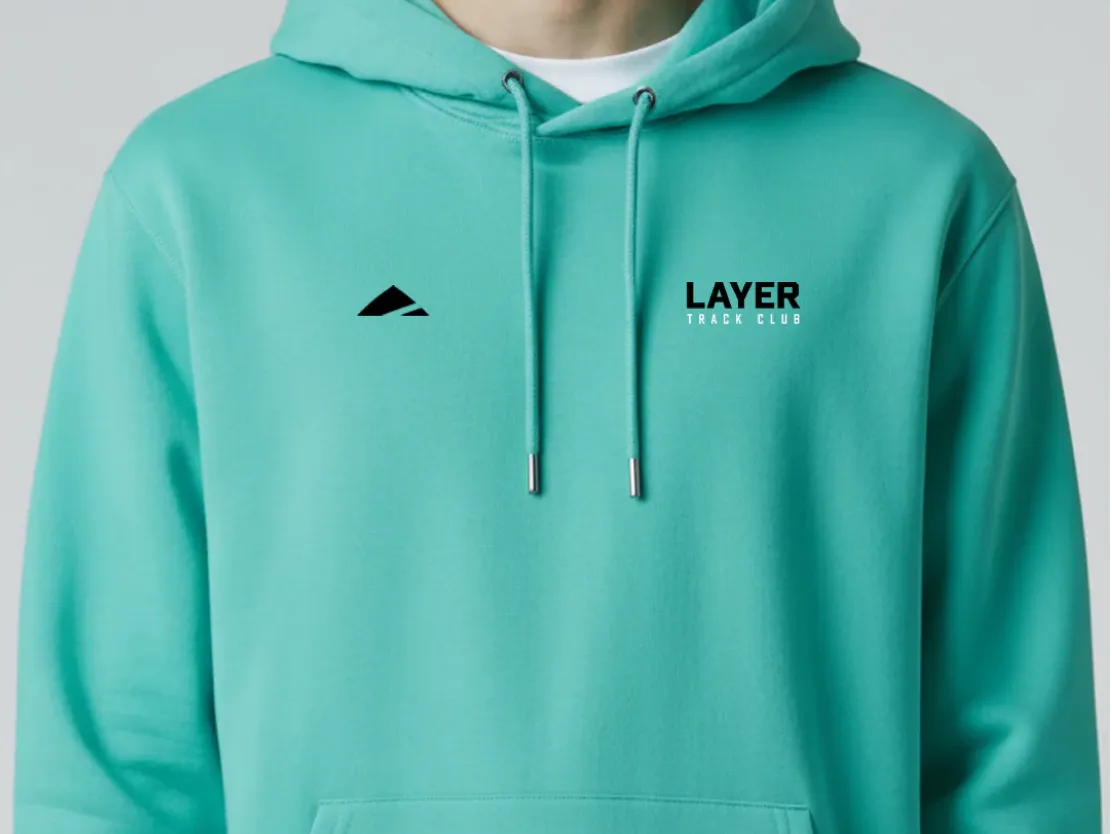
Layer boosted online sales by 50%

"When I think we paid £500 for one photographer compared to what we pay for Photoroom, it’s not even close. It’s a no-brainer. “Just try it. Photoroom has changed the way we work. It’s changed our output. It’s changed the professionalism of not just our website, but our whole business. If you’re sat on the fence – just give it a go".

Dan BaconFounder, Layer
AI Shot List

Frequently asked questions

What is AI Shot List?

AI Shot List is a Photoroom AI product photography tool that turns a single product photo into a complete set of listing images: front, back, side, detail, and lifestyle shots. It detects your product type automatically, generates each shot you select, and places the results in the Photoroom editor, where you can refine and download them for your online store or marketplace listings.

What product shots can AI Shot List generate?

AI Shot List suggests the shots each product needs based on its category: front, back, side, detail (close-up), and lifestyle for most products, and flat-lay, ghost mannequin and on-model shots for clothing. It creates one image per shot you select. Clean studio angles are created with Product Beautifier, lifestyle shots with Product Staging, which places your product in a realistic scene, and fashion shots with Ghost Mannequin, Flat Lay and AI Fashion Models.

How can AI create a back view of a product from one front photo?

You need just one product photo: Photoroom’s AI generates the back and side views from what it can see in your image and from your product type. For simple or symmetrical products, one photo is often enough. If your product has details on a side you didn’t photograph, such as a logo on the back or a pattern on the side, add a photo of that side, and AI Shot List will use it for a more accurate result.

How does AI Shot List know what type of product I’m selling?

AI Shot List detects your product category automatically when you add a photo. For example, it shows “Product detected: Footwear” for a sneaker, and it suggests the shots that fit that category. If the detected category isn’t right, you can change it before generating.

Can I use AI Shot List for my whole catalog?

Yes. In Photoroom’s Product Catalog, you can generate shot lists for every product in your connected store, so each listing gets the full set of angles shoppers expect. The new shots appear alongside your existing product images, ready to review and publish.

Is AI Shot List free?

AI Shot List is included in Photoroom’s Max and Ultra plans, and each shot you generate uses AI credits from your plan’s monthly pool. Max includes 25,000 AI credits per month, shared across your Space and renewed every billing cycle. You can start a free trial to try Photoroom before you subscribe.

Start selling at first sight

Get listing-ready product visuals in seconds.