Skip to content
Official ChatGPT app

Photoroom in ChatGPT

Add Photoroom to ChatGPT and ask for clean cutouts, pro shots, and on-model photos without leaving the chat. Sign in with your Photoroom account, or create one, to get started.

Add Photoroom to ChatGPT in three steps

Photoroom is an official app in ChatGPT, so there's no server to set up and no API key to paste.
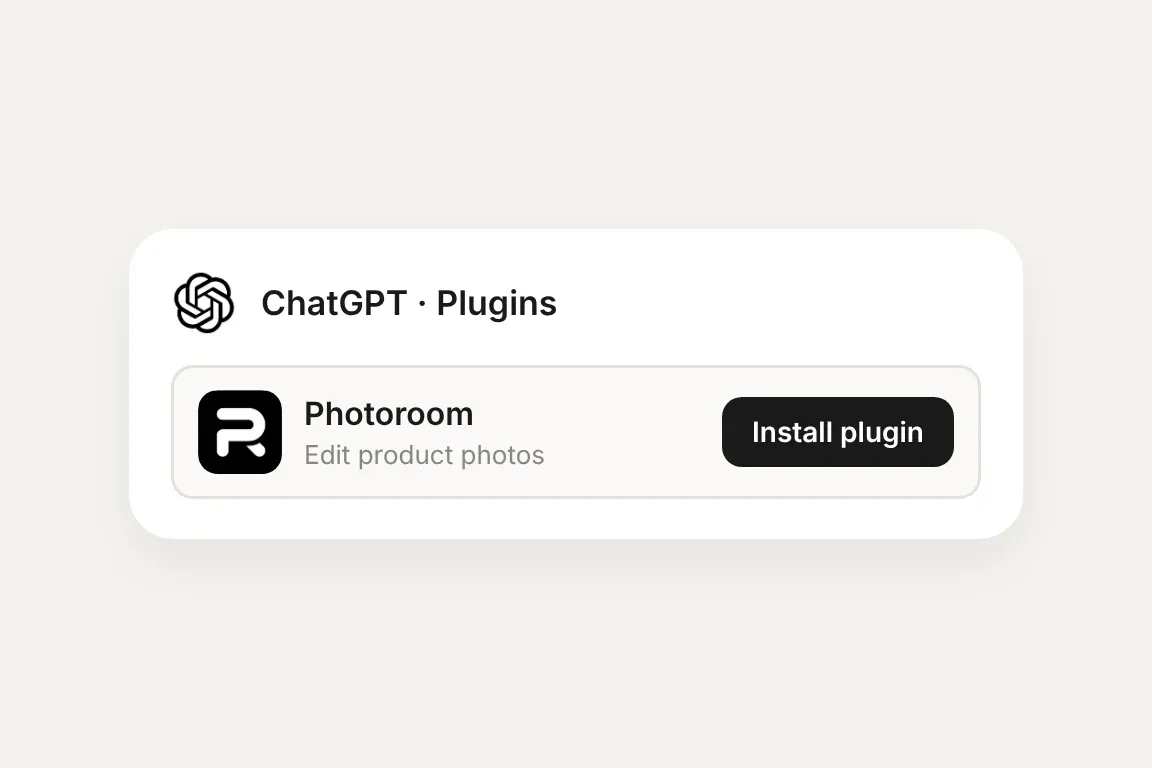
The Photoroom app in ChatGPT Plugins with an Install plugin button
Install the app

Open Plugins in the ChatGPT sidebar, or go straight to the Photoroom app page. Select Photoroom and click “Install plugin.”
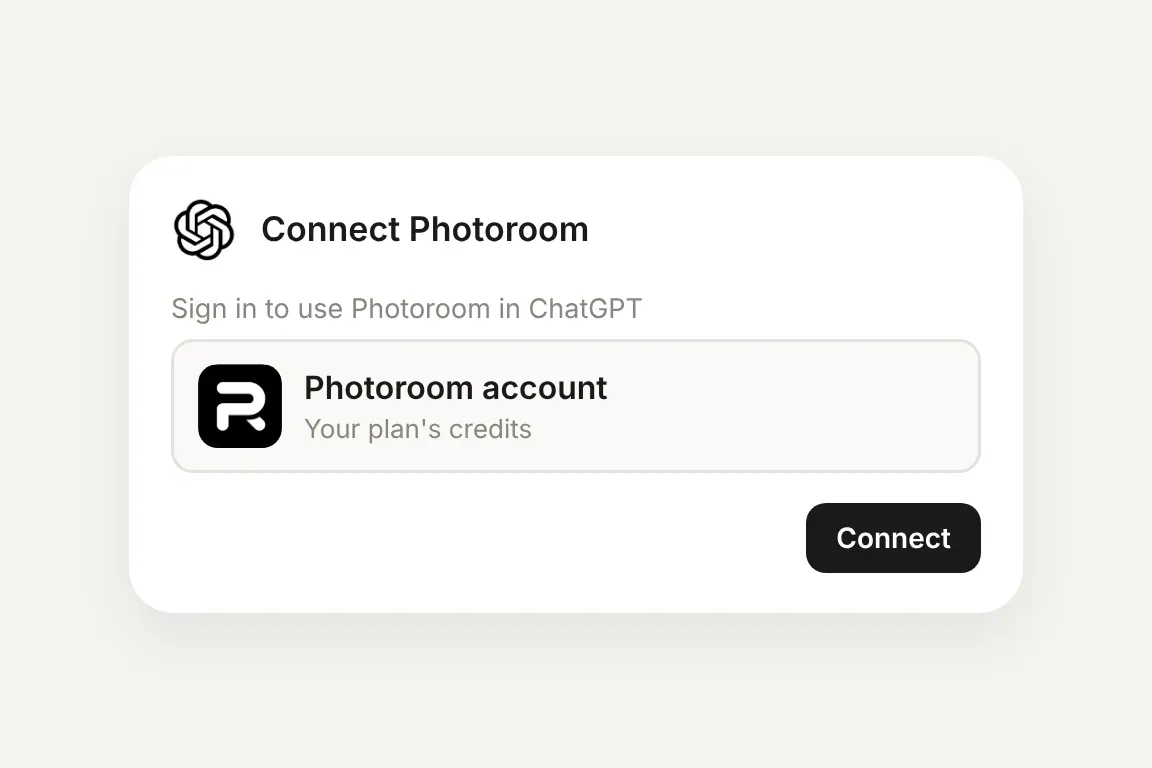
ChatGPT asking to connect a Photoroom account
Connect your account

When ChatGPT asks, click “Connect” and sign in to Photoroom. No API key needed.
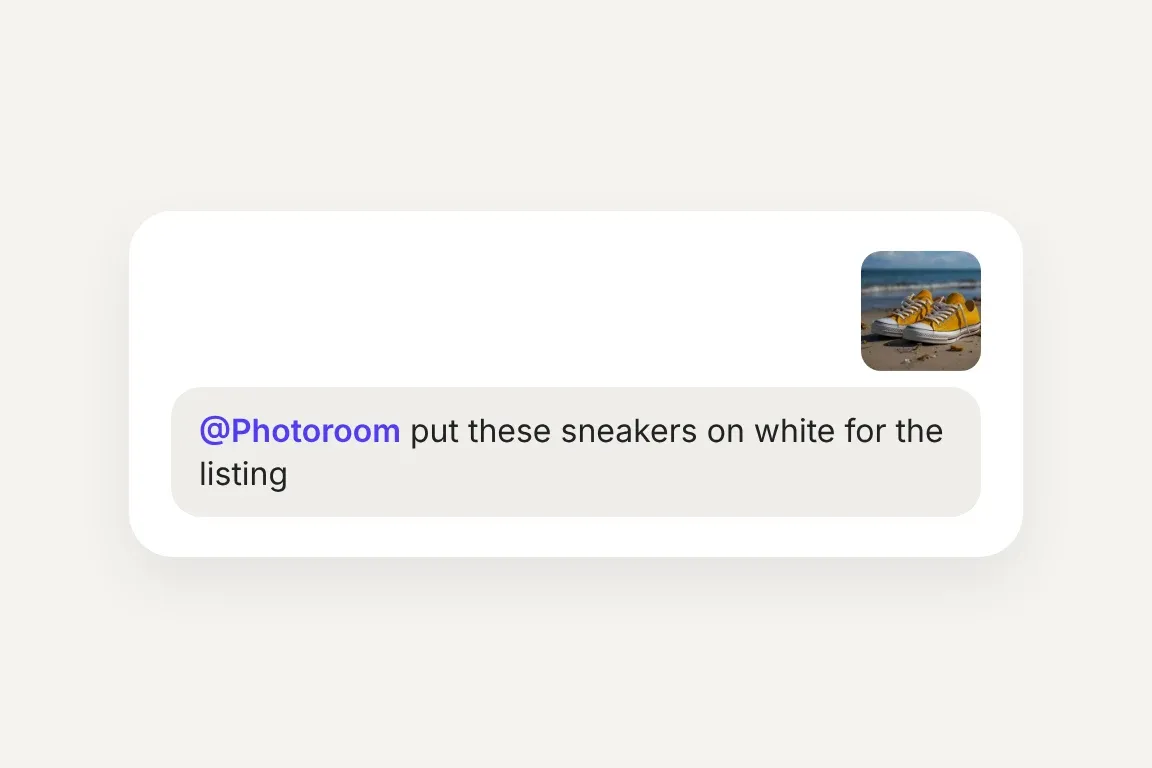
A ChatGPT message asking @Photoroom to put a photo of yellow sneakers on white for the listing
Use it in a chat

Type @Photoroom, add a product photo, and say what you want. ChatGPT can also pick Photoroom on its own when your request needs it.

Trusted by leading companies

Listing photos without leaving the chat

For sellers and e‑commerce teams who already work in ChatGPT, the product photos can come from the same chat.
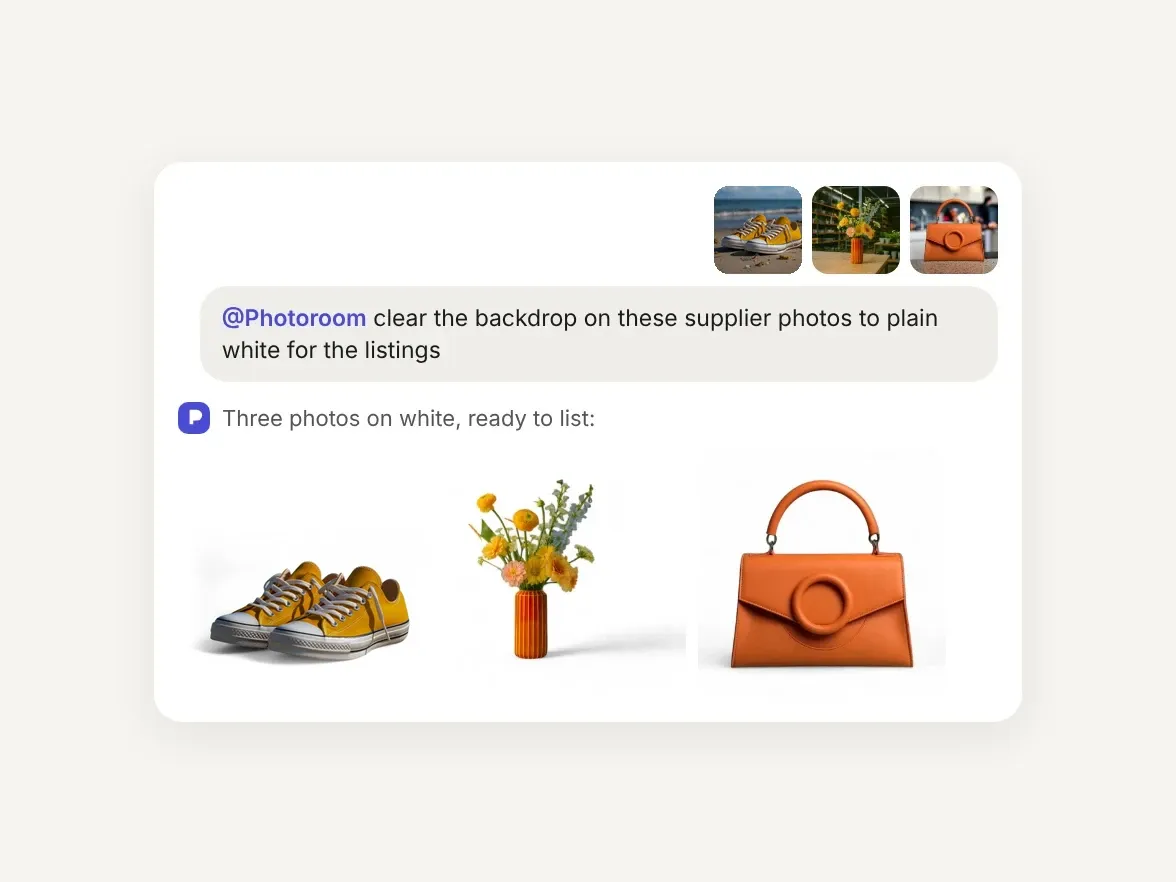
Chat asking Photoroom to put three supplier photos on white: sneakers, a vase and a bag

Supplier and seller photos that miss your listing standard
Supplier and seller photos arrive on every kind of backdrop, and your listings need plain white. Ask ChatGPT to put each product on white, and Photoroom sends back a clean cutout with a soft shadow, ready to list.

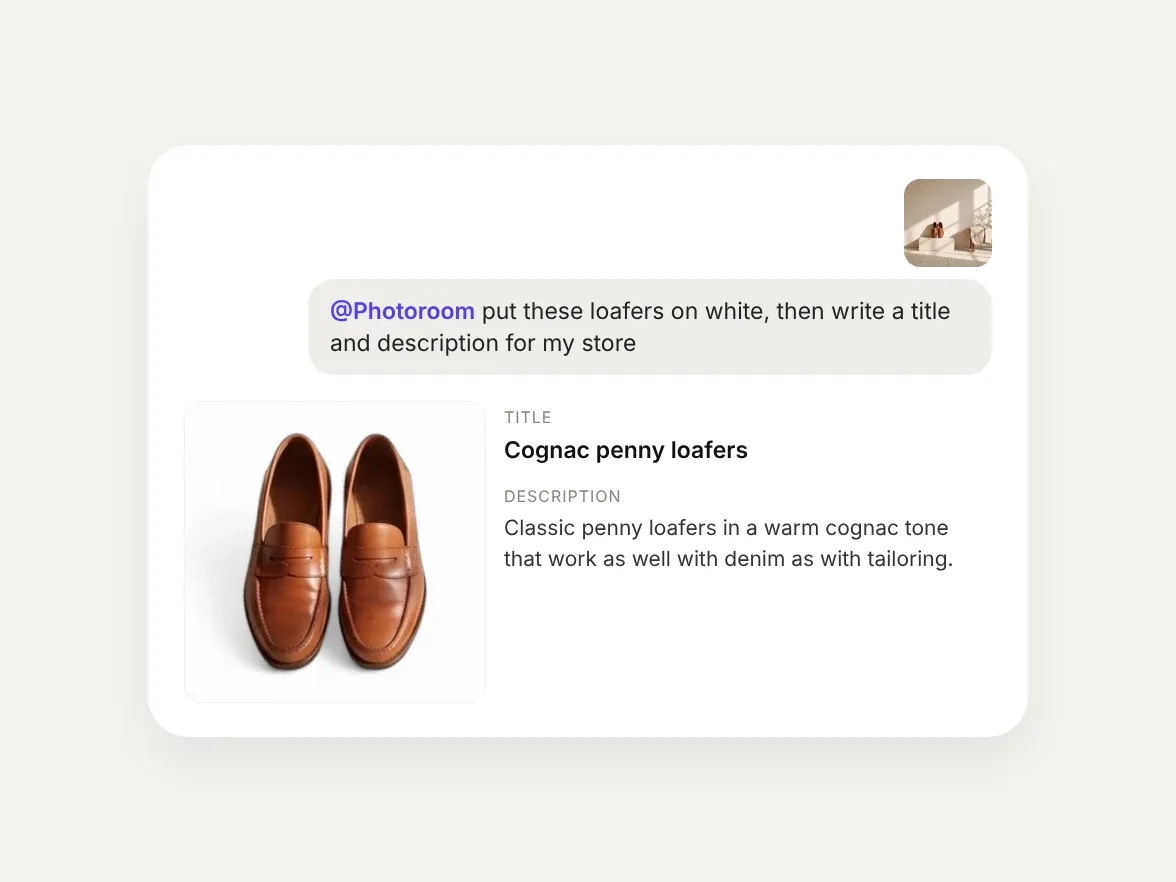
A ChatGPT chat where Photoroom puts loafers on white and ChatGPT writes the product title and description

Write the listing and make the photos in one chat
ChatGPT already drafts product titles and descriptions. With Photoroom in the same chat, the photos come too: ask once, and the copy and a clean product shot arrive together, ready for your store.

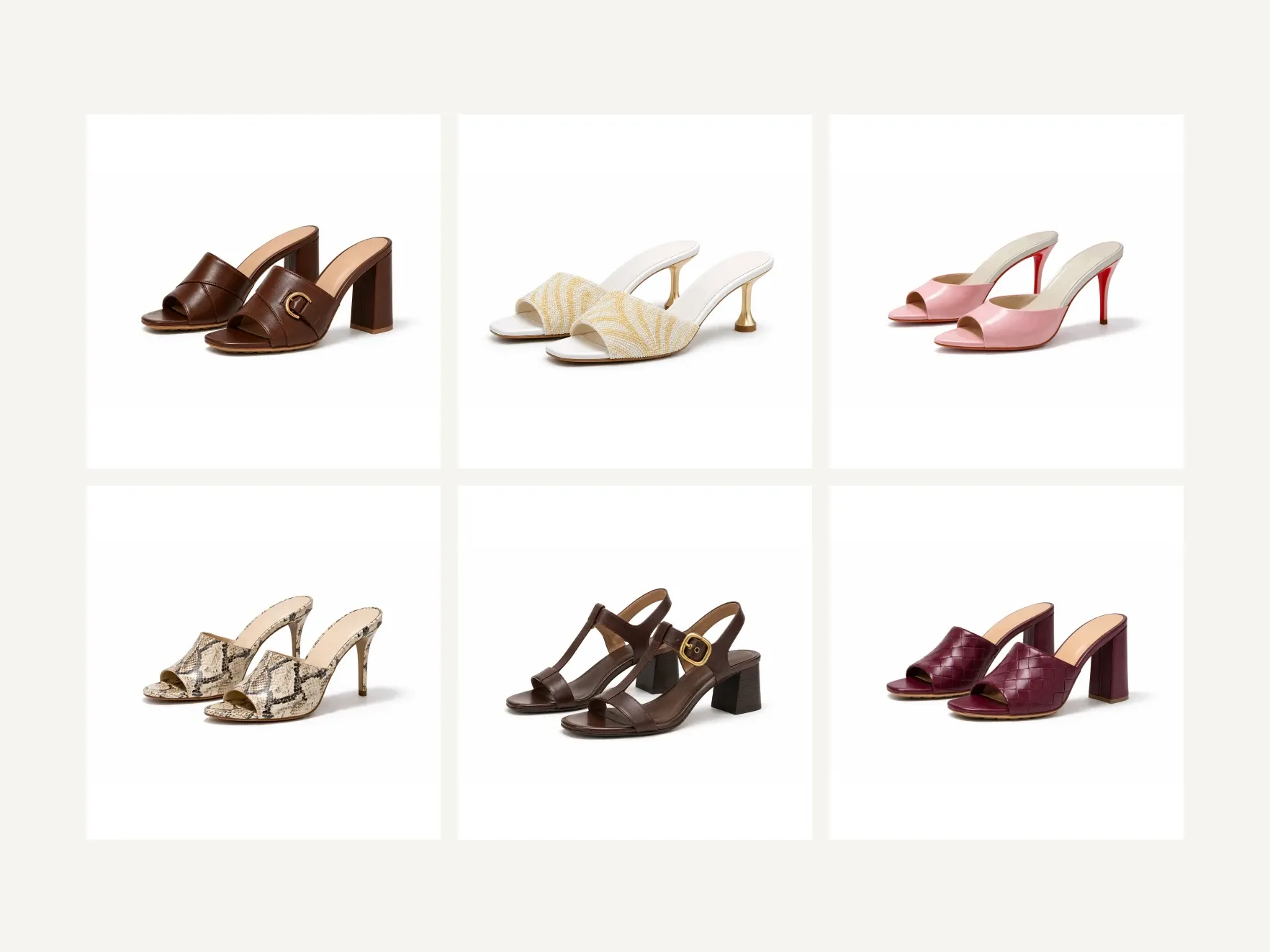
Six women's heeled sandals and mules, each on a matching clean white background

A new range on one consistent background

A new collection often arrives shot in a dozen different places, but it has to launch as one range. Attach multiple photos, describe the look once, and ChatGPT asks Photoroom to apply the same edit to each one, so the whole range lands on matching backgrounds.

Product photo editing in ChatGPT

Start with a clean cutout, then keep going in the same chat: add a shadow, restage the scene, put it on a model, or turn it into a video.
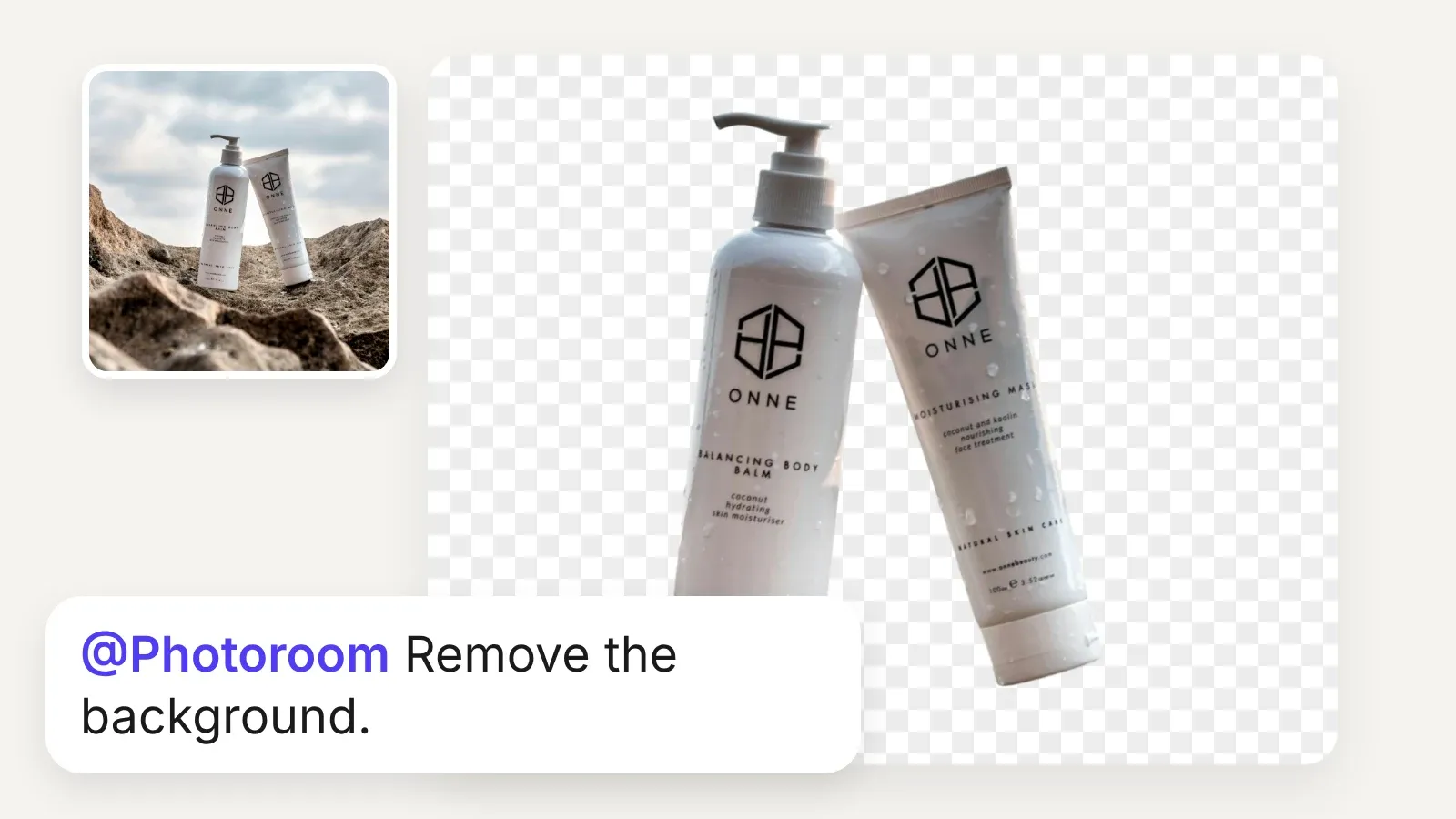
Skincare bottles on rocks, then the same bottles cut out on a transparent background, with the prompt Remove the background
Remove Background
A clean cutout, ready for any banner or template.
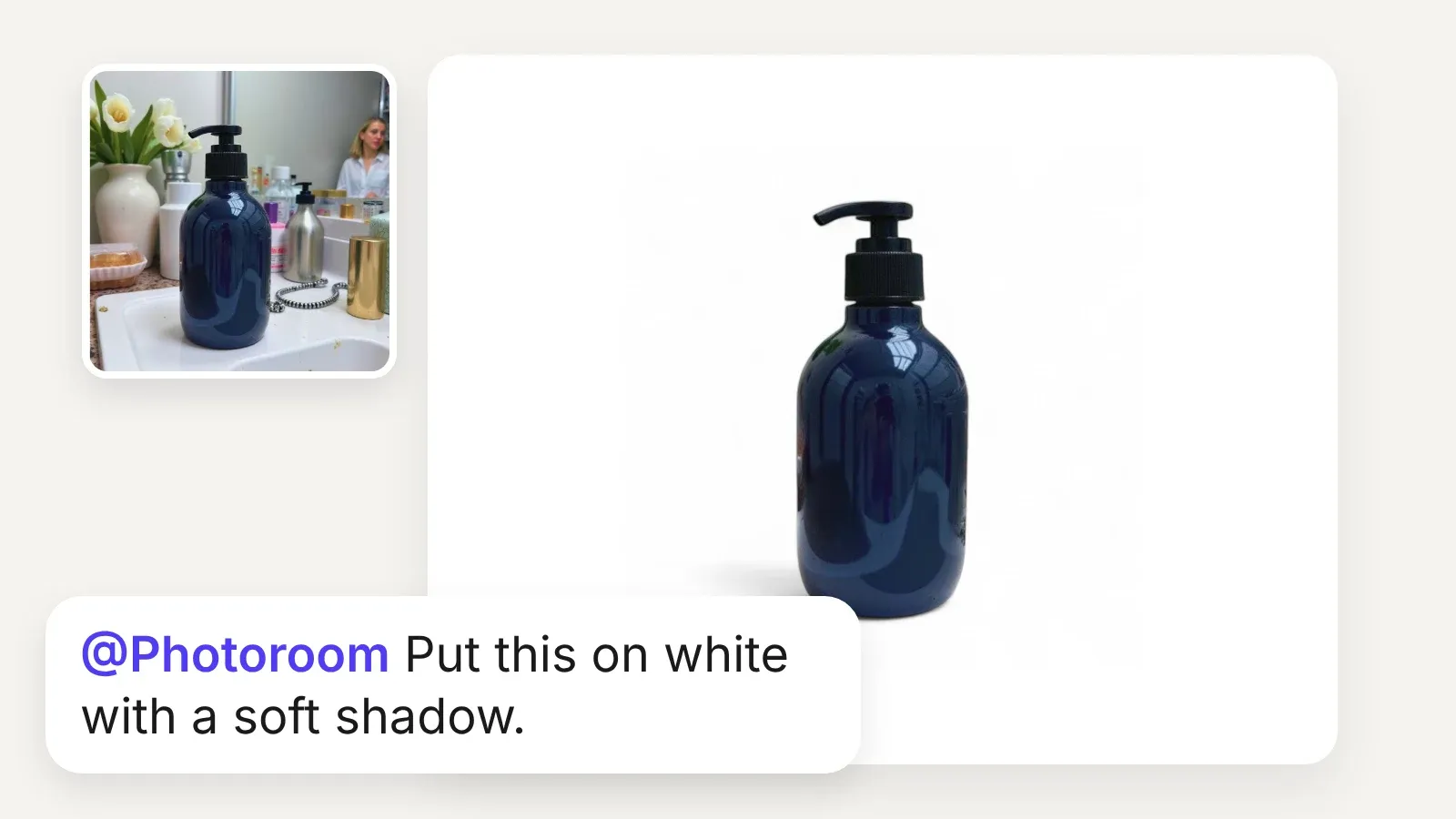
Navy pump bottle on a cluttered bathroom counter, then on white with a soft shadow, with the prompt Put this on white with a soft shadow
AI Shadows
White-background listings that don't look flat.
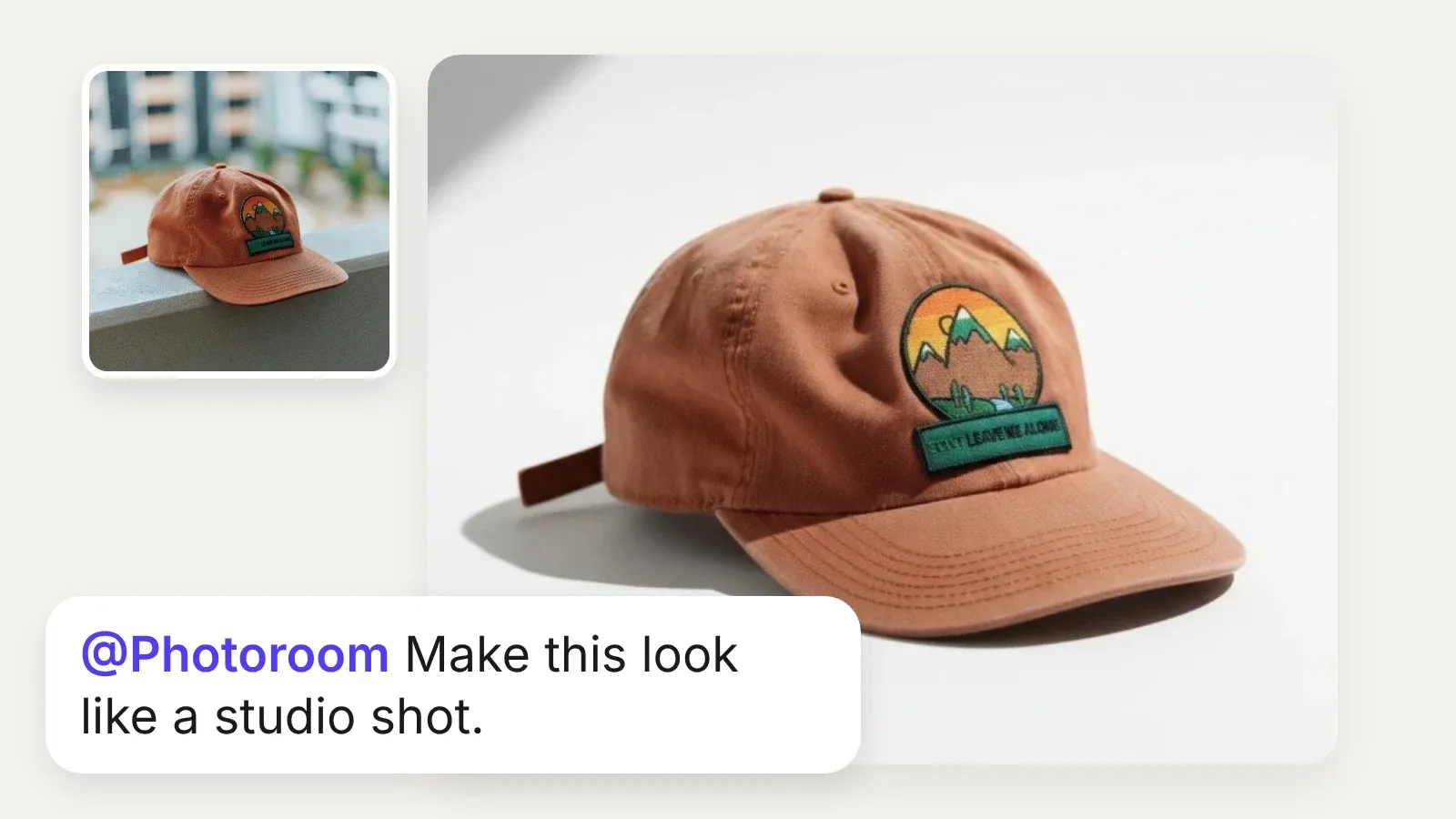
Orange cap on a street ledge, then as a polished studio shot, with the prompt Make this look like a studio shot
Pro Shot
Phone photos become polished product shots.
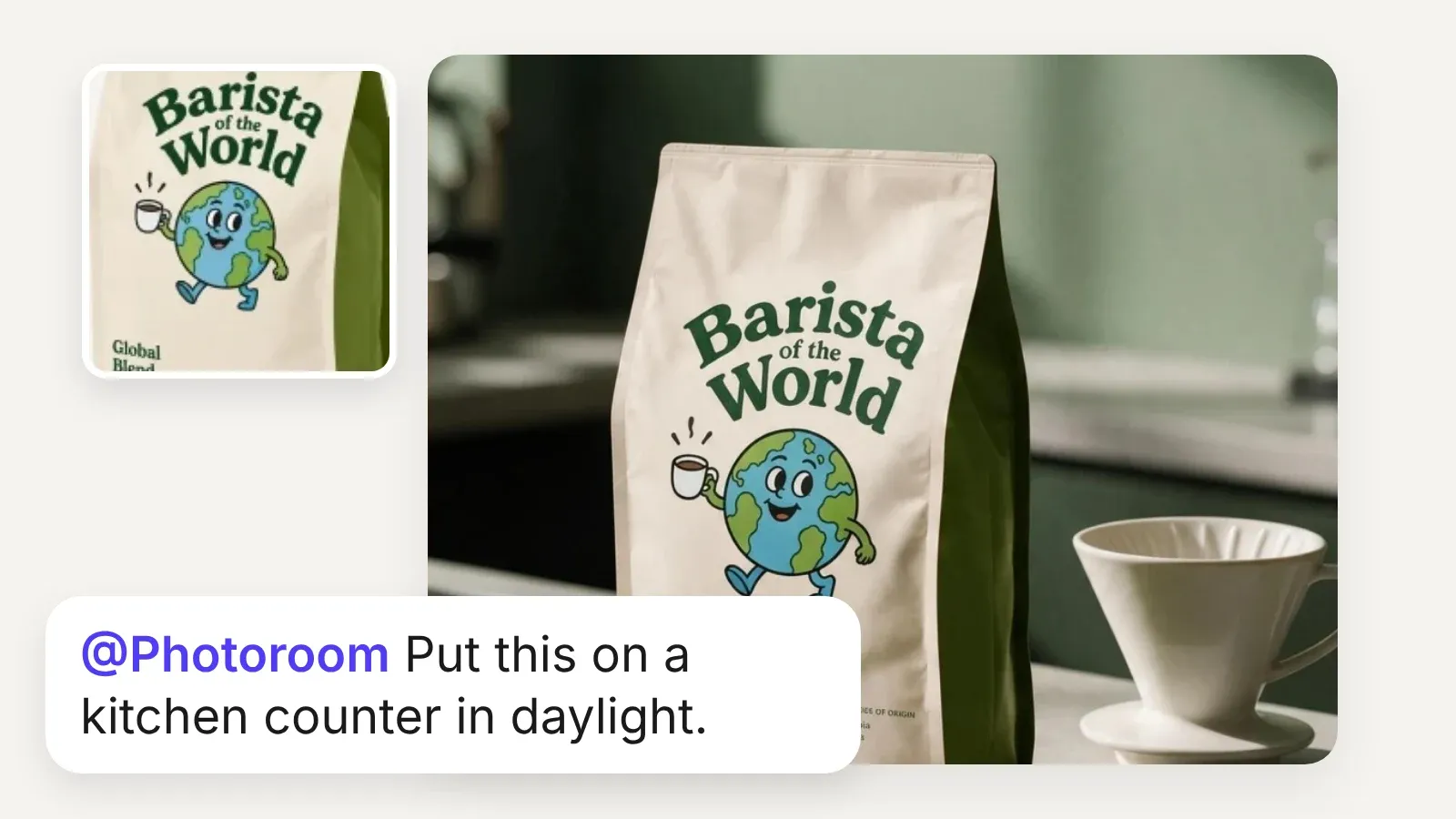
Coffee bag product photo, then staged on a kitchen counter in daylight, with the prompt Put this on a kitchen counter in daylight
Subject Edits
Any scene you can describe, no set needed.
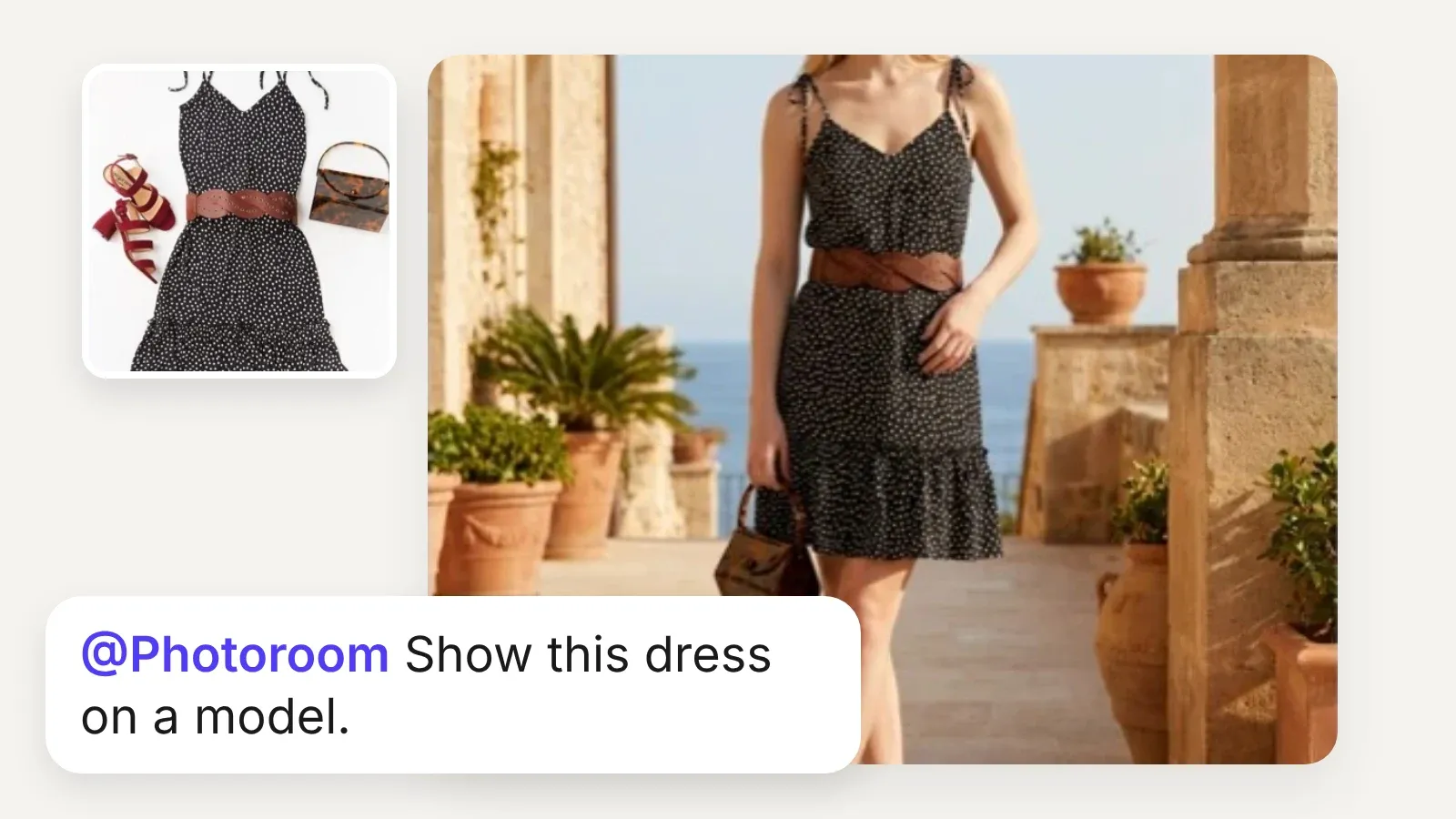
Dress laid flat with accessories, then worn by a model on a sunny terrace, with the prompt Show this dress on a model
Virtual Try-On
On-model photos without booking a shoot.
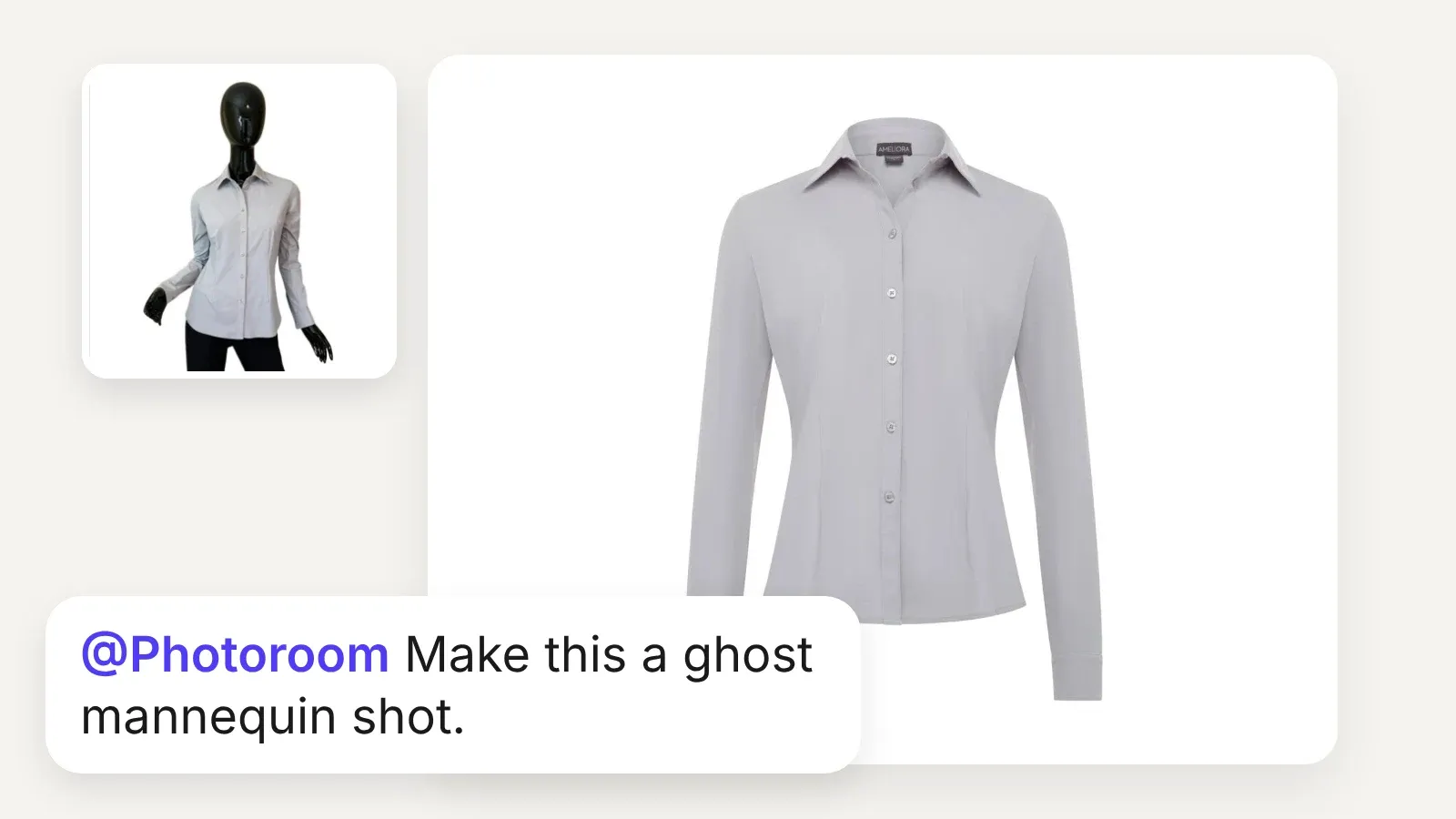
Gray shirt on a black mannequin, then as a ghost mannequin shot, with the prompt Make this a ghost mannequin shot
Ghost Mannequin
The fit of the garment, with no mannequin in sight.
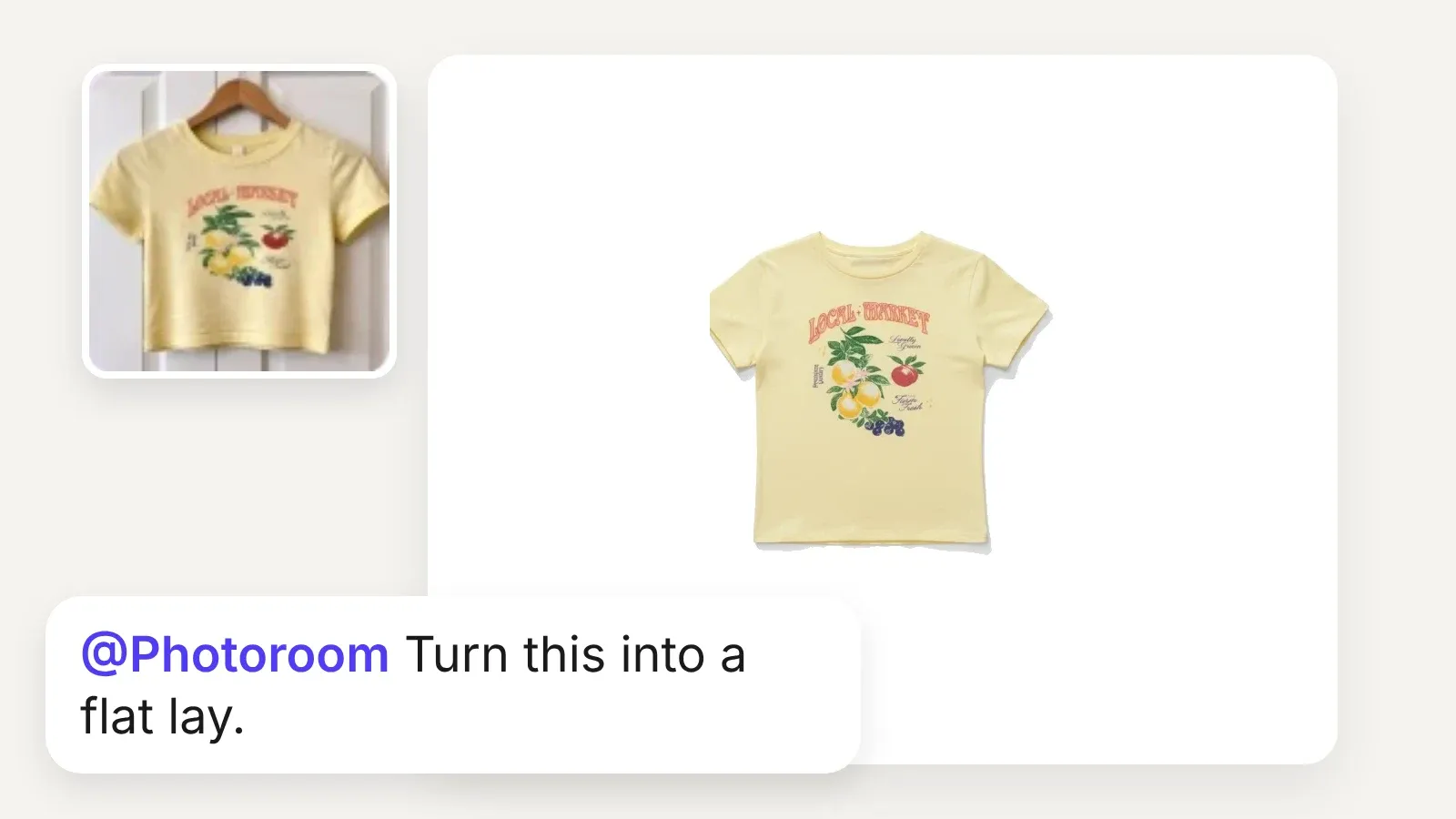
Yellow t-shirt on a hanger, then as a clean flat lay on white, with the prompt Turn this into a flat lay
Flat Lay
Top-down shots that show the whole garment.
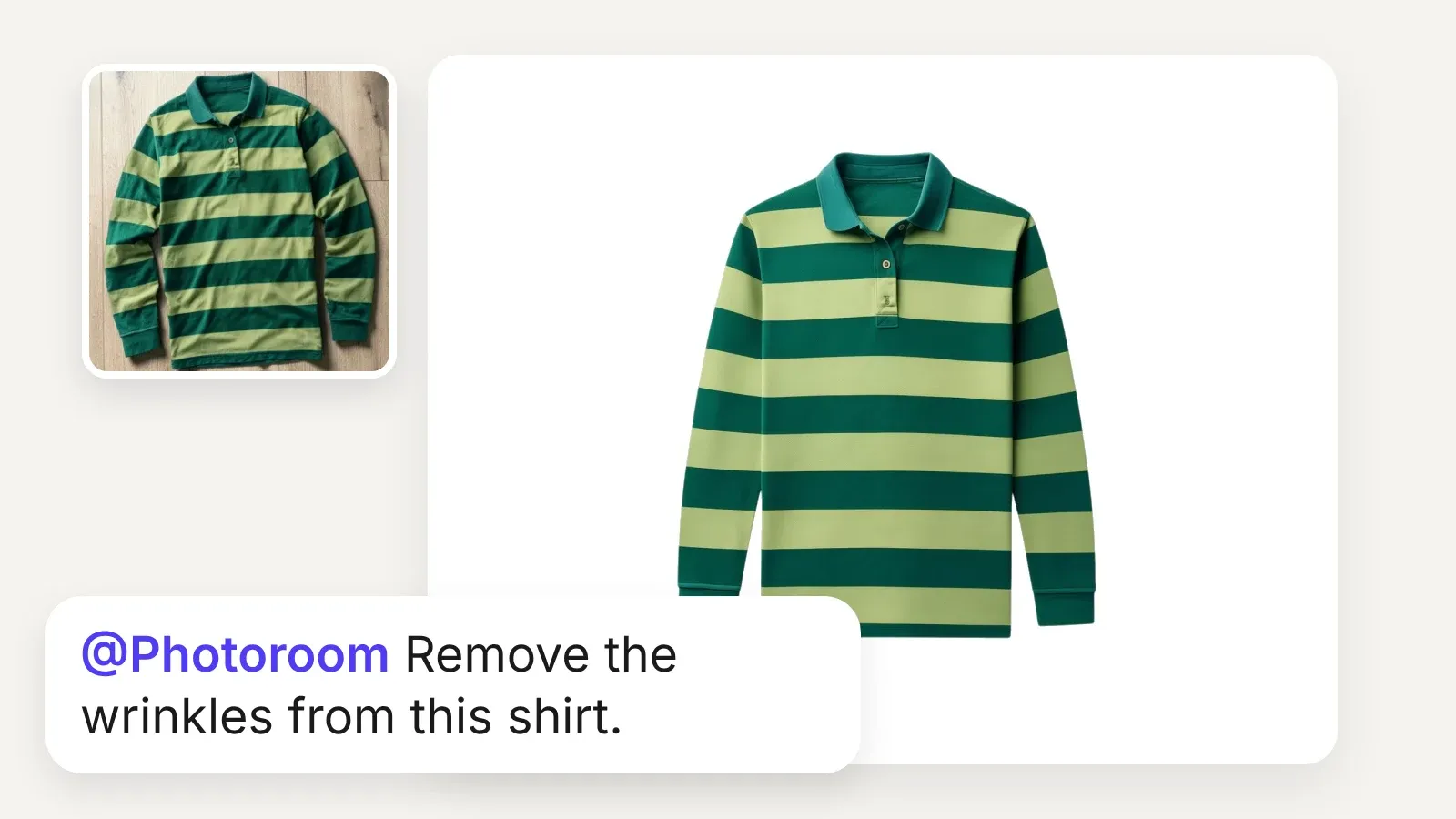
Wrinkled striped polo on a wooden floor, then smooth on white, with the prompt Remove the wrinkles from this shirt
Ironing
Every garment looks freshly pressed.
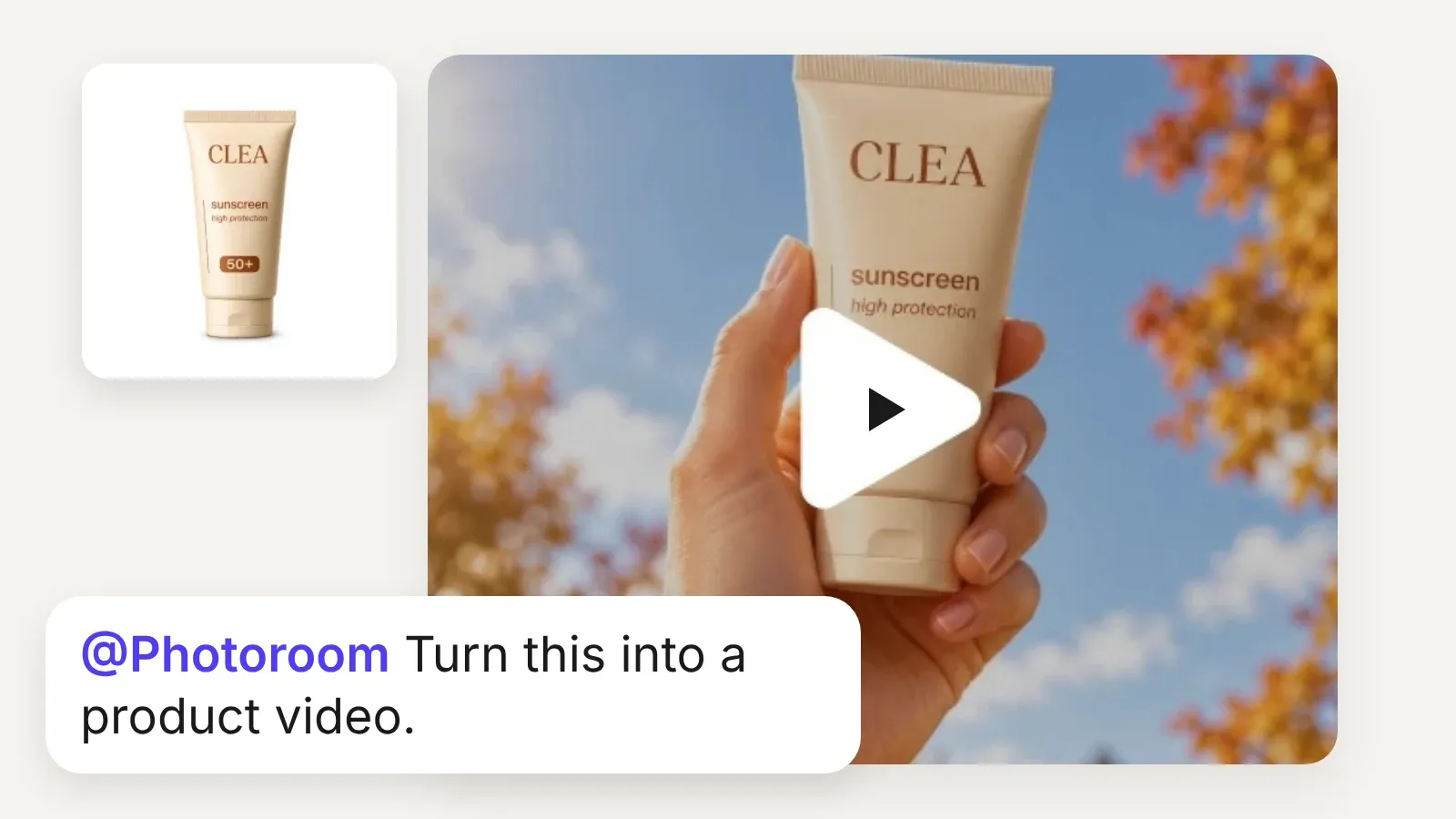
Sunscreen tube on white, then a video frame of the tube held up against autumn leaves, with the prompt Turn this into a product video
Product video (Max and Ultra)
Motion for ads and social, from one still.

Results from teams that edit at scale with Photoroom

4x

faster market rollouts

89%

lower image processing costs

56%

higher conversion on listings

236%

increase in average order value

Exclusive to Enterprise plans

When a few listings become the whole catalog

For teams bringing every SKU through ChatGPT, Enterprise plans add tailored AI workflows, checks on every output, and, for eligible food and fashion teams, the Enterprise Guarantee.
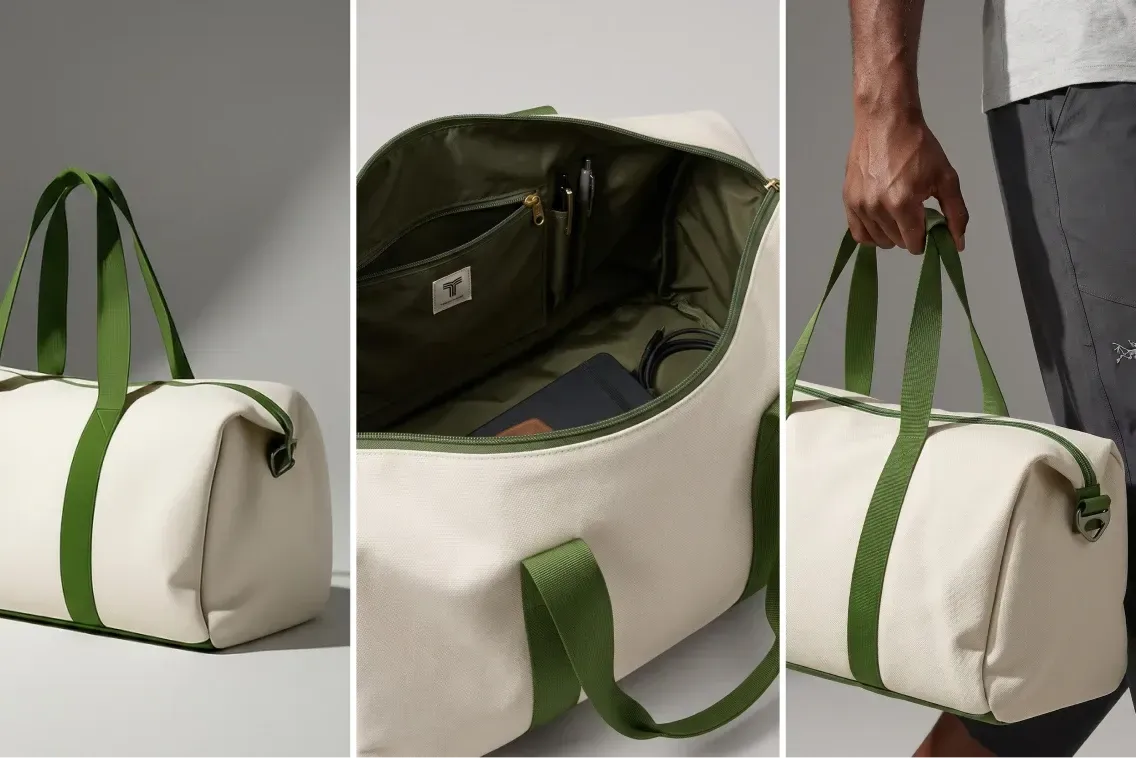
Collage of a beige duffel bag with green straps, showing its exterior, spacious interior with pockets, and a hand holding it.
Visual Agents
Visual Agents execute the perfect workflow for your use case. They analyze every input, generate and edit, score the output, retry until it passes. Every visual runs the same loop and only the ones that pass reach your catalog.
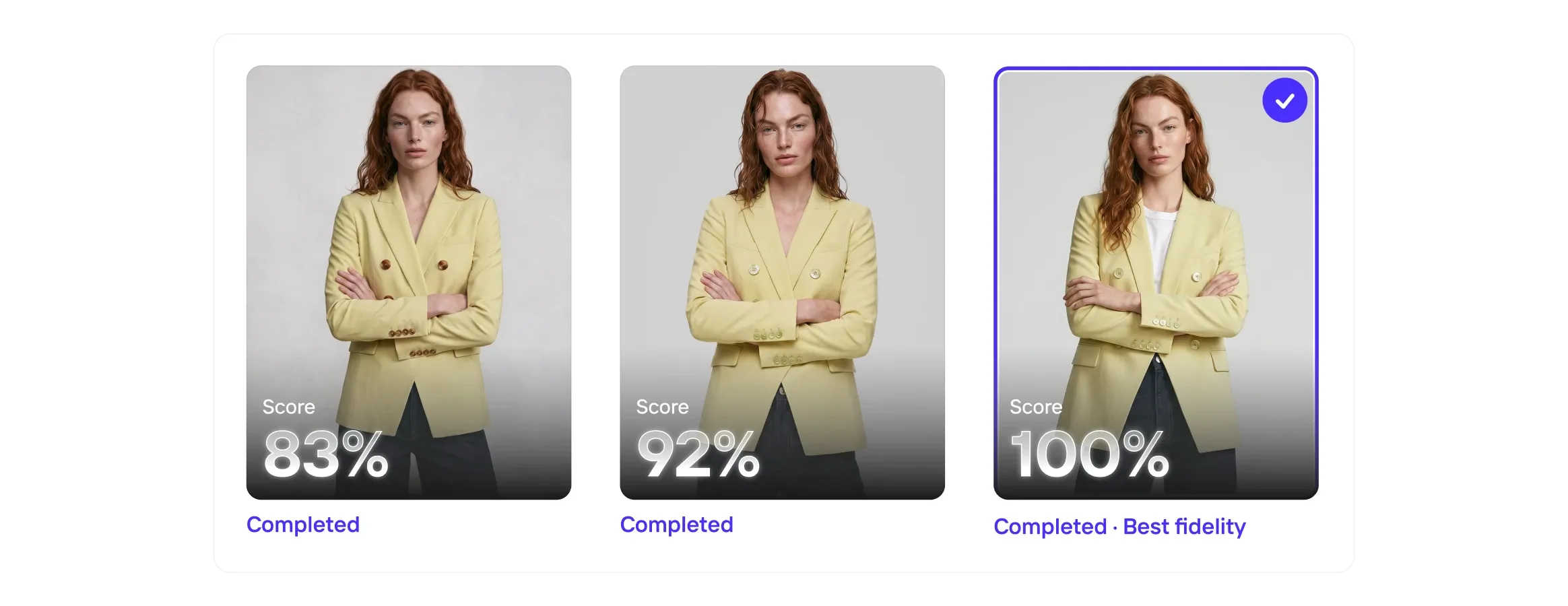
Three images of a woman in a yellow blazer, each with a completion score: 83%, 92%, and 100% labeled as "Best fidelity."
Visual QA
Even the best AI models get it wrong, so Visual QA scores every output for fidelity, catches the misses, and corrects the details before they reach your customers.
Collage of a woman in a white halter dress, a bowl of vibrant poke, and a woman holding a mustard handbag with hoop earrings.
Enterprise Guarantee
Pay only for the outputs that pass. Set your product-fidelity criteria upfront. Every output is checked against your brief by our proprietary fidelity model. Anything that misses is regenerated before it reaches your team.
Four fashion items with play icons: a brown handbag, sage green mule, person in a gray shirt and cardigan, and white sneakers with orange accents.
Image to Video API
The Image to Video API turns static product photography into short-form video automatically. Submit a product image and receive a polished video with natural camera motion, animation, or configured effects.
Photoroom MCP

Catalog-ready product photos, straight from ChatGPT

Your next listing photo is one message away. Install Photoroom once and use it in any chat. Rolling it out across a team or a whole catalog? Talk to our Enterprise team.

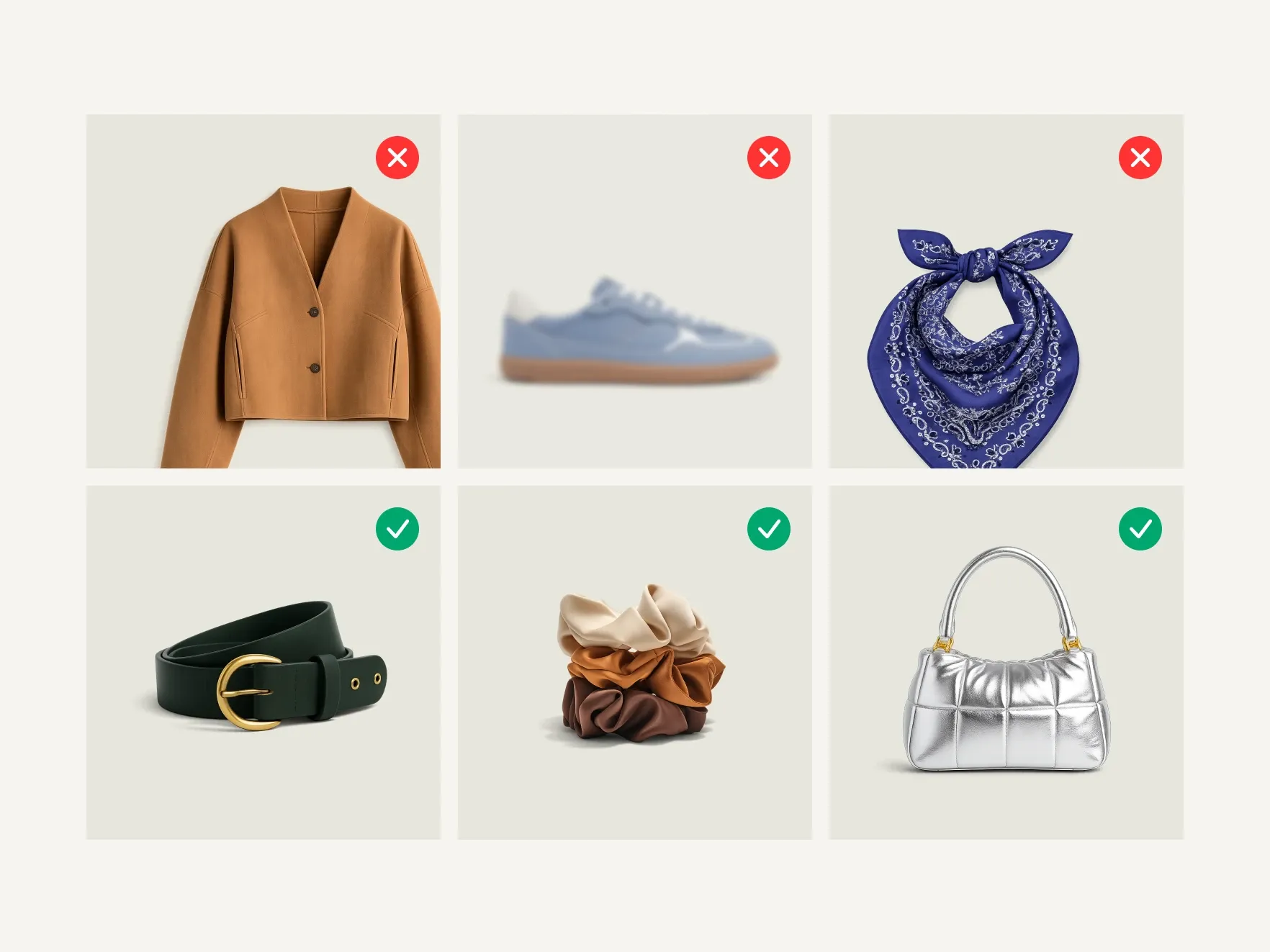
Six accessories: three raw photos marked rejected beside three cleaned, catalog-ready versions marked approved

Frequently asked questions

How do I use Photoroom in ChatGPT?

Install the official Photoroom app from Plugins in the ChatGPT sidebar or the Photoroom app page, connect your Photoroom account, then mention @Photoroom in any chat. See the setup steps.

Can ChatGPT edit photos?

ChatGPT can generate images, but it redraws the whole picture and can change the product. With the official Photoroom app, ChatGPT edits your actual photo: remove the background, add a shadow, restage it, or put it on a model.

Can ChatGPT remove image backgrounds for an online store?

Yes, with the official Photoroom app. ChatGPT sends your product photo to Photoroom, which returns it on a transparent background, or on a white background with a soft shadow, for your storefront or catalog. Our guide to removing a background in ChatGPT covers the options.

Which other Photoroom tools work in ChatGPT?

Nine more: AI Shadows, Pro Shot, Subject Edits, Virtual Try-On, Ghost Mannequin, Flat Lay, Ironing, Recolor, and product video (Max and Ultra). The main ones are in the tools section, and every result lands in your Photoroom space.

How does pricing work?

If you have a Photoroom Pro, Max, or Ultra plan, the app uses the credits you already have, with no API key and no second plan. On Enterprise plans with unified credits, it runs on the same pool as your API. Plans and credits are on the pricing page.

Which ChatGPT plans can use Photoroom?

OpenAI says whether you can install a plugin depends on your ChatGPT plan, workspace settings, role, and region. If Photoroom shows as “Disabled by admin,” ask your workspace admin.

Can I edit a batch of photos in ChatGPT?

Yes: attach several photos and describe the edit once. For a whole catalog, build it into your own systems with the Photoroom API, or use Photoroom in Claude Code. On Enterprise, Visual Agents lets you build tailored AI workflows that match your exact process: talk to sales.

When should I call the Photoroom API instead?

Use the ChatGPT app when people on your team edit photos by asking. When the edits have to run on their own inside your software, use the Photoroom API, which has its own plans on the API pricing page.

Does Photoroom work in other AI apps?

Yes. Photoroom also works in Claude, Cowork, and Claude Code, and in Codex and Cursor.

What should I do if I need help?

Visit the Photoroom Help Center for app and account questions. Enterprise customers can contact their account team.

Building with the API? Join our API community to get help from our engineers, or check the troubleshooting page for common issues.

Start selling at first sight

Get listing-ready product visuals in seconds.