Image editing in Claude Code
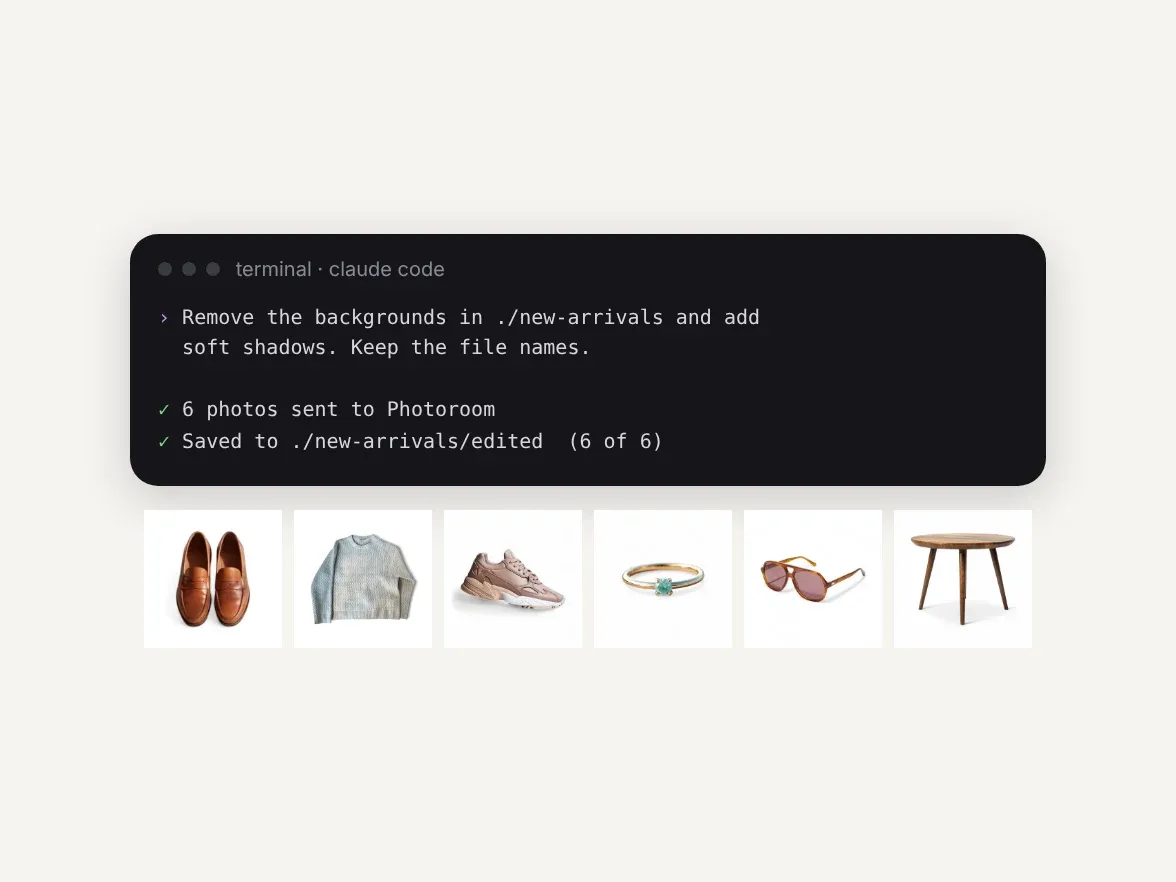
Add Photoroom to Claude Code
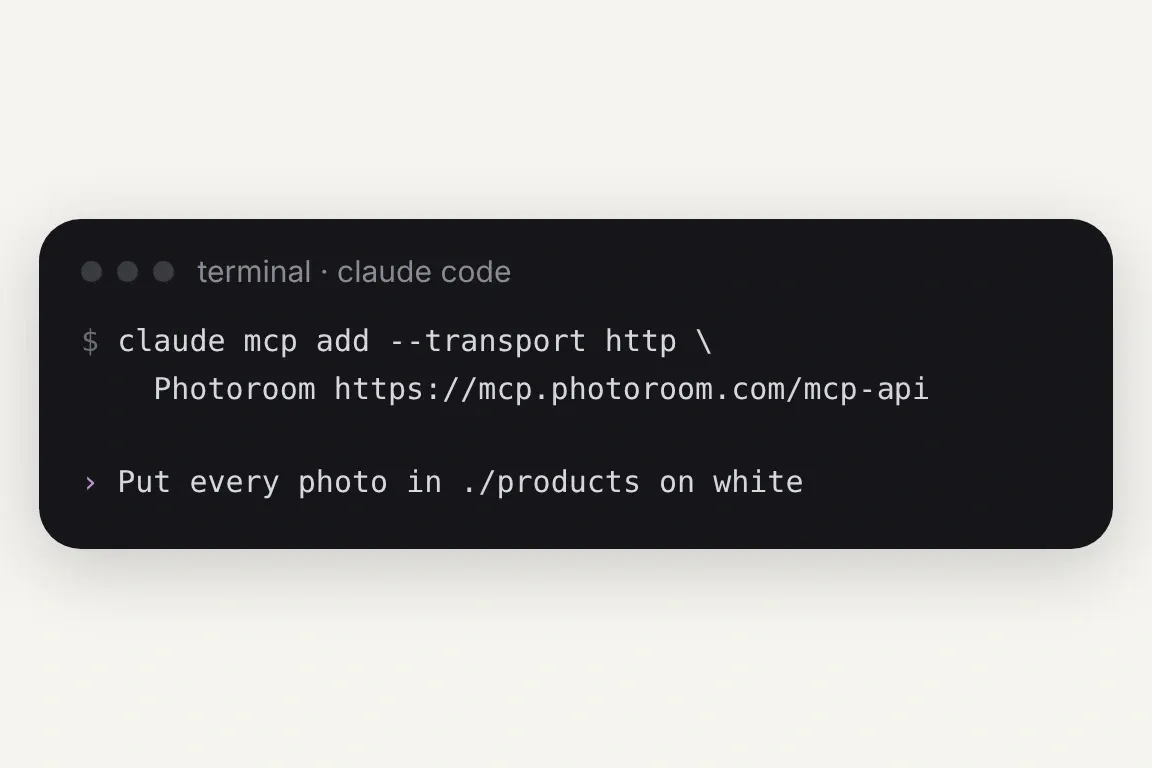
With an API subscription, signed in to your API space, run this in your terminal:claude mcp add --transport http Photoroom https://mcp.photoroom.com/mcp-api
With Pro, Max or Ultra, use https://mcp.photoroom.com/mcp instead. Then ask Claude Code for the edit in plain English.
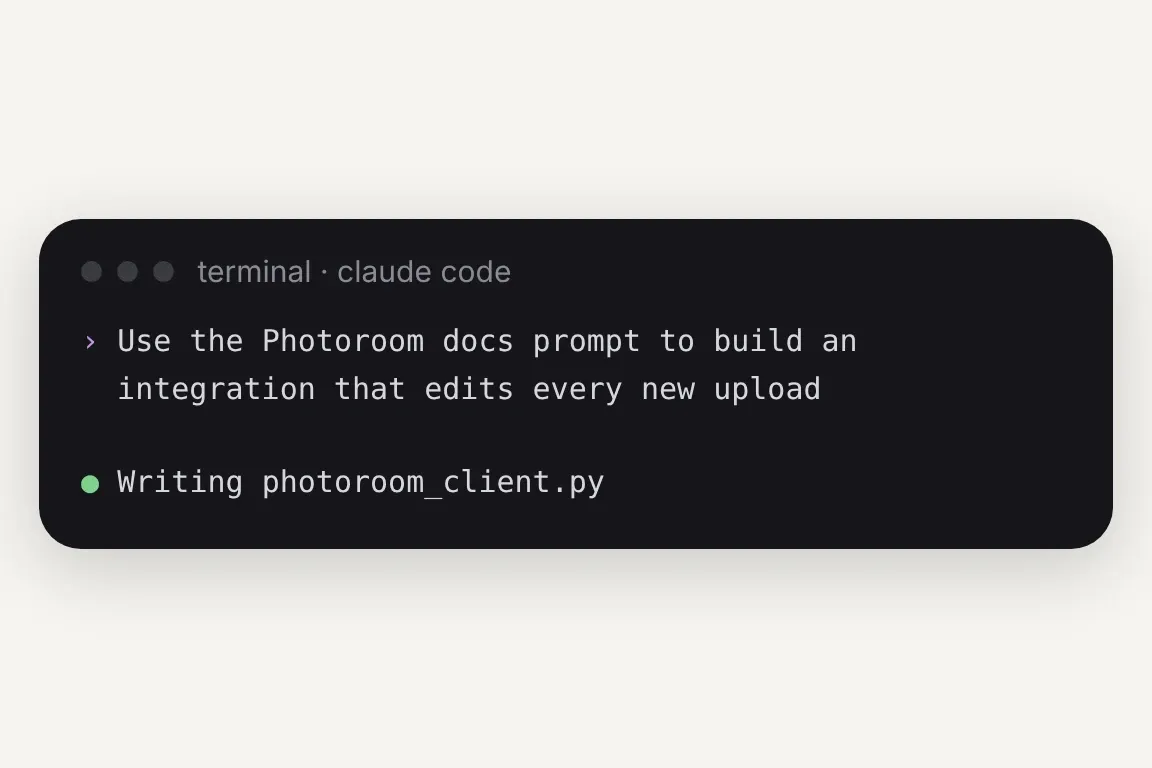
Paste our ready-made prompt for coding agents into Claude Code and describe what you want to build. Claude Code then writes the code, runs it and fixes what breaks.
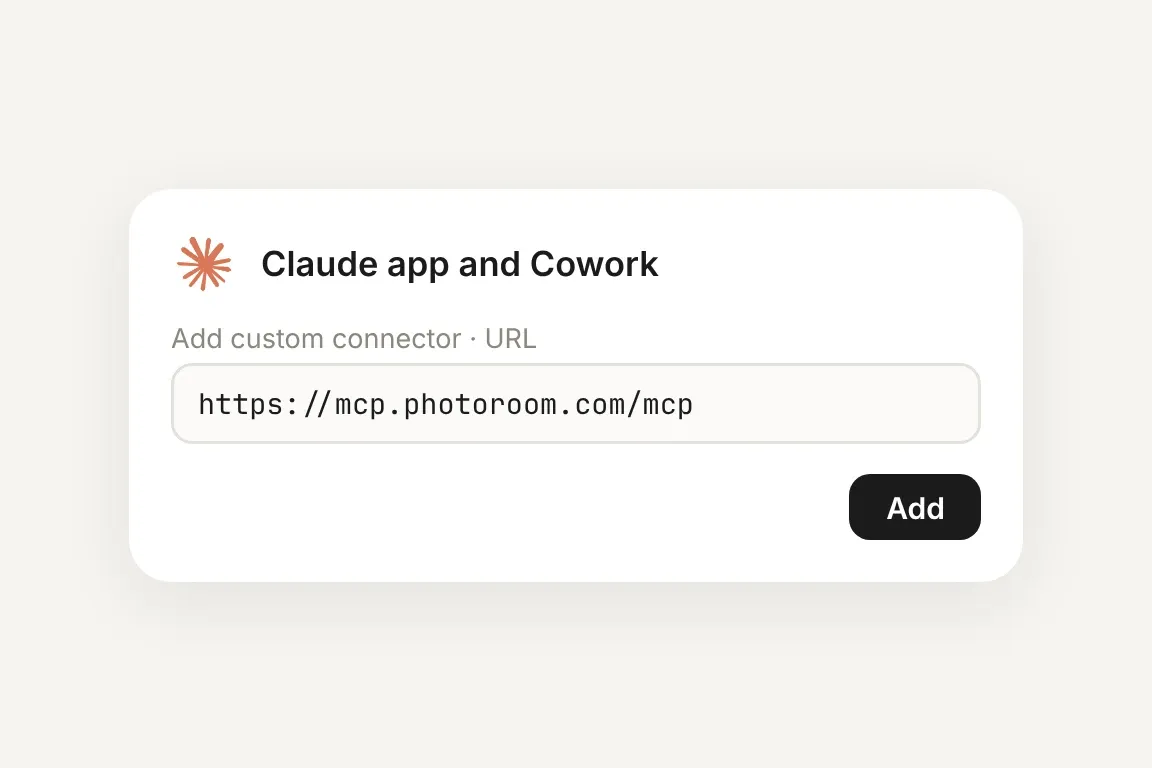
The same Photoroom MCP works in the Claude app and Cowork as a custom connector. See the Claude setup.


API connector or Photoroom MCP: which to connect
API connector, for API subscriptions
Connect while signed in to your API space, and Claude Code calls the Photoroom API with your key, on your API credits. It's the route for batch jobs, scheduled runs and integrations.
Photoroom MCP, for Pro, Max and Ultra
Claude Code gets the Photoroom app's tools: cutouts, shadows, ghost mannequin, virtual try-on and more, on your plan's credits, with no API key to manage.
Enterprise, for catalog-scale teams
On an Enterprise plan, how you connect depends on your contract, which your account team will decide with you. Enterprise can also add tailored multi-tool workflows and checks on every output.
Photoroom tools for image editing in Claude Code

Photoroom MCP

Background Removal

Virtual Model

Flat Lay

Ghost Mannequin

Product Staging

Edit With AI

Product Beautifier

Add Shadows

Generate Backgrounds

Relighting

Text Removal

Expand

Uncrop

Ironing

Create Any Image

Uncertainty Score

Perspective Correction

Positioning

Smart Cropping

Upscale
Your product photos, handled from the terminal

A whole product folder, edited without a script
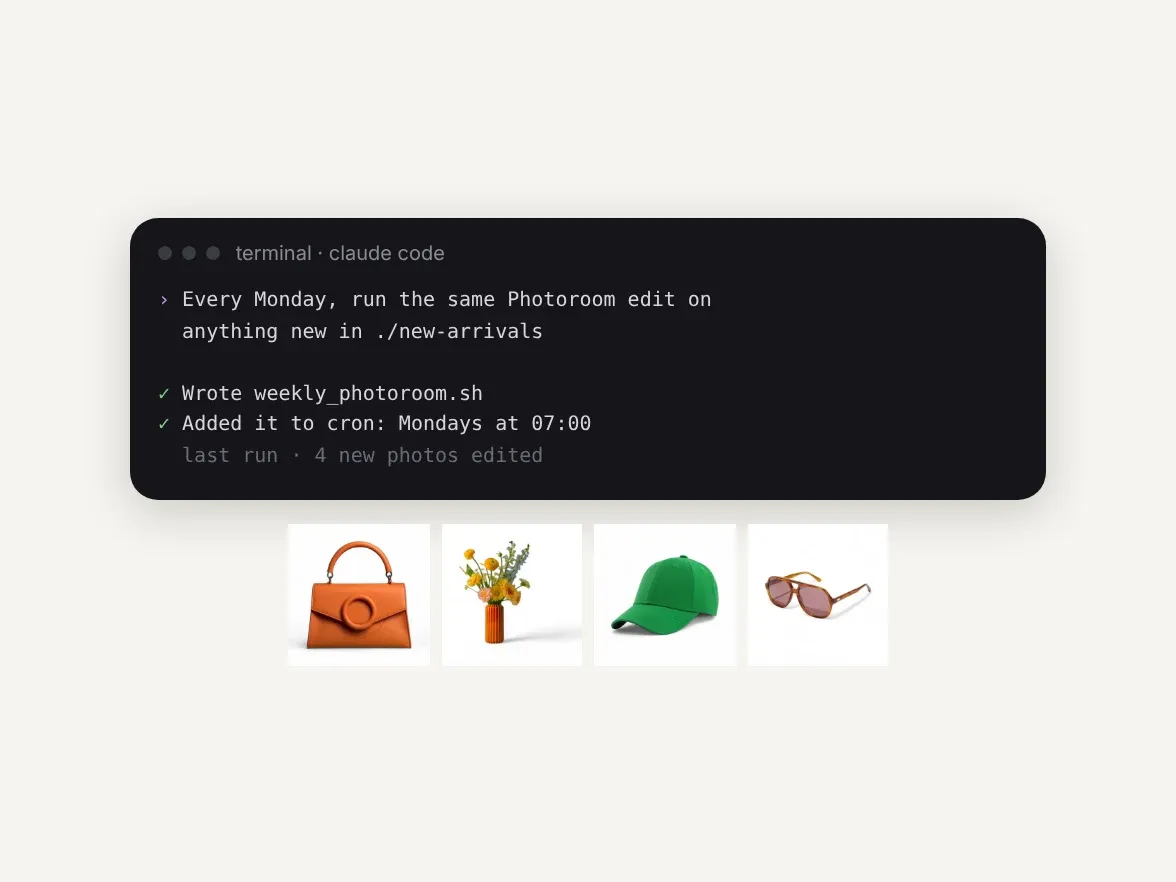
New arrivals edited on a schedule

Edit today, build the integration when you're ready
Terminal prompts for your next batch
Folder to white background

URL list with shadows

Ghost mannequin shoot
Ironing

Relight
Flat lay

Build it in
From a folder of raw shots to listing-ready images
Results from teams editing with the Photoroom API at scale
faster market rollouts
lower image processing costs
higher conversion on listings
increase in average order value
When a terminal batch becomes a catalog pipeline