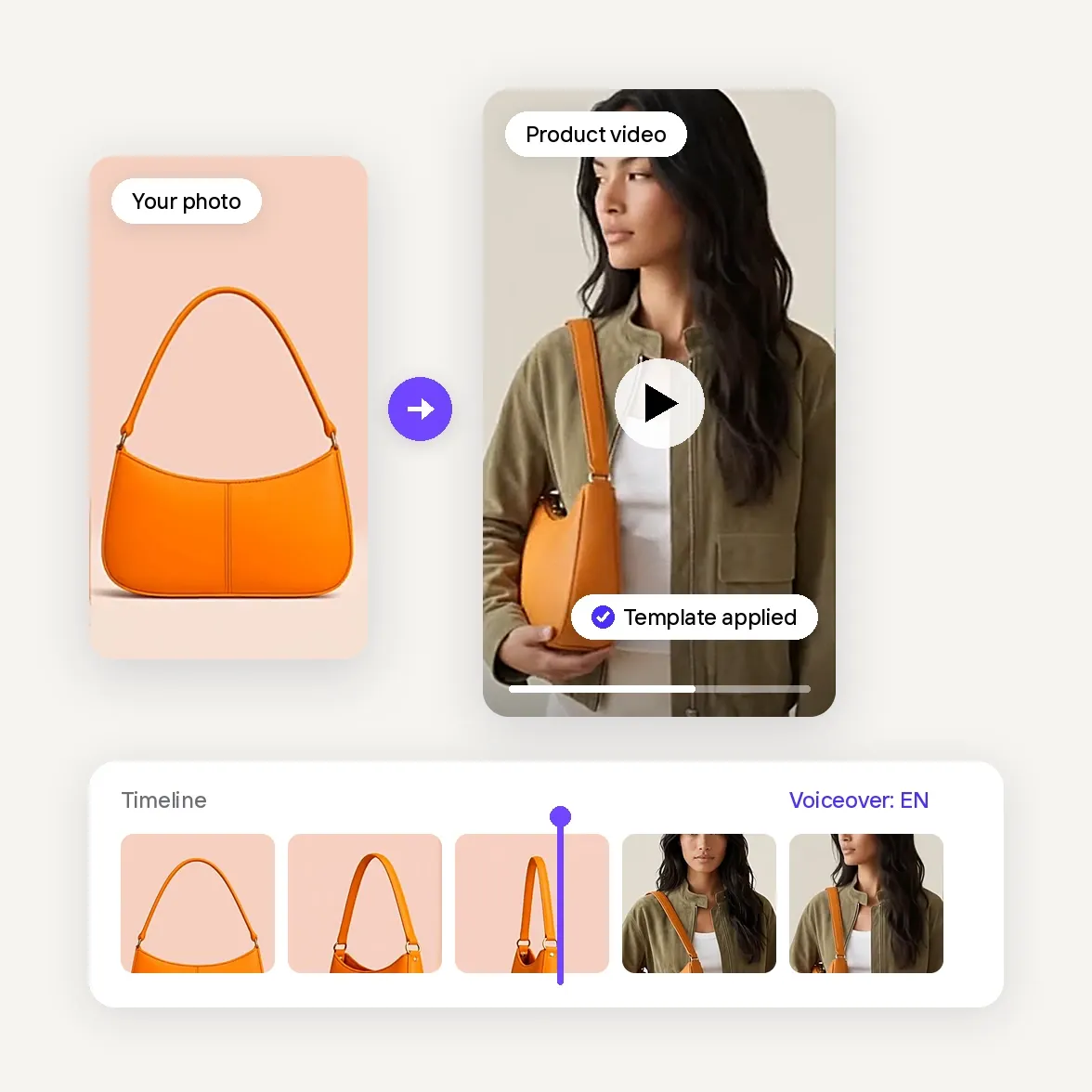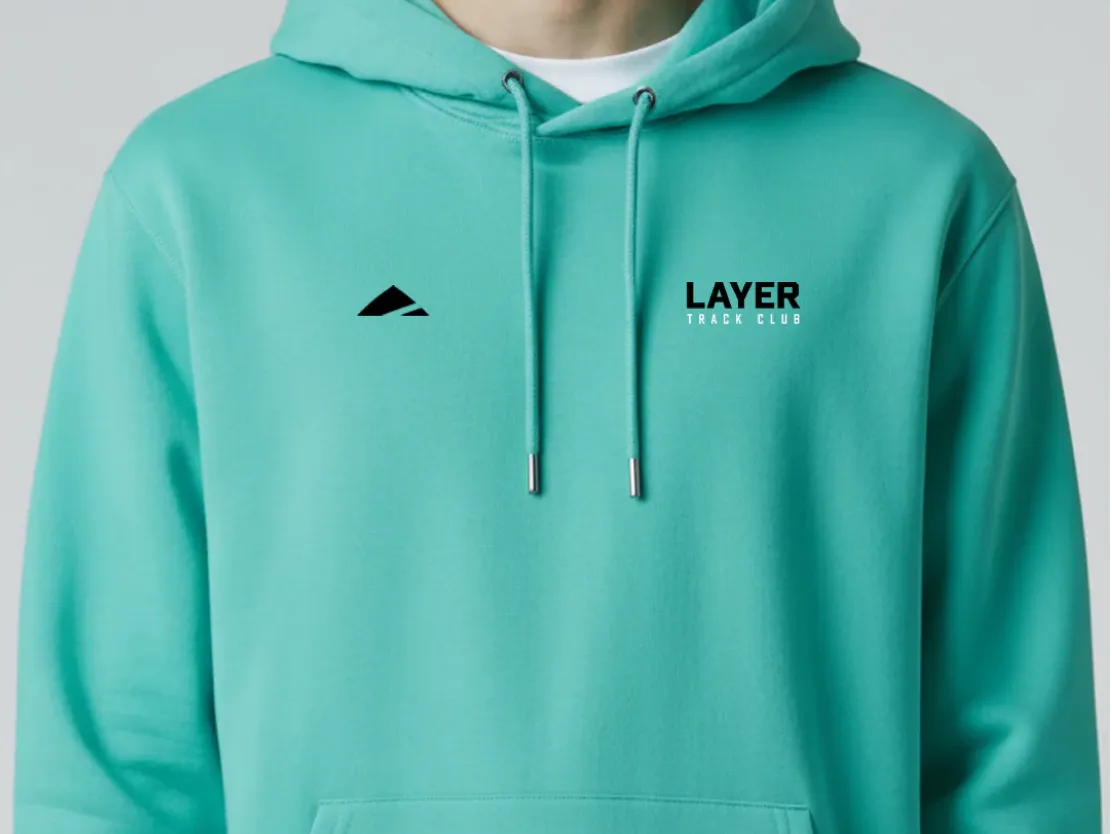

Layer turns static product shots into short videos for social media
"We’re seeing so much more engagement, so many more followers and likes on our socials."
Dan BaconFounder, Layer
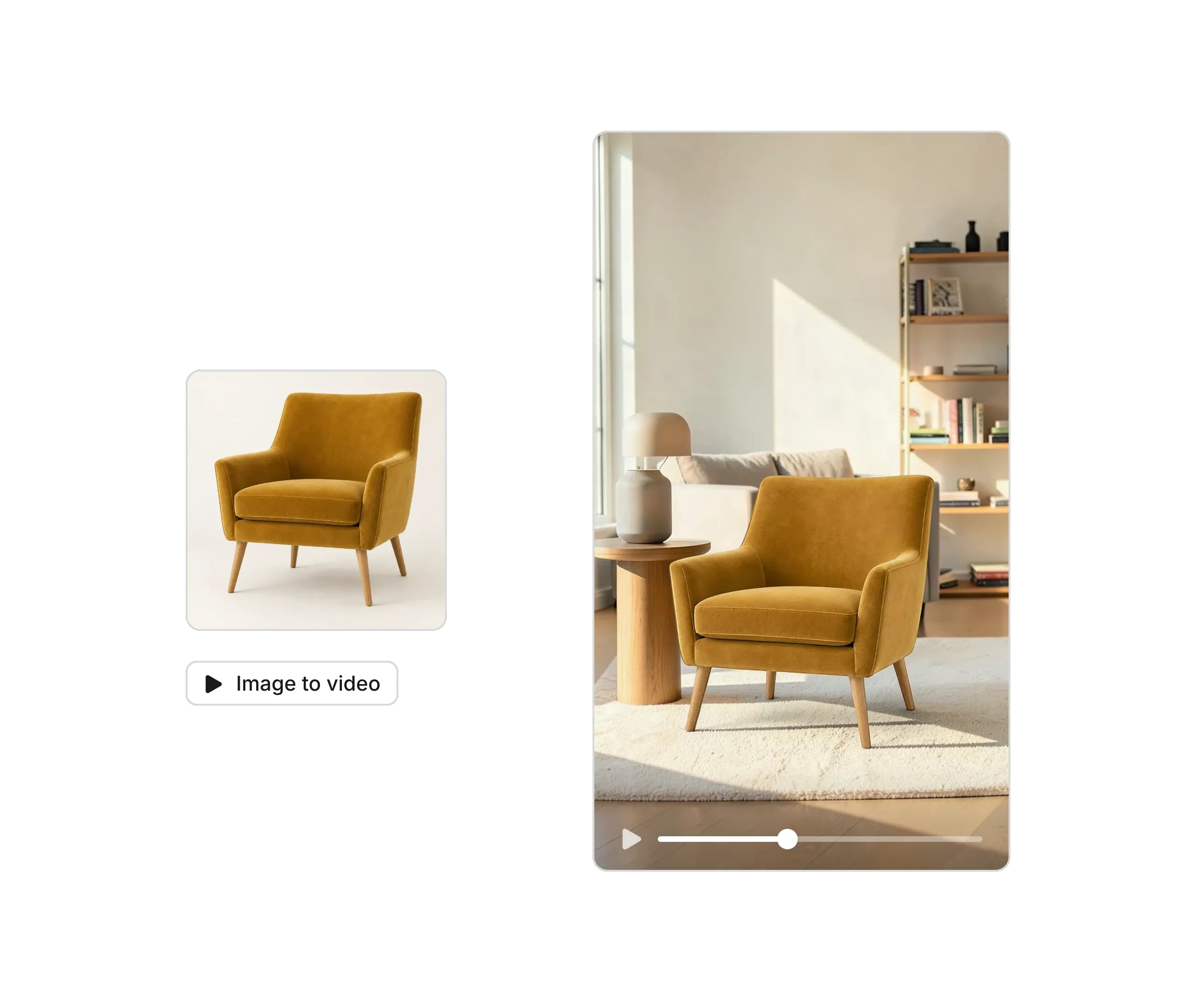
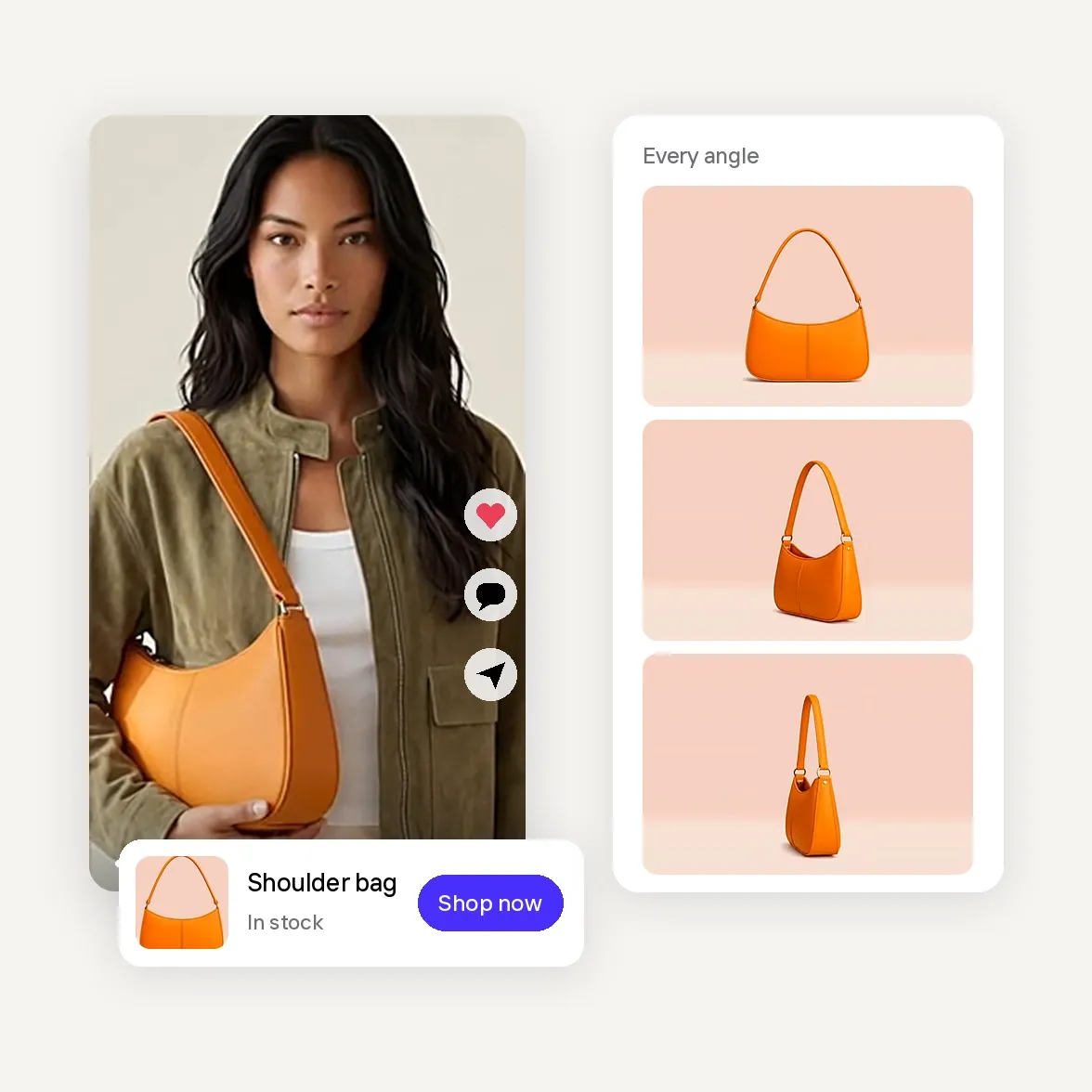
Upload up to six photos of the same piece: straight on, at a three-quarter angle, from the side, and a close-up of the grain, fabric or hardware. Shoot in daylight with the area around it cleared.
Pick a furniture template in Product Animator for a walk-around or room video, or let Video Ad Maker plan a full furniture or decor ad. Add a prompt if you want extra direction, like a slow pan across the room or a close-up of a candle's glow.
Check that the color, finish, fabric and proportions match the real piece, and put the dimensions or size in your listing text. Then choose the format for your channel and download it for your store, your marketplace listing, your ads or your feed.
"We’re seeing so much more engagement, so many more followers and likes on our socials."