
Skip to content
AI product video

Create AI fashion videos that make your products stand out

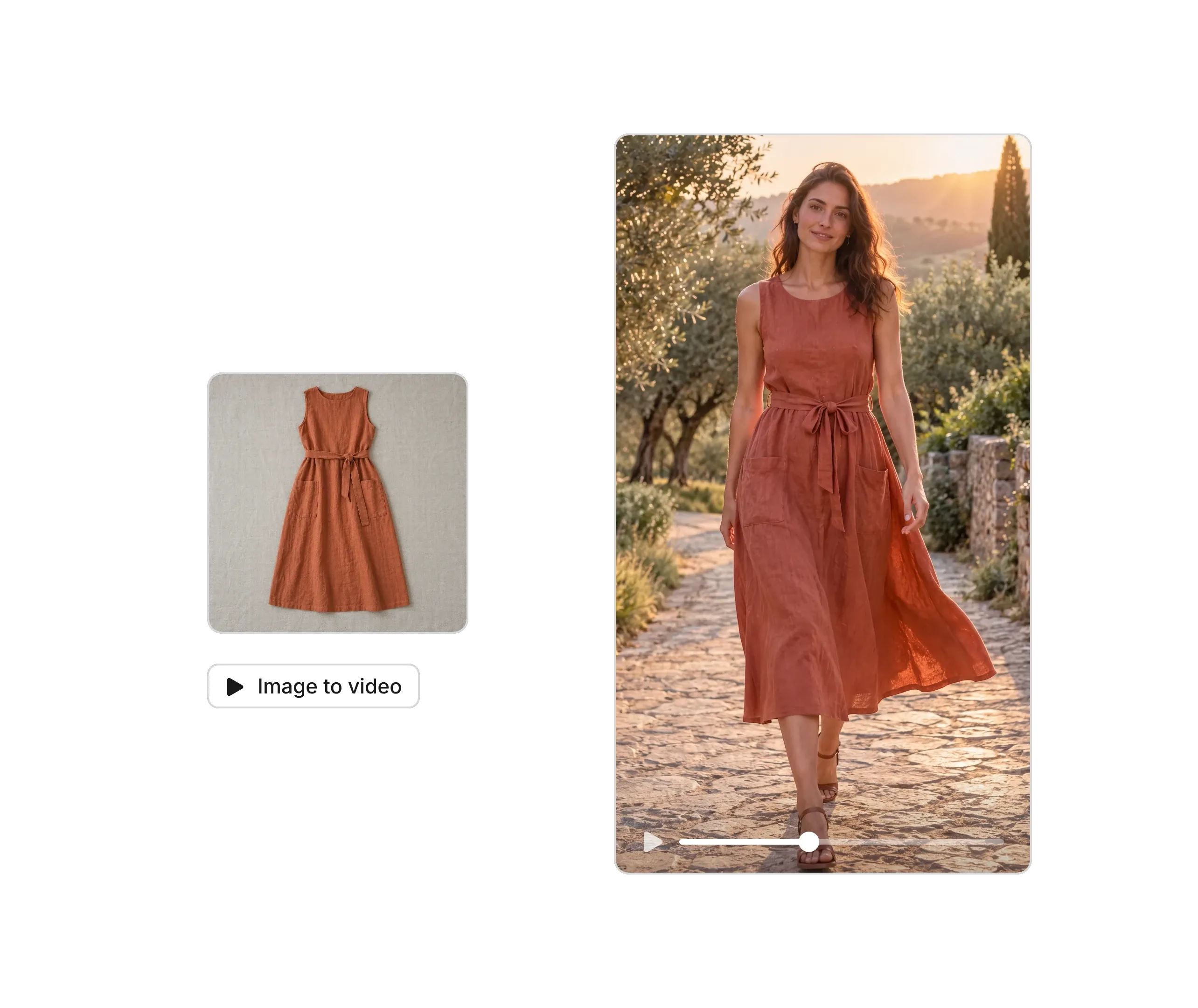
Photoroom turns your clothing and accessory photos into fashion videos and ads for your online store, TikTok, and Instagram. Showcase your collections, try different creative styles, and promote what you sell without hiring models or organizing a shoot.

Available on web, iOS and Android on Max and Ultra plans.

Real results

Product videos that cost less and sell more

~$40

per month with Video Ad Maker instead of costly traditional photo and video shoots.

<15 min

to create 2-3 product videos

60%

of video post reach from non-followers

$700

in sales generated from one organic video

Fashion and accessories videos for every place you sell

Sell the look, not just the individual piece

A dress, jacket, or accessory becomes more appealing when shoppers can picture how to style it. With Photoroom's Video Ad Maker, create fashion videos that show pieces in different settings, pair complementary items, and bring complete looks to life. Give customers outfit inspiration and more reasons to explore your collection.

Give every new collection its own campaign

New arrivals, limited-edition drops, and seasonal collections deserve creative that reflects what makes them special. Turn your fashion photos into video campaigns with different moods, scenes, and messages, whether you're promoting a summer collection, holiday outfits, or an end-of-season sale. With Photoroom, you can bring new fashion campaigns to TikTok, Instagram, and Facebook without organizing another shoot.

Make more of your existing fashion photography

Already have flat lays, on-model photos, or a catalog full of product images? Put them to work beyond your online store. Photoroom helps you turn existing fashion photography into video content, giving individual pieces and entire collections a new way to stand out. Create videos for new arrivals, styling inspiration, and product promotions without photographing everything again.

Find the creative angle that makes shoppers want to buy

Will shoppers respond better to a complete outfit, a close-up of a statement piece, or a seasonal styling idea? With Photoroom, you can create different fashion ad concepts from the same product photos. Test different styles, hooks, and messages to see what attracts clicks and sales before committing more of your advertising budget.

Video templates

Video ideas for every product and every season

Try it yourself

How to make an AI fashion or accessories video with Photoroom

1

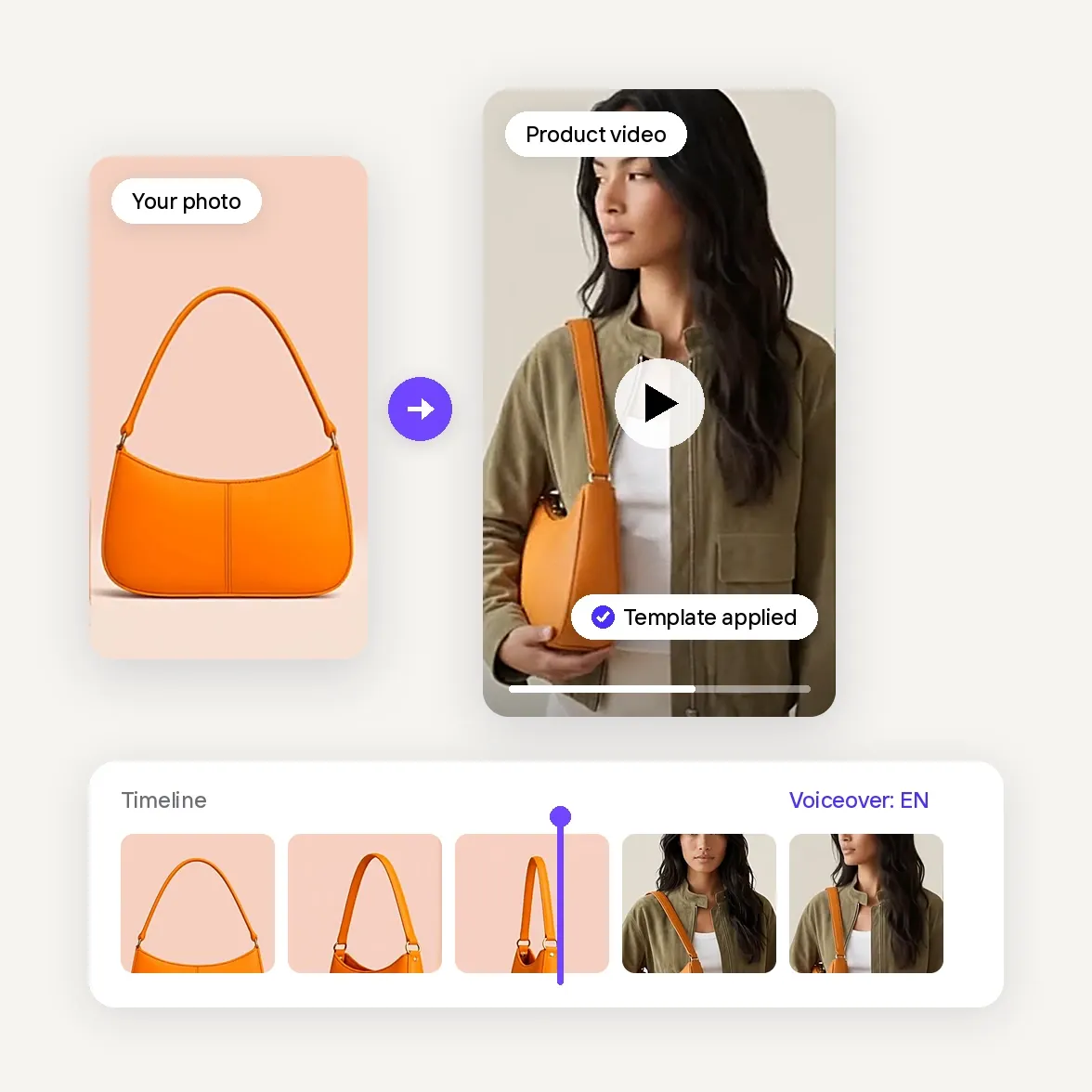
Add your clothing or accessories photos

Upload up to six photos of the garment or accessory, on a model or on its own. Front, side and back shots with sleeves, hems and prints visible help the AI keep every detail accurate.

2

Choose a fashion template or a video ad

Pick a Product Animator template for dresses, tops, bottoms or outerwear to show the garment in motion, or let Video Ad Maker plan a full ad for your collection. Add a prompt if you want extra direction.

3

Generate, check and publish

Check that the color, length and details match the real piece, choose the format for your channel and download it for your store, your listings, your ads or your feed.

Customer stories

Trusted by the brands selling with video

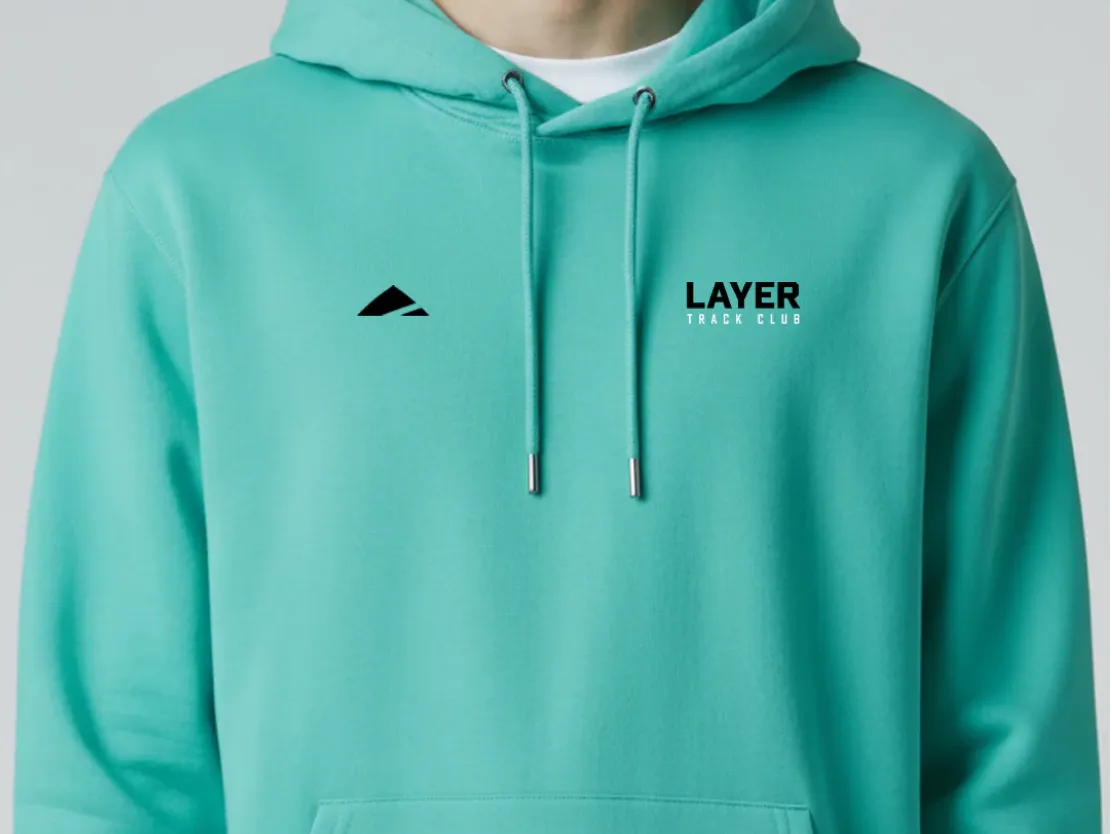
Layer turns static product shots into short videos for social media

"We’re seeing so much more engagement, so many more followers and likes on our socials."

Dan BaconFounder, Layer
One workflow for every product visual

Your complete AI solution

Start with a single product photo, then turn it into listing images, lifestyle shots, on-model visuals, and videos, sized for every channel you sell on.

Background Remover

Detect complex edges and deliver clean cutouts in seconds, then remove any background and replace it with a studio-quality backdrop that showcases your products.

AI Backgrounds

Generate custom product photo backgrounds with AI that match the lighting and perspective of your original photo, or change background colors in one click.

Product Staging

Place your product in realistic lifestyle scenes, held, worn, or displayed, so customers can picture it in use with Product Staging.

Virtual Model

Show apparel and accessories on diverse AI-generated models that fit your brand with Virtual Model. No casting, no studio day.

AI Ironing

Make every garment look freshly pressed. The AI smooths creases out of clothing photos automatically, so you can remove wrinkles from clothes with no steamer and no reshoot.

Recolor

Create every color variant from a single photo, with accurate product colors and no reshoot per variant.

Product Beautifier

Restore detail, correct color, and improve lighting on low-quality product photos automatically with Product Beautifier.

AI Shadows

Add realistic shadows under your product, with control over softness, intensity, and position.

Product Fixer

Fix AI-generated images to match your product with Product Fixer, so every detail, label, and color stays true to what you actually sell.

Video Ad Maker

Turn your product photos into video ads with actors, music and voiceover in any language, ready to run on Meta, TikTok and YouTube.

Edit with AI

Describe any change in plain language, like swapping a color, removing an object, or changing the scene, and the AI makes it.

AI Photo Editor

Batch and API

Save time by batch editing hundreds of images , or connect Photoroom’s API directly to your website or marketplace for a scalable workflow.

Brand Library

Store your logos, fonts, colors, backgrounds, and models in Brand library so every new image stays on-brand.

Web and Mobile

Edit and manage your brand's visuals from any desktop or mobile device.

For sellers who sell with video

Built to test, launch and sell with video

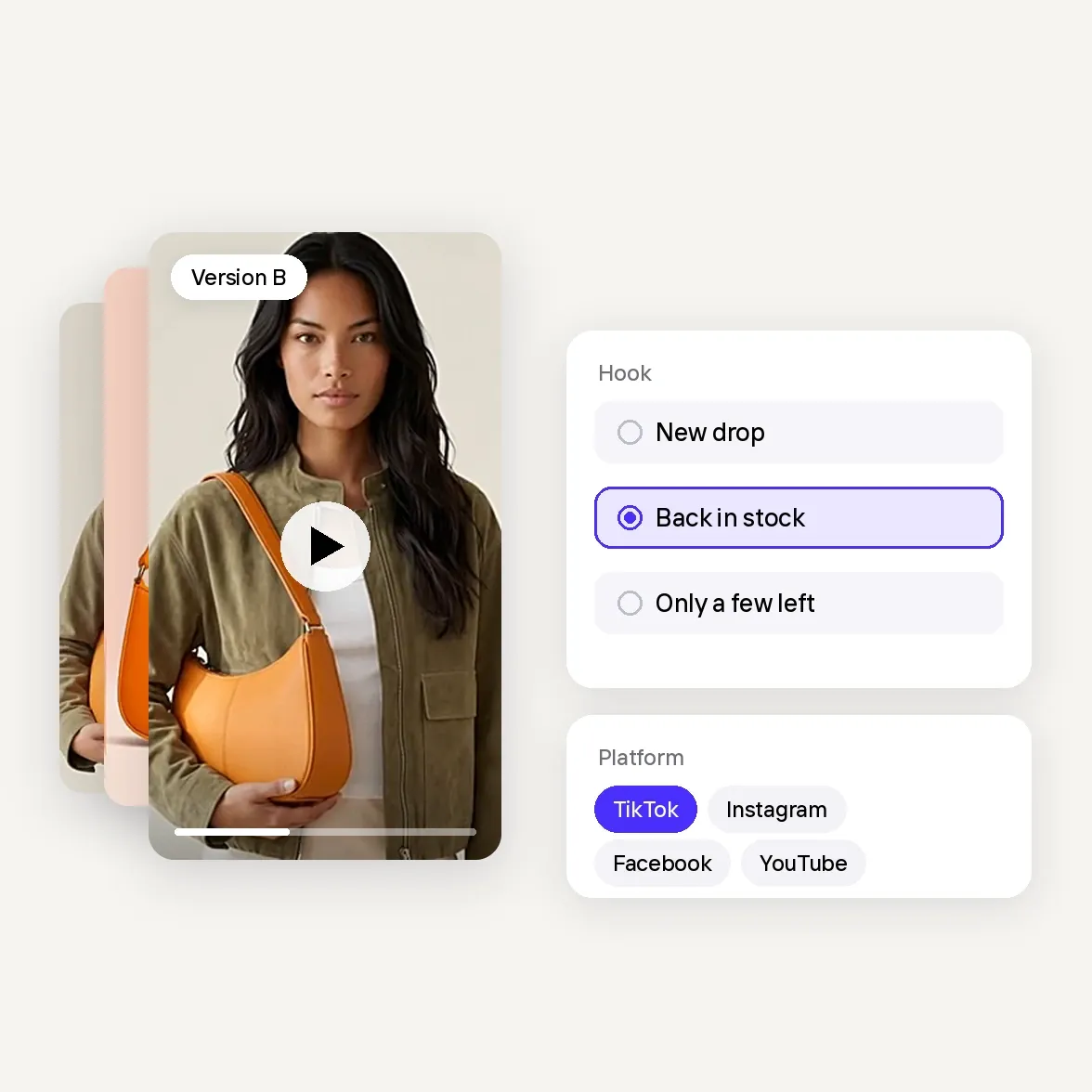
    • Many versions, one set of photos: Change the hook, the text or the format and get a new version, without a new shoot.

    • An angle for every offer: New drops, restocks and promotions each get their own video, with Video Ad Maker planning the scenes and text.

    • Ready for every platform: Versions for TikTok, Instagram, Facebook and YouTube from the same product photos.

    • Spend on what works: Run versions side by side and put your budget behind the ones that sell.

    • Start from the photos you have: No filming, no editing software, no waiting on a videographer.

    • 300+ ready-made templates: Pick a Product Animator template and get a video for your product page or listing in minutes.

    • Wherever you work: Create on the web, iOS or Android, from your desk or your phone.

    • Every market at once: Voiceovers in English, French, Spanish, German, Italian, Portuguese, Japanese and Korean.

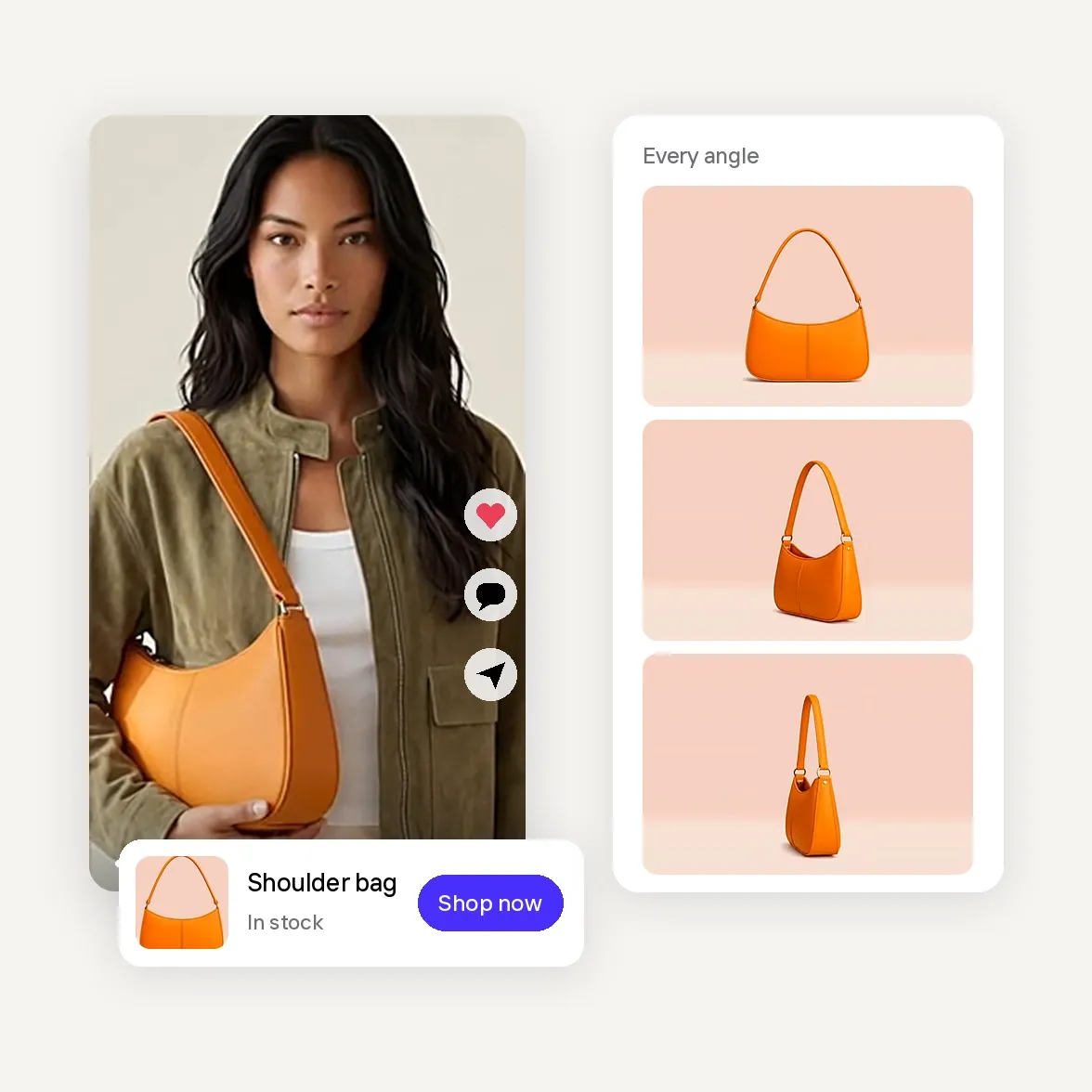
    • True to your product: Add up to four photos from different angles so colors, shape and details stay accurate.

    • Show what a photo can't: Movement, texture, fit and every side of your product, right where shoppers decide.

    • Always something new to post: Fresh Reels, TikToks and Stories for every launch, restock and promotion keep your shop in front of buyers.

Vertical video ad of a model carrying an orange shoulder bag, stacked with other versions, next to hook options New drop, Back in stock and Only a few left and platform chips for TikTok, Instagram, Facebook and YouTube
AI fashion and accessories video

Frequently asked questions

What is an AI fashion video?

An AI fashion video uses artificial intelligence to turn clothing, accessory, or model photos into video content. Fashion brands can use these videos to showcase collections, explore different styling concepts, and promote products on social media and in ads. With Photoroom, small fashion businesses can create these videos from existing photos without organizing a traditional fashion shoot.

How can I create AI fashion videos for my clothing brand?

Upload your clothing, accessory, or model photos to Photoroom's AI Video Generator. Choose a video template or use the Video Ad Maker if you want to create an ad. Use them to showcase new arrivals, highlight collections, or create content for your online store and social media, without filming or editing skills.

Can I make fashion videos without hiring models or organizing a photoshoot?

Yes. You can create AI fashion videos using existing product photos, including flat lays, catalog images, and on-model photography. Photoroom also offers Virtual Model tools for creating model imagery from clothing photos. You can use those images as starting points for video content, reducing the need to arrange new shoots for every collection or campaign.

What types of video ads work best for clothing brands?

Clothing brands can experiment with new-collection reveals, complete-outfit showcases, seasonal styling ideas, product highlights, and promotional offers. The best approach depends on the product and audience. With Photoroom, you can create different fashion video ad concepts and test which hooks, styles, and messages attract more clicks and sales.

Is an AI fashion video generator worth it for a small clothing brand?

An AI fashion video generator can be useful if you regularly launch collections, promote new arrivals, or need fresh advertising content without a large production budget. Photoroom lets you reuse existing clothing photos to make fashion videos and test different creative concepts, without paying for a separate shoot each time. This can make video advertising more accessible for independent clothing brands and boutiques.

How much does it cost to create AI fashion videos?

With Photoroom, AI fashion video generation is available on the Max and Ultra plans. Each plan includes monthly AI credits for creating videos, with higher allowances on Ultra. You can turn your existing clothing and accessory photos into videos without paying for a new photoshoot or video editor every time.