Skip to content

AI UGC video generator for product ads

Photoroom's AI UGC Video Generator turns your product photos into creator-style ads featuring AI characters who showcase what you sell. Create videos for TikTok, Instagram Reels, and YouTube Shorts without hiring creators, filming, or editing.

Available on Max and Ultra plans.

Real results

Real results from small businesses using Video Ad Maker

~$40/mo

instead of costly traditional photo and video shoots

15–20 min

to create 2–3 product videos

60%

of video post reach from non-followers

$700

in sales generated from one organic video

Better workflow

AI UGC video ads that put your products first

Create UGC-style videos without hiring creators

From product demos and try-ons to first impressions and get-ready-with-me videos, create the UGC formats people are familiar with on social media. Describe the style you want and let Photoroom develop the script and generate your ad with an AI character. Test different approaches to see what resonates with your customers, without shipping samples, coordinating shoots, or waiting for footage.

Find the right AI character for your audience

Create UGC-style ads featuring characters that fit your brand and target audience. Describe the look, style, or setting you have in mind, or let Photoroom choose for you. Experiment with different characters using the same product photos to see which creative direction connects best with your customers.

Keep your real product at the center of every ad

Your product deserves more than a supporting role. Photoroom creates AI UGC videos from your actual product photos, rather than relying on generic images. Upload up to six photos showing different angles and details to give the AI more to work with, so your ads focus on the products you actually sell.

Create AI UGC ads in different languages

Reach customers in different markets with UGC-style videos that speak their language. Choose your voiceover language and generate localized versions of your product ad without recording new audio. You can also use different AI characters for each market, all starting from the same product photos.

Video templates

Video ideas for every product and every season

Why make AI UGC ads with Photoroom?

Your product comes first, not the AI character

Your product comes first, not the AI character

Unlike avatar-first generators, Photoroom builds UGC-style ads around your actual product photos. Choose an AI character that fits your brand and let the video showcase what you sell.

Stay in control of what your ad says

Stay in control of what your ad says

Review the script and creative plan before generating your UGC ad. Refine the product claims, adjust the message, and make sure the AI character communicates what matters to your customers.

Create UGC ads for every short-form platform

Create UGC ads for every short-form platform

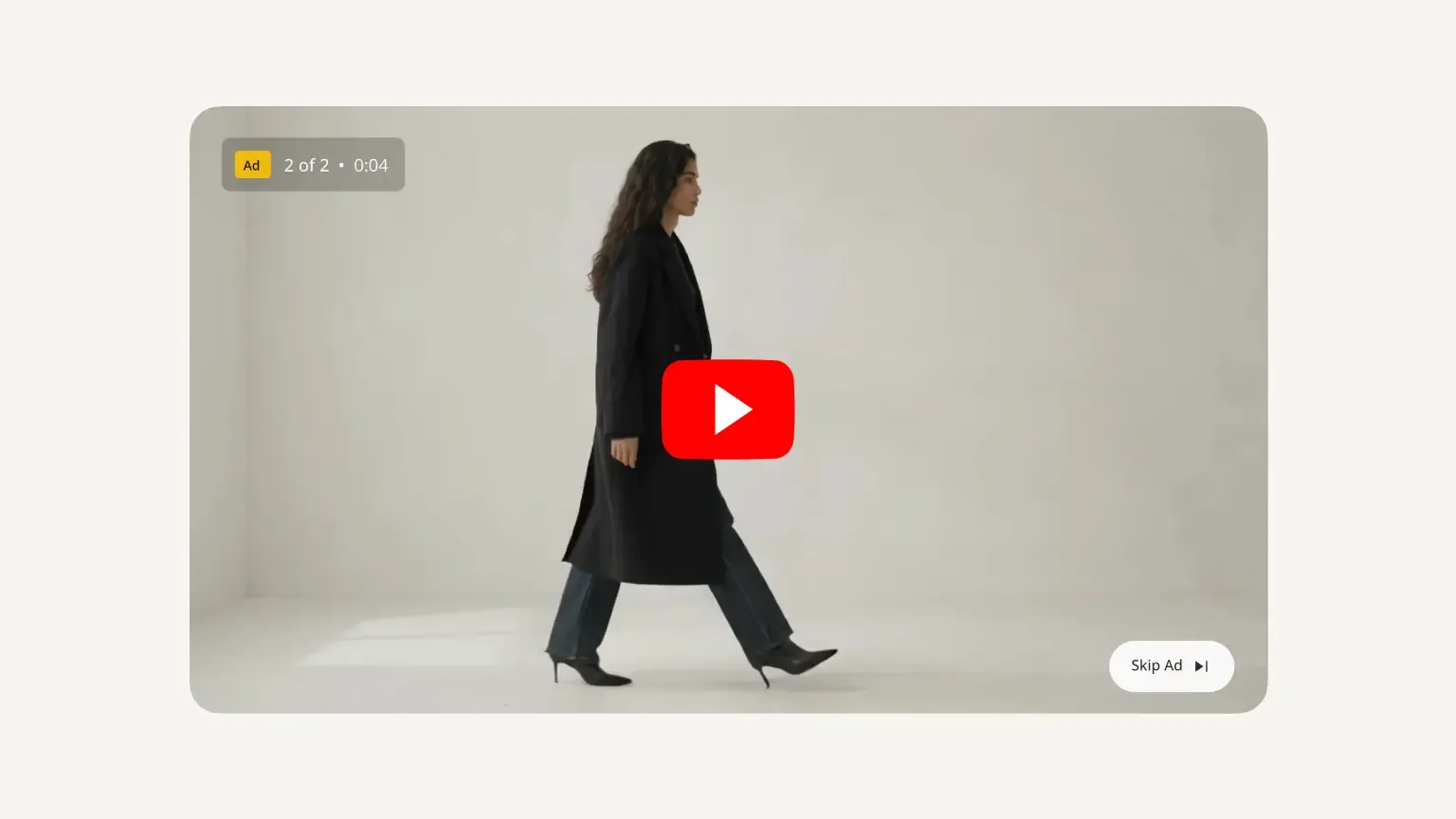
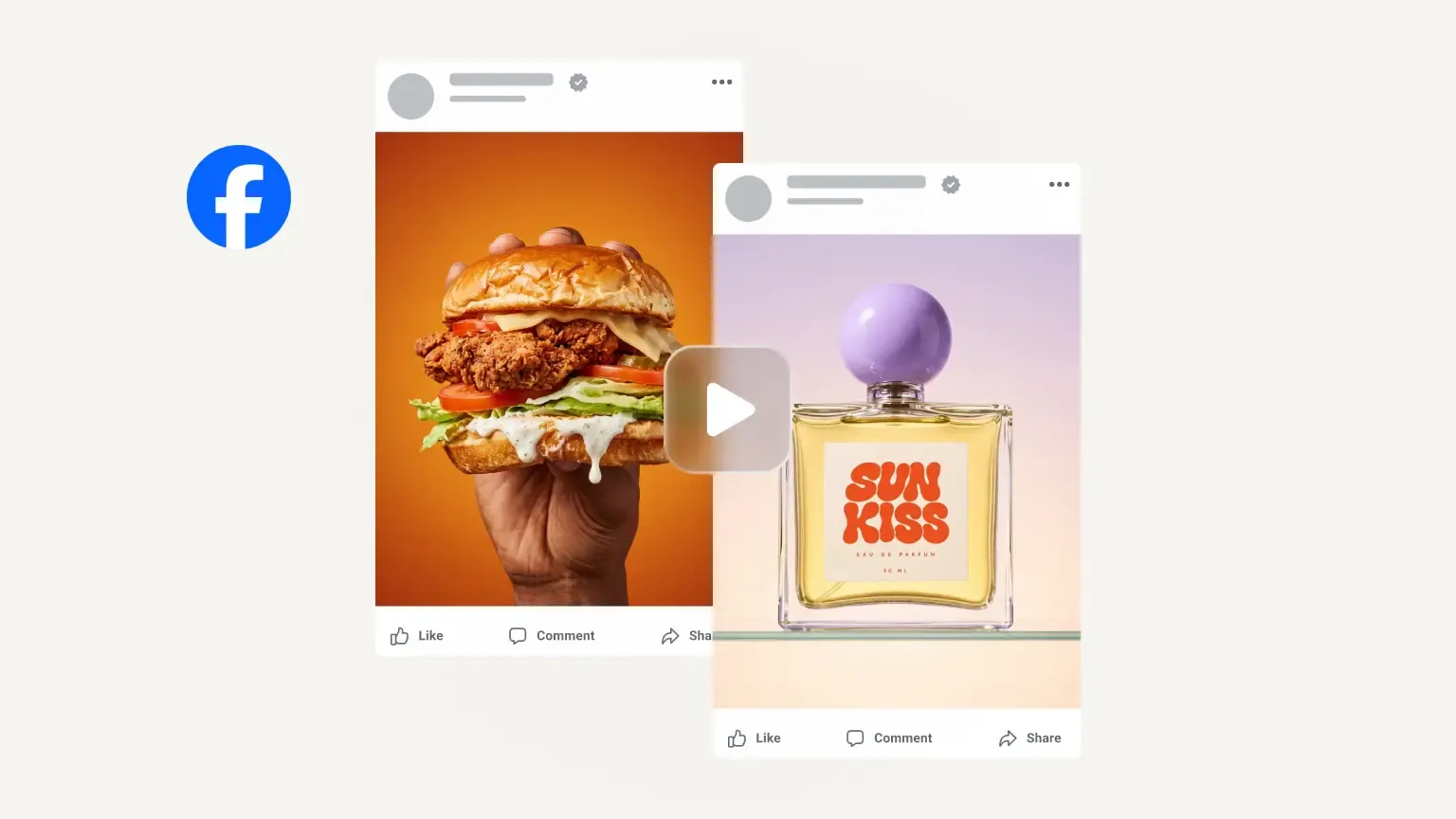
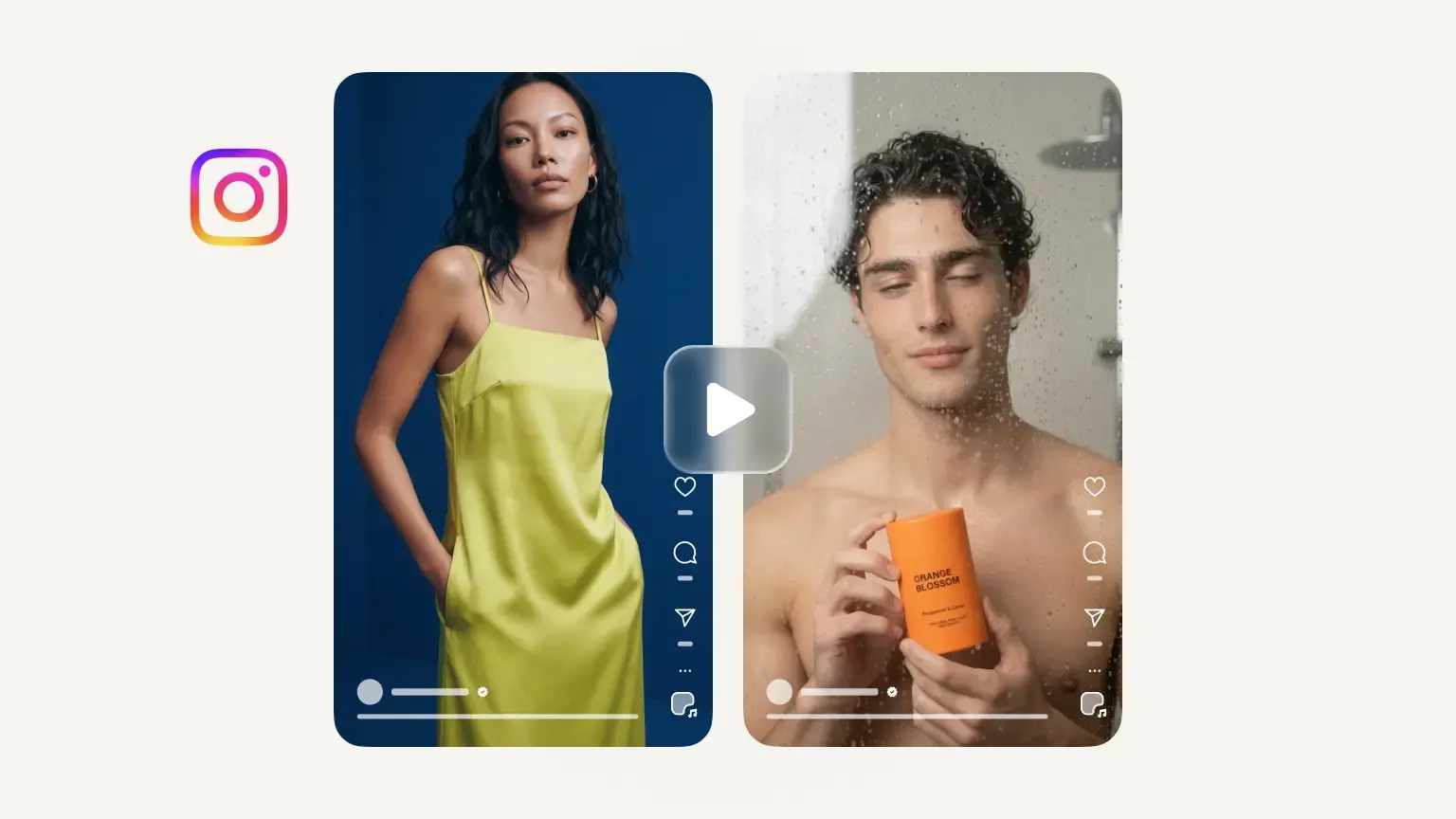
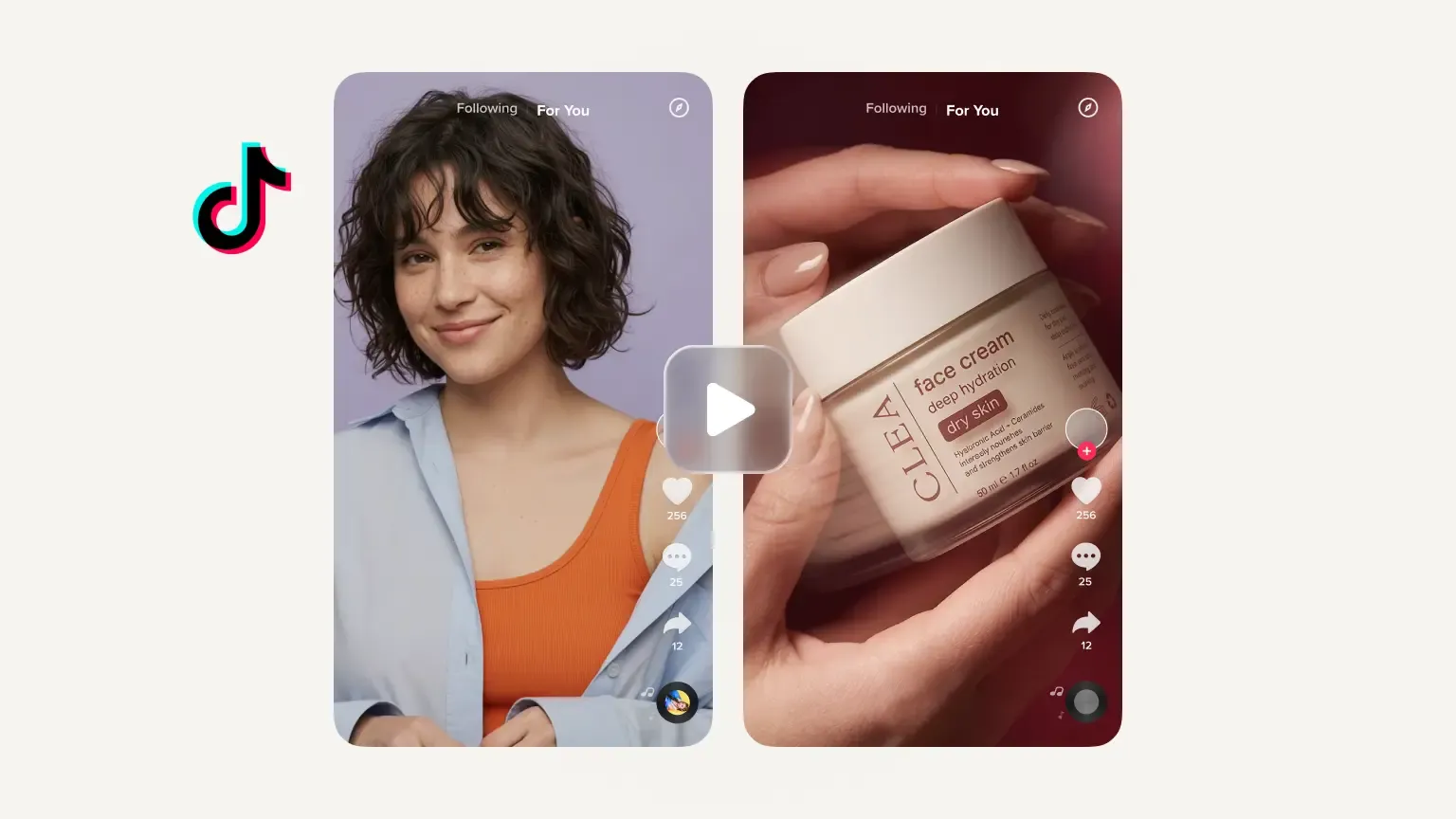
Generate vertical 9:16 UGC-style videos for TikTok, Instagram Reels, and YouTube Shorts, or choose 16:9 for landscape ads. Reach audiences across platforms without filming new content for each one.

Try it yourself

How to create an AI UGC video ad with Photoroom

1

Add your product photos

Upload up to six product photos, import them from Shopify, Google Drive or Dropbox, or use visuals you've already created in Photoroom. Include different angles and close-ups to showcase your product's details.

2

Choose your UGC style and AI character

Describe the UGC-style video you want, such as a product demo, try-on or first impression. Choose your AI character by describing their look, style or setting, or let Photoroom decide.

3

Review, generate and download

Review the video plan and script to make sure the message reflects your product. Adjust the character, voiceover or language, then generate and download your UGC video for TikTok, Instagram Reels or YouTube Shorts.

UGC video ads for the products you sell

Fashion and apparel

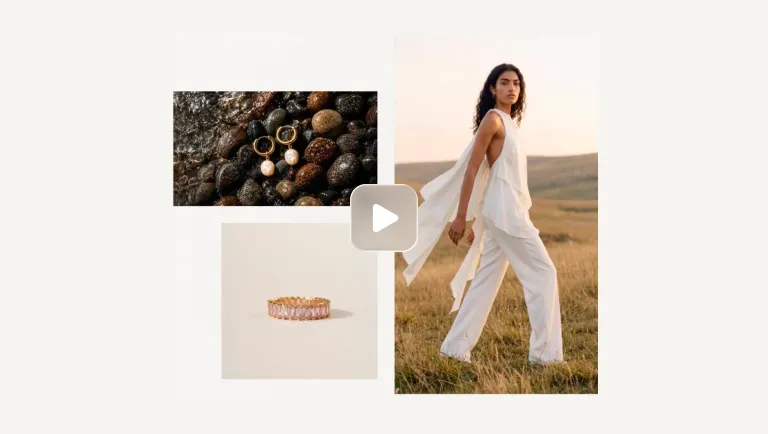
Try-ons and fit checks: the actor wears the piece and shows how it moves.

Beauty and skincare

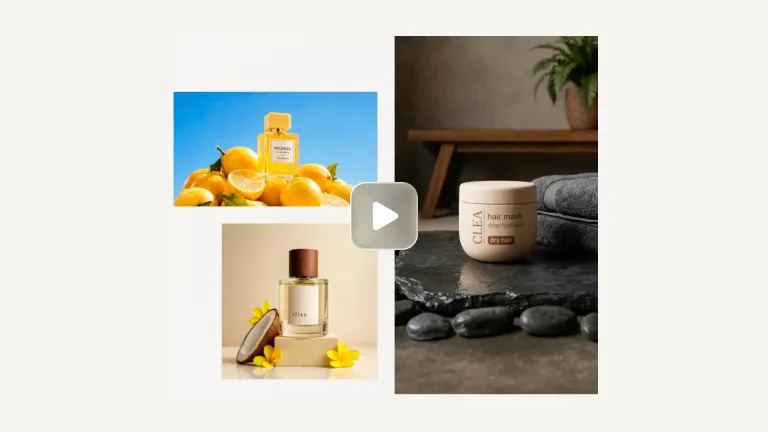
Get-ready-with-me routines and close-up texture shots, with the actor walking through how they use it.

Home and furniture

A first-impression video in a real-looking room: the actor sets the product up and shows the result.

Tech and gadgets

Problem-and-fix clips: the actor shows the annoyance, then the gadget solving it in seconds.

Built to grow with you

More ways to sell with Photoroom

Marketplace Sync
Publish on-brand to Shopify and any marketplace feeds.
AI Product Photography
Generate studio-quality product visuals without a studio.
Four fashion items with play icons: a brown handbag, sage green mule, person in a gray shirt and cardigan, and white sneakers with orange accents.
Image to Video API
The Image to Video API turns static product photography into short-form video automatically. Submit a product image and receive a polished video with natural camera motion, animation, or configured effects.
Video Ad Maker
Turn your product photos into video ads with actors, music and voiceover, in every format for Meta, TikTok and YouTube.
Product images and videos, made easy

Your complete AI solution

Create, edit, and optimize product images and videos for every channel at any scale, from a single listing to a full catalog.

Background Remover

Detect complex edges and deliver clean cutouts in seconds, then remove any background and replace it with a studio-quality backdrop that showcases your products.

AI Backgrounds

Generate custom product photo backgrounds with AI that match the lighting and perspective of your original photo, or change background colors in one click.

Product Staging

Place your product in realistic lifestyle scenes, held, worn, or displayed, so customers can picture it in use with Product Staging.

Virtual Model

Show apparel and accessories on diverse AI-generated models that fit your brand with Virtual Model. No casting, no studio day.

AI Ironing

Make every garment look freshly pressed. The AI smooths creases out of clothing photos automatically, so you can remove wrinkles from clothes with no steamer and no reshoot.

Recolor

Create every color variant from a single photo, with accurate product colors and no reshoot per variant.

Product Beautifier

Restore detail, correct color, and improve lighting on low-quality product photos automatically with Product Beautifier.

AI Shadows

Add realistic shadows under your product, with control over softness, intensity, and position.

Product Fixer

Fix AI-generated images to match your product with Product Fixer, so every detail, label, and color stays true to what you actually sell.

Video Generator

Turn your product photos into videos for your listings, social feeds and ads.

Video Ad Maker

Create video ads for Meta, TikTok and YouTube from your product photos.

Edit with AI

Describe any change in plain language, like swapping a color, removing an object, or changing the scene, and the AI makes it.

AI Photo Editor

Batch and API

Save time by batch editing hundreds of images , or connect Photoroom’s API directly to your website or marketplace for a scalable workflow.

Brand Library

Store your logos, fonts, colors, backgrounds, and models in Brand library so every new image stays on-brand.

Video ad maker

Frequently asked questions

What is an AI UGC video?

An AI UGC video is a video that recreates the style of user-generated content using AI-generated characters instead of real creators. It can feature product demonstrations, try-ons, or creator-style presentations. With Photoroom's AI UGC Video Ad Generator, you can create these videos from your own product photos, with AI characters who hold, wear, or showcase what you sell.

How do I make UGC-style video ads without hiring creators?

You can use an AI UGC video generator like Photoroom to create creator-style product ads without filming, shipping samples, or paying for individual shoots. Start with up to six product photos, describe the type of video you want, and choose an AI character or let Photoroom decide. The AI director develops the creative plan and script, which you can review before generating. Download your finished video for TikTok, Instagram Reels, YouTube Shorts, or other supported placements.

Which AI UGC video ad generator is best for e‑commerce?

The best tool depends on the kind of UGC-style video you need. AI avatar generators are useful for presenter-led videos, while product-focused generators are better suited to showcasing physical products. Photoroom is designed for e‑commerce sellers who want AI characters to demonstrate products using their existing photos. It combines creative planning, scriptwriting, character selection, and video generation without requiring separate production tools.

Can I make AI influencer-style videos for my brand?

Yes. With Photoroom, you can create influencer-style product ads featuring AI characters who present, wear, or demonstrate your products. Customize the character, voiceover, and message to fit your brand or audience, without collaborating with a real influencer. These are AI-generated promotional videos, not genuine customer reviews or endorsements, so make sure the content is clearly represented as AI-generated.

Is it legal to use AI UGC in advertising?

AI-generated UGC-style advertising is generally permitted, but it must comply with advertising laws and platform policies. TikTok, YouTube, and Meta have requirements around synthetic content, misleading claims, and disclosure. Clearly identify realistic AI-generated characters where required, avoid impersonating real people, and never present fictional product experiences as genuine customer testimonials. Requirements vary by platform and country, so review the applicable policies before publishing.

How much does it cost to create AI UGC video ads with Photoroom?

Photoroom's AI UGC Video Generator is available with the Max and Ultra plans. Both include AI video generation, so you can create product ads with AI characters, scripts, and voiceovers without hiring creators or paying for individual video shoots. You can also prepare and edit your product photos in Photoroom, keeping your image and video production in one place. Check Photoroom's plans and pricing for current costs and video generation limits.