Skip to content

Facebook video ad maker for e‑commerce

Photoroom's Facebook Video Ad Maker turns up to six product photos into video ads for Reels, Stories and in-stream placements. Describe your idea or let the AI director handle the creative process. Promote your products and reach new customers without filming or editing skills.

Available on Max and Ultra plans.

Real results

Real results from small businesses using Video Ad Maker

~$40/mo

instead of costly traditional photo and video shoots

15–20 min

to create 2–3 product videos

60%

of video post reach from non-followers

$700

in sales generated from one organic video

Better workflow

Facebook ads that start from the product you sell

Create Facebook video ads for every placement

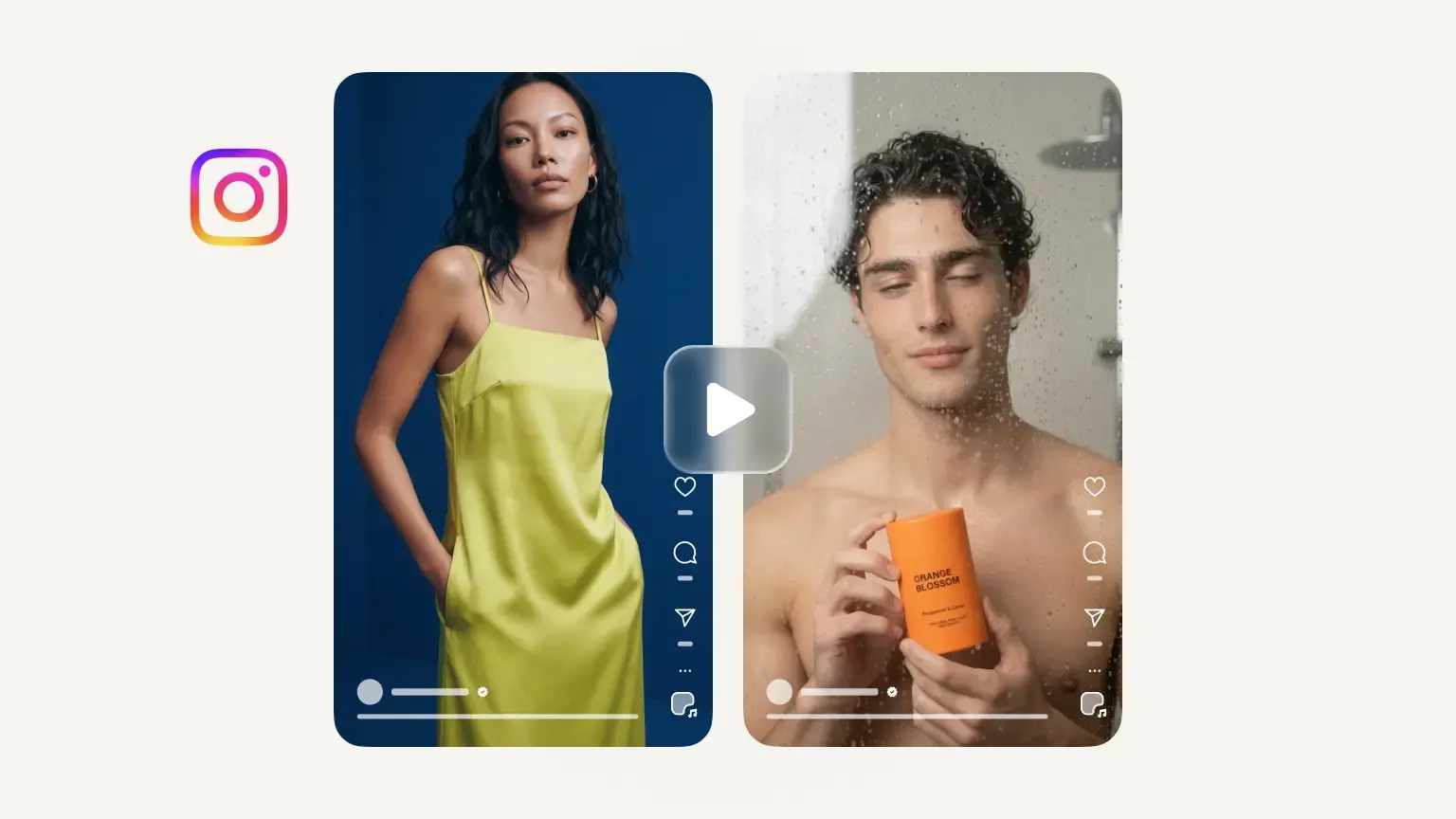
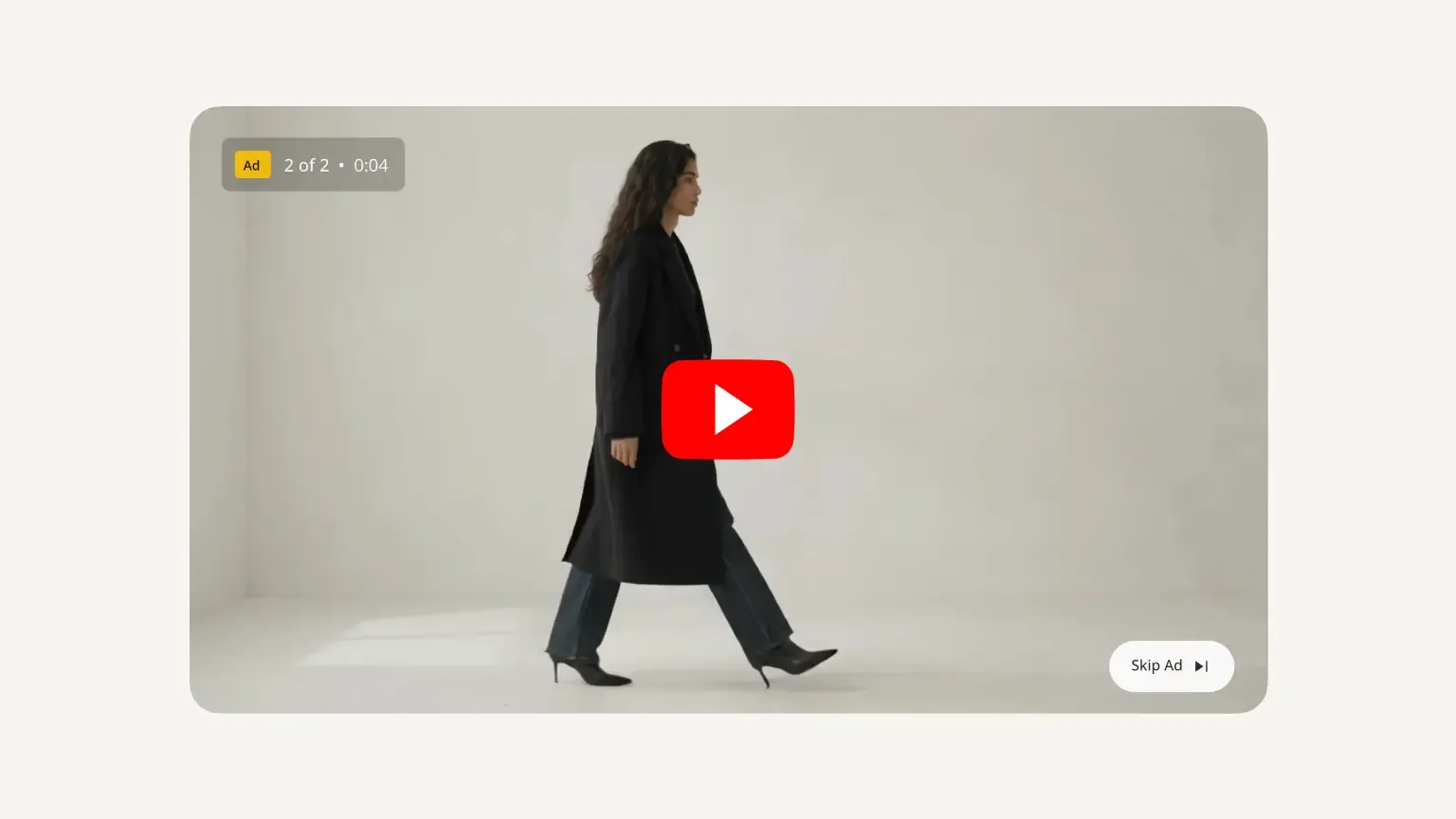
Reach customers across Facebook with video ads designed for different placements. Photoroom lets you generate vertical 9:16 videos for Reels and Stories or landscape 16:9 videos for in-stream placements, using the same creative plan. No manual resizing or complicated editing. You can also use your vertical ads on Instagram through Meta Ads Manager.

Show your products, not generic stock footage

Give customers a closer look at the products you're selling. Photoroom's Video Ad Maker builds your ads around your own product photos instead of relying on generic stock footage. Upload up to six images or import them from Shopify, Google Drive, or Dropbox to showcase different angles, colors, and details that help shoppers understand what they're buying.

Turn product features into convincing video demos

Help Facebook shoppers understand what makes your product worth buying. Photoroom's AI director creates a video plan and script that can highlight key features, benefits, and selling points, with an optional AI voiceover in your chosen language. Review and refine the message before generating, so your Facebook video ad tells customers more than a product photo alone.

Create fresh Facebook ads for every stage of the customer journey

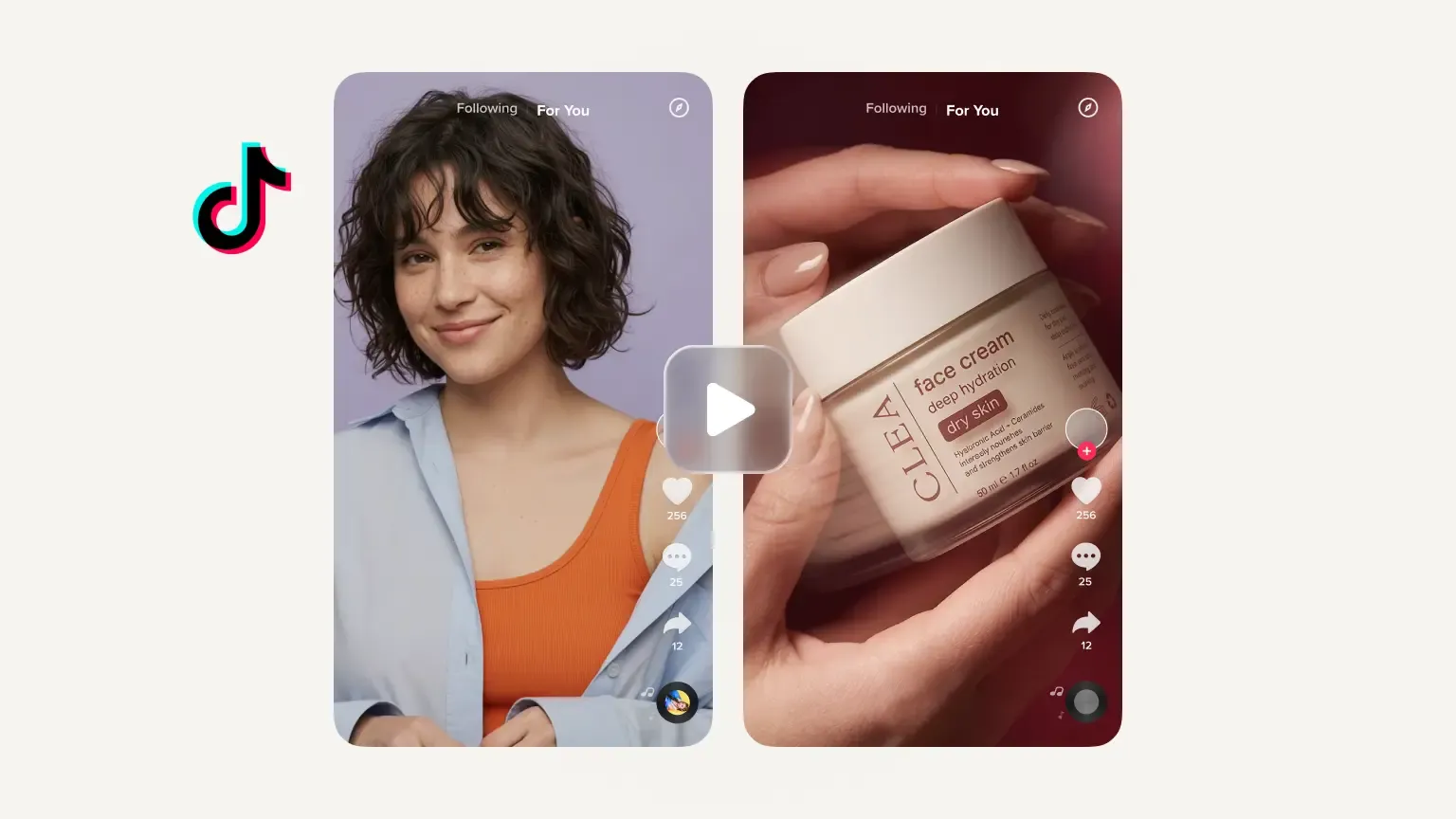
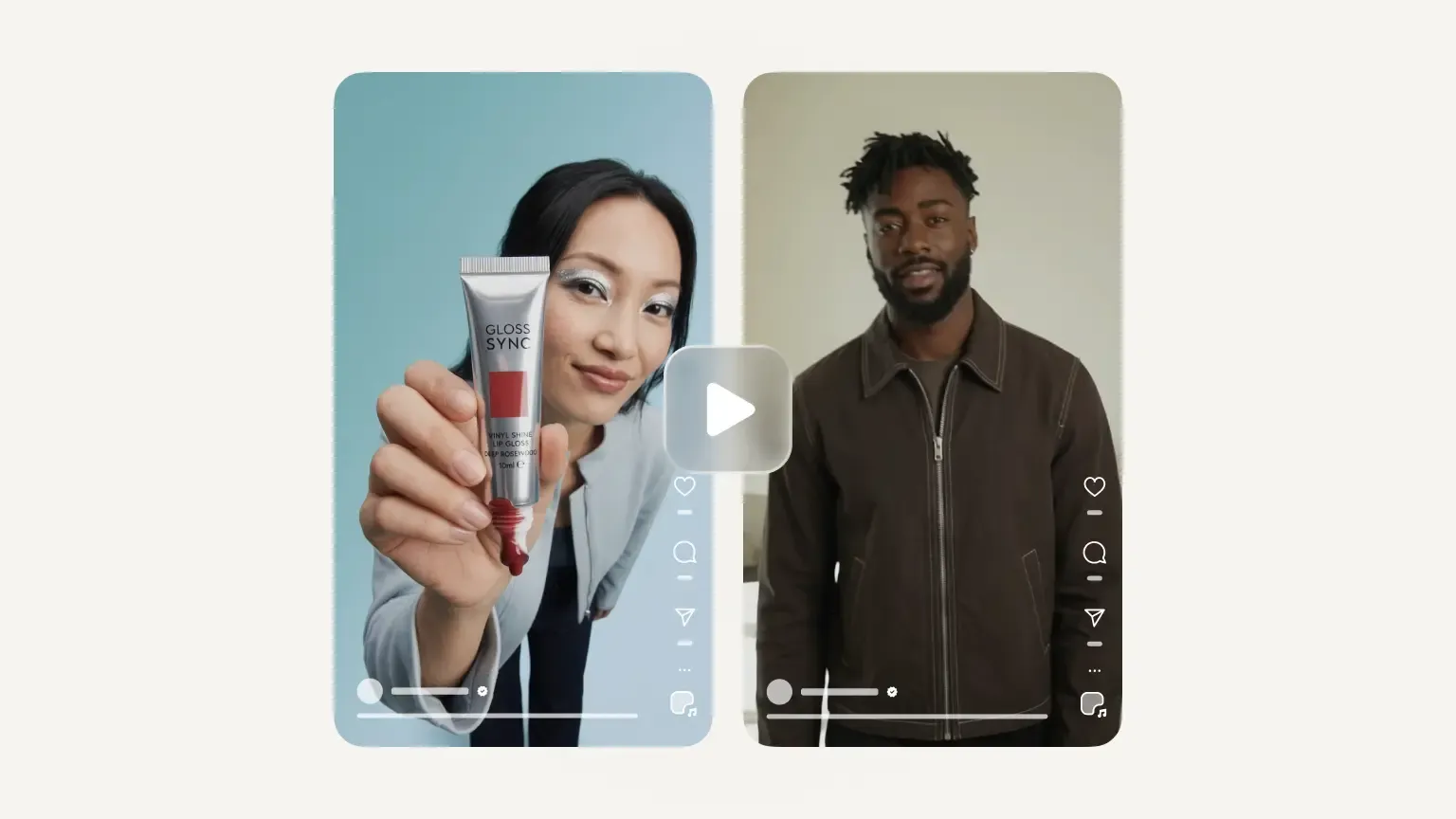
Introduce your products to new audiences and give interested shoppers another reason to buy. Create UGC-style videos with AI characters for prospecting campaigns, or product-focused showcases for retargeting. Need a new creative? Generate another version from your existing photos, without organizing a new shoot or starting from scratch.

Video templates

Video ideas for every product and every season

Why make Facebook video ads with Photoroom?

Create ads ready for Meta Ads Manager

Create ads ready for Meta Ads Manager

Generate Facebook video ads in 9:16 for Reels and Stories or 16:9 for in-stream placements, ready to upload to Meta Ads Manager. Use the same account to run your ads across Facebook and Instagram without extra editing.

Stay in control of your advertising message

Stay in control of your advertising message

Review your video plan and script before generating. Check the selling points, refine your offer, and adjust the creative direction to make sure every Facebook ad reflects your product and brand.

No stock footage, no editing software

No stock footage, no editing software

Turn your existing product photos into Facebook video ads without filming, stock footage, or editing software. Let Photoroom handle the scenes, script, and optional AI actors or voiceovers while you focus on selling.

Try it yourself

How to make a Facebook video ad with Photoroom

1

Add your product photos

Open Photoroom's Video Ad Maker. Upload up to six product photos, import them from Shopify, Google Drive or Dropbox, or use visuals you've already created in Photoroom.

2

Describe your ad and choose the format

Describe the Facebook ad you want or let the AI director guide you through the creative process. Choose 9:16 for Reels and Stories or 16:9 for in-stream video.

3

Review, generate and publish

Review the video plan and adjust the script, actor, voiceover, length or language. Generate your video, download it and upload it to Meta Ads Manager.

Facebook video ads for every product category

Fashion and apparel

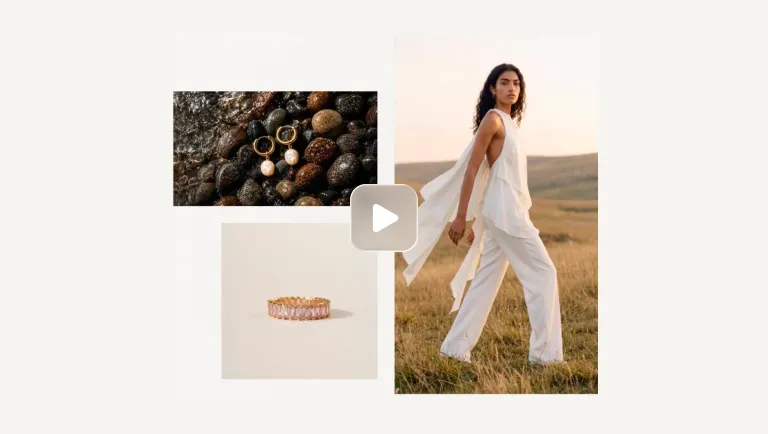
Retarget visitors with the colors and sizes they viewed, shown on an AI actor.

Beauty and skincare

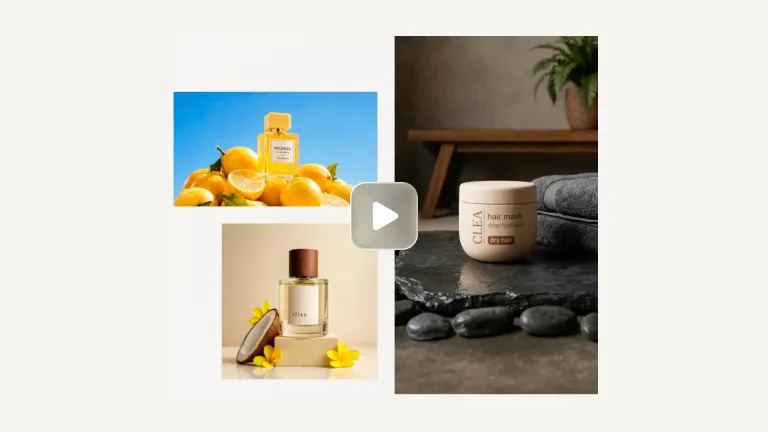
Let the voiceover explain ingredients and routine step by step, the questions buyers ask before they order.

Home and furniture

Use the 16:9 cut for in-stream: wide room shots suit landscape, and details like fabric and finish read clearly.

Tech and gadgets

Walk through two or three features in order, then end on the price or offer.

Built to grow with you

More ways to sell with Photoroom

Marketplace Sync
Publish on-brand to Shopify and any marketplace feeds.
AI Product Photography
Generate studio-quality product visuals without a studio.
Four fashion items with play icons: a brown handbag, sage green mule, person in a gray shirt and cardigan, and white sneakers with orange accents.
Image to Video API
The Image to Video API turns static product photography into short-form video automatically. Submit a product image and receive a polished video with natural camera motion, animation, or configured effects.
Video Ad Maker
Turn your product photos into video ads with actors, music and voiceover, in every format for Meta, TikTok and YouTube.
Product images and videos, made easy

Your complete AI solution

Create, edit, and optimize product images and videos for every channel at any scale, from a single listing to a full catalog.

Background Remover

Detect complex edges and deliver clean cutouts in seconds, then remove any background and replace it with a studio-quality backdrop that showcases your products.

AI Backgrounds

Generate custom product photo backgrounds with AI that match the lighting and perspective of your original photo, or change background colors in one click.

Product Staging

Place your product in realistic lifestyle scenes, held, worn, or displayed, so customers can picture it in use with Product Staging.

Virtual Model

Show apparel and accessories on diverse AI-generated models that fit your brand with Virtual Model. No casting, no studio day.

AI Ironing

Make every garment look freshly pressed. The AI smooths creases out of clothing photos automatically, so you can remove wrinkles from clothes with no steamer and no reshoot.

Recolor

Create every color variant from a single photo, with accurate product colors and no reshoot per variant.

Product Beautifier

Restore detail, correct color, and improve lighting on low-quality product photos automatically with Product Beautifier.

AI Shadows

Add realistic shadows under your product, with control over softness, intensity, and position.

Product Fixer

Fix AI-generated images to match your product with Product Fixer, so every detail, label, and color stays true to what you actually sell.

Video Generator

Turn your product photos into videos for your listings, social feeds and ads.

Video Ad Maker

Create video ads for Meta, TikTok and YouTube from your product photos.

Edit with AI

Describe any change in plain language, like swapping a color, removing an object, or changing the scene, and the AI makes it.

AI Photo Editor

Batch and API

Save time by batch editing hundreds of images , or connect Photoroom’s API directly to your website or marketplace for a scalable workflow.

Brand Library

Store your logos, fonts, colors, backgrounds, and models in Brand library so every new image stays on-brand.

Video ad maker

Frequently asked questions

How do I make a Facebook video ad for my product?

You can create Facebook video ads directly from your existing product photos, without filming anything. With Photoroom's Video Ad Maker, upload up to six photos, use visuals you've already created, or make new ones in Photoroom. Describe the ad you want or let the AI director handle the creative process. Review the script, choose the format for your Facebook placement, and generate your video. Download it and upload it to Meta Ads Manager to set your audience, budget, and campaign objective.

Which tool is best for making Facebook video ads?

The best tool depends on what you have and what you want to create. Traditional video editors work well if you already have footage, while text-to-video generators can create scenes from prompts. If you're an e‑commerce seller starting with product photos, Photoroom is a strong option. Its AI Video Ad Maker builds Facebook ads around your products, develops the script, and lets you create different video styles without organizing a shoot or learning video editing.

How do I create compelling video ads for Facebook?

Start by showing your product and giving viewers a reason to keep watching. Focus on one clear message, highlight the benefits that matter to your customers, and end with a relevant call to action. Adapt your creative for different Facebook placements and test different hooks, selling points, or video styles. Photoroom makes it easier to experiment with multiple Facebook video ads from the same product photos, without producing new footage every time.

What's the best format and size for a Facebook video ad?

The ideal format depends on where your Facebook ad appears. Use vertical 9:16 video for Reels and Stories, typically at 1080 × 1920 pixels or higher. Facebook Feed generally favors 4:5, while in-stream placements commonly use 16:9 landscape video. Photoroom's Video Ad Maker supports 9:16 and 16:9, so you can create videos for Reels, Stories, and in-stream placements.

How much does it cost to generate Facebook video ads with Photoroom?

Photoroom's Video Ad Maker is included in the Max and Ultra plans, with video generation limits depending on your subscription. Both plans let you turn product photos into Facebook video ads, with AI handling the creative planning, script, product animation, and optional characters or voiceovers. You also get access to Photoroom's product photography tools. Check Photoroom's plans and pricing for current costs and generation limits.