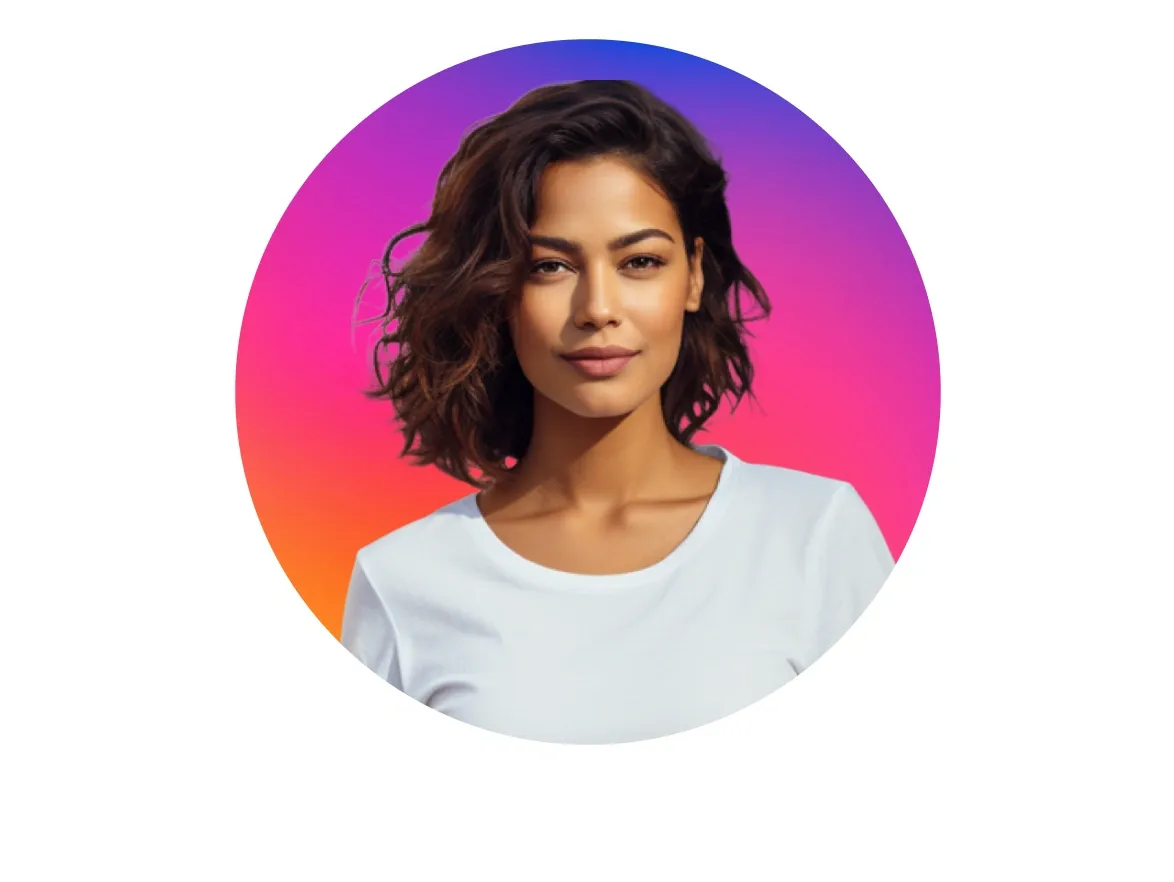
Create a circular profile picture and personalize it to stand out - easy and fast.
Before
After
Select a picture
No picture on hand? Try with one of these
Why not try a colorful circle-cropped image?
Round profile pictures continue to be seen as modern and up-to-date, reflecting the current design trends and user preferences in digital interfaces. Create a modern, but still unique profile picture with the creative templates of Photoroom.
With the help of the Batch mode option, you are able to upload multiple photos and to apply the round profile template at the same time to all images. It saves time and spares your nerves. Try it out now!
Round profile pictures are often considered visually pleasing and provide a clean and modern look. The smooth and symmetrical shape of a circle can create a more balanced and harmonious appearance compared to square or rectangular images.
2
Mobile Optimization
With the growing dominance of mobile devices, round profile pictures are more compatible with the small screens of smartphones.
The circular shape occupies less space and ensures that the profile pictures don't get cropped or distorted on mobile displays.
3
Social Network Influence
The adoption of round profile pictures by popular social networking platforms like Facebook, Twitter, and LinkedIn has influenced other platforms and applications to follow suit.
Product images and videos, made easy
Your complete AI solution
Create, edit, and optimize product images and videos for every channel at any scale, from a single listing to a full catalog.
Background Remover
Detect complex edges and deliver clean cutouts in seconds, then removeany background and replace it with a studio-quality backdrop that showcases your products.
Place your product in realistic lifestyle scenes, held, worn, or displayed, so customers can picture it in use with Product Staging.
Virtual Model
Show apparel and accessories on diverse AI-generated models that fit your brand with Virtual Model. No casting, no studio day.
AI Ironing
Make every garment look freshly pressed. The AI smooths creases out of clothing photos automatically, so you can remove wrinkles from clothes with no steamer and no reshoot.
Recolor
Create every color variant from a single photo, with accurate product colors and no reshoot per variant.
Product Beautifier
Restore detail, correct color, and improve lighting on low-quality product photos automatically with Product Beautifier.
AI Shadows
Add realistic shadows under your product, with control over softness, intensity, and position.
Product Fixer
Fix AI-generated images to match your product with Product Fixer, so every detail, label, and color stays true to what you actually sell.
Video Generator
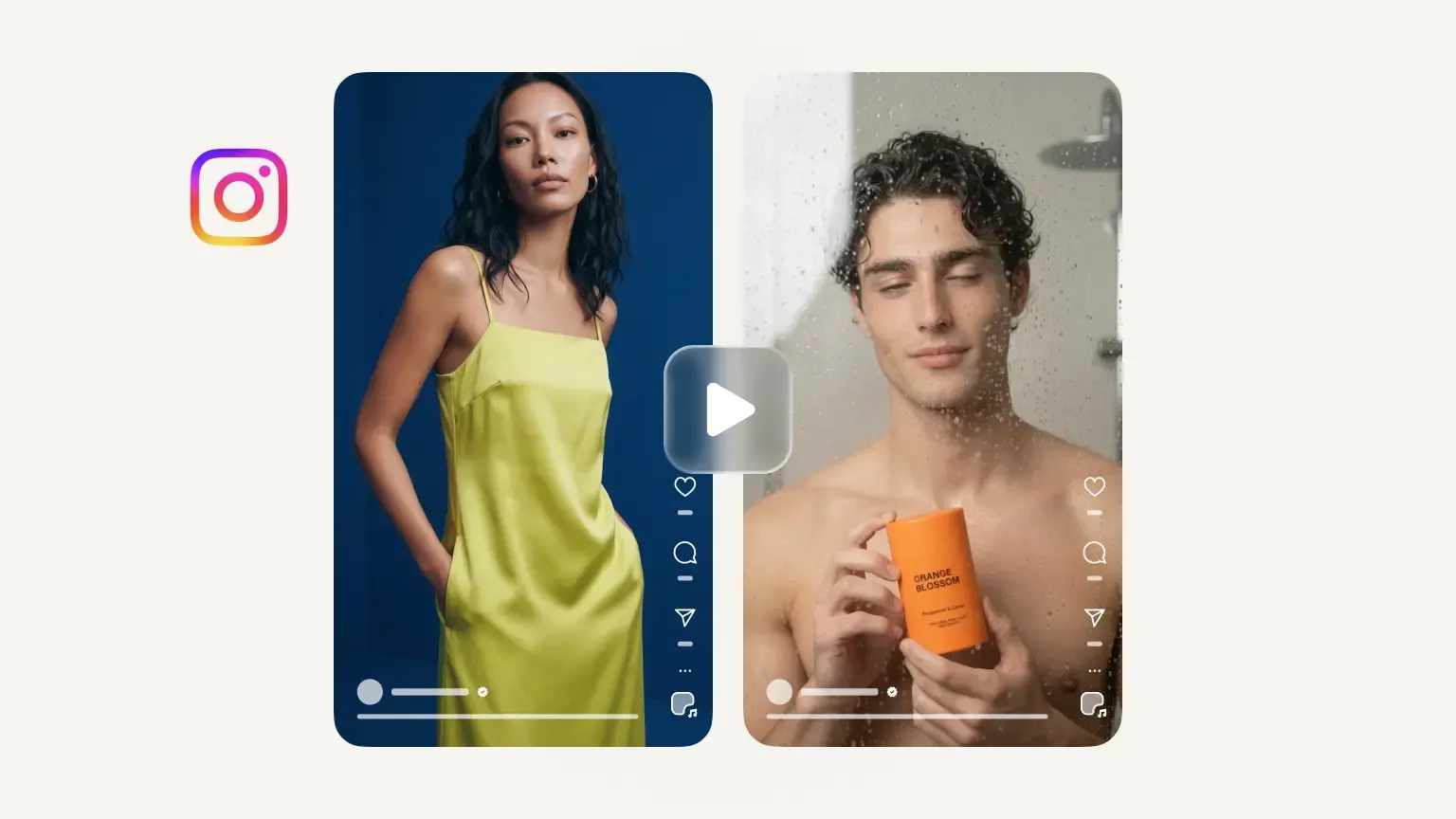
Turn your product photos into videos for your listings, social feeds and ads.
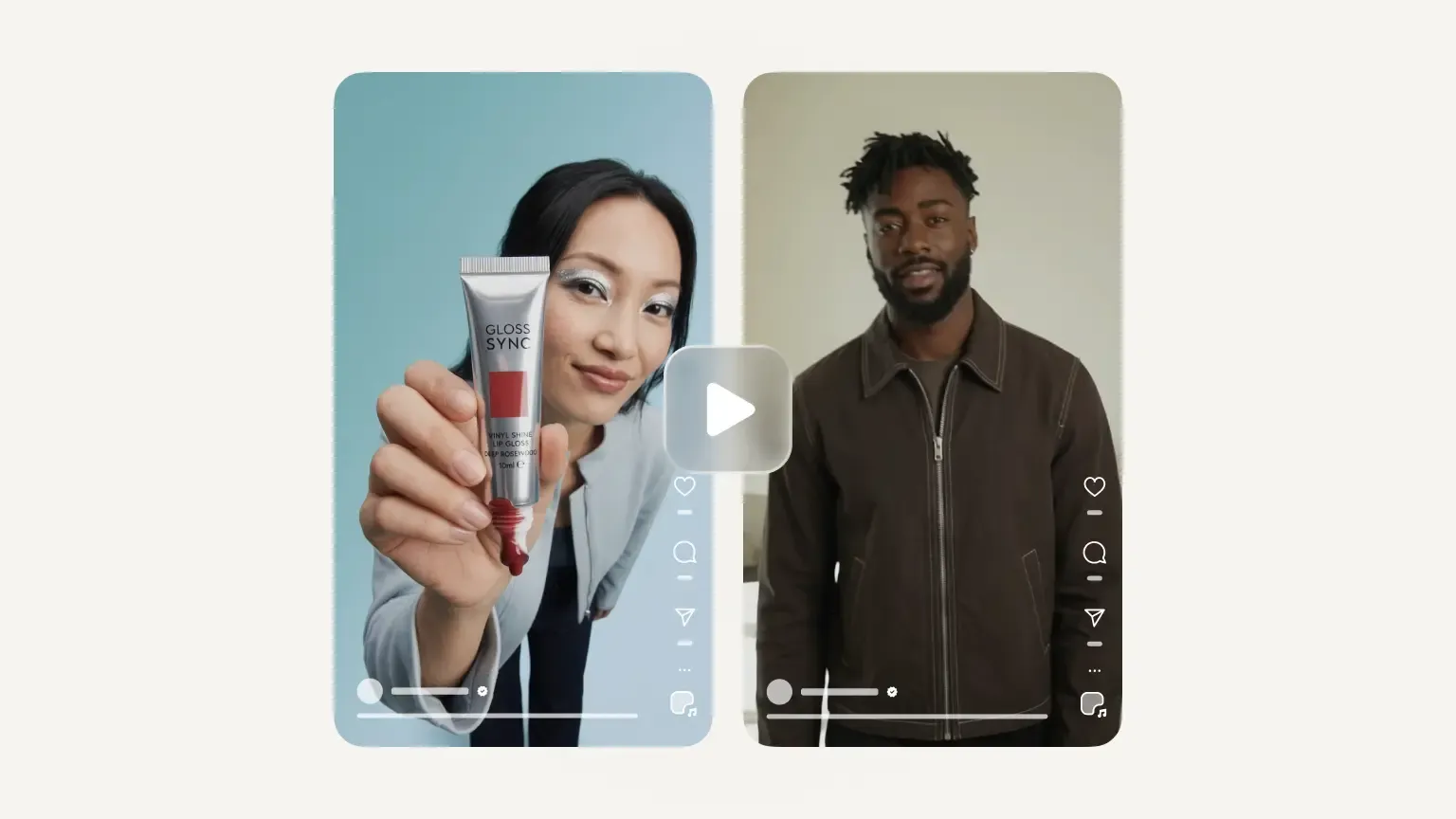
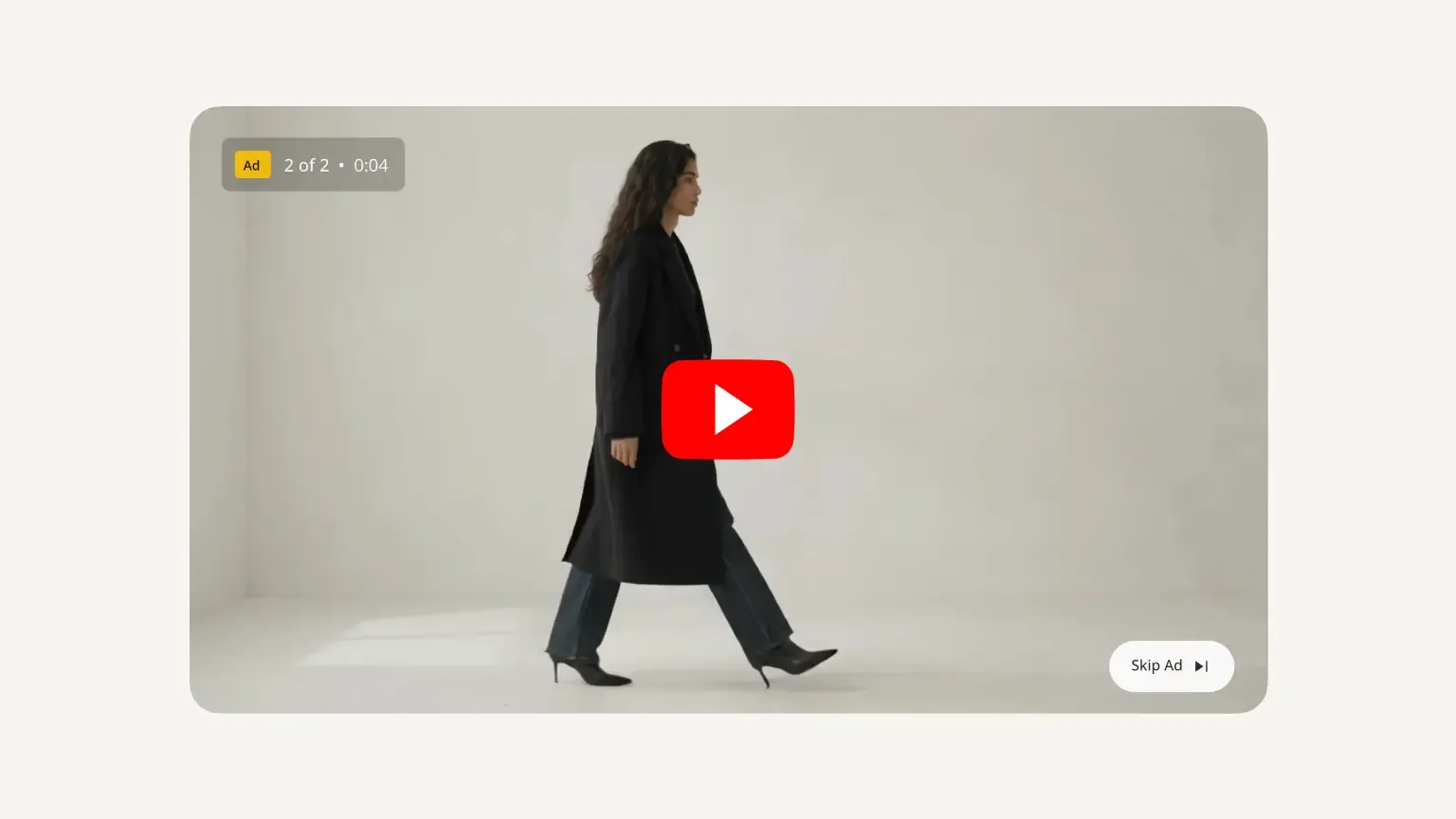
Video Ad Maker
Create video ads for Meta, TikTok and YouTube from your product photos.
Edit with AI
Describe any change in plain language, like swapping a color, removing an object, or changing the scene, and the AI makes it.
Save time by batch editing hundreds of images , or connect Photoroom’s API directly to your website or marketplace for a scalable workflow.
Brand Library
Store your logos, fonts, colors, backgrounds, and models in Brand library so every new image stays on-brand.
Frequently asked questions
How do I make my profile picture round?
Upload your photo and you will automatically be redirected into the editor view of Photoroom. During this process, the background of your photo is being removed, so you can be as flexible as possible with the cropped out image. In the webapp editor, you can choose between different round profile picture styles and you also have the possibility to adjust the colors and size.
What size is a round profile picture?
The size of a round profile picture can differ depending on the platform where it is used. A common size for a round profile picture is usually a square image with equal width and height dimensions (1:1). For example, it could be 200 pixels by 200 pixels or 400 pixels by 400 pixels.
Why are there so many round profile images now?
If you have the feeling that the use of round profile pictures have taken over since a few years, you are not alone! It is a trend driven by both aesthetic considerations and the need for visual consistency across platforms, catering to the preferences and habits of modern users. So it is indeed no coincidence that round profile pictures are everywhere.