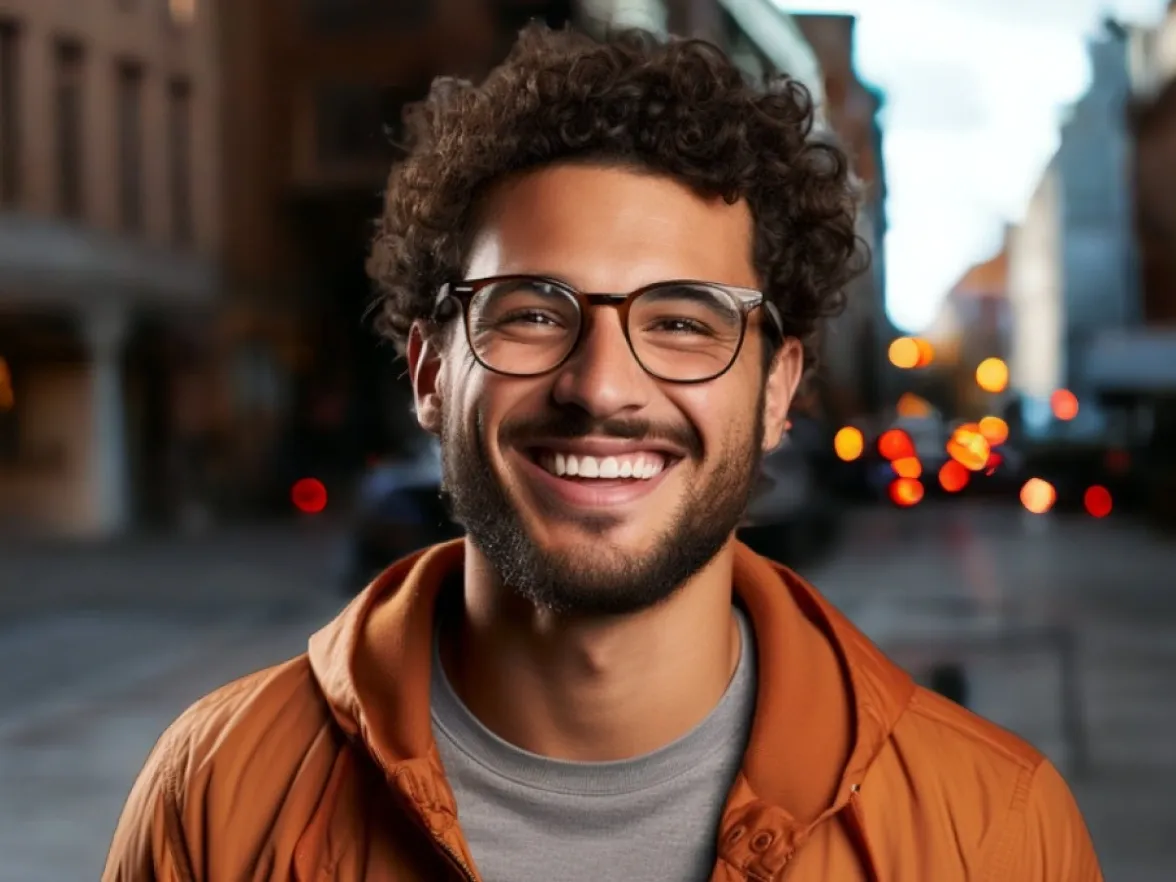
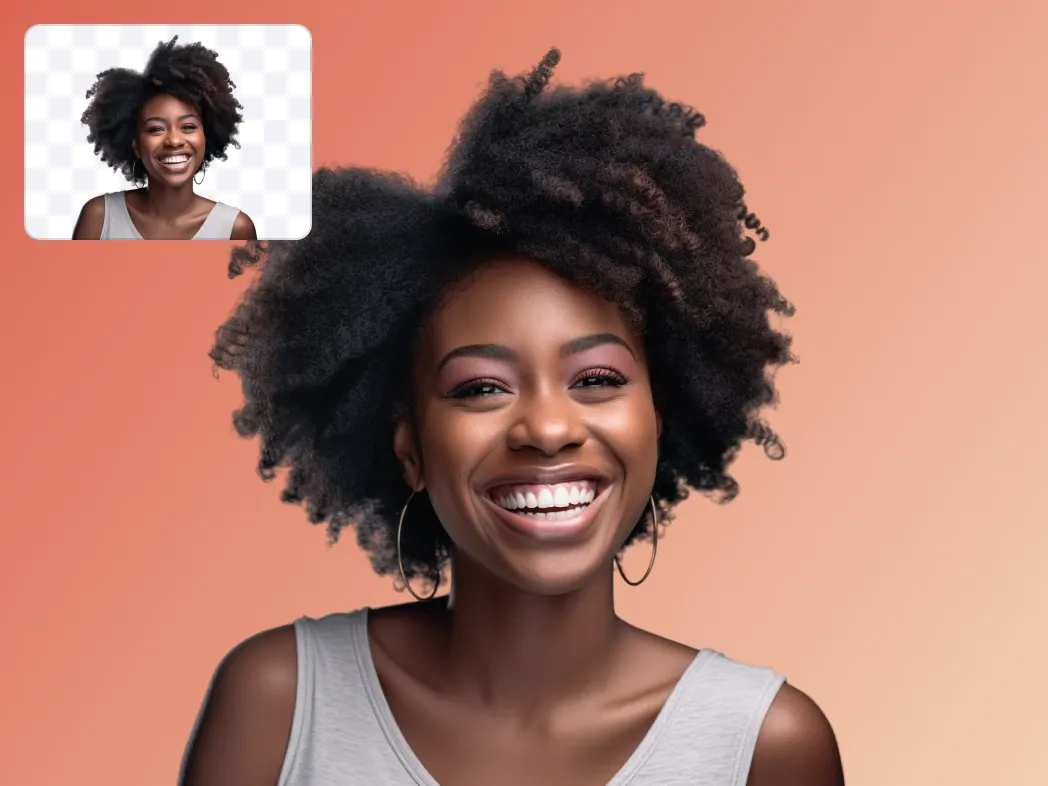
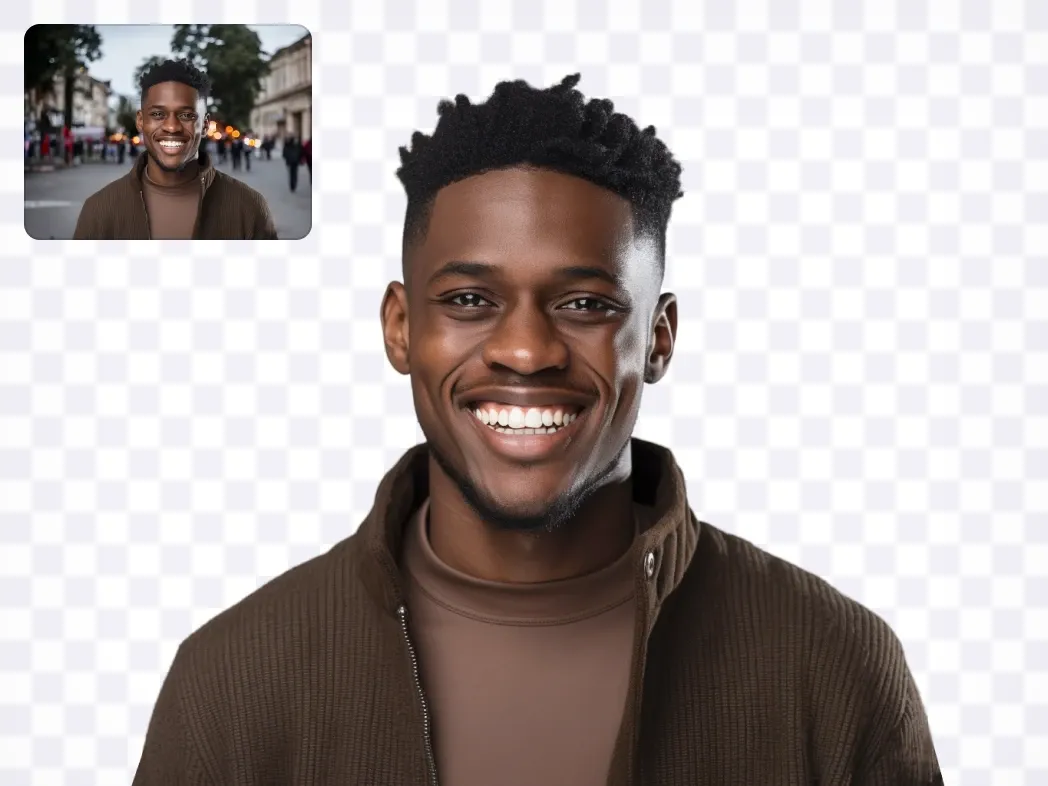
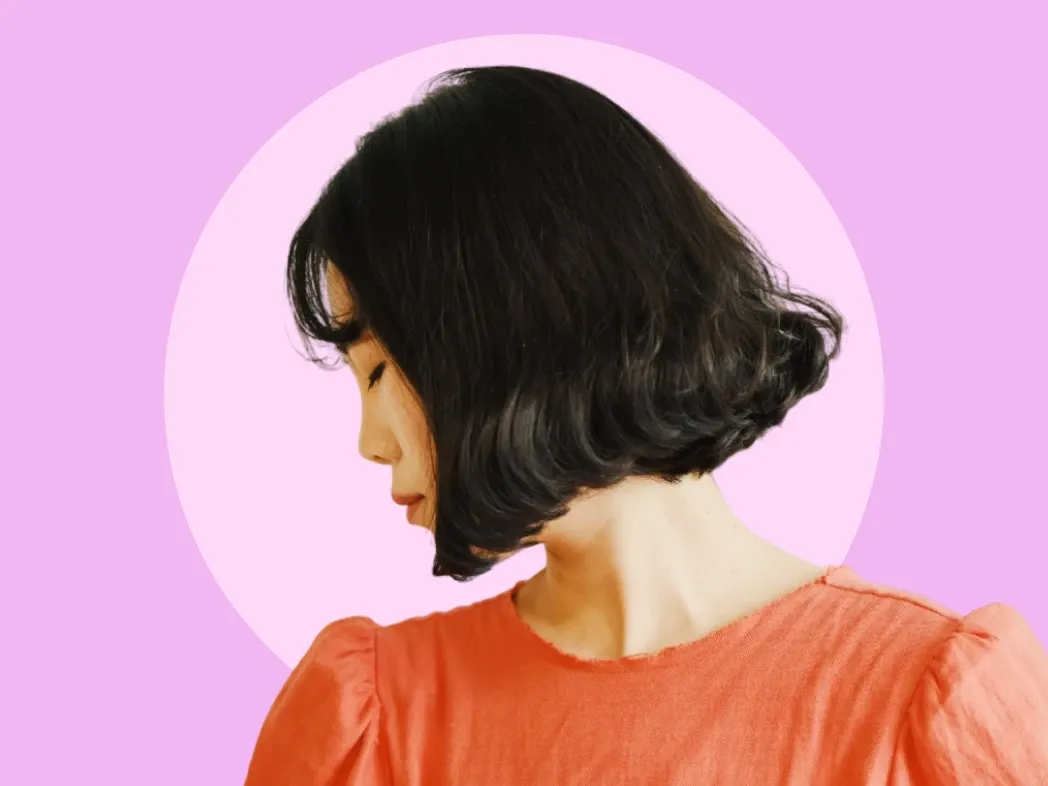
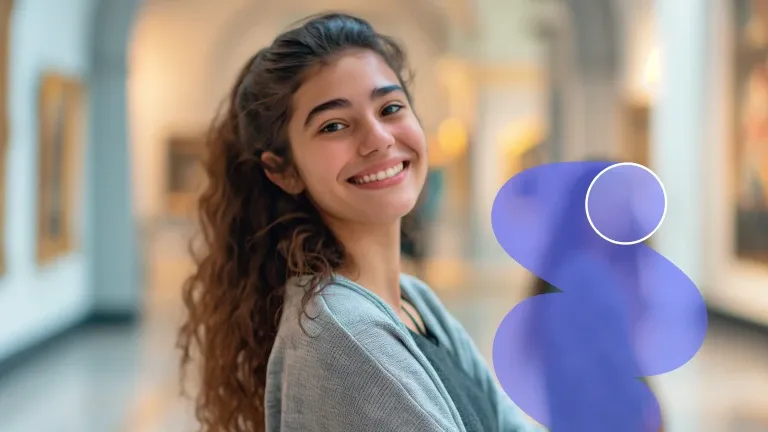
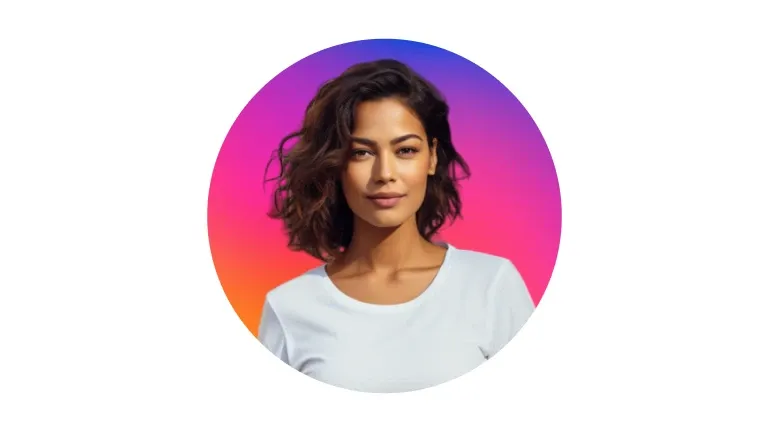
Upgrade how your business shows up online with a profile picture that stands out and represents your brand. Photoroom’s AI Profile Picture Maker helps you turn a photo, team image, or brand visual into a profile-ready graphic you can use across e‑commerce platforms, marketplaces, and business listings.
Before
After
Select a picture
No picture on hand? Try with one of these
Create professional profile images that strengthen your brand presence
Make a strong first impression wherever your brand appears
Your profile picture is often the first visual people see when they come across your business. A clear, well-presented image helps your brand look credible across e‑commerce platforms and product listings. Whether it is a headshot, a team photo, or a brand visual, a polished profile image sets the tone straight away.
Businesses often use a mix of founder photos, team shots, and branded graphics as profile images. Bringing these into a consistent visual style makes your brand easier to recognize across different channels. When everything follows the same look, people spot your business faster and remember it more easily. A Brand Kit also helps you apply the same logo, fonts, and colors across your visuals, so your profiles all look like they belong to the same brand.
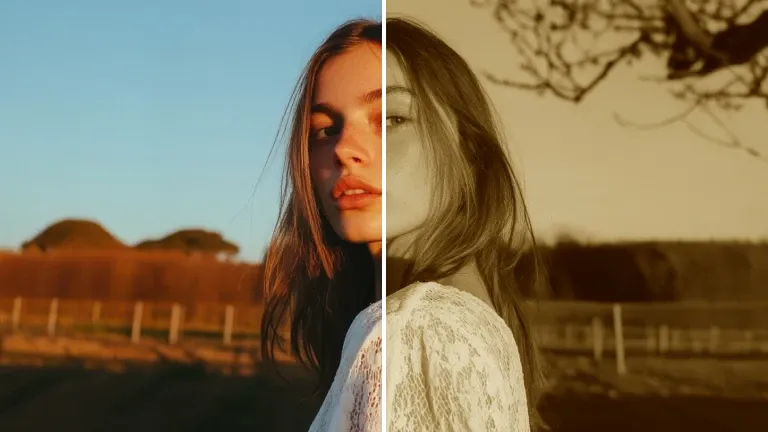
Not every usable profile photo comes from a professional shoot. Photoroom’s AI Headshot Generator helps refine lighting, framing, and background so individual or small team photos work better in a business context. You can also experiment with different visual effects, such as colored backgrounds, image outlines, or black and white filters, to suit your brand style. This makes updating profile images an easier process when roles change or teams grow.
Adapt profile images for different shapes and layouts
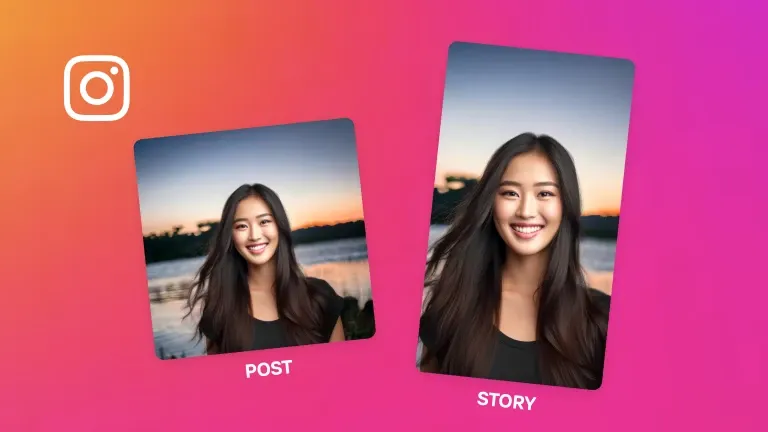
Profile pictures are not one-size-fits-all. Some platforms crop to circles, others to squares, and each one frames your image in a slightly different way. In a few clicks, you can tweak your photo so it fits neatly in every shape, without awkward cuts or missing details. With Photoroom, you can easily tailor your image for each website and platform.
Log in to your account, and in the “Create” menu, select a profile picture template, and upload your image. The AI automatically places your photo into the frame and removes the background so the focus stays on the main subject.
2
Give it some brand personality
Select different layers to refine your image and explore extra editing options. You can change the background color, add an image outline, or apply a frame that matches your brand style. Toggle with filters to try different styles like black and white, or sepia.
3
Download and use your profile image
When you have the background, outline, and framing set the way you want, download your profile picture and use it where you need it, whether it’s your individual or business profile pages, or your e‑commerce storefronts.
Product images and videos, made easy
Your complete AI solution
Create, edit, and optimize product images and videos for every channel at any scale, from a single listing to a full catalog.
Background Remover
Detect complex edges and deliver clean cutouts in seconds, then removeany background and replace it with a studio-quality backdrop that showcases your products.
Place your product in realistic lifestyle scenes, held, worn, or displayed, so customers can picture it in use with Product Staging.
Virtual Model
Show apparel and accessories on diverse AI-generated models that fit your brand with Virtual Model. No casting, no studio day.
AI Ironing
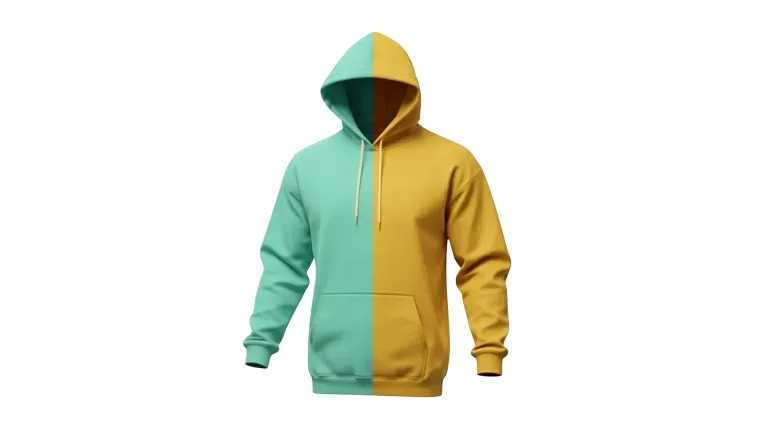
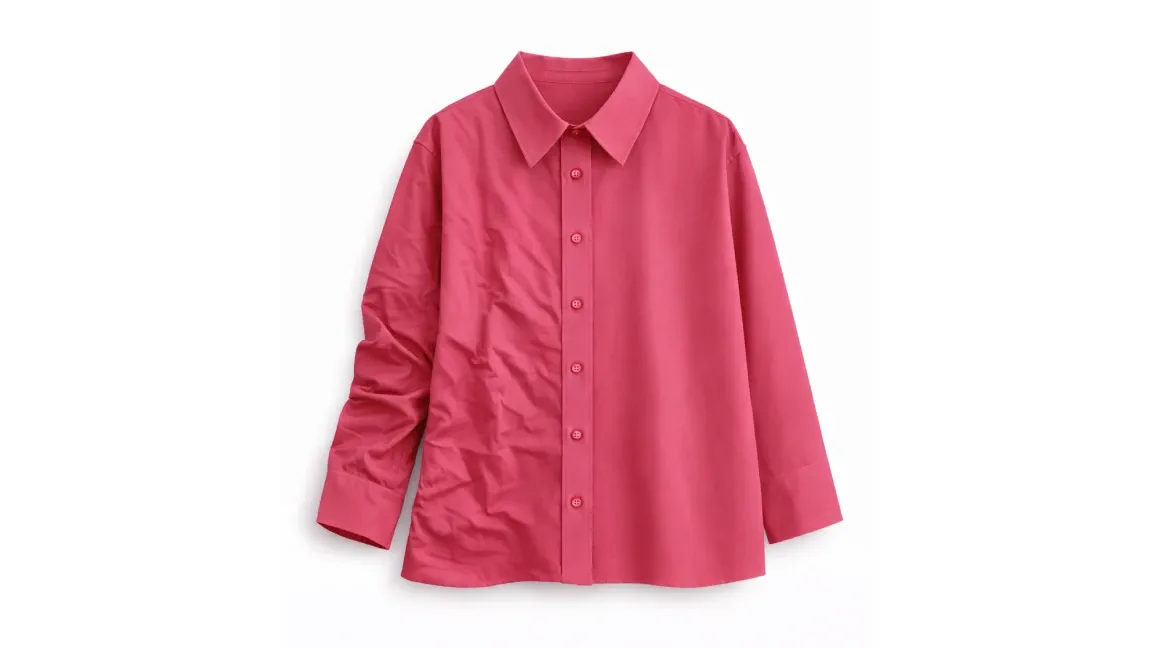
Make every garment look freshly pressed. The AI smooths creases out of clothing photos automatically, so you can remove wrinkles from clothes with no steamer and no reshoot.
Recolor
Create every color variant from a single photo, with accurate product colors and no reshoot per variant.
Product Beautifier
Restore detail, correct color, and improve lighting on low-quality product photos automatically with Product Beautifier.
AI Shadows
Add realistic shadows under your product, with control over softness, intensity, and position.
Product Fixer
Fix AI-generated images to match your product with Product Fixer, so every detail, label, and color stays true to what you actually sell.
Video Generator
Turn your product photos into videos for your listings, social feeds and ads.
Video Ad Maker
Create video ads for Meta, TikTok and YouTube from your product photos.
Edit with AI
Describe any change in plain language, like swapping a color, removing an object, or changing the scene, and the AI makes it.
Save time by batch editing hundreds of images, or connect Photoroom’s API directly to your website or marketplace for a scalable workflow.
Brand Library
Store your logos, fonts, colors, backgrounds, and models in Brand library so every new image stays on-brand.
Frequently asked questions
What is a profile picture?
A profile picture is the main image used to represent a person, team, or brand on an account. It appears next to names in listings, directories, and customer-facing platforms, helping people quickly recognise who they are interacting with.
What makes a good profile photo?
A good profile photo is easy to recognize at small sizes, with a clear subject and a background that does not distract. It should match the tone of your business, whether that means professional, creative, or brand-led.
How to create a good profile pic?
To create a good profile pic, start with a photo where the subject is clearly visible and in the foreground. Then use a profile picture generator to refine the framing, adjust the background, and make sure the image works well in small, cropped spaces.
How does Photoroom's Profile Picture Maker work?
Photoroom’s Profile Picture Maker uses AI to place your photo into a ready-made layout and remove the background automatically. From there, you can adjust layers, change the background color, add outlines, or apply frames to match your brand. The result is a profile-ready image designed to fit different shapes and uses.
What are common profile photo mistakes?
Some of the common profile photo mistakes are busy backgrounds, poor lighting, and photos where the subject is too small for a good headshot. Another frequent problem is awkward cropping when images are forced into circular or square formats, but specialized tools like Photoroom’s Round Profile Picture Maker can solve these common issues.
What's the best app for profile pics?
The best app for profile pics is one that makes it easy to clean up backgrounds, improve framing, and adapt images for different formats. Tools like Photoroom’s AI Profile Picture Maker simplify this process and help you build a more consistent brand presence. You can also pair your profile visuals with tools like AI Logo Maker to strengthen your overall brand identity.