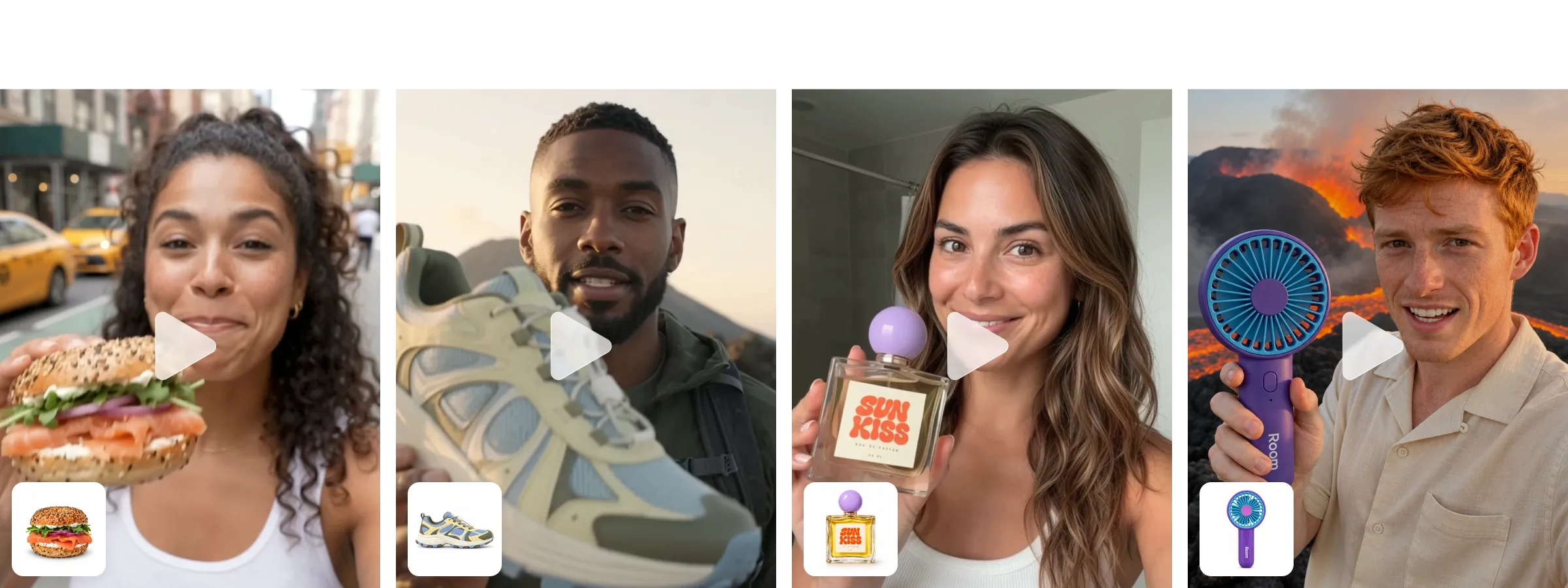
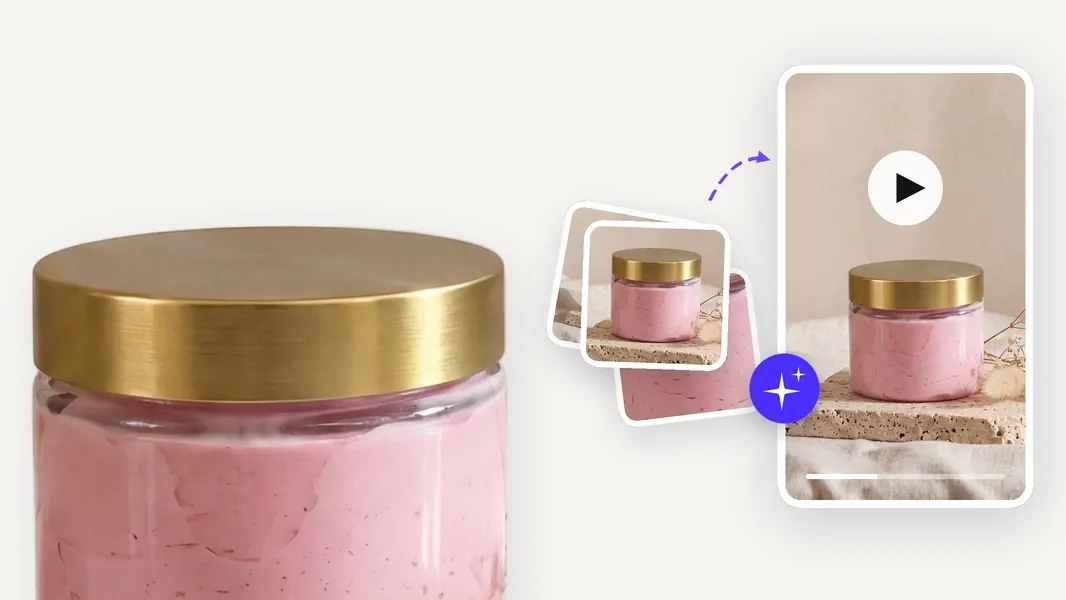
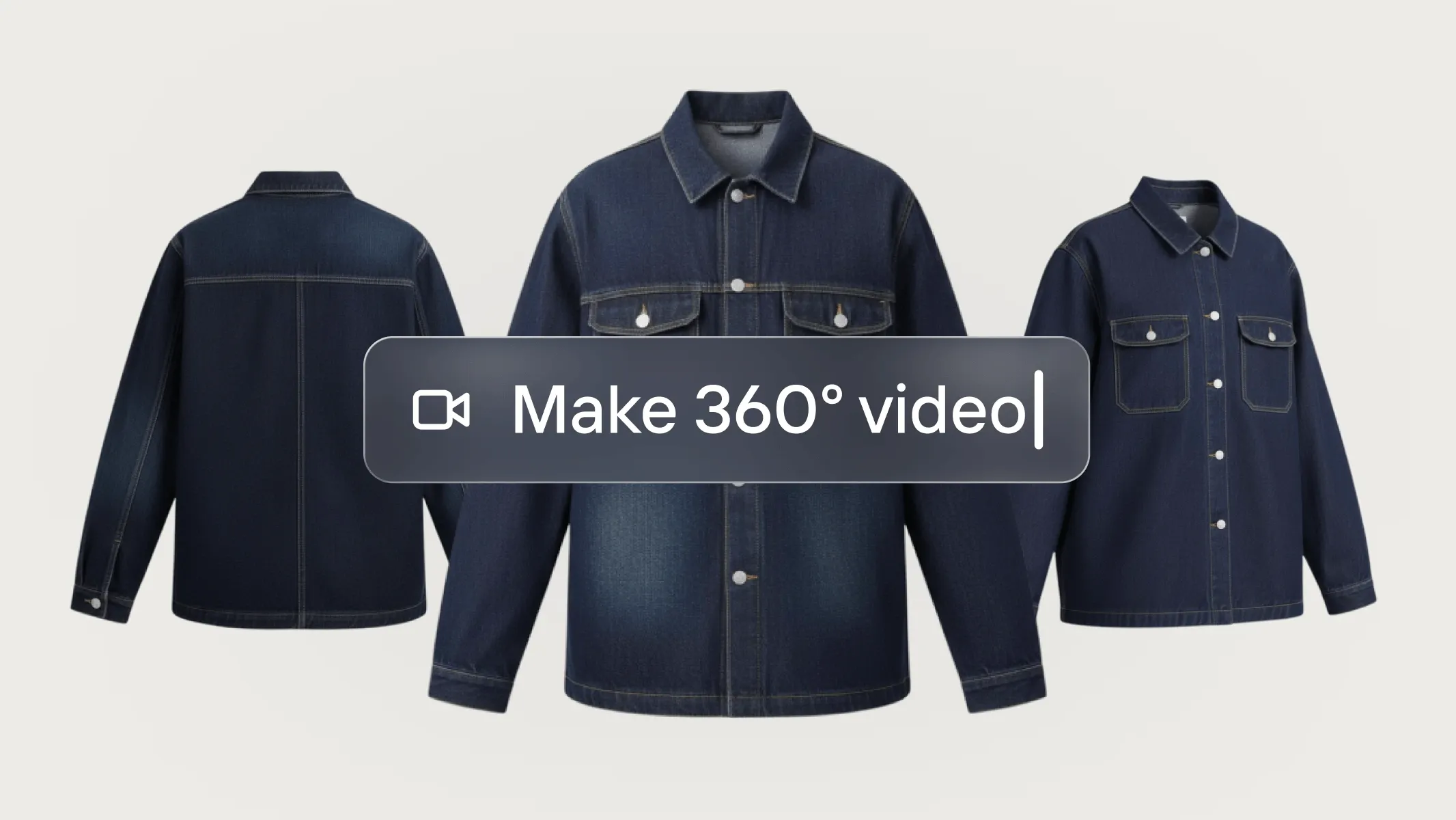
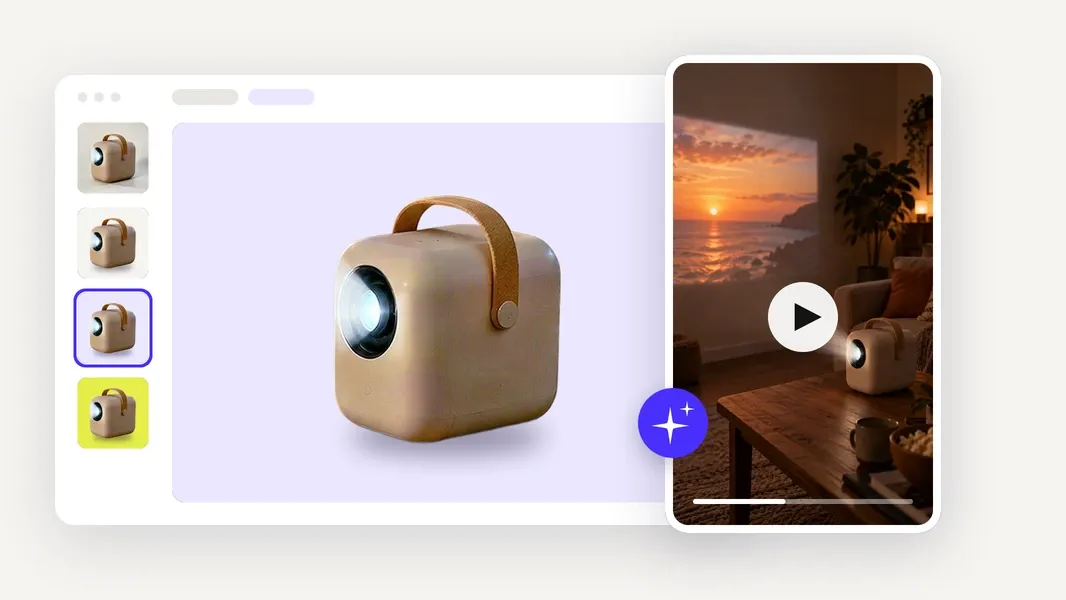
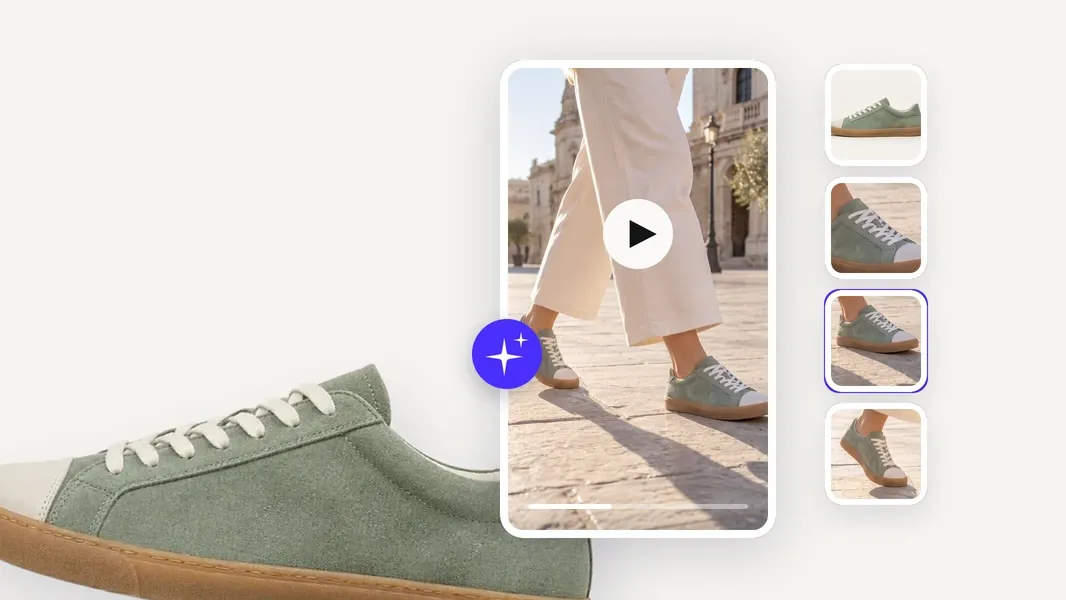
Video Ad Maker is Photoroom's AI video ad tool for e‑commerce. It turns your product photos into 5, 8 or 10-second video ads for Meta, TikTok, Instagram and YouTube. You upload your photos and answer a few questions in a chat, and Photoroom's AI director plans the video, writes the script and generates the ad. It is available on the Max and Ultra plans, on web, iOS and Android.
Why we built Video Ad Maker
At Photoroom, we help businesses of every size around the world, from solo founders to large brands, create product images that sell. Over the past year, more and more of you told us that photos alone are no longer enough. Ad platforms and social feeds reward video, and shoppers want to see a product in motion before they buy.
So we started with video for products: Product Animator, which turns your product photos into a short animated clip from a template. It showed us how much sellers wanted video, and it also showed us where they got stuck. Many of you had a great idea for your ad but could not find the template that matched it, or found it hard to put that idea into words for an AI tool.
That is why we built Video Ad Maker. You do not start from a blank prompt or a long list of templates. You drop in your product photos and answer a few questions in a chat, and the AI director guides you from the very first step. You do not need filming, editing or prompting skills.
Product photos have already become fast. In Photoroom's Hidden Cost of Product Photography for SMBs research, based on 1,356 paying sellers, 58% now finish a store-ready product photo in under five minutes, compared with a previous median of 15 minutes. 25% of Max users have also reduced their spend on photographers. Video is the next step.
Photos got there first, and video is next.
–Matt Rouif, CEO of Photoroom
How do you make a video ad from a product photo with Photoroom?
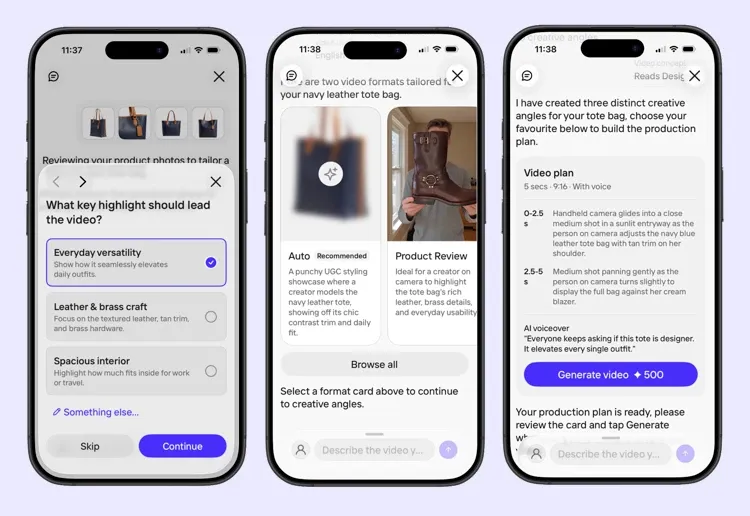
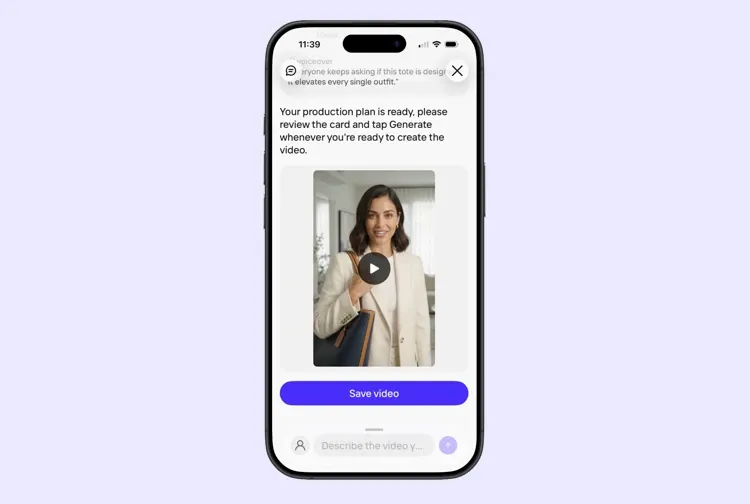
You make a video ad in seven steps, and the AI director guides you through each one:
Open Video Ad Maker from AI Tools in the Photoroom app, or from the side menu in the web app.
Upload one or more product photos. Shots from different angles (front, side, top) give the best results.
Set your preferences, or leave them on Auto: format, duration, character, audio and language.
Answer the AI director's questions about who or what is on camera, the vibe you want, and the audio and language.
Pick a video style: Creator-led, Product-led, Try on or Story. Then choose one of three creative angles.
Review the video plan shot by shot, and edit the voice-over script if you want.
Generate and download your video as an MP4.
Platform: Web, iOS and Android
For: Max and Ultra plans
Learn more about Video Ad Maker →
Read the step-by-step guide in our Help Center →
What kind of video ads can you make?
Every video is built for e‑commerce ads and social feeds:
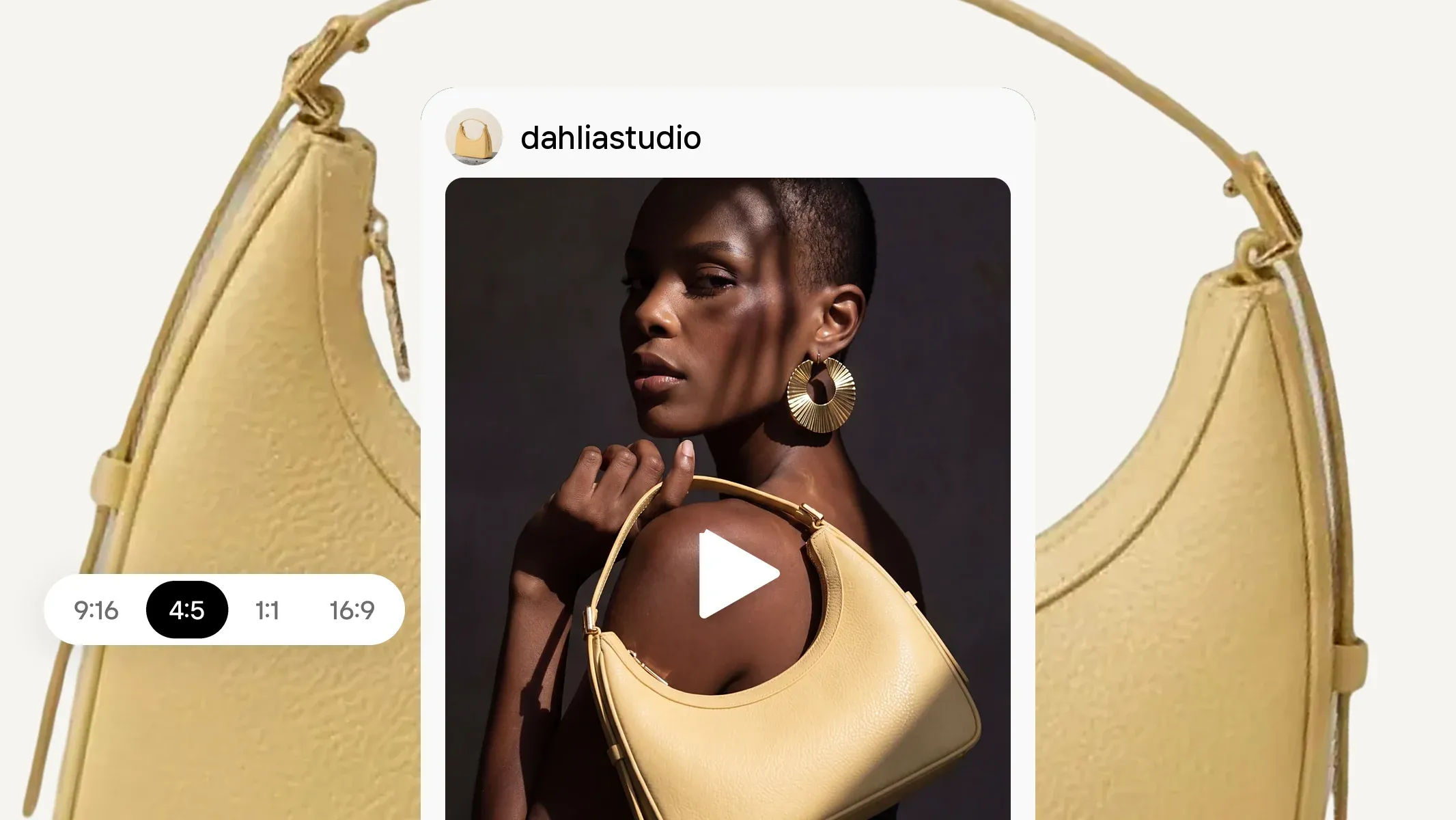
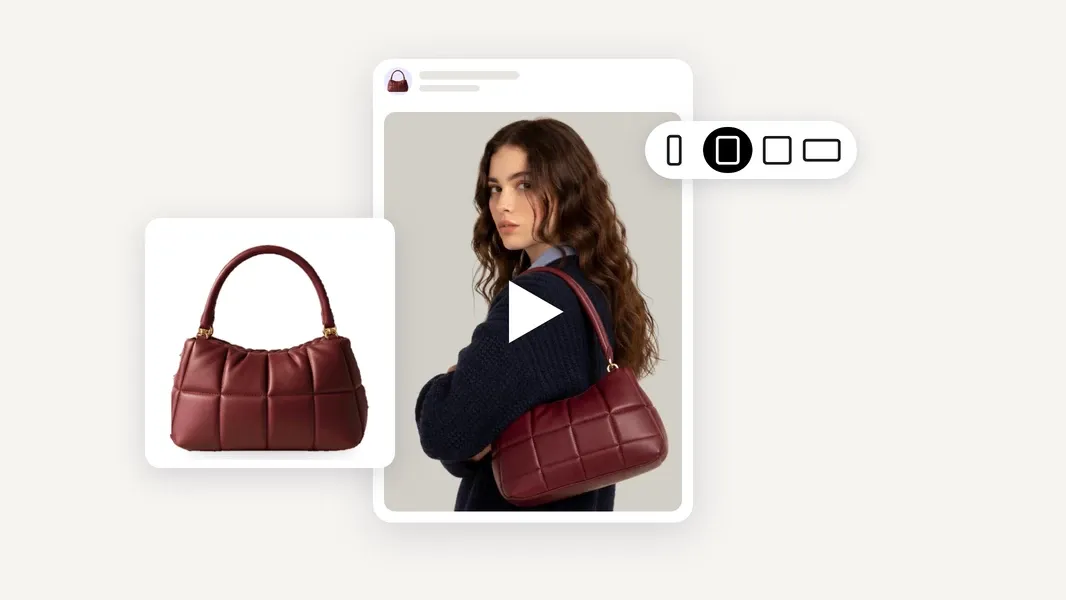
Formats: vertical 9:16 for Meta and TikTok ads, Instagram Reels and Stories, and landscape 16:9 for YouTube and your website.
Length: 5, 8 or 10 seconds.
On camera: 17 AI actors who hold, wear or use your product, or the product on its own.
Audio: a voice-over in your customers' language, music only, or no sound.
With the AI director handling the planning, you can test new ads every week, not once a quarter.
Who is Video Ad Maker for?
Video Ad Maker is for small e‑commerce brands that sell through social media and need video for their ads or posts:
Solo founders and small teams who want a professional video without learning new tools or appearing on camera.
Social media managers who need fresh video every day and have no time to film or edit.
Performance marketers who need many ad versions to test and to keep their ads from going stale.
Video Ad Maker or Product Animator: which one should you use?
Use Video Ad Maker when you want a full video ad with a plan, actors and a voice-over. Use Product Animator when you want a quick, short clip of your product from a template.
| Video Ad Maker | Product Animator | |
|---|---|---|
| How it works | Guided chat with an AI director | Pick a template and generate |
| Best for | Ads for Meta, TikTok and YouTube | Quick product clips |
| Script and voice-over | Yes, in a choice of languages | No, the clips are silent |
| AI actors | 17 actors, or product only | No |
| Photos | One or more | Up to four |
| Templates | Video styles and creative angles | 300+ templates by product category |
Now it is your turn. We cannot wait to see the videos you create, so let us know how Video Ad Maker helps your business!
For anyone who is curious about how we created this tool, check out the behind the scenes video on our YouTube channel.