You’re considering HeyGen, or perhaps you’ve already tried it, because you want to create videos without filming. And it’s a good option, especially when you need an AI presenter to explain something, deliver a script, or speak to customers.
But if you sell physical products, you don't always need someone talking to the camera. Sometimes you want to show the product itself: how it looks, what makes it different, or why someone should buy it. And you want to do that without organizing a shoot or building a complicated video production workflow.
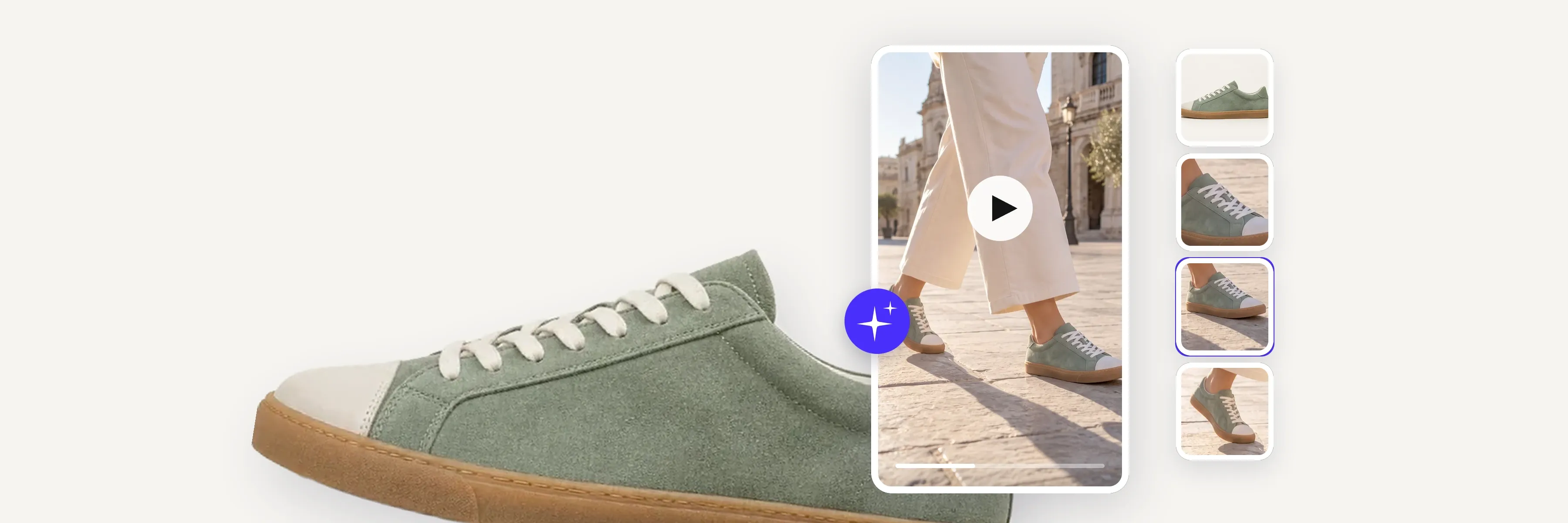
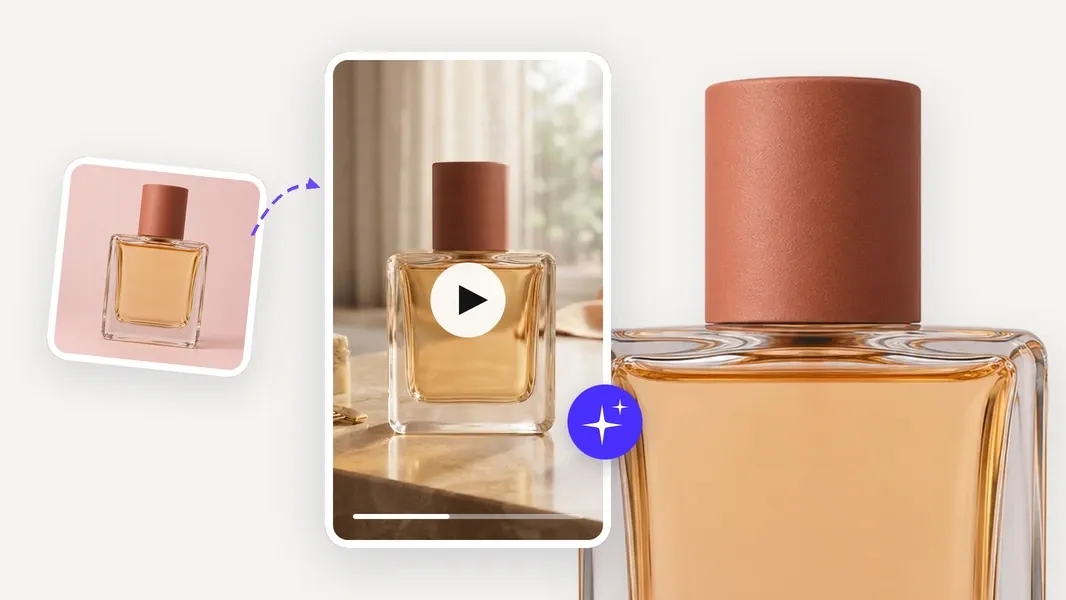
For e‑commerce sellers who want to create ads around their products, Photoroom's Video Ad Maker is one of our recommended HeyGen alternatives. It turns existing product photos into short video ads without filming or video editing. You can simply describe what you want in everyday language or let the AI director guide you through the process. It recommends a creative approach, script, and video format, which you can customize before generating. Whether you want a product showcase, a creator-led ad, or something more creative, the goal is the same: make videos that help you sell your products.
Other HeyGen alternatives focus on different needs, from professional digital presenters to AI character generation and template-based promotional videos and this guide compares six options, what each does best, and when sticking with HeyGen still makes sense.
A note on this comparison: We're the team behind Photoroom, so naturally we know our product best. We've included it alongside other HeyGen alternatives and compared the tools based on their capabilities, limitations, and suitability for different e‑commerce video needs. Our goal is to help you find the right tool for the way you sell, even if that isn't Photoroom.
HeyGen alternatives compared
Tool | Best for | Starting point | Main approach |
Photoroom Video Ad Maker | Sellers creating product videos and ads | Existing product photos | AI-guided product advertising |
Synthesia | Professional explainers and business videos | Script, document, or presentation | Structured avatar-led video |
Captions | Creator-style social videos | Script, footage, or AI actor | AI production and editing |
InVideo AI | Promotional videos from written ideas | Text instructions or script | AI-assisted video assembly |
Veed | Editing and repurposing product marketing videos | Existing footage, scripts, or prompts | AI-assisted video editing and repurposing |
Canva | Branded promotional videos and marketing assets | Product images, templates, or brief | Design-led creation and editing |
HeyGen (for reference) | AI presenters, explanations, and multilingual video | Script, avatar, images, or prompt | Avatar-led creation and localization |
The right choice depends on whether you need a presenter, a product showcase, a complete promotional video, or more control over how the final creative is assembled.
What HeyGen does well
HeyGen is particularly strong at creating videos with AI presenters. It offers stock and custom avatars, scripted presentations, video translation, and multilingual voice generation, making it useful for product explanations, training, sales presentations, and content aimed at international audiences.
Its capabilities also extend to advertising, with tools for generating promotional videos, incorporating products into scenes, and creating content from images, scripts, or prompts.
For example, a business selling technical equipment could use HeyGen to create a presenter-led demonstration explaining how a product works, then adapt that video for customers in different countries without filming separate versions.
That makes HeyGen a good choice when explaining the product is central to the message.
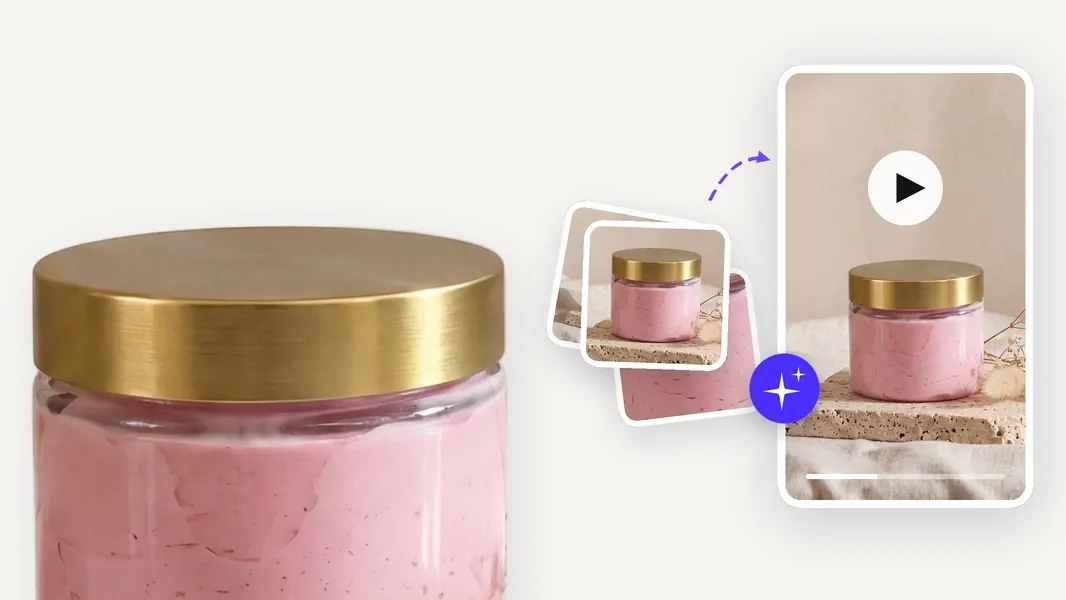
For sellers whose priority is showcasing physical products, however, the creative needs can be different. A skincare brand might want to highlight texture and packaging, while a jewelry seller may want close-ups of materials and details. These videos don't necessarily need a presenter. They need a creative approach that puts the product itself at the center.
Why sellers look for a HeyGen alternative
1. They want more ways to showcase the product
A presenter can introduce a product and explain its benefits, but that isn't always the most effective way to show what someone is buying.
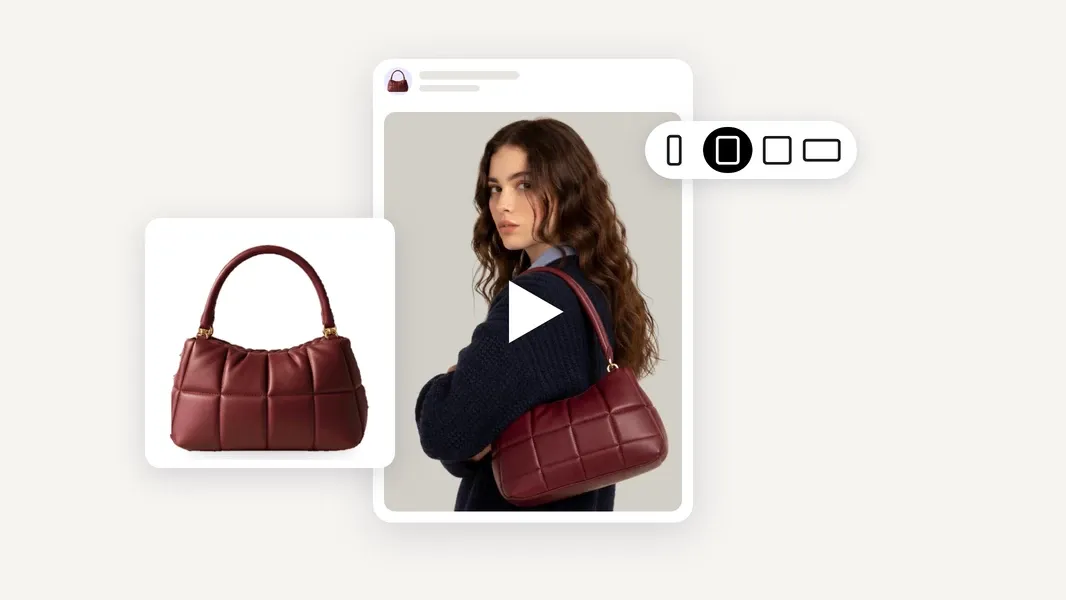
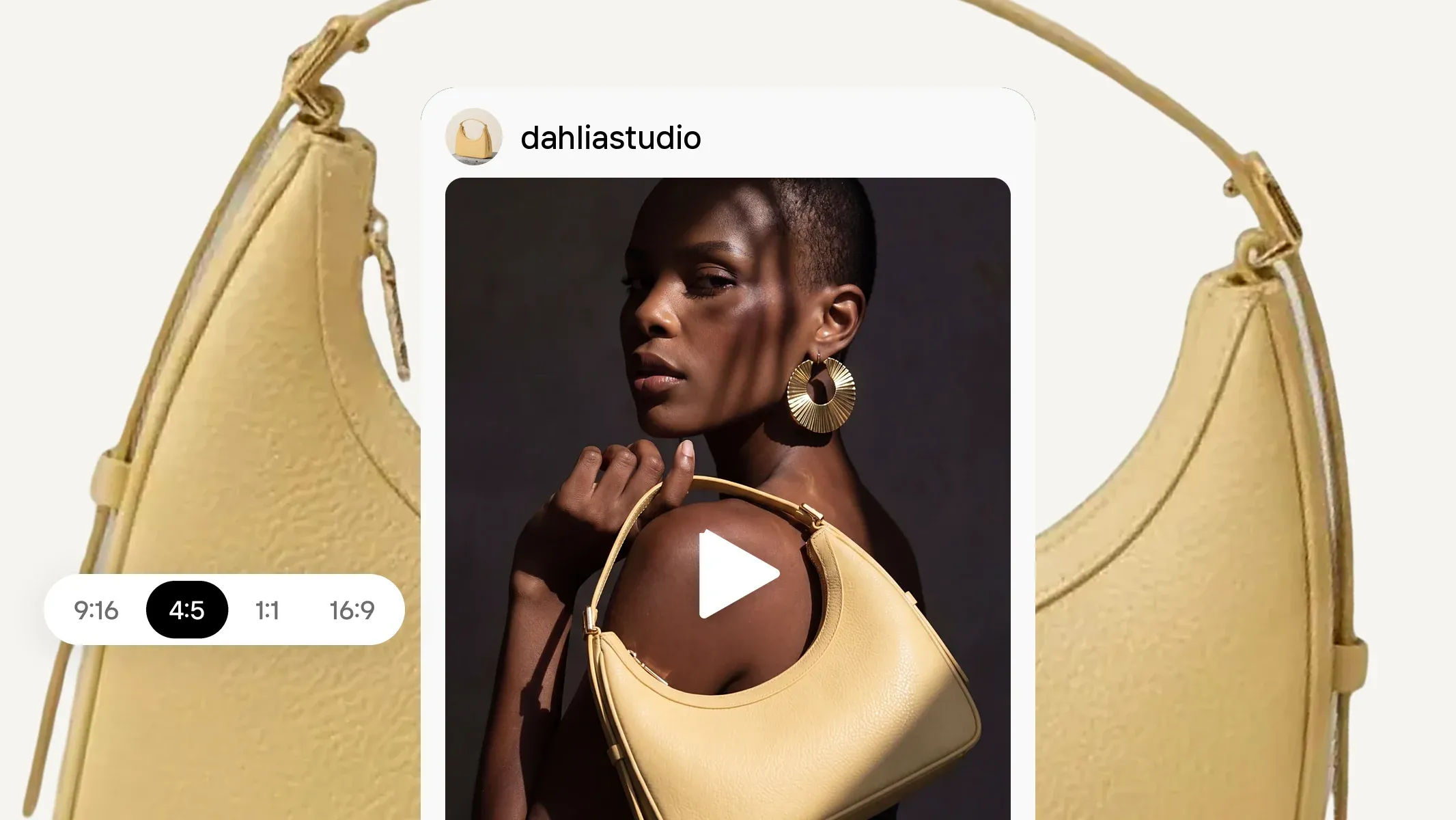
Consider a seller promoting a new handbag. A digital presenter describing its features might be useful, but the seller may also want a video highlighting the materials, shape, details, and overall appearance.
The same applies to skincare, jewelry, home decor, and other products where visual presentation matters.
HeyGen supports different creative formats, but sellers who regularly produce product imagery may prefer a tool where those images are central to the workflow.
2. They don't always need an AI presenter
Not every promotional video needs a person on camera.
A product showcase, seasonal promotion, unboxing, short product demonstration, or visual story can communicate a message without relying on a spokesperson.
Some sellers want to explore several creative approaches and choose the one that fits a particular product or campaign.
If your main reason for using HeyGen is that you don't want to film, it's worth comparing tools that offer different ways to create videos without filming at all.
3. They need videos for more than one purpose
A business may need a product video for its website, a promotional ad for social media, an announcement for a new collection, and variations for different countries.
Those videos don't necessarily need the same format or creative structure.
A presenter explaining the product might work for one campaign. A product-focused video might make more sense for another.
Consider how easily a tool lets you move between those approaches and reuse the assets you already have.
4. Product image preparation is part of the job
Most sellers don't begin with a script. They begin with product photos.
Those images may need background removal, improved lighting, different settings, or adjustments for a particular sales channel before they're ready to use.
If product photography and video advertising are both part of your day-to-day work, it's worth considering how the two fit together.
A video tool can be excellent at generating content while still requiring you to prepare your product visuals elsewhere.
For sellers managing their own visual content, having those activities connected can make a difference.
The 6 best HeyGen alternatives for product videos and ads
1. Photoroom Video Ad Maker: best for sellers creating product ads
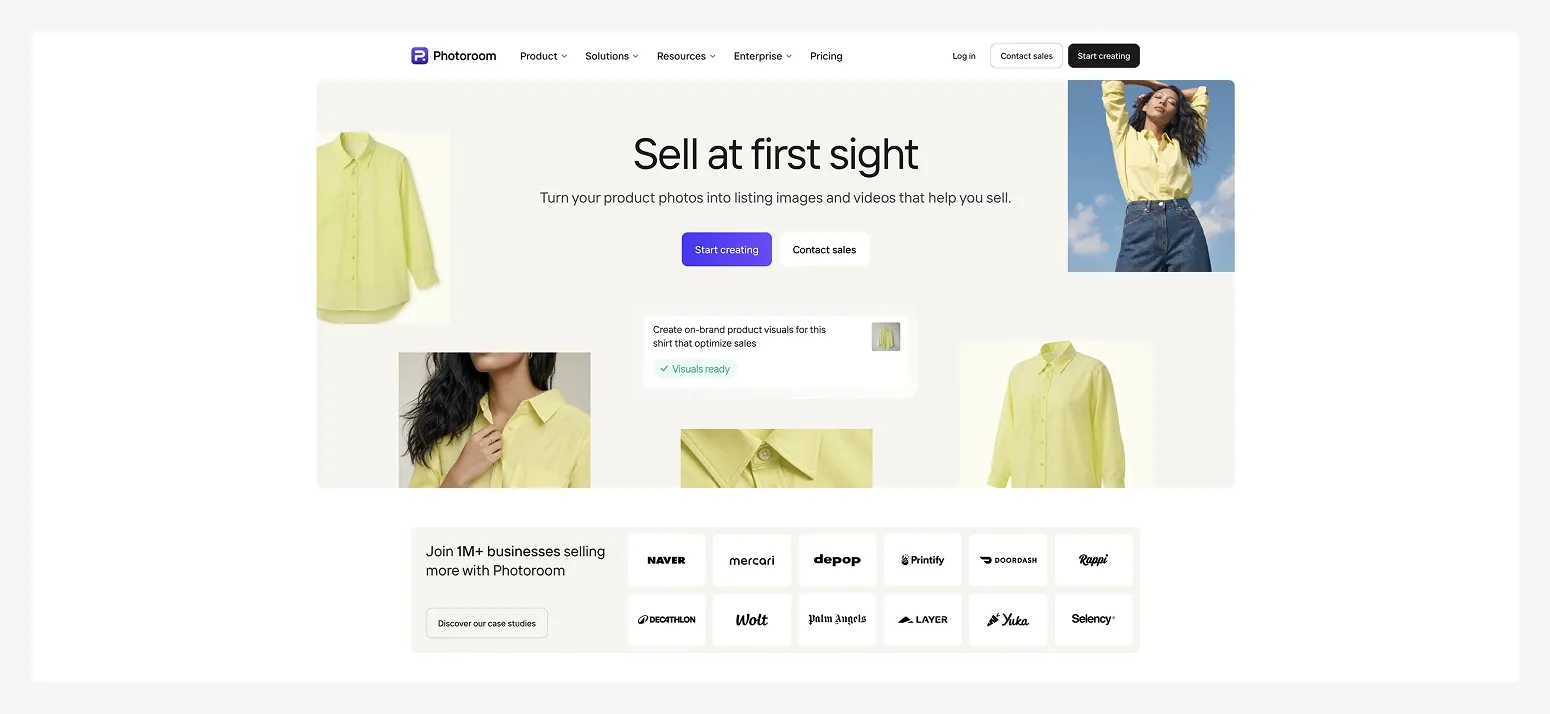 Best for: Sellers who want to turn existing product photos into video ads for their websites, marketplaces, social media, and promotional campaigns without complicated tools.
Photoroom's Video Ad Maker helps sellers create videos around the products they already photograph and sell.
Instead of starting with a character or a video editing timeline, you start with your product images. Upload photos, import them from your store or cloud storage, or use designs you've already created in Photoroom.
From there, you can take one of two approaches.
If you know what you want, describe it in plain, everyday language. For example, you might ask for a creator-style introduction to a new skincare product or a short promotional video for a holiday collection.
If you're not sure which creative approach makes sense, let Photoroom's AI director guide you.
In both cases, the AI director asks questions about your preferences and recommends a suitable video style, creative angle, script, and format.
You can follow its suggestions, browse other available styles, or customize the plan before generating.
Imagine you sell handmade candles and want to promote a new collection.
You already have product photos showing the candles, packaging, and different scents. You could create a product-focused video highlighting their design, a creator-led introduction explaining the collection, or a seasonal ad using a different visual concept.
You don't need to film the candles or hire someone to present them. And you don't need to decide every technical detail of the video production process.
What you can do with Photoroom
Create different video styles: Choose product showcases, creator-led stories, UGC-style ads, reviews, before-and-after formats, and other creative concepts. You can also describe a custom idea.
Work with an AI director: Explain what you want to achieve or let Photoroom recommend a suitable creative approach.
Review the plan before generating: Check the scenes, creative angle, script, and voice-over, and customize them to match what you're selling.
Create short ads for different placements: Choose 5, 8, or 10-second videos, with vertical and horizontal formats for relevant channels.
Adapt your message for different markets: Create videos with AI voice-overs in different languages.
Use and reuse your product images: Prepare listing photos, improve backgrounds, create lifestyle images, and use those assets in video ads without moving to another platform.
In Photoroom, product photography and video advertising aren't separate activities. You need accurate, appealing images for your listings, and you may want to reuse those same assets in promotions, social content, and advertising campaigns.
Where Photoroom differs from HeyGen
HeyGen is particularly strong when the video depends on a presenter delivering a message, especially when that content needs to be translated or adapted into multiple languages.
Photoroom approaches video creation from the product side.
The goal is to help you promote what you sell, whether that means a product showcase, a creator-style video, or another promotional format.
You can include an AI character when it fits the creative concept, but you don't need one. And because you start with product images, you can move from preparing visuals for your listings to creating video ads using those same assets.
Photoroom's advantage isn't that HeyGen cannot create product videos. It's the connection between product image creation and guided video advertising.
What to consider before choosing Photoroom
Videos are short. Video Ad Maker creates 5, 8, or 10-second videos, making it better suited to ads and short product demonstrations than lengthy explanations.
It's not a traditional timeline editor. You can customize the creative plan before generating, but changes to the finished video require another generation rather than frame-by-frame editing.
Product accuracy still matters. Review packaging, logos, colors, details, and any product interactions before publishing.
Pricing: Video Ad Maker is included in Photoroom's eligible Max and Ultra plans, alongside product image editing and generation tools. Video creation uses AI credits. See Photoroom pricing for current allowances.
Choose Photoroom if: You want to create videos that help promote and sell your products, test different creative approaches, and launch new campaigns using images you already have, without complicated video production tools.
2. Synthesia: best for professional explainers and business videos
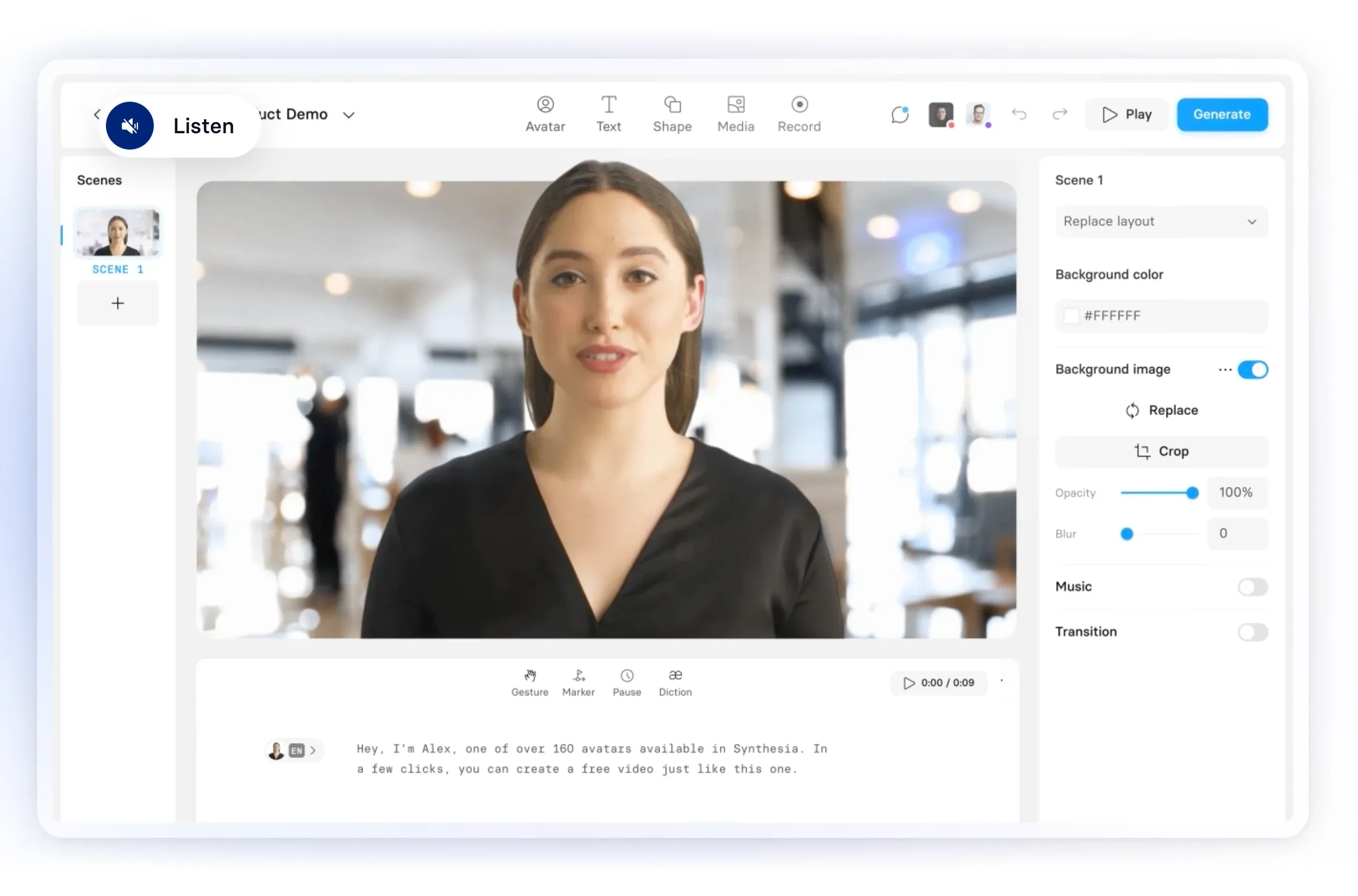 Best for: Businesses that want structured, presenter-led videos for product education, training, sales, and customer communication.
Synthesia is one of HeyGen's closest alternatives for professional AI avatar videos.
It lets users create videos from scripts, documents, and other source materials, using digital presenters, narration, and structured scenes.
Its focus is particularly relevant when the video needs to communicate information consistently.
For example, imagine a company selling specialized kitchen equipment to restaurants.
Customers may need to understand how a product operates, how to maintain it, or how it differs from other equipment.
The company could use Synthesia to create a presenter-led explanation, combining narration with product visuals and instructional content.
That type of video serves a different purpose from a short social ad. The priority is helping the viewer understand something, rather than capturing attention in the first few seconds.
Synthesia also supports localization and team workflows, which can be useful for businesses producing similar content across markets or departments.
Where Synthesia differs from HeyGen
Both platforms support AI presenters, custom avatars, and multilingual content.
Synthesia puts particular emphasis on structured business communication, learning, and repeatable video production. HeyGen also supports these use cases, alongside a broad range of avatar, localization, and creative generation tools.
If you're comparing them, consider whether you primarily need polished instructional content, recurring internal and external communications, or more experimental avatar-led videos.
What to consider before choosing Synthesia
It's primarily a business video platform. Its strengths in training and structured communication may be unnecessary for simple product promotions.
You'll need to plan the message. Presenters and templates help, but the script and instructional structure still matter.
Product showcases aren't its central workflow. If you primarily want to show physical products in visually driven ads, a dedicated product-video workflow may be more appropriate.
Usage allowances vary by plan. Check video credits, exports, avatar access, and translation capabilities.
Pricing: Synthesia offers a free Basic plan and paid Starter, Pro, and Enterprise plans. Starter is listed at $19/month on monthly billing, with usage allowances and additional features at higher tiers.
Choose Synthesia if: You need professional presenter-led videos for explanations, education, sales enablement, or repeatable business communications.
3. Captions: best for creator-style social videos and AI editing
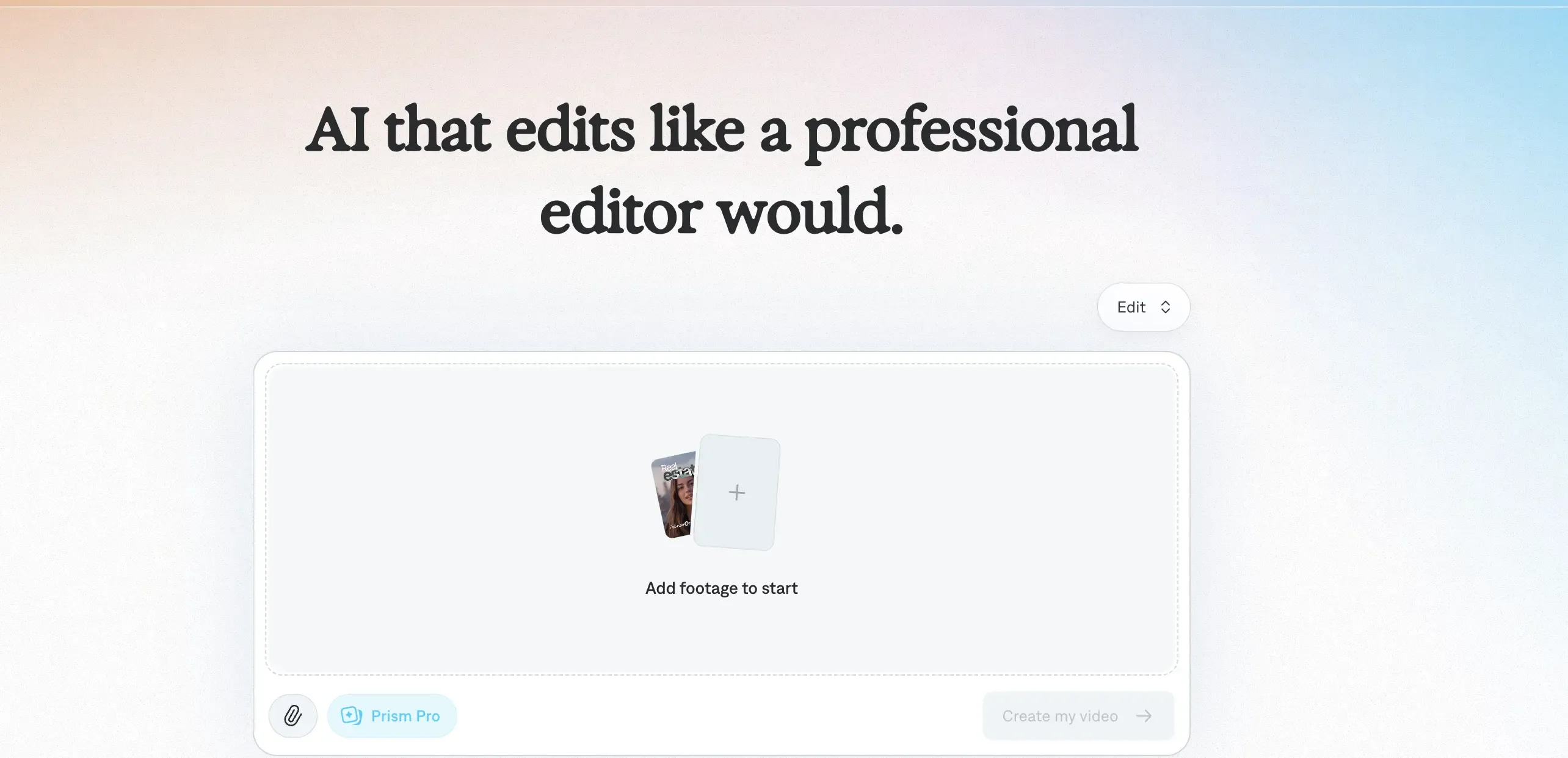 Best for: Sellers and creators who want to produce social videos with AI actors, captions, editing assistance, and creator-style presentation.
Captions combines AI video production with tools for editing and improving content.
Its capabilities include AI actors, automated editing, captions, and conversational changes to videos.
This makes it relevant to sellers who want videos that resemble creator-style social content, especially when the person delivering the message is an important part of the creative.
Imagine you're promoting a beauty accessory and want a short video with someone introducing it in a conversational tone.
You might want different versions of the opening message, changes to the presentation, or a different visual treatment for each version.
Captions provides tools for generating and refining this type of content without building everything manually.
It's also useful when you already have footage and want AI assistance editing it into something suitable for social media.
The difference from a dedicated product ad maker is where the workflow begins. Captions is built around producing and editing videos, rather than managing the product imagery you use for your store.
Where Captions differs from HeyGen
HeyGen's strengths include reusable digital presenters, avatar creation, and multilingual video communication.
Captions has a stronger connection to creator-style production and editing, including tools for generating AI actors and working with social video content.
If your primary objective is to produce short creator-like videos and refine them for social media, that editing-oriented approach may be relevant.
What to consider before choosing Captions
The presenter may be central to the content. That's useful for creator-led messages, but isn't always the right approach for showcasing a physical product.
Editing is still part of the workflow. AI assistance reduces manual work, but you may still need to refine the video.
Product imagery needs attention. Verify that any generated or inserted product visuals represent the actual item.
Plan allowances vary. Credits, AI actors, and advanced generation features differ by subscription and platform.
Pricing: Captions offers several subscription tiers. Its Max plan is listed at $24.99/month for iOS and includes AI actors, AI video production, and editing features, with higher usage tiers available. Pricing varies by platform and region.
Choose Captions if: You want to create and refine creator-style social videos, particularly when AI actors and editing assistance are central to your production process.
4. InVideo AI: best for turning ideas and scripts into promotional videos
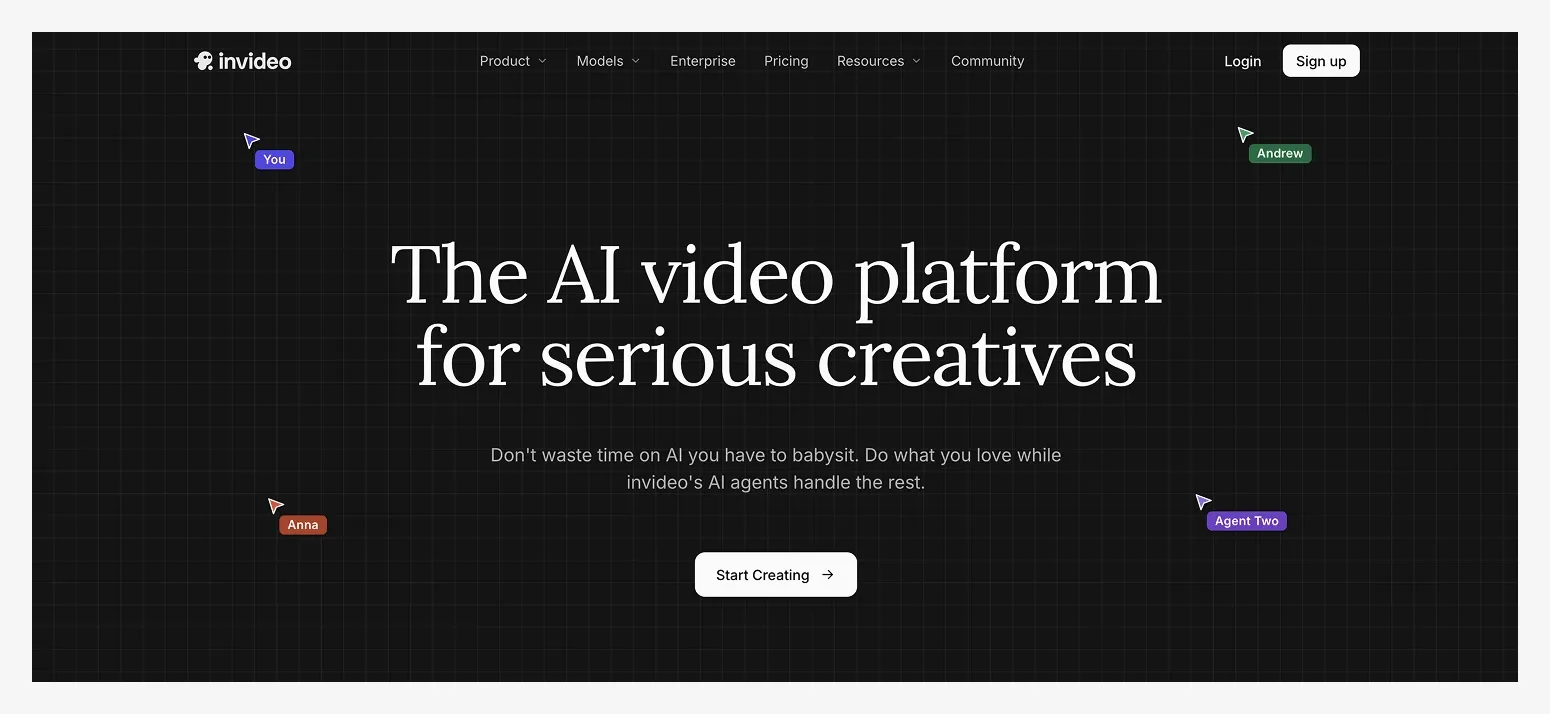 Best for: Businesses that want to turn written ideas into promotional or explanatory videos using AI-assisted production.
InVideo AI takes a text-led approach to video creation.
You can describe what you want to make, provide a script or creative brief, and use AI assistance to develop video content with narration and supporting visuals.
This can be useful when you have a message to communicate but don't have the footage or editing experience to assemble a video yourself.
For example, imagine you're launching a new collection of home accessories.
You might want a promotional video introducing the collection, explaining its inspiration, and presenting a few products around a shared theme.
Instead of starting with an individual product image and choosing how to animate it, you could begin with the story you want to tell and use InVideo AI to develop the video around that message.
This approach can also work for educational content, longer promotions, and marketing videos that combine several ideas.
However, a video generated from a broad script or brief doesn't automatically guarantee that it will accurately represent your specific products.
If you're selling physical items, review the visuals closely and use your own approved product assets where possible.
Where InVideo AI differs from HeyGen
HeyGen is particularly associated with AI presenters and video localization, although its generation capabilities extend further.
InVideo AI approaches creation more broadly from a written idea or script, helping assemble a video rather than centering the experience around a specific digital spokesperson.
That can make it useful when the message or story is more important than maintaining a consistent AI presenter.
What to consider before choosing InVideo AI
The written brief matters. A vague description can lead to a generic video that needs further refinement.
Product accuracy requires checking. Generated or stock visuals may not show the exact item you're selling.
Additional editing may be necessary. Review scene selection, narration, pacing, and transitions before publishing.
Usage depends on the plan. Generation allowances, premium media, and exports can affect how many videos you can create.
Pricing: InVideo AI offers free and paid options. Check its current plan allowances and generation limits before choosing a subscription.
Choose InVideo AI if: You want to build promotional videos from scripts or written concepts, particularly when your video needs a broader narrative rather than focusing on one physical product.
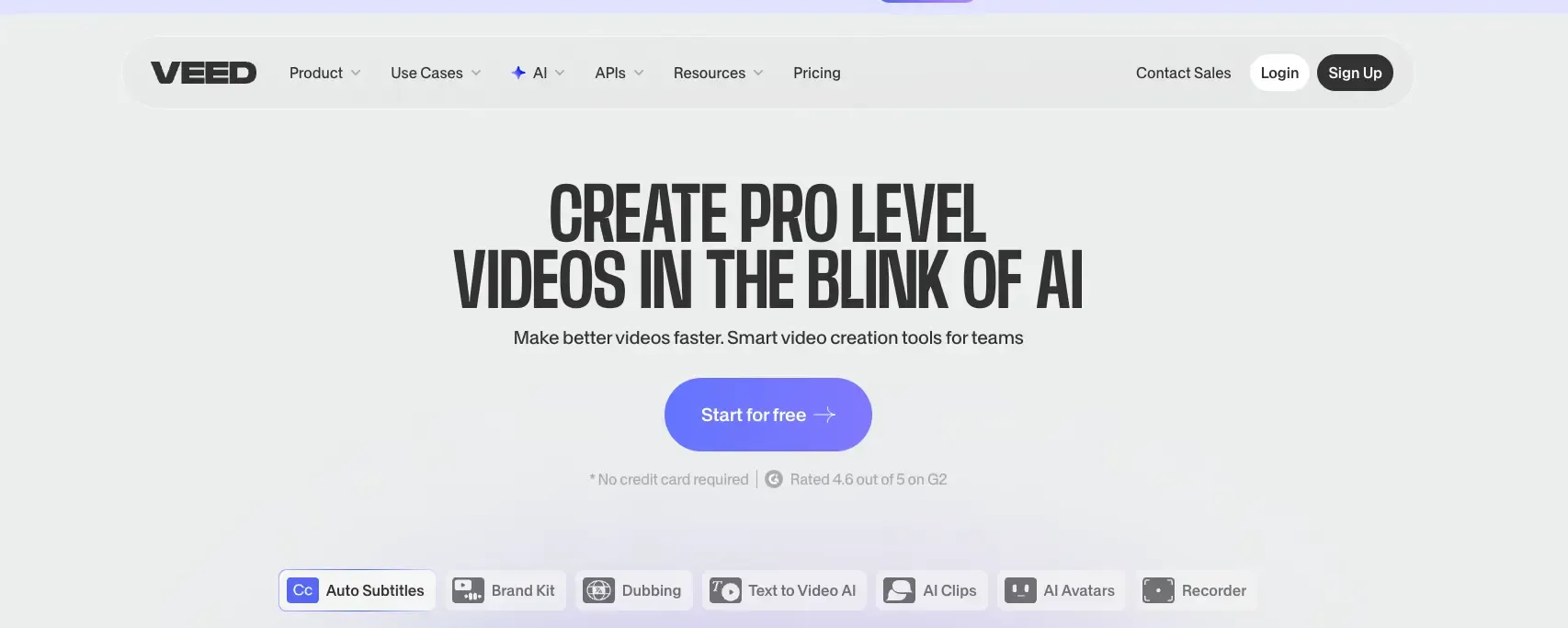 VEED: best for editing and repurposing product marketing videos
Best for: Online sellers who already have product videos, demonstrations, or promotional footage and want to edit, improve, and adapt them for different channels.
VEED is an online video creation and editing platform with AI tools for generating videos, adding subtitles, improving audio, and adapting existing footage for social media.
While HeyGen is particularly strong at generating videos with digital presenters, VEED offers a broader editing workflow. You can upload existing footage, make changes, add branded elements, and turn longer videos into shorter clips for different platforms.
For example, imagine you sell kitchen accessories and already have a two-minute video demonstrating a product. You want a shorter version for Instagram Reels, another for Facebook, and a product video for your website.
With VEED, you can use AI tools to identify useful clips, add subtitles, clean up the audio, and resize the video for each placement. You can also add text, logos, music, and other branded elements without needing professional editing software.
VEED supports AI video generation from text prompts and images, too. But its editing and repurposing capabilities make it particularly useful when you already have footage and want to get more value from it.
Where VEED differs from HeyGen
HeyGen focuses heavily on AI presenters, scripted videos, and multilingual communication. VEED combines AI generation with video editing, giving users more control over existing footage and how it's adapted for different channels.
If you already have HeyGen videos, product demonstrations, or other promotional clips, VEED can help you edit and repurpose that content rather than generate everything again.
What to consider before choosing VEED
Existing footage is particularly useful. Although VEED can generate videos with AI, its editing and repurposing features are most relevant when you already have content to work with.
Some editing decisions remain yours. AI can automate clipping, subtitles, and audio improvements, but you may still need to adjust scenes, transitions, and pacing.
It isn't specifically built around product photography. If your main starting assets are static product images and you want complete video ads, a product-focused workflow may be more suitable.
Free exports have limitations. The free plan includes watermarked exports, while advanced editing and AI capabilities depend on the subscription.
Pricing: VEED offers free editing features and paid subscriptions. Its published online-editor pricing starts at approximately $9/month with annual billing or $19/month with monthly billing, although plan availability, AI allowances, and pricing can vary.
Choose VEED if: You already have product footage, demonstrations, or promotional videos and want to edit, improve, and repurpose them for your website, social media, and advertising campaigns.
6. Canva: best for branded promotional videos
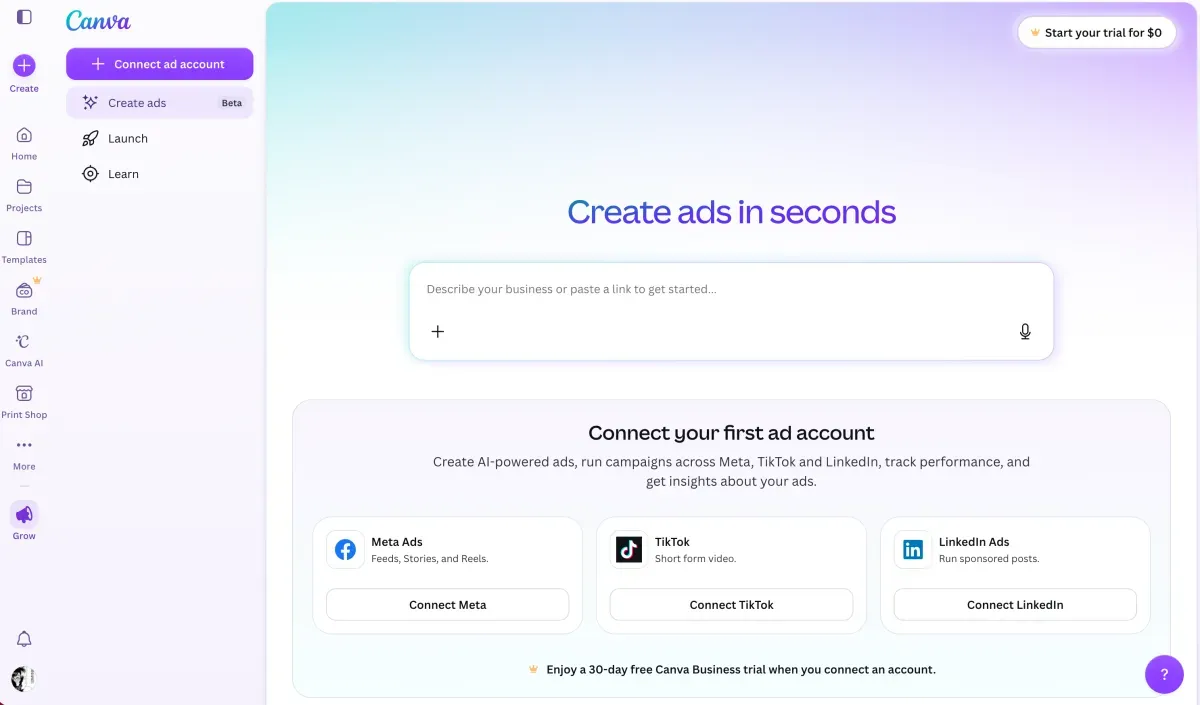 Best for: Sellers who want to create promotional videos alongside social graphics, product announcements, and other branded marketing assets.
Canva combines design, video editing, templates, and AI-assisted creation.
For sellers who already use Canva to make social media posts, promotional banners, and product announcements, its video tools can fit naturally into that design workflow.
Imagine you're running a weekend sale for your online jewelry store.
You have photos of the products you want to feature, a promotional message, and your brand colors and fonts.
With Canva, you can create a branded video around those assets, choosing layouts, adding text, working with animation, and adjusting how the content appears.
Its AI capabilities also support generating video advertising concepts and creative assets, depending on the features and plan available to you.
This is useful when visual branding, layouts, and promotional messaging are central to the creative.
The trade-off is that Canva combines several approaches to video creation. You may choose an AI-generated ad workflow, a template, or manual editing, depending on what you need.
Where Canva differs from HeyGen
HeyGen is centered on AI video generation, presenters, and localization.
Canva is a broader visual design platform where video is one of several types of marketing content you can create.
If you're already preparing your brand's marketing materials in Canva, that can be convenient.
If you specifically need a reusable AI spokesperson or advanced video translation, HeyGen's specialized features may still be more relevant.
What to consider before choosing Canva
Different workflows involve different levels of effort. AI ad generation can automate some steps, while template-based editing requires more manual assembly.
A branded video isn't necessarily a product demonstration. Make sure your content shows the actual product clearly.
AI features depend on the plan. Check the generation and editing tools available with your subscription.
Creative control comes with decisions. Templates, layouts, effects, and timing provide flexibility but can require more hands-on work.
Pricing: Canva offers free and paid plans, with access to premium templates, brand tools, and AI features varying by subscription.
Choose Canva if: You want to create branded promotional videos as part of a broader design workflow covering social media, graphics, and marketing campaigns.
Which HeyGen alternative should you choose?
The main question isn't which AI video ad tool has the most features, but what you want customers to see and understand when they watch your video.
A presenter explaining a product, a short ad highlighting its benefits, and a video showing the product in action all serve different purposes. Choosing the right tool starts with deciding which of those outcomes matters most.
If you want customers to see the product, not just hear about it
Choose Photoroom.
If you sell physical (or digital) products, you may want videos that highlight their appearance, features, or details without relying on someone talking to camera.
Photoroom's Video Ad Maker starts with your existing product photos and helps you turn them into short video ads. You can create product showcases, reviews, creator-style content, or other promotional formats, with or without an AI actor.
It's particularly useful when you already prepare product images for your website, marketplaces, or social media and want to reuse those assets in advertising.
If you need professional product explanations
Consider Synthesia, or stay with HeyGen.
For software, technical equipment, or products that require detailed explanations, a digital presenter can be useful.
Synthesia is particularly relevant for structured professional content, while HeyGen offers a broad range of avatar and multilingual video capabilities.
Both are worth considering when communicating information is more important than showcasing the physical appearance of a product.
If your advertising relies on a creator-style presentation
Consider Captions.
Some brands build their social content around a person introducing a product, delivering a message, or speaking directly to the audience.
Captions offers AI actors and editing features for this type of content. It may be useful when you want to create or refine creator-led social videos rather than primarily generate product-focused visual ads.
If you want to create videos from an idea or script
Consider InVideo AI.
If you have a promotional message but don't already have a clear video concept, InVideo AI can help turn written instructions into video content.
This is relevant for broader promotional stories, educational content, and marketing videos that combine narration with supporting visuals.
If you want to edit and reuse existing product videos
Consider VEED.
If you already have product demonstrations, promotional footage, or videos created with HeyGen, VEED can help you turn them into content for different channels. Its AI editing tools support clipping, subtitles, audio improvements, and video resizing, while its editor gives you control over the finished result.
It's particularly useful when you want to get more value from videos you've already created rather than generate every new ad from scratch.
If you want to design branded promotional videos yourself
Consider Canva.
Canva is useful when you want to combine product images, text, offers, and brand elements into promotional content.
It offers templates, editing, and AI-assisted creation, making it particularly relevant if you already use Canva for other marketing materials.
So, which AI video generator is best for making ads for e‑commerce sellers?
If your goal is to explain a product through a presenter, HeyGen may already be the right tool.
But if you want to make the product itself the focus, create different types of promotional videos, and reuse the images you already have, Photoroom's Video Ad Maker is our recommended HeyGen alternative for e‑commerce sellers.
It brings product image preparation and video advertising together, so you can create content for the products you sell without building a separate video production process.
How to switch from HeyGen to Photoroom for product ads
If you've been creating presenter-led videos in HeyGen, switching to Photoroom gives you an opportunity to try a different approach to product advertising.
Instead of beginning with an avatar and a script, you can start with your product photos and build the video around what you're selling.
You don't need to transfer your HeyGen projects or recreate your previous videos. Start with one product and use it to explore a different creative format.
1. Start with the product, not the presenter
Choose a product you want to promote and what you want to achieve: introducing a new product, explaining a benefit, or promoting an offer?
Now Gather clear photos of the product from different angles, then upload them to Photoroom's Video Ad Maker to create a short video highlighting its shape, materials, and details.
2. Describe what you want customers to notice
Tell Photoroom what you want the video to achieve in everyday language.
For example:
"Create a short video highlighting the design and details of this handbag."
"Showcase this skincare product with a focus on its packaging and texture."
"Make a promotional video for our new home decor collection."
You can also let Photoroom's AI director guide you through the process if you're unsure which creative approach to use.
It will ask questions and recommend a video style, script, and format based on your goals.
3. Experiment with a different video format
You don't have to abandon presenter-led videos completely.
Photoroom offers different creative approaches, including product showcases, UGC-style ads, product reviews, creator-led stories, and other formats.
Try making the product the main focus of your first video. Then consider creating another version with an AI character introducing it.
This lets you explore whether your message works better through visuals, spoken explanations, or a combination of both.
4. Review how your product is presented
Before generating, Photoroom gives you a video plan showing the scenes, script, and voice-over.
Review whether the creative actually communicates the product benefit you want customers to understand.
Check that any claims are accurate and that the proposed visuals make sense for the product you're selling.
You can adjust the plan, choose a different style, or refine the message before generating.
5. Create your video and compare the approaches
Generate the ad, review the finished result, and download it for your website, social media, or advertising campaigns.
Once the video is ready, you could test whether customers respond better to a character explaining a product benefit or a product-focused video showing the item itself.
Keep the offer and target audience consistent where possible, so the comparison tells you something useful about the creative approach.
The goal isn't necessarily to replace every HeyGen video you've made. It's to find the format that communicates your product's value most effectively.
The right video starts with what you're trying to sell
A presenter can explain your product, but sometimes showing the product itself is more effective.
If you're looking for a HeyGen alternative, think about what you want your next video to achieve. Maybe you want to highlight a product's details, try a different creative approach, or create new ads for an upcoming campaign without organizing another shoot.
Photoroom brings that workflow together. The Video Ad Maker turns existing product photos into short video ads, with an AI director that helps you develop the creative concept, script, and scenes. You can prepare your product images in the same platform and reuse them to create different ads for new campaigns, audiences, and markets.
The goal isn't simply to create more videos. It's to create videos that help people discover, understand, and buy your products.