Creatify makes it possible to turn product links, images, and ideas into video ads without filming. Its AI ad creation tools, digital presenters, and creative testing features can be useful when you're regularly producing advertising campaigns.
But if you sell physical products, creating ads is only part of your visual marketing. You also need product photos for your store, images for marketplaces, fresh creatives for product launches, and different ways to promote what you sell across channels.
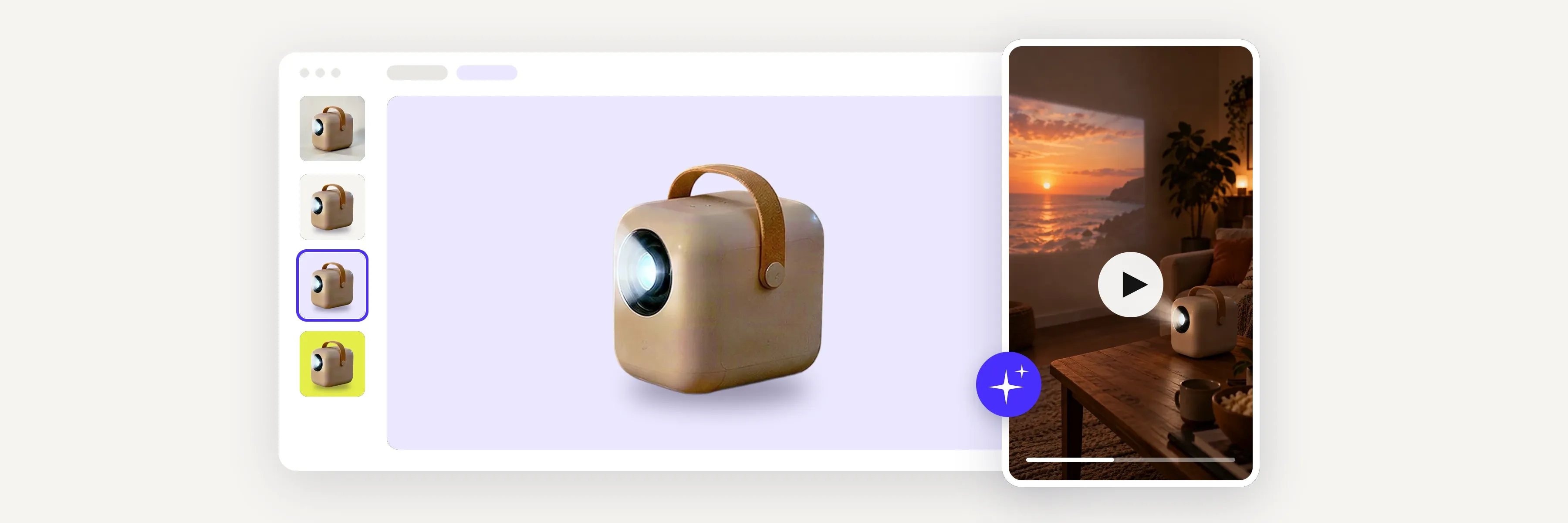
For small e‑commerce sellers who want to connect those activities, Photoroom's Video Ad Maker is our recommended Creatify alternative. It turns existing product photos into short video ads, with an AI director that helps you develop the creative concept, script, and scenes. You can describe what you want in everyday language or let the AI director guide you, then review and customize the plan before generating. And because Photoroom also offers product photography and editing tools, you can prepare your product visuals and reuse those same assets for different ads, promotions, and markets.
Other alternatives offer different strengths, from creative video generation and campaign management to recurring social media content.
This guide compares six Creatify alternatives, what each does best, their limitations, and which makes the most sense for different e‑commerce businesses.
A note on this comparison: We're the team behind Photoroom, so naturally we know our product best. We've included it alongside other Creatify alternatives and compared the tools based on their capabilities, limitations, and suitability for different e‑commerce needs. Our goal is to help you find the right tool for the way you sell, even if that isn't Photoroom.
Creatify alternatives at a glance
Tool | Best for | Starting point | Main approach |
Photoroo Video Ad Maker | Small sellers creating product visuals and video ads | Existing product photos | Product image editing and AI-guided ad creation |
Topview AI | Flexible AI video production | Product URL, images, script, or brief | AI video agent and editable scenes |
Zeely | Creating ads and launching campaigns | Product details, images, or URL | AI ad creation and Meta campaign management |
AdCreative.ai | Advertising creatives and analysis | Product images and brand assets | AI-generated creatives and advertising insights |
Runway | Creative product films and visual storytelling | Product images and creative references | Generative video and advanced creative control |
Predis.ai | Product promotions and social media marketing | Product URL, images, or store connection | Video ads, social posts, and scheduling |
Creatify | Producing and testing advertising creatives | Product URL, photos, videos, or brief | Conversational ad creation and performance workflows |
What Creatify does well
Creatify is particularly useful for businesses that regularly produce advertising content and need to develop different creatives for their campaigns.
Its Ad Agent lets you describe an ad in everyday language, provide a product URL or upload images and videos, and generate a creative around your product. You can ask it to develop a concept, review the proposed approach, and request changes through chat.
Creatify also offers AI actors, product video generation, templates, and tools for researching competitors' ads. Depending on your plan, you can access features for launching campaigns and analyzing advertising performance.
For example, an e‑commerce business running regular paid campaigns could use Creatify to develop several variations of a product ad, experiment with different openings or AI presenters, and support its creative testing process.
That makes it a capable option for marketers whose work revolves around advertising production and optimization.
But e‑commerce businesses don't all work the same way.
Some need a dedicated platform for managing ad creatives. Others want to connect video advertising with the product imagery they already create for their stores, or need more control over the visual storytelling, campaign management, or social media content surrounding their ads.
The 6 best Creatify alternatives for e‑commerce video ads
1. Photoroom Video Ad Maker: best for creating product visuals and video ads in one place
 Best for: Online sellers who want to prepare product images, create short video ads from those same assets, and regularly develop new promotional creatives without complicated production tools.
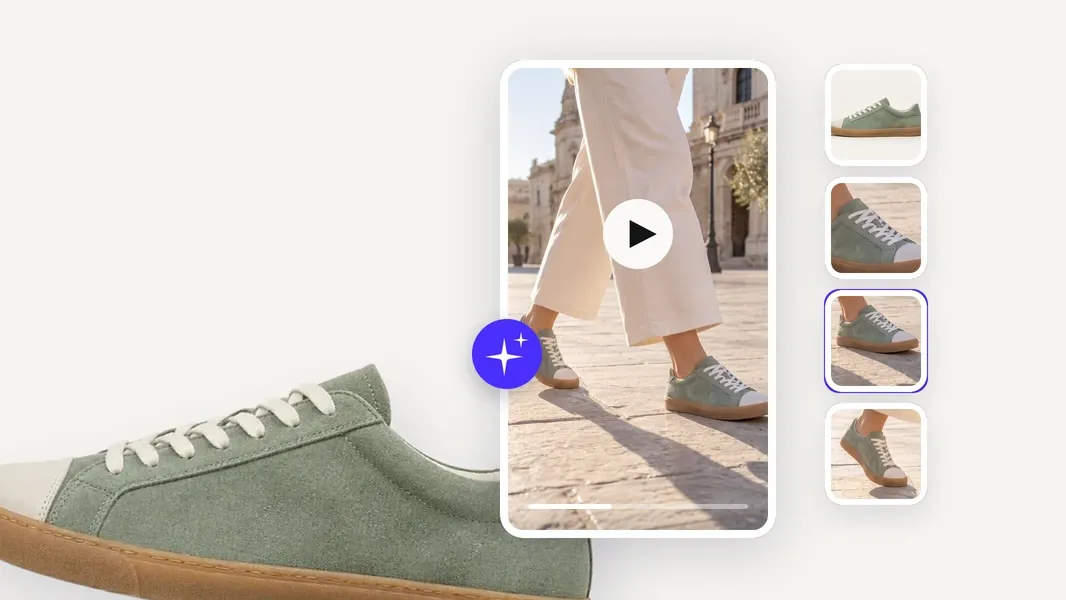
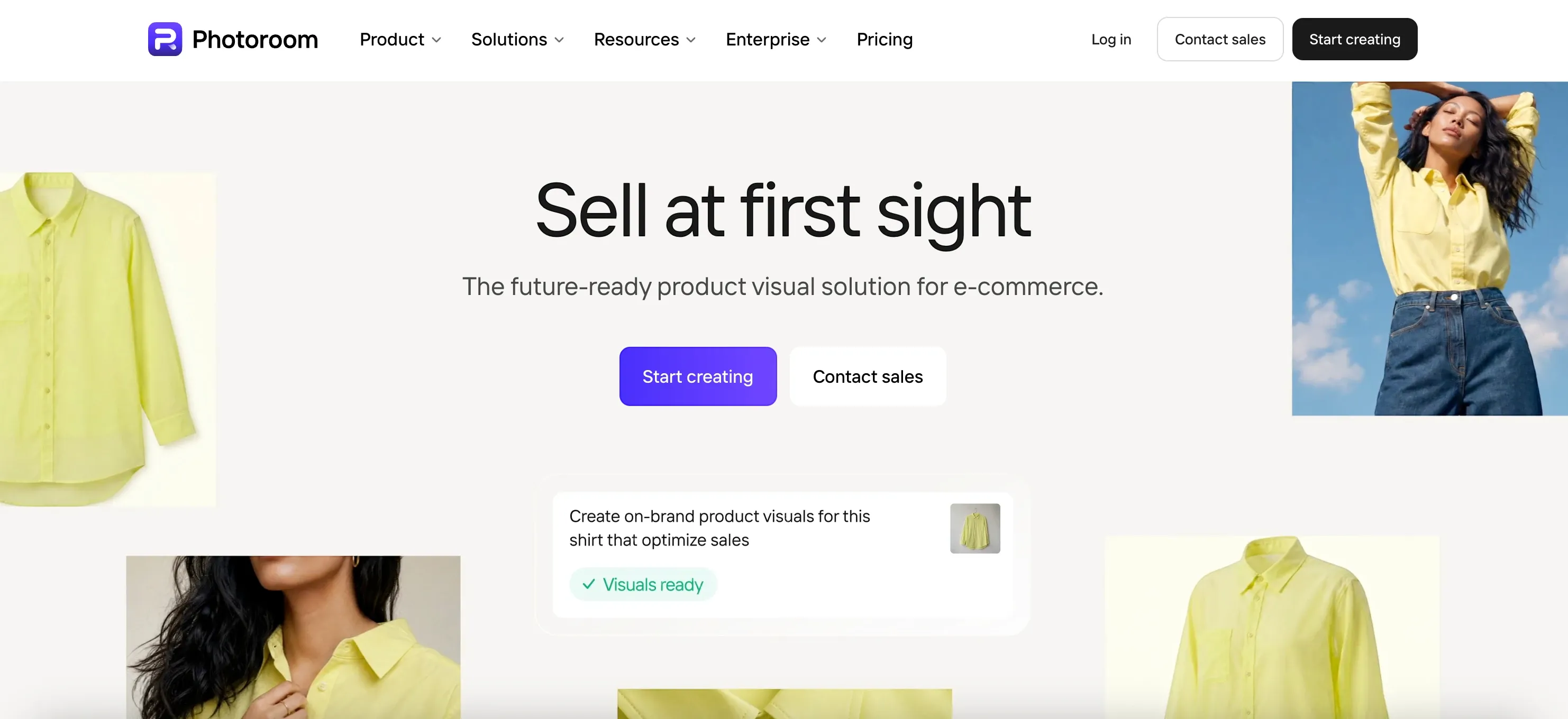
Photoroom's Video Ad Maker turns existing product photos into video ads designed around what you're selling.
You can start with images you've already prepared for your website, marketplace listings, or social media. Upload them directly, import supported assets, or reuse designs you've created in Photoroom.
From there, you have two ways to create your video.
If you already have an idea, describe it in everyday language. You might want a product showcase, a UGC-style video, a product review, or a promotional ad for an upcoming campaign.
If you're unsure what would work best, let Photoroom's AI director guide you.
In either case, the AI director asks questions about your preferences and recommends a creative angle, video style, script, and format. You can follow its suggestions, make changes, or explore a different approach before generating.
Imagine you sell handmade skincare products.
You already have product images showing your bottles, packaging, and different products in the collection. You use those photos for your online store, but you also need fresh video ads for a new launch.
With Photoroom, you can prepare the product visuals, remove or replace backgrounds, and create lifestyle images before turning those same assets into promotional videos.
You might create a product-focused ad highlighting the packaging and textures, followed by a creator-led version introducing the collection.
You can then develop additional variations with different messages or creative approaches for future promotions.
What makes Photoroom useful for e‑commerce sellers
Start with your existing product photos. Use images you've already created rather than organizing a new shoot whenever you want another promotional video.
Work with an AI director. Describe your idea in plain language or let Photoroom recommend the creative approach.
Explore different video styles. Create product showcases, UGC-style ads with AI characters, reviews, before-and-after concepts, and other promotional formats.
Review before generating. Check and customize the proposed script, scenes, and shot-by-shot plan.
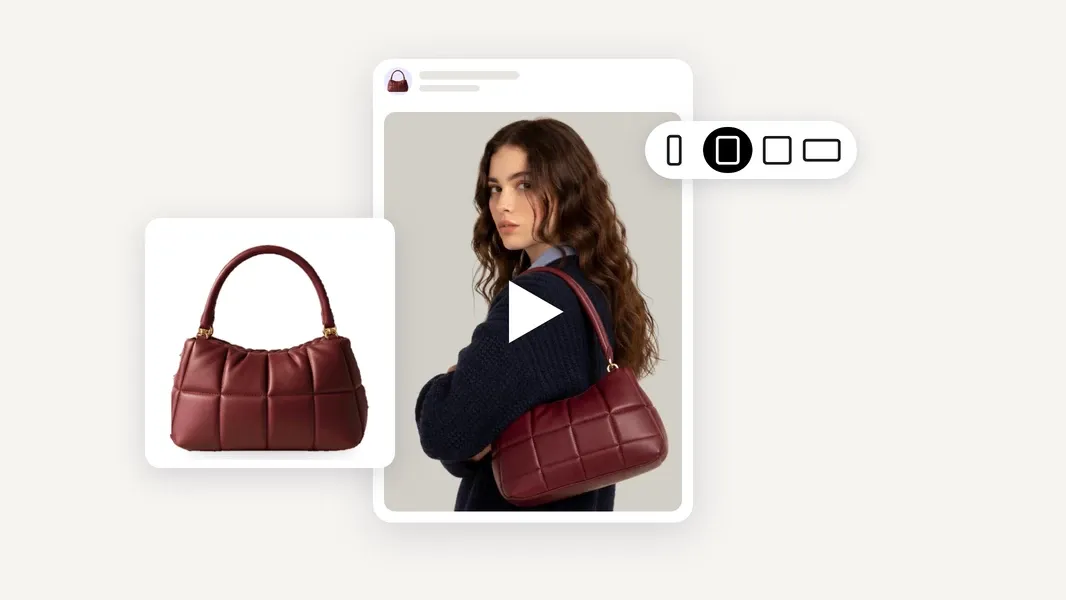
Adapt your ads for different needs. Create 5, 8, or 10-second videos, choose vertical or horizontal formats, and use multilingual voice-overs.
Prepare the product images too. Use Photoroom's background removal, product staging, and editing capabilities to create visuals for your listings and advertising.
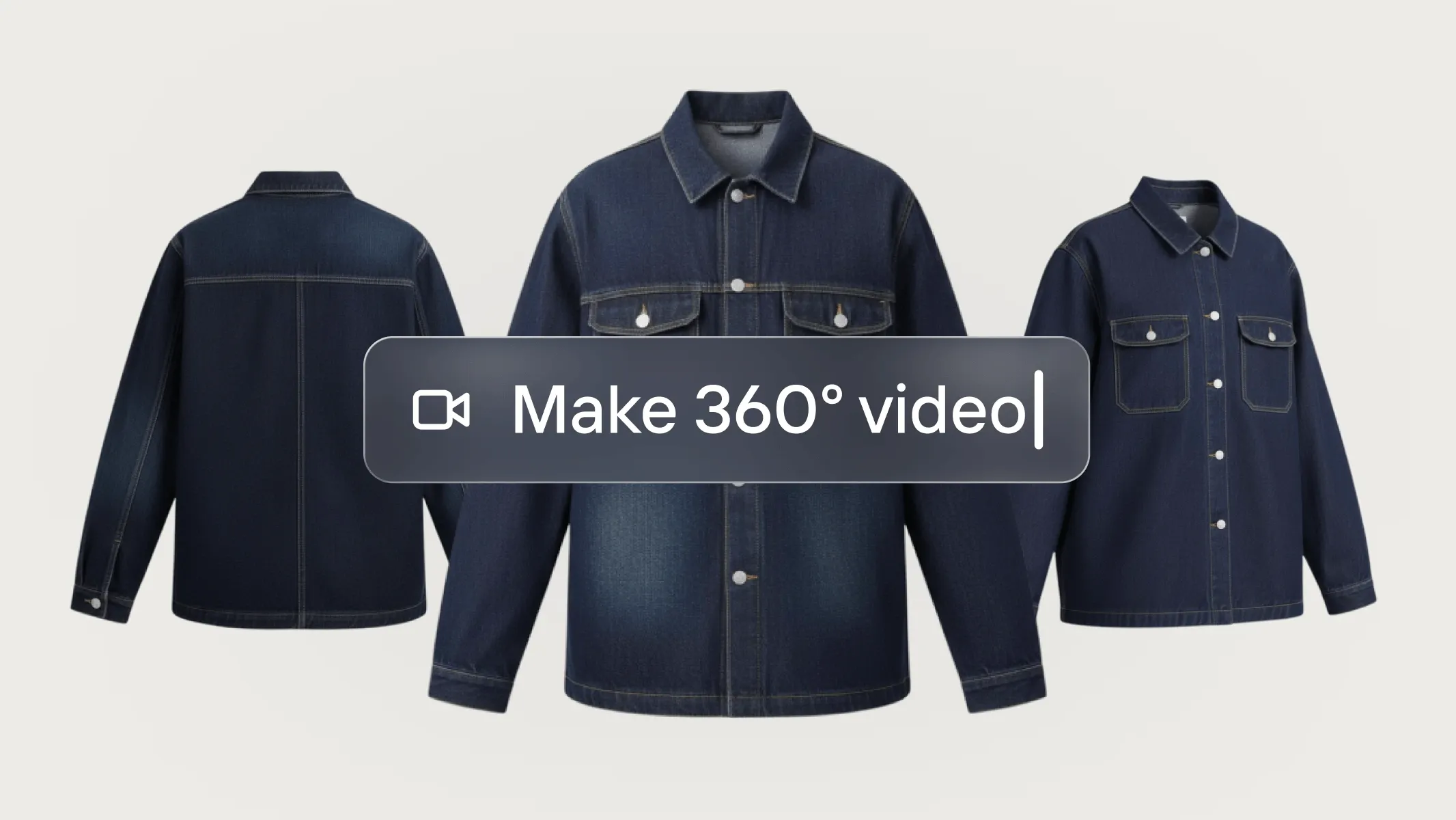
Photoroom also offers Product Animator capabilities for creating short animated product clips when you don't need a complete scripted ad.
That gives sellers different ways to use their product photography, from static listing images to product animations and promotional videos.
Where Photoroom differs from Creatify
Both Photoroom and Creatify can turn product images into video ads. Both support conversational creative workflows, AI-generated advertising concepts, and different video styles.
The distinction is how those capabilities fit into the broader business workflow.
Creatify offers a dedicated advertising environment, with tools for creative production, competitor research, and campaign-related activities.
Photoroom connects video ad creation with the product photography and visual content sellers already need for their stores.
You can prepare your product images, create different advertising concepts, customize the message, and reuse those assets across product launches, seasonal promotions, and international markets.
This makes Photoroom useful for small businesses that regularly create product content and want their visual assets to serve more than one purpose.
What to consider before choosing Photoroom
Editing approach: You can review and customize the script and shot plan before generation, but it doesn't offer the same frame-by-frame control as a traditional video editor.
Campaign management: Photoroom focuses on creating product visuals and advertising creatives. You manage media buying, targeting, and campaign performance through your advertising platforms.
Pricing: Video Ad Maker is included in eligible Photoroom Max and Ultra plans, alongside product image editing and generation capabilities. Video creation uses AI credits.
Choose Photoroom if: You want to create and improve product visuals, turn those same images into video ads, and develop different promotional creatives for the products you sell without building a separate video production workflow.
2. Topview AI: best for flexible AI video production
Best for: Sellers and marketers who want more control over AI-generated scenes and creative direction when producing video ads.
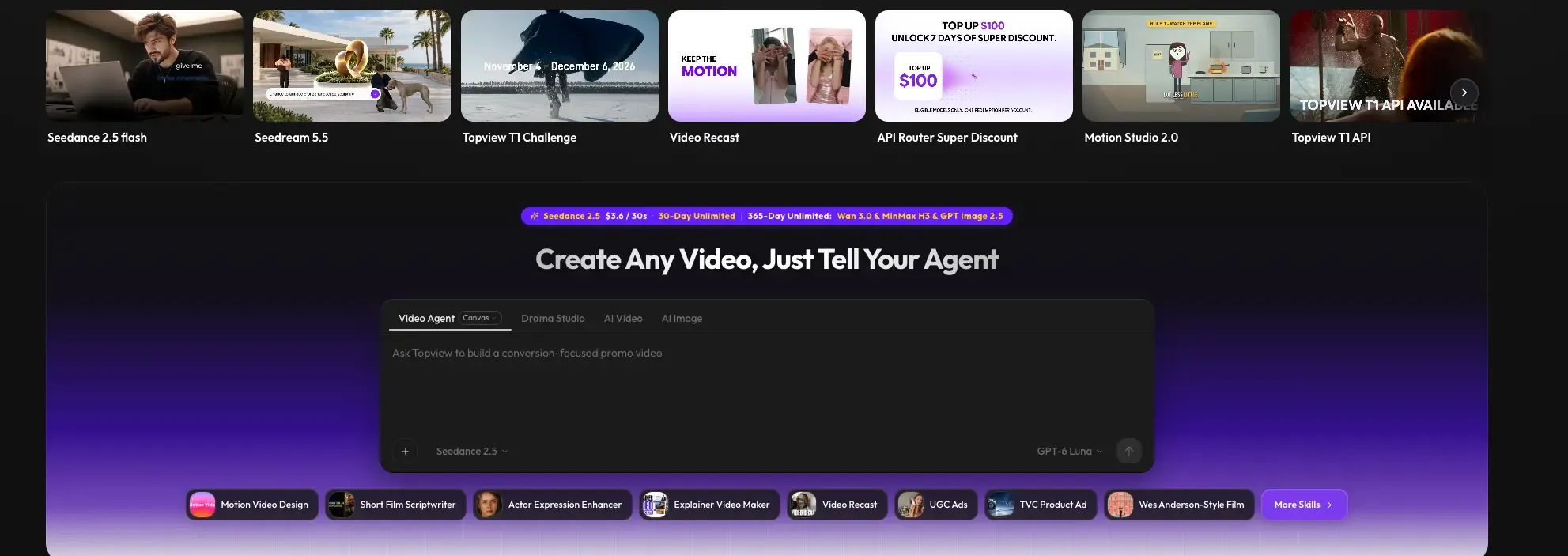
Topview AI lets users create videos from product URLs, images, scripts, reference videos, and written ideas.
Its AI Video Agent can help develop ad concepts, plan scenes, and generate content around the creative direction you provide.
Topview also offers a Canvas workflow with editable scenes and access to different AI generation models.
That makes it relevant when you want to take a more hands-on approach to how individual scenes are created and arranged.
Imagine you're launching a new sneaker collection.
You want a promotional video with several scenes, energetic camera movement, and a particular visual style inspired by an existing campaign.
You could provide product information and creative references, then work with Topview's generated scenes to develop the final video.
Its e‑commerce capabilities also support product showcases, UGC-style videos, and other promotional formats.
Where Topview differs from Creatify
Both platforms support AI-assisted video creation from product URLs and other inputs.
Creatify combines video ad generation with advertising research, creative testing, and campaign-related features.
Topview emphasizes AI video generation and scene construction, with options for working across different generation models.
That makes Topview particularly relevant when creative flexibility and control over the generated footage matter more than having advertising research and management tools in the same platform.
What to consider before choosing Topview
Creative flexibility requires decisions. Choosing models and working with individual scenes may involve more experimentation.
Generation costs vary. Different models and output settings can consume different amounts of credits.
Product accuracy requires review. Complex movements or scenes may introduce visual inconsistencies.
Campaign management is separate. You'll need other tools to manage your advertising delivery and performance.
Pricing: Topview offers credit-based plans, with generation allowances depending on the subscription and models used.
Choose Topview if: You want flexibility over AI-generated video scenes, generation models, and creative direction, and you're comfortable taking a more active role in the production process.
3. Zeely: best for creating ads and launching Meta campaigns

Best for: Small e‑commerce businesses that want to connect advertising creative production with launching and managing paid campaigns.
Zeely combines AI advertising content creation with campaign-related features.
It helps businesses develop advertising assets, prepare promotional messages, and launch Meta campaigns, connecting creative production with advertising execution.
For sellers managing their own paid advertising, this can be useful.
Imagine you run a small home accessories store and want to promote a seasonal collection through Facebook and Instagram.
You need product creatives, advertising copy, an offer, and a campaign that reaches your intended audience.
Zeely is designed to bring those activities together, helping you move from preparing the promotional content to launching the campaign.
It supports image and video advertising, giving sellers different ways to present their products.
Where Zeely differs from Creatify
Creatify offers advertising creative generation, research, and campaign-related capabilities, particularly for teams producing and testing video ads.
Zeely also connects ad creation with campaign execution, but its approach is oriented toward helping small businesses run paid advertising, particularly on Meta.
The difference isn't that one creates ads while the other launches them. Both offer advertising-related functionality.
It's the broader experience: Creatify is particularly relevant to creative production and testing workflows, while Zeely emphasizes helping small businesses create and run campaigns.
What to consider before choosing Zeely
Its advertising workflow is particularly focused on Meta. Check whether it supports the platforms where you primarily advertise.
Advertising spend is separate. You'll need to budget for campaign delivery as well as any software fees.
Campaign settings need oversight. Review audiences, budgets, offers, and promotional claims before launching.
Product image editing isn't its primary focus. You may still need separate tools to prepare your listing photography.
Pricing: Zeely offers paid subscriptions, with campaign spending and applicable fees separate.
Choose Zeely if: You manage your own Meta advertising and want to connect creating promotional content with launching and overseeing campaigns.
4. AdCreative.ai: best for advertising creatives and analysis
Best for: Businesses creating multiple types of advertising assets and looking for AI assistance with creative production and evaluation.
AdCreative.ai focuses on generating advertising content and supporting creative decision-making.
Its capabilities include product-focused image ads, AI product photography, video creatives, and advertising insights.
This makes it relevant when your campaigns require several formats rather than video ads alone.
For example, imagine you're promoting a collection of home fragrance products.
You need images for social advertising, short promotional videos, and different messages highlighting the products' features.
AdCreative.ai can help generate advertising content around those products and offers tools for evaluating creative approaches.
Its value is particularly relevant when you want to develop and assess multiple advertising assets as part of the same marketing process.
Where AdCreative.ai differs from Creatify
Both platforms serve advertisers and provide AI-generated creative assets and advertising-related capabilities.
Creatify has extensive video ad functionality, including conversational generation, AI actors, product-based creatives, and campaign-related workflows.
AdCreative.ai combines image and video production with an emphasis on advertising creatives, product imagery, and creative analysis.
If your work involves producing many static and video creatives, that balance may be more relevant than a primarily video-oriented workflow.
What to consider before choosing AdCreative.ai
It's an advertising creative platform. It won't necessarily replace all the tools you use to prepare product listings or manage your store.
Generated creatives need review. Make sure the product, copy, and visual presentation match your brand and actual offer.
Creative predictions aren't performance guarantees. Evaluate recommendations against real advertising results.
Features vary by plan. Check video generation, creative analysis, and usage allowances before subscribing.
Pricing: AdCreative.ai offers paid plans and a trial, with features and creative allowances depending on the subscription.
Choose AdCreative.ai if: You regularly create different types of advertising assets and want AI assistance with both creative production and analysis.
5. Runway: best for creative product films and visual storytelling
Best for: Brands and creative teams that want distinctive AI-generated product footage and more control over visual concepts.
Runway offers generative video tools for creating and editing footage from images, text, and creative instructions.
Its video generation capabilities can be used to develop product-focused visuals, cinematic scenes, and more elaborate creative concepts.
Unlike an advertising platform centered on campaign production, Runway focuses heavily on the video generation process itself.
For example, imagine a fragrance brand preparing a campaign for a new perfume.
Instead of a conventional promotional video, the brand wants a cinematic sequence with dramatic lighting, carefully directed camera movement, and a distinctive visual atmosphere.
Runway can be relevant when that creative direction is central to the campaign.
You can use reference images and written instructions to influence the style and motion of the generated footage.
This makes it interesting for brands that want to experiment with original visual concepts rather than primarily producing variations of a standard advertising format.
Where Runway differs from Creatify
Creatify is built around advertising creative production and related marketing workflows.
Runway focuses more on generating and manipulating video content.
If you're producing many ads and experimenting with different messages, presenters, and campaign creatives, Creatify offers tools for that advertising process.
If you're developing a highly specific visual concept or creating distinctive footage for a brand campaign, Runway offers a different creative environment.
What to consider before choosing Runway
Creative direction matters. You may need to define scenes, provide references, and refine the output.
It's not a complete advertising workflow. Scripts, campaign setup, and performance analysis may require other tools.
Product fidelity needs checking. Generative video can change shapes, colors, logos, and other important product details.
Experimentation uses credits. Multiple generations and different models can affect the cost of producing usable footage.
Pricing: Runway offers limited free access and paid credit-based plans. Usage depends on the selected generation models and settings.
Choose Runway if: You want to produce distinctive, cinematic, or experimental product footage and are prepared to direct and refine the creative output.
6. Predis.ai: best for product promotions and recurring social media content
Best for: Online sellers who want to create product video ads alongside everyday social media content and manage publishing from the same platform.
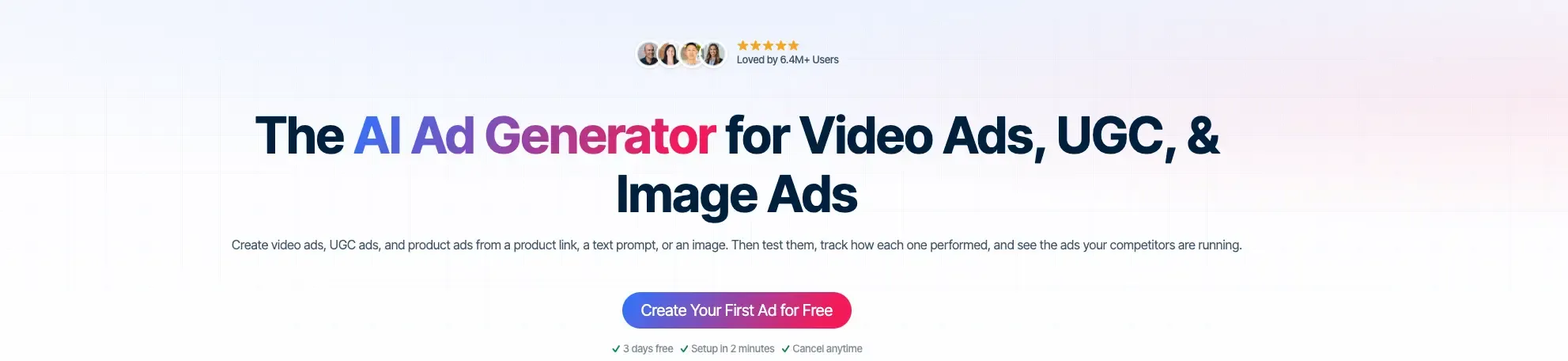
Predis.ai combines AI-generated advertising content with social media planning and publishing.
It can work from product URLs, uploaded images, or connected e‑commerce stores, using product information to create promotional assets.
These include product videos, UGC-style ads, static creatives, captions, and other social media content.
For an online business that regularly promotes products across social channels, that broader approach can be useful.
Imagine you sell handmade home accessories and use Instagram, Facebook, and TikTok to promote new collections.
You need videos for product launches, images for seasonal campaigns, captions for regular posts, and a way to organize your content.
Predis.ai helps create those assets and offers tools for managing social publishing, depending on your plan.
That makes it relevant when video ad creation is connected to your ongoing social media activity.
Where Predis.ai differs from Creatify
Creatify focuses on advertising creative production, with capabilities for generating, researching, and testing ads.
Predis.ai combines promotional content creation with broader social media marketing and scheduling.
Both tools can create product video ads from URLs and other assets, so they overlap in their generation capabilities.
The distinction is what you want to do with the content afterwards.
If you need advertising-focused production and experimentation, Creatify may suit that process. If you regularly create product promotions alongside organic social content, Predis.ai brings those activities into one workflow.
What to consider before choosing Predis.ai
Social management is part of its value. You may not need all its features if you're only creating individual video ads.
Templates and generated content require review. Check product claims, visuals, offers, and brand consistency.
Video generation consumes credits. Allowances depend on your plan and what you generate.
Publishing capabilities vary. Not every subscription includes the same scheduling and automation features.
Pricing: Predis.ai's Core plan starts at $19/month with annual billing, with higher tiers offering additional credits and publishing capabilities. See
Choose Predis.ai if: You want to produce video ads, promotional posts, and other social media content while managing your regular publishing workflow in the same platform.
Which Creatify alternative should you choose?
The right Creatify alternative depends on what you want to improve about your current workflow, not simply which tool offers the most AI features.
If you want to create product visuals and video ads together
Choose Photoroom.
If you sell physical products, your product photography supports much more than advertising.
You need images for your website, marketplace listings, promotions, and social channels. Photoroom lets you prepare those visuals and turn the same assets into video ads.
Its AI director helps you explore different creative concepts, customize the message, and create new promotional videos from your existing product images.
It's particularly useful when you regularly develop product content and want that work to support your advertising as well.
If you want more control over generated video scenes
Consider Topview or Runway.
Topview offers AI-agent video generation with options for working with different models and editable scenes.
Runway is particularly relevant for cinematic product footage and more ambitious creative concepts.
These platforms are worth exploring when the look and construction of individual scenes are a major part of your production process.
If you want to create and launch paid campaigns
Consider Zeely.
Zeely connects advertising creative production with campaign management, particularly for Meta advertising.
It may suit small businesses that want help moving from preparing an ad to launching and overseeing a paid campaign.
Creatify also offers campaign-related capabilities, so compare their available features based on the type of advertising you run.
If you need help creating and evaluating advertising assets
Consider AdCreative.ai.
AdCreative.ai combines advertising creative production with tools for analyzing and evaluating different approaches.
It may suit teams that regularly produce both image and video ads and want creative development to be closely connected to advertising insights.
If you create promotional content for social media every week
Consider Predis.ai.
Predis.ai combines product video ads with social media content creation, planning, and publishing.
It's relevant when your marketing includes regular posts, promotional graphics, and videos across several social channels.
If you're regularly creating and testing video ads
Both Photoroom and Creatify are worth considering, but they approach the job differently.
Creatify offers dedicated advertising capabilities, including creative research, video ad generation, and campaign-related tools. It's particularly relevant when you want those activities connected in an advertising-focused platform.
Photoroom is a the best alternative to Creatify when your advertising process starts with physical products and the images you create for them. You can prepare your product visuals, create different video ad concepts, customize scripts and scenes, and reuse those assets for new campaigns without rebuilding your product photography.
How to move from Creatify to Photoroom for product ads
If you've been using Creatify to generate advertising creatives, trying Photoroom doesn't mean you need to abandon your existing campaigns or start your product content from scratch.
The main change is that you can bring product photography and video advertising into the same workflow.
Here's how to approach your first video.
1. Start with a product you already promote
Choose a product you're currently advertising or preparing to launch.
Gather the photos you already use on your store or marketplace listings. Include images showing the product from different angles, along with important features or details.
If those images need improvement, use Photoroom to remove distracting backgrounds, create new settings, or prepare additional product visuals.
Then open Video Ad Maker and add your images.
2. Keep your advertising goal, but explore a new concept
Think about what you wanted to achieve with your Creatify ad.
Were you introducing a new product? Highlighting a benefit? Promoting an offer? Testing a different message?
You can start with the same goal in Photoroom without recreating your previous video scene by scene.
For example, you might describe a product-focused video highlighting the design of a handbag or a seasonal promotional ad for a home decor collection.
You can also let Photoroom's AI director guide you if you're unsure which approach to use.
3. Choose a creative approach that fits your product
Photoroom offers different video styles, including product showcases, UGC-style ads, reviews, and other promotional formats.
You can accept the AI director's recommendation or choose a different approach.
For instance, if your existing Creatify ad features an AI presenter explaining a product, you might experiment with a product-led version that highlights the item's appearance and details.
That gives you a different creative concept to compare, not simply another version of the same ad.
4. Review the script and shot plan
Before generating, Photoroom prepares a creative plan showing the video scenes, script, and voice-over.
Review how the product will be presented and whether the message communicates the benefit you want customers to understand.
Check all product claims and adjust the script or creative direction if necessary.
You can also customize available settings, including video format, duration, and language.
5. Generate the video and test the creative approach
Generate your video, review the result, and download it for the channels where you promote your products.
Pay particular attention to packaging, labels, colors, and other visual details that need to match the item you sell.
If you already have a Creatify ad for the same product, you can compare the two approaches.
For a meaningful advertising test, keep the offer, audience, campaign objective, and measurement window as consistent as possible.
You may find that a creator-led explanation communicates the message better, or that a product showcase helps customers understand the item more quickly.
The goal isn't to prove that one generator always produces better ads. It's to discover which creative approach works for your products and audience.
The best video ad tool fits the way you sell
Creatify is a capable platform for producing advertising creatives, especially when video generation, testing, and campaign-related activities are central to your marketing.
But different e‑commerce businesses need different things from their video tools.
You might want more creative control, help managing campaigns, a connected social media workflow, or a way to turn your existing product photography into more advertising content.
For small sellers who regularly create product visuals and promotional videos, Photoroom brings those activities together. Its Video Ad Maker turns existing product photos into short ads, with an AI director that helps develop the creative concept, script, and scenes.
You can prepare your product images in the same platform, create different ad styles, and develop new variations for product launches, seasonal promotions, and international markets.
The advantage isn't simply making video ads without filming, but being able to turn the product visuals you already create into new ways to promote and sell what you offer.