Photoroom MCP for Claude Code
Image editing in Claude Code
Connect Photoroom with one command, then edit a whole folder of product photos from your terminal: remove backgrounds, add shadows, iron garments and more, without writing an editing script.
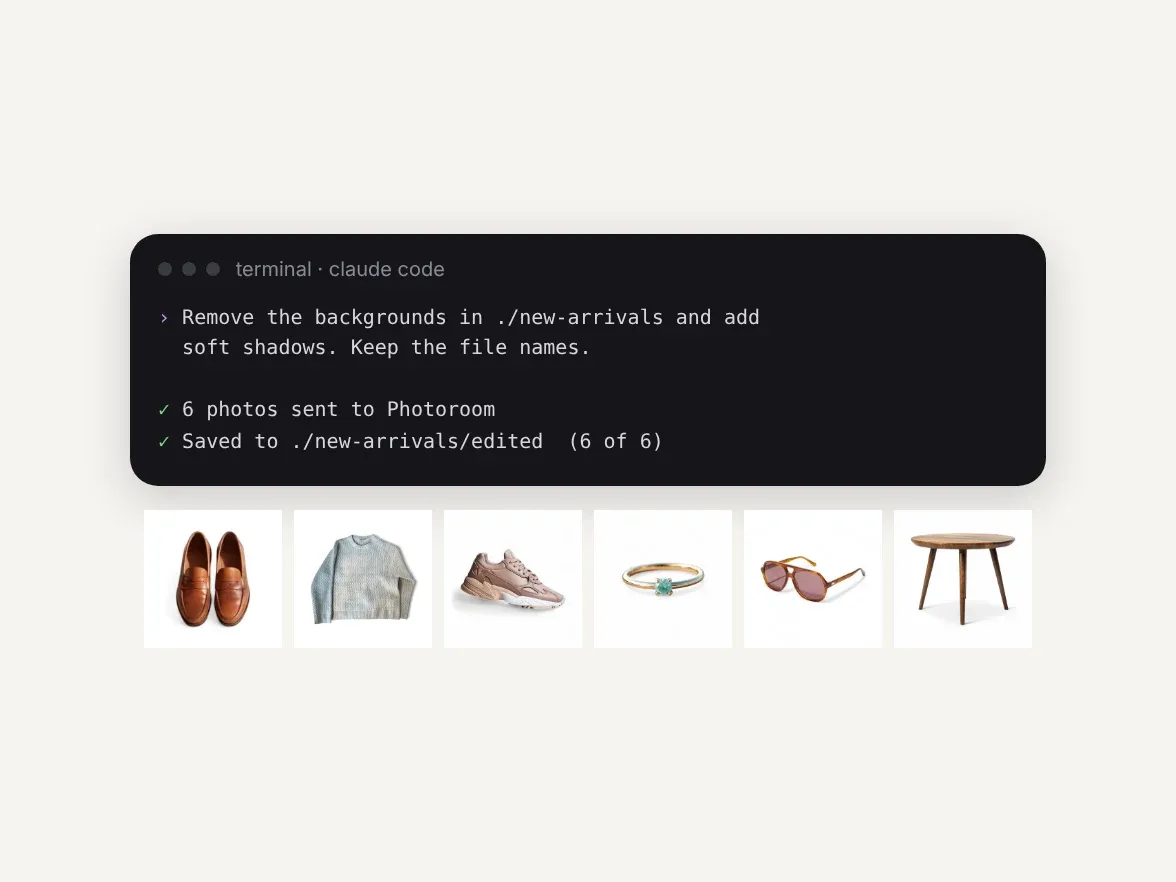
Add Photoroom to Claude Code
One command adds Photoroom to Claude Code. Sign in with your Photoroom account, and edits use your Pro, Max or Ultra credits.
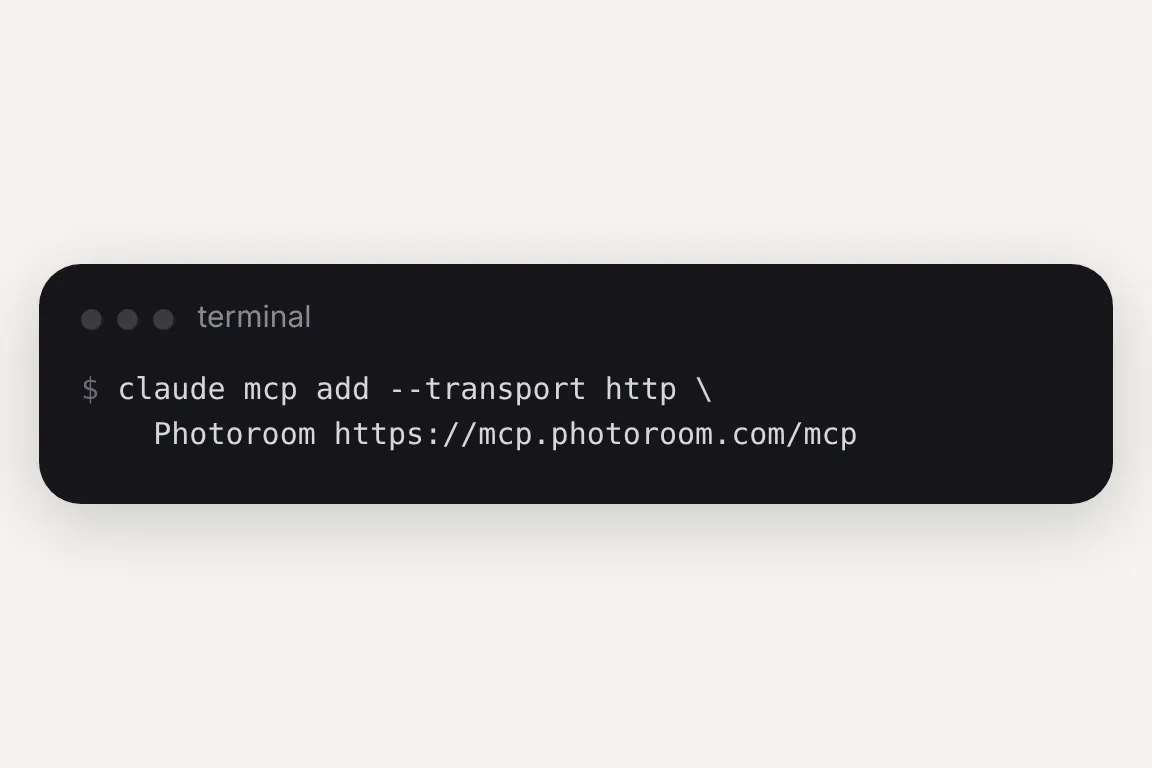
Add Photoroom
Run this in your terminal:claude mcp add --transport http Photoroom https://mcp.photoroom.com/mcp
Sign in to Photoroom when Claude Code asks. Edits use your Pro, Max or Ultra credits.
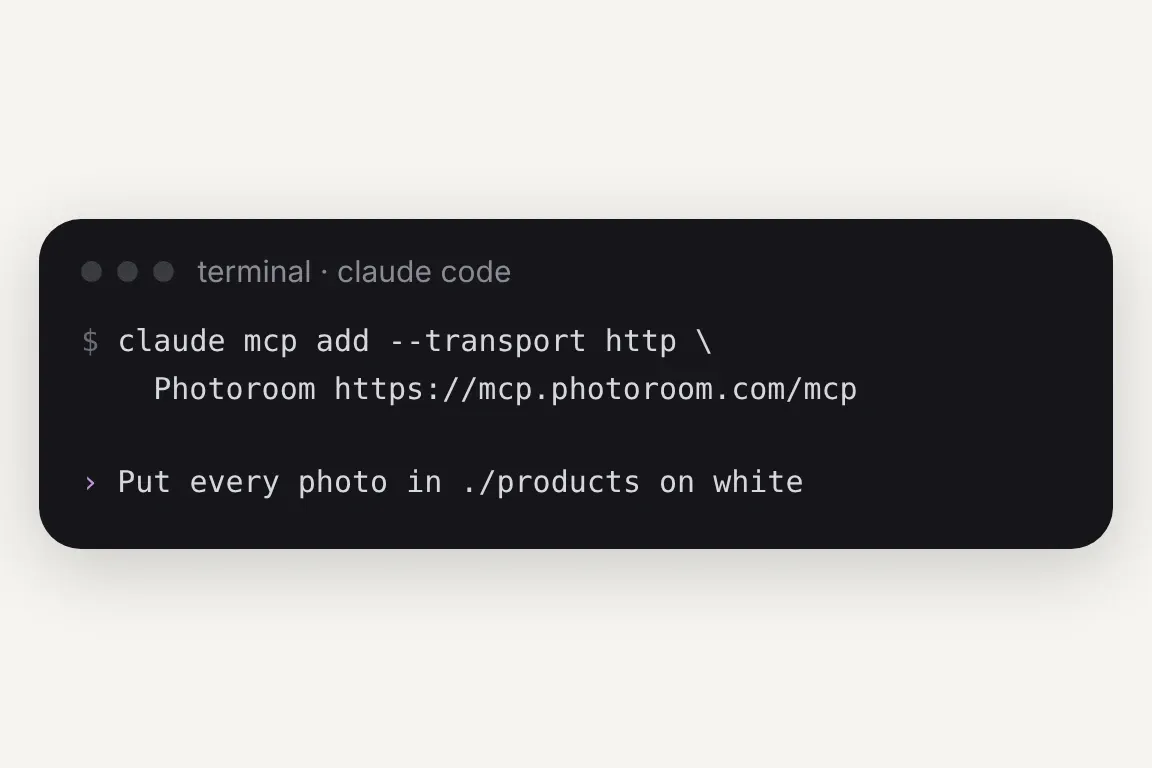
Ask for the edit
Describe the result in plain English, for one photo, a folder or a list of image links. Claude Code picks the Photoroom tool for each image and brings the edited files back.
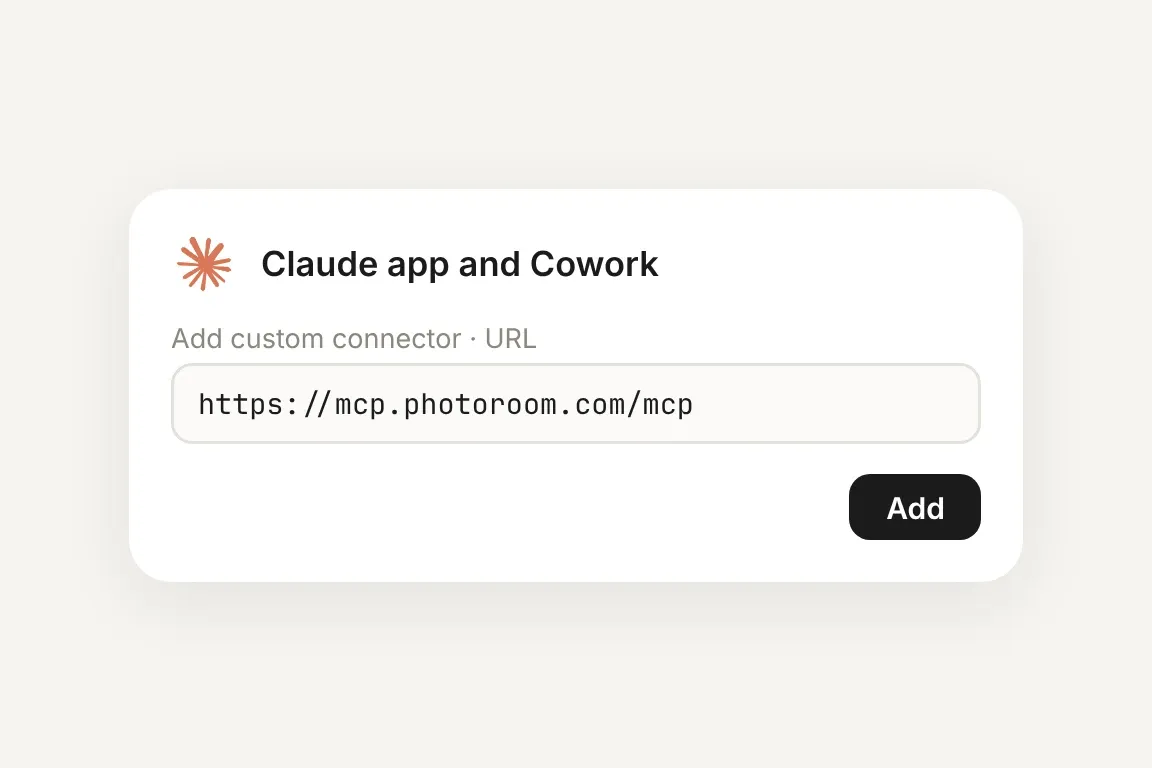
Already in Claude or Cowork
The same Photoroom MCP works in the Claude app and Cowork as a custom connector. See the Claude setup.
Trusted by leading companies








Photoroom tools for image editing in Claude Code
Claude Code calls them from a plain-English request, for one product photo or a whole batch.

Photoroom MCP

Background Removal

Virtual Model

Flat Lay

Ghost Mannequin

Product Staging

Edit With AI

Product Beautifier

Add Shadows

Generate Backgrounds

Relighting

Text Removal

Expand

Uncrop

Ironing

Create Any Image

Uncertainty Score

Perspective Correction

Positioning

Smart Cropping

Upscale
Your product photos, handled from the terminal
Describe the edit once and Claude Code runs it through Photoroom, whether it's ten photos or a new range.
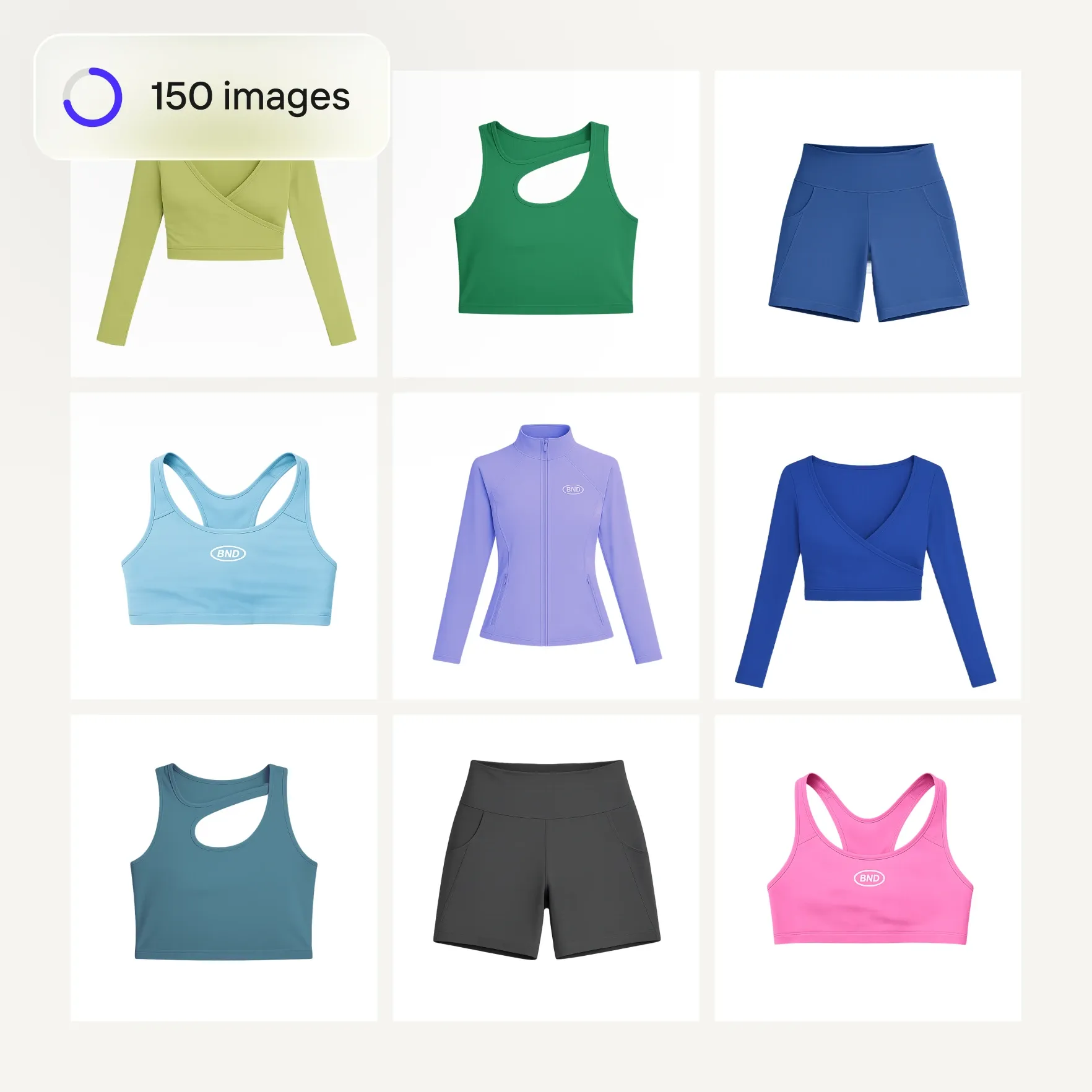
A whole product folder, edited without a script
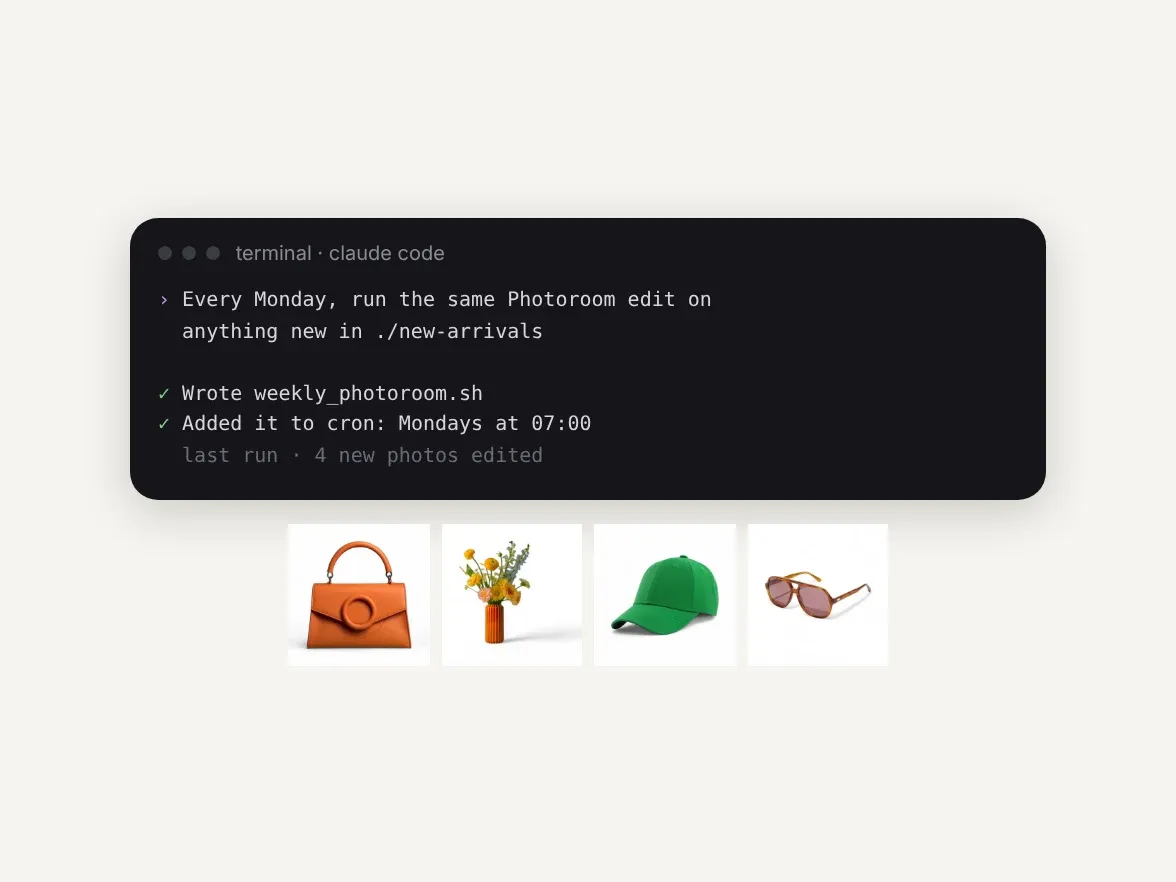
New arrivals edited on a schedule
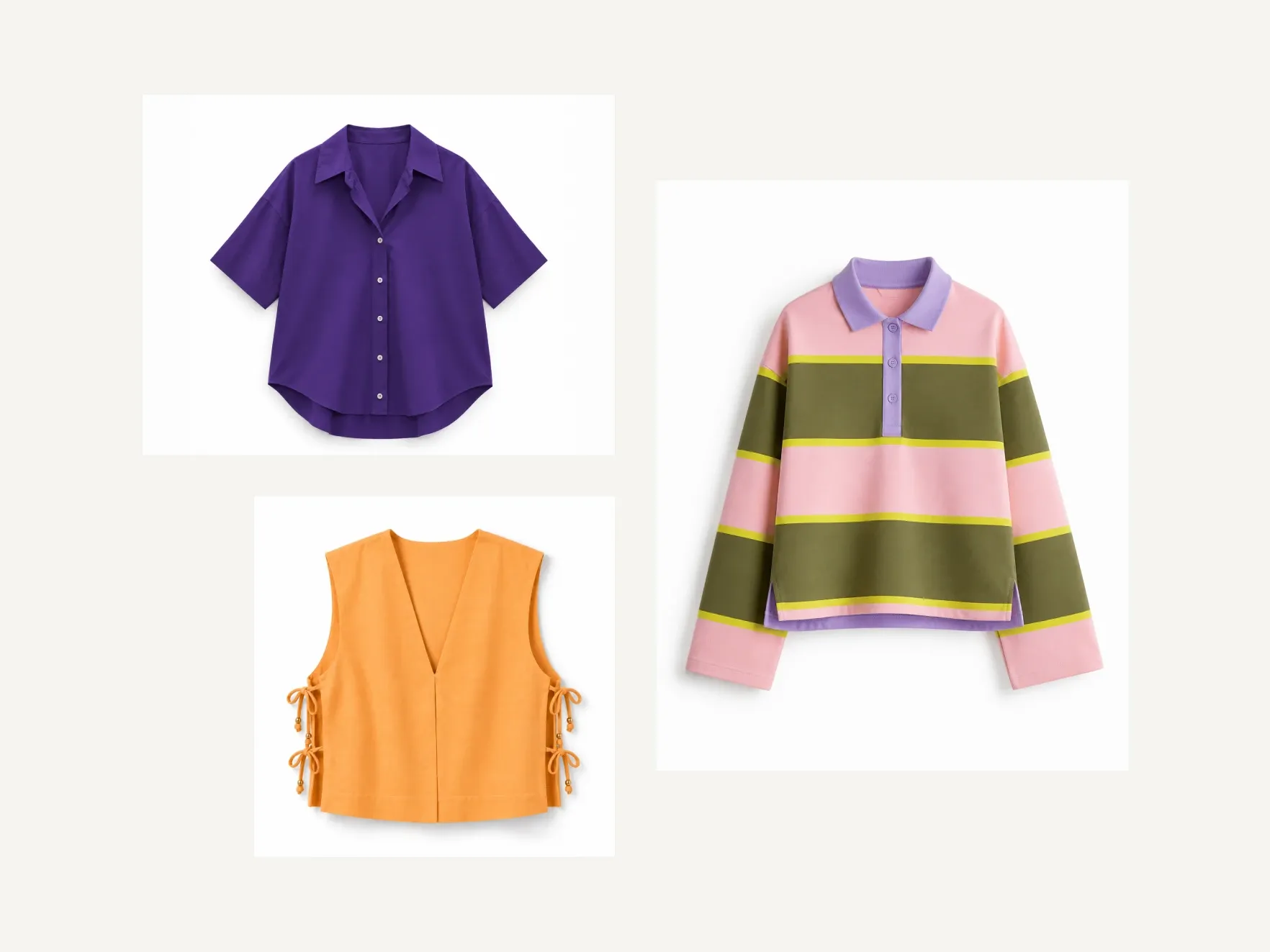
One setup for Claude, Cowork and Claude Code
Prompts to try
Terminal prompts for your next batch
Swap in your own folder, file or look. Each one runs every image through Photoroom.
Folder to white background

URL list with shadows

Ghost mannequin shoot
Ironing
Flat lay
From a folder of raw shots to listing-ready images
Point Claude Code at the folder and describe the look. Each photo goes through Photoroom in turn: background removed, shadow added, sized for each marketplace, and much more.
Results from teams editing with Photoroom at scale
4x
faster market rollouts
89%
lower image processing costs
56%
higher conversion on listings
236%
increase in average order value
Exclusive to Enterprise plans
When a terminal batch becomes a catalog pipeline
Once that batch has to cover the whole catalog, Enterprise plans can add workflows that chain several Photoroom tools and review each image against its original, set up with our team.

Visual Agents
Visual Agents execute the perfect workflow for your use case. They analyze every input, generate and edit, score the output, retry until it passes. Every visual runs the same loop and only the ones that pass reach your catalog.
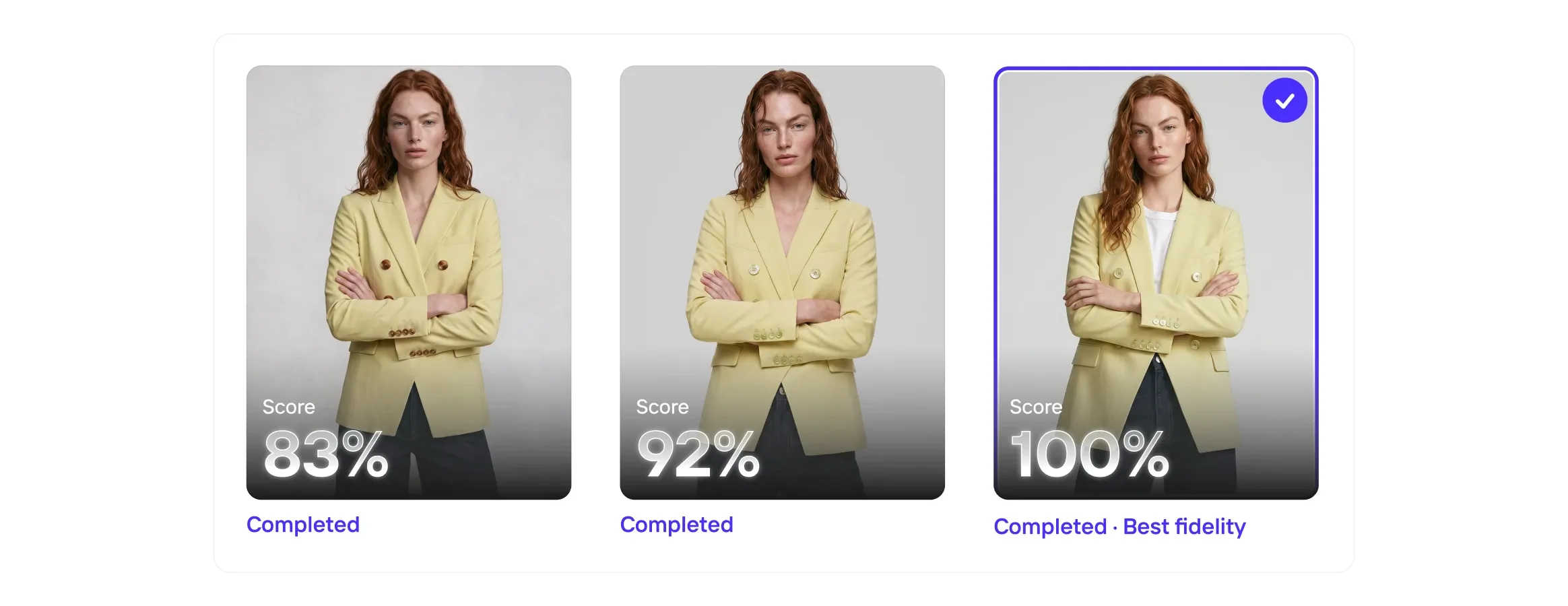
Visual QA
Even the best AI models get it wrong, so Visual QA scores every output for fidelity, catches the misses, and corrects the details before they reach your customers.

Enterprise Guarantee
Pay only for outputs that pass. Every output is checked against your brief by our fidelity model, and anything that misses is regenerated before it reaches your team.

Image to Video API
The Image to Video API turns static product photography into short-form video automatically. Submit a product image and receive a polished video with natural camera motion, animation, or configured effects.