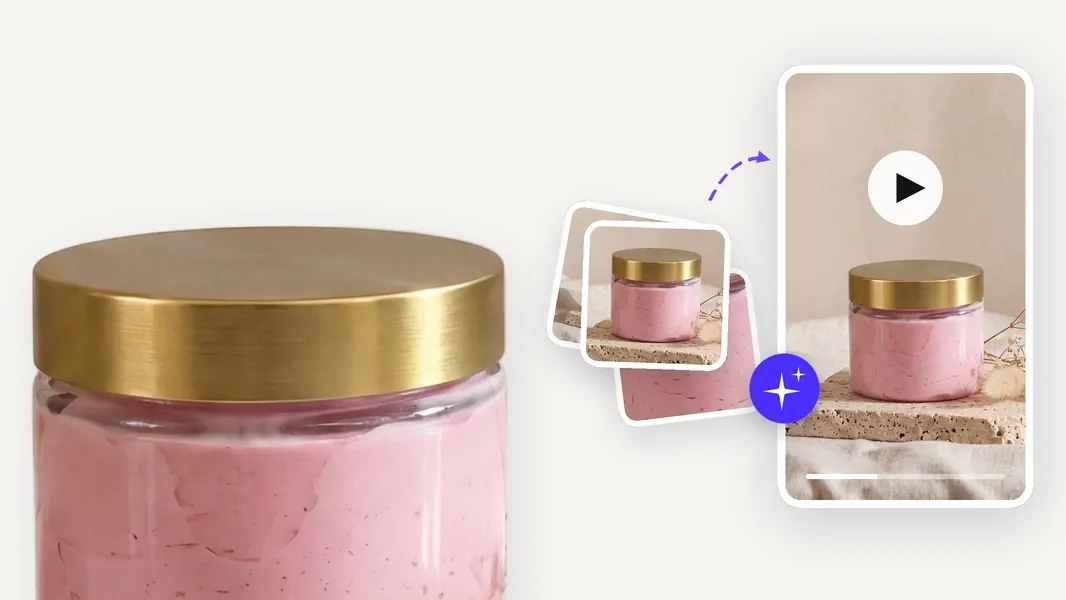
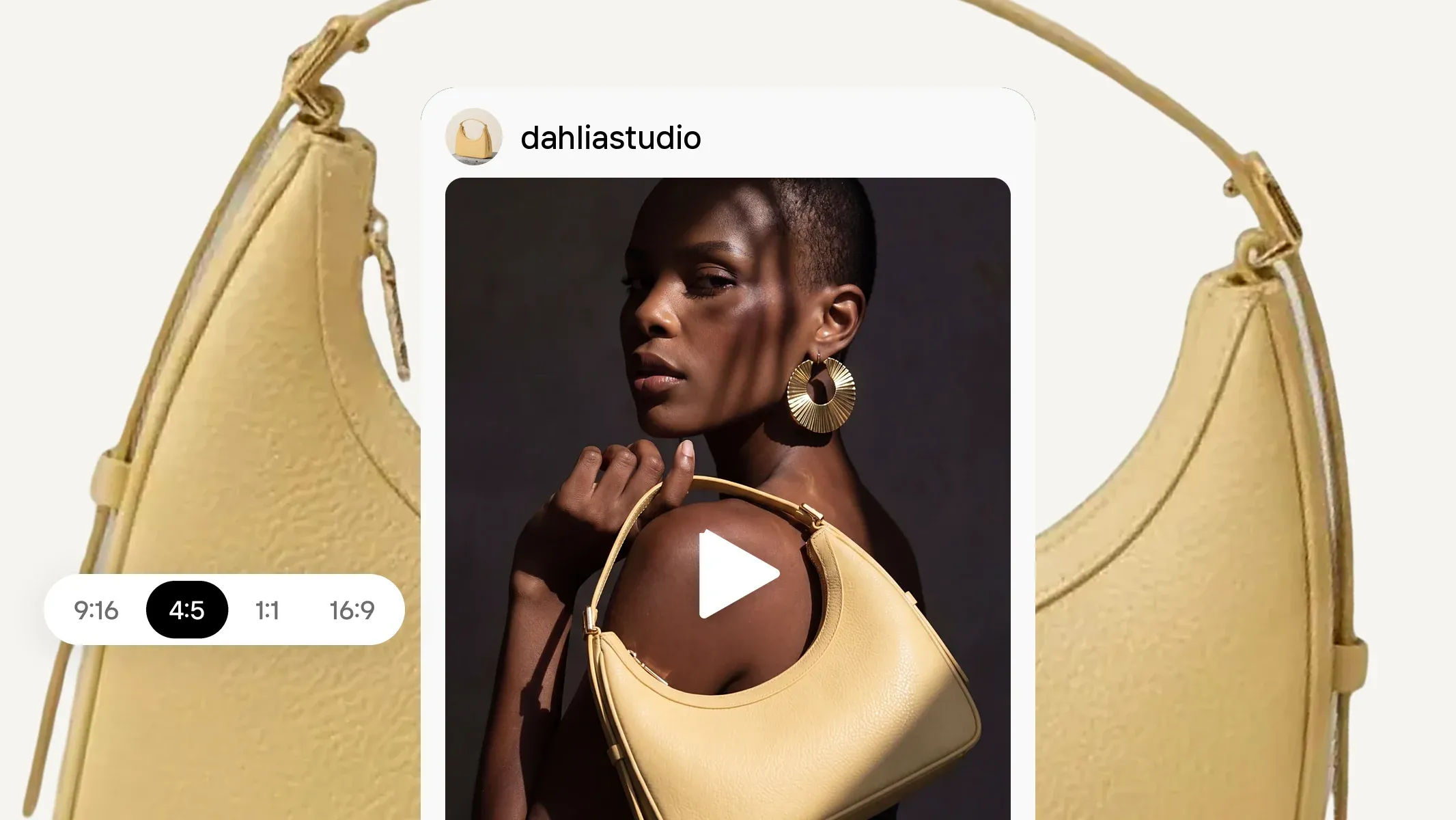
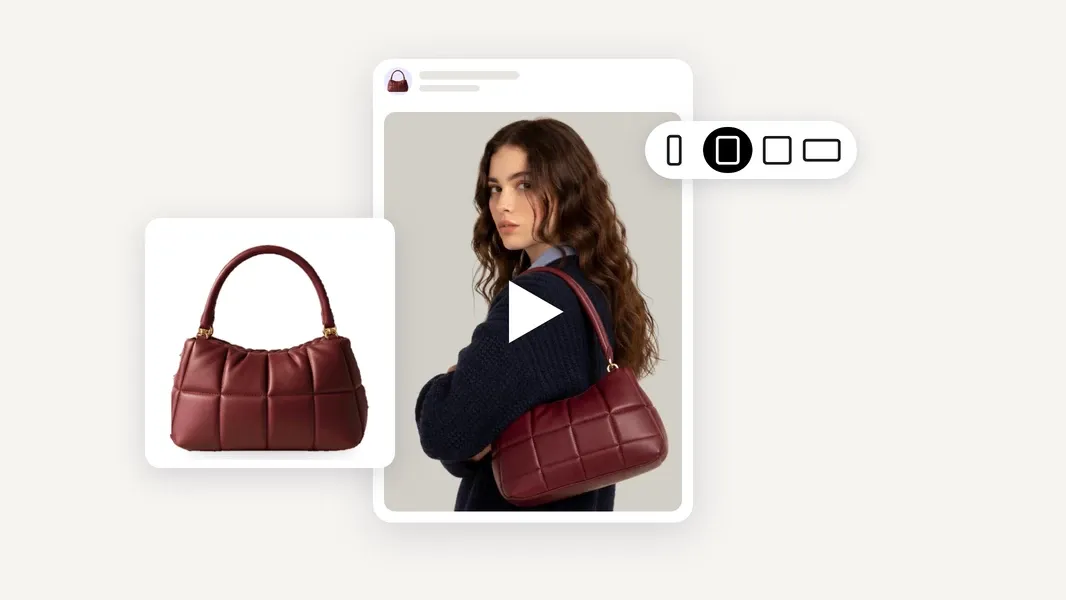
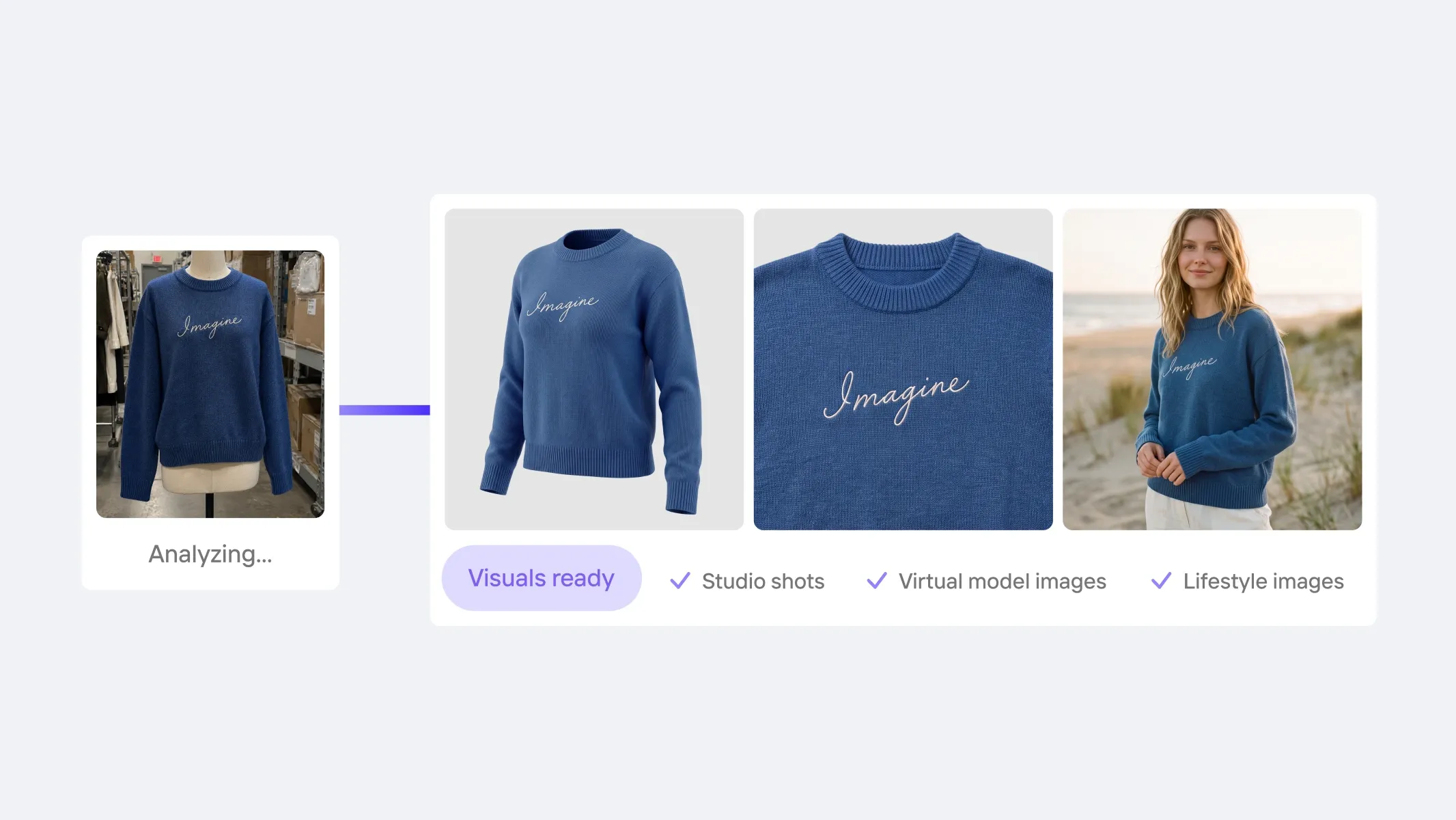
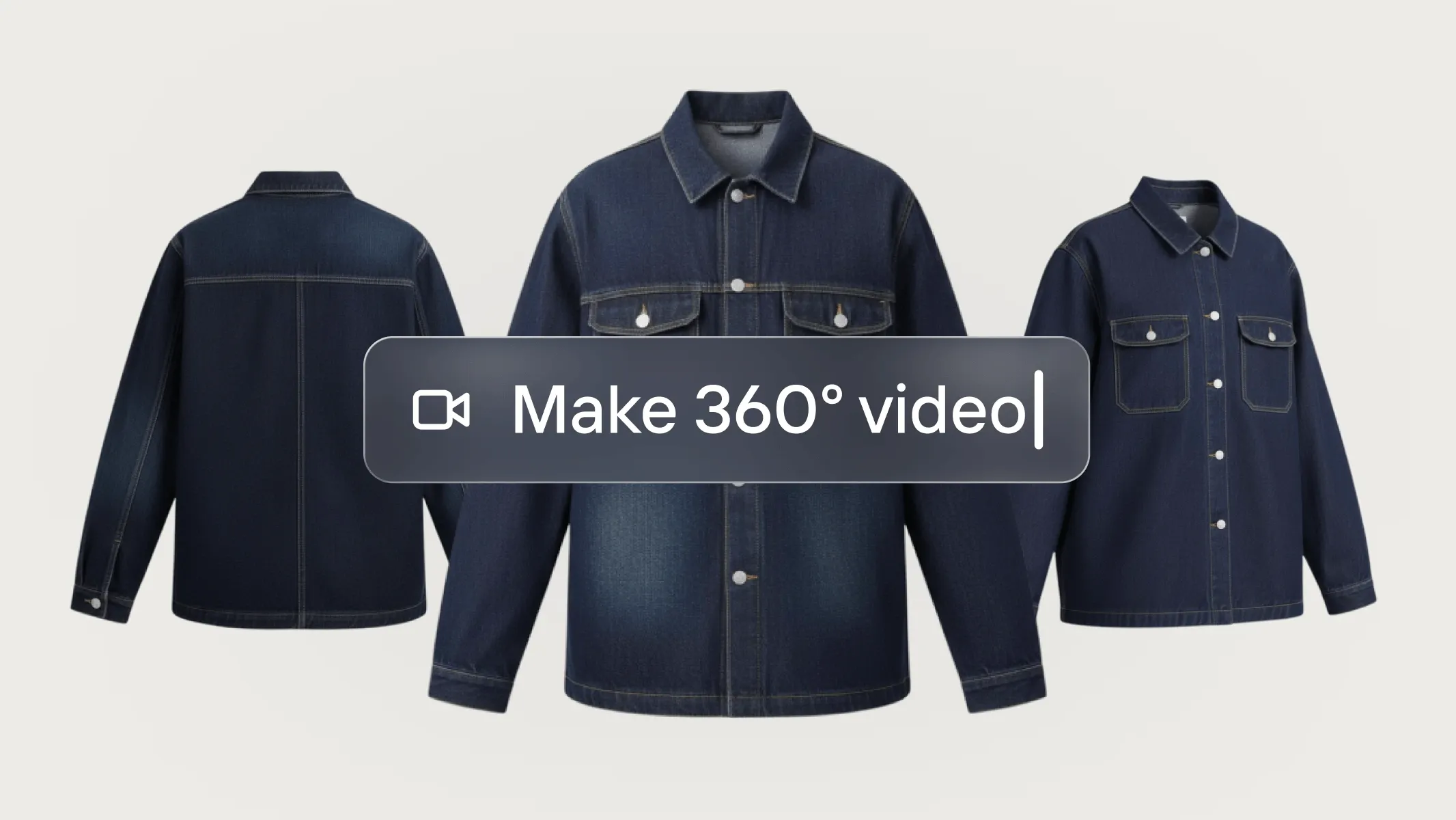
AI UGC ads are short, selfie-style video ads that look like creator-made content, but use AI characters and AI voiceovers instead of a real person. If you sell online, you can make them from product photos you already have, without having to film yourself or hire a creator.
You've seen the original format hundreds of times. Someone holds a product up to the camera on TikTok or Instagram, says why they like it and shows how it works. The end result is a video that feels more like a tip from a friend than an ad. This style of paid advertising is popular among many brands because it fits naturally into the organic feed.
The hard part for small sellers is making these videos consistently. Working with creators means finding the right people, agreeing on a fee, shipping samples, waiting for drafts, and asking for reshoots. And plenty of founders would rather not appear on camera themselves.
That's the gap AI UGC ads fill. With a tool like Photoroom's Video Ad Maker, you start from your product photos, pick an AI character and a style, review the script, and get a UGC-style video ad you can test. This guide explains what these ads are, where they work (and where they don't), and walks you through making your first one.
Table of Contents
What is a UGC ad?
A UGC ad is a paid ad that looks and sounds like user-generated content: a casual, phone-shot video of a person talking about or using a product. UGC stands for user-generated content, meaning content made by everyday people rather than by a brand.
In practice, "UGC ad" covers three different things:
Genuine customer content: a real buyer posts a video, and the brand gets permission to use it in an ad.
Creator-produced UGC: a brand pays a creator to film a video in that casual style. The creator may or may not be a regular customer.
UGC-style ads: any ad designed to look like UGC, whoever or whatever made it. AI UGC ads fall into this group.
Most e‑commerce UGC ads follow a handful of proven formats:
Problem and solution: open with a frustration, then show the product fixing it.
Product demonstration: show the product in use, step by step.
Unboxing: reveal the packaging and first look, which works well for gifts and premium items.
Three reasons to buy: a quick list of benefits, one per beat.
Recommendation or gift idea: "If you're shopping for someone who has everything, get them this."
These formats suit TikTok, Instagram Reels, and Facebook because they match what people already watch there: vertical, short videos spoken directly to the camera that make the point within the first few seconds.
What are AI UGC ads?
AI UGC ads recreate the format of creator videos (the framing, the direct-to-camera delivery, the casual tone) using AI-generated characters, voices, and scenes. Nobody is filmed, and no one ships a sample.
An AI UGC ad is not a customer testimonial. The AI character can explain what a product does and show how it's used, but it has no personal experience with it.
Some tools put a talking AI avatar in front of a background, with the product as an overlay. Others start from your product photos and build the scene around them.
Photoroom's Video Ad Maker takes the second approach. You upload existing product photos, and it generates UGC-style videos: an AI character presents your product, and can hold, wear, or demonstrate it depending on the product type.
Why do brands use UGC-style ads?
Brands use UGC-style ads because they blend into social feeds, show products in use, and make it easy to test multiple and many creative ideas. Here's what each of those means for an e‑commerce seller.
They feel native to social feeds
Creator-style videos look like the content people gravitate towards on social apps, so they're less likely to get skipped. TikTok's own analysis of around 220 brand lift studies in Europe found that ads made with creators had 91% higher 6-second view rates and 83% higher engagement rates, compared with 8% and 12% for ads made for TikTok without creators.
One important caveat: that study measures videos made by real creators. It doesn’t tell us how AI-generated UGC performs, and we shouldn't assume the results carry over.
They demonstrate products in context
A static packshot shows what a product looks like. A person holding it shows how big the product is, how it moves, and what it's for. Think of a bag on a shoulder, a candle on a nightstand or a gadget mid-demo.
They make creative testing easier
Most ad performance comes down to the creative: the hook, the angle, and the first few seconds. The fastest way to find what works is to run several versions and let the data decide. With creators, each new version can mean another brief and another shoot. With AI UGC, you can generate several variations from the same product photos and test them side by side.
Do AI UGC ads work?
AI UGC ads can work well for certain goals, but there isn't yet solid public evidence that they perform as well as videos from real creators. For e‑commerce sellers, they’re a useful production tool, but your own campaign data is the most reliable judge of performance.
AI UGC ads are most useful for:
Testing hooks, messages, and product angles before you invest in a bigger shoot.
Producing variations of a winning ad for different audiences.
Showing products in use when you can't film them yourself.
Adapting ads for other languages or markets.
Keeping ads fresh when you have limited time, budget, or production resources.
AI UGC ads have real limits, too. Working with a genuine customer to tell their story, or a creator your audience already trusts, brings credibility that an AI character can't. Research on AI disclosure also shows mixed results: a 2025 study in the Journal of Interactive Advertising found that labeling an ad as AI-generated could lower trust in some viewers and raise it in others.
This matters most in trust-sensitive categories such as skincare, supplements, or anything health-related. Shoppers of these categories want to know if a product works for real people, and AI characters can’t make those claims.
The most practical approach is to treat AI UGC as an extra way to produce ad creative, not a replacement for real people and voices. Test concepts with AI, check the results in your ad account, and bring in real customers or creators when you need personal experience to be the point of the ad.
AI UGC vs real creators: What's the difference?
Real creators bring genuine experience and human credibility. AI UGC makes production and experimentation faster and simpler. They cover overlapping but different needs.
| Real creators | AI UGC | |
|---|---|---|
| Production process | Sourcing, filming, briefing, and approvals | AI-assisted generation from your assets |
| Time to create | Depends on creator availability, shipping, and revisions | 1 to 2 minutes per video in Photoroom |
| Product samples | Usually required | Not required when generating from product photos |
| Creative variations | Often means extra filming or fees | Generated from the same photos and script |
| Authenticity | Can share real personal experience | Can't stand in for real customer experience |
| Best for | Testimonials, personal recommendations, creator-led campaigns | Concept testing, product-focused ads, creative variations |
Many brands will end up using both: AI UGC to find the angles that work, and creators or customers to bring those angles to life with real experience.
How to make UGC-style video ads without hiring creators
You can turn product photos you already have into a UGC-style video ad with Photoroom's Video Ad Maker. Add up to six photos, describe the ad you want, answer a few quick questions, choose an AI character and a creative angle, then review the plan before anything is generated. You don't need to film anything, hire a creator, or edit video, and credits are only used once you approve the plan.
We'll follow one example throughout: a small homeware shop selling a handmade ribbed ceramic vase in a matte sand color.
Step 1. Choose your product photos
Video Ad Maker works with up to six images. Choose a mix that shows the product clearly from different angles, plus a detail shot and an in-use shot if you have them. Before you add them, check that:
The product is fully visible, with sharp textures and labels.
Colors match the real product.
Every photo shows the same variant (same color, same size), unless you mean to show several.
You can upload new images or PDFs, pick what’s already in Photoroom, or upload from Google Drive, Dropbox, and Shopify.
For the vase, we used four photos: one front-facing photo, one styled shot with dried flowers in a living room, a top-down view of the opening, and a close-up of the ribbed texture.

Step 2. Open Video Ad Maker and describe your ad
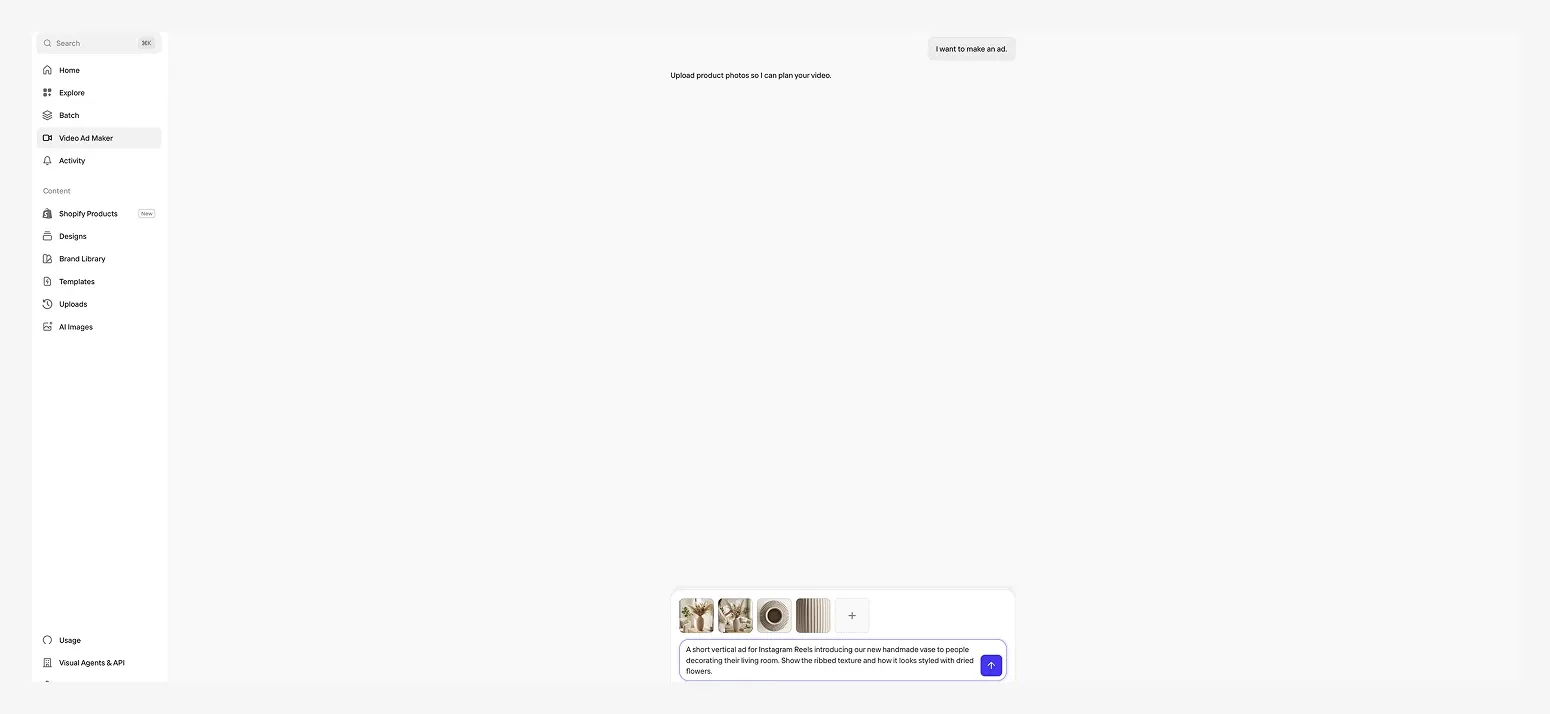
In the Photoroom web app, select Video Ad Maker in the left sidebar. Select Add product photos, choose your images, and select Add images.
Then describe the ad in the message box, in plain language: what the product is, who it's for, where the ad will run, and what you want it to show. The bar under the box shows the current settings (format, length, character, audio, and language). You can change them there, or let Video Ad Maker set them as you go.
The brief for the vase: "A short vertical ad for Instagram Reels introducing our new handmade vase to people decorating their living room. Show the ribbed texture and how it looks styled with dried flowers."
Step 3. Answer the setup questions and choose an AI character
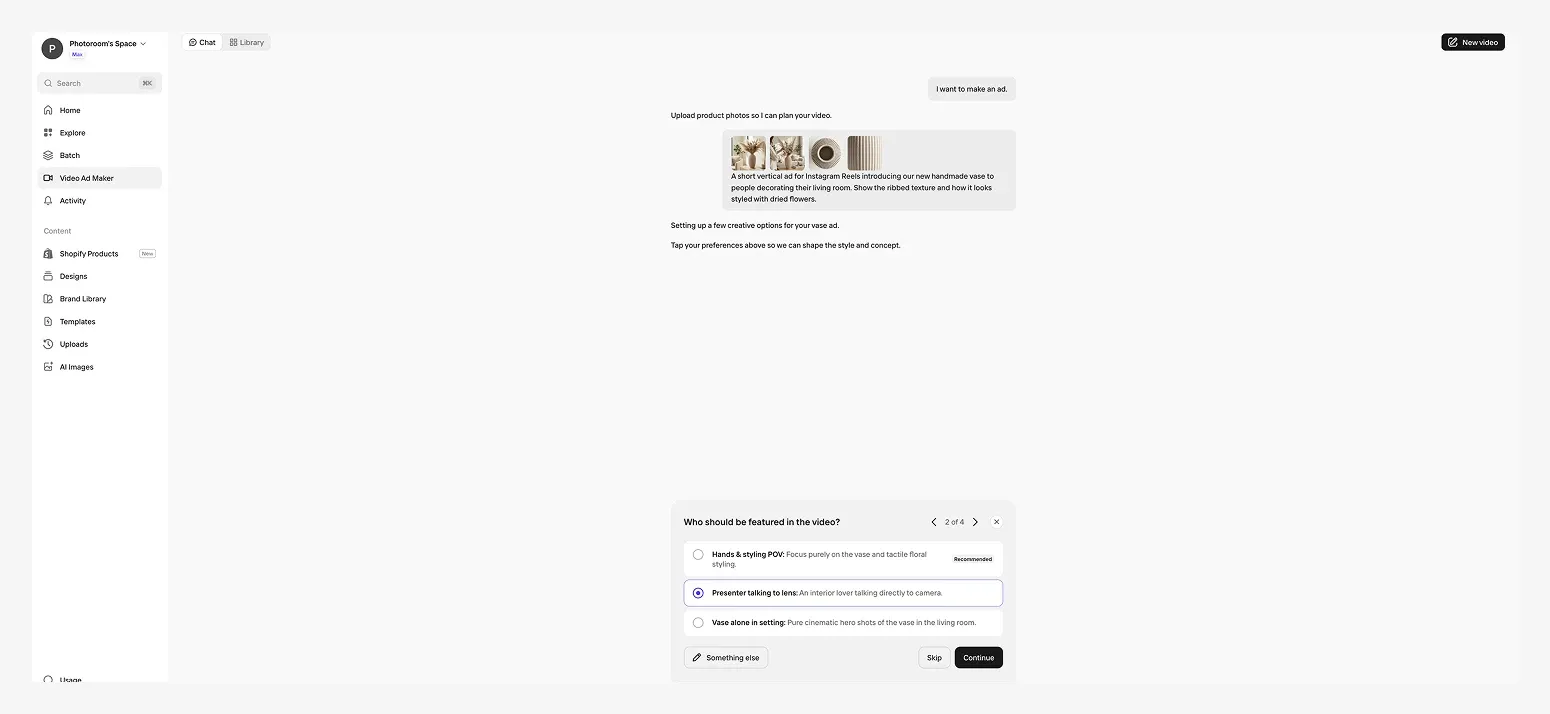
Video Ad Maker then asks four quick questions. Each comes with a recommended answer and alternatives tailored to your product:
Pacing and duration: for the vase, the choices were a 5-second visual hook, an 8-second styling reel, or a 10-second full demo.
Who should be featured: hands-only styling shots, a presenter talking to the camera, or the product alone in a setting. For a UGC-style ad, choose the presenter.
Tone: for example, calm and aesthetic, high-end editorial, or casual and relatable.
Spoken language: such as English, French, or Spanish.
Pick a suggestion, write your own answer with Something else, or Skip the question.
Next, choose your AI character. Leave it on Auto to let Video Ad Maker decide, or select See all characters to browse the full list. Pick someone who suits the people you sell to.
Step 4. Choose the UGC format and a hook
Video Ad Maker now suggests a video format. Choose UGC for a realistic social-media look. The other options include Auto, which picks the format it thinks suits your product, and Direct to Camera, where the AI character speaks straight to the viewer. Browse all shows additional options.
The AI Director then proposes three creative angles, each built around a hook. For the vase, the options were:
Reads Expensive: "Everyone thinks this ribbed vase came from a boutique gallery, not online."
Effortless Styling Fix: "Drop in three dried stems and your console table suddenly looks professionally styled."
Texture Replaces Clutter: "Stop buying random shelf knickknacks when one textured ribbed piece grounds the room."
Pick the angle that matches what really makes your product worth buying. A good hook names something the viewer cares about (a problem, a feeling, or a benefit) in the first two or three seconds, and it has to be true. If none of the angles fit, describe your own in the chat.
Step 5. Review the video plan and script
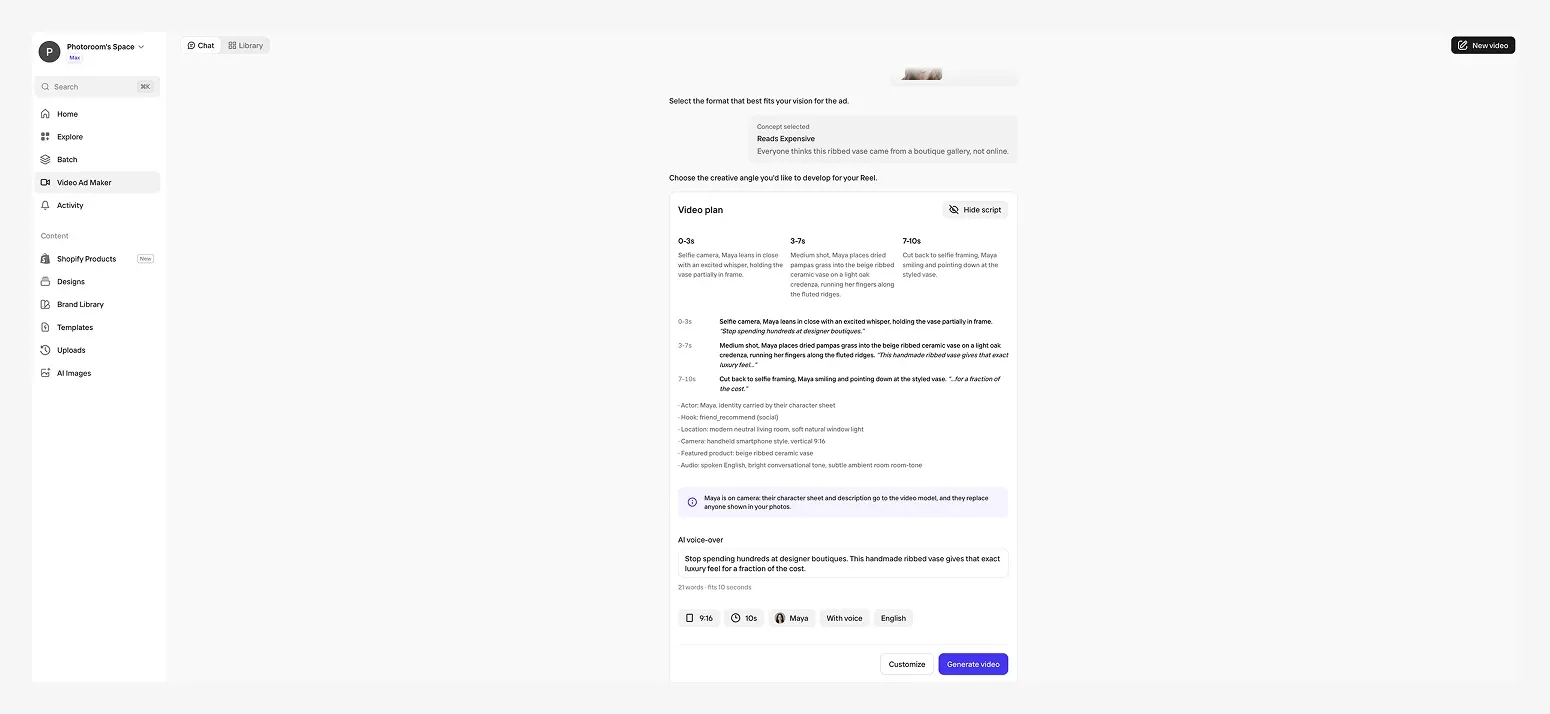
Before anything is generated, Video Ad Maker shows a Video plan: a shot-by-shot breakdown of the ad (for a 10-second video, 0–3s, 3–7s, and 7–10s). Select Show script to see the spoken line for each shot, along with the location, camera style, and audio. The AI voice-over sits in its own box, which you can edit, with a word count that tells you whether it fits the video length. Your AI character replaces anyone who appears in your product photos.
Before you generate, check that:
Every claim is true for this product, including material, size, finish, and price.
The scenes use the product realistically.
The AI character explains or demonstrates the product rather than presenting as a real customer with personal experience.
Any price, offer, or deadline matches what's live in your store.
To change anything else, select Customize, or describe the change in the message box. Credits are only used once you approve the plan and select Generate video.
Step 6. Generate, download, and test variants
Select Generate video. Generation can take up to a minute. When the video is ready, play it back and check the product closely: shape, color, texture, packaging, logos, and small details should all match the real thing. Select Regenerate for a new take, or Download when you're happy with it.
Don't stop at one video. In the same chat, you can ask for changes or create a variant, so you can test different versions without starting over. Change one thing at a time so you know what made the difference. For the vase:
Version A: the "Effortless Styling Fix" angle with a casual, relatable tone
Version B: the "Texture Replaces Clutter" angle with the same tone
Version C: Version A's angle with a calm, aesthetic tone
Run the versions with the same budget and audience, then compare the metric that matches your goal: click-through rate if you're testing attention, cost per click for traffic, or conversions and cost per purchase for sales. Keep the winner running, then use its angle for your next round, a seasonal version, or a version in another language for a new market.
Are AI UGC ads allowed on TikTok, Instagram, and Facebook?
Yes, you can run AI-generated ads on these platforms, as long as they aren't misleading and you follow each platform's ad policies and any local AI disclosure rules. There are three key principles to follow:
Don't present AI characters as real customers. In the US, the FTC bans testimonials that misrepresent who is giving them, including AI-generated ones, or that claim experience the speaker doesn't have. An AI character saying, "I've used this for months, and my skin has never looked better," crosses that line. An AI character showing how a product works does not.
Label your ads where the platform requires it. TikTok requires a disclosure for fully or substantially AI-generated ads, and Meta may add an "AI info" label automatically. Rules change often, so check before you launch. Our guide to labeling AI-generated video ads covers each platform in detail.
If you sell to customers in the EU, add a visible label yourself. Under Article 50 of the EU AI Act, realistic AI content, such as a realistic AI character presenting your product, must be clearly disclosed when someone first sees it. A caption note or metadata isn't enough, and meeting platform rules doesn't automatically make you compliant. Keep the label away from the video's edges so it isn't cropped out.
This isn't legal advice. If you're unsure about a specific claim or market, check with a legal professional.
Make your first AI UGC ad with Photoroom
Creating UGC-style product ads no longer has to mean filming, hiring creators, or organizing a shoot. For small e‑commerce businesses, that makes it realistic to test new ad ideas every week instead of every quarter.
AI UGC won't replace real customers and creators. Their genuine experience still matters, especially when trust is what sells the product. But for exploring hooks, showing products in use, and producing variations, it's a practical addition to your workflow.
With Photoroom's Video Ad Maker, you start from the product photos you already have, choose an AI character and style, review your message, and create a product video ad ready to test.