Improve your photos with AI-powered tools that sharpen, brighten, and enhance clarity for professional-quality results.
 AI Retouch
Remove unwanted people or objects in your image with one swipe.

 AI shadows
Use the power of AI to generate realistic, studio-quality shadows instantly.
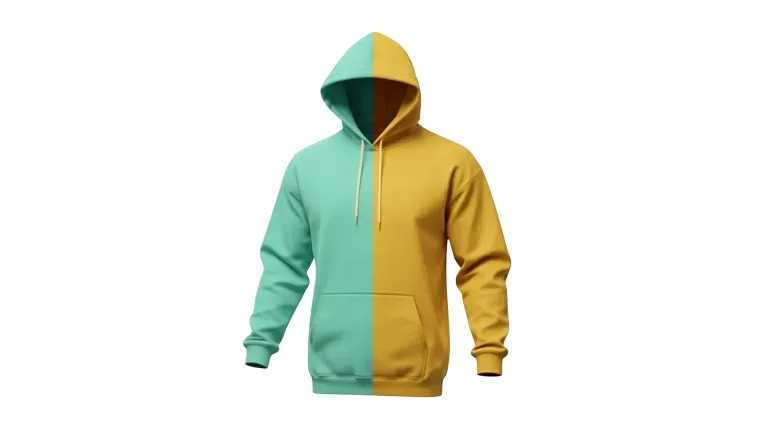
 Recolor product photos
Use AI to change the color of any item in your product photos

 AI Expand
Repurpose your photo material or recover objects outside the frame layout.
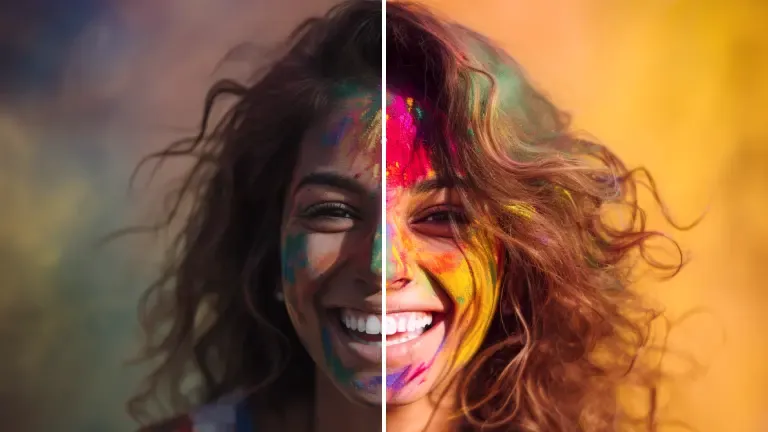
 Image Enhancer
Improve your photos with AI to bring your visuals to life.
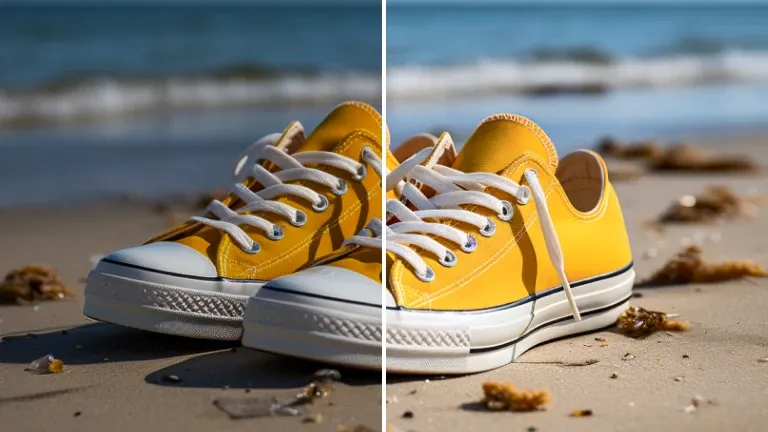
 Image Brightener
Create a focal point in the composition using our image brightener.
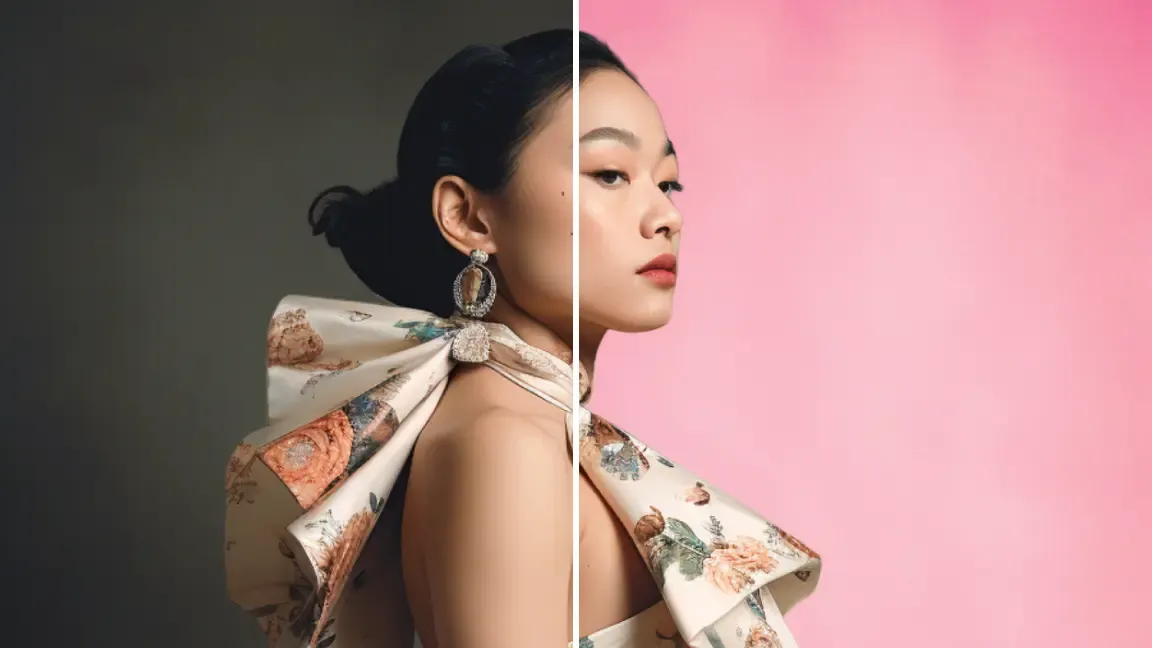
 Image color changer
Change the color of your images in seconds.
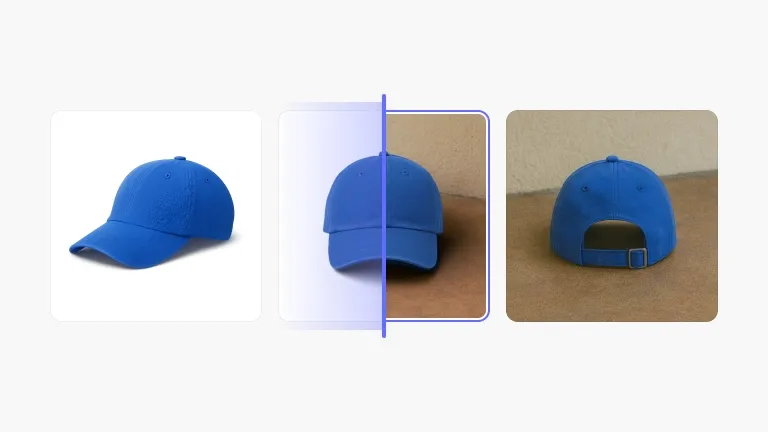
Edit product photos in batch
Apply edits across all images at once and keep your catalog aligned.
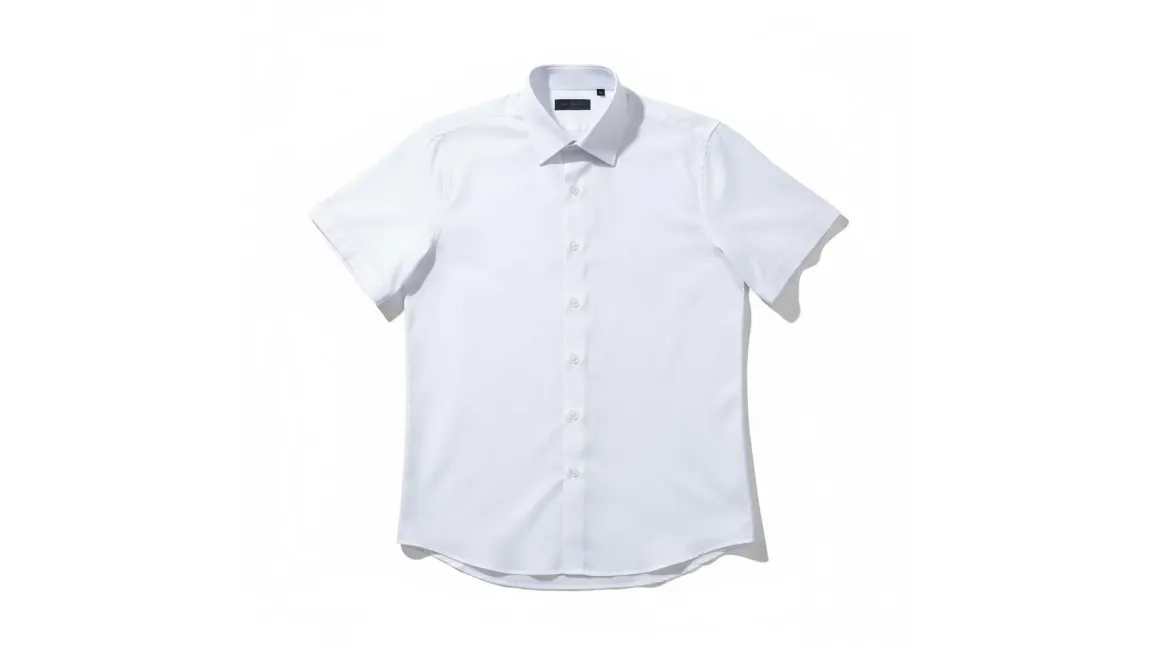
Create flat lay clothing photos
Use AI to create professional flat lay clothing photos from any product image
Make your photos even more beautiful and unique
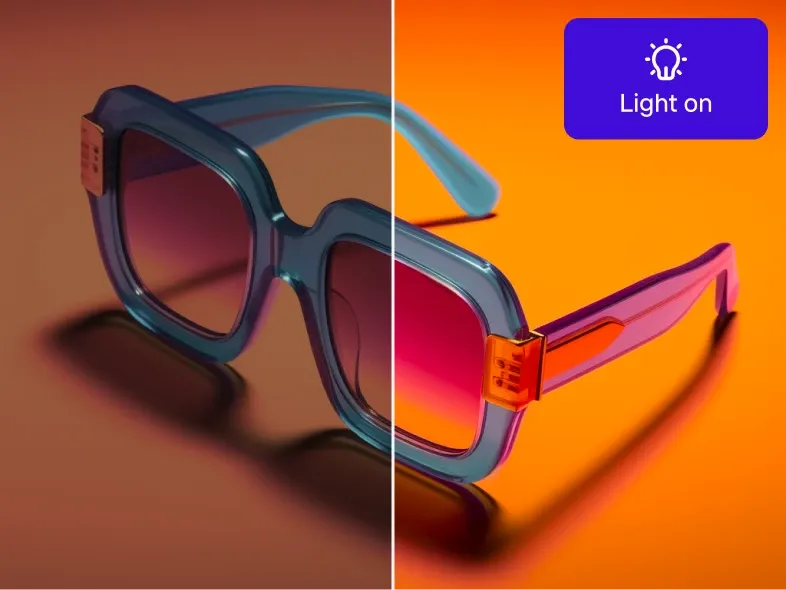
AI-powered photo magic made simple
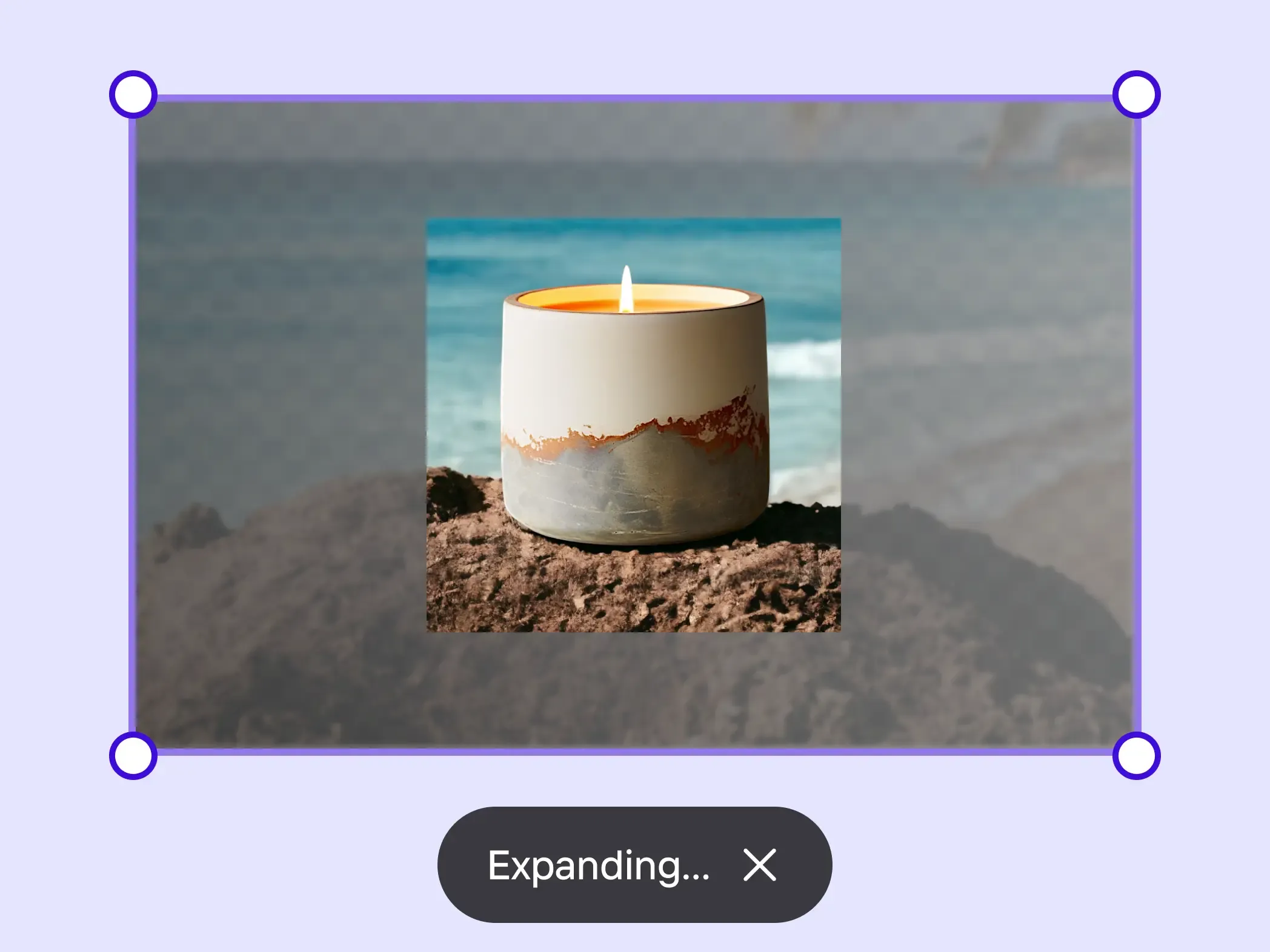
Professional-grade photos without the hassle
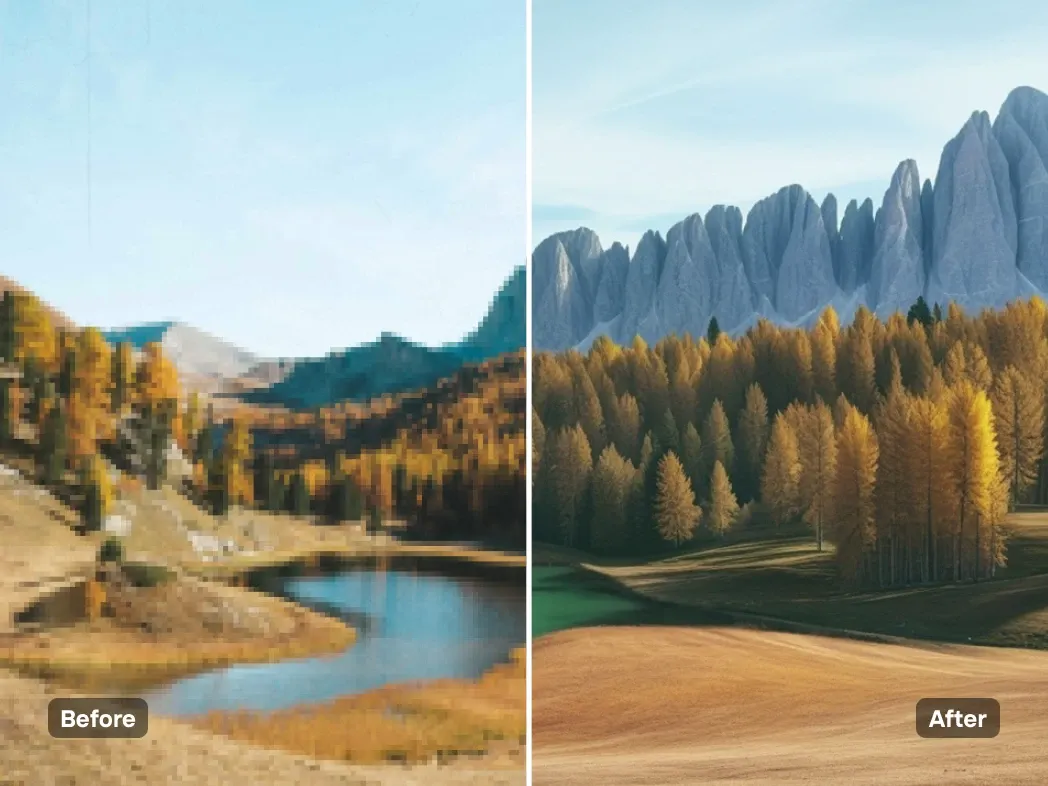
Boost your brand with incredible visuals
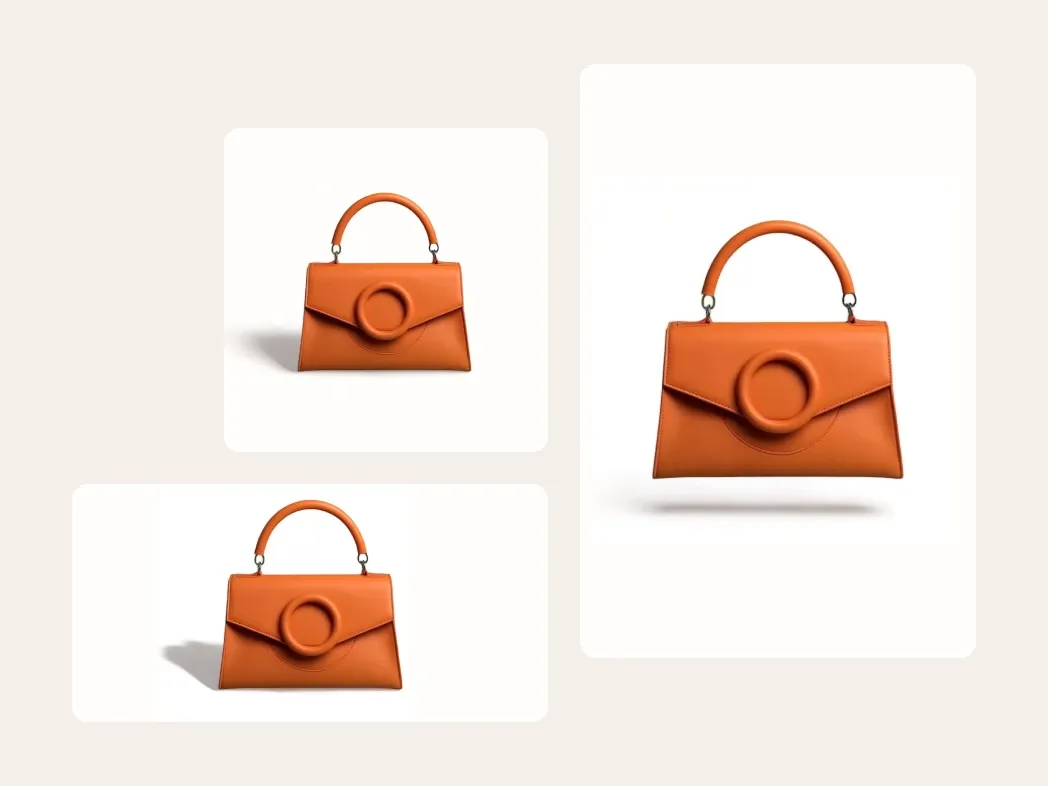
Easy-to-use tools for every creator
How to modify and improve your photos with AI
1
Select an image
Select the tool that matches the outcome you're aiming for.
Next, click on "Select a picture" or "Start from a photo," depending on the tool.
You can upload PNG or JPG files, with all image dimensions supported.
2
Let the magic work
Let the tool enhance your photo automatically, and within seconds, you'll see a refined and improved image.
If you want to take your edits further, click on "Edit in Photoroom" to unlock more options, allowing you to fine-tune details or add creative enhancements for the perfect final result.
3
Download your image
Download your image in PNG format with a single click.
Create a Photoroom account to store and organize your projects while unlocking advanced editing tools and features that take your photo editing to the next level.