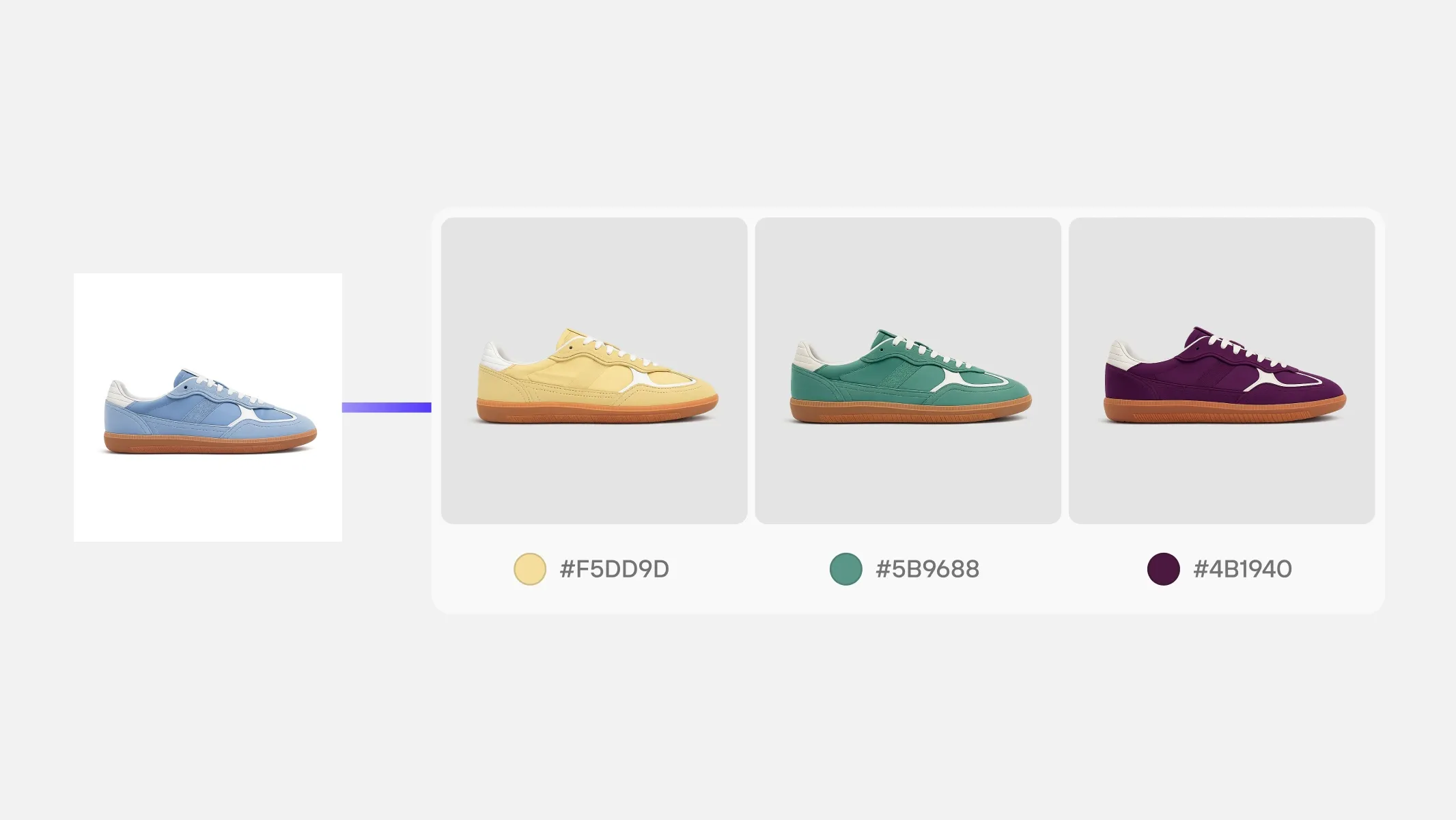
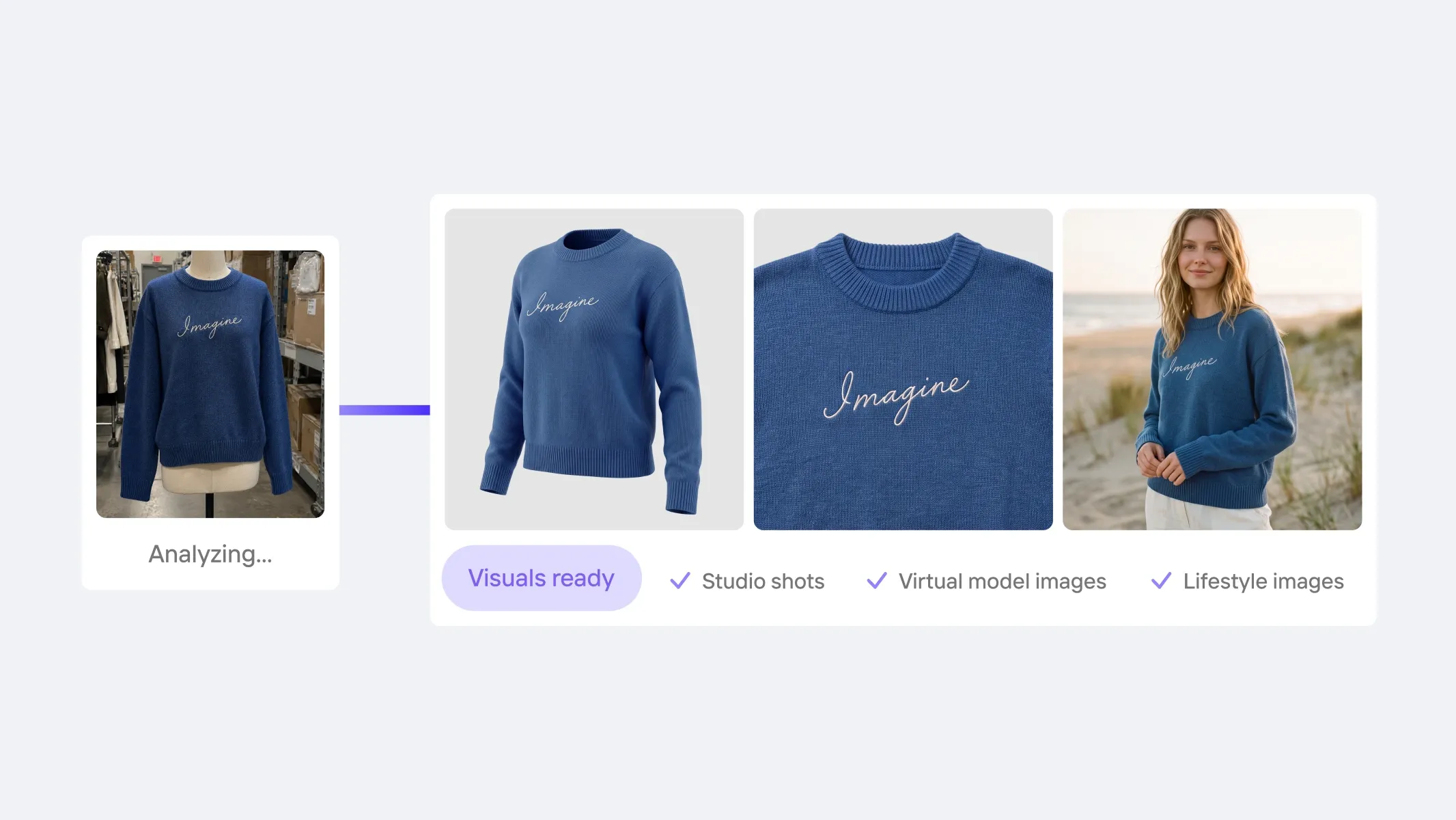
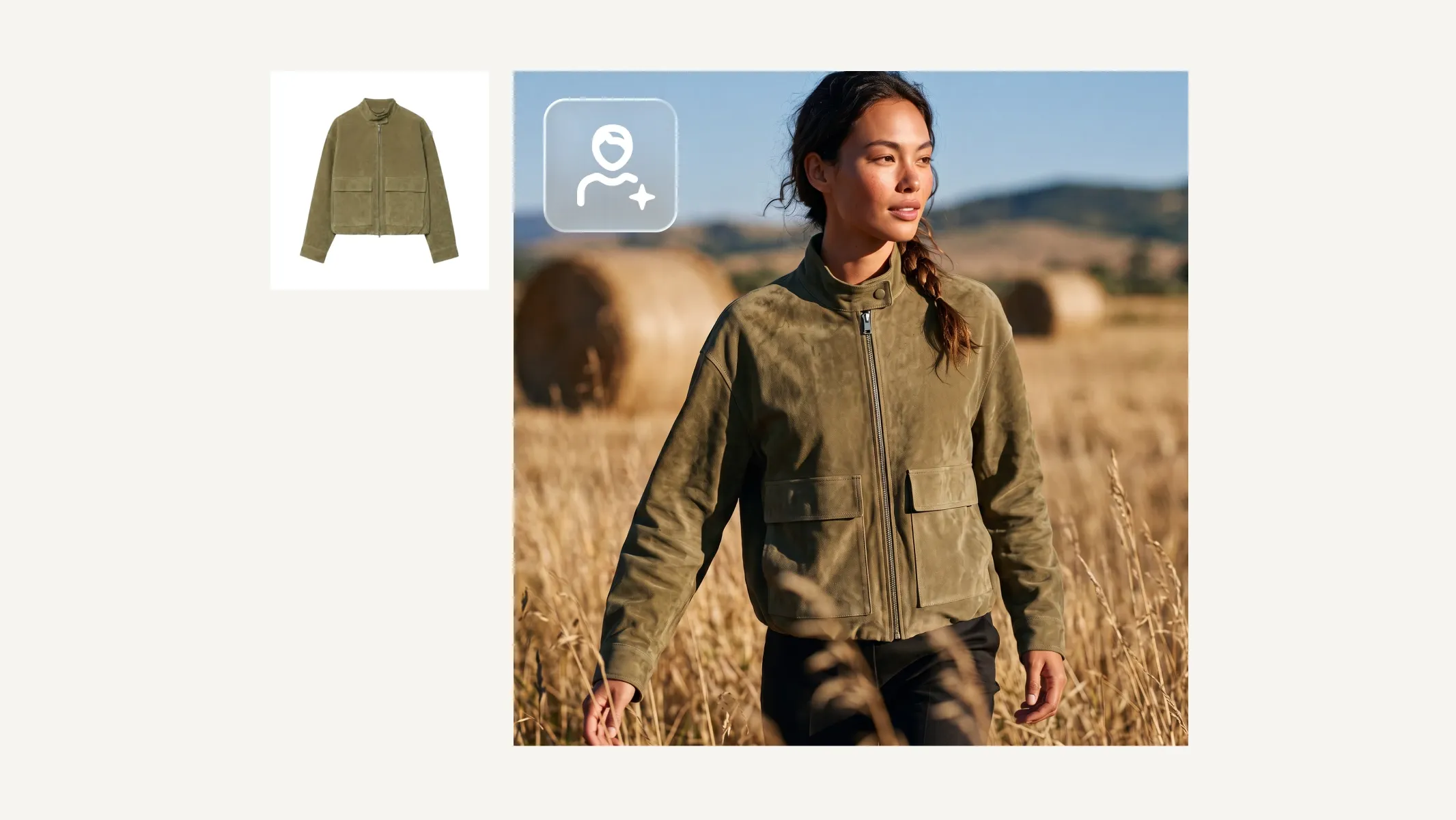
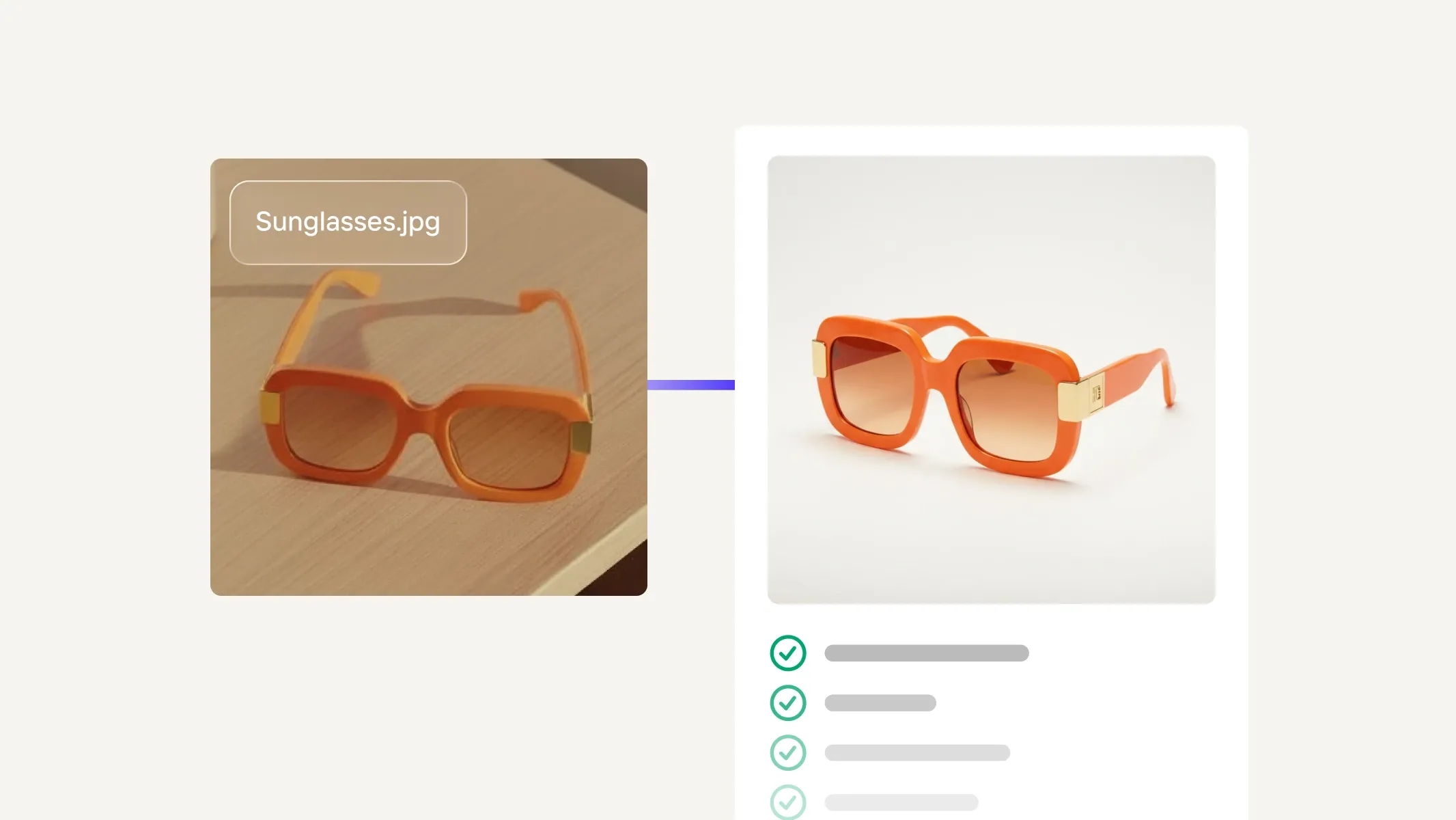
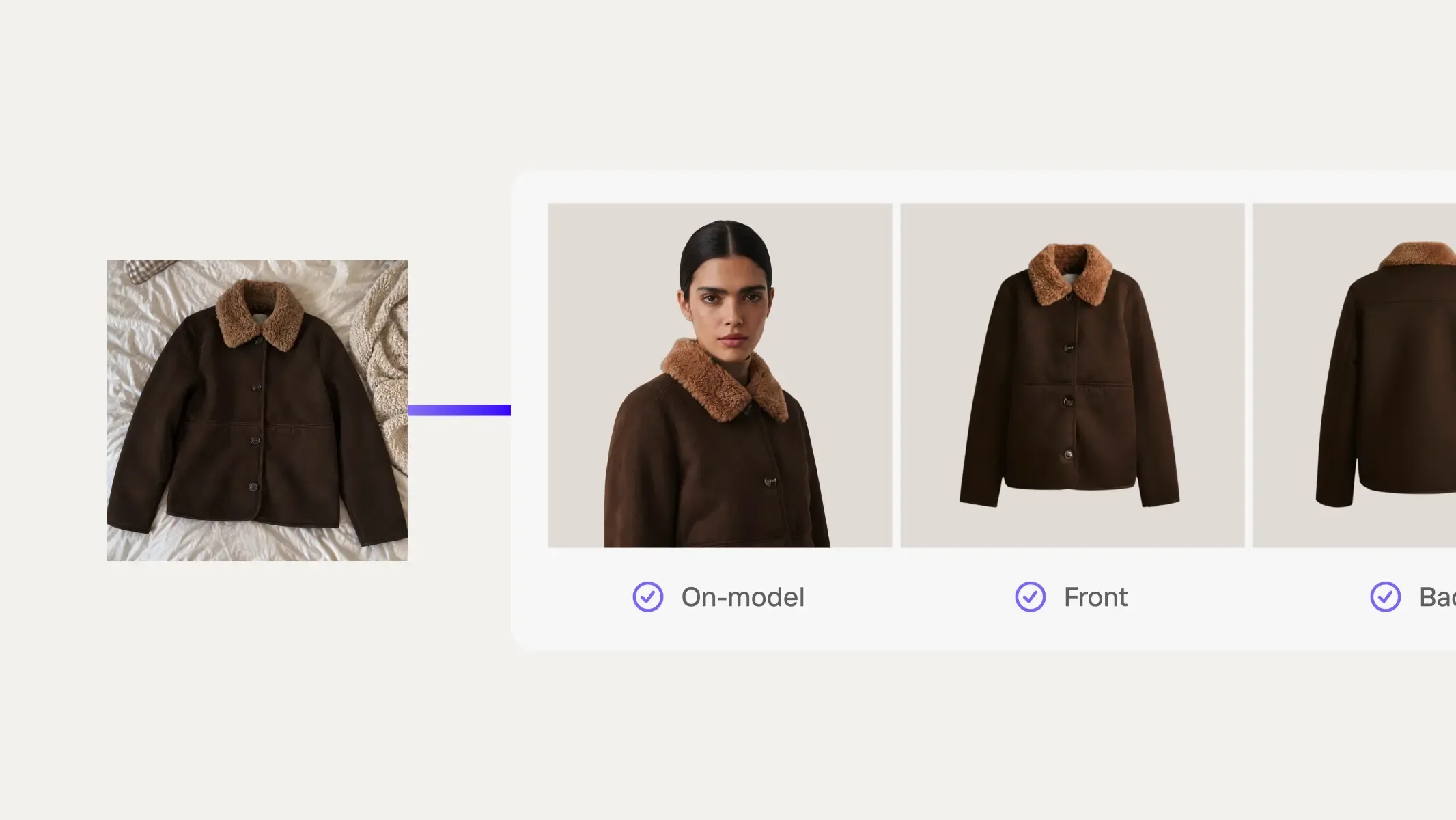
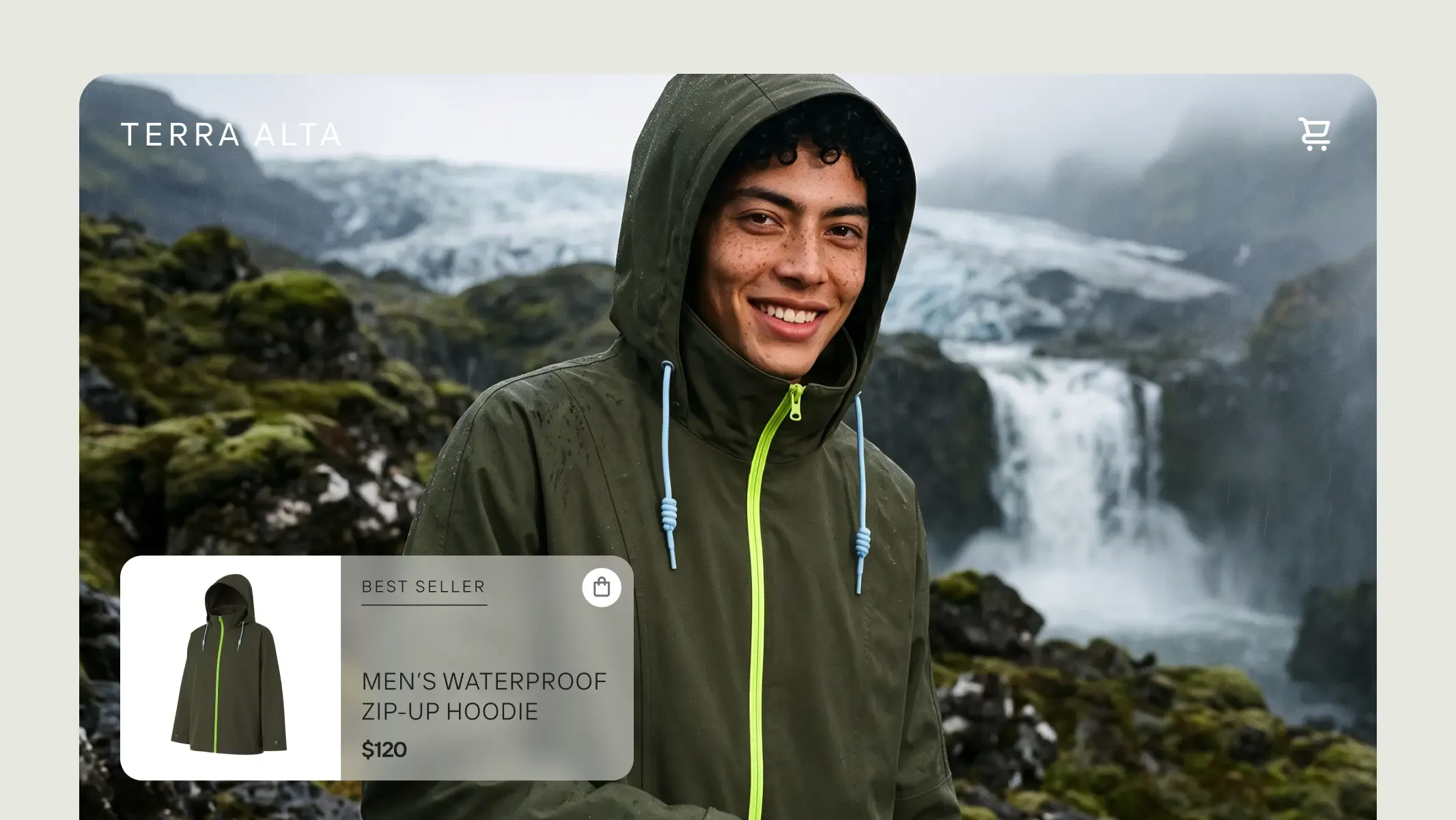
High-quality, on-brand product photos help online sellers attract customers and drive purchases. But for small e‑commerce businesses, creating them is a challenge. Professional photoshoots and models are expensive, studios or in-house designers are rare, and every product needs a different version of each image for marketplaces, a Shopify store, social media, and ads.
The six best budget-friendly AI product photography tools are Photoroom, Pebblely, Creatify.ai, Adobe Firefly, Pixelcut, and Flair.ai. Photoroom is the best overall choice for small e‑commerce sellers because it combines background removal, AI backgrounds, shadows, product staging, virtual models, and batch editing in a single app, with plans starting at $7.50 per month.
Photoroom is the only AI product photography tool built specifically for e‑commerce, so sellers can create professional product photos without a studio, designer, or stack of separate software. Start with a photo taken on your phone, then remove and replace the background, fix imperfections, place apparel on virtual models, and resize images for every channel you sell on, all in a single workflow on web or mobile.
In this guide, we’ll compare the best AI tools for product photography and show you which ones work best for creating, editing, and generating product visuals that help your business sell more.
Table of Contents
Quick comparison
Here’s how these AI creative tools compare. Each supports a different part of the visual creation workflow, but only Photoroom is purpose-built for e‑commerce product photography.
Prices were verified on vendor sites in November 2026. Check individual vendor pages for up-to-date pricing information before subscribing.
| Tools | Best for | Free plan | Starting price |
|---|---|---|---|
| Photoroom | Consistent product visuals for multiple e‑commerce channels. | No free plan; 7-day free trial for Pro and Max plans. | Pro plans start at $7.50/month, billed annually. |
| Pebblely | Quick lifestyle visuals for social media. | No | Paid plans from $7.50/month, billed annually |
| Creatify.ai | Ad creative from existing product page URLs and photos. | Yes, the free plan includes 10 monthly credits or 2 video ads. | Paid plans from $10/month |
| Adobe Firefly | Unique marketing campaign visuals. | Yes, free plans include a limited number of generations and models. | Paid plans from $9.99/month |
| Pixelcut | Fresh, varied product imagery for social media. | Yes, free plans include limited background removal and upscaling. | Paid plans from $8/month, billed annually |
| Flair.ai | Simple AI-generated scenes with props, styled layouts, and conceptual environments. | Yes, free plans include 5 images and 1 video. | Paid plans from $8/month, billed annually |
Photoroom is the only platform built specifically for end-to-end e‑commerce product photography. It brings editing, staging, virtual modeling, and batch processing into one unified workflow so brands can create consistent, sales-ready visuals at scale without relying on multiple creative tools.
The 6 best AI product photography tools
The AI product photography tools in this list were selected for their accessibility, ease of use, and ability to quickly create and edit product images. Each tool was tested for how effectively it can handle a typical e‑commerce product photography workflow with minimal manual work.
1. Photoroom: the all-in-one product photography platform built for e‑commerce
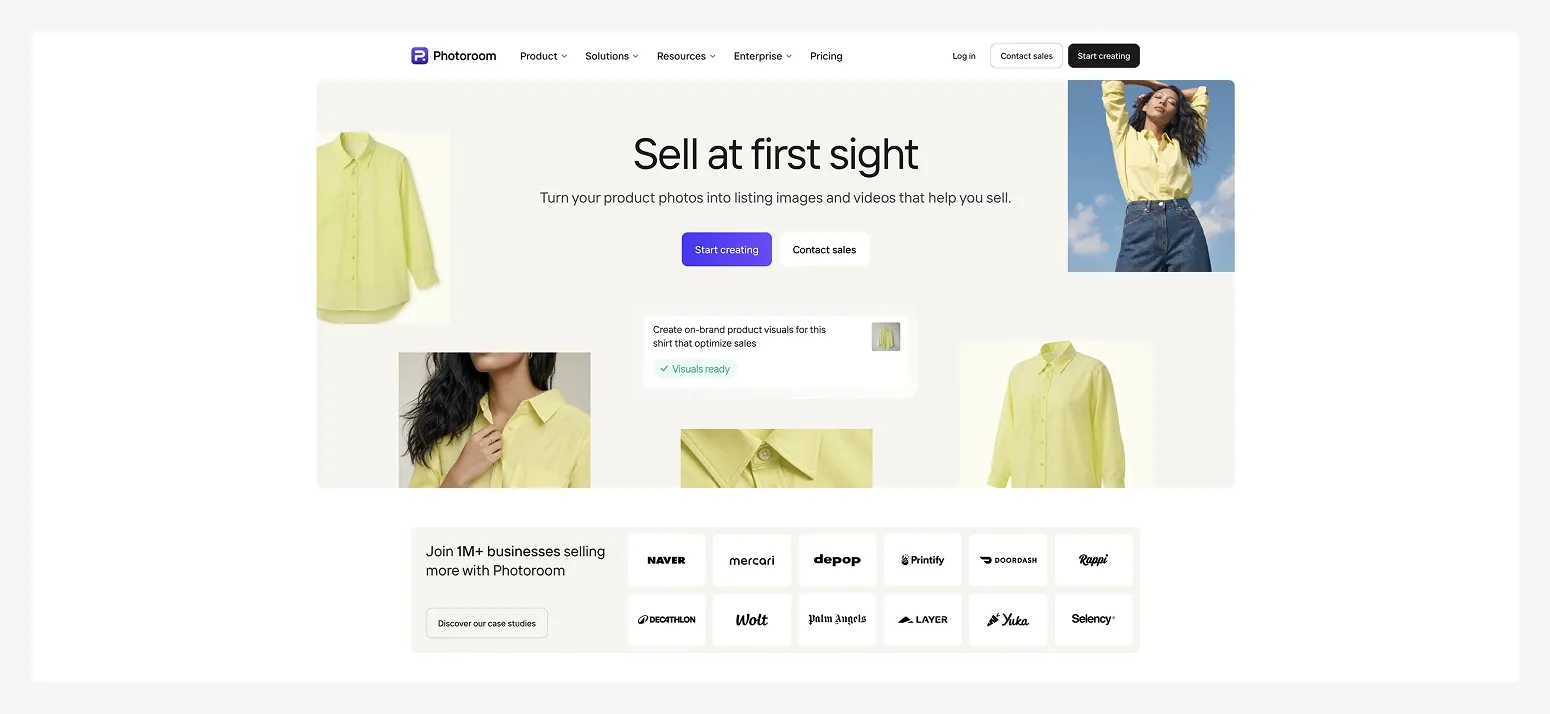
Photoroom is the best fit for e‑commerce teams creating and scaling product images. Instead of juggling separate tools for editing, retouching, staging, and image generation, e‑commerce sellers can access all the tools they need in one complete AI product photography workflow. Photoroom is purpose-built to help sellers produce consistent, high-impact visuals that convert across online stores, marketplaces, ads, and social.
Photoroom focuses entirely on e‑commerce production. Every AI tool is designed to support real retail workflows: from adding solid white backgrounds and correct aspect ratios for Amazon, to staging products in lifestyle settings, fixing imperfections without reshoots, and showing apparel on models without a separate photoshoot.
By combining AI product photography tools built specifically for e‑commerce workflows with a simple, intuitive interface accessible on mobile and desktop, Photoroom has become an essential tool for commerce brands that need high-quality product images.
Ideal user:
Best for SKU-heavy e‑commerce teams, apparel brands needing consistent on-model photos, marketplace sellers requiring compliant images, and any business producing polished product visuals across multiple sales channels, whether small, one-person shops or international e‑commerce brands.
Pros:
Combine editing, retouching, staging, and AI generation into one unified product-photography workflow across web and mobile.
Enhance product lighting, texture, and composition automatically with Product Beautifier.
Create realistic model images without a photoshoot with Virtual Model, and ghost mannequin imagery from existing product photos with Ghost Mannequin.
Produce clean, marketplace-compliant visuals instantly with Background Remover, White Background, Image Resizer, and AI Expand.
Create on-brand lifestyle scenes by generating AI Backgrounds or using Product Staging to place products in natural environments.
Add realistic depth and lighting with AI Shadows for studio-quality results.
Process up to 250 product images at once with Batch Mode for consistent framing, styling, and catalog-wide standardization.
Turn product photos into product listing videos or video ads with Product Animator and Video Ad Maker.
Apply precise visual changes to any product shot using Edit with AI.
Spot and correct inaccurate images caused by AI generation with AI Product Fixer.
Connect your Shopify account to make changes to your Shopify product visuals and catalog in one workflow.
Cons:
Free usage is limited to a 7-day trial
Better suited for automated edits than detailed retouching
Batch editing is limited to 250 images without an API plan
Photoroom is the fastest and most complete AI product photography platform for e‑commerce. It combines editing, generation, staging, and scaling into one workflow and one subscription, so e‑commerce sellers can create studio-quality product photos in minutes, not days.
2. Pebblely
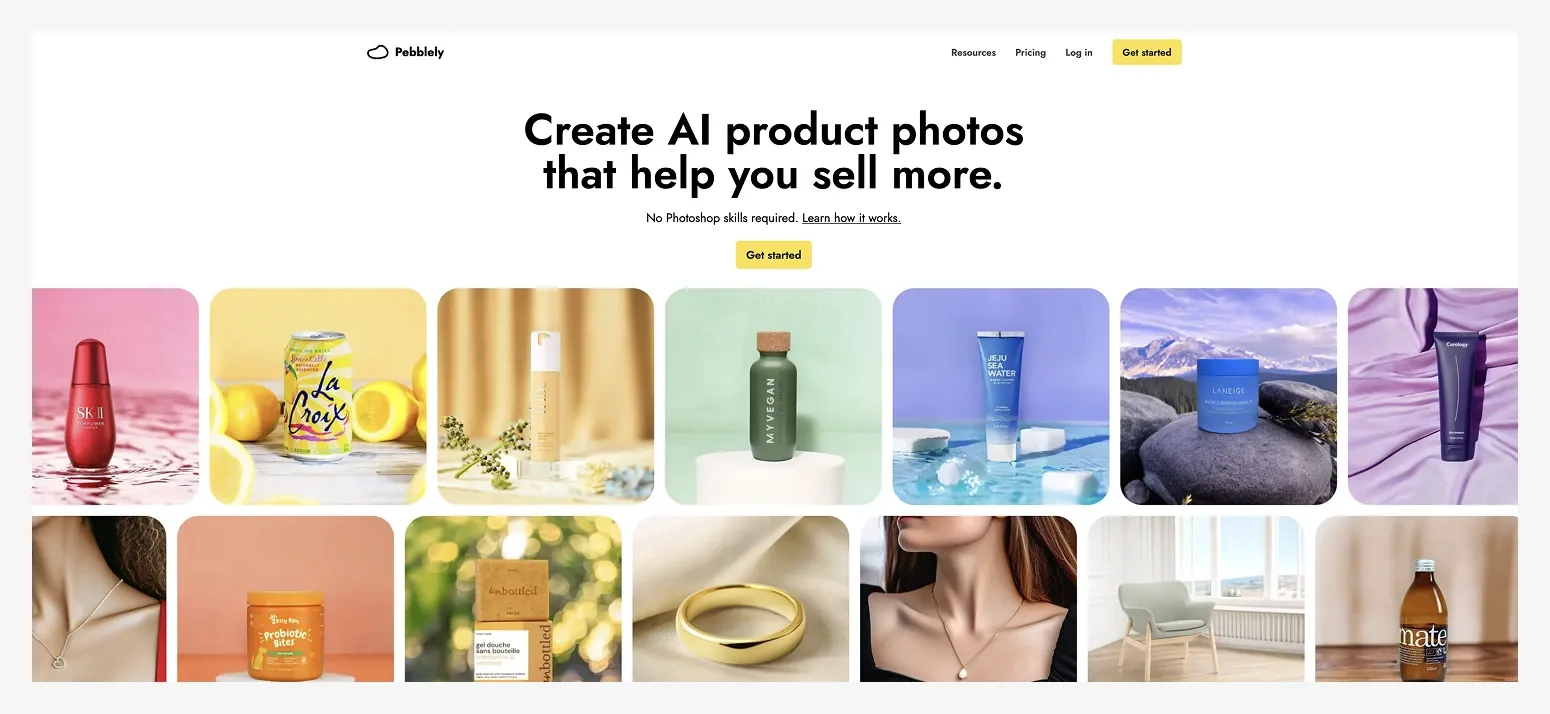
Pebblely is an AI tool that generates lifestyle backgrounds and creative scenes from a single product image or text prompt.
Ideal user: Small businesses or DTC brands looking to create quick backgrounds for social media content, without props, sets, or manual design work.
Pros:
Free background remover
Pick from 40+ preset themes
Simple text-prompt scene generation
Bulk generation and API access
Basic brand-color matching
Cons:
Not designed for marketplace-ready product photos
Output consistency varies across SKUs
Limited control over lighting, shadows, and realism
High-resolution photos cost additional credits
Choose Pebblely when: You need to create lightweight lifestyle content for social media.
Choose Photoroom instead when: You need to create product visuals across multiple e‑commerce channels at scale.
3. Creatify.ai

Creatify.ai is an AI content tool that generates video ads and product visuals from prompts, images, and product page URLs.
Ideal user: E‑commerce marketers testing ad creatives, video concepts, or avatar-based promotional content.
Pros:
AI-generated backgrounds and avatars
Converts images and product URLs to videos
Batch variation testing
Upload directly to ad platforms
Create custom avatars
Cons:
Not built for consistent catalog or SKU-heavy workflows
Output quality varies depending on model
Batch generation and editing is limited to 20 photos
Prompt-based editing can be challenging for beginners
Choose Creatify when: Your main focus is creating product video ads and testing them across multiple platforms.
Choose Photoroom when: Video creation is only one part of your larger product visual workflow.
4. Adobe Firefly
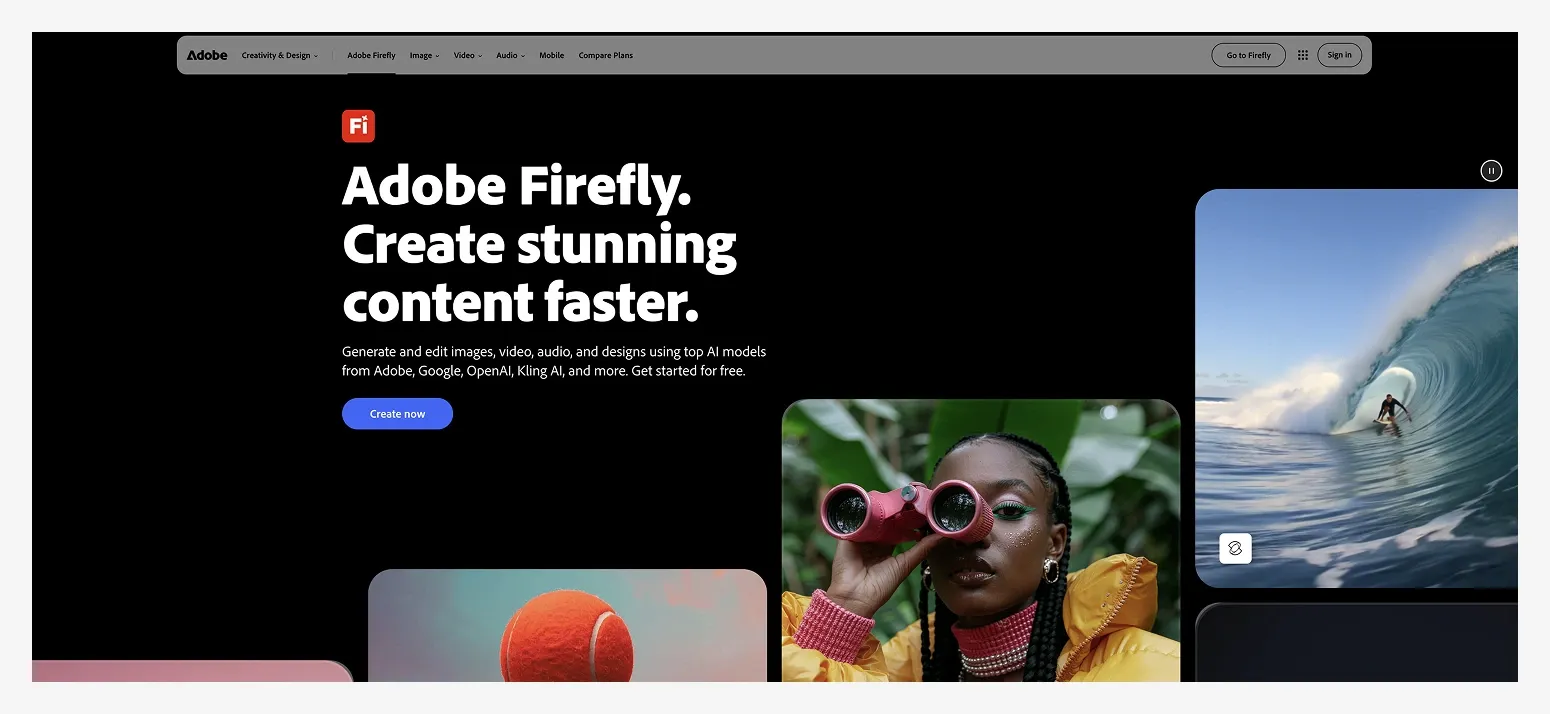
Adobe Firefly is Adobe’s standalone generative AI tool. Its creative suite includes tools for image, video, and audio generation, powered by a variety of AI models.
Ideal user: In-house creative teams or agencies focused on generating unique, one-off visuals.
Pros:
Remove background and remove object tools
Match AI output to reference images
Choose from a variety of AI models
Access to Adobe Stock assets, fonts, and templates
Image to video tools
Cons:
Not optimized for product photography or marketplace-ready images
Requires more manual setup to create consistent visuals across multiple SKUs
Fewer product-focused tools (no staging, shadows, batching, or multi-SKU workflows)
Prompt-based editing can be challenging for beginners
Choose Adobe Firefly when: You need to turn product photos into assets for a unique, one-off marketing campaign.
Choose Photoroom instead when: You need a repeatable, end-to-end product visual workflow for multiple e‑commerce channels.
5. Pixelcut
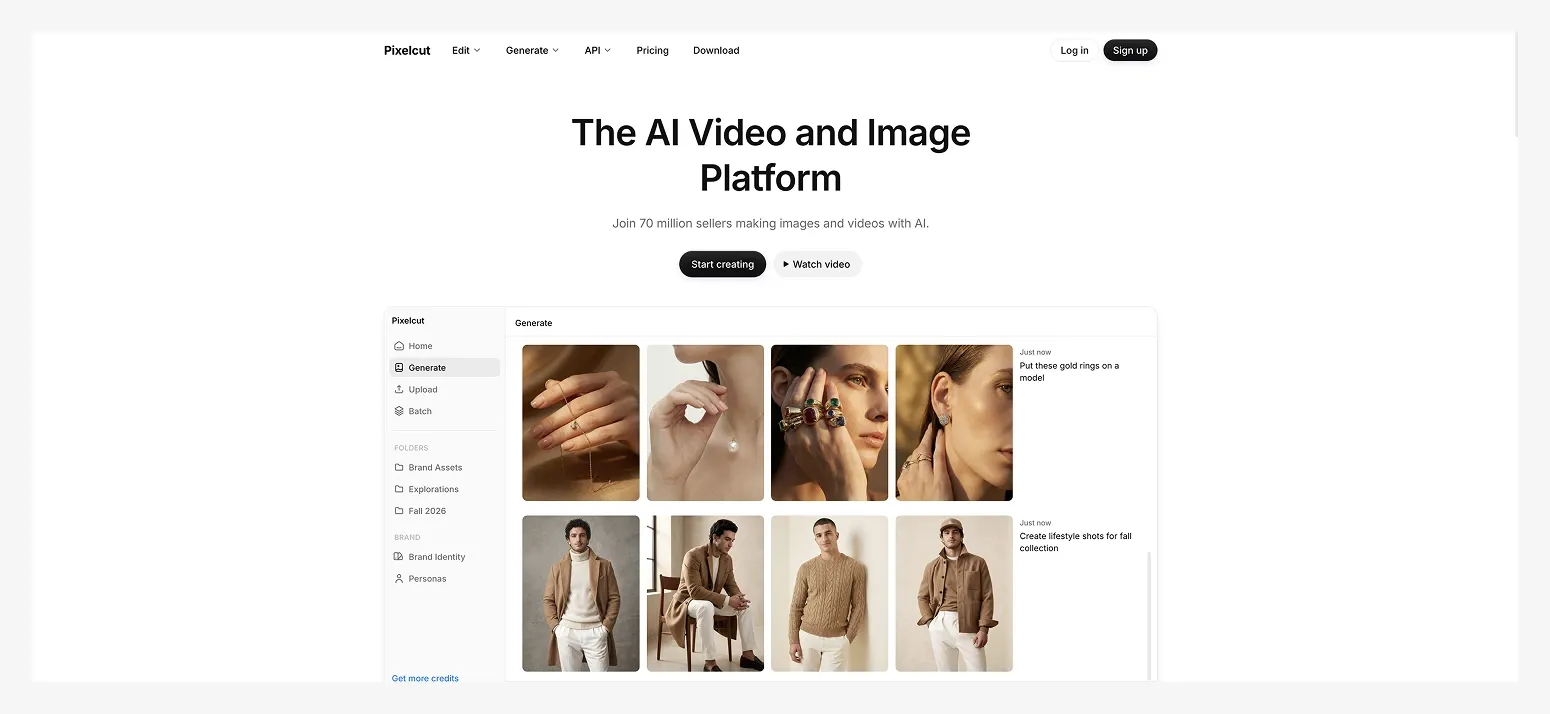
Pixelcut uses third-party models and its own video tools to generate images and videos from prompts and existing visuals. Its strength is creative range: one product photo can become studio, lifestyle and on-model variations, along with videos and ad creative.
Ideal user: A solo seller or creator-led brand that values fresh, varied content for listings and social channels over standardized imagery across a large catalog.
Pros:
One-tap background remover
Text-to-video elements
Large library of creative templates and backgrounds
AI shadows
Batch editing
Cons:
Limited control over product accuracy and consistency
Not designed for e‑commerce or catalog workflows
Limited batch editing tools
Team plans are limited: 3 to 10 people
Choose Pixelcut when: You’re a solo seller or small shop staging products one or a few at a time.
Choose Photoroom instead when: You manage a large or growing catalog that needs to look consistent across hundreds or thousands of SKUs.
6. Flair.ai
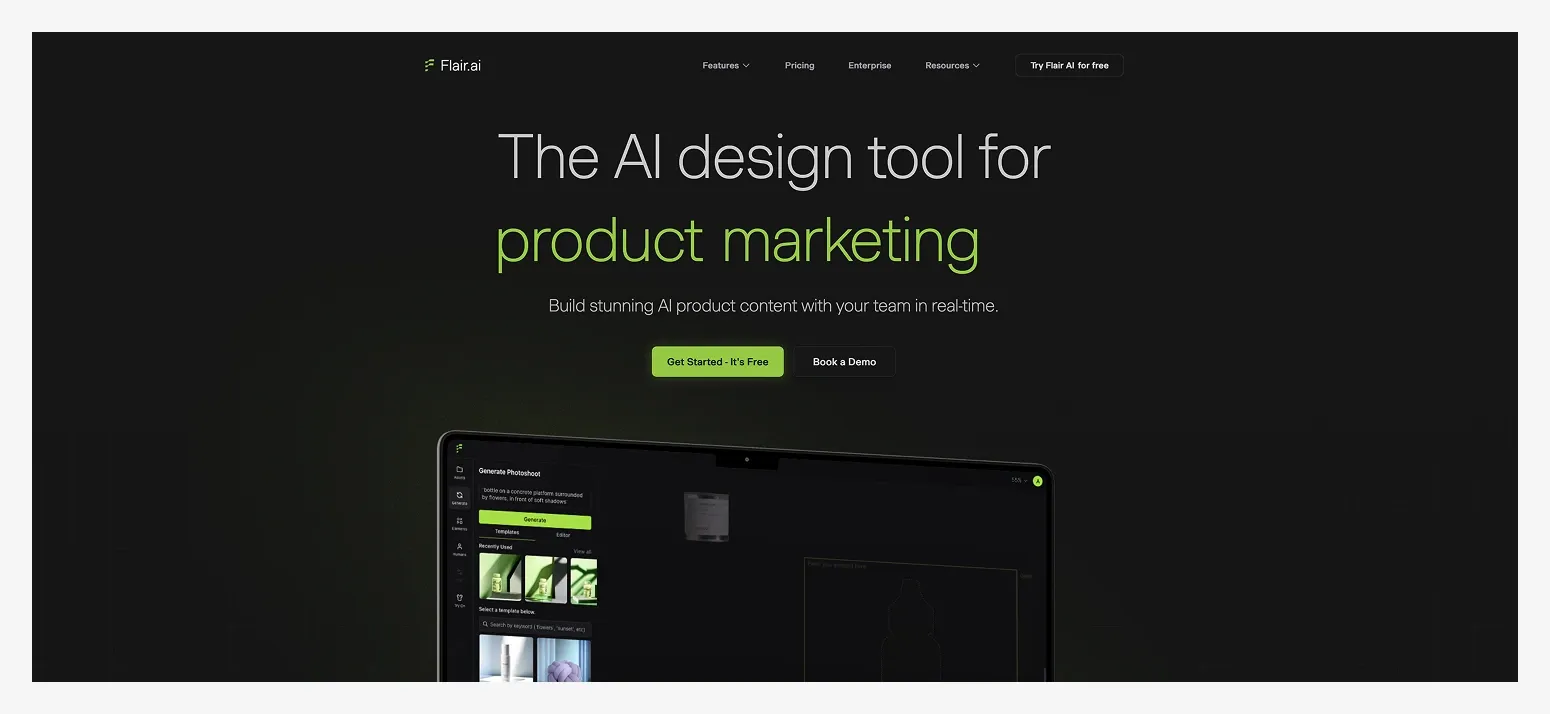
Flair AI is a generative scene-creation tool for showcasing products in conceptual or lifestyle-inspired settings. The tool creates AI-generated scenes with props, styled layouts, and conceptual environments.
Ideal user: Teams that need lightweight lifestyle images for creative campaigns.
Pros:
AI-generated props and scenes
Drag-and-drop editor
Auto-lighting assistance
Prompt-based scene generation
Basic collaboration tools
Cons:
Not built for high-volume product photos or marketplace standards
Less control over product accuracy and consistency
Generated environments can vary significantly between outputs
Choose Flair.ai when: You need to place a product in a lifestyle scene for a social media post or campaign.
Choose Photoroom instead when: You need a complete product visual workflow that allows you to edit, polish, and standardize images across large SKU catalogs.
How AI product photography helps e‑commerce businesses
E‑commerce sellers of all sizes need high-quality product photography. Traditionally, this meant coordinating product shoots, manually retouching imperfections, and adapting images for various e‑commerce channels one by one. Listing a new variant, showing the fit of apparel items, or standardizing supplier images often required another photoshoot or hiring a specialist.
For e‑commerce businesses, that’s an operational challenge as well as a creative one.
AI product photography tools solve these challenges by transforming how product images are created, edited, and adapted for use across sales channels.
AI product photography tools help e‑commerce businesses:
Accelerate time-to-market: Generate product-ready visuals in minutes instead of waiting on studio schedules and retouching queues. Sellers who switched from manual editing to editing visuals in Photoroom reduced editing time by 3x.
Standardize catalogs: Produce consistent backgrounds, angles, lighting, and formats for every SKU, making them ready for any sales platform.
Scale efficiently: Edit or generate up to 250 images at once without adding headcount or manual processing time.
Reduce photoshoots: Fix lighting, backgrounds, and framing in post-production with AI.
Support multi-channel selling: Use a single product image to create variations optimized for marketplaces, ads, and social.
Apparel and on-model needs. If you sell apparel or accessories, evaluate whether you need virtual models, product staging, or automated styling tools—not all platforms support fashion photography workflows.
Create time for other tasks: Photoroom users saved an average of 12 hours per month on product photography. 36% of sellers reinvest that time in creating additional listings, and 31% use it to improve other parts of the business, such as marketing.
AI product photography tools can create stunning visuals, but for e‑commerce sellers, the real benefit is a simplified and unified production workflow. With the right tool, e‑commerce sellers of all sizes can ship high-quality product images faster, more consistently, and at a significantly lower cost.
Can AI replace a product photo studio?
Creating professional e‑commerce visuals used to require a professional setup. But AI photography tools can significantly reduce the need for, and the costs associated with, a product photo studio.
Start with a strong source image: a photo with a clean background, consistent lighting, and the product details clearly visible. From there, AI can remove and replace backgrounds, add AI shadows, remove distracting objects, upscale image quality, create virtual model photography, create visuals for new variants, and resize images for various e‑commerce platforms all within a single workflow.
The difference in cost is also significant. According to Photoroom’s 2026 survey of 1,356 e‑commerce sellers, a single product photo can cost $25 to $500 depending on the complexity. For 50 products, that equates to anywhere from $1,250 to $25,000. And that doesn’t include the cost and time to reshoot images or create new images for new variants and campaigns. The same seller, producing the same 50 images with AI, can spend as little as $7.50/month with Photoroom, as of November 2026.
32% of Photoroom’s Ultra users have replaced product photo studios entirely. But this doesn’t mean a product photo studio is never necessary. You may still need a professional photoshoot when:
The product is difficult to photograph reliably by yourself
Material behavior or fine details are important to the product
Detailed interaction between people and the product is essential
You’re producing a major brand campaign or creative asset
You need highly controlled art direction
How to choose the right AI product photography tool on a budget
The right AI product photography tool for your budget depends on how your business sells online and the internal resources you can dedicate to product images. If your goal is to use product photography to increase conversions across a multichannel environment, then you need a purpose-built platform with features and workflows that help you do just that.
Commerce teams face very specific production pressures: from managing large SKU catalogs to marketplace compliance requirements to multiple image formats for PDPs, ads, and social. They need to create visually striking images that stand out in a crowded market while remaining consistent and aligned with their brand. This requires the right balance of commerce-tailored photography tools and workflows that are crafted specifically for e‑commerce operators.
Generic AI photo editors won’t cut it in this environment. You need an all-in-one AI product photography platform that was built from the ground up to handle commerce workflows.
Here are six key factors to consider when evaluating AI product photography tools:
Your primary outputs: Start by defining what you produce most often. Do you need clean, marketplace-ready product photos with white backgrounds? Staged images for PDPs? On-model apparel photos? Or lightweight lifestyle scenes for social ads? Some tools specialize in lifestyle content, while others are built specifically for high-volume production for use across various commerce channels.
SKU volume and scalability: If you manage dozens or hundreds of products, look for tools that support batch editing, repeatable templates, and consistent outputs across large image sets. Tools without batching or standardized workflows will slow teams down as catalogs grow.
Marketplace requirements: Amazon, Etsy, eBay, and Shopify all require specific background colors, margins, and aspect ratios. Choose tools that can reliably produce compliant images without manual retouching.
Cross-channel formats. E‑commerce brands need multiple versions of the same product photo: marketplace hero images, PDP images, social posts, ad creatives, and sometimes lifestyle variations. Ensure the platform can adapt a single source image to multiple formats with minimal effort.
Apparel and on-model needs: If you sell apparel or accessories, evaluate whether you need virtual models, product staging, or automated styling tools. Not all platforms support fashion photography workflows.
Workflow fit and accessibility: Consider whether you need API access, web and mobile compatibility, or team collaboration features. These can make a significant difference for brands with distributed workflows or rapid release cycles.
Some e‑commerce teams pair a primary product-photography platform with smaller niche tools for lifestyle scenes or ad creative. This often introduces friction, slows production, and leads to inconsistent outputs.
The most efficient path is an all-in-one AI product photography solution that supports editing, staging, and generation in a single workflow, and delivers consistent, scalable visuals for every sales channel. Photoroom is the only platform in this list built specifically to meet that full e‑commerce workflow.
Create on-brand product photos with Photoroom
AI product photography tools help e‑commerce sellers reduce costs, improve efficiency, and create listing-ready visuals that once would have only been possible with a professional photoshoot. And while many tools create stunning visuals, Photoroom is the only all-in-one, AI product photography tool built specifically for e‑commerce.
With Photoroom, sellers can turn existing or new product photos into on-brand visuals within one unified workflow on web or mobile. Remove and replace backgrounds, add realistic AI shadows, and fix imperfections without a reshoot. Put apparel on virtual models, resize for every marketplace, and turn still images into product videos and ads. And with Batch Mode and a direct Shopify connection, teams can keep hundreds or thousands of SKUs consistent and on-brand across every channel.
Whether you’re a one-person shop or an international brand, Photoroom gives you everything you need to create high-quality, consistent product images in one place.