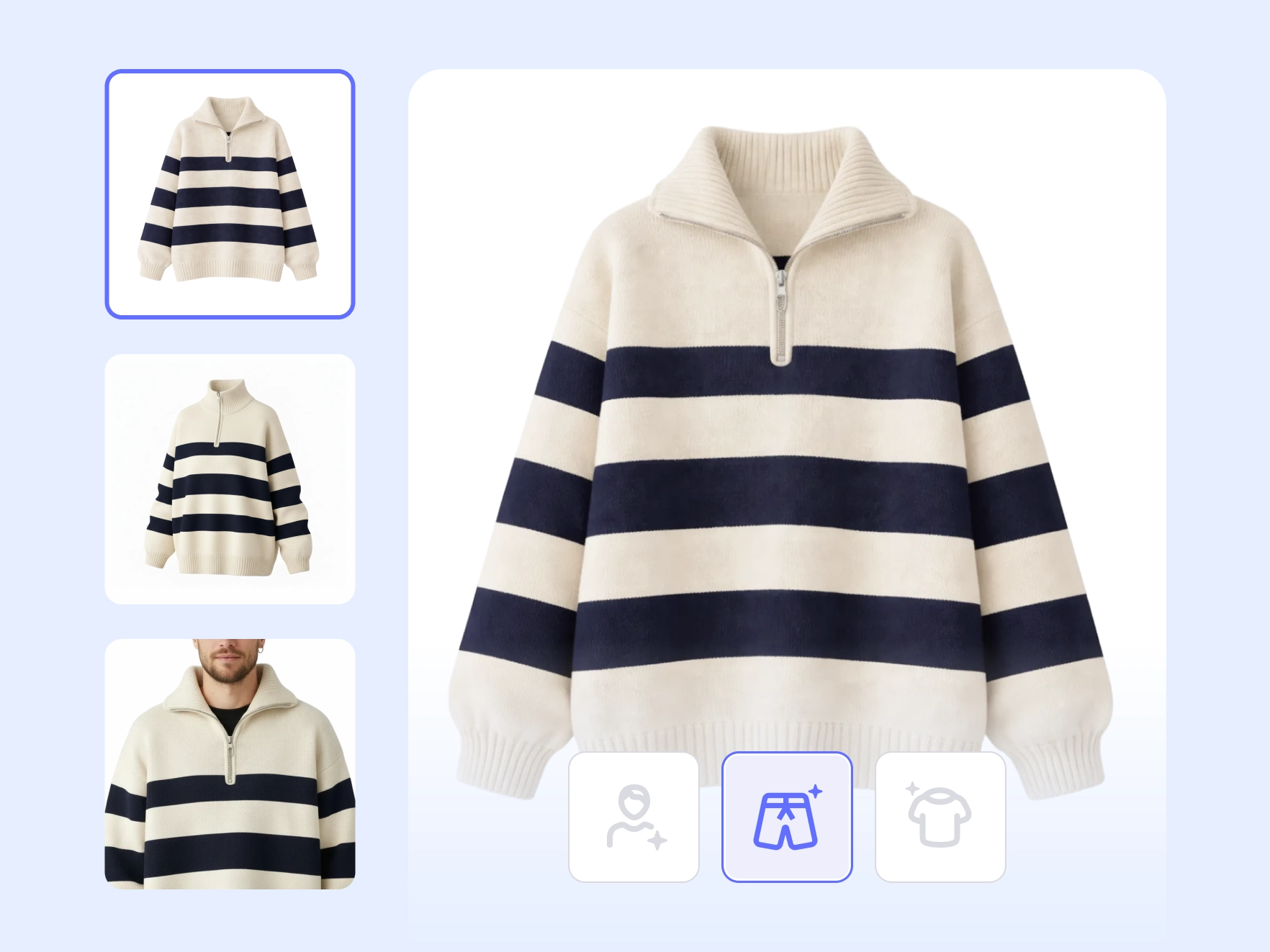


Create flat lay clothing photos in seconds

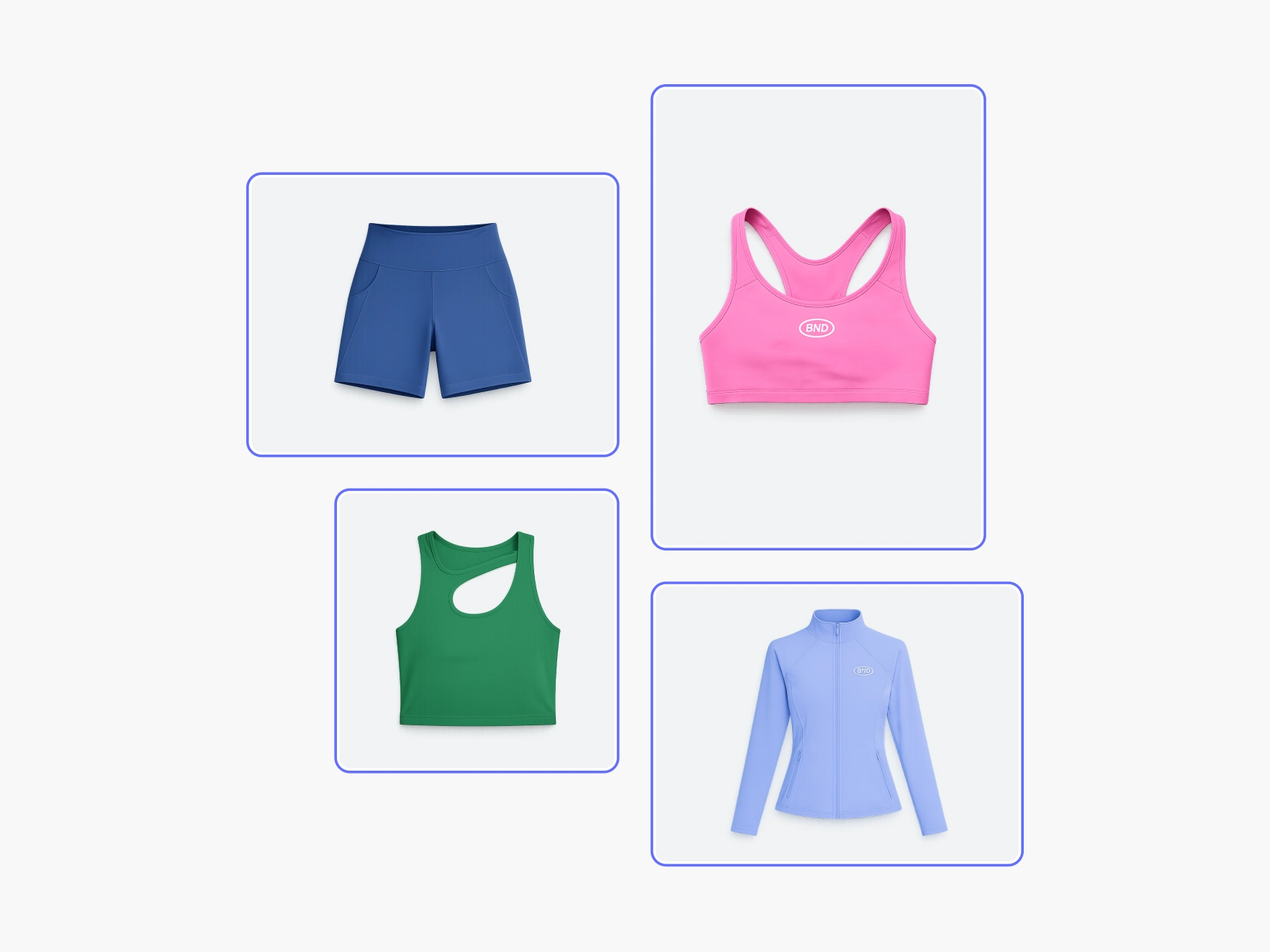
Instantly create flat lay clothing photos using AI. Upload a product image, choose the flat lay option, and generate clean, top-down visuals ready for e-commerce and marketplaces. Highlight texture, shape, and structure with polished, detail-focused shots.

A faster way to create professional flat lay product images

Clean, top-down product presentation

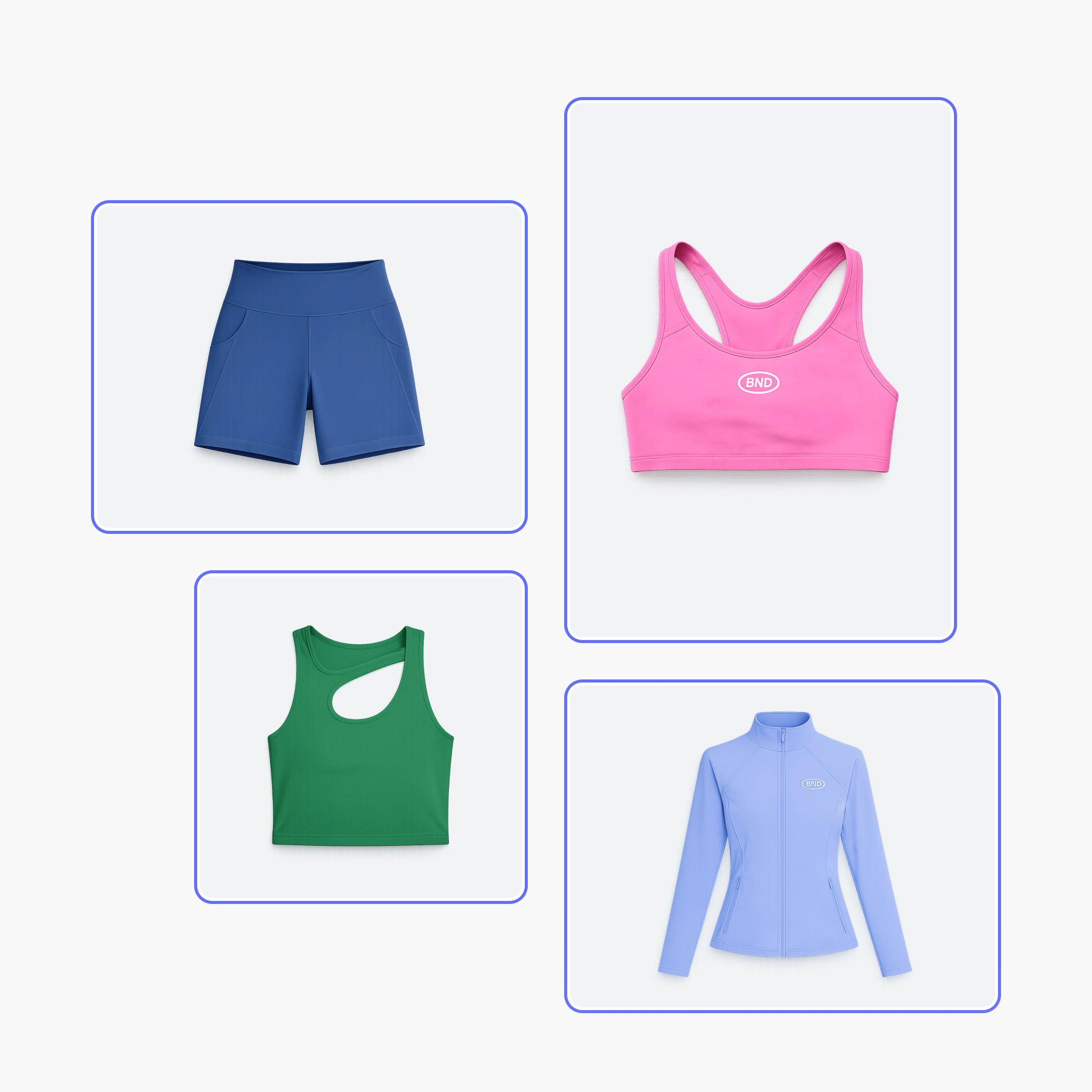
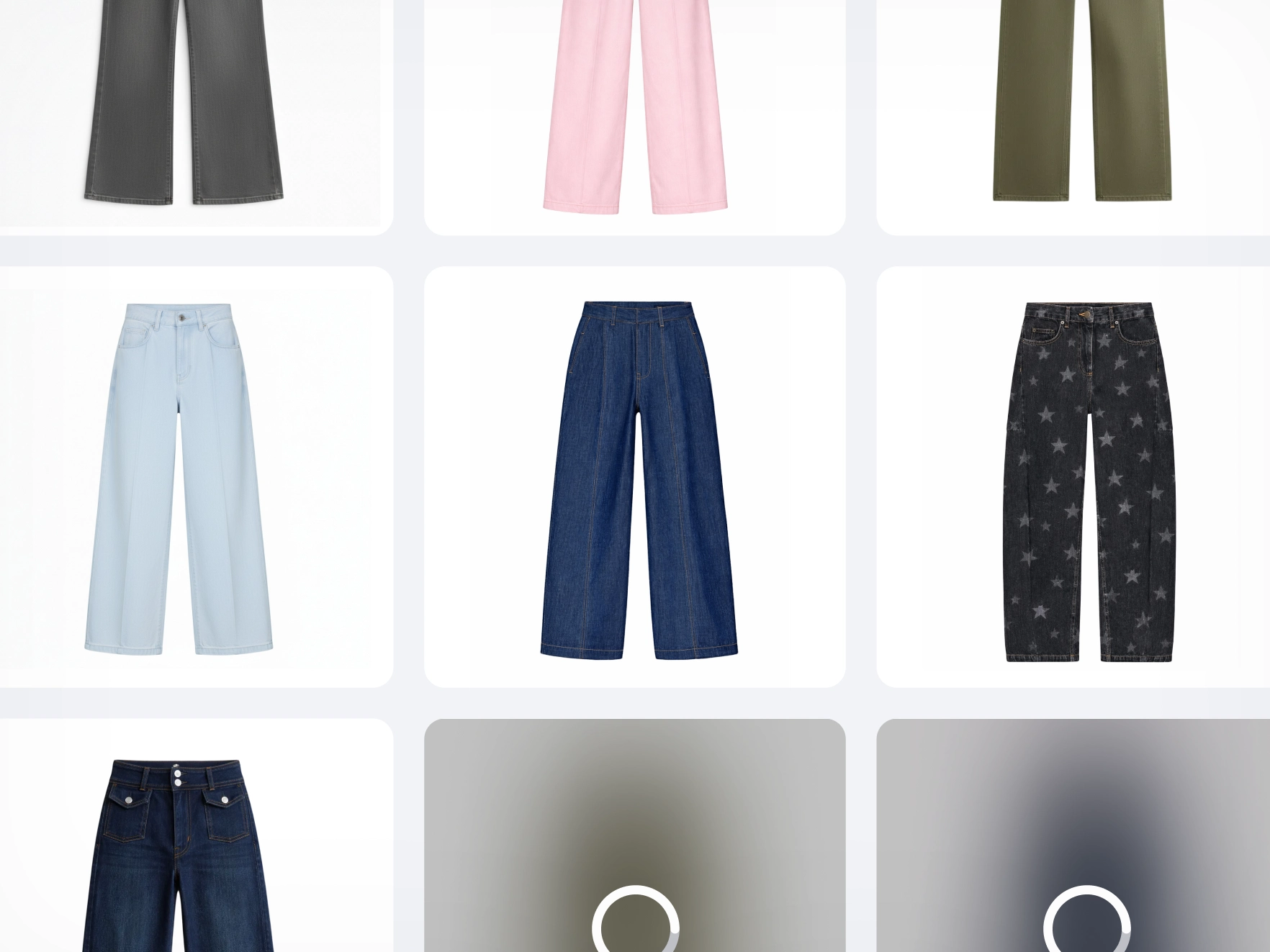
Flat lay photography is a powerful way to showcase clothing and soft goods. A top-down view highlights fabric, texture, and shape. But traditional flat lay shoots take time, careful setup, and manual adjustments. Photoroom’s Flat Lay tool simplifies the process. Create structured, catalog-ready images without rearranging garments or reshooting products. The result: clean, consistent listing visuals ready to sell.

One tool, multiple presentation styles

Not every product should be presented the same way. Some garments perform better in flat lay. Others look stronger on a ghost mannequin or a virtual model. Flat Lay fits into a flexible visual workflow. Choose the style that matches your product and channel, ghost mannequin, flat lay, or virtual model, while keeping your catalog consistent. This flexibility helps you adapt to categories, seasons, and marketplaces without investing in separate photography setups.

Save time and reduce production costs

Creating professional flat lay clothing photography traditionally requires studio space, lighting, props, manual positioning, and editing time. For small businesses and e-commerce teams, that adds up quickly. Photoroom’s Flat Lay tool removes those barriers. Generate clean, top-down product images without a studio or external photographers. Reduce costs and eliminate reshoots. Pair it with Recolor to update product variations instantly without new shoots. Less setup. Faster content. More products live and ready to sell.

Consistent visuals that improve listings

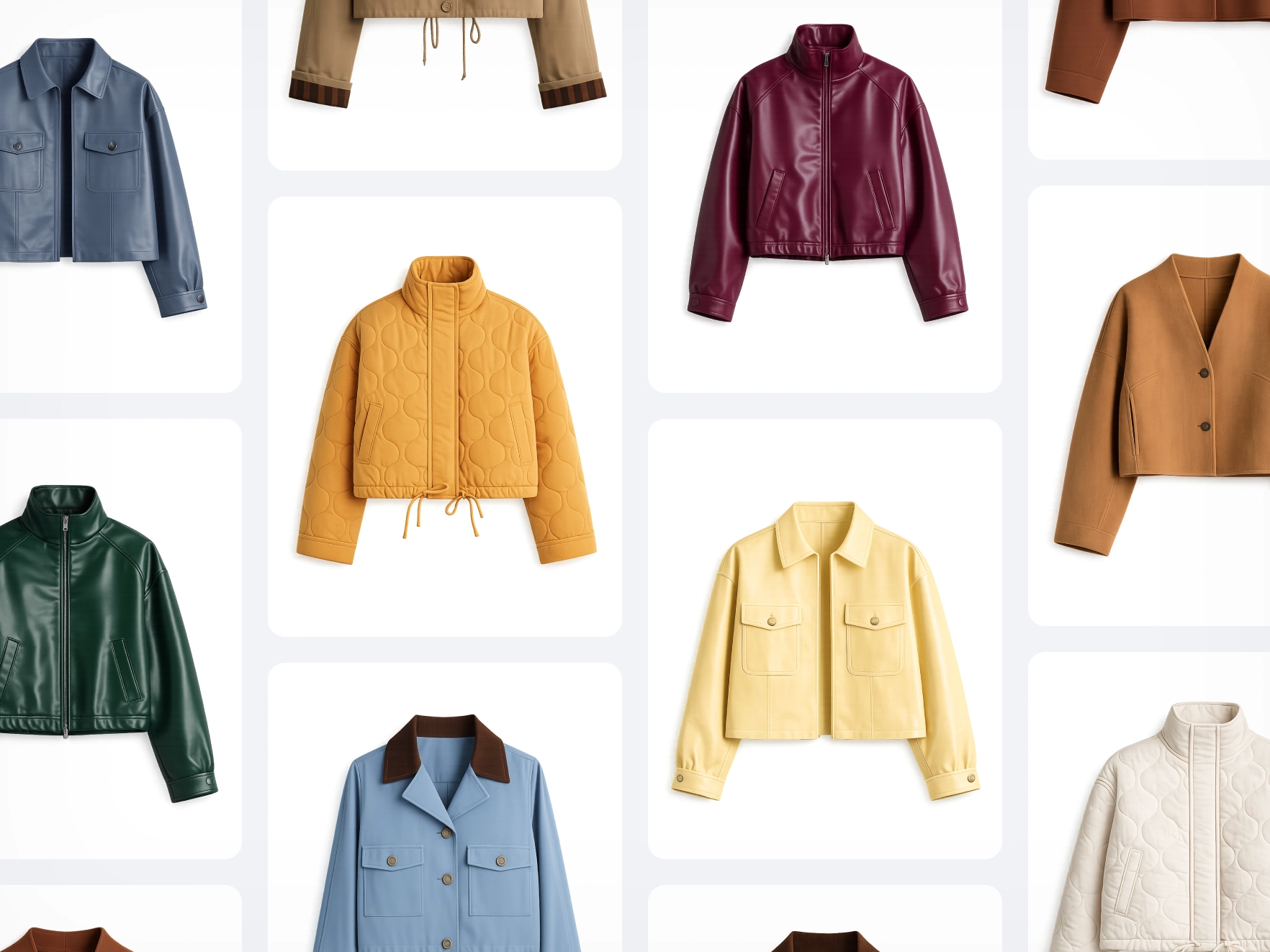
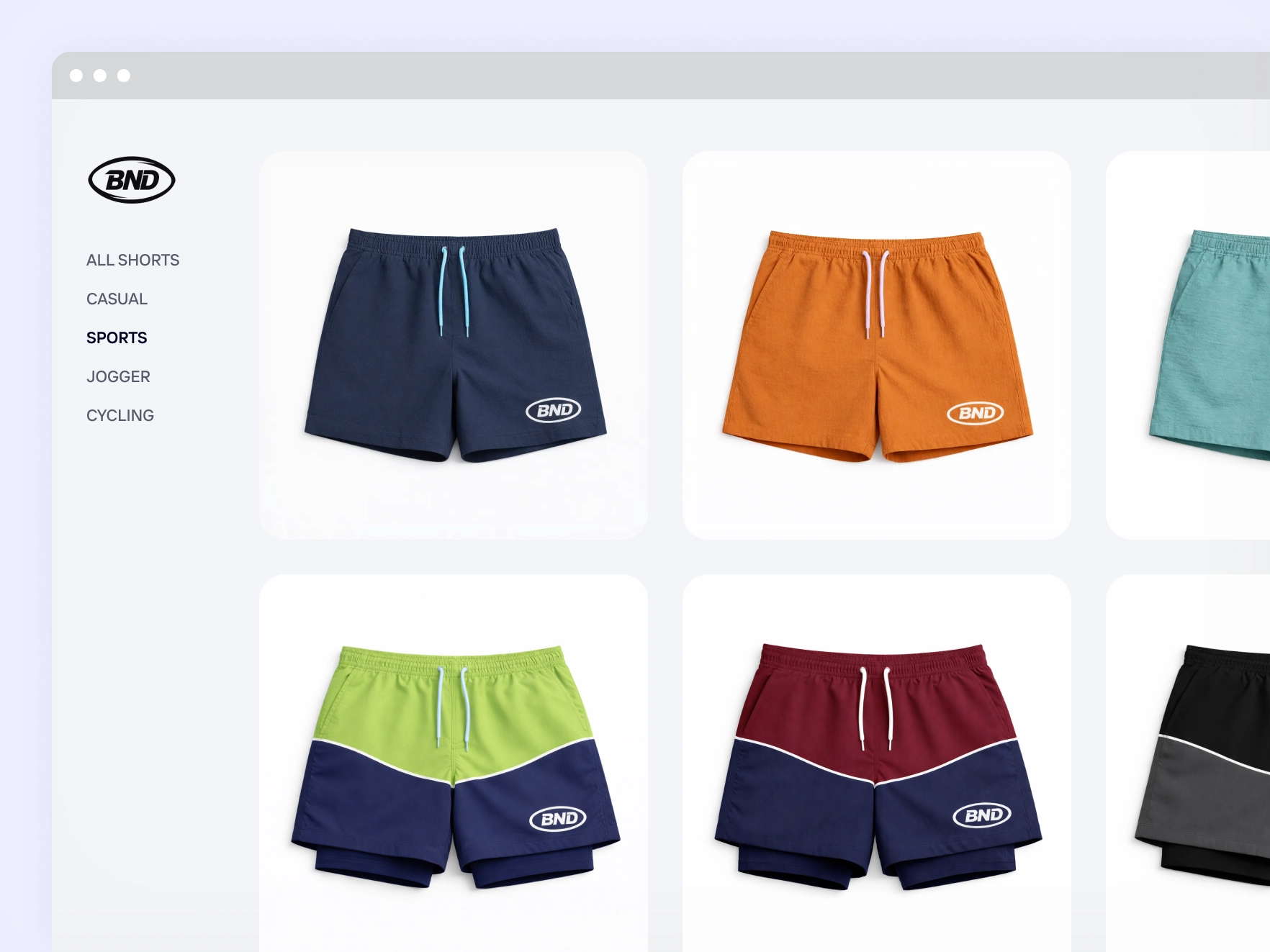
In e-commerce, consistency builds trust. When product images vary in angle or framing, listings feel fragmented. A consistent flat lay style creates a cohesive catalog where every product looks aligned. Photoroom’s Flat Lay tool helps you standardize presentation across fashion, clothing, and accessories Clean backgrounds and top-down composition make product details easier to see, helping your listings look more professional, organized, and trustworthy across any website or marketplace.

How to create flat lay clothing photos

Step 1

Upload your product image

Start with any clothing, accessory, or soft goods photo. You don’t need a studio setup or perfectly arranged garment: the Flat Lay tool works directly from your existing image.

Step 2

Choose Flat Lay

Select the Flat Lay option to generate a clean, top-down layout. You can also compare it with ghost mannequin or virtual model formats to decide which presentation best suits your product.

Step 3

Download your flat lay image

Create a structured, professional-looking top-down visual in seconds. Download your image and use it across product pages and marketplaces without additional editing.

All the AI product photography tools you need

Keep your brand looking sharp and consistent with Photoroom’s AI product photography tools.

Erase photo backgrounds

Instantly remove any background and replace it with a studio-quality backdrop that professionally showcases your products.

Generate AI backgrounds

Generate custom product photo backgrounds with AI or change background colors while maintaining visual brand identity.

Create lifestyle images

Help customers imagine your products in use by placing them in real-life scenes with Photoroom’s Product Staging AI tool

Enhance and resize images

Visualize products on AI models

Show customers how your products fit on diverse, AI-generated models with Photoroom’s Virtual Model tool.

Export and share

Export ready-to-use AI product photography for your website, marketplace listings, and other sales outlets.

Refine product shots with AI

Upload a product photo to automatically enhance lighting, details, and color in seconds with Photoroom’s Product Beautifier tool.

Adapt image orientation

Resize and expand product photo backgrounds from portrait to landscape and vice versa without losing image quality.

Automate workflows (API)

Save time and simplify visual asset editing and management by connecting Photoroom’s API directly with your website or marketplace.

Add text to a photo

Customize your images with text overlays. Choose from a variety of styles to create engaging messages.

Edit images in batches

Save time by batch editing hundreds of images. Apply the same backgrounds, effects, or resizing options in just a few clicks.

Collaborate with your team

Keep projects moving by sharing designs and feedback with your team in real-time.

Create a brand kit

Store your logos, fonts, and colors in one place to keep your branding consistent and unified with Brand kit.

Create logos with AI

Design a unique logo in seconds using Photoroom's AI logo maker.

Access anywhere

Edit and manage your brand’s visuals from any desktop or mobile device.

Frequently asked questions

What is a flat lay clothing photography tool?

How do I create flat lay clothing photos without a studio?

Is flat lay photography good for selling clothes online?

What is the difference between flat lay, ghost mannequin, and virtual model

Can I use flat lay images on marketplaces and product pages?

Explore more AI product photography tools

Add background
Choose a unique background from our gallery or upload your own.
Change background color
Remove the background of your image and add any color.
AI Product Staging
Create realistic product scenes to put your product in action with AI.
Animate your product photos
Create realistic product videos from your product photos
AI Virtual Model
Create realistic product images with virtual models
Customize your background
Explore how to create custom backgrounds for your products.

Sell faster with studio‑quality product visuals

Drive sales with professional visuals you can create in minutes, with brand consistency and control.