

Skip to content

Photoroom vs. Canva

Photoroom is a full e‑commerce visual solution, while Canva is a creative design studio with a broader use case. Find out which suits your ideal workflow better.

Photoroom vs. Canva: A feature comparison

Photoroom and Canva both do AI background removal, templates, a brand kit, batch editing, a logo maker, collaboration, object removal, text overlays, product video templates, and an AI image generator. Photoroom adds e‑commerce catalog tools: clothing recolor, AI shadows, and an API for bulk image processing. Canva offers none of those.
Photoroom vs CanvaCanvaPhotoroom
AI background removerIncludedIncluded
TemplatesIncludedIncluded
Brand kitIncludedIncluded
Batch editingIncludedIncluded
Logo makerIncludedIncluded
CollaborationIncludedIncluded
Recolor ClothingNot includedIncluded
Object removalIncludedIncluded
Text overlaysIncludedIncluded
Product video templatesIncludedIncluded
AI shadowsNot includedIncluded
API for bulk image processingNot includedIncluded
AI image generatorIncludedIncluded

Teams trust Photoroom with their product visuals

+93%

Lower editing cost

Save thousands on production — no studios, freelancers, or retouching needed.

+56%

Sell-through rate

Turn better visuals into faster sales and fewer unsold products.

+77%

Average basket value

Inspire confidence with premium imagery that motivates customers to buy more.

4x

Faster time to market

Create and launch new visuals in minutes, not weeks — keeping your brand always fresh.

Use Photoroom to power-boost your product visual workflow

Scale your catalog, consistently

Photoroom’s batch editing is designed for product image workflows, letting teams process 250 product images in a single pass, and applying brand assets to each SKU. Canva offers a batch editing feature as well (Bulk Create), but it’s better-suited to general design/template-based workflows, rather than large-scale e‑commerce pipelines.

Built for visual commerce

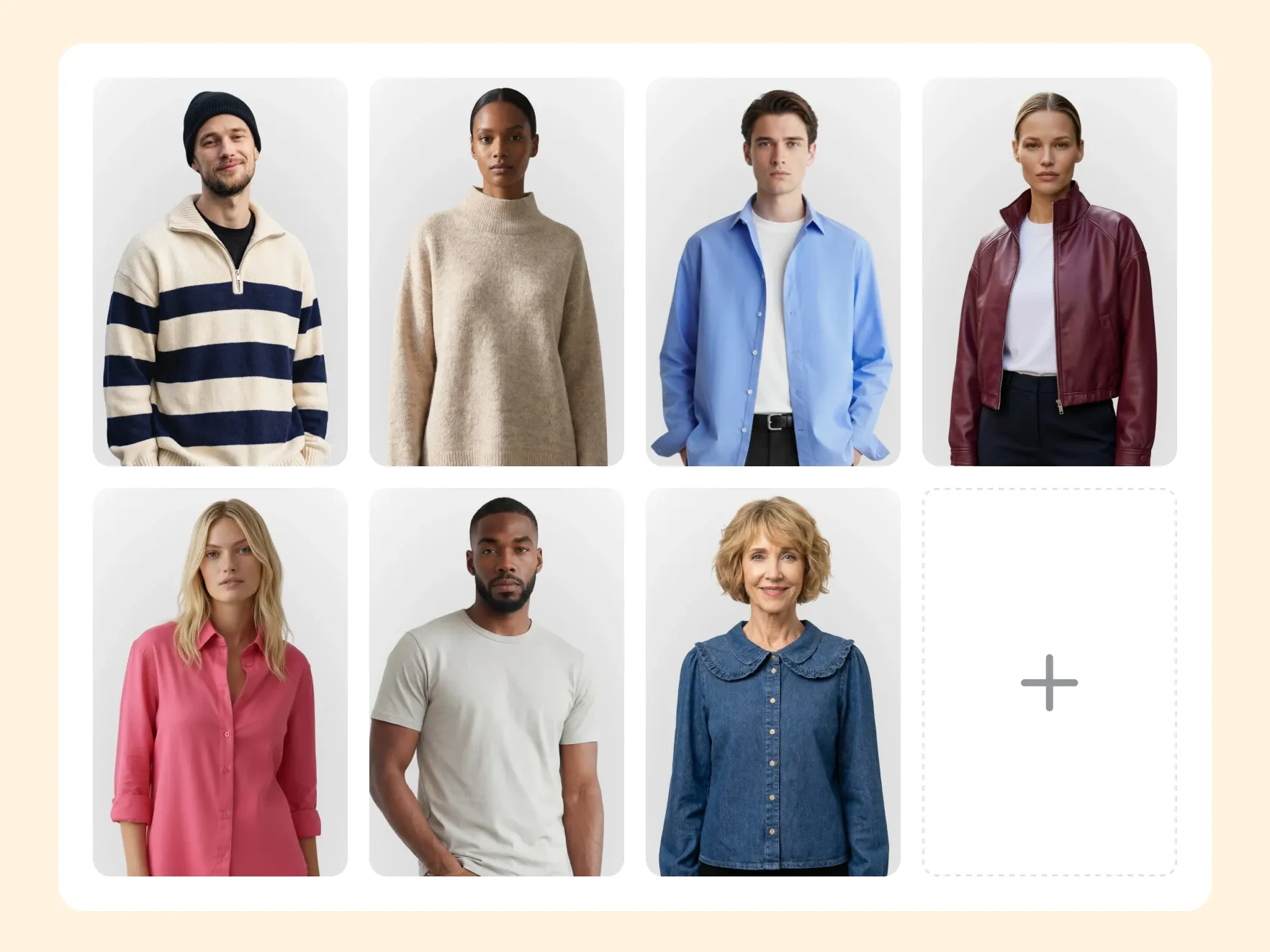
Photoroom is purpose-built for e‑commerce product design teams, meaning visuals made in Photoroom are ready to convert. Photoroom’s AI was specifically trained on product photography, so the suite of tools is tailored for sellers, like Ghost Mannequin for apparel, Virtual Model for on-body shots, and AI Backgrounds for lifestyle scenes. Canva has a broader focus than Photoroom, so it might be trickier to create a product visual workflow in this tool.

Reduce reshoots and editing with AI

Photoroom’s AI stages products with studio-quality shadows and crisp details, so you can place a product in new settings without booking another shoot or editing each image by hand. Canva’s AI is broad and design-oriented; it’s built to support a wide range of visual content. Photoroom’s AI is built for product visuals and e‑commerce outputs, which is the difference between reshooting your catalog every season and refreshing it in an afternoon.

Testimonials

What our customers say

1.5% uplift in items listed after embedding AI photo editing in the seller flow

"We're proud to be the first fashion resale marketplace to partner with Photoroom, enabling sellers to quickly create high-quality product shots that help their listings stand out."

Sonia BiddleChief Product Officer, Depop

Frequently asked questions

When should I use Photoroom vs. Canva?

Use Canva when you’re creating marketing assets, social posts, presentations, or any design work where you need flexible templates and a broad creative toolkit. Use Photoroom when you’re producing product visuals at scale. Many e‑commerce teams use both: Canva for campaigns and content around their products, and Photoroom for the product images themselves.

Is Photoroom a good Canva alternative?

For e‑commerce professionals, Photoroom can be a good Canva substitute. Photoroom is built specifically for product photo workflows, offering features like AI product staging and uploadable brand kits that enforce your brand’s visual standards across every image. Plus, enterprise-level plans include a dedicated SOC 2 Type II-compliant API to further streamline your workflow.

Does Photoroom support batch editing?

Yes—with Photoroom, you can edit up to 250 product photos in a single run. Apply AI Background Remover, AI Shadows, and automatic marketplace resizing in the same pass to handle every step of the visual production workflow at once. Whether you’re refreshing a seasonal catalog or onboarding a new batch of SKUs, batch mode keeps your listings consistent across marketplaces.

What types of visuals can I create with Photoroom?

Photoroom specializes in product visuals for digital storefronts, marketplace listings, and ads. That includes studio-style product shots with realistic shadows, lifestyle scenes showing your product in various contexts, apparel staged on virtual models, variant recolors, and seasonal background refreshes. You can edit existing product photos or generate entirely new images.

Does Photoroom support team collaboration?

Yes, and with Photoroom, your team has all the controls necessary for e‑commerce production. You’ll find shared workspaces and asset libraries, and you can upload a brand kit that standardizes colors, logos, and templates across every image your team ships. Your catalog visuals end up looking consistent, even at enterprise scale. Large teams with existing visual production workflows can enjoy Photoroom’s API that slots naturally into existing pipelines with a 99.9% uptime target on Enterprise accounts.

Can Photoroom handle marketplace-specific image requirements?

Photoroom creates product-listing-grade images by default. It ships with built-in templates for Amazon, Shopify, TikTok Shop, and Etsy, each preconfigured with the right dimensions and background rules for that marketplace’s requirements. Export once, and the same images are listing-ready across every platform (no manual resizing, no checking spec sheets, no rejected listings).

Start selling at first sight

Get listing-ready product visuals in seconds.