

Recolor clothing and product photos in seconds

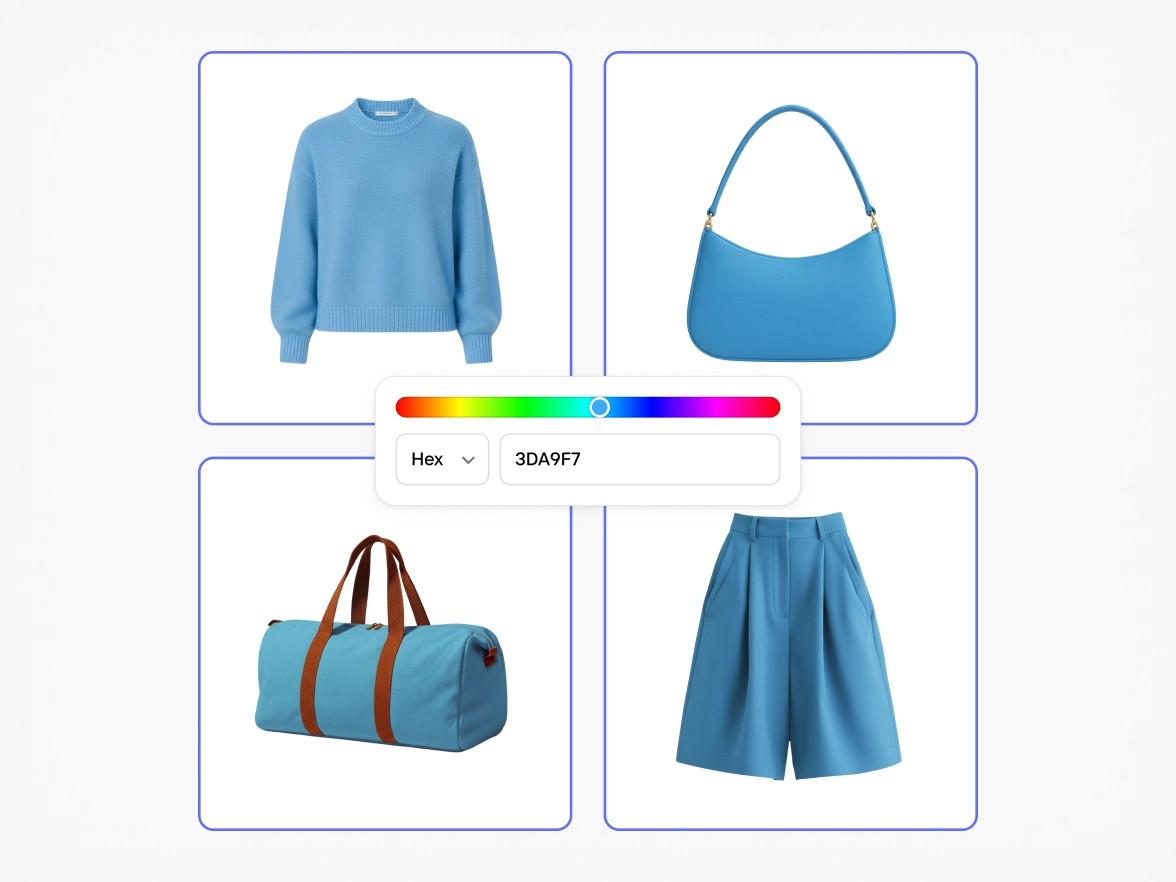
Instantly change the color of clothing and products using AI. Upload a photo, choose a color, describe the item you want to recolor and generate ready-to-use visuals for e-commerce, campaigns, and marketplaces.

Change clothing colors without reshoots

From reshoots to recolors

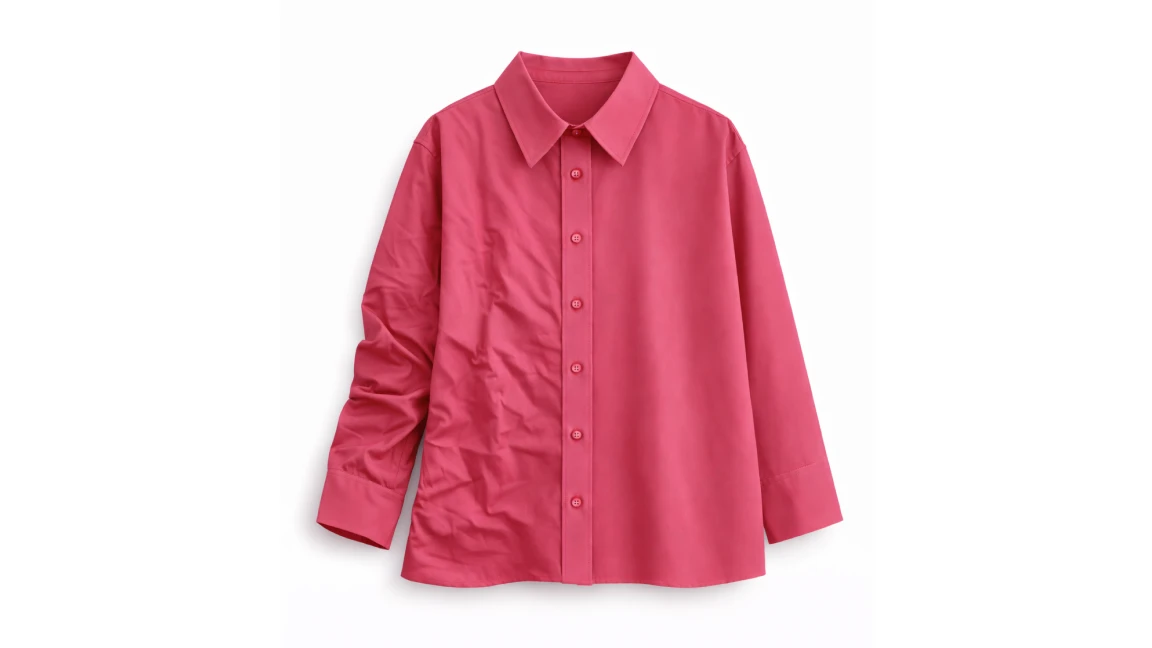
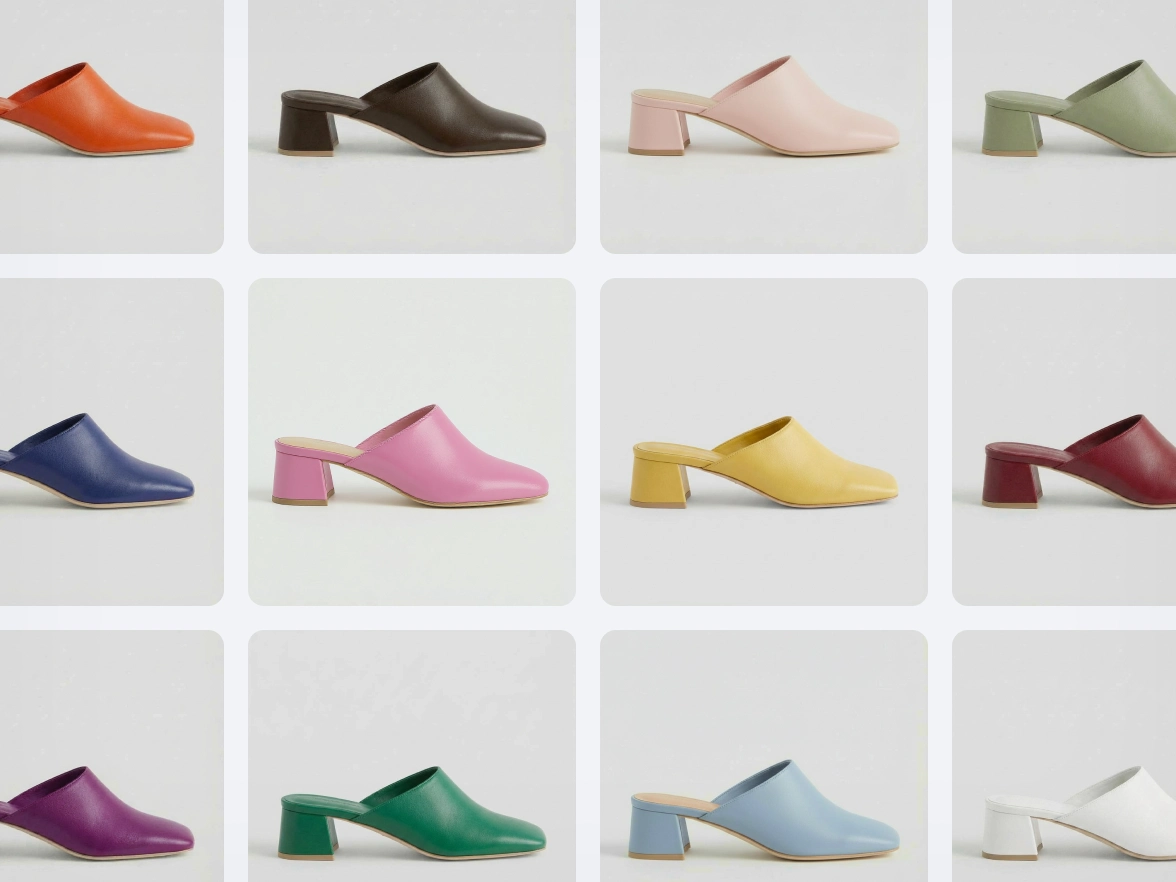
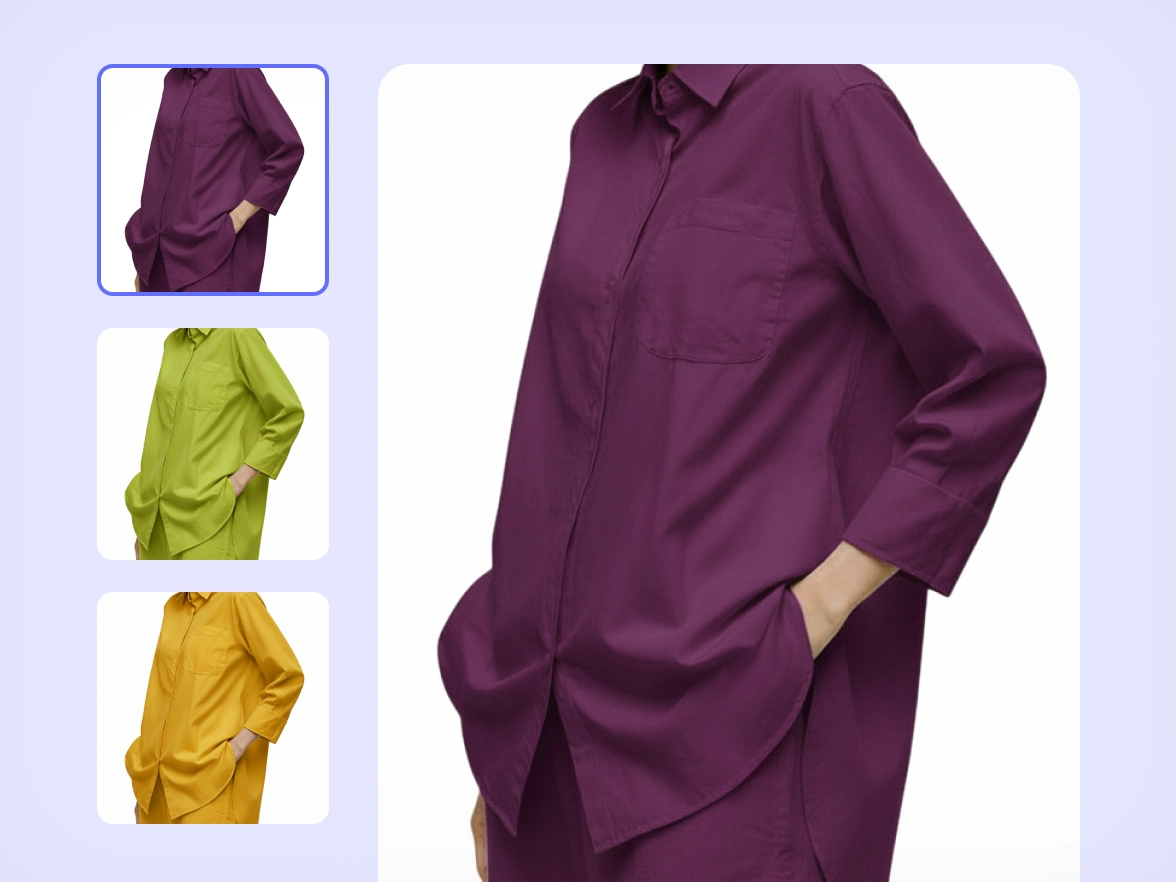
Every clothing and product color variation means new photos. For clothing brands, this turns simple catalog updates into expensive, slow reshoots. Seasonal drops, restocks, and color testing become bottlenecks. Photoroom's Recolor lets you transform a single product photo into multiple color variants using conversational AI. Upload your image, describe what you want to achieve, and generate realistic results without touching a studio. Start with a clean cut or an untouched product photo, then use Recolor to create every colorway from one original shoot. One image becomes an entire collection.

Accurate colors for clothing, not flat overlays

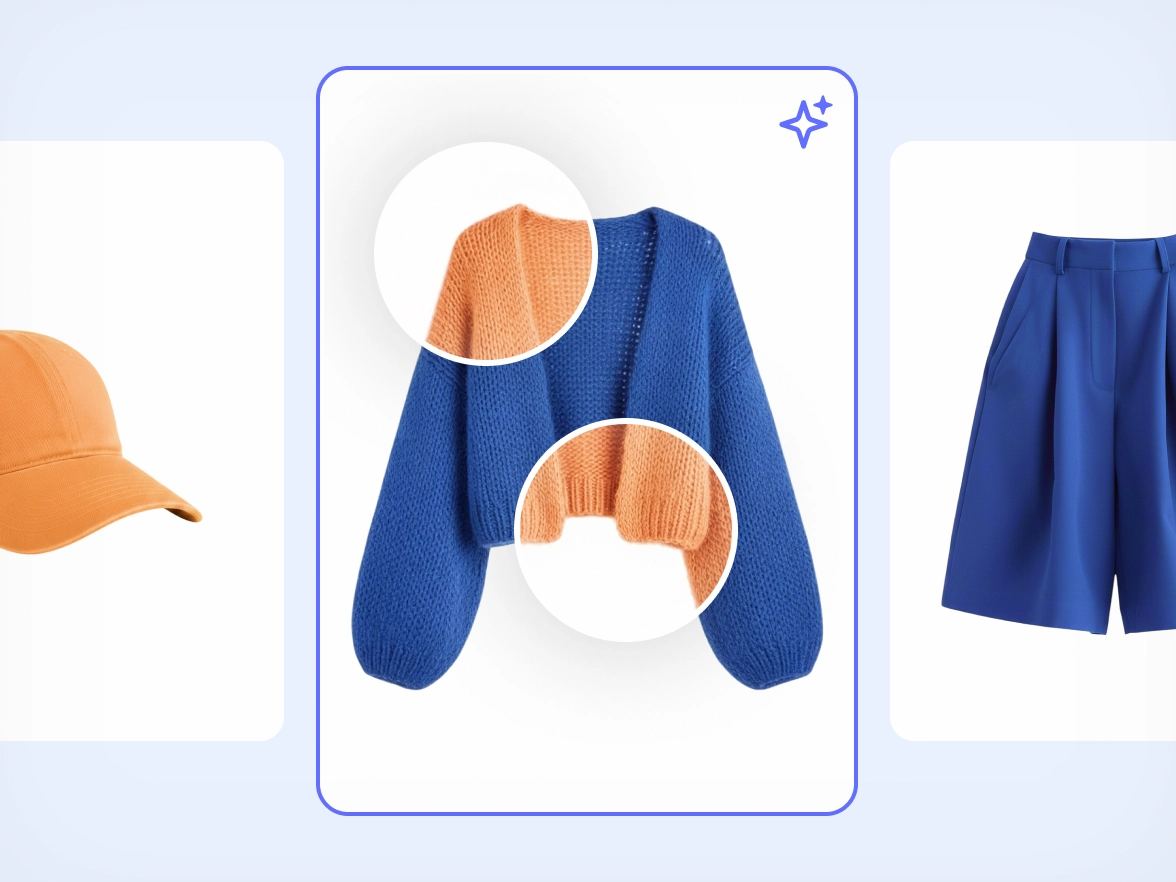
Most recoloring tools flatten textures. Fabrics lose depth, shadows disappear, and the result looks artificial. This is especially obvious on clothing, where material and folds matter. Recolor understands garments, textures, and light. The AI preserves fabric detail, stitching, folds, and natural shading so the new color looks like it was photographed, not painted. Combined with AI Shadows, Recolor keeps clothing images consistent across your catalog. Every product looks like it belongs to the same brand, regardless of color.

Faster launches and color testing at scale

Testing new colors usually means waiting. Waiting for samples, photos, approvals, and updates. This slows down launches and makes it risky to experiment. With our AI color changer, you can test colorways before committing. Generate visuals for lookbooks, PDPs, ads, or social posts in minutes and validate demand early. Recolor fits naturally into an AI-first product photography flow. Instead of waiting for new assets, you can use AI to iterate visually and make decisions earlier, using realistic product images that still reflect fabric and structure.

One workflow for consistent product visuals

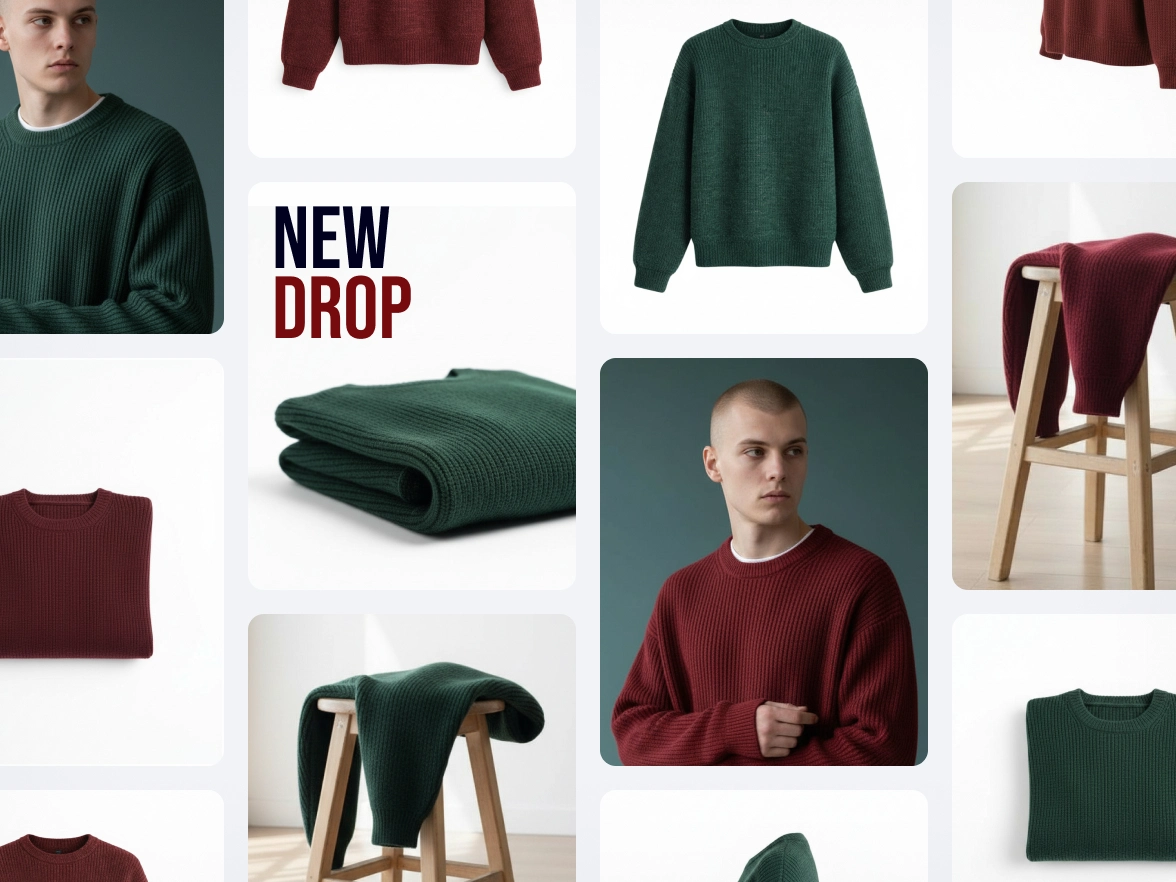
E-commerce teams need the same clothing image to perform across PDPs, marketplaces, and ads. But every channel has different requirements, and recoloring often means recreating assets or accepting inconsistencies. Recolor lets you adapt clothing images to different color variants while keeping a consistent, high-quality look. Used alongside Background Remover and image optimization tools, Recolor supports a unified AI product photography workflow for e-commerce. One clean product image becomes multiple channel-ready visuals, all aligned in lighting, framing, and realism.

How to change the color of your clothing photos

Step 1

Upload your image

Upload any product or clothing photo. Recolor works directly on your image, even if the background is still in place.

Step 2

Describe what you want

Use our conversational AI to tell Recolor exactly what you need. Choose a color and specify the format of the image you want to obtain.

Step 3

Use your recolored image

Create a recolored version of your image in seconds. Download it and use it across PDPs, marketplaces, ads, or campaign visuals.

All the AI product photography tools you need

Keep your brand looking sharp and consistent with Photoroom’s AI product photography tools.

Erase photo backgrounds

Instantly remove any background and replace it with a studio-quality backdrop that professionally showcases your products.

Generate AI backgrounds

Generate custom product photo backgrounds with AI or change background colors while maintaining visual brand identity.

Create lifestyle images

Help customers imagine your products in use by placing them in real-life scenes with Photoroom’s Product Staging AI tool

Enhance and resize images

Visualize products on AI models

Show customers how your products fit on diverse, AI-generated models with Photoroom’s Virtual Model tool.

Export and share

Export ready-to-use AI product photography for your website, marketplace listings, and other sales outlets.

Refine product shots with AI

Upload a product photo to automatically enhance lighting, details, and color in seconds with Photoroom’s Product Beautifier tool.

Adapt image orientation

Resize and expand product photo backgrounds from portrait to landscape and vice versa without losing image quality.

Automate workflows (API)

Save time and simplify visual asset editing and management by connecting Photoroom’s API directly with your website or marketplace.

Add text to a photo

Customize your images with text overlays. Choose from a variety of styles to create engaging messages.

Edit images in batches

Save time by batch editing hundreds of images. Apply the same backgrounds, effects, or resizing options in just a few clicks.

Collaborate with your team

Keep projects moving by sharing designs and feedback with your team in real-time.

Create a brand kit

Store your logos, fonts, and colors in one place to keep your branding consistent and unified with Brand kit.

Create logos with AI

Design a unique logo in seconds using Photoroom's AI logo maker.

Access anywhere

Edit and manage your brand’s visuals from any desktop or mobile device.

Recolor photos: your questions answered

  • Can I change the color of clothes in a photo using AI?

  • Can I recolor clothing images without reshooting or restyling products?

  • How accurate and realistic are the colors when recoloring clothing?

  • Do I need to prepare or edit my images before using Recolor?

  • How can recolored images be used across e-commerce and marketplaces?

Explore more AI product photography tools

Add background
Choose a unique background from our gallery or upload your own.
Change background color
Remove the background of your image and add any color.
AI Product Staging
Create realistic product scenes to put your product in action with AI.
Animate your product photos
Create realistic product videos from your product photos
AI Virtual Model
Create realistic product images with virtual models
Customize your background
Explore how to create custom backgrounds for your products.