

Skip to content

AI Product Beautifier

Turn basic product shots into polished, studio-quality visuals with AI. Show your products in real-world environments that captivate customers and boost sales.

Refine your product shots instantly with AI

Turn ordinary product photos into visual masterpieces

Give your images a studio-quality finish without ever booking one. Product Beautifier automatically enhances lighting, sharpens details, and boosts color in seconds. Ideal for social posts, marketing campaigns, or any moment you want your visuals to shine.

Achieve consistent, high-quality images quickly

No experience? No problem. Create high-resolution product photos in one click. Powered by GPT-Image-1, Product Beautifier automatically fine-tunes lighting, angles, and sharpness, delivering results that rival a professional studio. Let the AI do the heavy lifting.

Increase customer trust through high-quality visuals

Studio-quality photos aren’t just a nice-to-have, they drive clicks, conversions, and sales. Product Beautifier uses AI to turn simple shots into stunning visuals that look professionally done. Just upload your photo, and get clean, high-impact images that build trust and boost sales.

How to use Product Beautifier

Step 1

Create an account

Sign up to start generating professional product images. You’ll get instant access to Product Beautifier and all other AI-powered design tools with a free trial.

Step 2

Test different ideas

Navigate to the AI Tools tab and select Product Beautifier. Upload your product image. Choose your preferred image dimensions then click Generate to create two AI-enhanced versions of your photo. Select your favorite version.

Step 3

Download your image

Download your polished, studio-quality image as a PNG or JPEG, ready for use across all platforms. You can also refine your image using other Photoroom's tools.

All the AI product photography tools you need

Keep your brand looking sharp and consistent with Photoroom’s AI product photography tools.

Erase photo backgrounds

Instantly remove any background and replace it with a studio-quality backdrop that professionally showcases your products.

Generate AI backgrounds

Generate custom product photo backgrounds with AI or change background colors while maintaining visual brand identity.

Create lifestyle images

Help customers imagine your products in use by placing them in real-life scenes with Photoroom’s Product Staging AI tool

Enhance and resize images

Adjust brightness, remove unwanted objects, and resize your e-commerce images for various sales channels.

Visualize products on AI models

Show customers how your products fit on diverse, AI-generated models with Photoroom’s Virtual Model tool.

Export and share

Export ready-to-use AI product photography for your website, marketplace listings, and other sales outlets.

Refine product shots with AI

Upload a product photo to automatically enhance lighting, details, and color in seconds with Photoroom’s Product Beautifier tool.

Adapt image orientation

Resize and expand product photo backgrounds from portrait to landscape and vice versa without losing image quality.

Automate workflows (API)

Save time and simplify visual asset editing and management by connecting Photoroom’s API directly with your website or marketplace.

Add text to a photo

Customize your images with text overlays. Choose from a variety of styles to create engaging messages.

Edit images in batches

Save time by batch editing hundreds of images. Apply the same backgrounds, effects, or resizing options in just a few clicks.

Collaborate with your team

Keep projects moving by sharing designs and feedback with your team in real-time.

Create a brand kit

Store your logos, fonts, and colors in one place to keep your branding consistent and unified with Brand kit.

Create logos with AI

Design a unique logo in seconds using Photoroom's AI logo maker.

Access anywhere

Edit and manage your brand’s visuals from any desktop or mobile device.

Frequently asked questions

What is Photoroom's Product Beautifier?

How do I use the Product Beautifier tool?

Can I customize my product images further?

What are the primary use cases for using Photoroom’s AI Product Beautifier?

How does professional products photos benefit online sellers and marketers?

More AI tools for fashion product photos

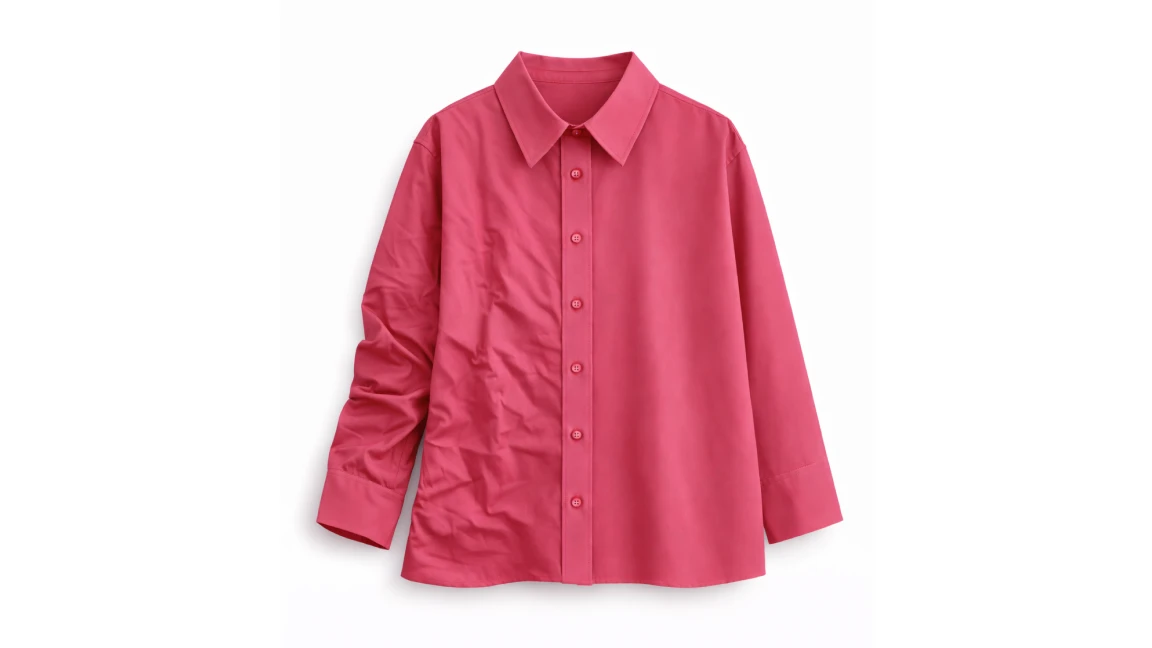
Remove wrinkles from clothes
Easily remove wrinkles from clothes in product images and make garments look freshly pressed using AI.
Ghost Mannequin
Show your clothing at its best with clean, mannequin-free visuals.
AI Product Staging
Create realistic product scenes to put your product in action with AI.
Animate your product photos
Create realistic product videos from your product photos
Recolor product photos
Use AI to change the color of any item in your product photos
AI Virtual Model
Create realistic product images with virtual models

Sell faster with studio‑quality product visuals

Drive sales with professional visuals you can create in minutes, with brand consistency and control.