

Recolor clothing and product photos in seconds
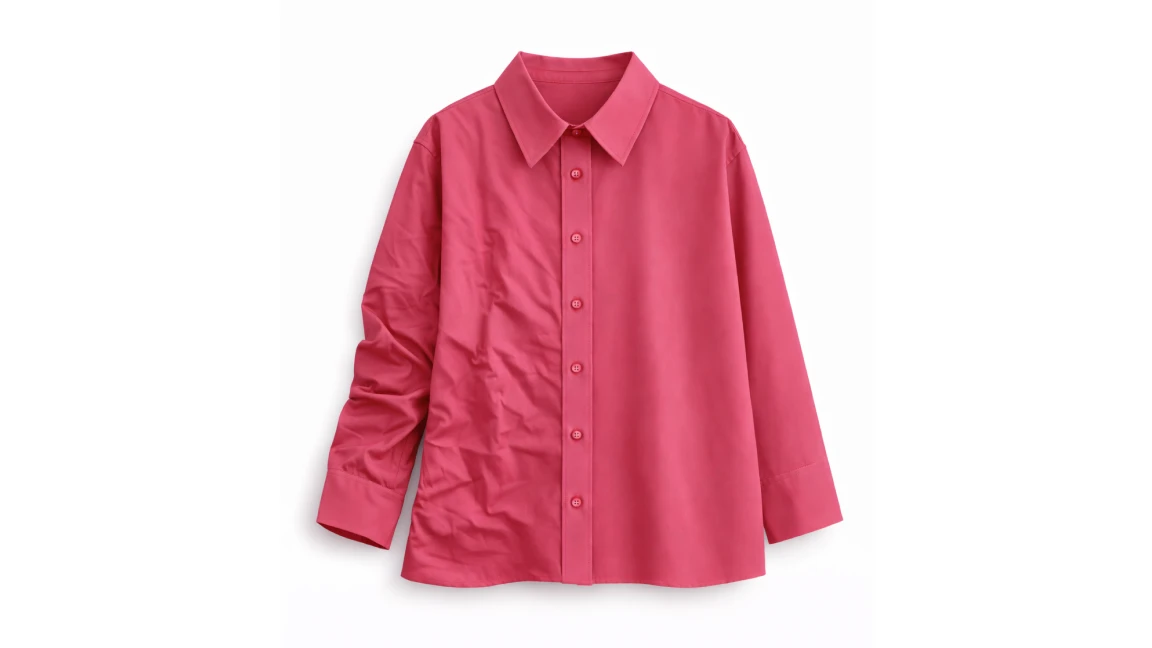
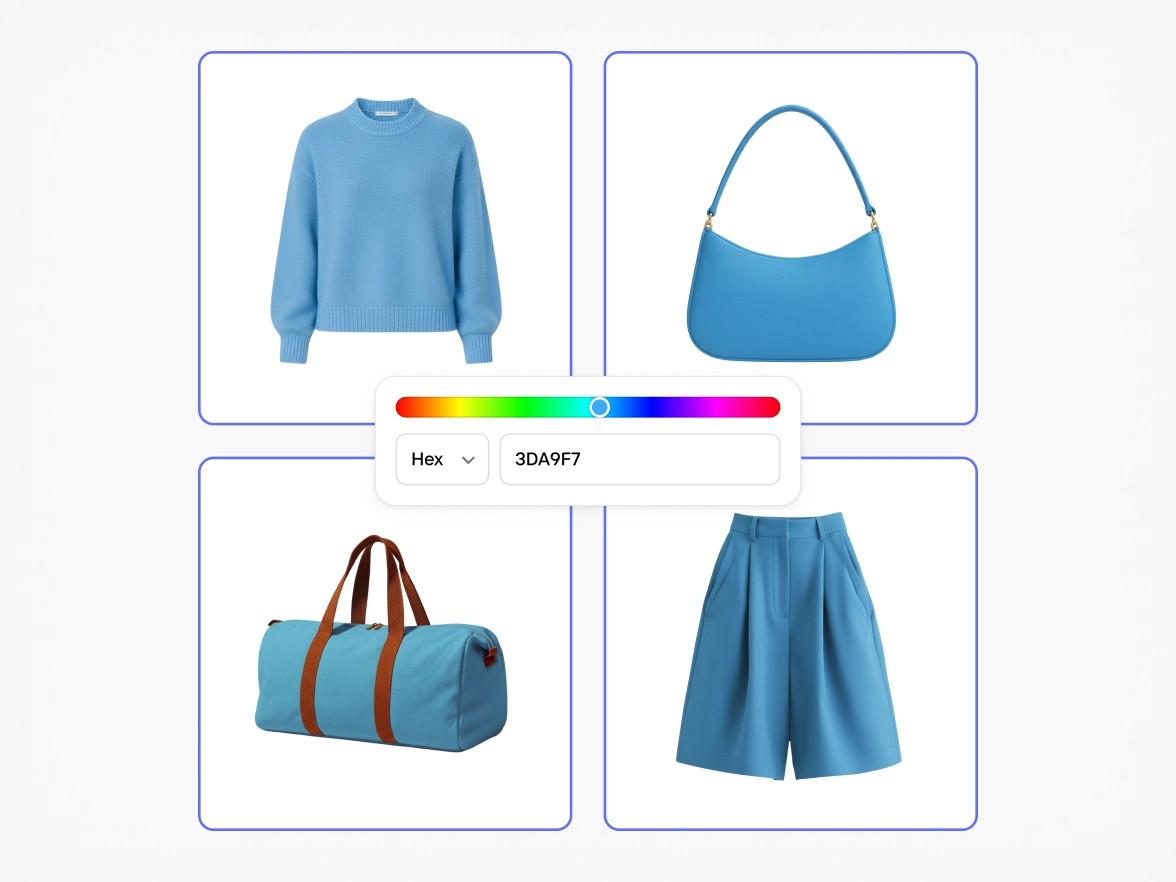
Instantly change the color of clothing and products using AI. Upload a photo, choose a color, describe the item you want to recolor and generate ready-to-use visuals for e-commerce, campaigns, and marketplaces.

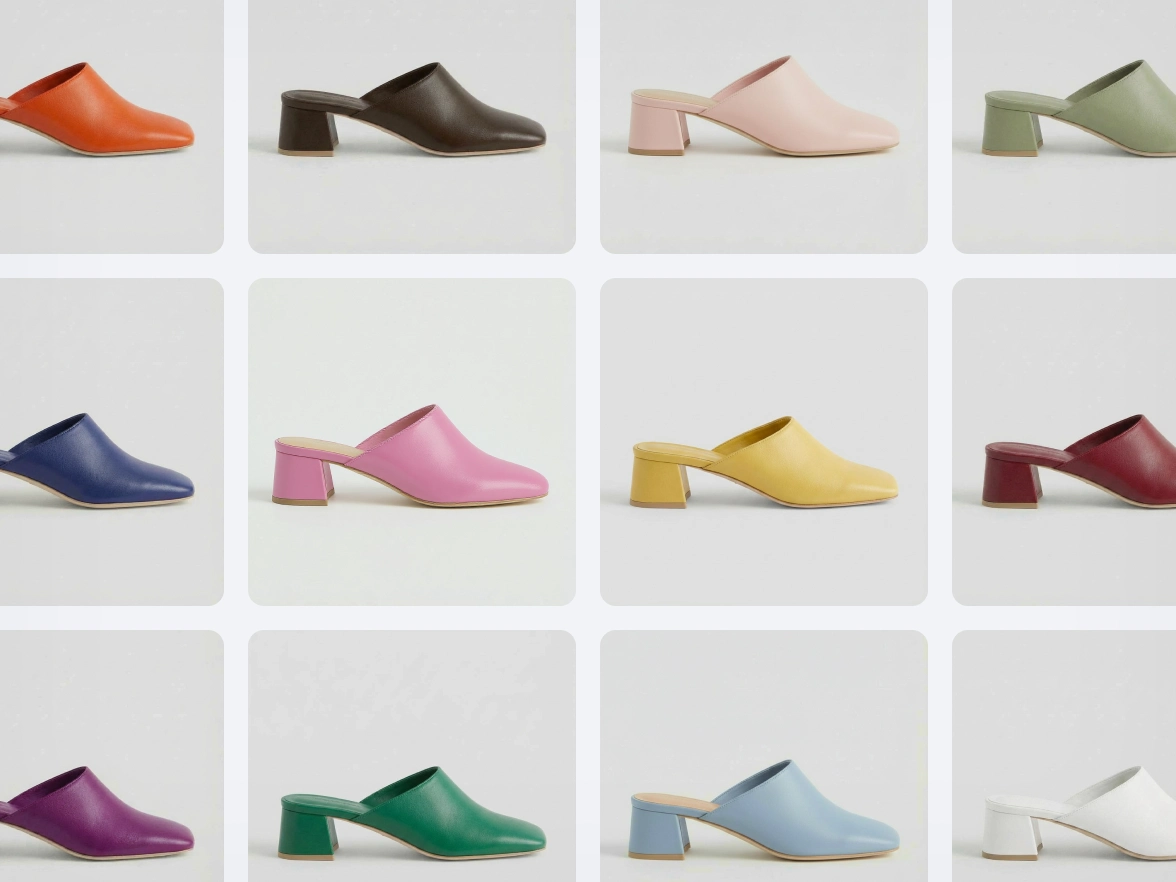
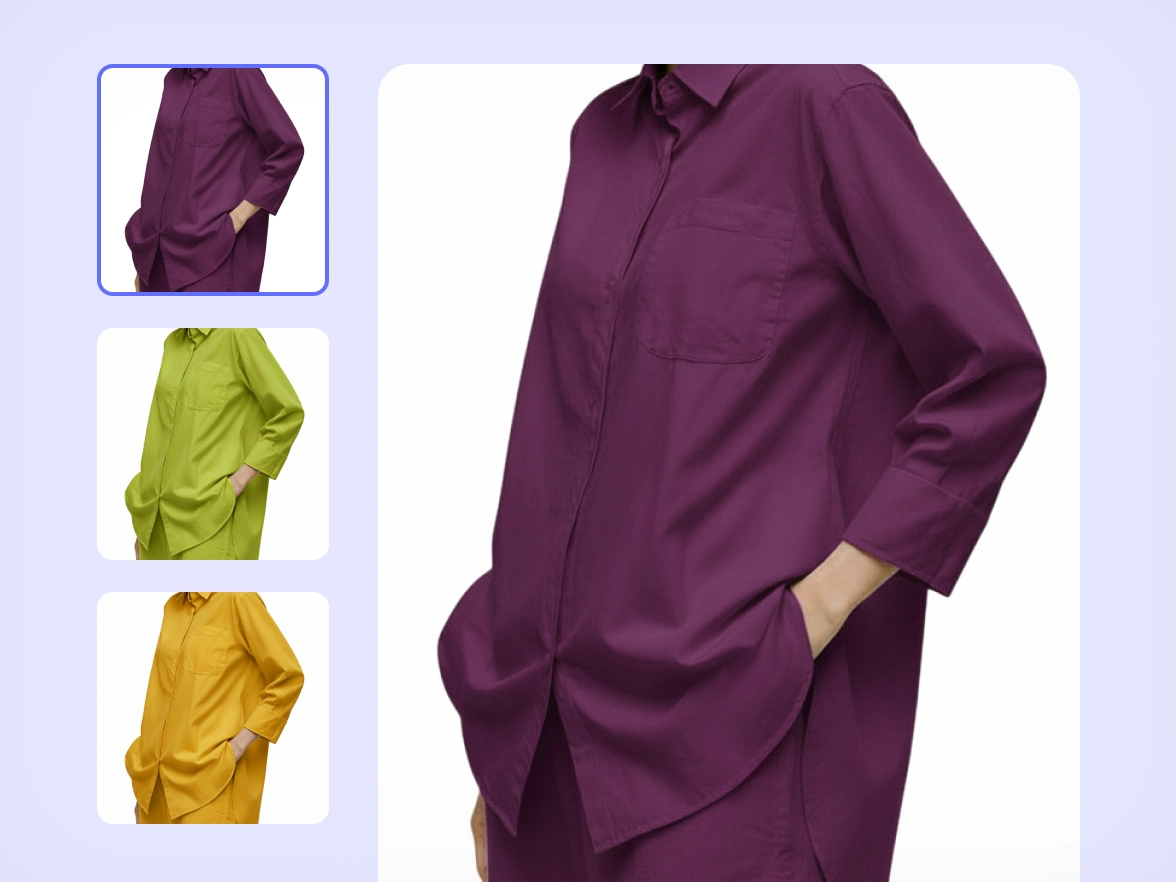
Change clothing colors without reshoots

From reshoots to recolors

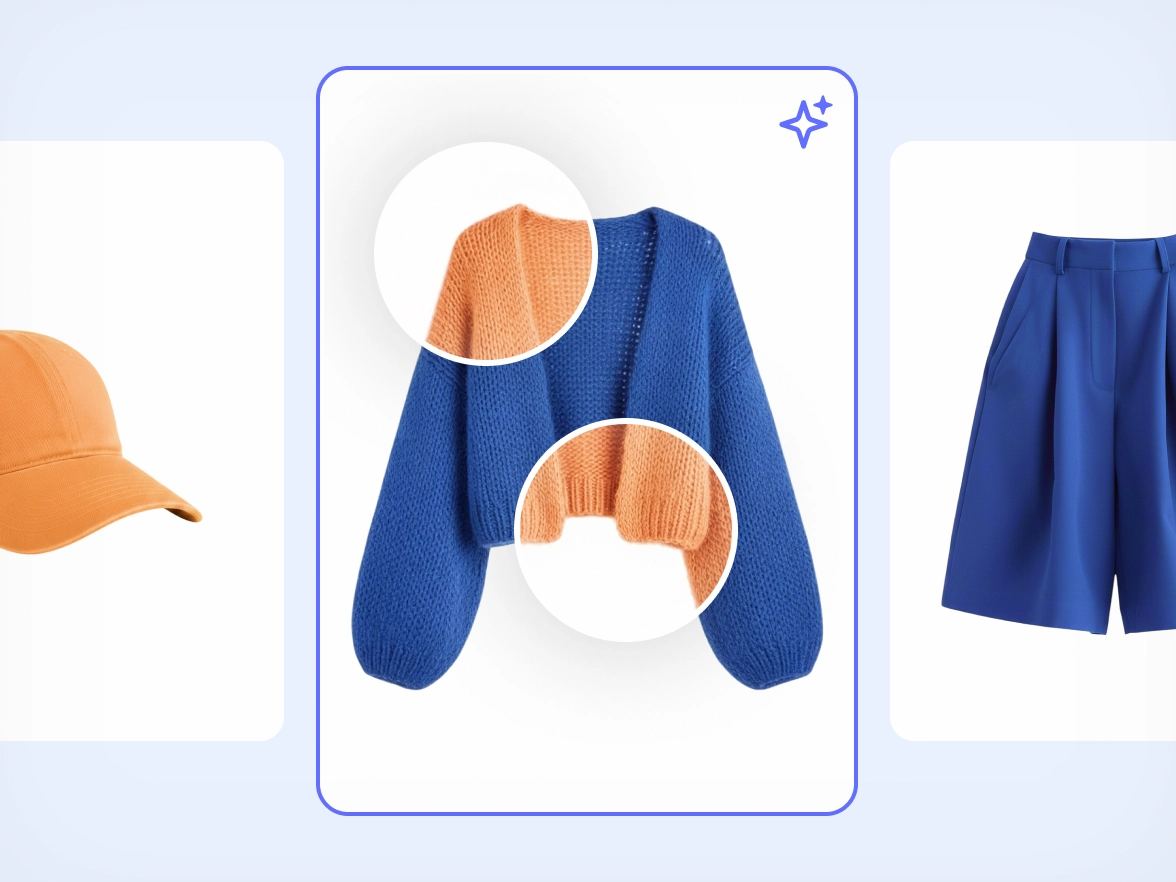
Accurate colors for clothing, not flat overlays

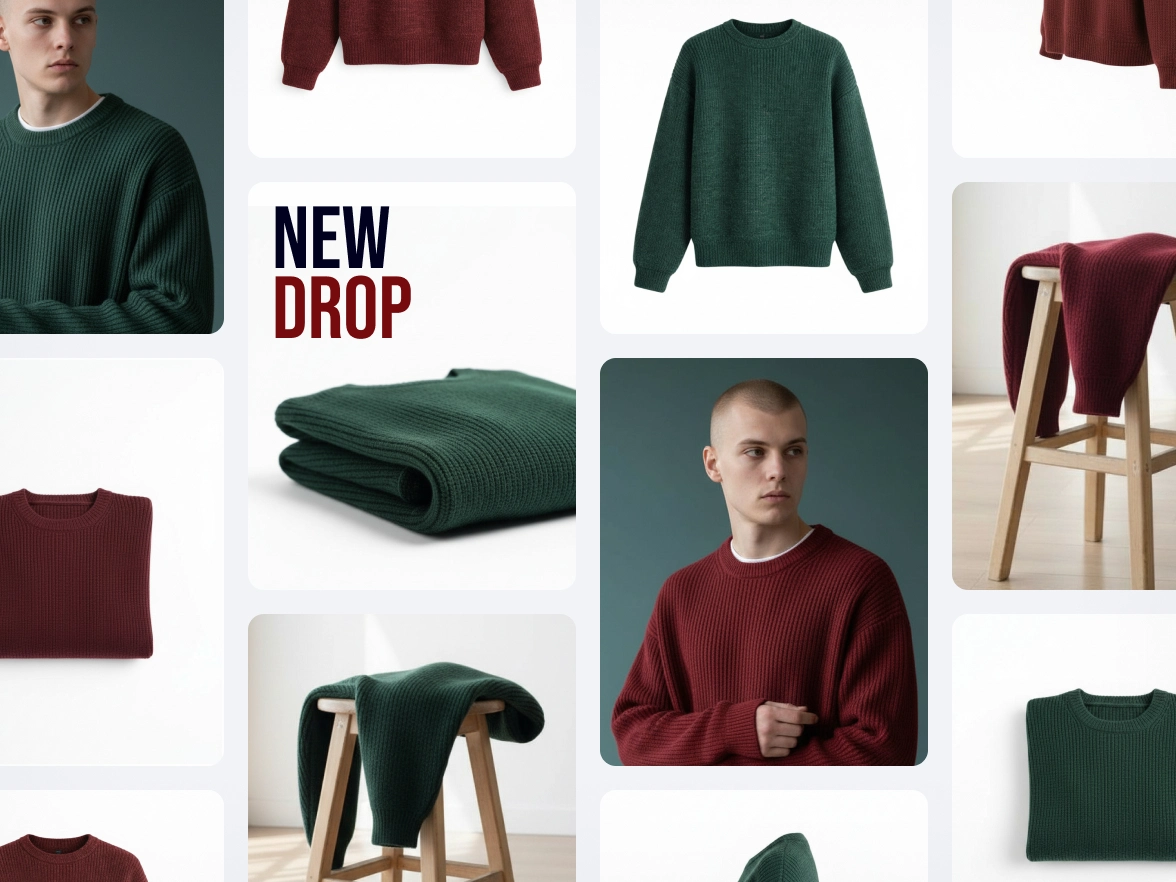
Faster launches and color testing at scale

One workflow for consistent product visuals
How to change the color of your clothing photos
Step 1
Upload your image
Upload any product or clothing photo. Recolor works directly on your image, even if the background is still in place.
Step 2
Describe what you want
Use our conversational AI to tell Recolor exactly what you need. Choose a color and specify the format of the image you want to obtain.
Step 3
Use your recolored image
Create a recolored version of your image in seconds. Download it and use it across PDPs, marketplaces, ads, or campaign visuals.
All the AI product photography tools you need
Keep your brand looking sharp and consistent with Photoroom’s AI product photography tools.

Erase photo backgrounds
Generate AI backgrounds

Create lifestyle images

Enhance and resize images
Visualize products on AI models

Export and share

Refine product shots with AI
Adapt image orientation

Automate workflows (API)

Add text to a photo

Edit images in batches

Collaborate with your team

Create a brand kit

Create logos with AI

Access anywhere
Recolor photos: your questions answered
Can I change the color of clothes in a photo using AI?
Can I recolor clothing images without reshooting or restyling products?
How accurate and realistic are the colors when recoloring clothing?
Do I need to prepare or edit my images before using Recolor?
How can recolored images be used across e-commerce and marketplaces?