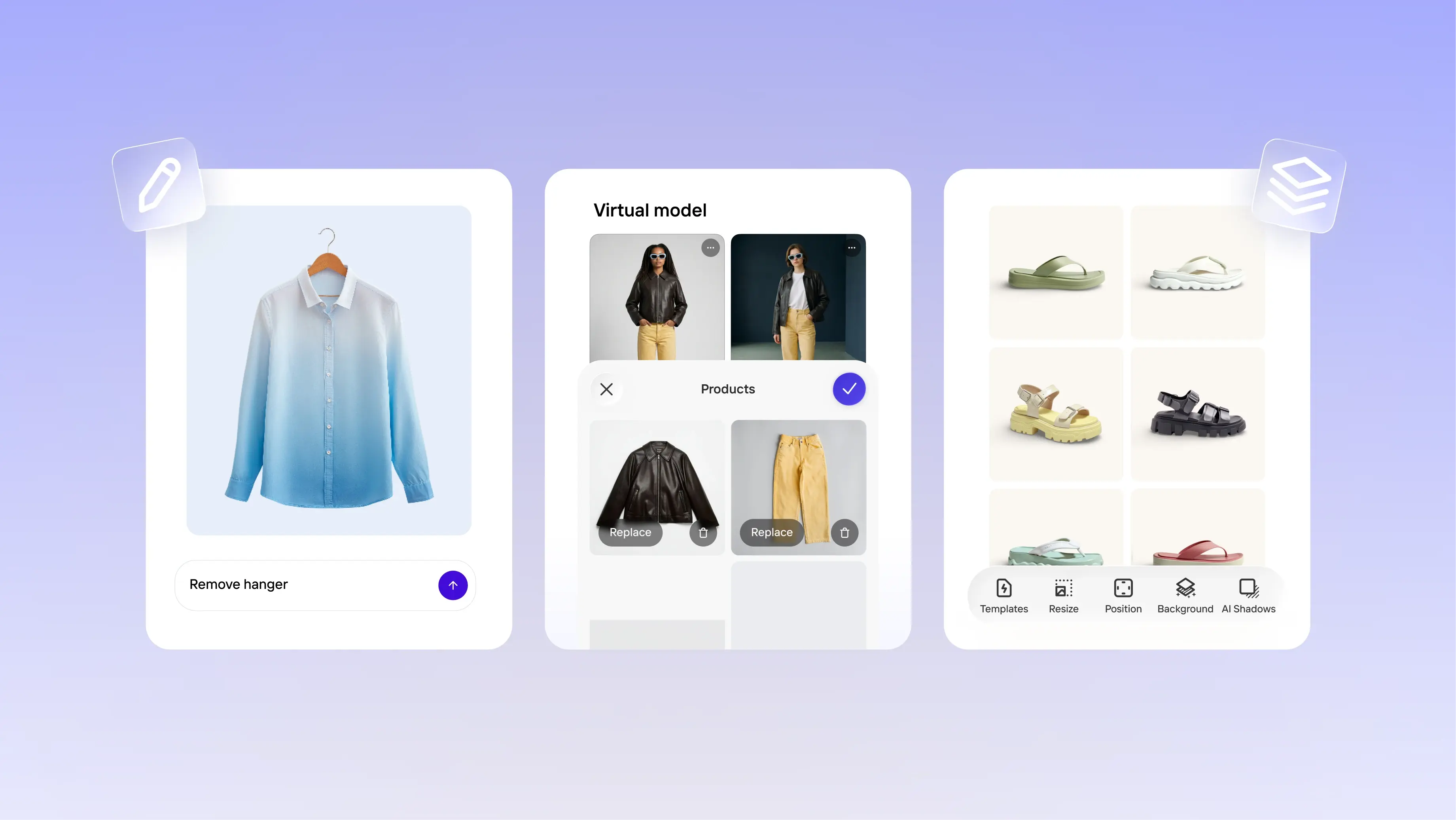
What's new in product: November 2025
We’ve been busy improving the Photoroom experience with new features and enhancements designed to help you move faster and create sharper, more consistent visuals. From tools that elevate listing quality to updates that make features easy to discover, everything is built to help you produce polished images in less time, and with less effort.
Boost performance with Video
Our new Video Generator lets you turn product images into short, polished animations for listings or social platforms. Sellers have reported up to a 96% lift in sales when using animated product videos, and you can create and export yours in seconds.
Platform: iOS and Android. Coming soon to web
For: Photoroom Max users
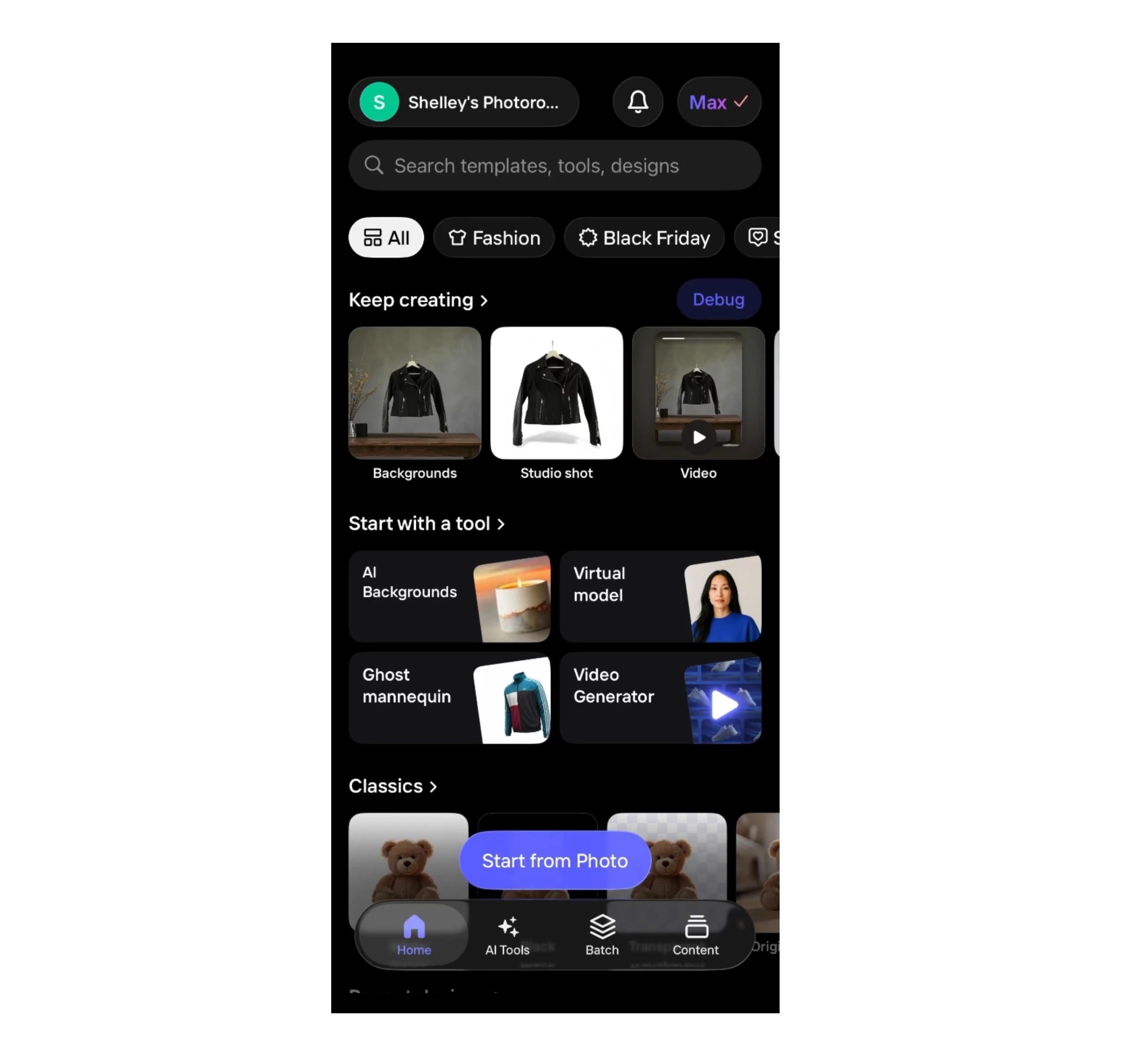
Create faster with our new home
Design the perfect studio shot in no time. Editing tools, AI features and templates are now organized into intuitive sub-categories, making it effortless to explore Photoroom and find exactly what you need.
With the improved preview mode, you’ll see visual examples for every design, from product listings to social posts.
Platform: iOS and Android
For: All users
Enhanced options for perfect product listings
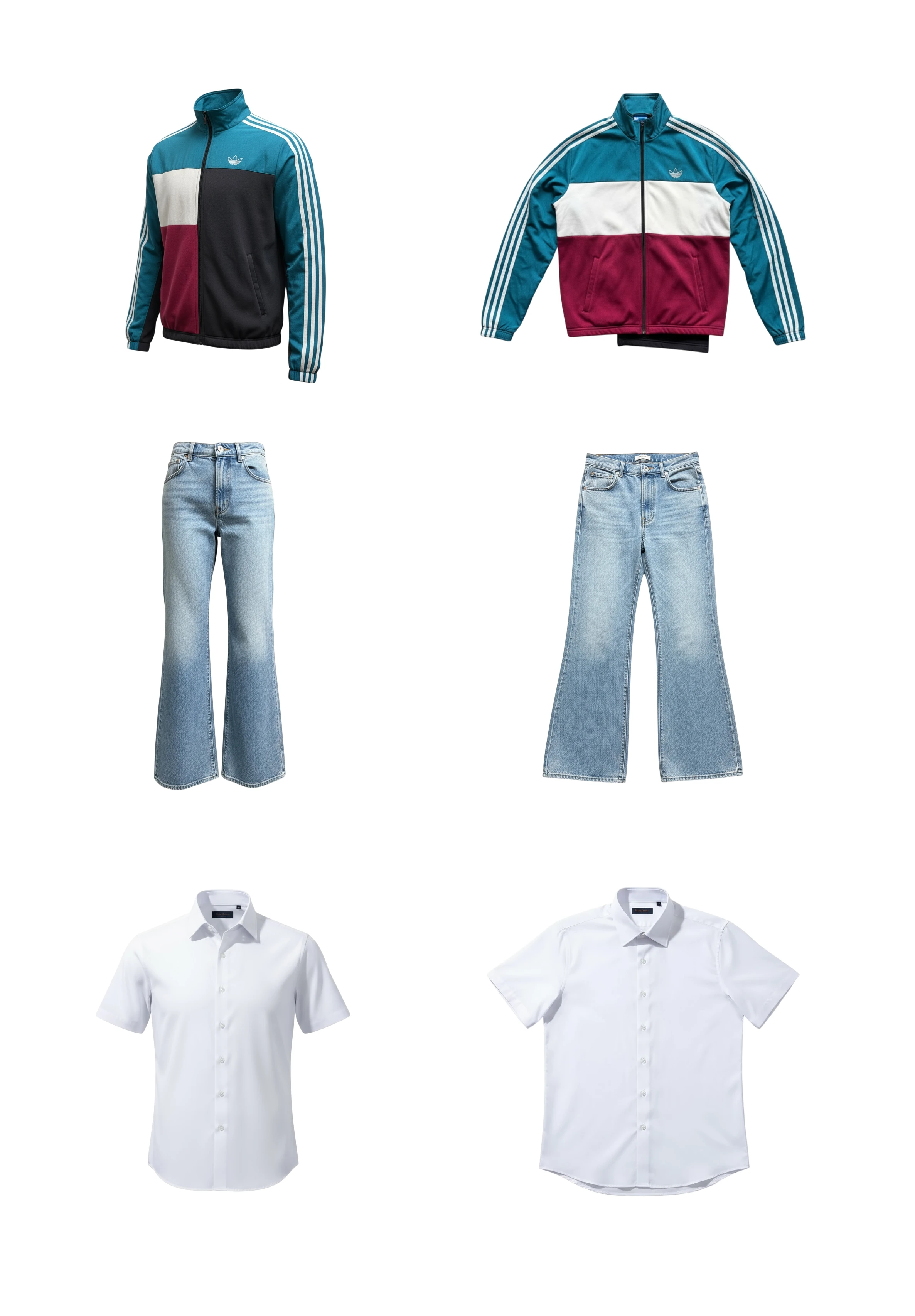
For fashion sellers, we’ve introduced new image transformation tools that make it easier to create a suite of polished listings. Ghost Mannequin gives products a clean, 3D look without the model, while Flat Lays are a must to complete your ready-to-list images. Together with Virtual Model, these tools have helped sellers create improvements in listing performance and sales.
Platform: iOS, Android, Web
For: Pro, Max, Ultra users
Virtual Model: New ways to customize
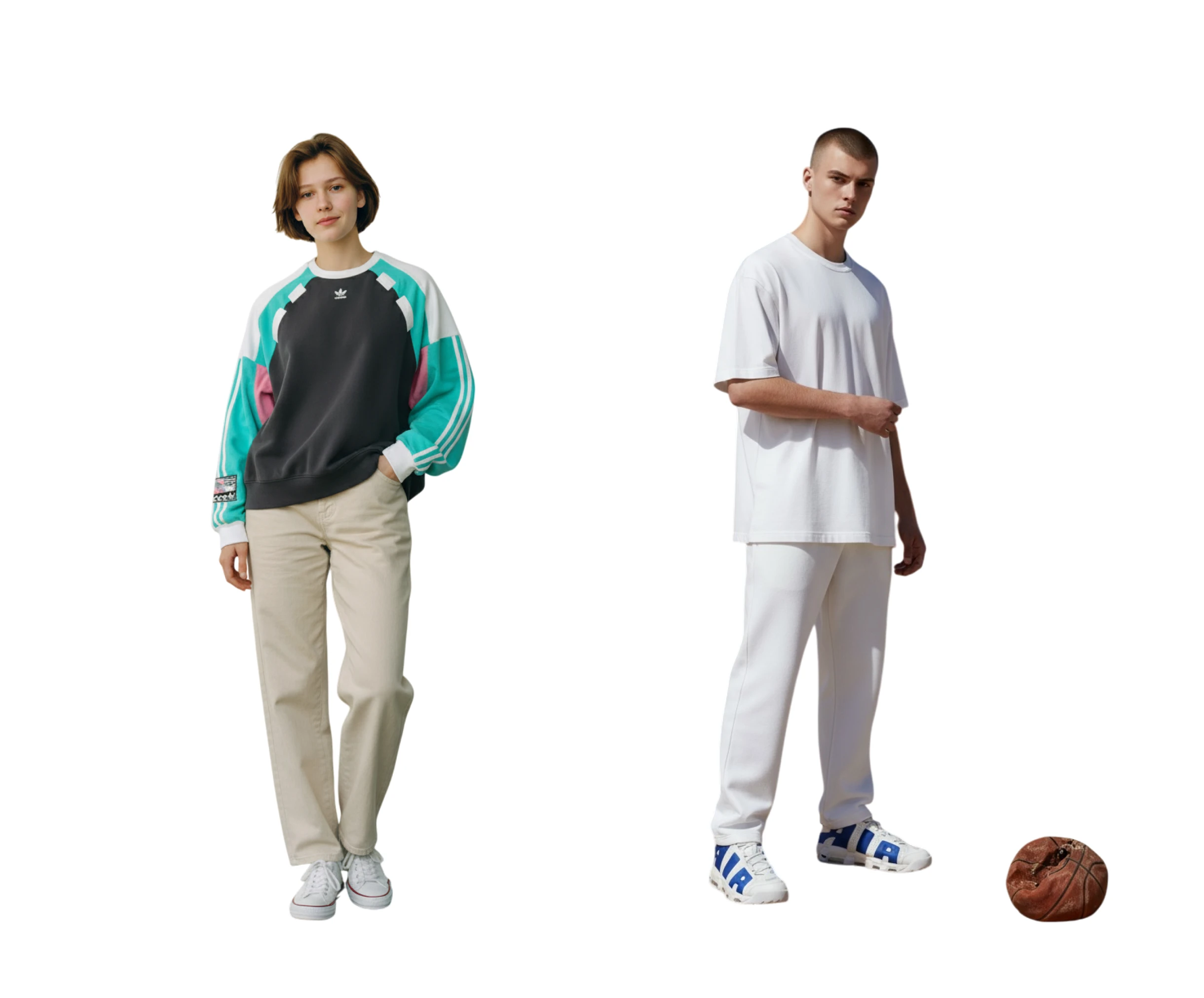
Sellers invest hundreds of dollars for a good model shot, and now you can create one in seconds with Photoroom. Virtual Model now offers new ways to refine and customize your results: adjust fit, control lighting, modify expressions, add accessories, explore new poses, and generate entirely new backgrounds. We’ve also introduced new teenage models to diversify your listings. And there’s more on the way.
Platform: All
For: Pro, Max, Ultra users
Edit images with a simple prompt
We’ve updated the editing experience so you can now prompt changes on any image layer, giving you greater control and flexibility when refining or transforming elements in your design. Let us know what you’d like us to improve next, we’d love to hear directly from you.
Platform: All
For: All users
20x faster Batch editing (and new powers)
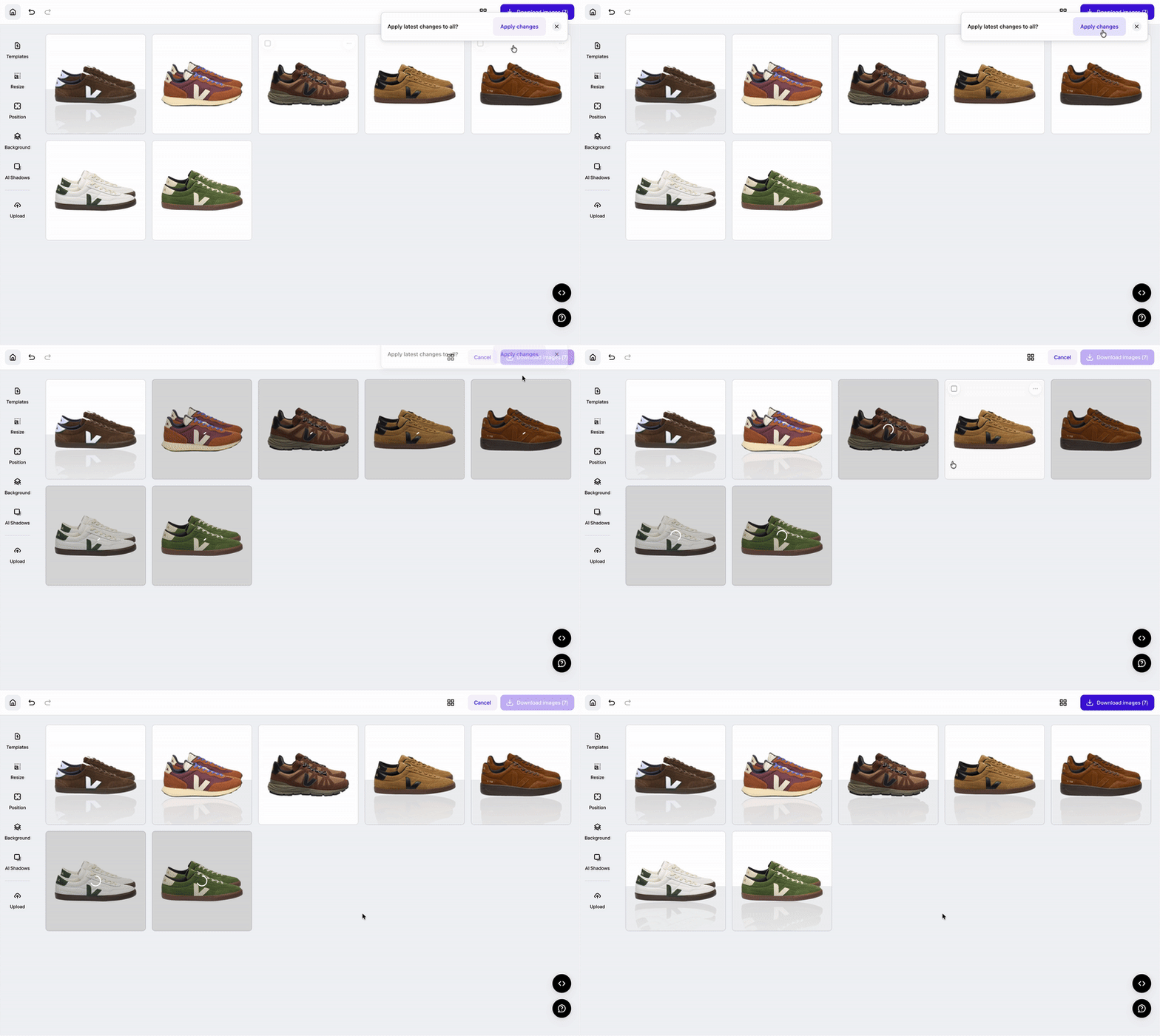
Apply all
Open a single image, make your changes, and apply them to all selected items in one click. This simplifies high-volume workflows and ensures consistent edits across product catalogs, marketplace listings, or campaign sets.
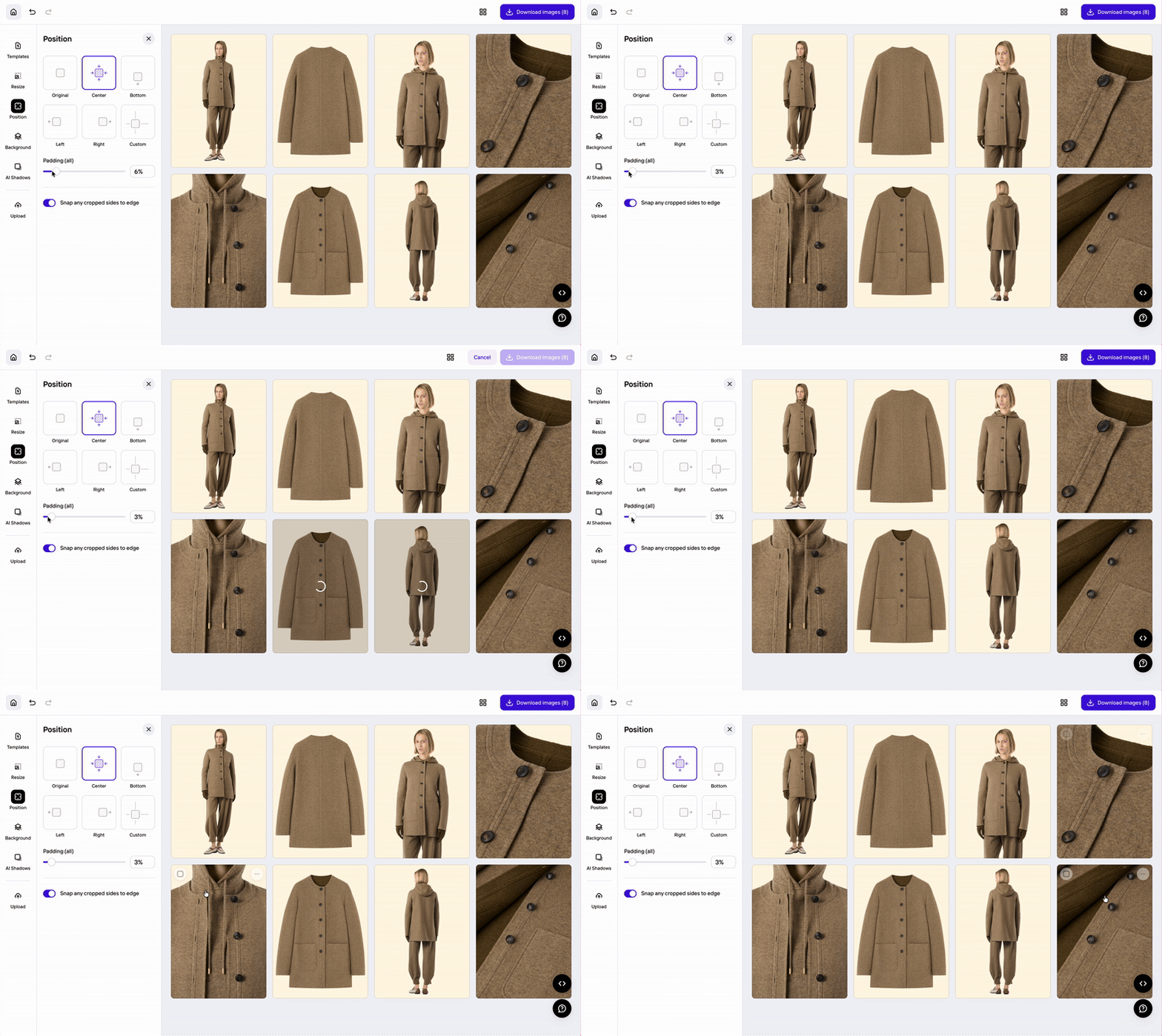
Snapping cropped edges to borders
Snapping is now available across all position options, letting you align cropped images to canvas edges with precision. Photoroom automatically ignores padding when snapping cropped items, making it easy to create clean, uniform product lines, even when mixing full shots with close-ups.
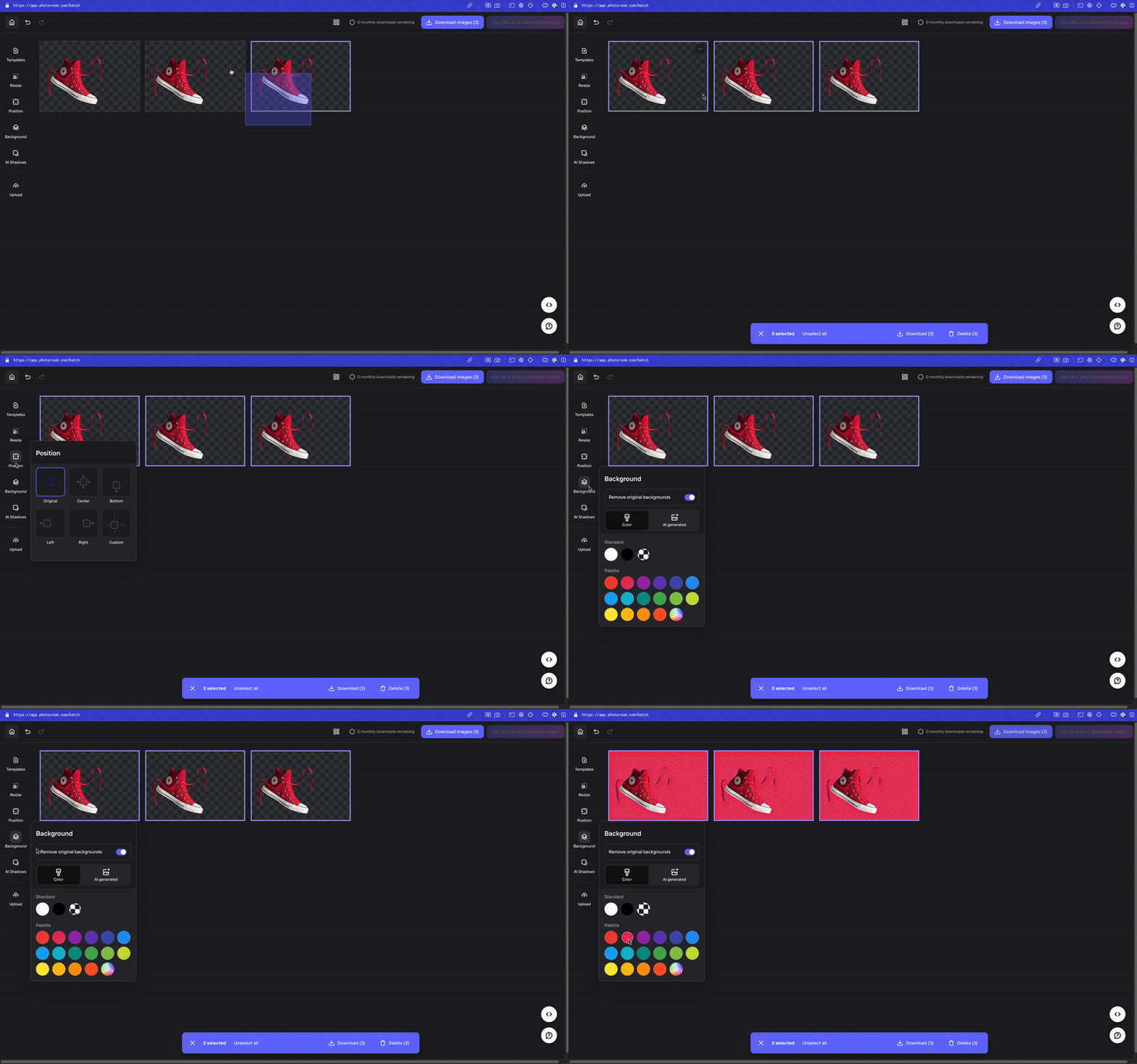
New Batch experience
Upgraded with intuitive selection and recovery features that make editing multiple images faster and smoother. Use the new ‘Apply all’ prompt to instantly sync edits, and cleaner deselect and delete options for more efficient editing.
Platform: Web
For: All users
Coming soon
Bundle
Generate a variety of product shots from a single image.
Platform: iOS, Android, Web.
For: All users
Studio shot improvements
Customize the background, size and shadow.
Platform: iOS.
For: All users
More angles
Create image variations while keeping the same background and model, for product listing consistency.
Platform: iOS, Android, Web.
For: All users

Shelley BurtonI write about Photoroom’s newest AI tools, which help businesses create professional product visuals.