Why you should change your mobile app version format to [year].[week].[iteration]
As a software engineer, I’ve been trained to think that there’s only one way to version software: semantic versioning.
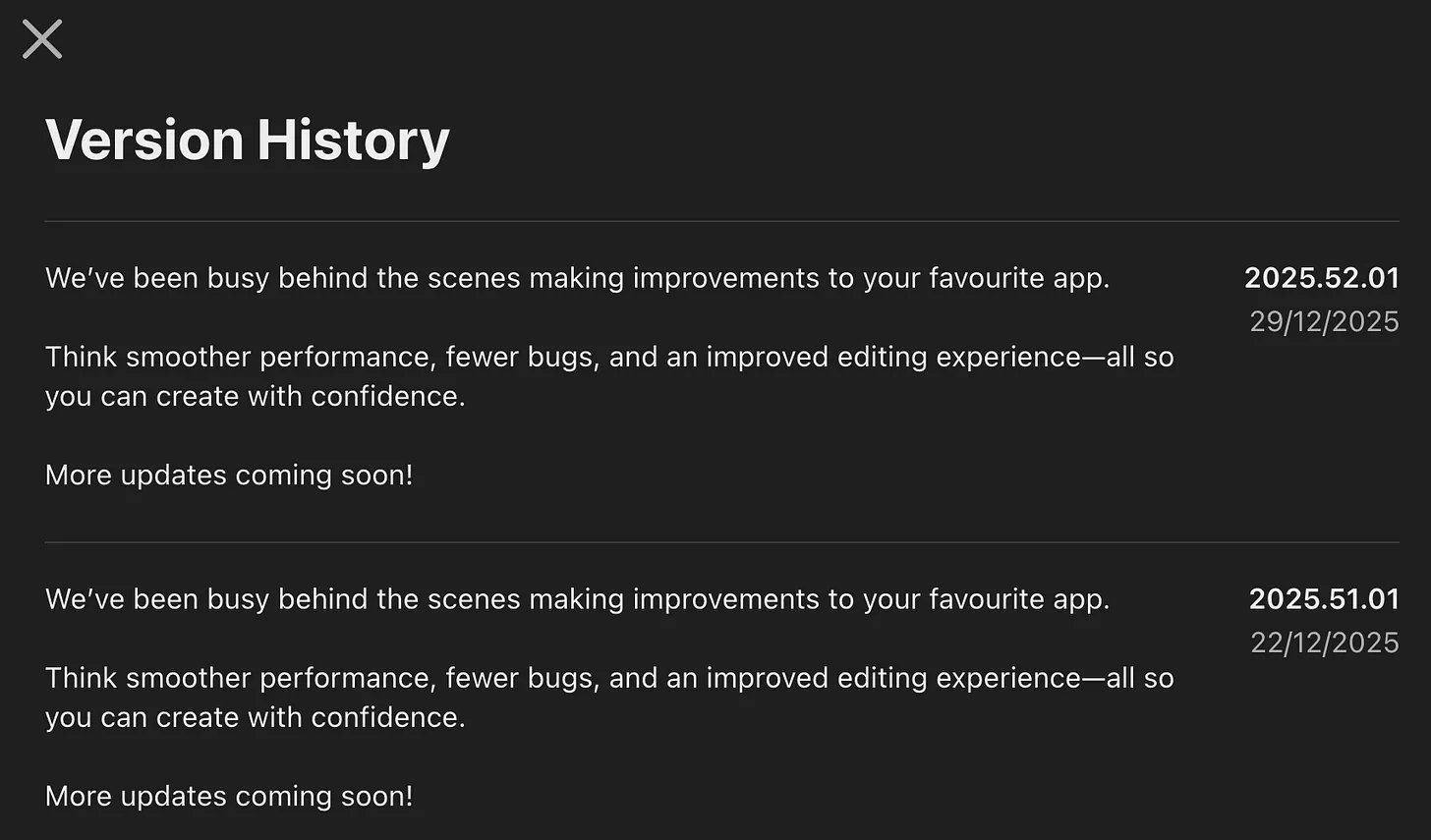
At Photoroom, we used to increment the major version number on big releases to celebrate. Recently, however, we moved our mobile apps to a versioning scheme like like 2025.51.01 (so [year].[weekNumber].[iteration])
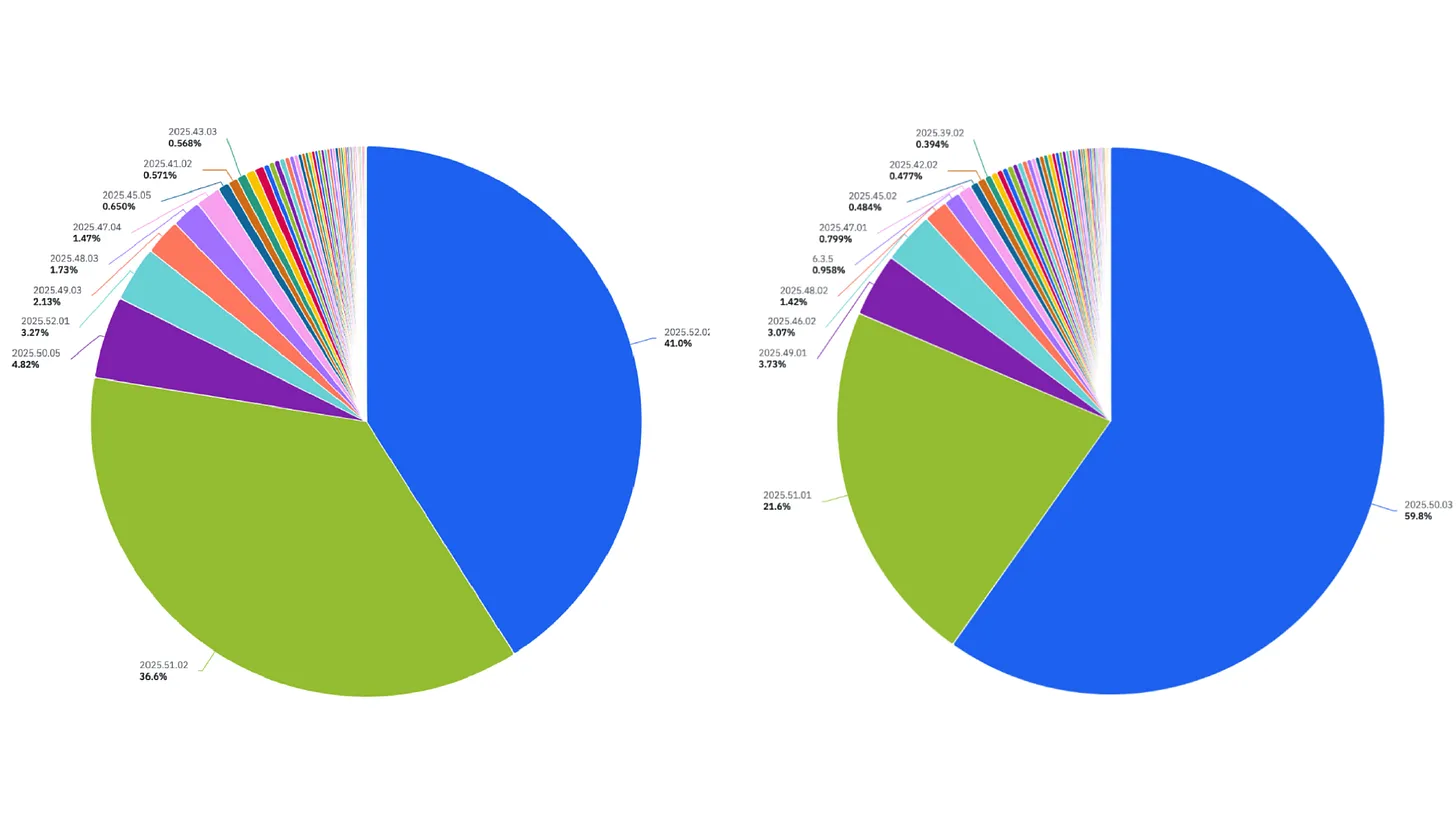
It’s also quite useful to understand version distribution. You can see below that most users on iOS are on version 2025.50.03 (meaning the third iteration of the 50th week of the year) and are progressively upgrading to 2025.51.01:
version = request.headers["pr-app-version"]
weeksSinceAppWasReleased = parseWeeksSinceAppRelease(version)
if weeksSinceAppWasReleased >= 52:
   return {error: "APP_OUTDATED", errorMessage: "Your app is outdated, please visit the app store to update"}
The downsides
As App Store version have to be incremental, so once you try this setup, you can’t go back.
When we implemented it, I also worried that such long version numbers would be a bit scary for users on the app store listing page, but it seems they don’t mind.

If you find this article useful, go discuss it on Hacker News.

Eliot AndresCo-founder @ Photoroom