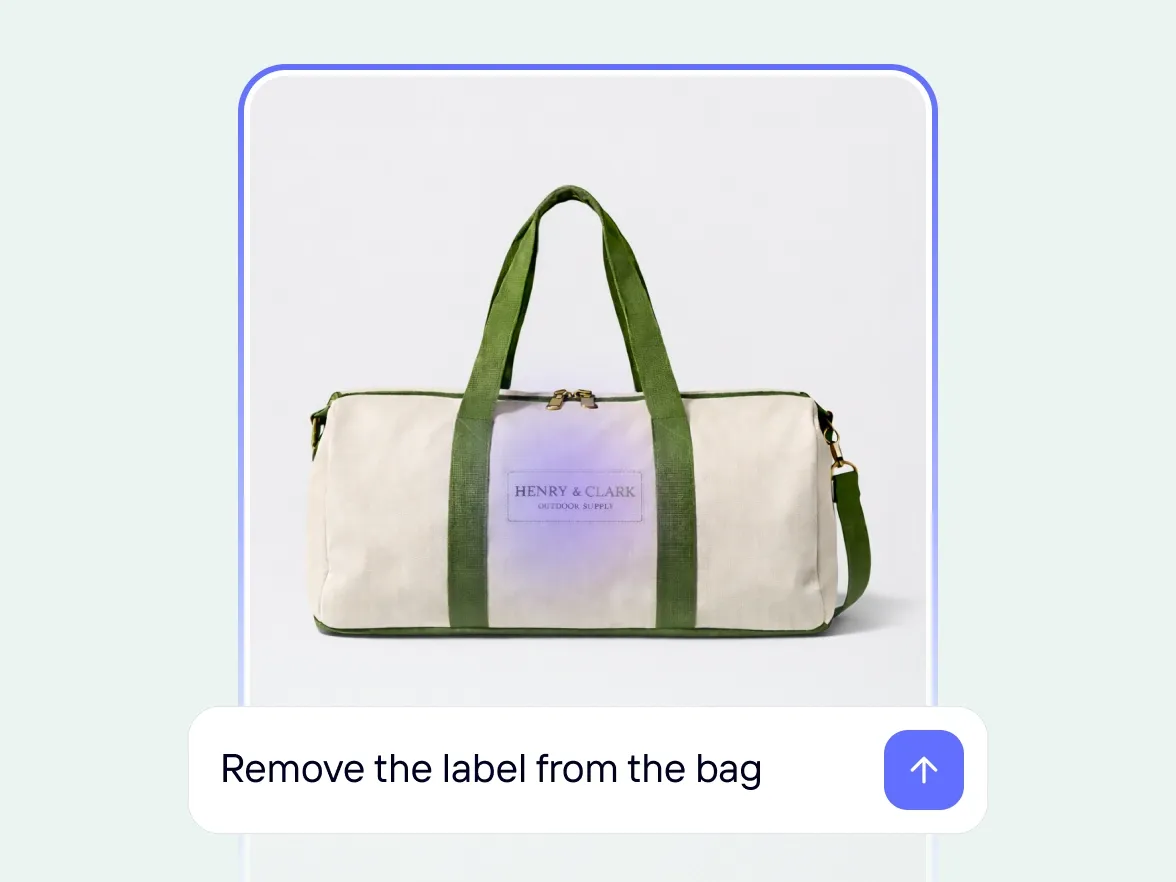
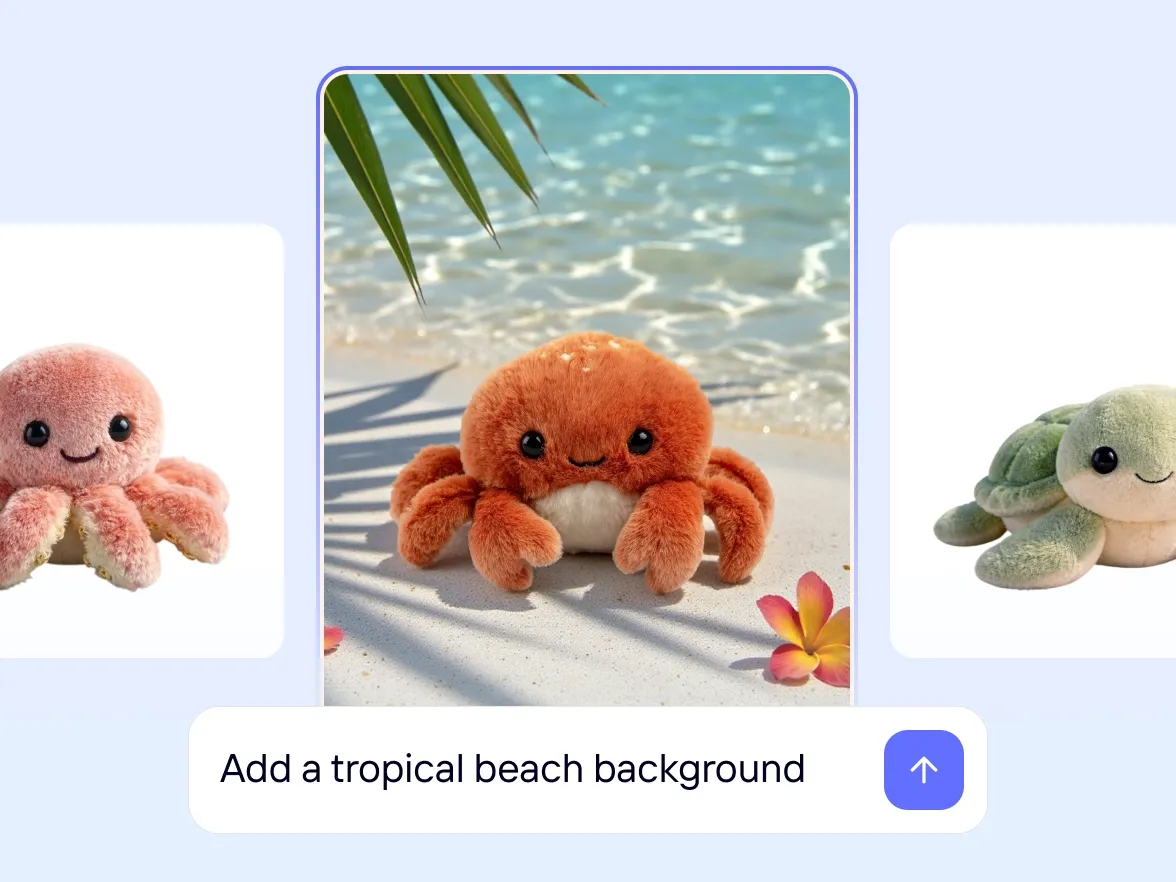
描述你想要的變化,讓 AI 編輯你的產品照片
不需要手動編輯產品照片,只要說明你想要更改的內容,AI 就能立即更新你的產品圖片,無論是移除物件、調整顏色,還是變換背景,都能輕鬆完成。你始終掌握結果,不必使用複雜的編輯軟體。
深受知名企業信賴
:no_upscale():format(webp))
更順暢的工作流程
輕鬆修正並調整你的產品照片,無需重新拍攝
真實成果
來自品牌與市集的真實 Photoroom 成效
96%
平均銷售提升
93%
照片編輯成本降低
56%
銷售通過率提升
99%
已達成視覺品牌一致性
自己試試看
如何使用 AI 編輯功能
1
上傳圖片
選擇單一產品圖片,或使用批次處理上傳多張照片。
2
描述變更
只要用簡單的語言輸入你想在產品照片中更改的內容,不需要複雜的提示。
3
AI 套用編輯內容
Photoroom 的 AI 能即時編輯照片,同時保留你原本的產品圖片。
輕鬆製作產品圖片與影片
你的全方位 AI 解決方案
從單一商品刊登到完整產品目錄,無論規模大小,都能為各個通路製作、編輯及最佳化產品圖片與影片。
:no_upscale():format(webp))
背景移除工具
AI 背景
產品場景生成
虛擬模特兒
AI 衣物熨燙
重新上色
產品美化
AI 陰影
:no_upscale():format(webp))
商品修正
影片生成器
影片廣告製作
:no_upscale():format(webp))
使用 AI 編輯
:no_upscale():format(webp))
AI 照片編輯器
:no_upscale():format(webp))
批次處理與 API
:no_upscale():format(webp))
品牌素材庫
AI 編輯
:no_upscale():format(webp))