批次移除產品照片的背景
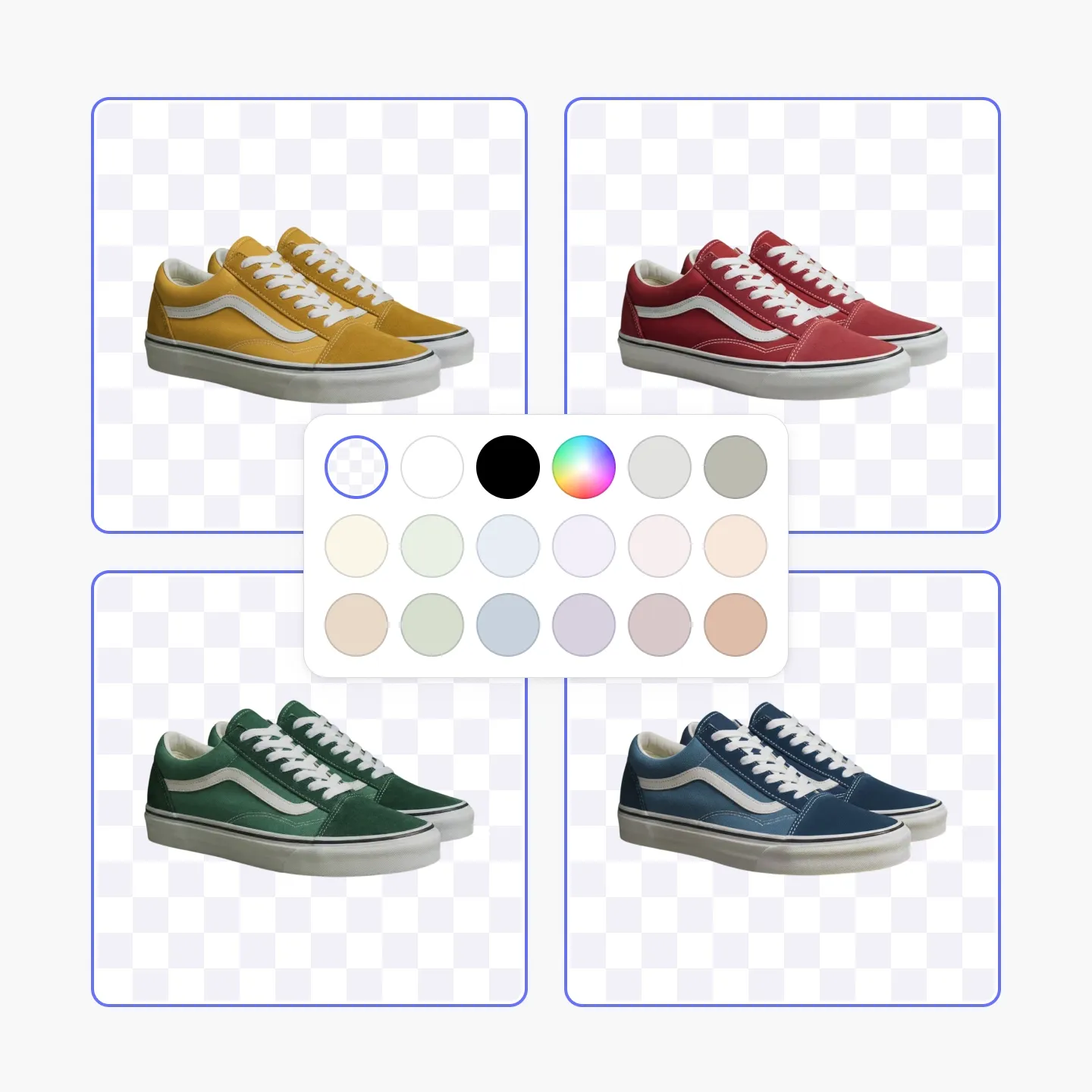
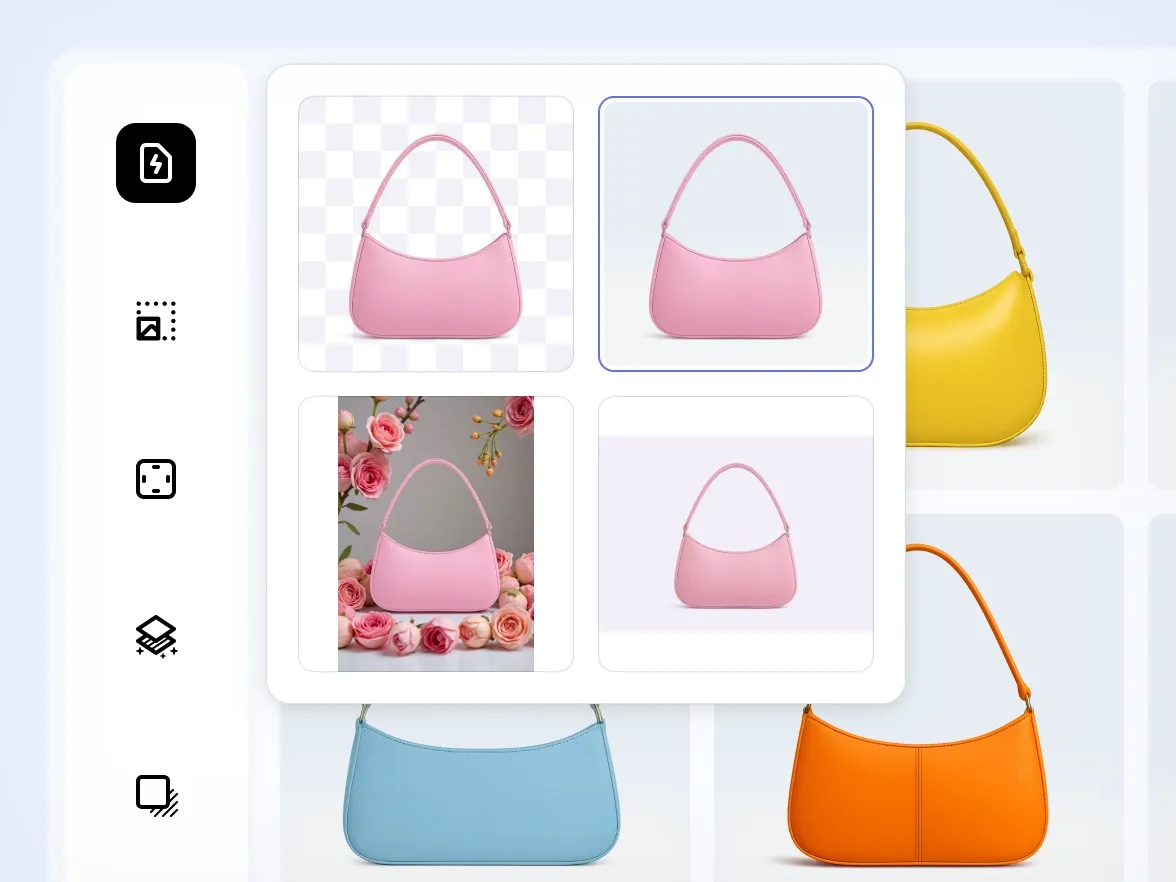
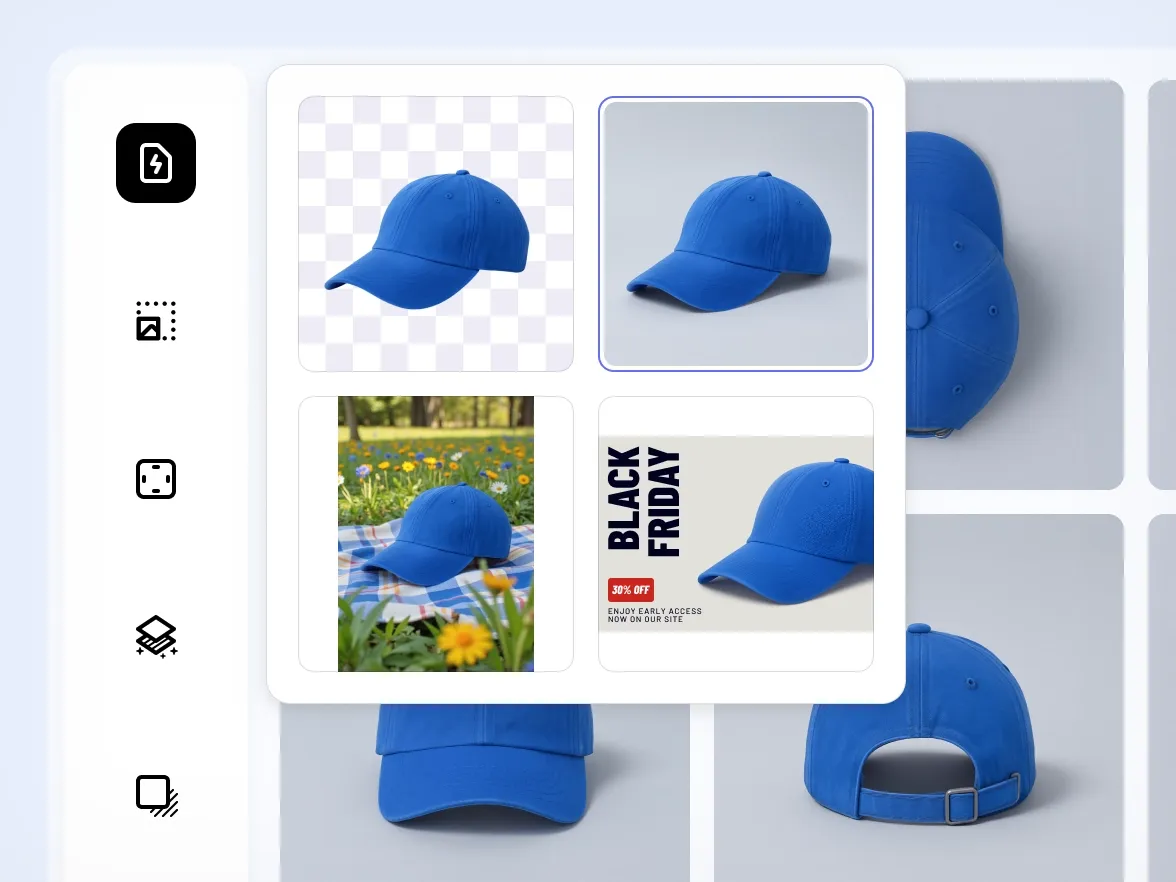
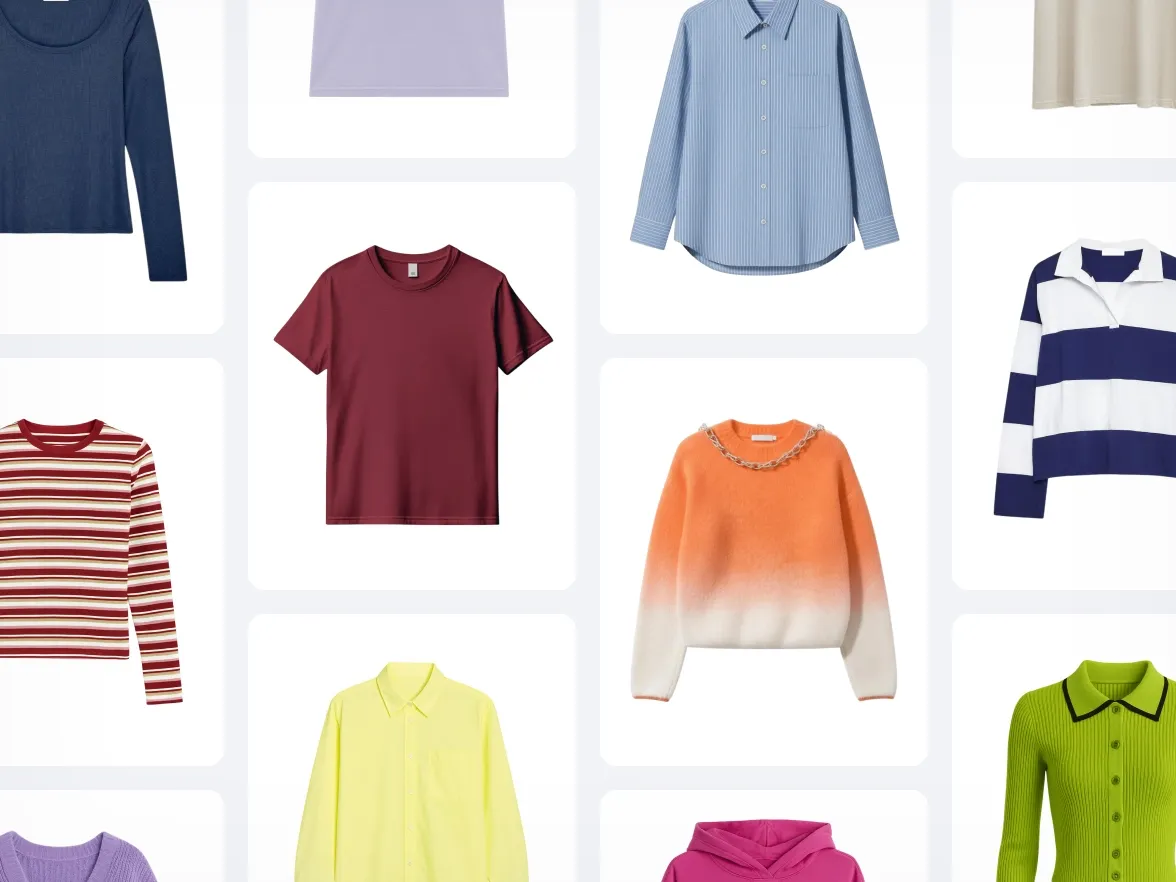
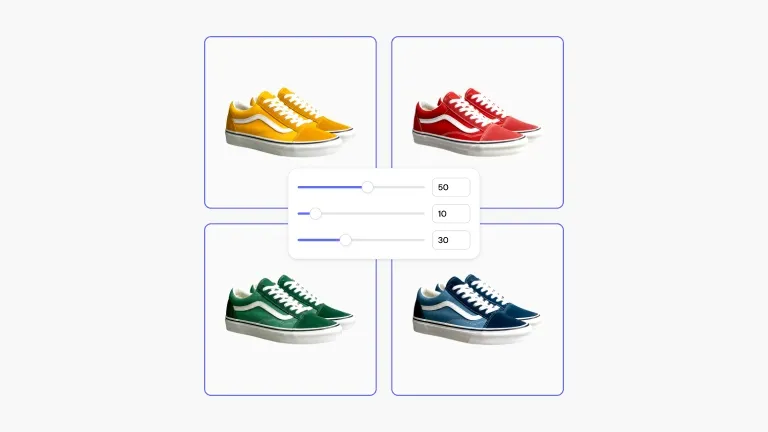
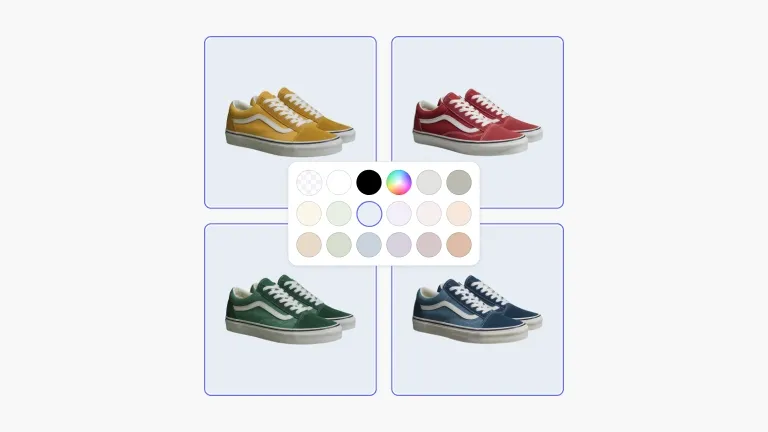
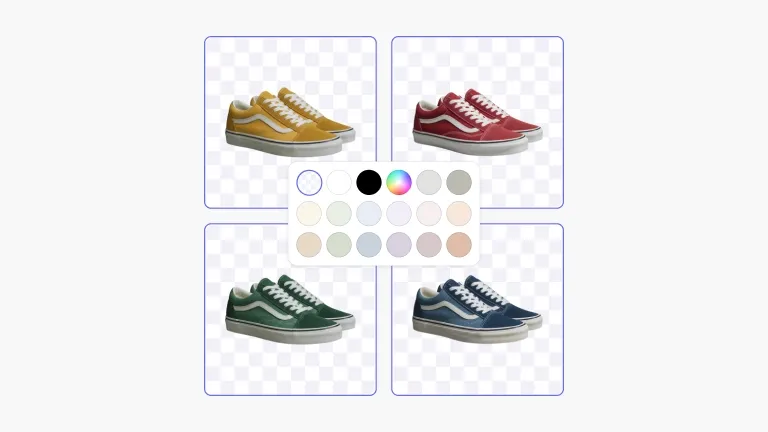
使用 Photoroom 的背景去除工具,透過批次處理一鍵移除大量產品圖片的背景。批次去除背景,為你的商店、商品頁和各大市集快速製作乾淨一致的視覺效果。
:no_upscale():format(webp))
批次處理背景移除的主要優點
:no_upscale():format(webp))
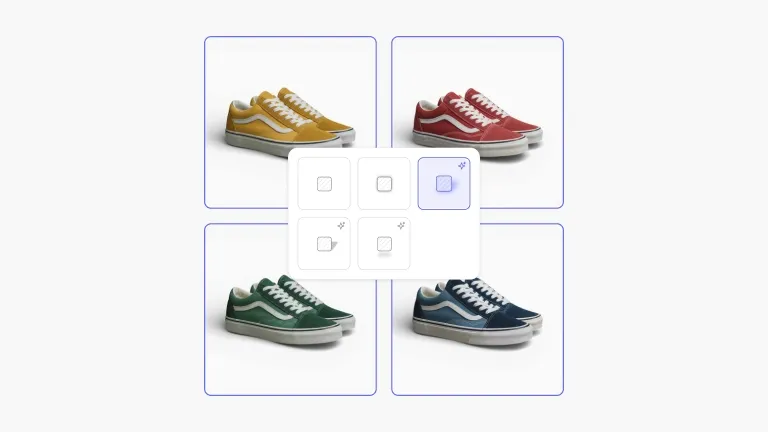
一鍵移除背景
:no_upscale():format(webp))
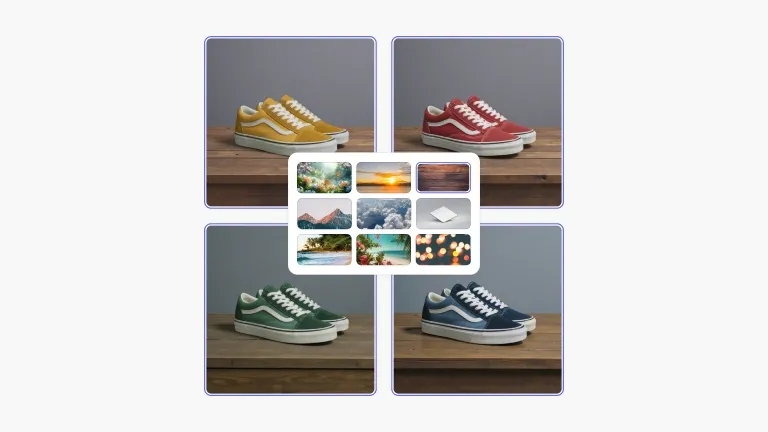
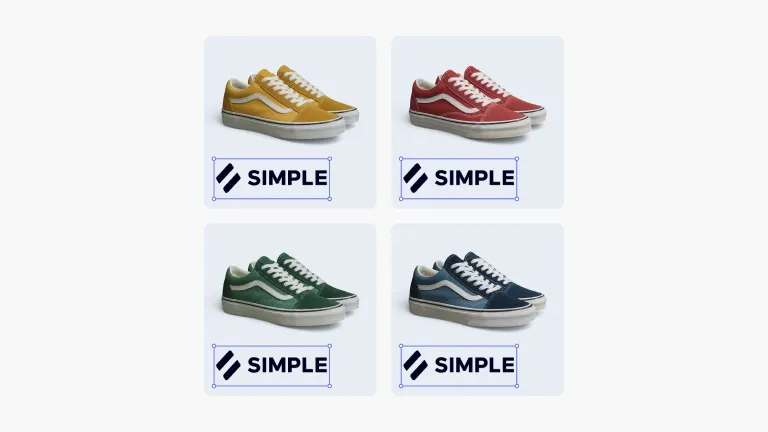
讓所有商品都能獲得一致效果
:no_upscale():format(webp))
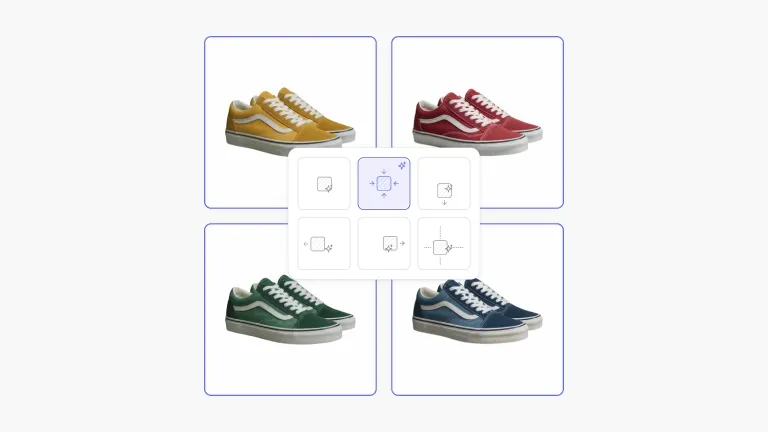
適用於商業用視覺素材
線上賣家實證成效
使用我們 AI 批次處理功能的電商品牌,都能看到明顯成效:
+93%
降低編輯成本
幫你大幅節省製作成本:不需攝影棚、外包或修飾。
+56%
轉換率
Label Emmaüs 的時尚商品刊登頁轉換率高出 56%。
+13%
平均售價
英國紅十字會將平均售價提高了 13%。
4倍
更快推向市場
幾分鐘內就能創建並推出全新視覺,讓你的品牌時刻保持新鮮感。
如何使用批次處理移除背景
1
上傳你的產品照片組
新增你想處理的所有圖片,無論數量或種類。
2
選擇移除背景
Photoroom 會偵測每張圖片中的產品,並在整個批次處理中移除背景。
3
下載你的乾淨裁剪圖
一次匯出所有處理過的檔案,或繼續使用其他工具編輯。
:no_upscale():format(webp))