批次調整你的產品照片尺寸
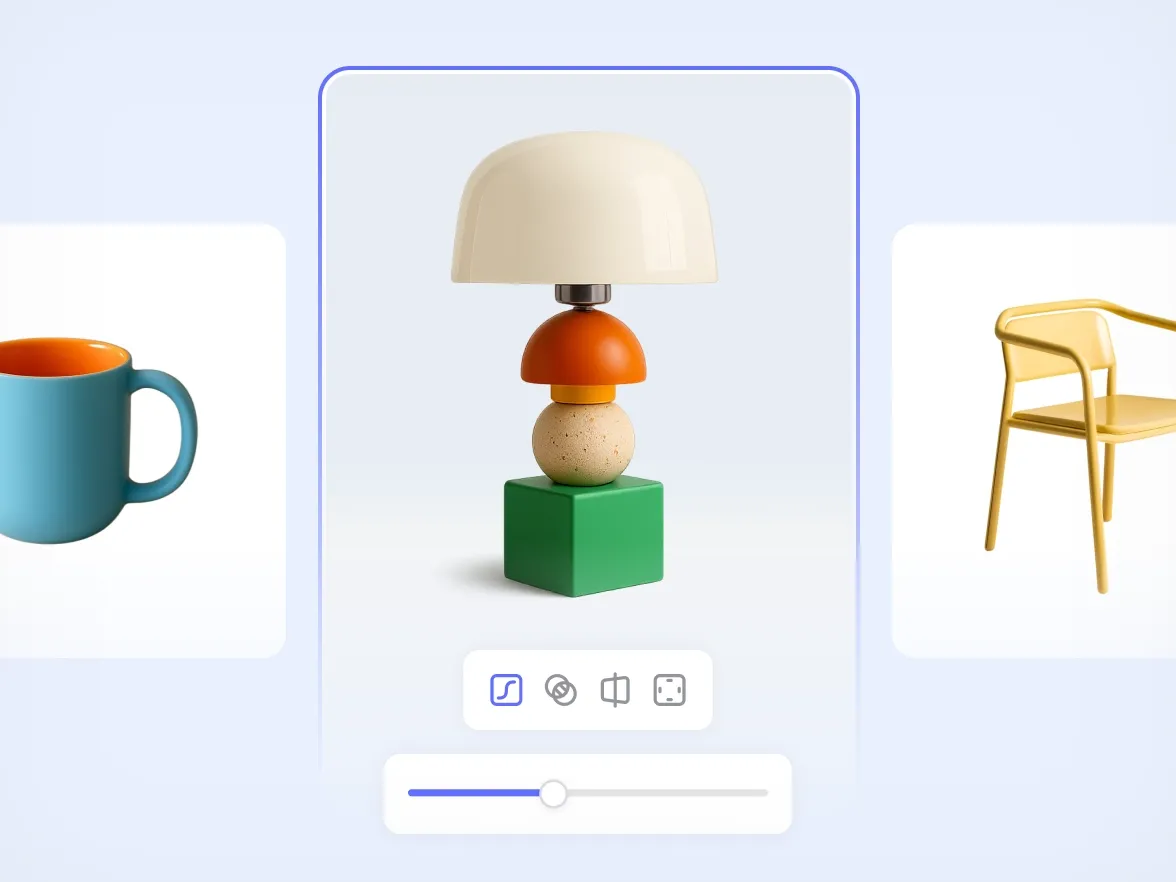
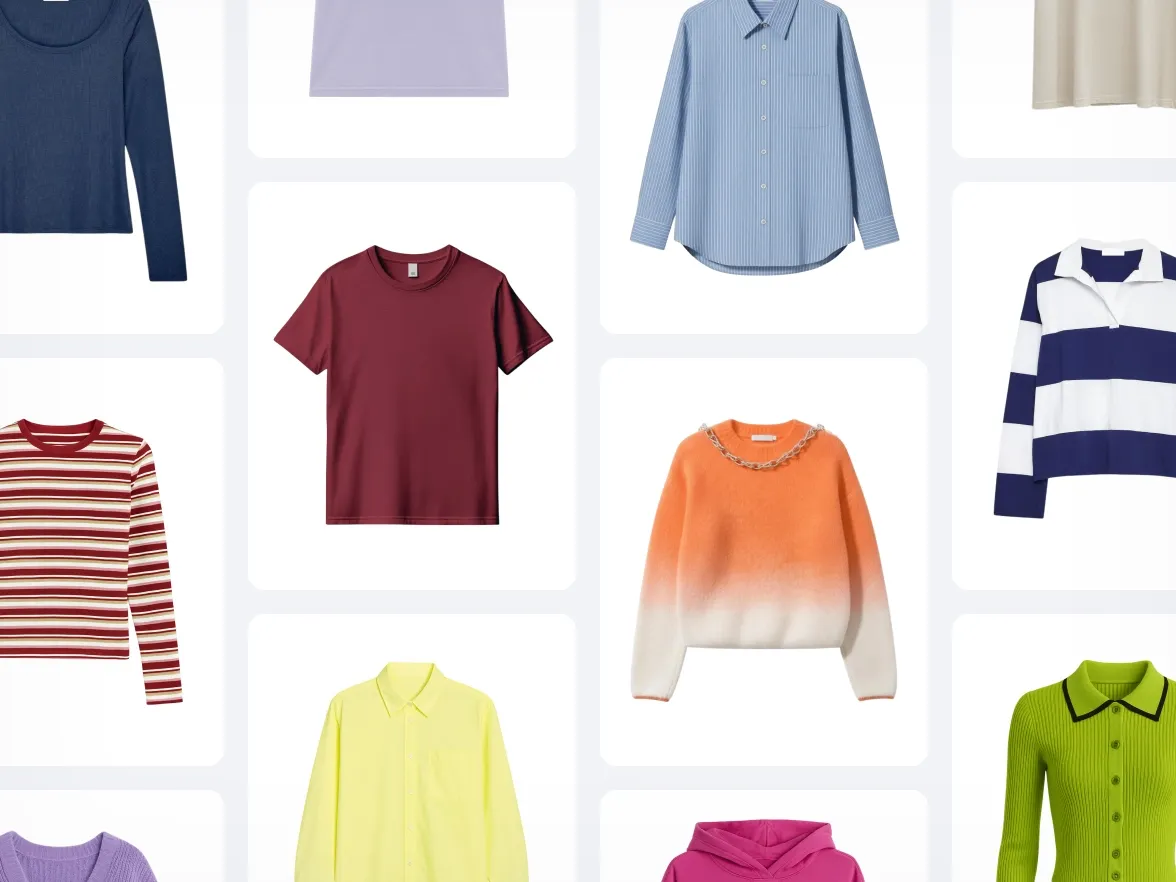
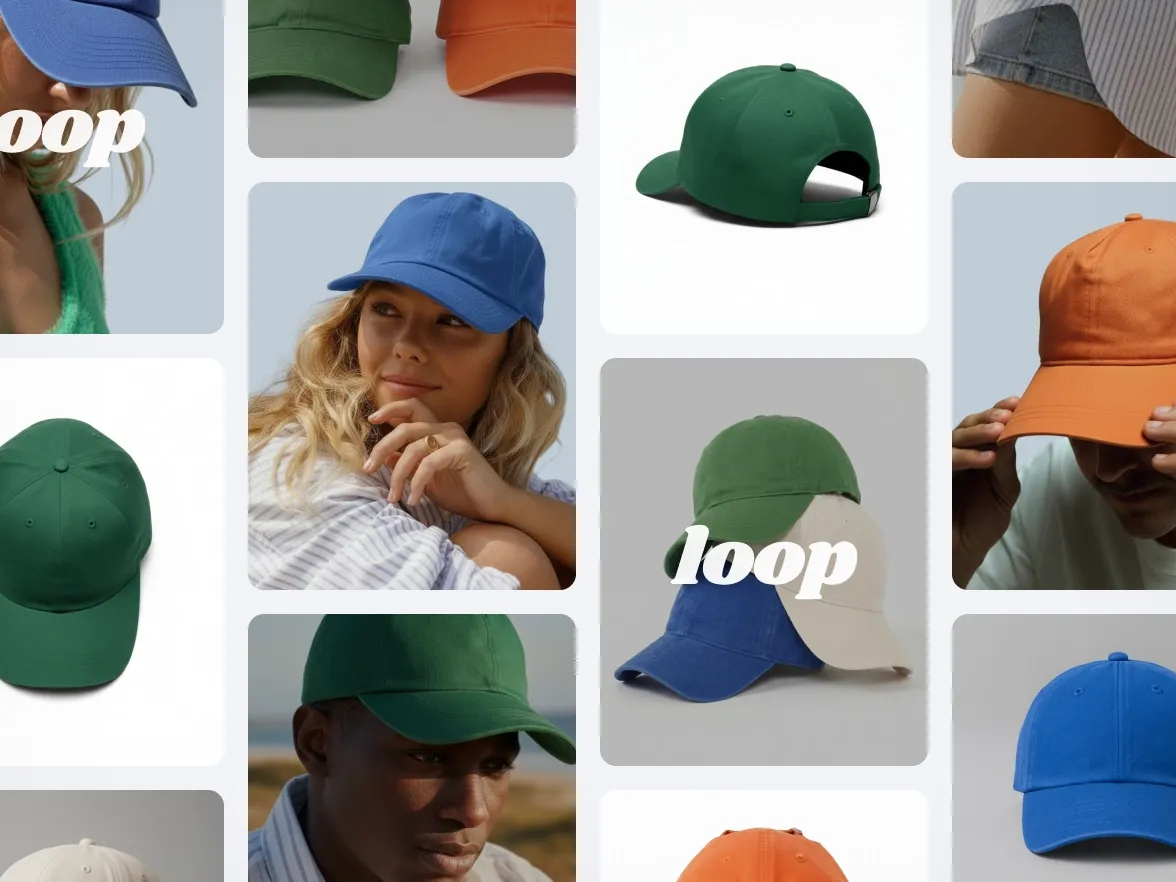
一次就能批次調整所有圖片的尺寸。Photoroom 的批次處理圖片調整工具,能為你的所有產品照片套用相同尺寸,讓商品目錄保持一致。
:no_upscale():format(webp))
批次處理調整尺寸的主要優點
:no_upscale():format(webp))
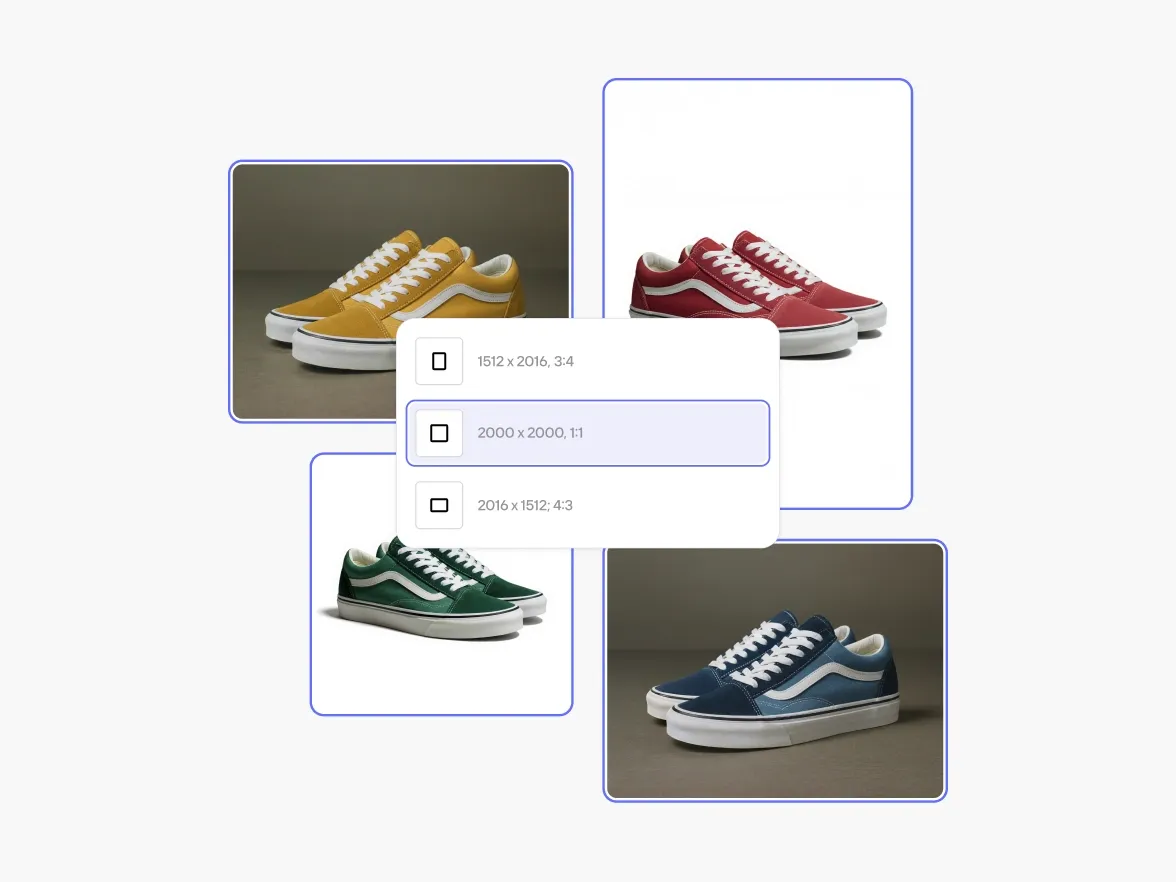
一鍵調整整個批次處理的尺寸
:no_upscale():format(webp))
符合平台規範
:no_upscale():format(webp))
讓產品照片保持乾淨
線上賣家的實證成效
使用我們 AI 批次處理功能的電商品牌,都能看到明顯成效:
+93%
降低編輯成本
節省大量製作成本:不需攝影棚、外包或修飾。
+56%
銷售去化率
讓更出色的視覺,幫你更快賣出商品、減少滯銷品。
+77%
平均購物籃價值
用高質感的圖片提升顧客信心,激發他們購買更多。
4倍
更快的上市時間
幾分鐘內就能創建並推出全新視覺,讓你的品牌時刻保持新鮮感,不必再等上好幾週。
如何批次調整產品照片尺寸
1
上傳你的產品圖片
你可以一次新增所有照片,不論大小或數量。
2
選擇新尺寸
選擇尺寸、比例或縮放。Photoroom 會一次套用到所有圖片。
3
下載你已調整尺寸的批次處理
匯出完整套件,或將其儲存到你的帳戶以便日後更新。
更多 AI 批次處理工具
使用完全免費的功能打造出色的照片。
:no_upscale():format(webp))