幫你的衣物照片快速去除皺褶
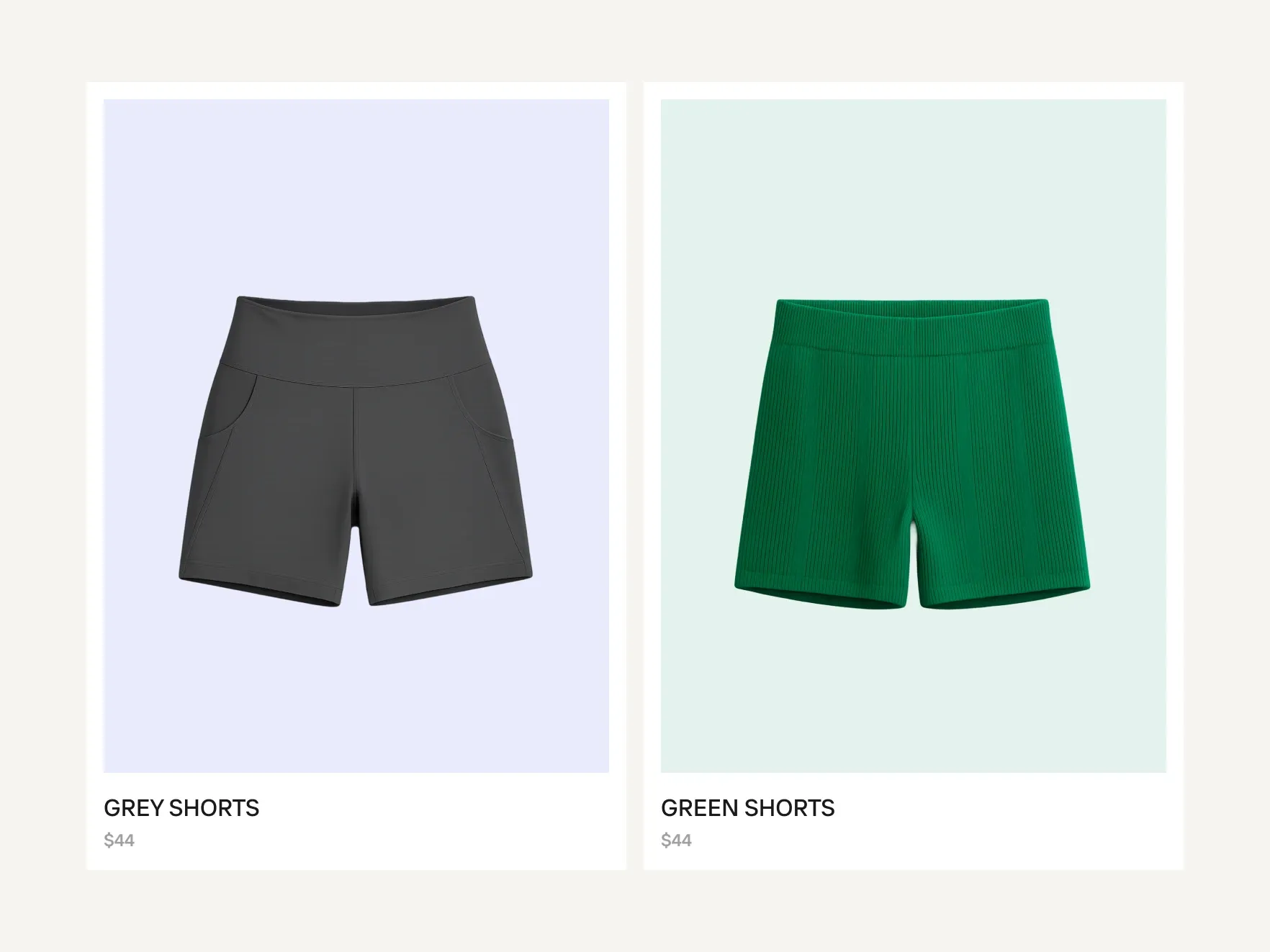
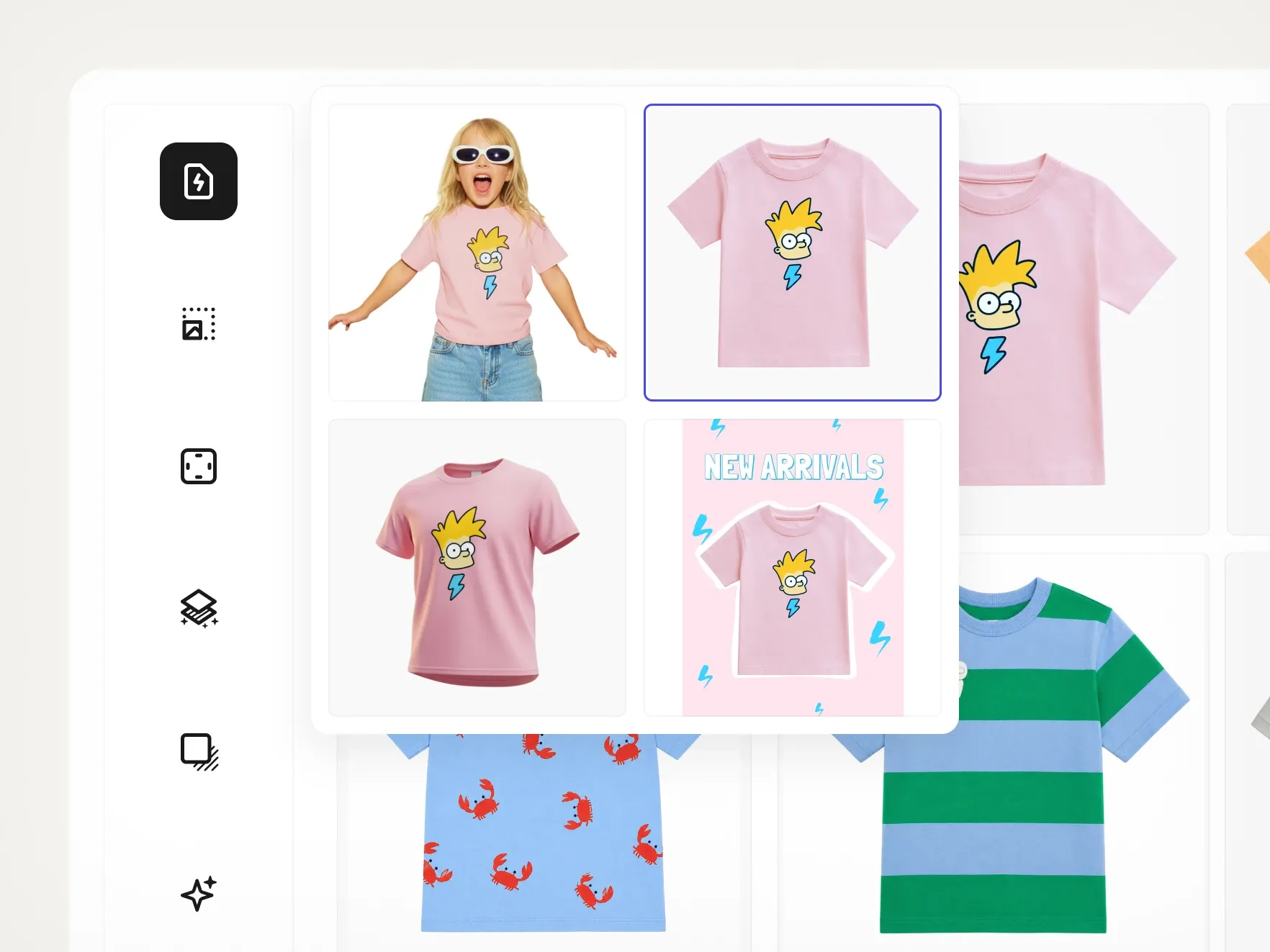
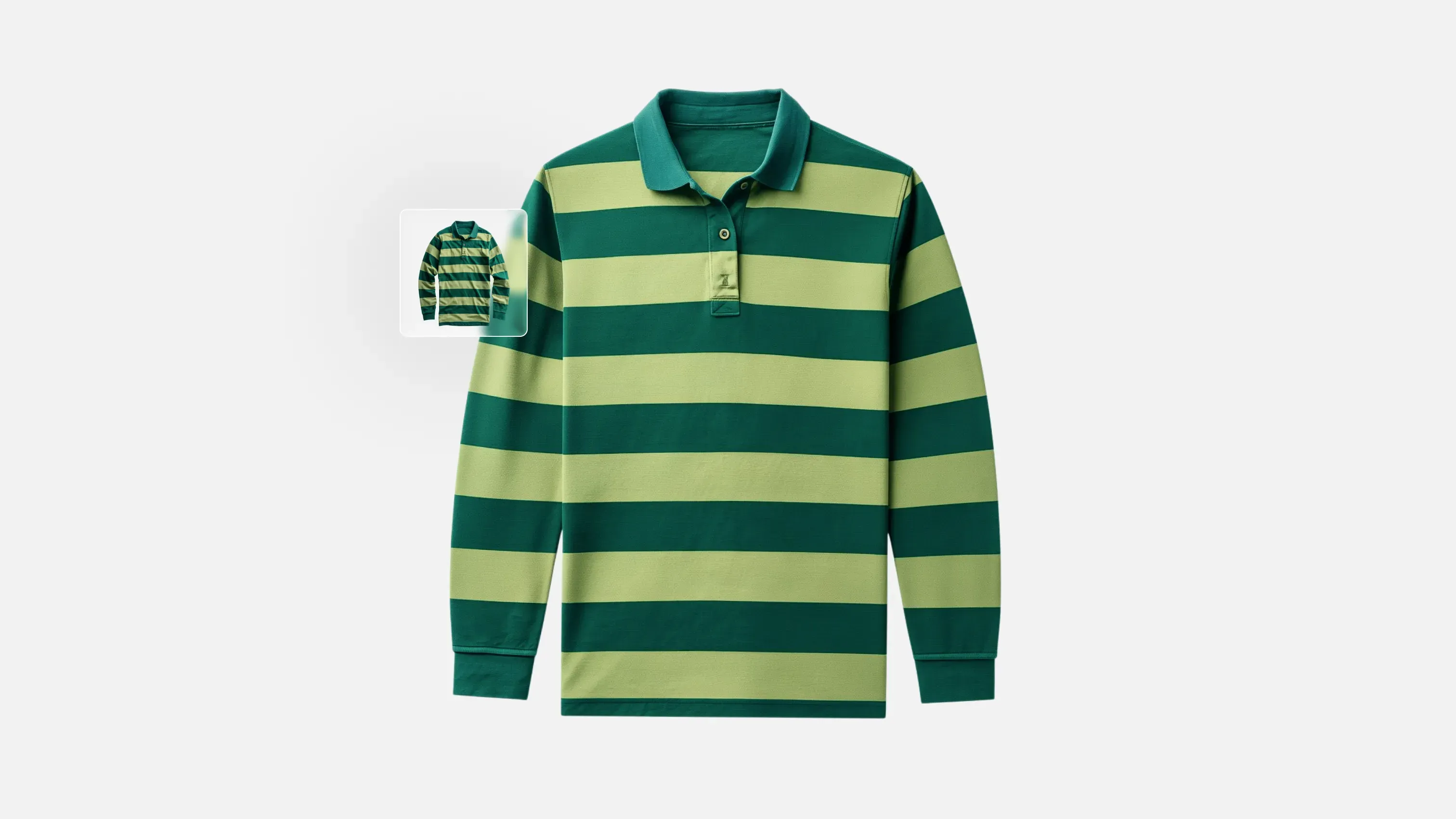
輕鬆用 AI 移除產品圖片中衣物的皺褶,讓服飾看起來如同剛熨燙過。上傳照片,即可立即生成適合電商、各大市集和社群銷售的無皺視覺效果,無需熨燙、蒸氣或重新拍攝。此功能適用於網頁應用程式、iOS 和 Android,僅限 PRO、Max 和 Ultra 方案且擁有 AI 工具權限的用戶使用。
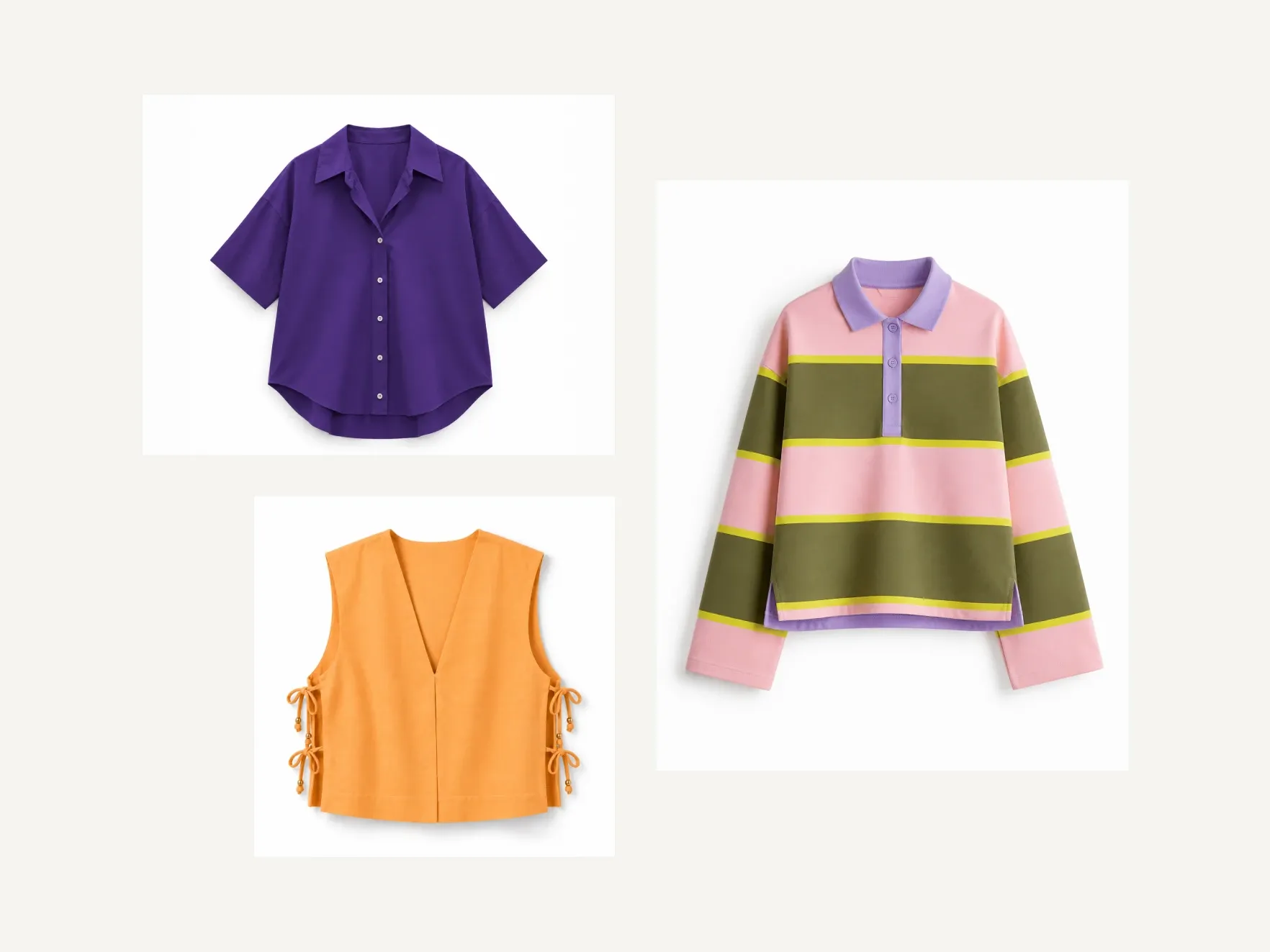
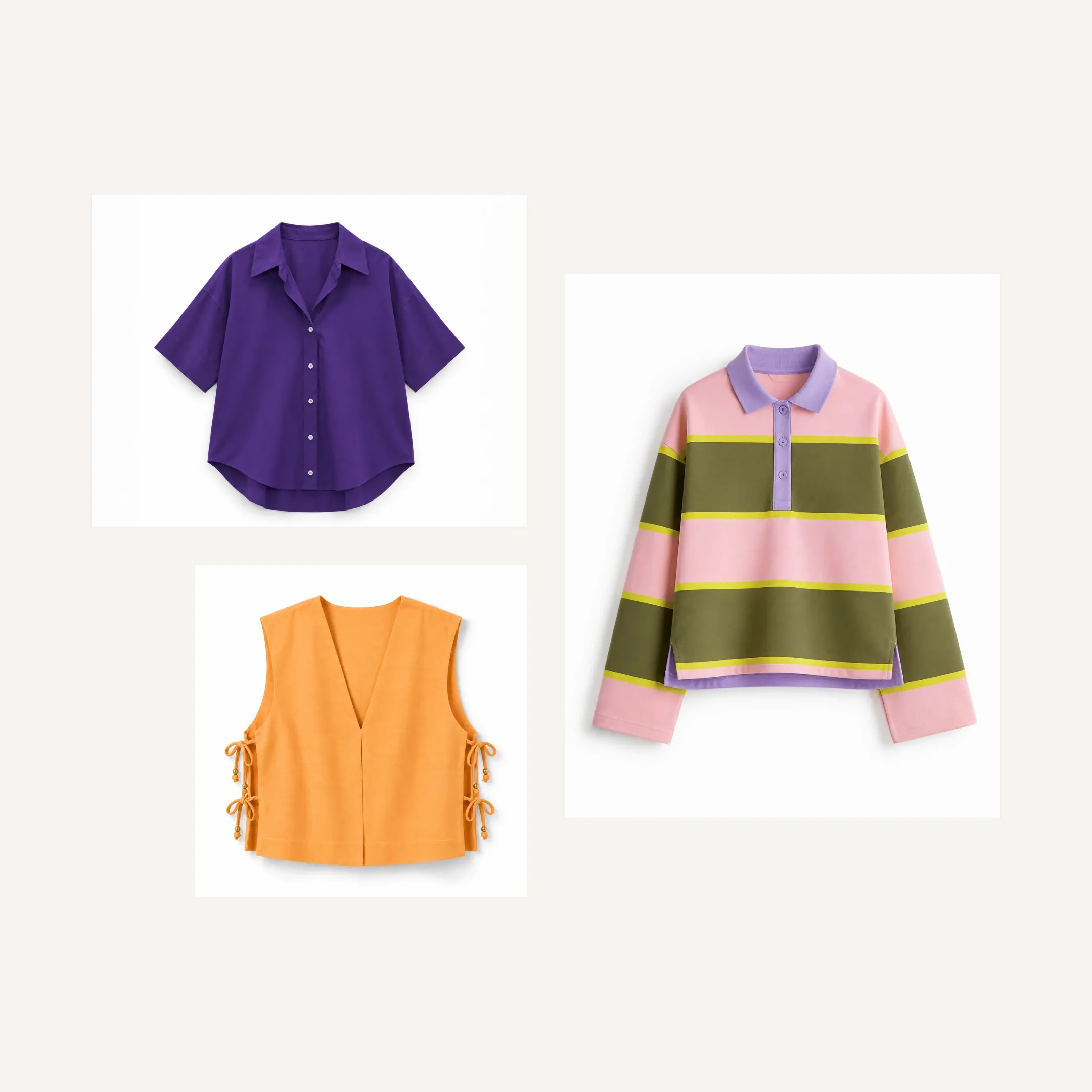
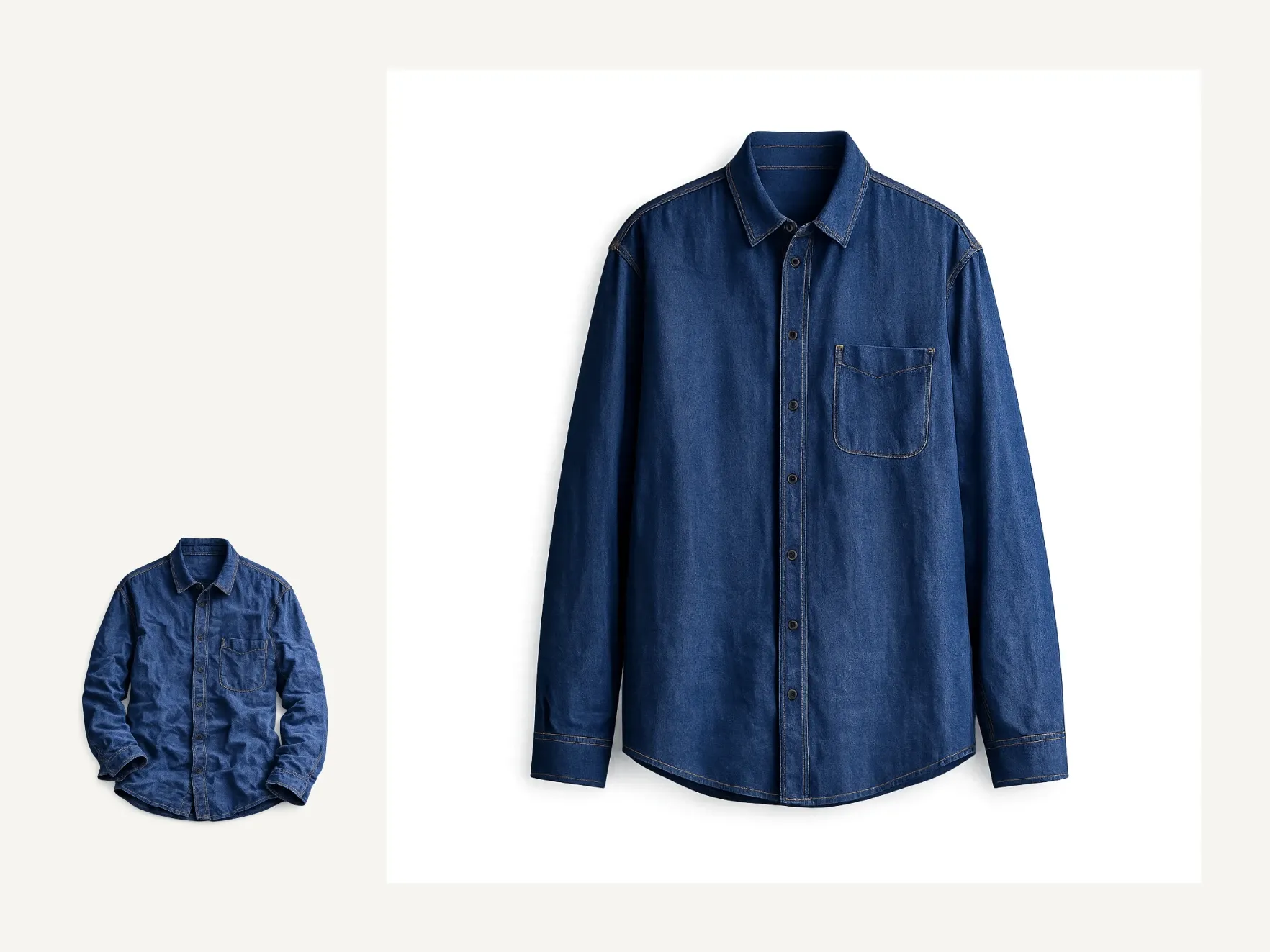
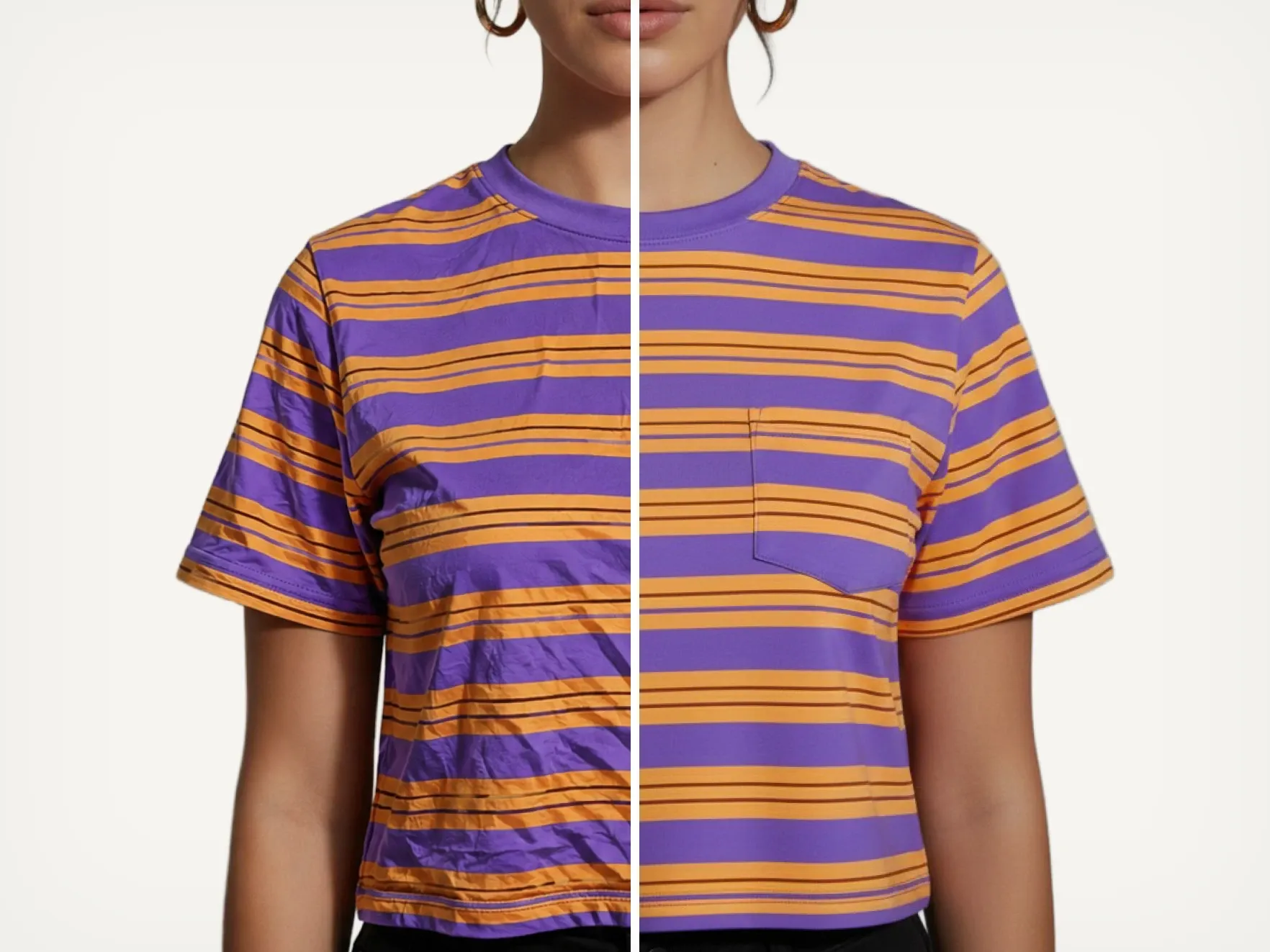
自己試試看
如何用 AI 移除衣物皺摺
Available now on Photoroom Web. Coming soon to iOS and Android.
1
上傳你的服裝照片
你可以直接使用任何服裝或衣物的照片,不需要事先熨燙、蒸氣處理或特別準備。
2
套用AI去除皺紋
使用去皺工具,直接在照片中平滑皺紋,同時保留布料質感和服裝形狀。
3
下載你的圖片
產生乾淨、專業的產品圖片,適合用於電商上架、市集或社群銷售。
輕鬆製作產品圖片與影片
你的全方位 AI 解決方案
從單一商品刊登到完整產品目錄,無論規模大小,都能為各個通路製作、編輯及最佳化產品圖片與影片。

背景移除工具

AI 背景

產品場景生成

虛擬模特兒

AI 衣物熨燙

重新上色

產品美化

AI 陰影

商品修正

影片生成器
影片廣告製作
使用 AI 編輯

AI 照片編輯器

批次處理與 API

品牌素材庫
去除衣物皺褶
常見問題
自動去除皺紋和摺痕功能適用於哪些 Photoroom 方案?
Photoroom 能讓你批次處理產品照片時,大量去除皺紋嗎?
AI去除皺紋適合用在電商服飾照片嗎?
去除皺摺會讓衣服看起來不自然或過度修圖嗎?
拍完照後可以去除衣服上的皺褶嗎?
AI去除皺褶功能在拍攝服裝時,如何幫你節省時間?
我要如何在不熨燙的情況下,去除照片中衣服的皺褶?
探索
更多 AI 工具,讓你的時尚產品照片輕鬆提升質感
使用完全免費的功能打造出色的照片。