Passe deine Bilder sofort mit KI an
Passe deine Bilder online an und erweitere sie ganz einfach und schnell, damit deine Visuals mit minimalem Aufwand optimal wirken.

Besserer Workflow
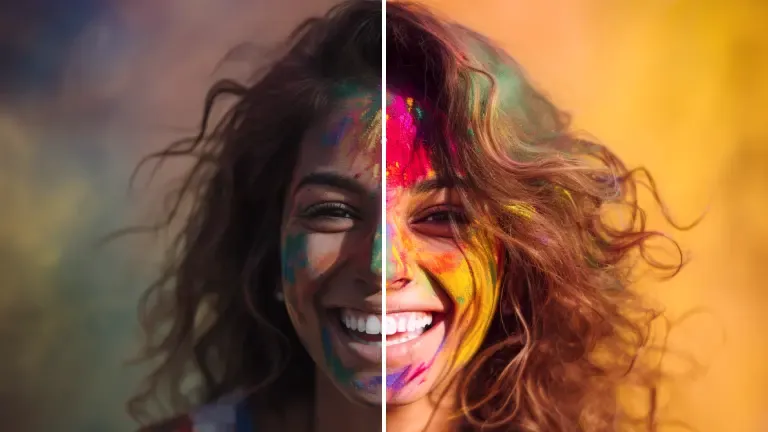
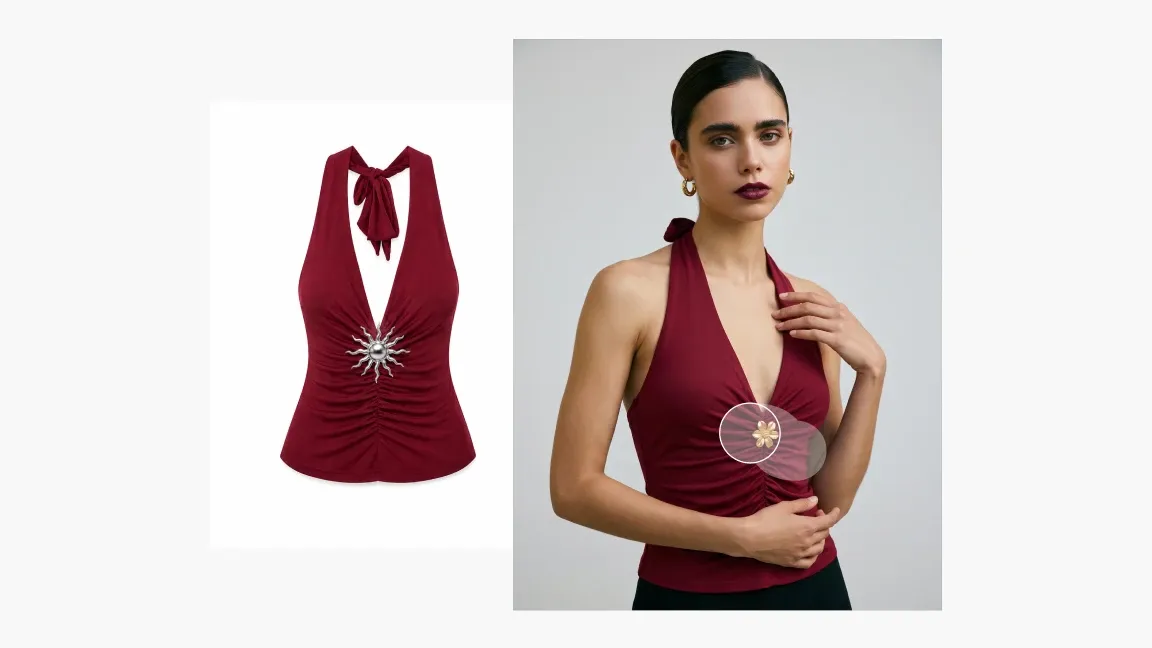
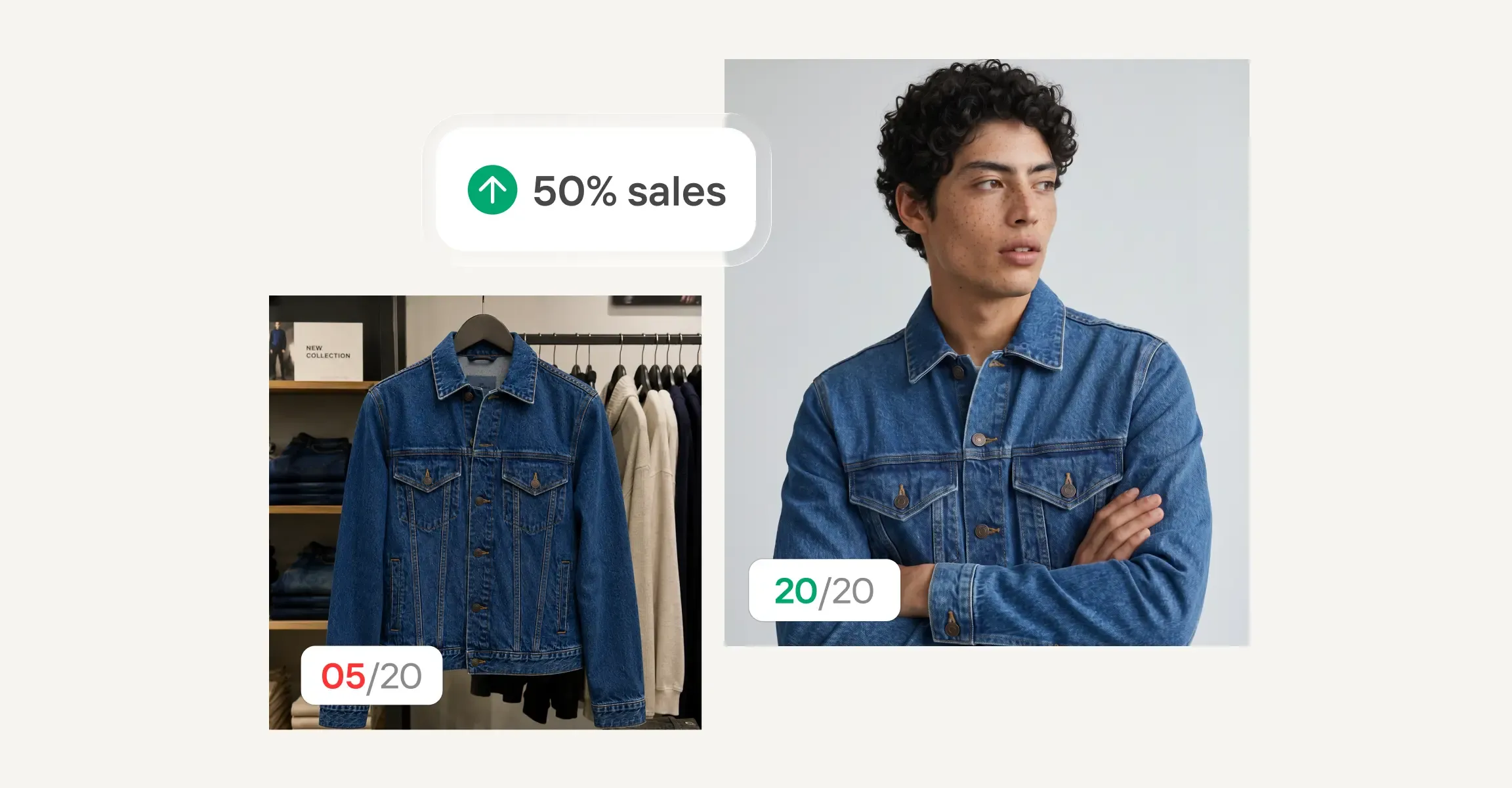
Passe Produktfotos an jedes Format an
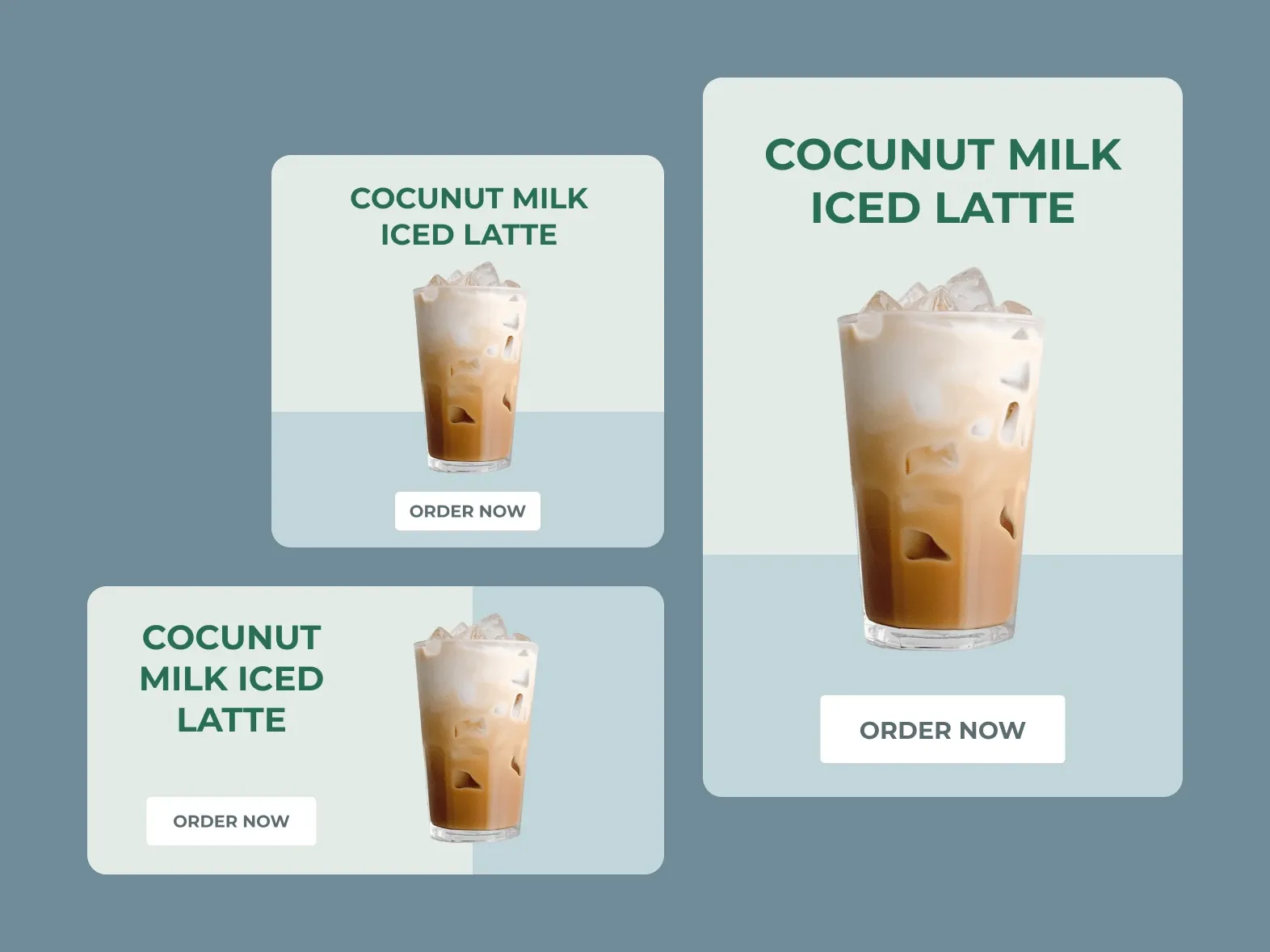
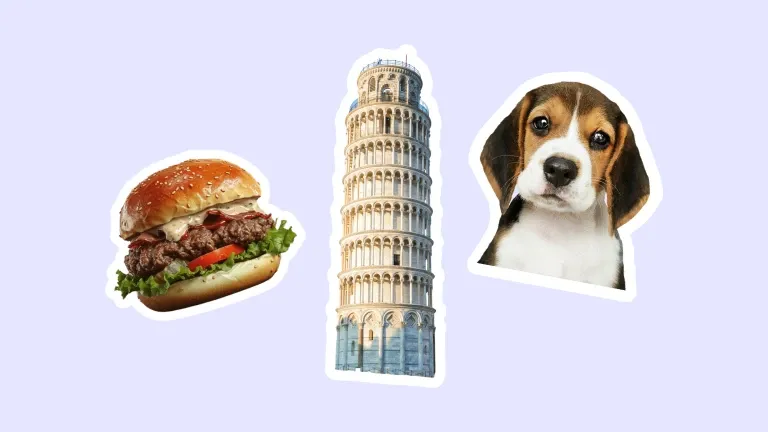
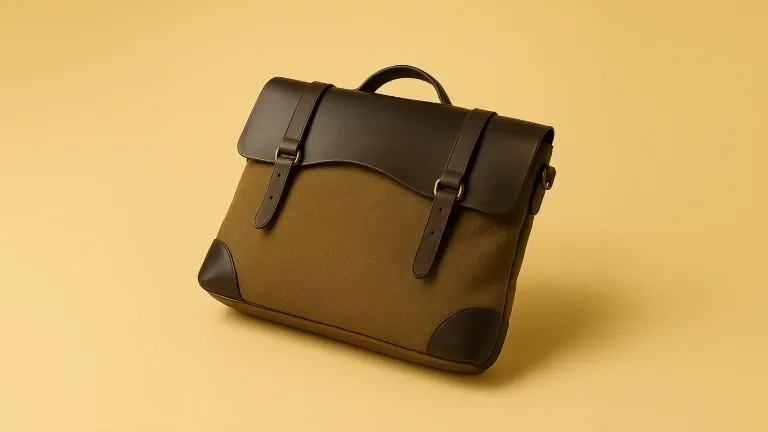
Erstelle aus einem Produktfoto mehrere Größenvarianten
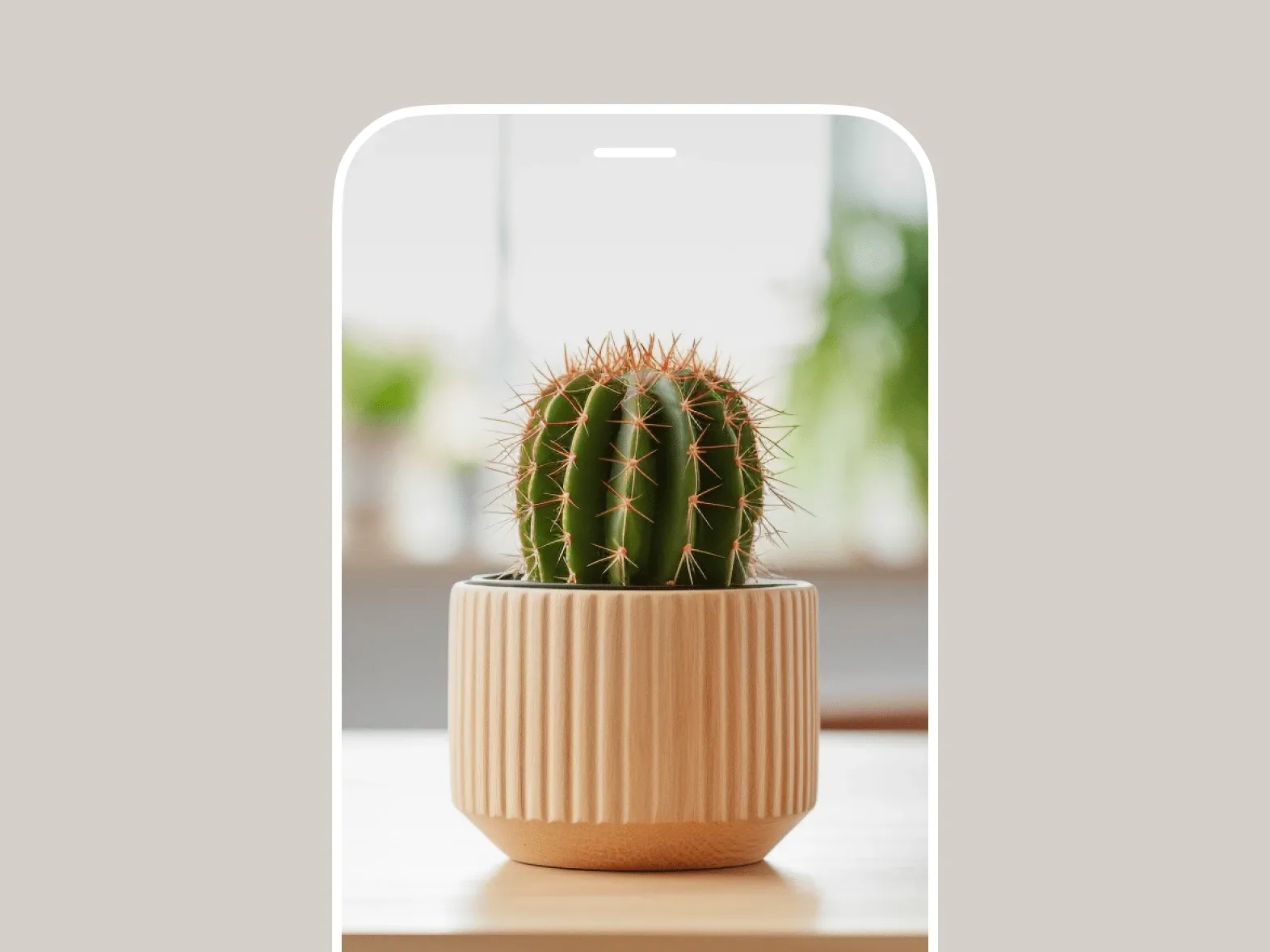
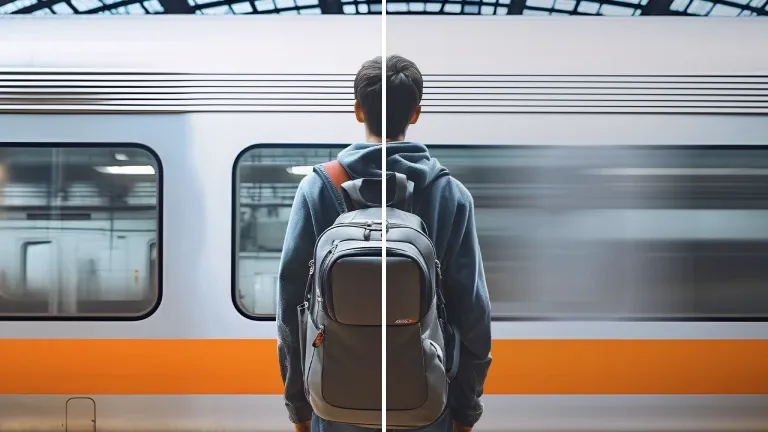
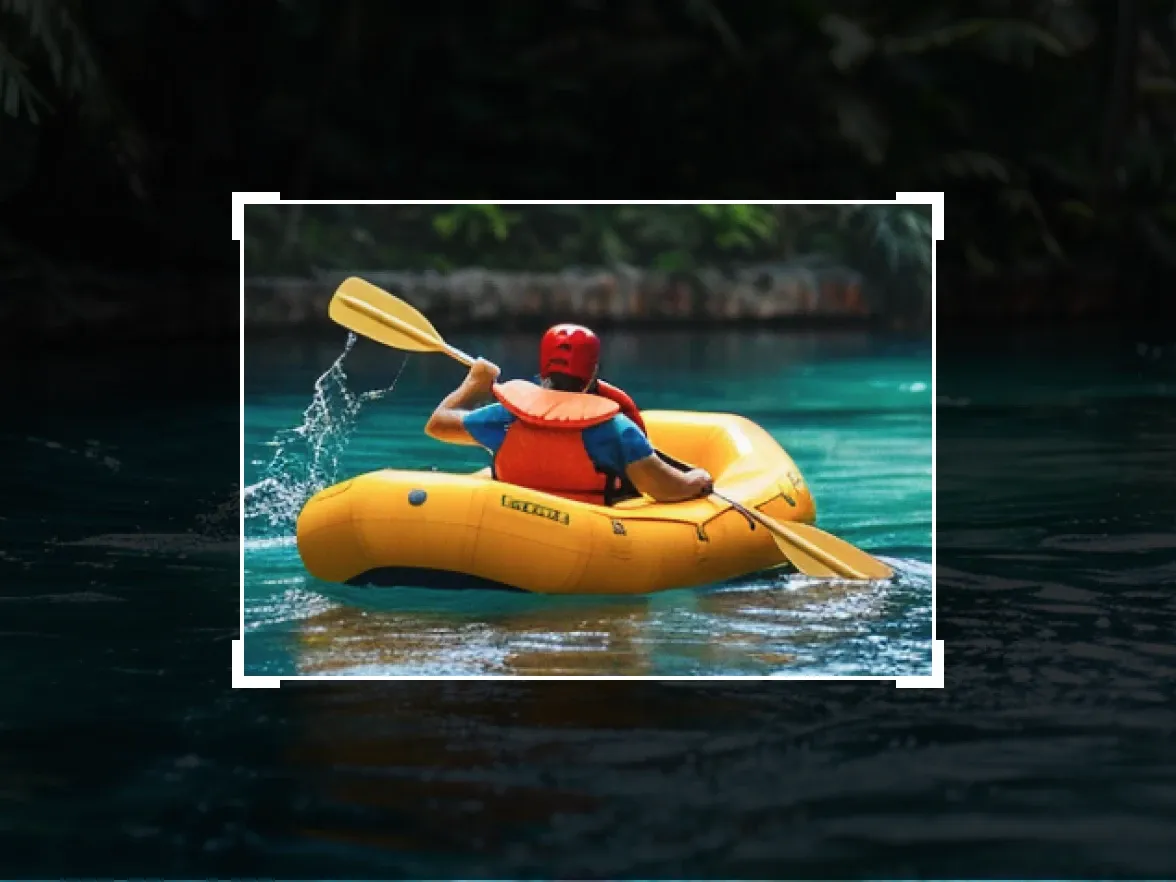
Größe anpassen, ohne dein Produkt auszuschneiden
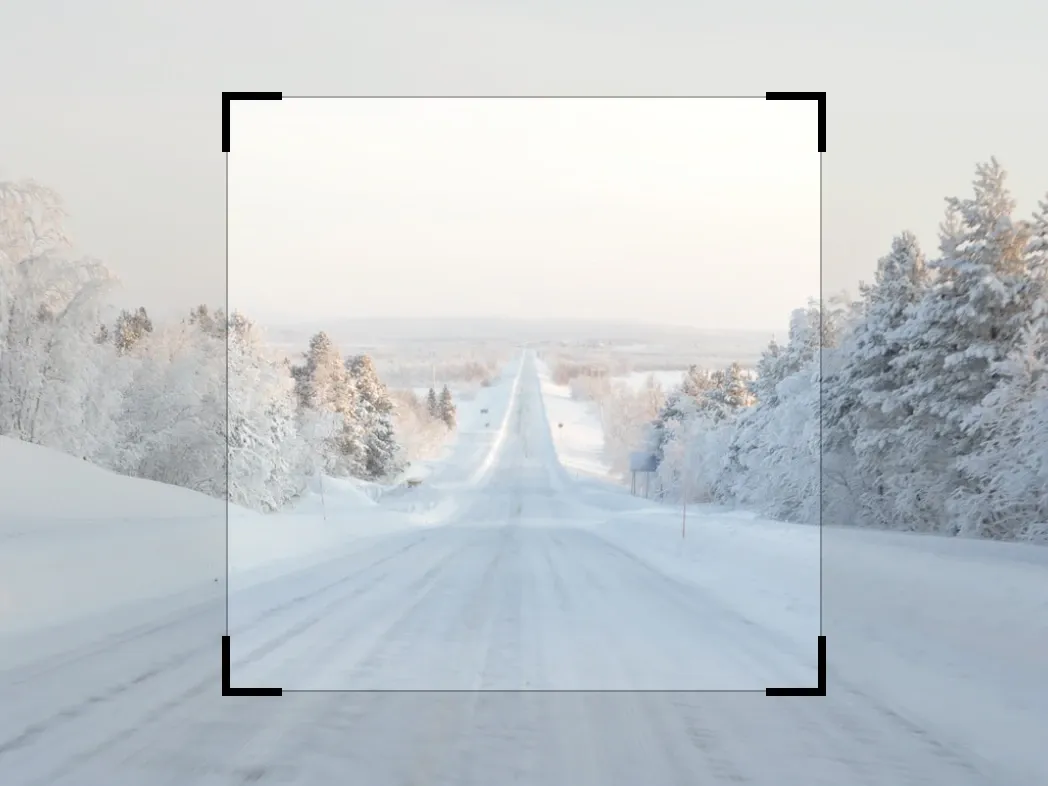
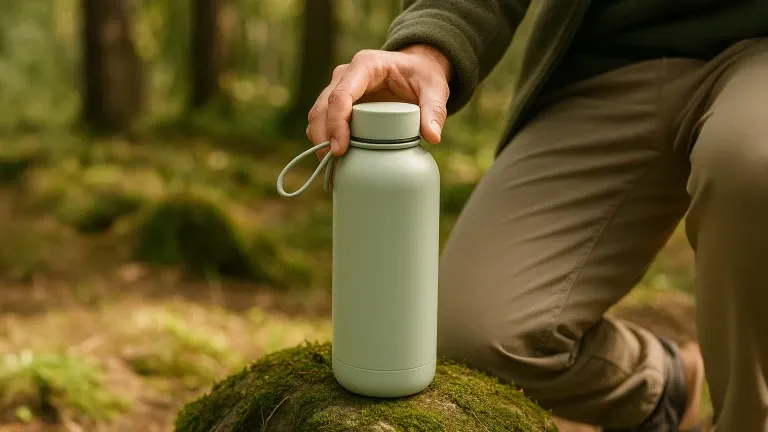
Erweitere den Raum um dein Produkt
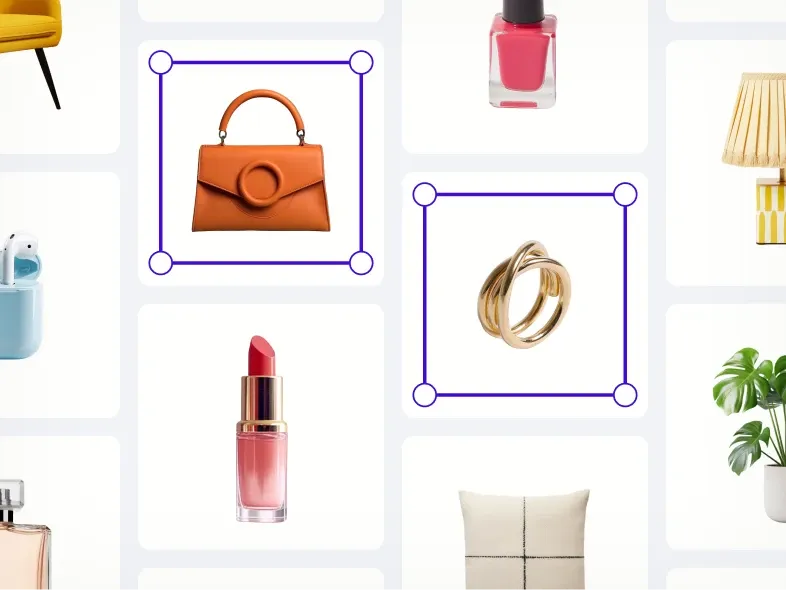
Produktbilder mit Batch und API-Unterstützung in Serie anpassen
Probiere es selbst aus
So passt du die Größe eines Bildes mit dem Resize-Tool an
1
Wähle ein Bild aus
Wähle zunächst das Produktbild aus, das du in der Größe ändern möchtest, und öffne es im Editor. Das Originalfoto bleibt unverändert, sodass du problemlos neue Größenvarianten erstellen kannst, ohne dein Ausgangsbild zu beeinflussen.
2
Bild auswählen
Wähle die Größe oder das Format, das du für dein Bild benötigst. Der KI-Bildgrößenanpasser passt die Arbeitsfläche an diese Maße an, sodass dein Produkt richtig eingerahmt bleibt und unpassende Zuschnitte vermieden werden.
3
Lade dein Bild herunter 😎
Sobald du die neuen Bildmaße festgelegt hast, kannst du dein aktualisiertes Bild herunterladen und überall dort verwenden, wo dieses Format benötigt wird. Du kannst auch weitere Versionen mit anderen Maßen erstellen.
Produktbilder und -videos leicht gemacht
Deine komplette KI-Lösung
Erstelle, bearbeite und optimiere Produktbilder und -videos für alle Kanäle und in jedem Umfang – von einem einzelnen Produktlisting bis hin zu einem vollständigen Katalog.

Hintergrund entfernen
KI Hintergründe
Produktinszenierung

Virtuelles Model

KI-Bügeln

Umfärben
Produktbild-Optimierer

AI Shadows

Produktkorrektur

Video-Generator
Videoanzeigen-Ersteller
Mit KI bearbeiten

KI-Fotoeditor

Batch und API

Markenbibliothek
Bildgröße ändern