Plaats ze in verbluffend realistische scènes die opvallen, vertrouwen opbouwen en zorgen voor meer verkoop
Betere workflow
Plaats je product in de perfecte context
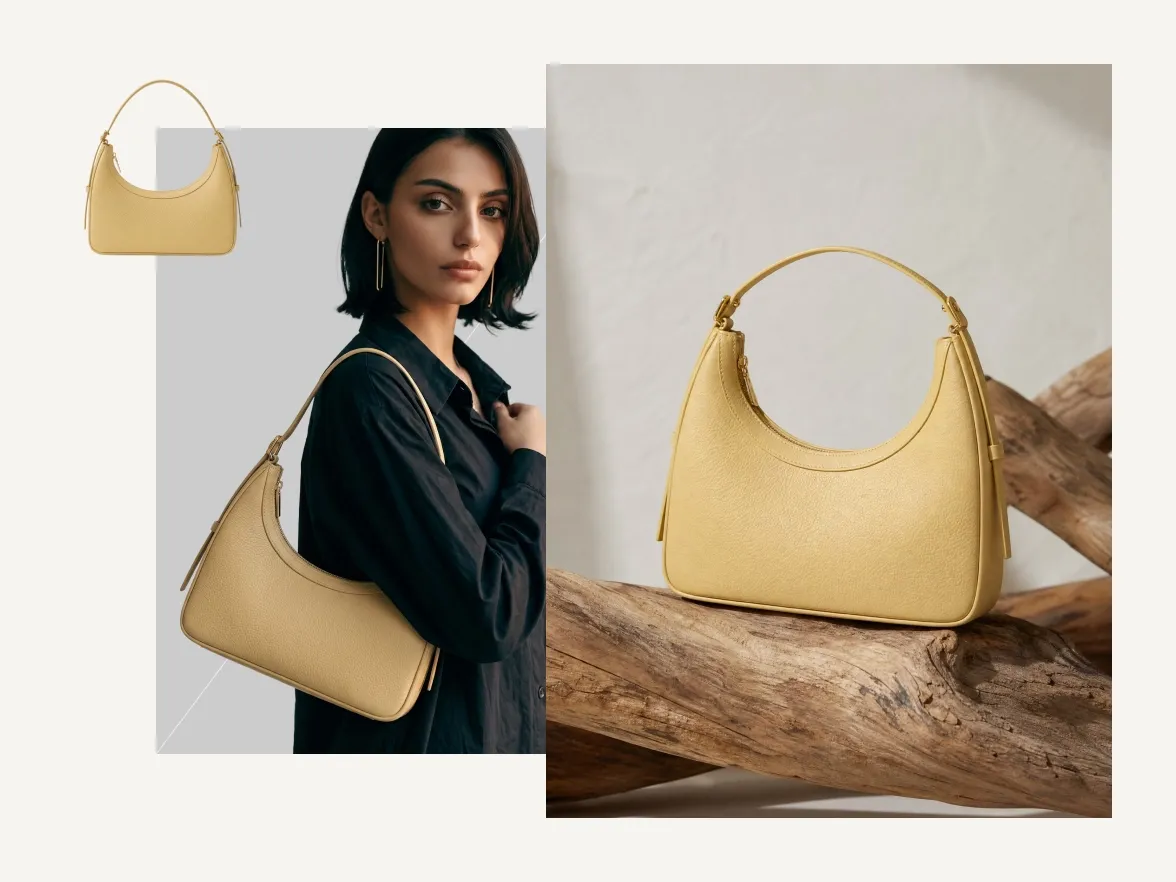
Laat je producten in actie zien

Verhoog conversies met overtuigende visuals
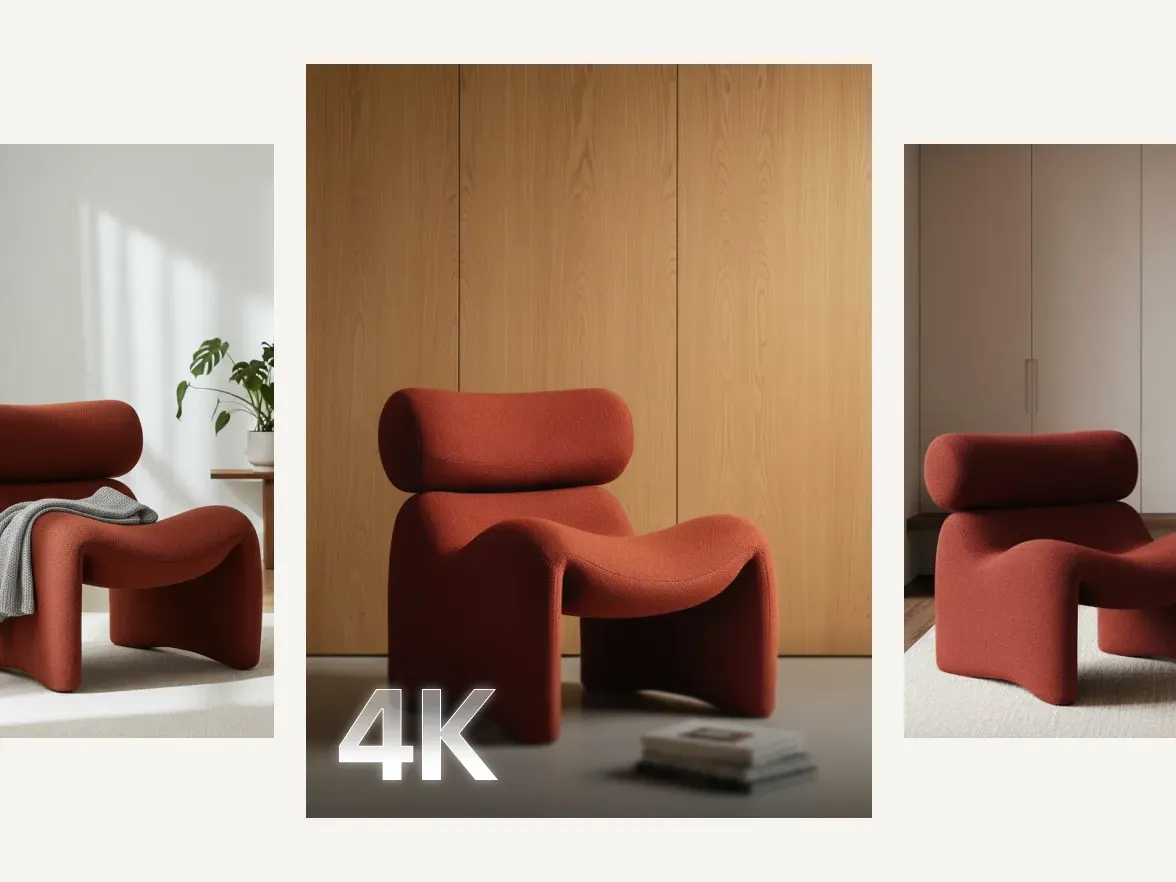
Visuals van studiokwaliteit, geen shoot nodig

Probeer het zelf
Hoe je Product Staging gebruikt
Available now on Photoroom Web. Coming soon to iOS and Android.
1
Maak een account aan
Meld je aan om direct professionele productfoto's te maken. Je krijgt meteen toegang tot Product Staging en alle andere AI-gedreven ontwerptools met een gratis proefperiode.
2
Probeer verschillende ideeën uit
Zodra je geregistreerd bent, log je in op je Photoroom-account en ga je naar het tabblad AI Tools. Klik op Product Staging om de functie te openen. Klik op +Foto toevoegen en upload de afbeelding van je product. Klik op Genereren: de AI maakt twee lifestyle-afbeeldingen waarin je product in realistische settings wordt geplaatst.
3
Download je afbeelding
Bekijk de gegenereerde afbeeldingen en kies degene die het beste bij je past. Download de productafbeelding als PNG of JPEG, klaar om te gebruiken op je website, marketplace, social media of advertentiecampagnes.
Productfoto's en video's, zonder gedoe
Jouw complete AI-oplossing
Maak, bewerk en optimaliseer productafbeeldingen en video’s voor elk kanaal en op elke schaal, van één productvermelding tot een volledige catalogus.

Achtergrond verwijderen

AI-Achtergronden

Productscène

Virtueel model

AI-strijken

Kleur aanpassen

Productverbetering

AI-Schaduwen

Productcorrectie

Videogenerator
Videoadvertentiemaker
Bewerken met AI

AI-foto-editor

Batch en API

Merkbibliotheek
Product staging
Veelgestelde vragen
Wat is Product Staging van Photoroom?
Waarin verschilt de online Product Staging van Photoroom?
Is Product Staging geschikt voor e‑commerceplatforms?
Kan ik de achtergrond of setting voor mijn product kiezen?
Kan ik de achtergronden die door de tool zijn gegenereerd aanpassen?
Ontdek
Meer AI-tools voor fashion productfoto's
Laat je foto's tot leven komen met volledig gratis functies.


