批量移除产品照片背景
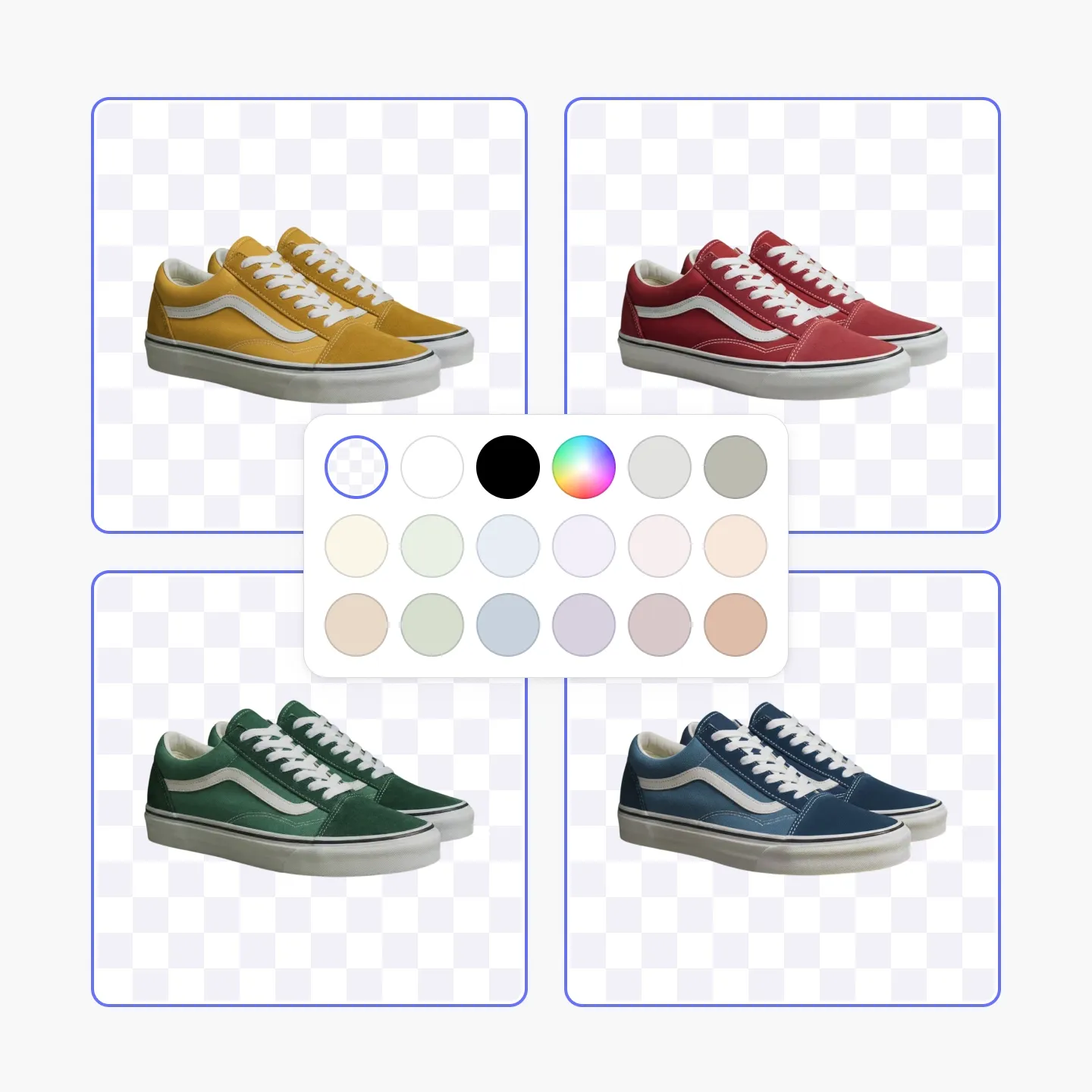
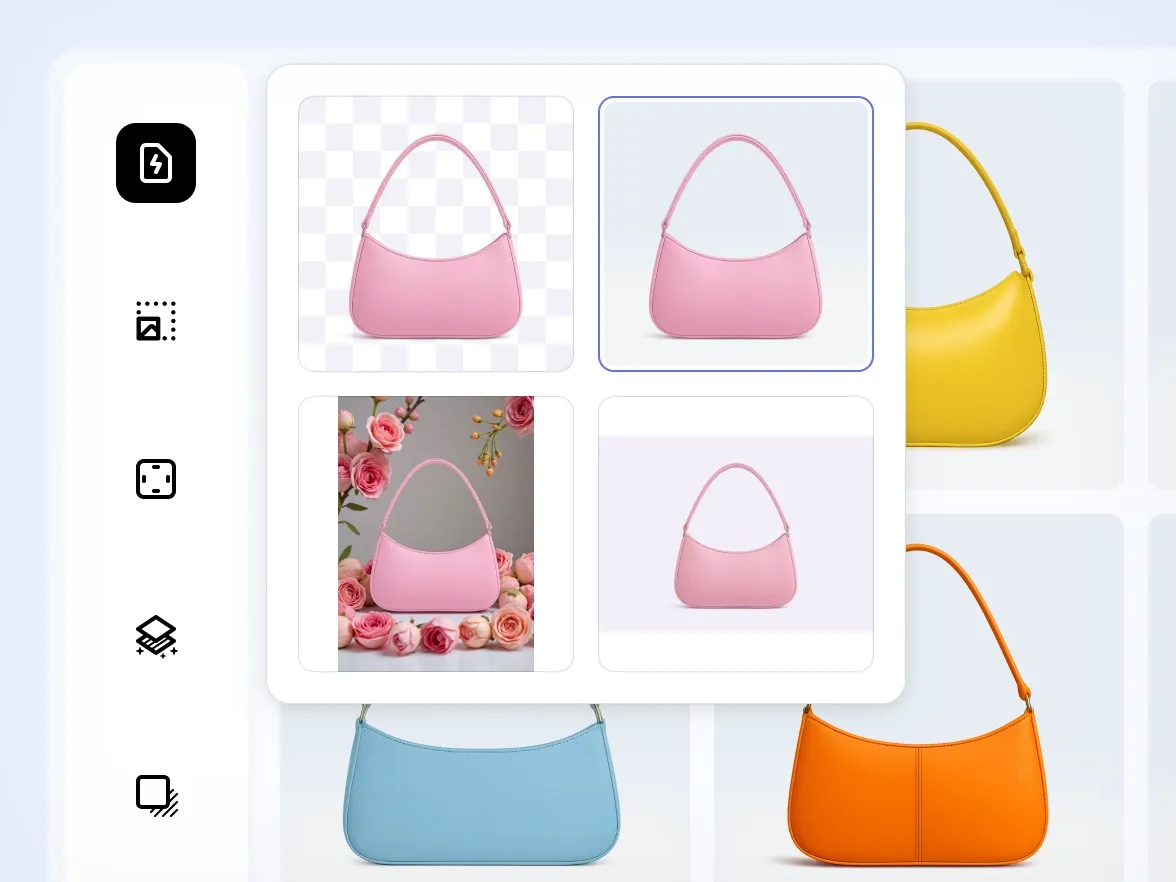
使用 Photoroom 的背景移除工具,一键批量清除产品图片的背景。批量去除背景,快速为你的店铺、商品列表和各大平台准备干净统一的视觉效果。
:no_upscale():format(webp))
批量背景移除的主要优势
:no_upscale():format(webp))
一键移除背景
:no_upscale():format(webp))
让所有SKU的效果保持一致
:no_upscale():format(webp))
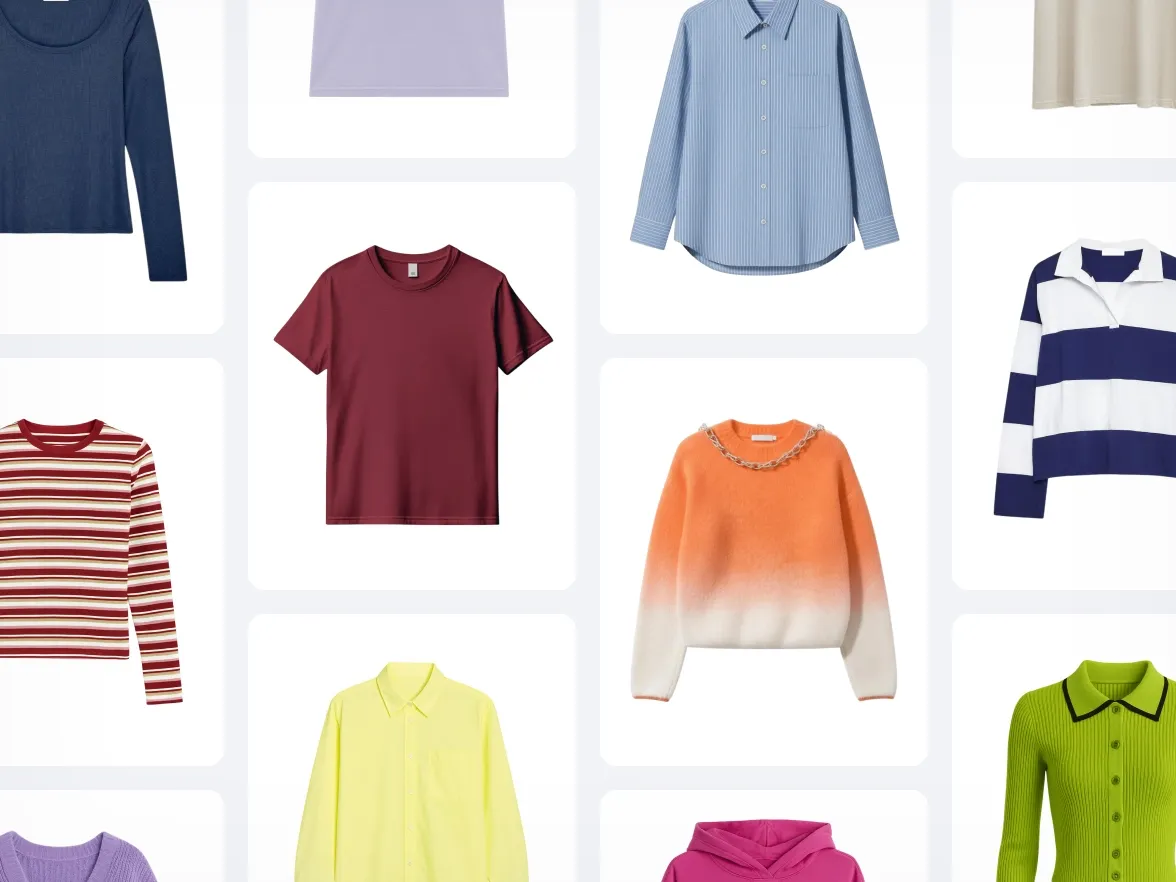
适用于电商级视觉效果
经验证的电商卖家成效
使用我们AI批量编辑功能的电商品牌都能获得可衡量的成效:
+93%
降低编辑成本
节省大量制作成本:无需摄影棚、自由职业者或修整。
+56%
售罄率
让更出色的视觉助你更快成交,减少滞销产品。
+77%
平均客单价
用高品质图片提升客户信心,激发更多购买欲望。
4倍
更快上市速度
几分钟内即可创建并发布新视觉内容,让你的品牌始终保持新鲜感。
如何批量移除背景
1
上传你的产品照片集
添加你想处理的所有图片,无论数量多少或类型如何。
2
选择移除背景
Photoroom 会检测每张图片中的产品,并在整个批量中移除背景。
3
下载干净的抠图
一键导出所有处理后的文件,或继续用其他工具编辑。
更多 AI 批量编辑工具
使用完全免费的功能,让您的照片更有魅力。
:no_upscale():format(webp))