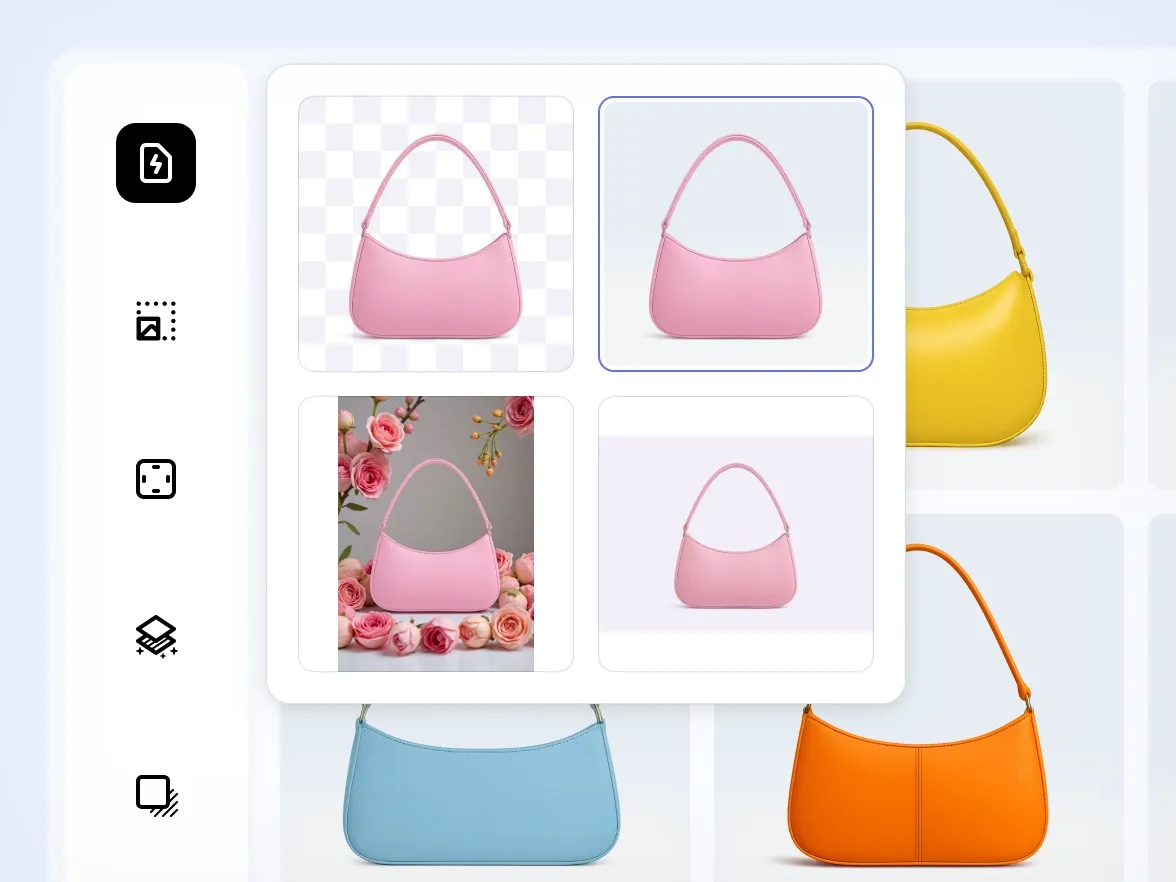
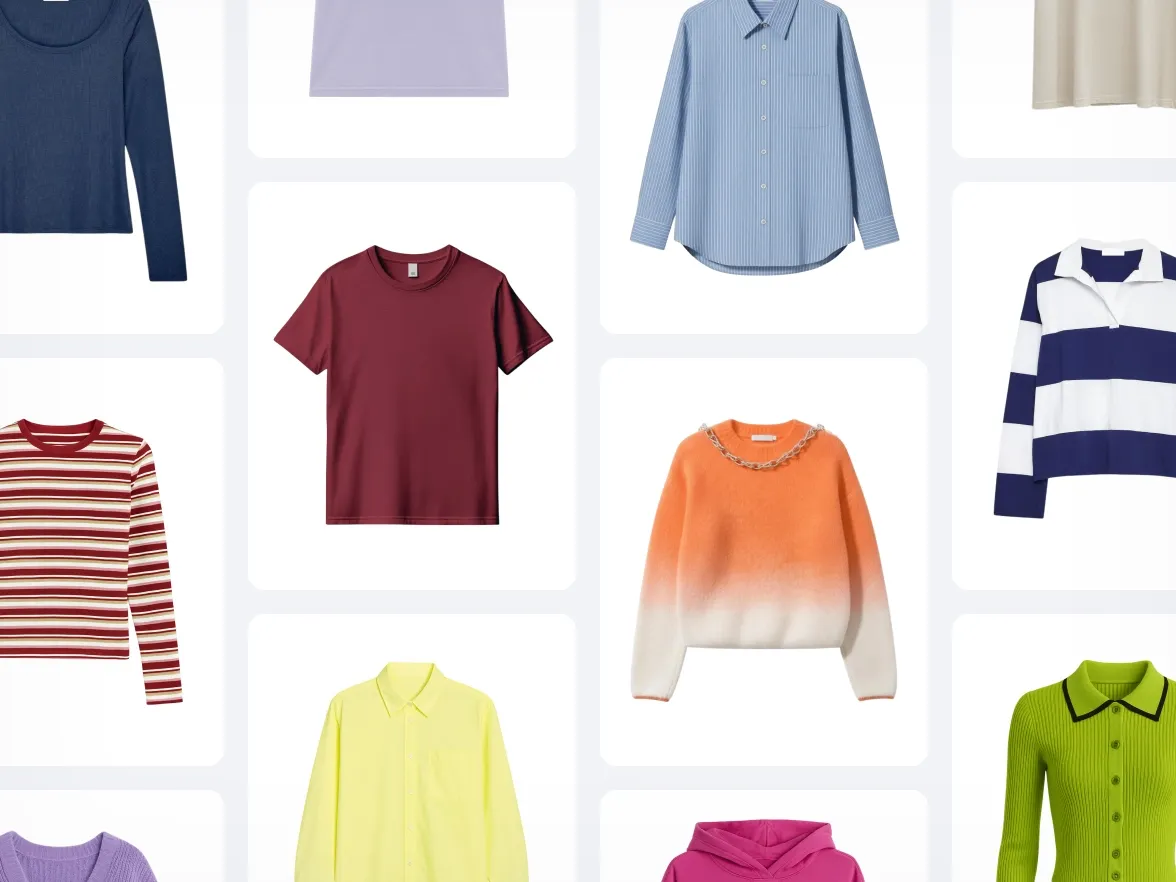
为整个产品批量添加自然阴影
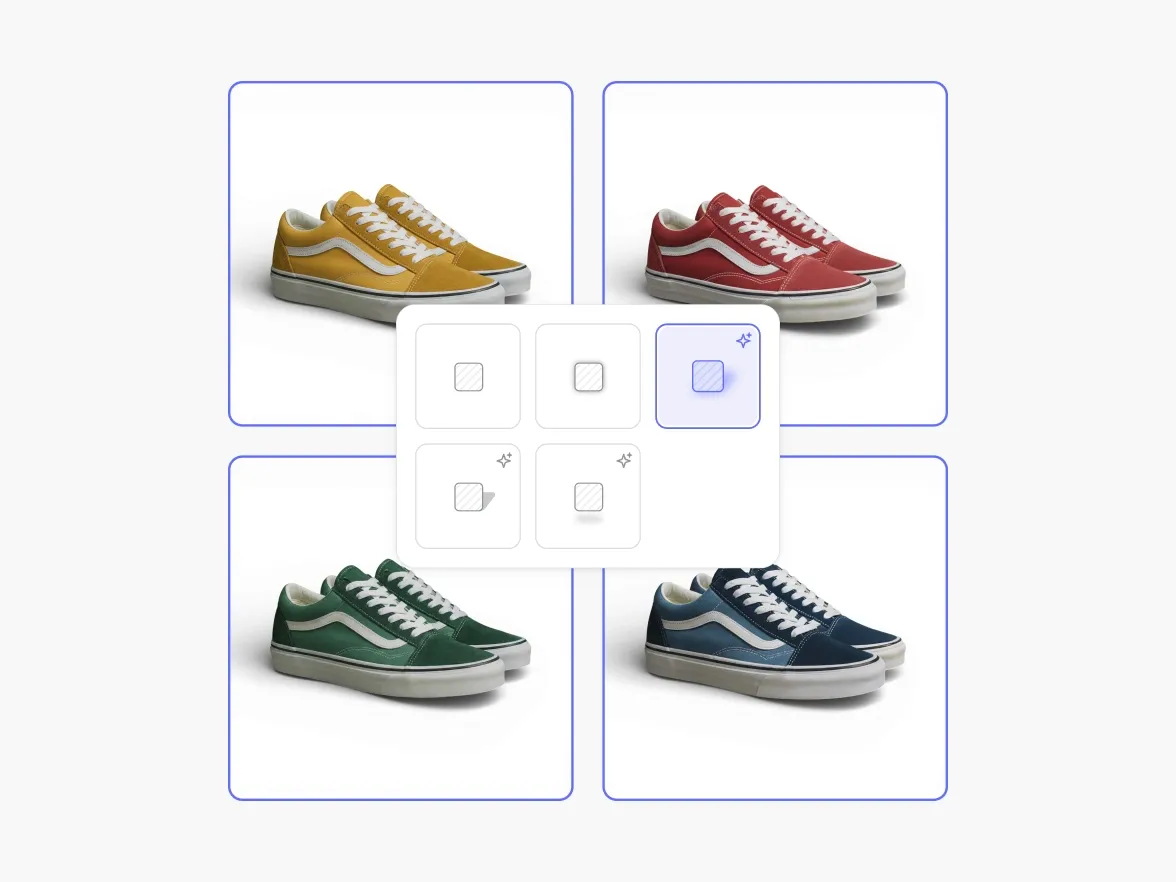
批量应用AI阴影,让每张图片都更有立体感,更适合电商展示。使用Photoroom生成逼真的AI阴影。
:no_upscale():format(webp))
为什么阴影在产品摄影中很重要
:no_upscale():format(webp))
阴影让产品更有分量感
:no_upscale():format(webp))
阴影定义距离和形状
:no_upscale():format(webp))
阴影提升视觉可信度
助力网店卖家业绩增长,效果有目共睹
使用我们AI批量编辑功能的电商品牌,效果显著可量化。
+93%
降低编辑成本
节省大量制作成本:无需摄影棚、自由职业者或修整。
+56%
售罄率
让更出色的视觉效果带来更快销售,减少滞销产品。
+77%
平均客单价
用高质量图片提升客户信心,激发更多购买欲望。
4倍
缩短上市时间
几分钟内即可创建并发布新视觉内容,让你的品牌始终保持新鲜感。
如何批量添加AI阴影
1
上传你的图片
一次添加所有产品照片。无阴影或阴影不一致的产品照片效果最佳。
2
选择你的阴影样式
选择柔和、悬浮或硬边阴影样式。Photoroom 可批量为所有图片应用相同的阴影效果。
3
生成并导出
下载完整批量图片,带有干净自然的AI 阴影,或将其保存在你的账户中以便后续编辑。
更多 AI 批量编辑工具
使用完全免费的功能,让您的照片更有魅力。
:no_upscale():format(webp))