Upgrade your product photos by editing them in batch
Get the same look across all your product photos
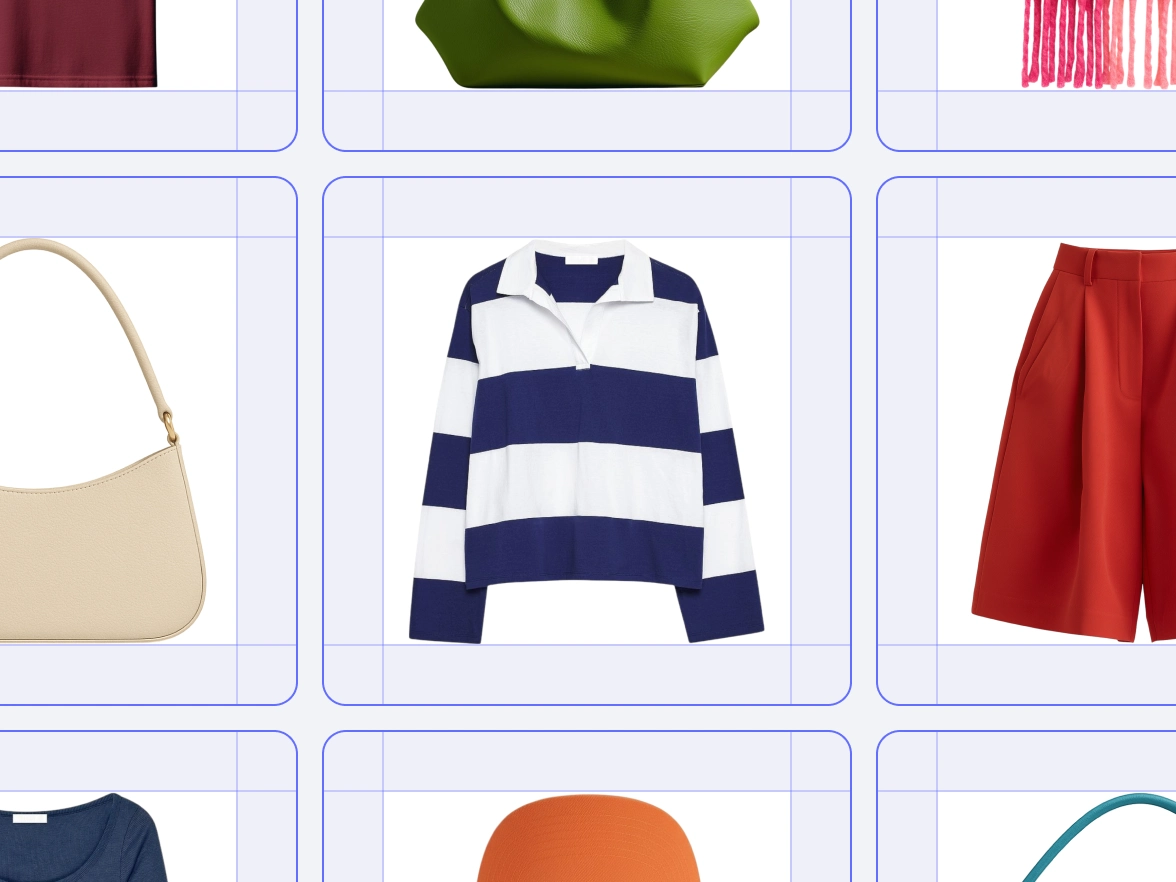
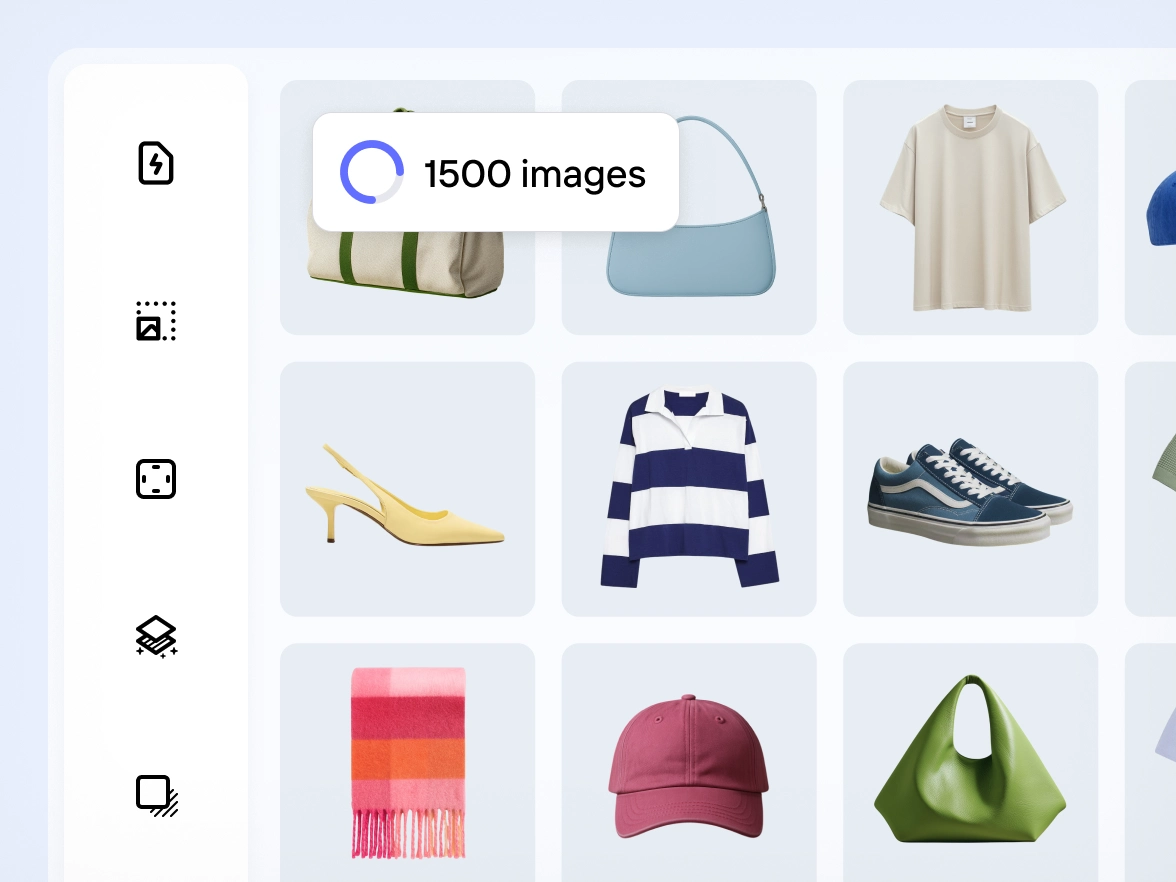
Brands often struggle to keep product photos aligned. Small changes in lighting, framing or background can break the visual flow of a catalog. Photoroom applies your chosen edits across images in bulk, so every product photo follows the same style. Colors stay balanced, framing stays steady and each SKU matches the next. Your catalog looks unified and professional, ready for marketplaces, and PDPs.
Skip repetitive edits and let AI handle the bulk work
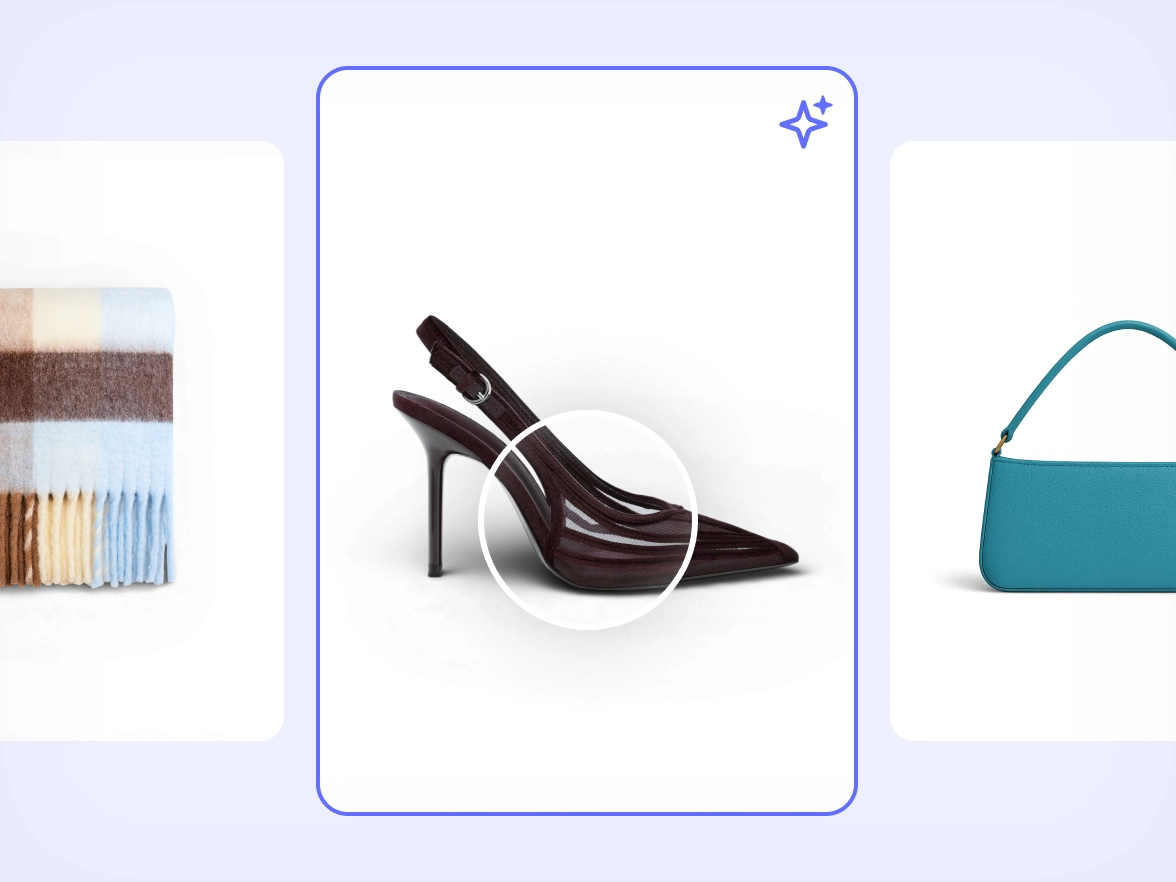
Manual editing slows down launches. Repeating the same adjustments for dozens of photos increases the chance of errors and drains team time. Photoroom automates repetitive steps across all images at once using the same accurate AI model behind our most famous tools, including Background Remover and AI Shadows. Cleanup, lighting fixes, object removal and shadows stay reliable across large batches so your team can move faster without sacrificing quality.
If your team spends hours redoing backgrounds, framing and lighting for every collection, you’re stuck in a loop that slows down launches. With Photoroom you save your preferred setup once and apply it to any batch of images. The same style repeats across all SKUs without manual work, so your team moves faster and every product line looks consistent from the start.
Fast workflows often sacrifice quality. When deadlines are tight, product details get lost or textures look off. Photoroom keeps product edges, shapes and materials intact across all files, even when applied in bulk. AI retouching adapts to each image so the final result stays true to the product. You publish updates quickly and maintain the level of detail your brand depends on.
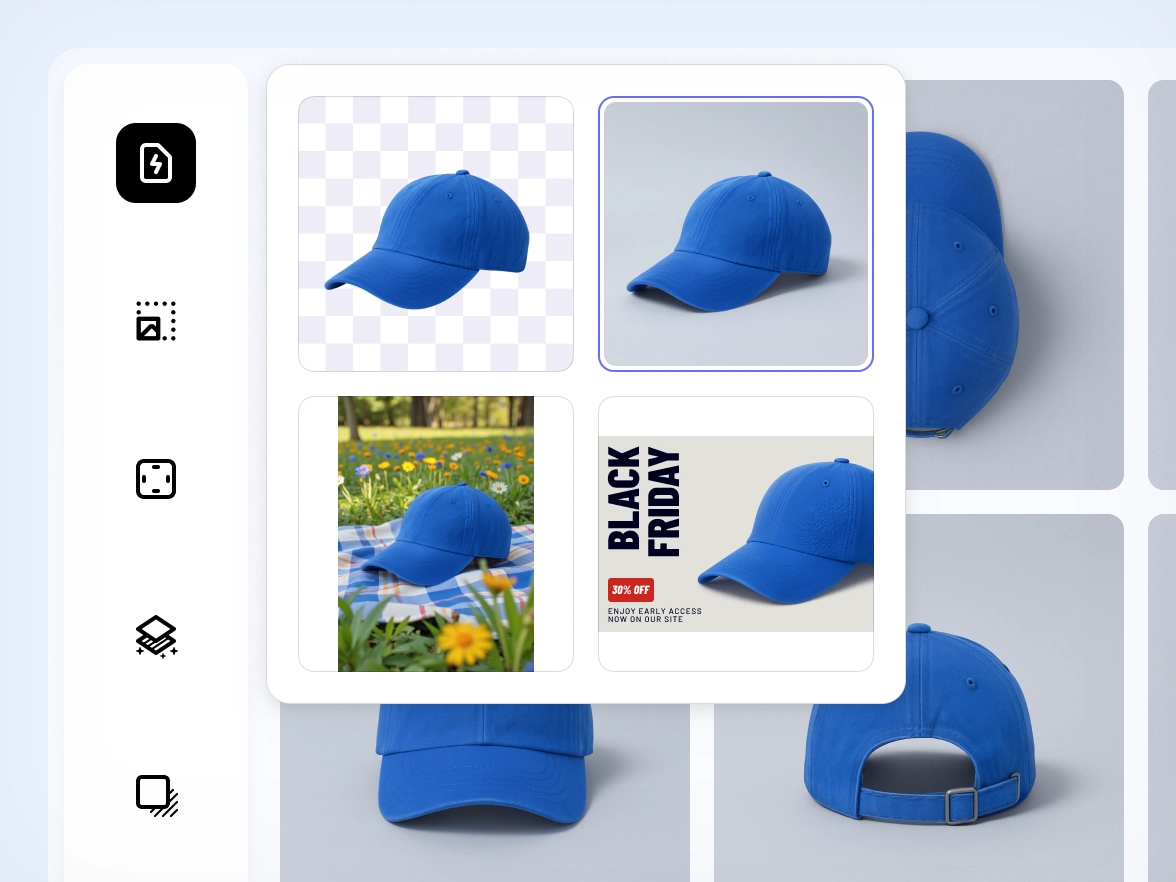
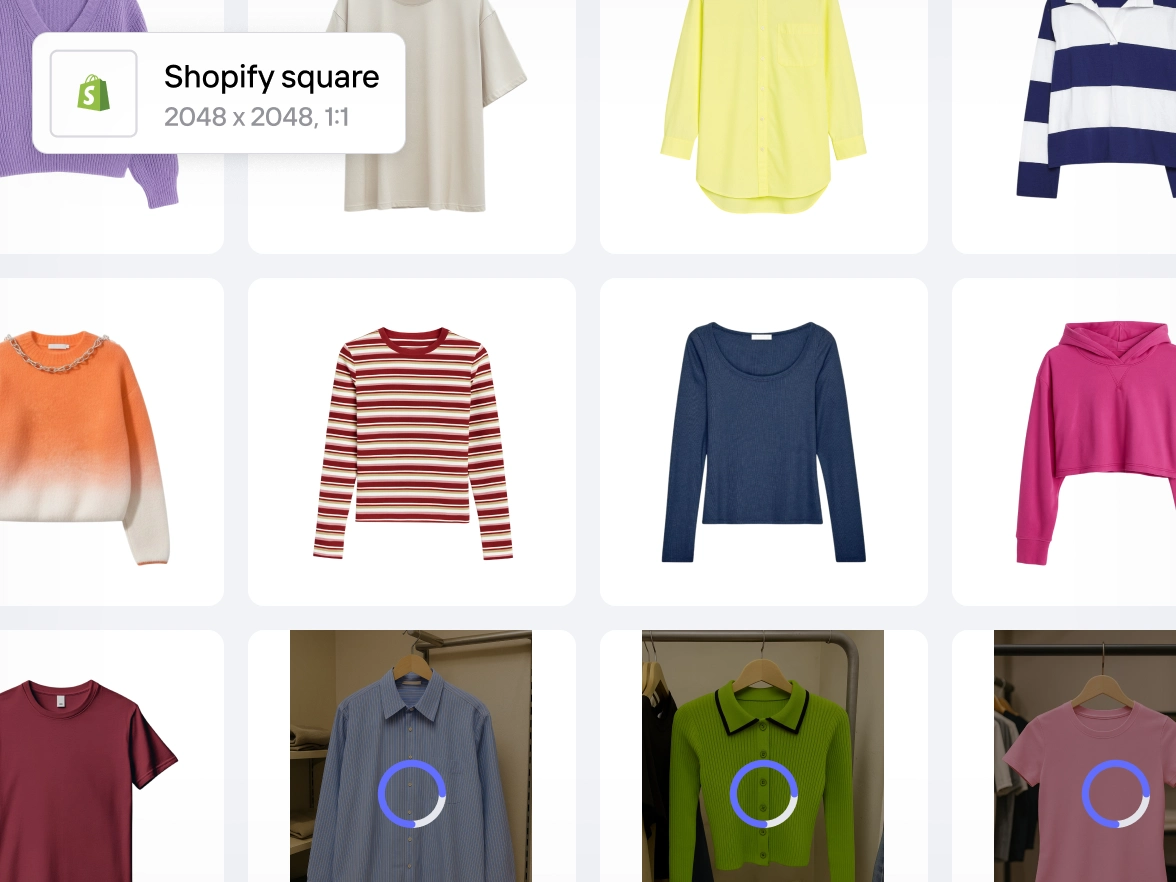
Meeting marketplace requirements usually means switching between tools, adjusting every image and double-checking dimensions or backgrounds. Photoroom gives you one workflow that supports bulk editing for ecommerce catalogs. Framing, backgrounds, color accuracy and cleanup stay aligned across images in batch. Your catalog meets platform standards from the start, ready for upload anywhere.
Many editors are designed for one-off fixes, not high-volume product updates. As collections grow, manual work becomes unmanageable. Photoroom handles small and large batches with the same workflow. Whether you upload a few images or thousands, edits apply consistently across all files. You handle launches, new drops and seasonal changes with confidence and without adding tools or extra staff.
Photoroom mang đến hình ảnh chất lượng studio chỉ trong vài giây — không cần đoán mò hay dùng thêm công cụ.
Free
Kích hoạt khả năng sáng tạo của bạn bằng các công cụ AI thiết yếu để tạo ra những hình ảnh tuyệt đẹp, lý tưởng cho những người sáng tạo độc lập và các nhóm với quy mô nhỏ.
Được xây dựng cho các doanh nghiệp đã ổn định với nhu cầu phức tạp, tích hợp tùy chỉnh và các đội ngũ cần độ tin cậy cùng khả năng kiểm soát ở cấp độ doanh nghiệp.
Watch how sellers edit hundreds of product photos in seconds — fast, simple, and consistent every time.
Why edit product photos in bulk with Photoroom
Edit multiple product photos at once
Apply backgrounds, lighting fixes, retouching and framing across images in batch so you can move through full collections in a fraction of the time.
Built on Photoroom’s most accurate AI
The batch editor uses the same superior AI model behind Photoroom’s tools, giving you clean edges, reliable cutouts and consistent results across large volumes.
Keep every SKU aligned with the same style
Apply one visual style across your entire catalog so every product photo follows the same look, ready for marketplaces, feeds and ads.
Mọi người yêu thích Photoroom
Dù bạn bán hàng trên Etsy hay chạy chiến dịch ở quy mô lớn, Photoroom luôn đồng hành để tạo hình ảnh thúc đẩy doanh số.
Câu chuyện khách hàng
Câu chuyện khách hàng
“Tôi theo dõi hiệu quả email marketing. Khi gửi SMS hoặc email với hình ảnh từ Photoroom, doanh số tăng đến 200%.”
Sarah Hoorfar
Founder at Cowgirl Clutch.
Câu chuyện khách hàng
Câu chuyện khách hàng
“Tôi dùng Photoroom để chỉnh sửa ảnh. Tính năng chỉnh sửa hàng loạt rất tiện và nhanh.”
Ashley Peek
A top seller on Poshmark and eBay
Câu chuyện khách hàng
Câu chuyện khách hàng
“Photoroom giúp tôi tiết kiệm rất nhiều thời gian. Tôi có thêm tự do để tập trung làm và bán nến. Tôi thật sự rất thích.”
Nick Hawkins
Founder, The 1994 Candle Co
Frequently asked questions
Làm thế nào để bắt đầu?
Tải ứng dụng Photoroom về thiết bị di động của bạn từ Apple App Store hoặc Google Play Store. Nếu bạn muốn chỉnh sửa ảnh trên máy tính, hãy đăng nhập vào Photoroom Web App.
Gói Miễn phí bao gồm những gì?
Gói Miễn phí bao gồm 250 lượt xuất mỗi tháng khi sử dụng công cụ xóa nền, chỉnh sửa, mẫu thiết kế và quyền truy cập giới hạn vào các tính năng AI — đủ để bạn trải nghiệm khả năng AI của Photoroom.
Gói Pro bao gồm những gì?
Gói Pro mở khóa toàn bộ tính năng AI, quyền truy cập đầy đủ vào mẫu thiết kế, chế độ xử lý hàng loạt và giới hạn xuất cao hơn. Phù hợp cho người bán lại và cá nhân kinh doanh tạo danh sách sản phẩm và một phần nội dung marketing.
Gói Max bao gồm những gì?
Gói Max bao gồm tất cả tính năng của gói Pro, cùng quyền truy cập vào các mô hình AI tiên tiến nhất và giới hạn xuất cao nhất. Phù hợp cho doanh nghiệp nhỏ và người dùng nâng cao cần hình ảnh chất lượng cao ở quy mô lớn.
Bạn chấp nhận những phương thức thanh toán nào?
Trên máy tính, bạn chỉ có thể thanh toán bằng thẻ tín dụng. Trên ứng dụng di động, thanh toán được xử lý thông qua phương thức bạn đã thiết lập trên Apple App Store hoặc Google Play Store.
Tôi có bị tính VAT/GST không?
Không. VAT/GST đã được bao gồm trong giá.
Làm thế nào để hủy gói đăng ký hoặc bản dùng thử?
Vào phần cài đặt tài khoản trong ứng dụng và chọn “Quản lý đăng ký”. Bạn có thể hủy gói đăng ký (Pro hoặc API) chỉ với một cú nhấp.
Tôi có thể nâng cấp hoặc hạ cấp gói đăng ký không?
Có. Truy cập cài đặt tài khoản trong ứng dụng và chọn “Quản lý đăng ký” để thay đổi gói của bạn.
Chính sách hoàn tiền của bạn là gì?
Chúng tôi hoàn tiền trong vòng một tuần sau khi mua. Cách yêu cầu hoàn tiền sẽ khác nhau tùy theo nền tảng bạn đã dùng để đăng ký ban đầu. Vui lòng xem hướng dẫn “Cách yêu cầu hoàn tiền” để biết thêm chi tiết.