Upgrade your product photos by editing them in batch
Get the same look across all your product photos
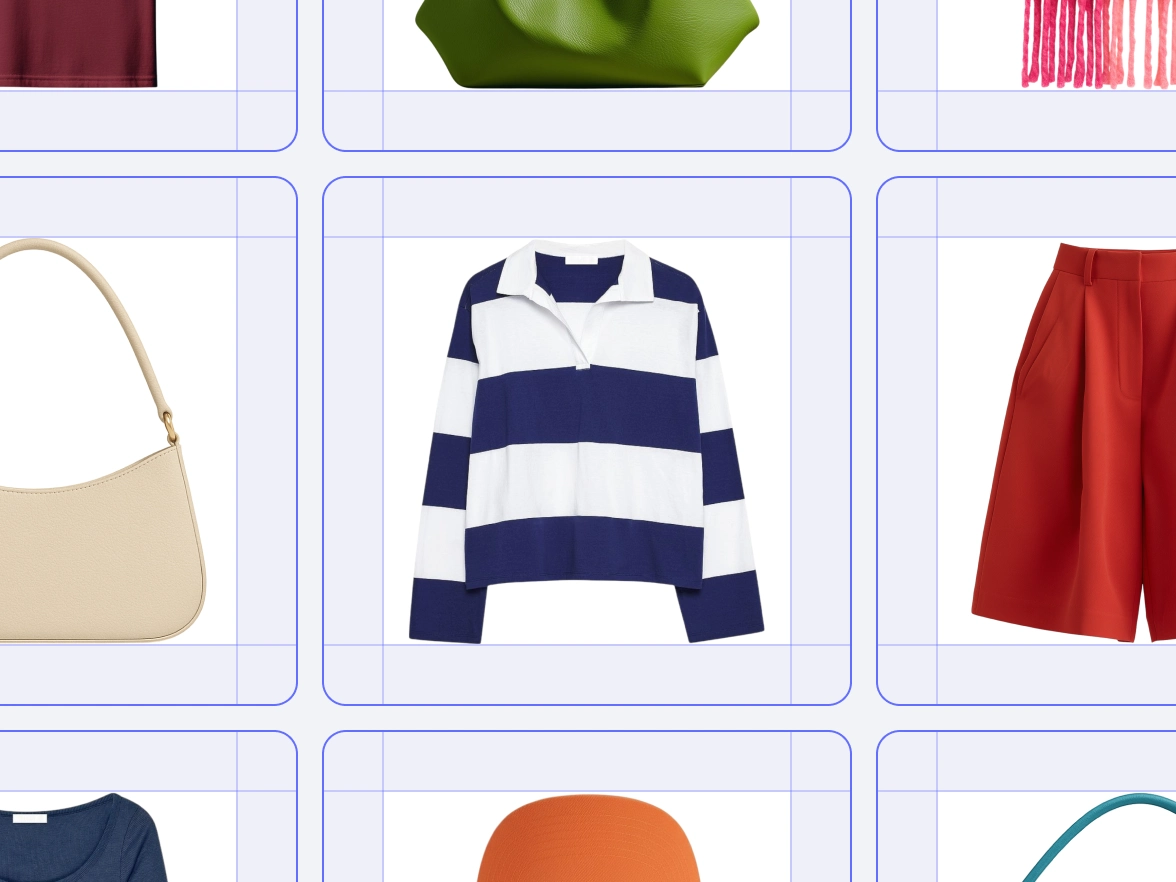
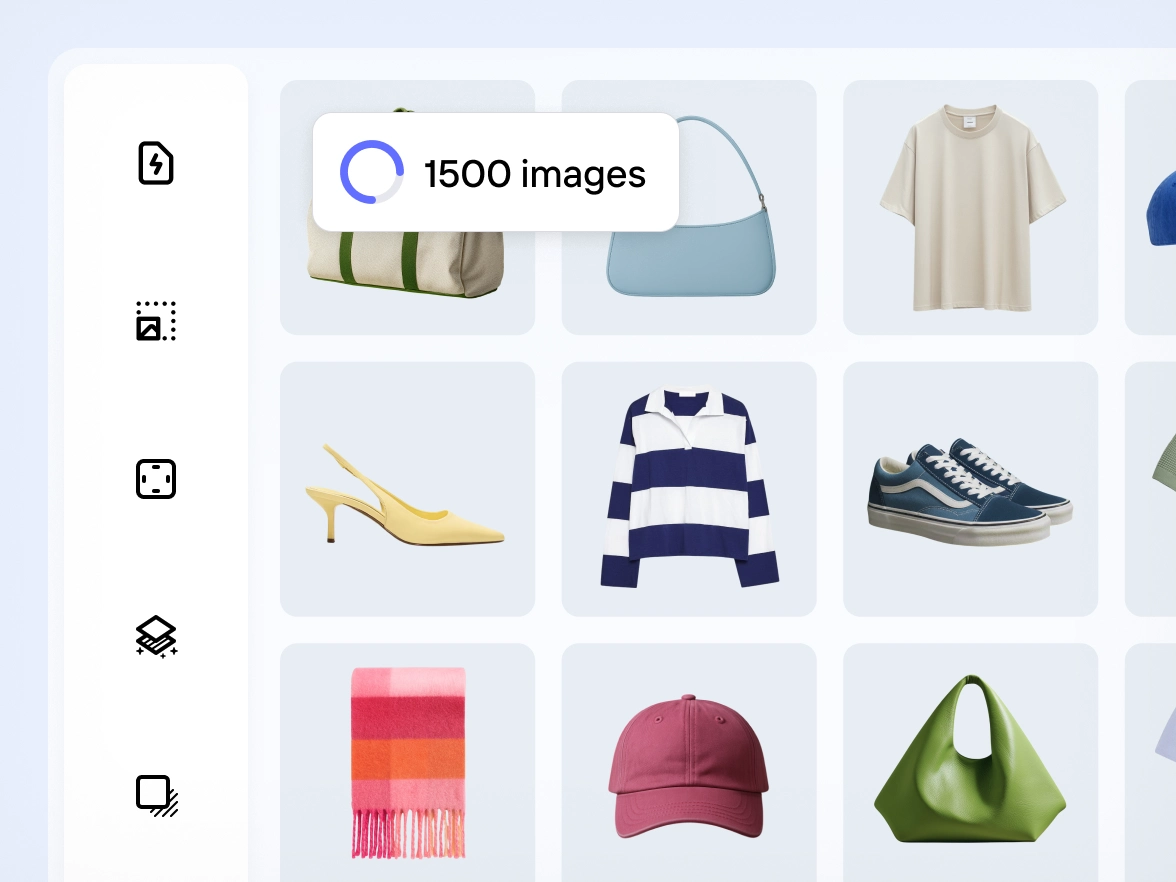
Brands often struggle to keep product photos aligned. Small changes in lighting, framing or background can break the visual flow of a catalog. Photoroom applies your chosen edits across images in bulk, so every product photo follows the same style. Colors stay balanced, framing stays steady and each SKU matches the next. Your catalog looks unified and professional, ready for marketplaces, and PDPs.
Skip repetitive edits and let AI handle the bulk work
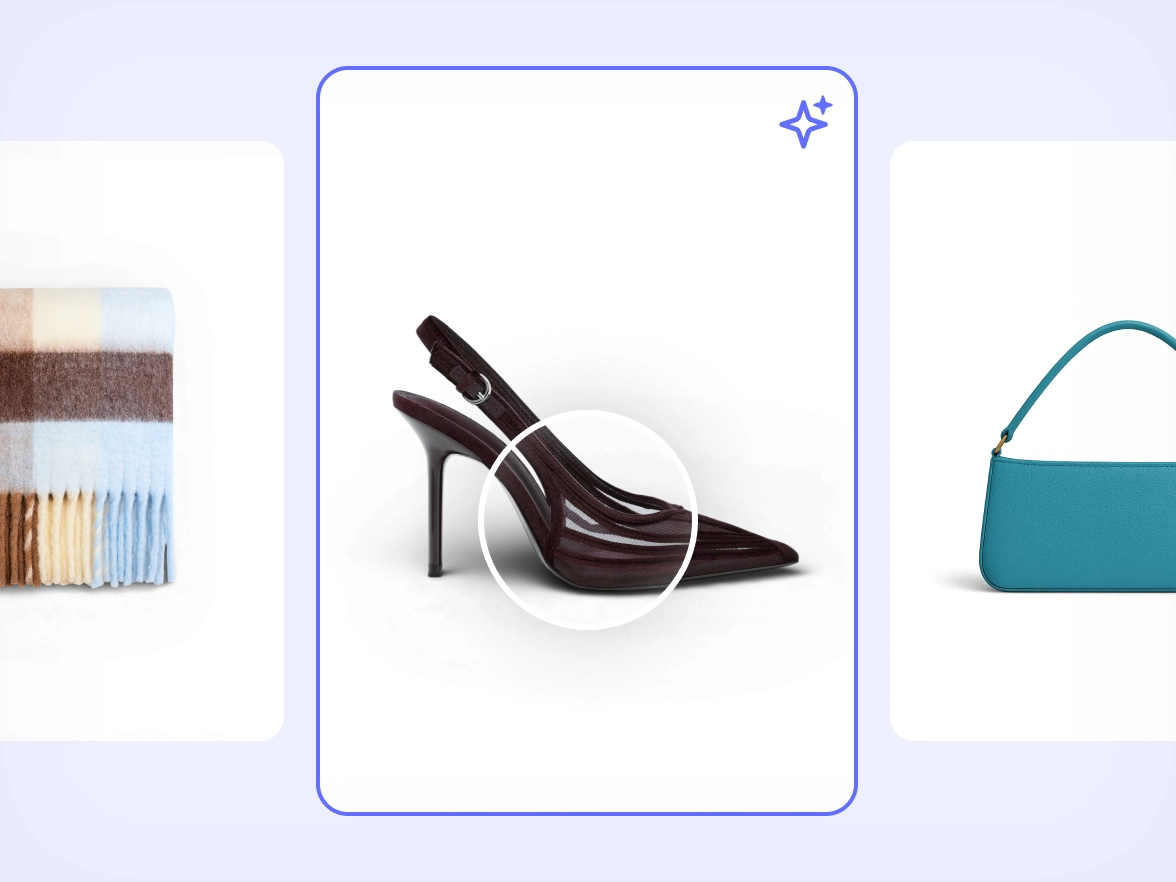
Manual editing slows down launches. Repeating the same adjustments for dozens of photos increases the chance of errors and drains team time. Photoroom automates repetitive steps across all images at once using the same accurate AI model behind our most famous tools, including Background Remover and AI Shadows. Cleanup, lighting fixes, object removal and shadows stay reliable across large batches so your team can move faster without sacrificing quality.
If your team spends hours redoing backgrounds, framing and lighting for every collection, you’re stuck in a loop that slows down launches. With Photoroom you save your preferred setup once and apply it to any batch of images. The same style repeats across all SKUs without manual work, so your team moves faster and every product line looks consistent from the start.
Fast workflows often sacrifice quality. When deadlines are tight, product details get lost or textures look off. Photoroom keeps product edges, shapes and materials intact across all files, even when applied in bulk. AI retouching adapts to each image so the final result stays true to the product. You publish updates quickly and maintain the level of detail your brand depends on.
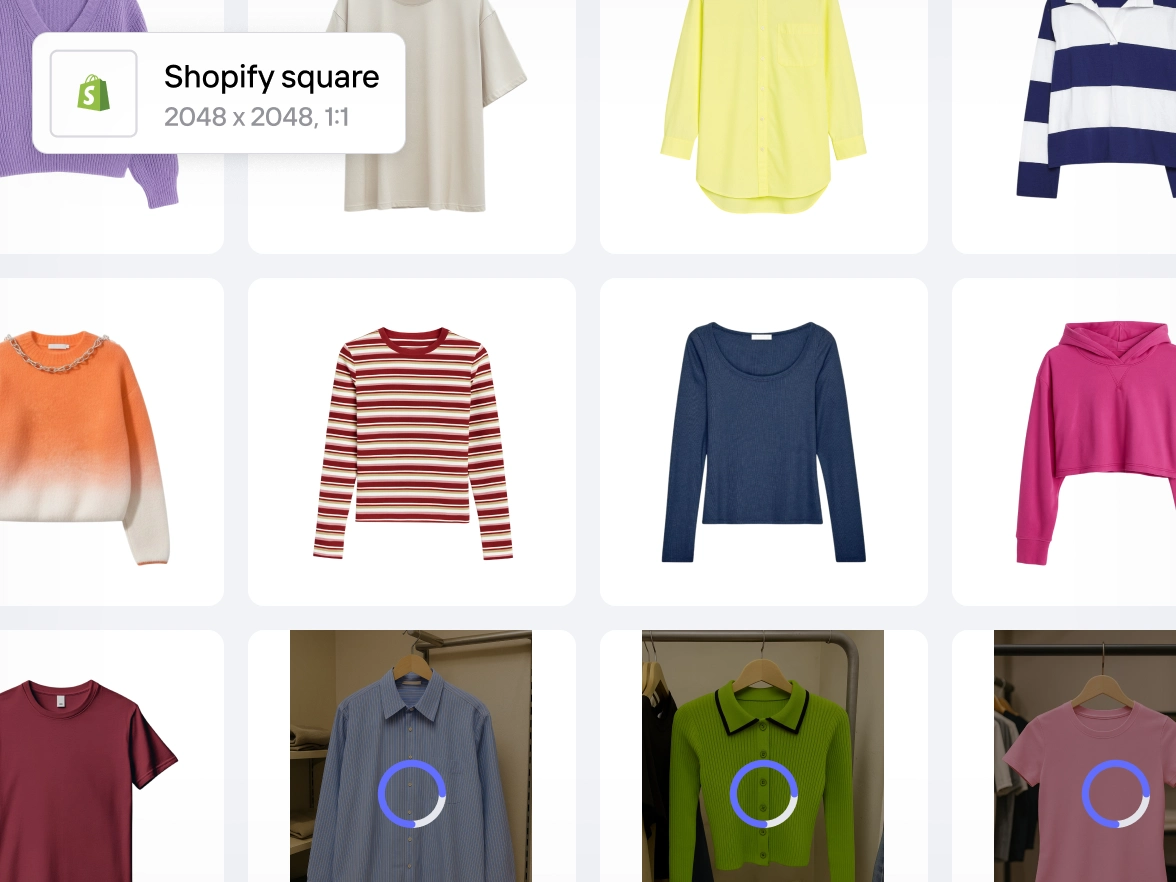
Meeting marketplace requirements usually means switching between tools, adjusting every image and double-checking dimensions or backgrounds. Photoroom gives you one workflow that supports bulk editing for ecommerce catalogs. Framing, backgrounds, color accuracy and cleanup stay aligned across images in batch. Your catalog meets platform standards from the start, ready for upload anywhere.
Many editors are designed for one-off fixes, not high-volume product updates. As collections grow, manual work becomes unmanageable. Photoroom handles small and large batches with the same workflow. Whether you upload a few images or thousands, edits apply consistently across all files. You handle launches, new drops and seasonal changes with confidence and without adding tools or extra staff.
Photoroom, tahmin yürütmeden veya ek araçlar kullanmadan saniyeler içinde stüdyo kalitesinde görseller sunar.
Free
Çarpıcı görseller oluşturmak için, tek çalışan içerik oluşturucular ve küçük ekipler için ideal olan temel yapay zeka araçlarıyla yaratıcılığını harekete geçir.
Karmaşık ihtiyaçları, özel entegrasyonları ve kurumsal düzeyde güvenilirlik ile kontrol gerektiren Ekipler için, yerleşik operasyonlar doğrultusunda geliştirilmiştir.
Watch how sellers edit hundreds of product photos in seconds — fast, simple, and consistent every time.
Why edit product photos in bulk with Photoroom
Edit multiple product photos at once
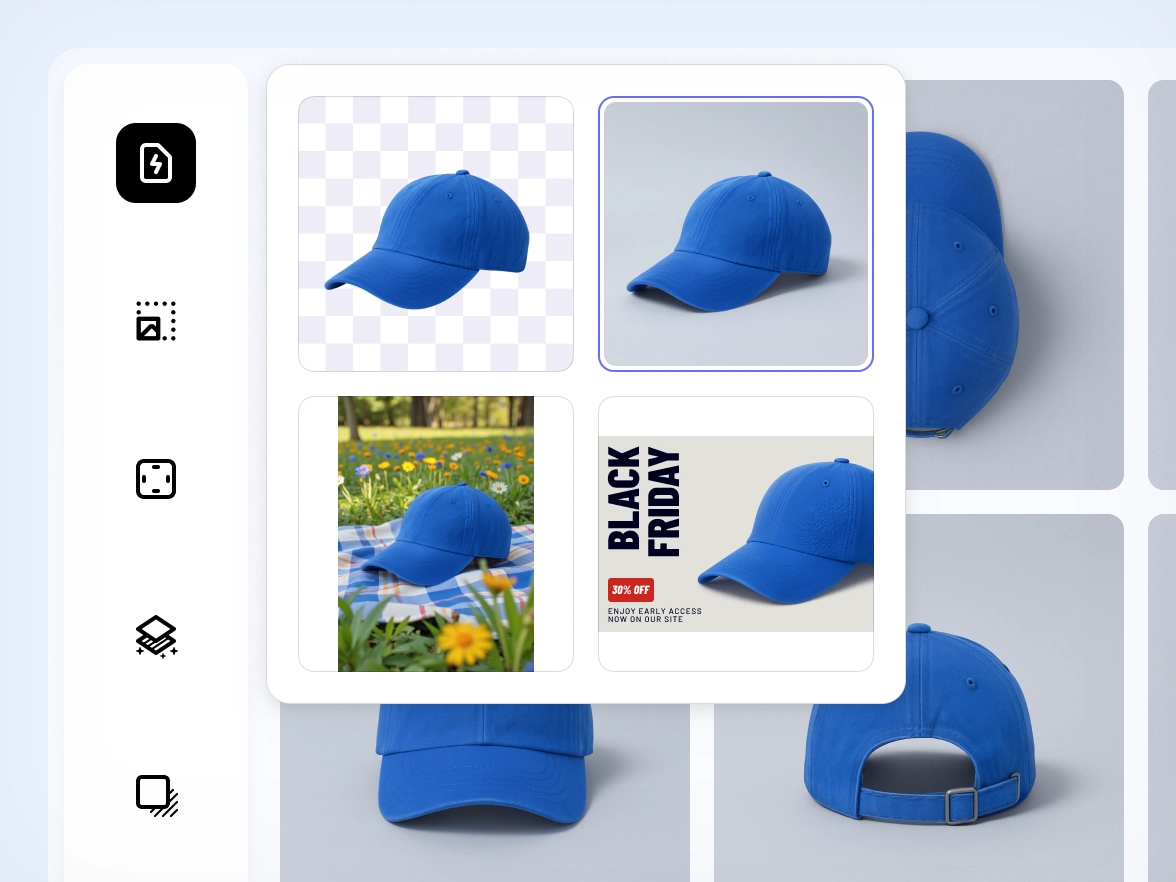
Apply backgrounds, lighting fixes, retouching and framing across images in batch so you can move through full collections in a fraction of the time.
Built on Photoroom’s most accurate AI
The batch editor uses the same superior AI model behind Photoroom’s tools, giving you clean edges, reliable cutouts and consistent results across large volumes.
Keep every SKU aligned with the same style
Apply one visual style across your entire catalog so every product photo follows the same look, ready for marketplaces, feeds and ads.
İnsanlar Photoroom’u seviyor
Etsy’de satış yapıyor ya da büyük kampanyalar yürütüyor olun, Photoroom satış getiren görseller oluşturmanız için yanınızda.
Müşteri hikâyesi
Müşteri hikâyesi
“E-posta pazarlama performansımı takip ediyorum. Photoroom görselleriyle SMS ve e-posta gönderdiğimde satışlarım %200’e kadar artıyor.”
Sarah Hoorfar
Founder at Cowgirl Clutch.
Müşteri hikâyesi
Müşteri hikâyesi
“Fotoğraflarımı düzenlemek için Photoroom kullanıyorum. Toplu düzenleme özelliği çok hızlı ve pratik.”
Ashley Peek
A top seller on Poshmark and eBay
Müşteri hikâyesi
Müşteri hikâyesi
“Photoroom bana çok zaman kazandırdı. Daha özgür çalışabiliyor ve mum üretip satmaya odaklanabiliyorum. Gerçekten çok seviyorum.”
Nick Hawkins
Founder, The 1994 Candle Co
Frequently asked questions
Nasıl başlayabilirim?
Photoroom uygulamasını mobil cihazınıza Apple App Store veya Google Play Store üzerinden indirin. Fotoğraflarınızı bilgisayarda düzenlemek isterseniz Photoroom Web Uygulamasına giriş yapabilirsiniz.
Ücretsiz planda neler var?
Ücretsiz plan, Arka Plan Kaldırma, Rötuş ve Şablonlar kullanıldığında aylık 250 dışa aktarma içerir. Ayrıca bazı yapay zekâ özelliklerine sınırlı erişim sunar — Photoroom’un yapay zekâ gücünü denemeniz için.
Pro planda neler var?
Pro plan; tüm yapay zekâ özelliklerine erişim, tüm şablonlar, Toplu Mod ve daha yüksek dışa aktarma limitleri sunar. Ürün listelemeleri ve bazı pazarlama içerikleri oluşturan satıcılar ve bireysel girişimciler için uygundur.
Max planda neler var?
Max plan, Pro plandaki tüm özelliklere ek olarak en gelişmiş yapay zekâ modellerine ve en yüksek dışa aktarma limitlerine erişim sağlar. Büyük ölçekte yüksek kaliteli görsellere ihtiyaç duyan küçük işletmeler ve ileri düzey kullanıcılar için idealdir.
Hangi ödeme yöntemlerini kabul ediyorsunuz?
Masaüstünde ödemeler yalnızca kredi kartı ile yapılır. Mobil uygulamada ise ödemeler, Apple App Store veya Google Play Store’da ayarladığınız ödeme yöntemi üzerinden gerçekleştirilir.
VAT/GST ücreti alınır mı?
Hayır. VAT/GST fiyata dahildir.
Photoroom aboneliğimi veya deneme sürümünü nasıl iptal edebilirim?
Uygulamada hesap ayarlarına gidin ve “Abonelikleri Yönet” seçeneğini tıklayın. Pro veya API aboneliğinizi tek tıkla iptal edebilirsiniz.
Aboneliğimi yükseltebilir veya düşürebilir miyim?
Evet. Uygulamadaki hesap ayarlarından “Abonelikleri Yönet” bölümüne giderek planınızı değiştirebilirsiniz.
İade politikanız nedir?
Satın alma işleminden sonra bir haftaya kadar iade yapılır. İade talep etme yöntemi, ilk abonelik yaptığınız platforma göre değişir. Tüm detayları “İade nasıl alınır” rehberimizde bulabilirsiniz.