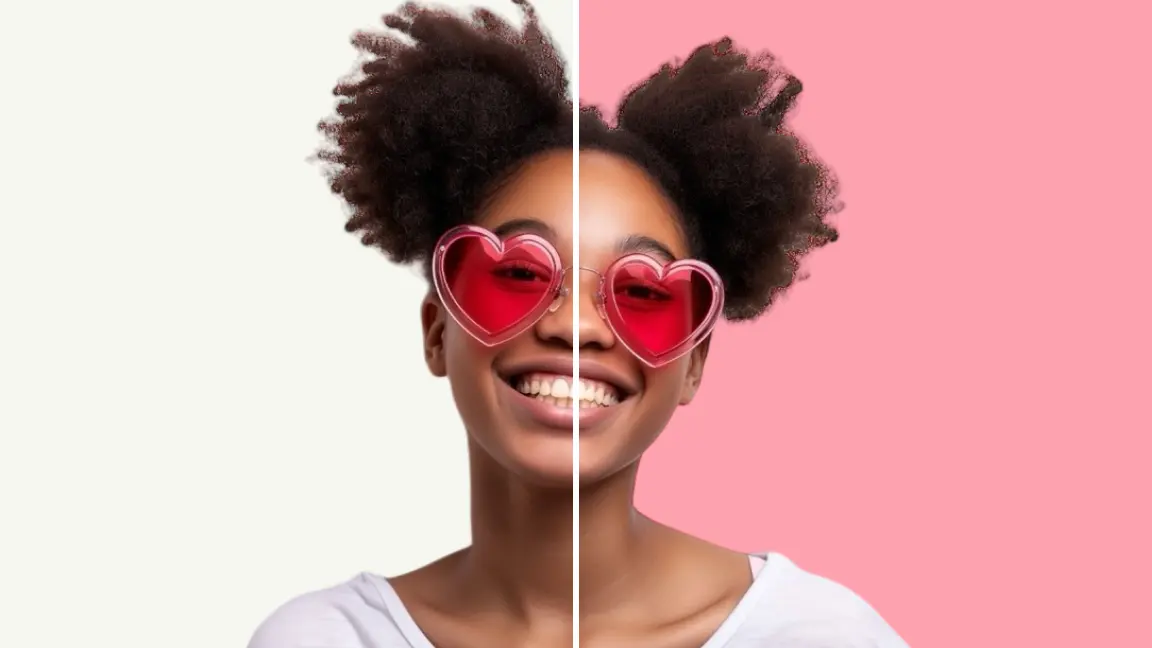
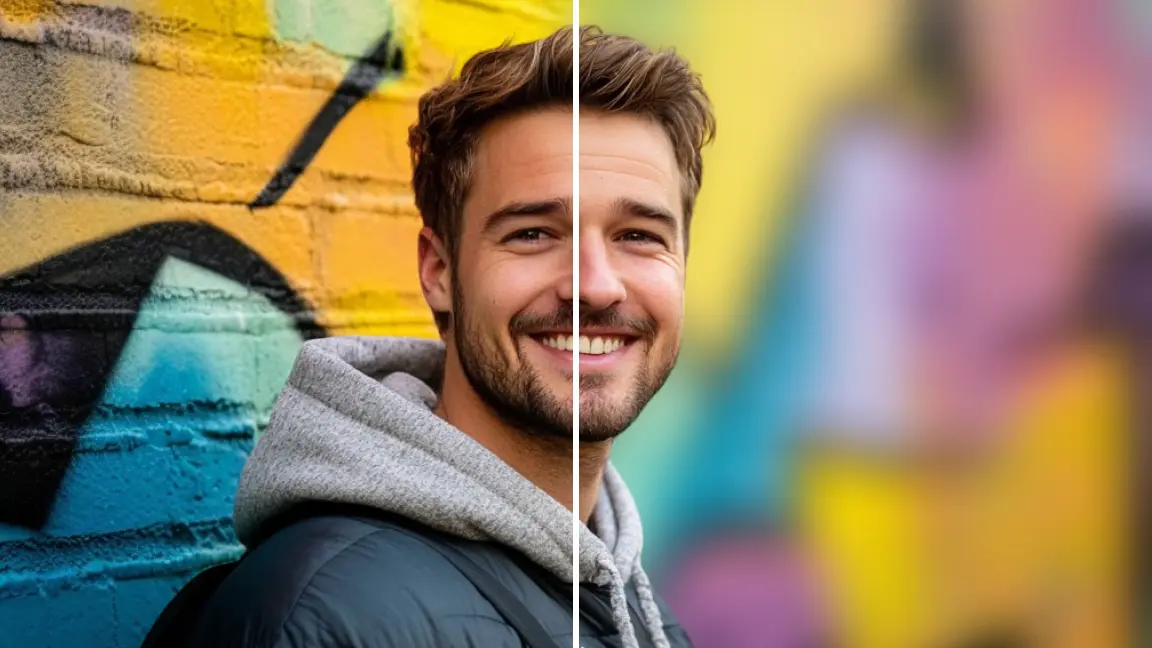
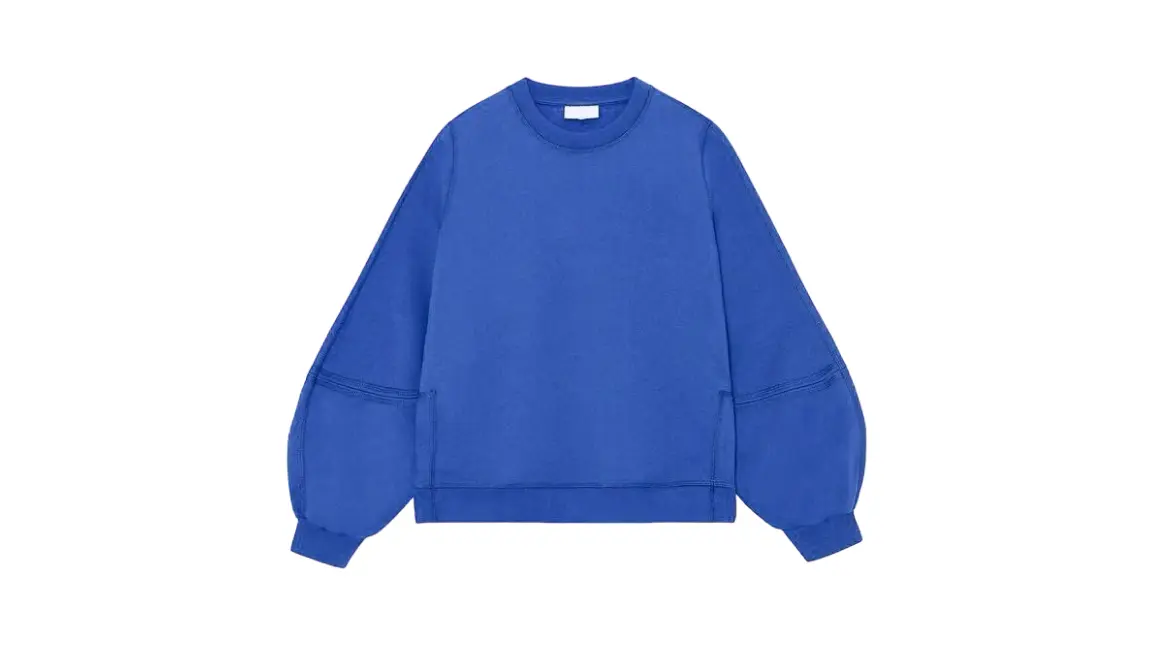
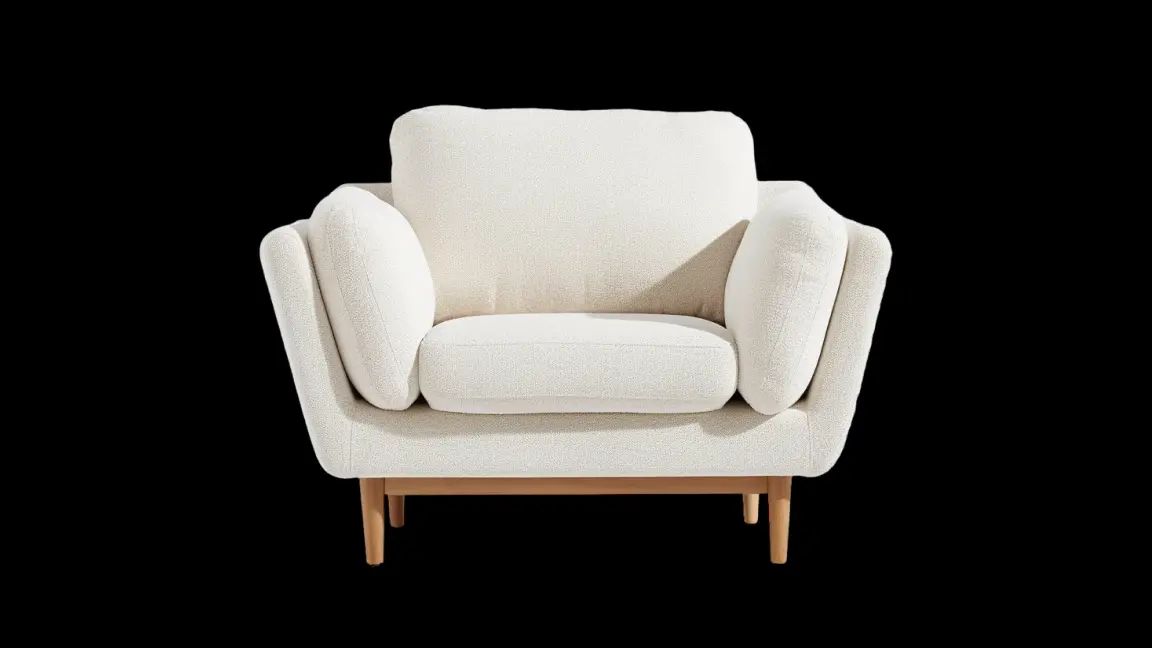
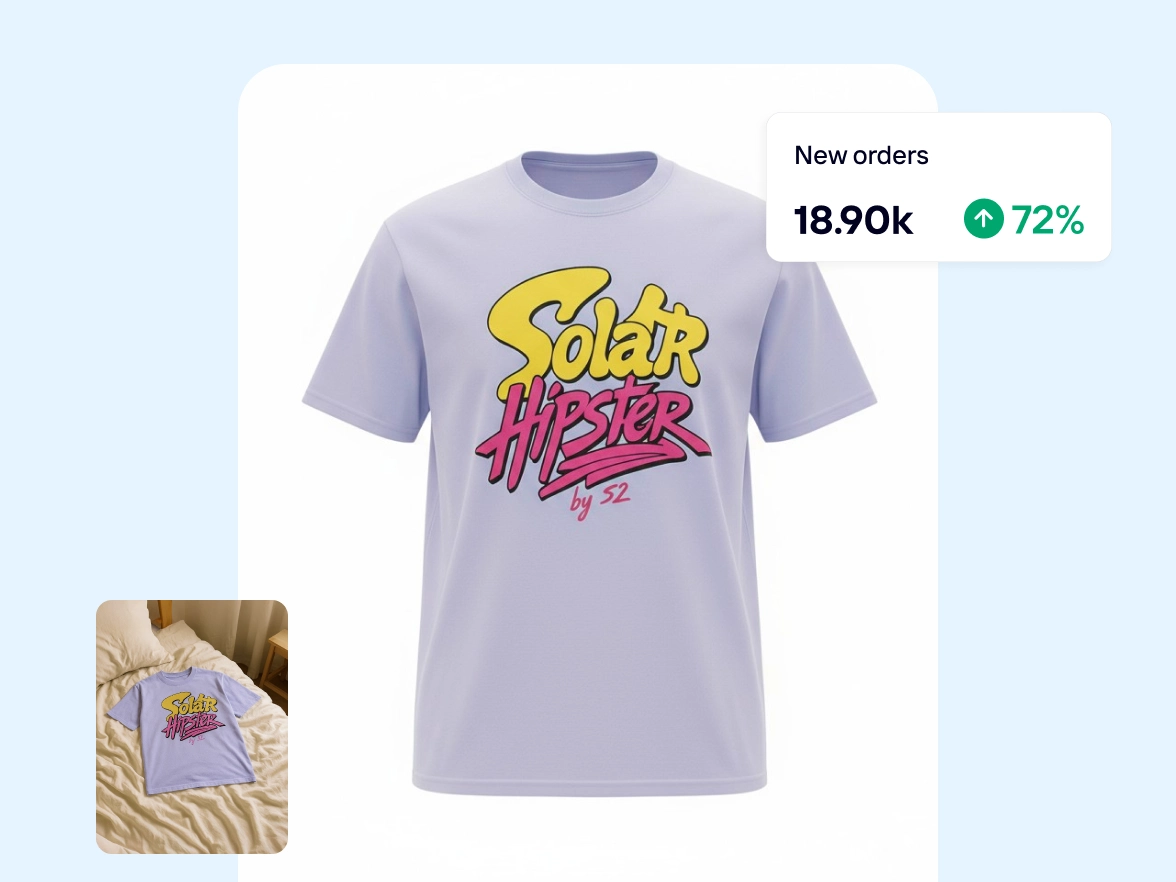
Show your clothing at its best with clean, mannequin-free visuals that clearly capture fit and drape. Generate high-quality, consistent fashion photography with our AI Ghost Mannequin tool.
Transform flat, wrinkled product shots into realistic, 3D invisible model images without steaming garments, dressing mannequins, or spending hours on manual edits. Upload any clothing photo, whether it’s a flat lay, hanging garment, mannequin, or model image, to highlight your product’s true shape and reconstruct hidden parts of the garment with AI. Generate sales-ready product images for e‑commerce stores, marketplace listings, and lookbooks using AI ghost mannequins.
Increase sales and reduce returns with AI ghost mannequins
Unclear or incomplete product photos make it hard for shoppers to understand how a garment will look once worn, leading to hesitation, abandoned carts, and avoidable returns. AI ghost mannequins present clothing in a natural, body-like shape, clearly showing fit, proportions, sleeves, and necklines without the distraction of visible models or mannequins. By setting accurate expectations before checkout, shoppers can make more confident decisions, resulting in higher conversion rates and fewer returns.
Refresh entire catalogs with ghost mannequin photography
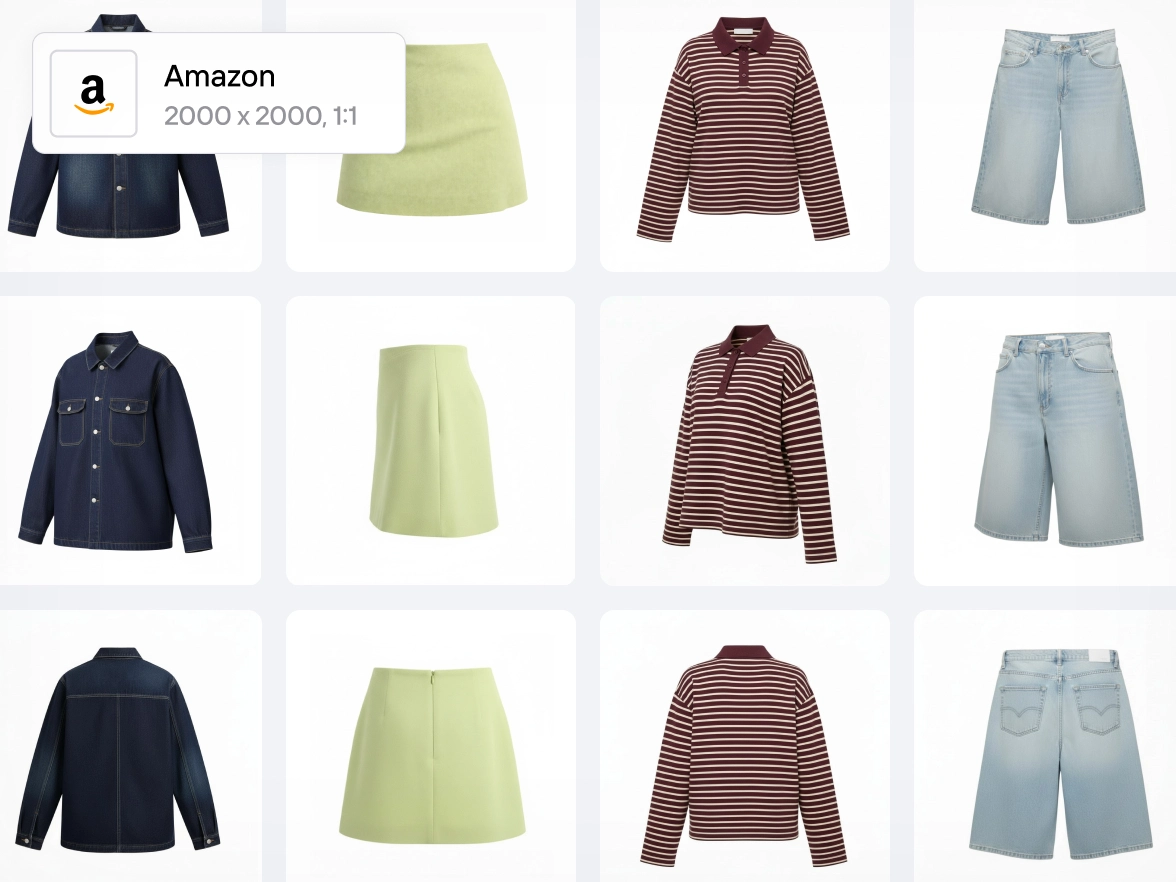
Updating large clothing catalogs for Amazon listings or seasonal e‑commerce drops often leads to inconsistent visuals, especially when products are shot with different mannequins, fits, or styling. Apply a ghost mannequin effect across your entire catalog to create a clean, uniform look with consistent proportions, angles, and lighting for every item. Once the core look is set, refine backgrounds, shadows, and exposure at scale using Batch editing or the API, so your catalog stays polished and visually consistent as your product range grows.
From AI backgrounds to instant shadows, Photoroom’s lineup helps you edit, design, and stand out — no design experience required.
AI Upscale
Get better quality images by enhancing the resolution of your photos and add creativity.
Photo enhancer
Improve your photos with AI to bring your visuals to life.
AI Expand
Repurpose your photo material or recover objects outside the frame layout.
Magic Retouch
Remove unwanted people or objects in your image with one swipe.
Background remover
Remove the background of your image automatically.
AI Backgrounds
Generate realistic AI backgrounds in less than a second.
Black & white background
Transform any background to captivating black and white.
Transparent background
Remove the background of your photo and change the background to transparent.
Change background color
Remove the background of your image and add any color.
Add background
Choose a unique background from our gallery or upload your own.
Blur background
Blur the background of your image automatically.
White background
Add a white background and transform your photos.
Black background
Add a striking black background to your photos.
Batch Mode
Save time by editing your images in batch.
Instant shadows
Use the power of AI to generate realistic, studio-quality shadows instantly.
Image brightener
Create a focal point in the composition using our image brightener.
Change color
Change the color of your images in seconds.
Create quote visuals
Generate memorables quotes in minutes with AI.
Create text visuals
Create your personalized text with our AI-powered text maker.
Create an icon
Create your personalized icon with our AI-powered icon generator.
Use virtual model
Create realistic product images with virtual models
Create a logo
Unlimited designs, powered by AI. Generate the perfect logo in minutes.
WhatsApp sticker creator
Create personalised and creative stickers for WhatsApp to share.
Customize your background
Explore how to create custom backgrounds for your products.
Photoroom is loved by companies of all sizes
See real stories from businesses like yours.
Customer story
Customer story
“Photoroom is so good that it’s boosted my capabilities as a creative business owner. I can look at all these tools in the app, experiment with them, and they’ll trigger an idea I never thought I had.”
The time savings, efficiency, and resource management make Photoroom the perfect solution for businesses looking to improve their product images and customer experience. It has been a game-changer, helping us compete with larger marketplaces.”
Kenza De Barros
eMerchandising and Marketing Activation Manager, Label Emmaüs
“I’m really skeptical when it comes to AI photography and photo editing because I am a photographer, but Photoroom’s AI Backgrounds always looks great and realistic.”
Download the Photoroom app on your mobile device from the Apple App Store or Google Play Store. Alternatively, if you prefer editing photos on a desktop, you can sign in to the Photoroom Web App
What is included in the Free plan?
The Free plan includes 250 exports/month when using Background Remover, Retouch, Templates, and limited access to AI features — a taste of Photoroom’s AI power.
What is included in the Pro plan?
The Pro plan unlocks all AI features, full access to templates, Batch Mode, and higher export limits — ideal for resellers and solopreneurs creating product listings and some marketing content.
What is included in the Max plan?
The Max plan gives you everything in Pro, plus access to our most advanced AI models and the highest export limits — perfect for small businesses and power users who need top-quality visuals at scale.
What payment methods do you accept?
You can exclusively use your credit card for payments on desktop. However, on the mobile app, payments are processed through the payment method you've established on either the Apple App Store or Google Play Store.
Will I be charged VAT/GST?
No, VAT/GST is already included.
How do I cancel my Photoroom subscription or trial?
Go to your account settings in the app and click on “Manage Subscriptions”. You can cancel your subscription (Pro, API) with one click.
Can I upgrade or downgrade my subscription?
Navigate to your account settings within the app and select 'Manage Subscriptions.' From there, you can modify your subscription.
What is your refund policy?
We refund customers up to one week after their purchase. Depending on the platform you initially used to subscribe, you'll get a different way to request a refund. Please find all the information in our guide on “How to get a refund”.