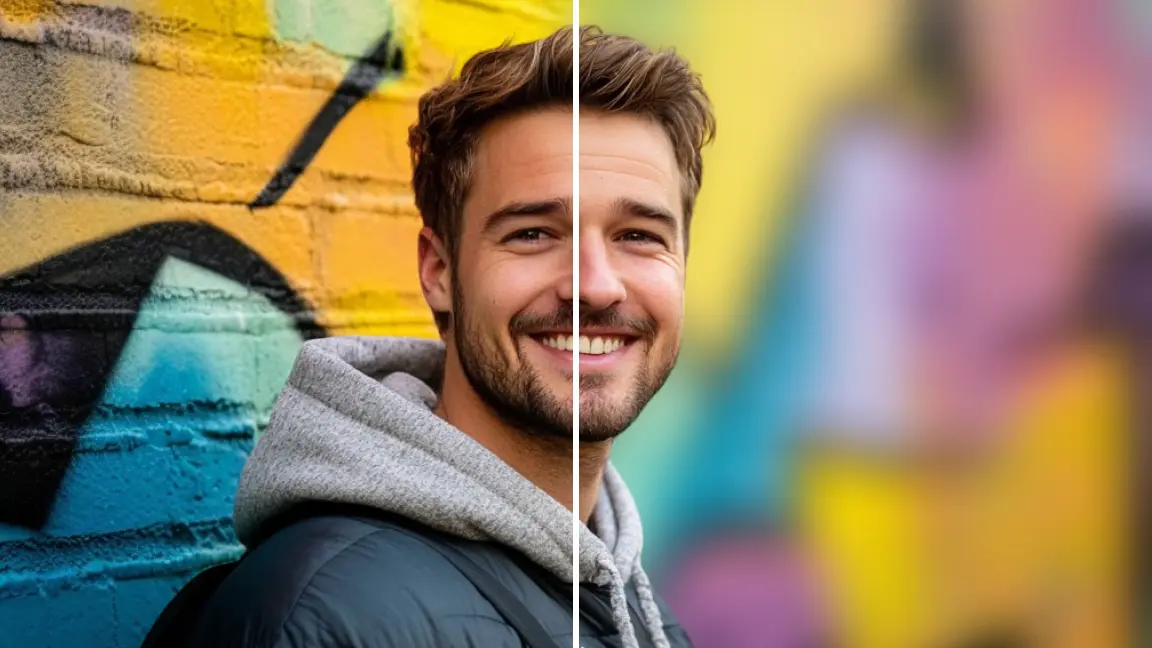
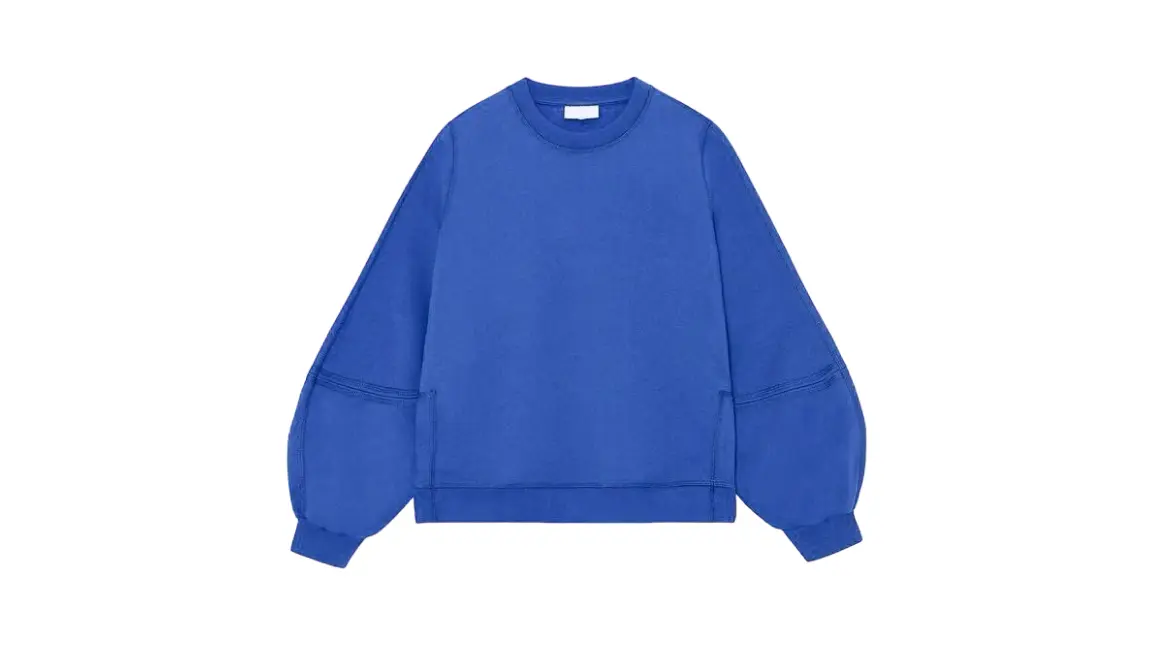
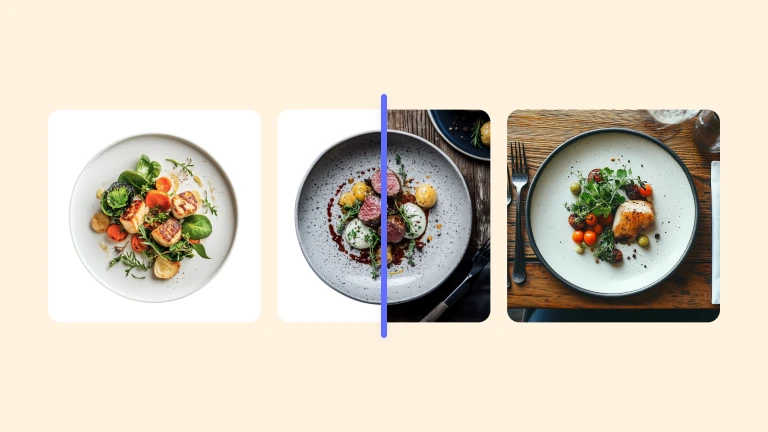
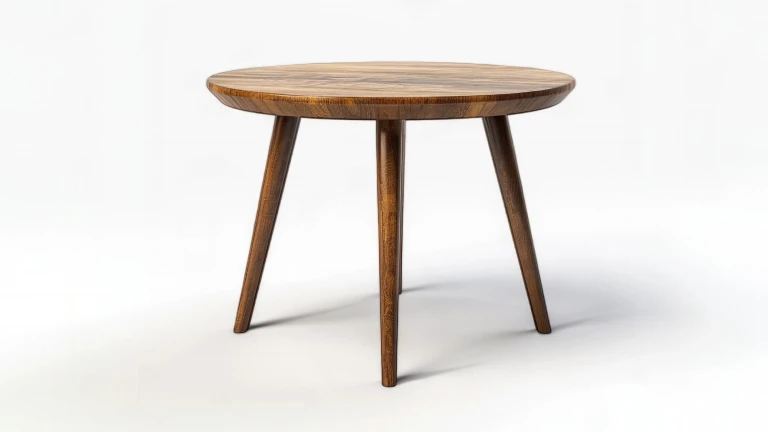
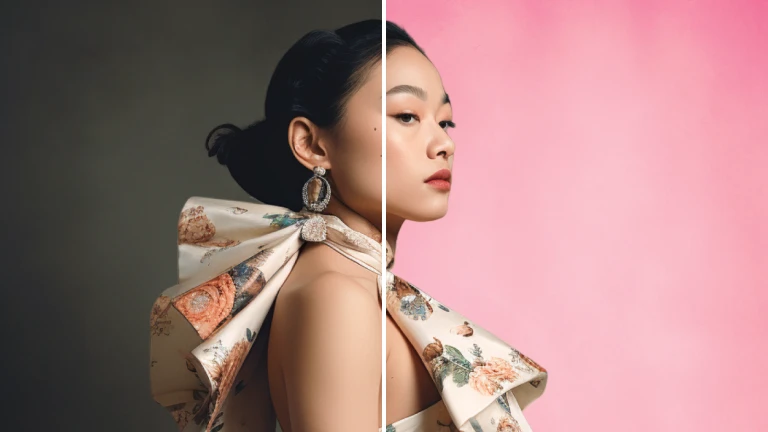
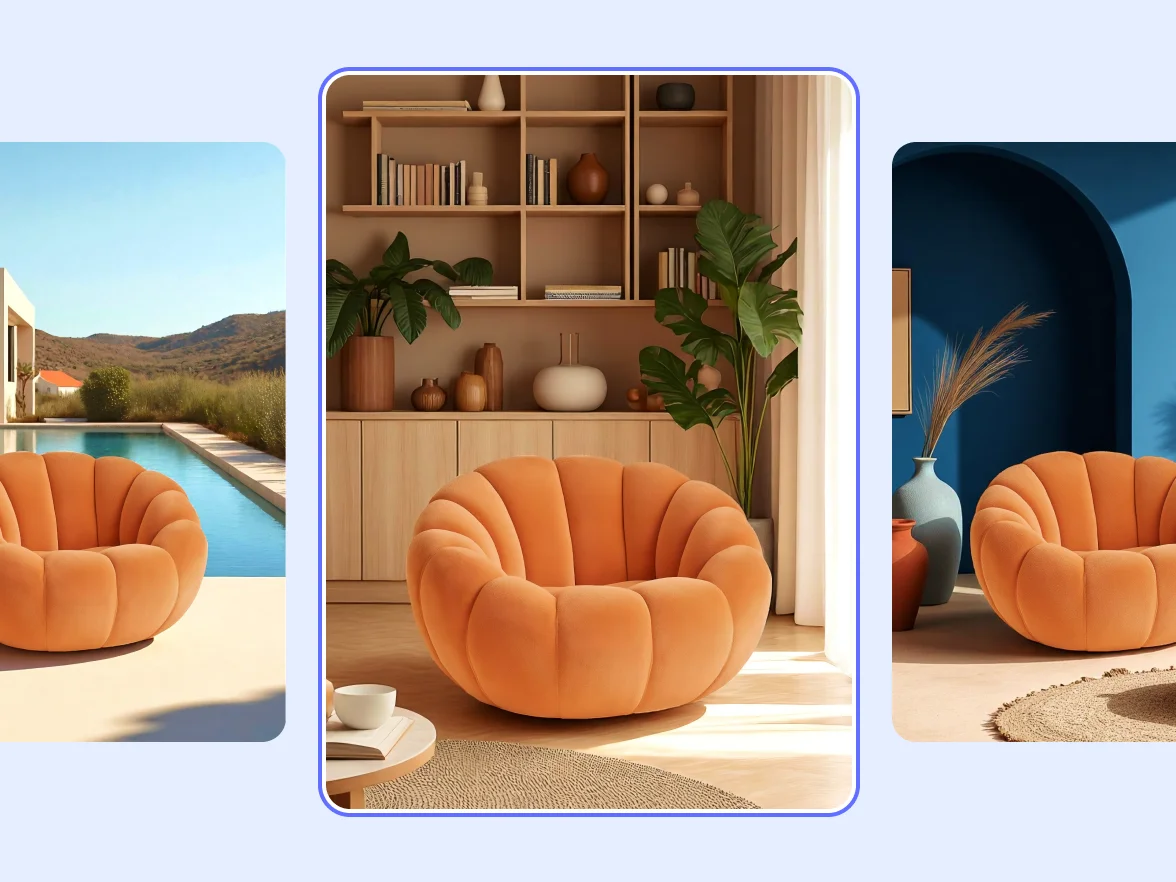
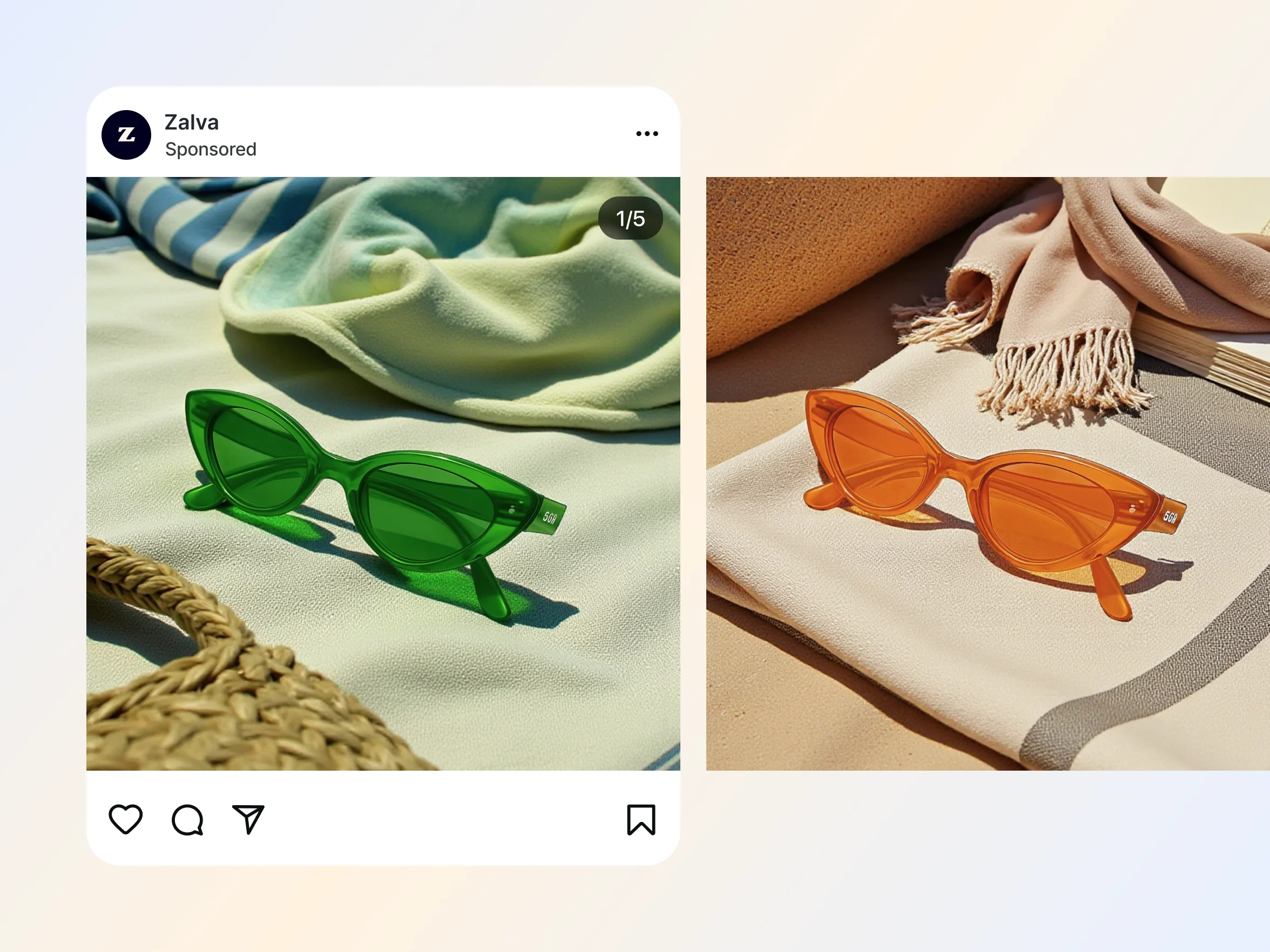
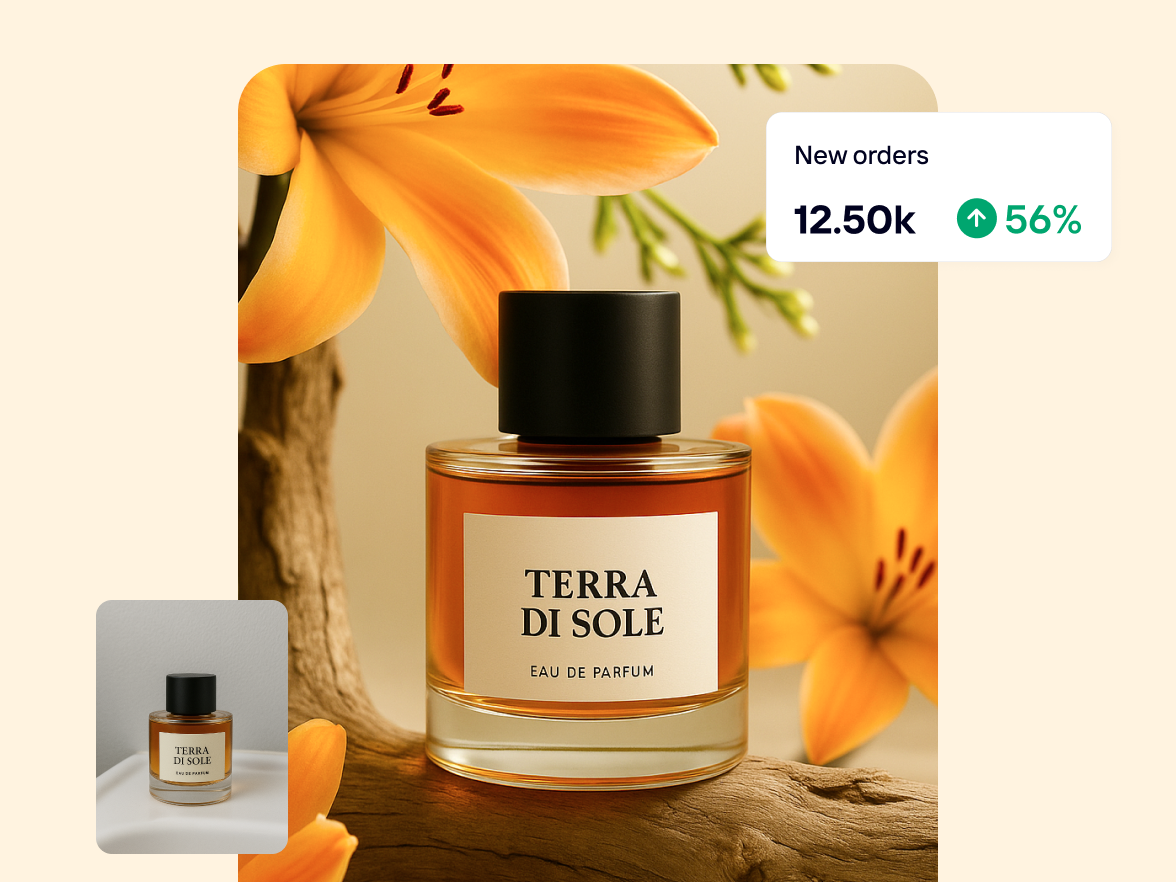
Traditional product photography is costly and time-consuming. With Photoroom’s AI background generator, you can create high-quality product images instantly: no studio, lighting, or editing skills required.
Achieve studio-quality photography results, faster and for less
Reduce costs with AI backgrounds
Whether you’re an independent seller or an established brand, you can cut production costs while maintaining professional quality with AI Backgrounds. Quickly generate polished product images, so your team can improve workflows, reduce spend, and launch products faster.
Instead of wasting hours on manual edits for hundreds of product images, use an AI background generator to design tailored backdrops in seconds. With AI product photography, you can enter custom prompts or use preset styles to create consistent studio or lifestyle shots that match your brand aesthetic. Then use Batch or connect to our API to apply the right look across your entire catalog in just a few clicks.
Getting thousands of site visitors, but your bounce rates are high, and your conversions are low? With AI product photography, you can A/B test visuals across product pages, marketplace listings, and social media selling to identify what converts best. Brands using Photoroom to generate unique backgrounds have seen sell-through rates increase by more than 50%.
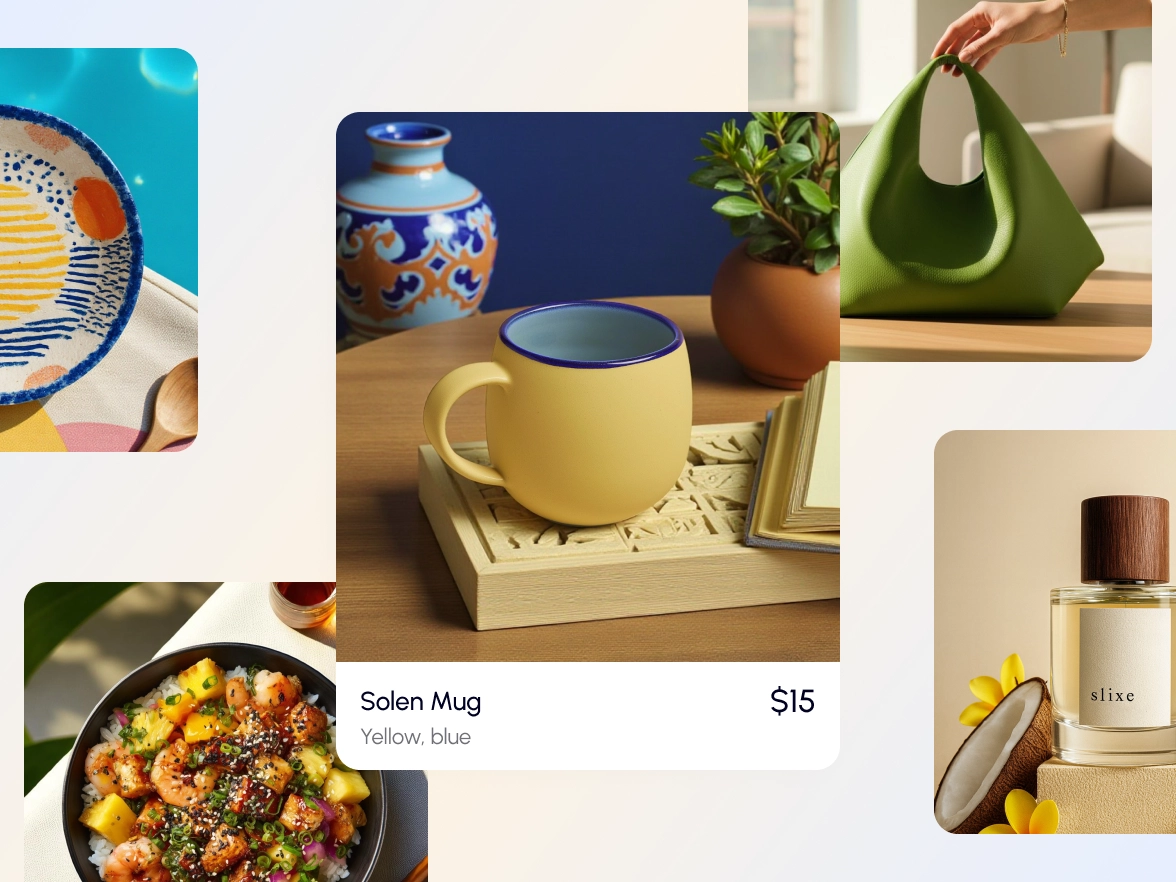
Whether you manage clothing, furniture, beauty, or food delivery catalogs for your online store or marketplace listings, you need consistent, professional imagery across your entire product line. AI Backgrounds automatically adapt to your original image, matching the product type with contextual scenes while aligning angles, lighting, and shadows for a natural result.
From AI backgrounds to instant shadows, Photoroom’s lineup helps you edit, design, and stand out — no design experience required.
AI Upscale
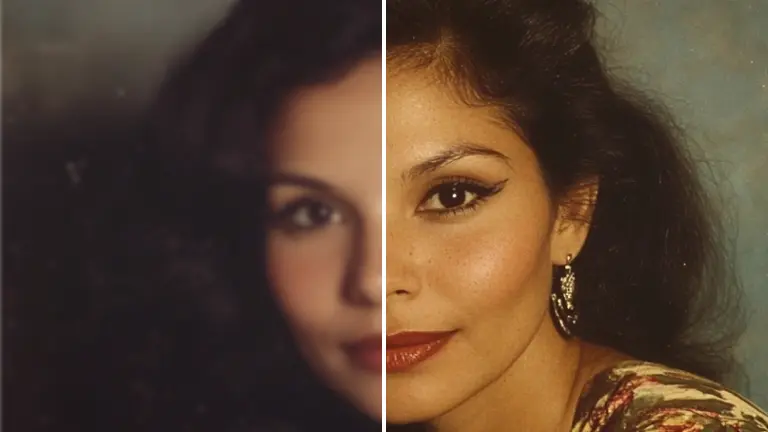
Get better quality images by enhancing the resolution of your photos and add creativity.
Photo enhancer
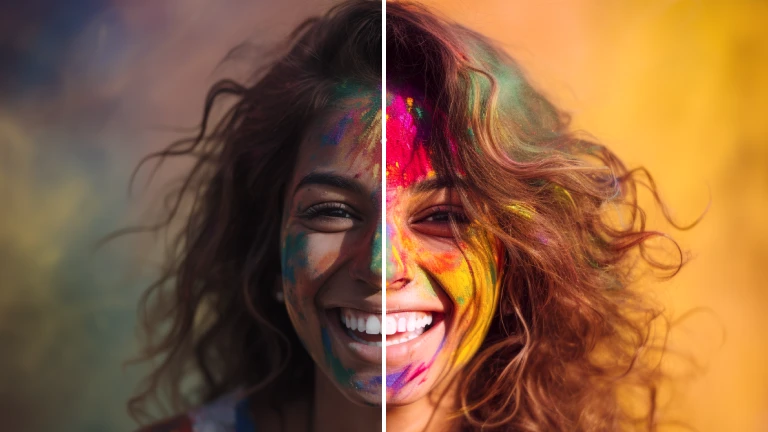
Improve your photos with AI to bring your visuals to life.
AI Expand
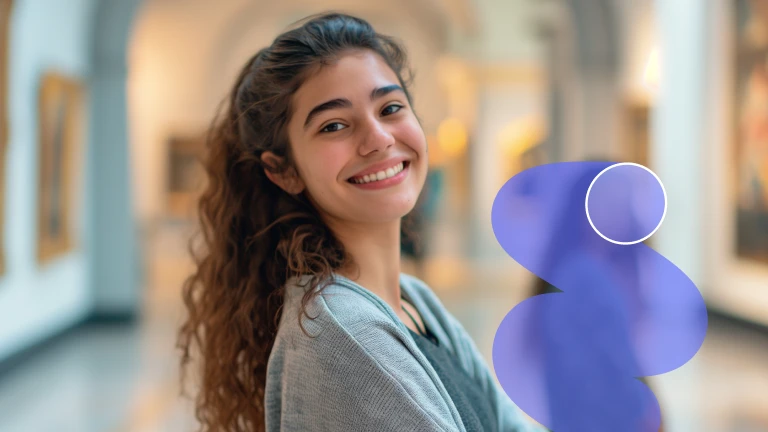
Repurpose your photo material or recover objects outside the frame layout.
Magic Retouch
Remove unwanted people or objects in your image with one swipe.
Background remover
Remove the background of your image automatically.
AI Backgrounds
Generate realistic AI backgrounds in less than a second.
Black & white background
Transform any background to captivating black and white.
Transparent background
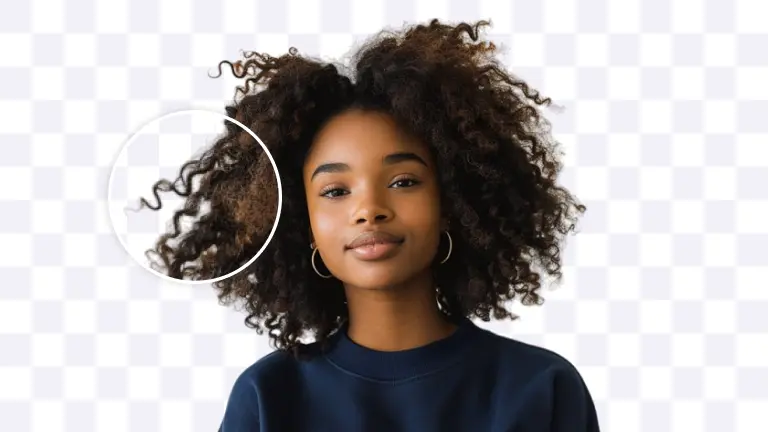
Remove the background of your photo and change the background to transparent.
Change background color
Remove the background of your image and add any color.
Add background
Choose a unique background from our gallery or upload your own.
Blur background
Blur the background of your image automatically.
White background
Add a white background and transform your photos.
Black background
Add a striking black background to your photos.
Batch Mode
Save time by editing your images in batch.
Instant shadows
Use the power of AI to generate realistic, studio-quality shadows instantly.
Image brightener
Create a focal point in the composition using our image brightener.
Change color
Change the color of your images in seconds.
Create quote visuals
Generate memorables quotes in minutes with AI.
Create text visuals
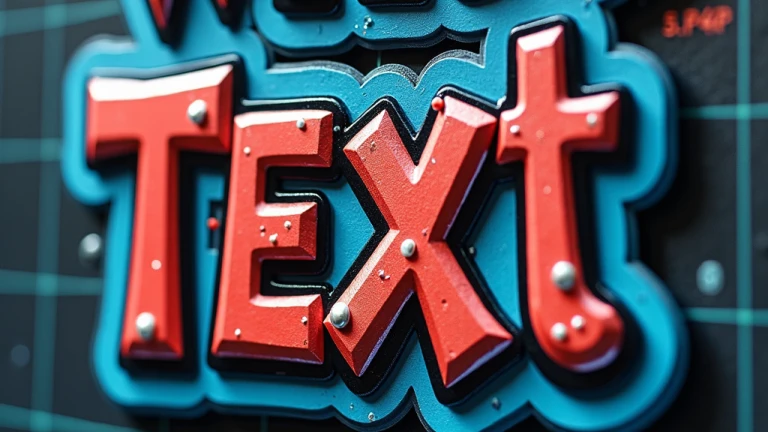
Create your personalized text with our AI-powered text maker.
Create an icon
Create your personalized icon with our AI-powered icon generator.
Use virtual model
Create realistic product images with virtual models
Create a logo
Unlimited designs, powered by AI. Generate the perfect logo in minutes.
WhatsApp sticker creator
Create personalised and creative stickers for WhatsApp to share.
Customize your background
Explore how to create custom backgrounds for your products.
People love Photoroom
Whether you're selling on Etsy or launching campaigns at scale, Photoroom is your partner to create visuals that drive sales.
Customer story
Customer story
“I track my email marketing platforms. When I send out my SMS/email marketing with images from Photoroom, I get up to 200% more sales.”
Sarah Hoorfar
Founder at Cowgirl Clutch.
Customer story
Customer story
“I use Photoroom to edit my photos. It is great because it has the option to bulk edit photos quickly.”
Ashley Peek
A top seller on Poshmark and eBay
Customer story
Customer story
“Photoroom is a huge time saver for me. It allows me to have much more freedom and gives me back precious time I need to go make and sell more candles. I just LOVE it.”
Nick Hawkins
Founder, The 1994 Candle Co
Frequently asked questions
How do I get started?
Download the Photoroom app on your mobile device from the Apple App Store or Google Play Store. Alternatively, if you prefer editing photos on a desktop, you can sign in to the Photoroom Web App
What is included in the Free plan?
The Free plan includes 250 exports/month when using Background Remover, Retouch, Templates, and limited access to AI features — a taste of Photoroom’s AI power.
What is included in the Pro plan?
The Pro plan unlocks all AI features, full access to templates, Batch Mode, and higher export limits — ideal for resellers and solopreneurs creating product listings and some marketing content.
What is included in the Max plan?
The Max plan gives you everything in Pro, plus access to our most advanced AI models and the highest export limits — perfect for small businesses and power users who need top-quality visuals at scale.
What payment methods do you accept?
You can exclusively use your credit card for payments on desktop. However, on the mobile app, payments are processed through the payment method you've established on either the Apple App Store or Google Play Store.
Will I be charged VAT/GST?
No, VAT/GST is already included.
How do I cancel my Photoroom subscription or trial?
Go to your account settings in the app and click on “Manage Subscriptions”. You can cancel your subscription (Pro, API) with one click.
Can I upgrade or downgrade my subscription?
Navigate to your account settings within the app and select 'Manage Subscriptions.' From there, you can modify your subscription.
What is your refund policy?
We refund customers up to one week after their purchase. Depending on the platform you initially used to subscribe, you'll get a different way to request a refund. Please find all the information in our guide on “How to get a refund”.