Upgrade your product photos by editing them in batch
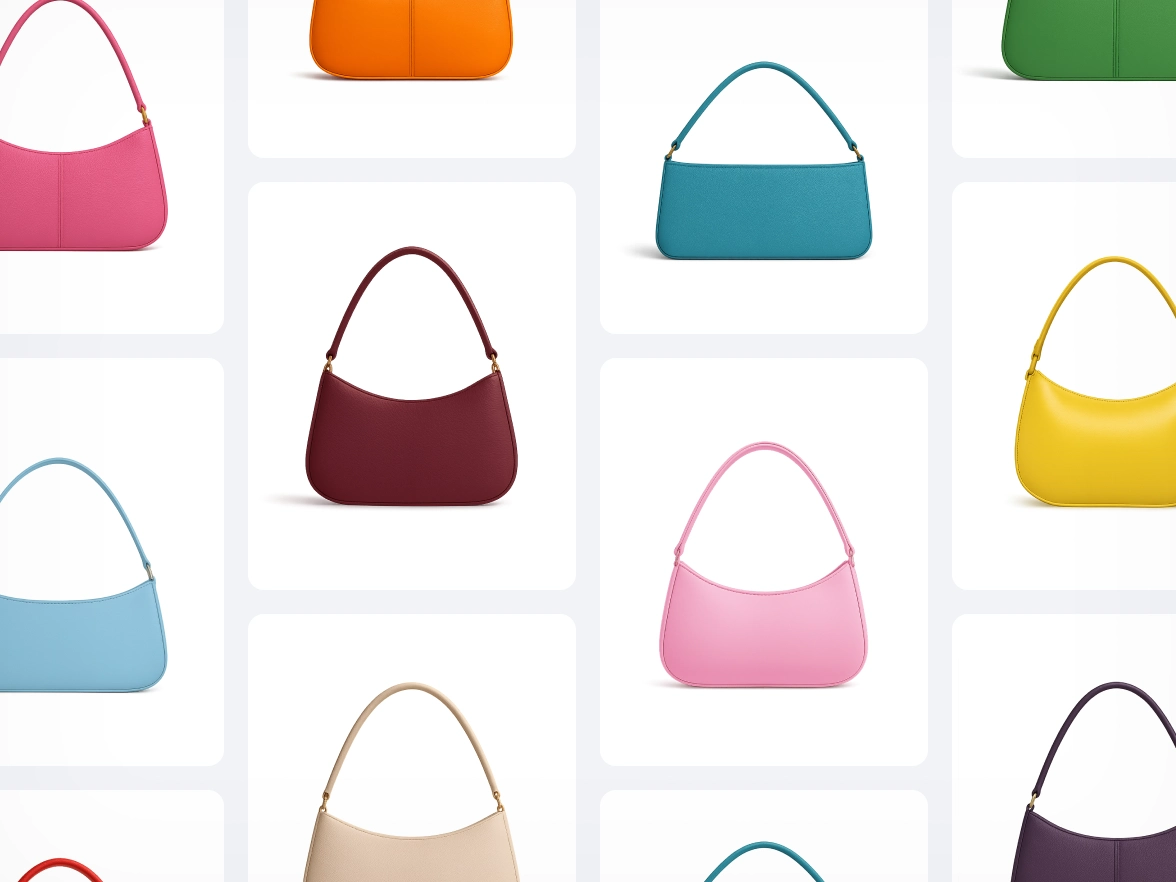
Get the same look across all your product photos
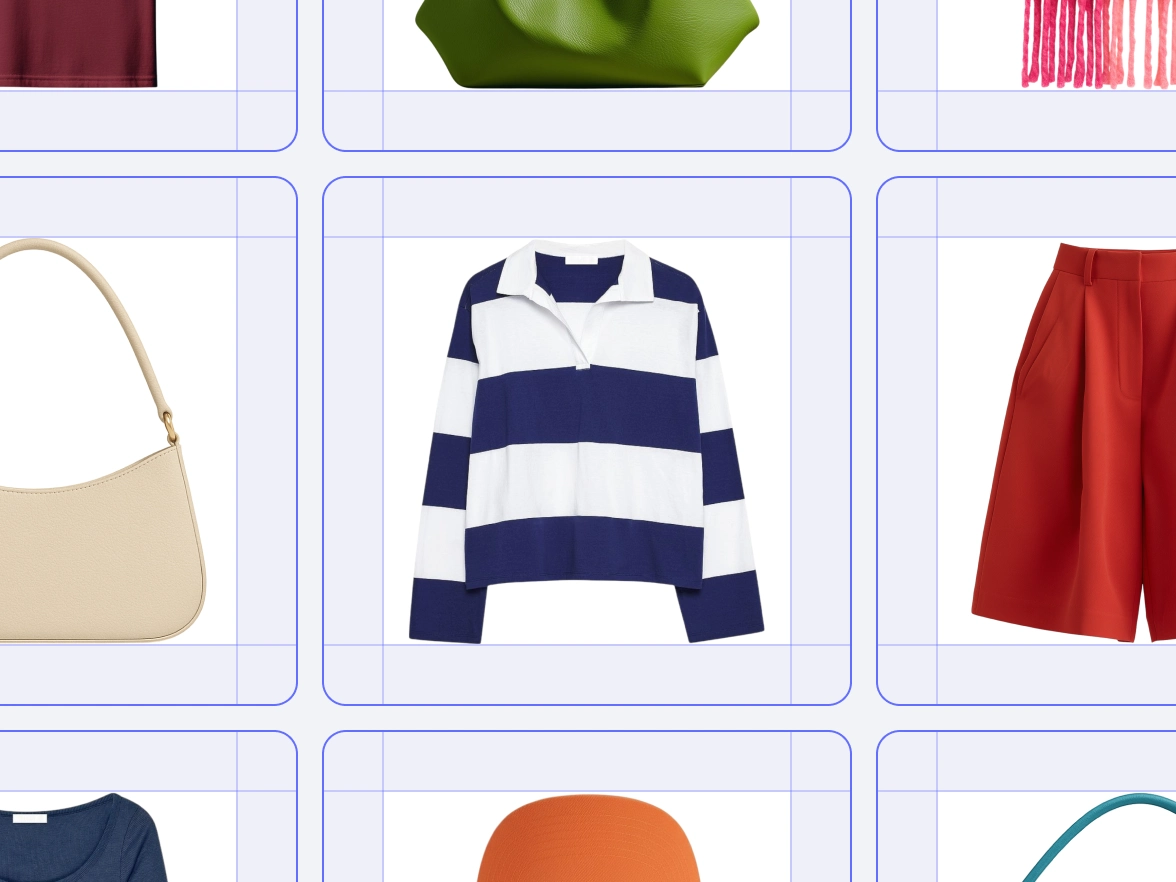
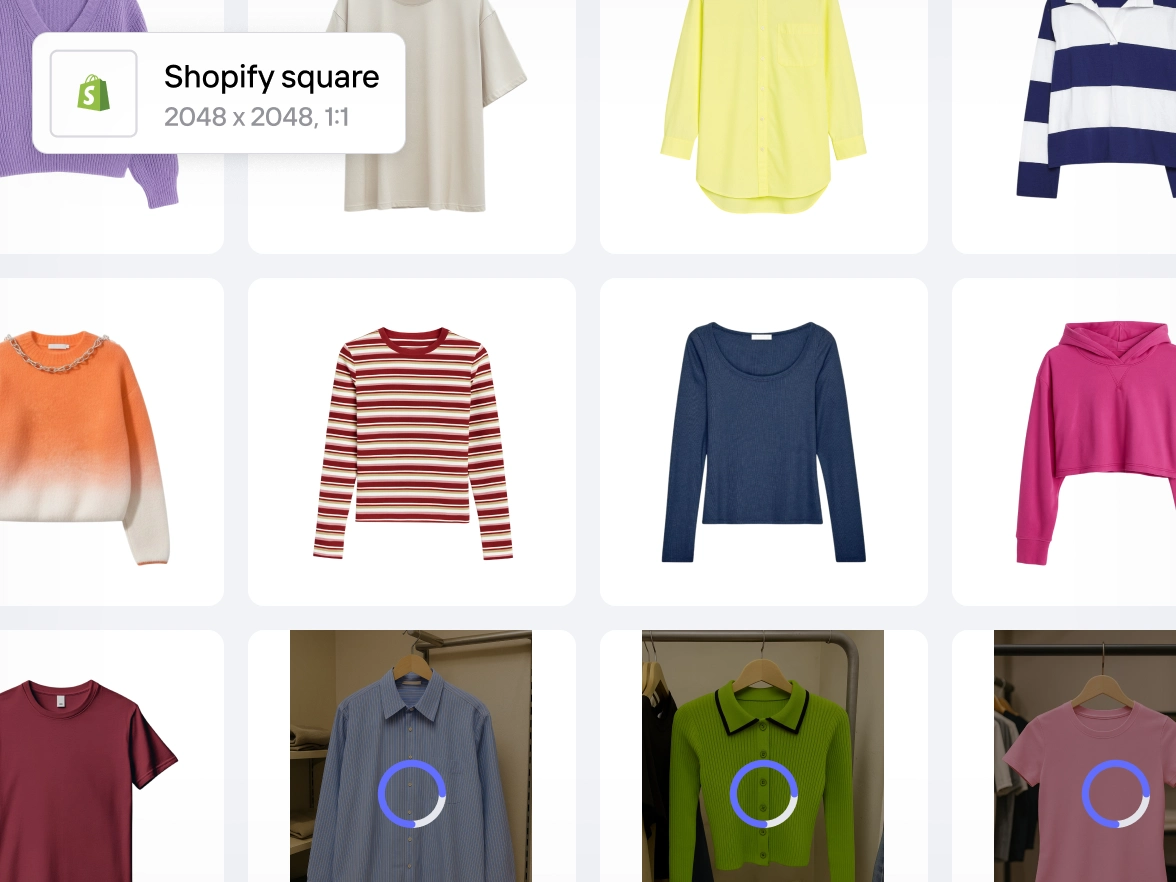
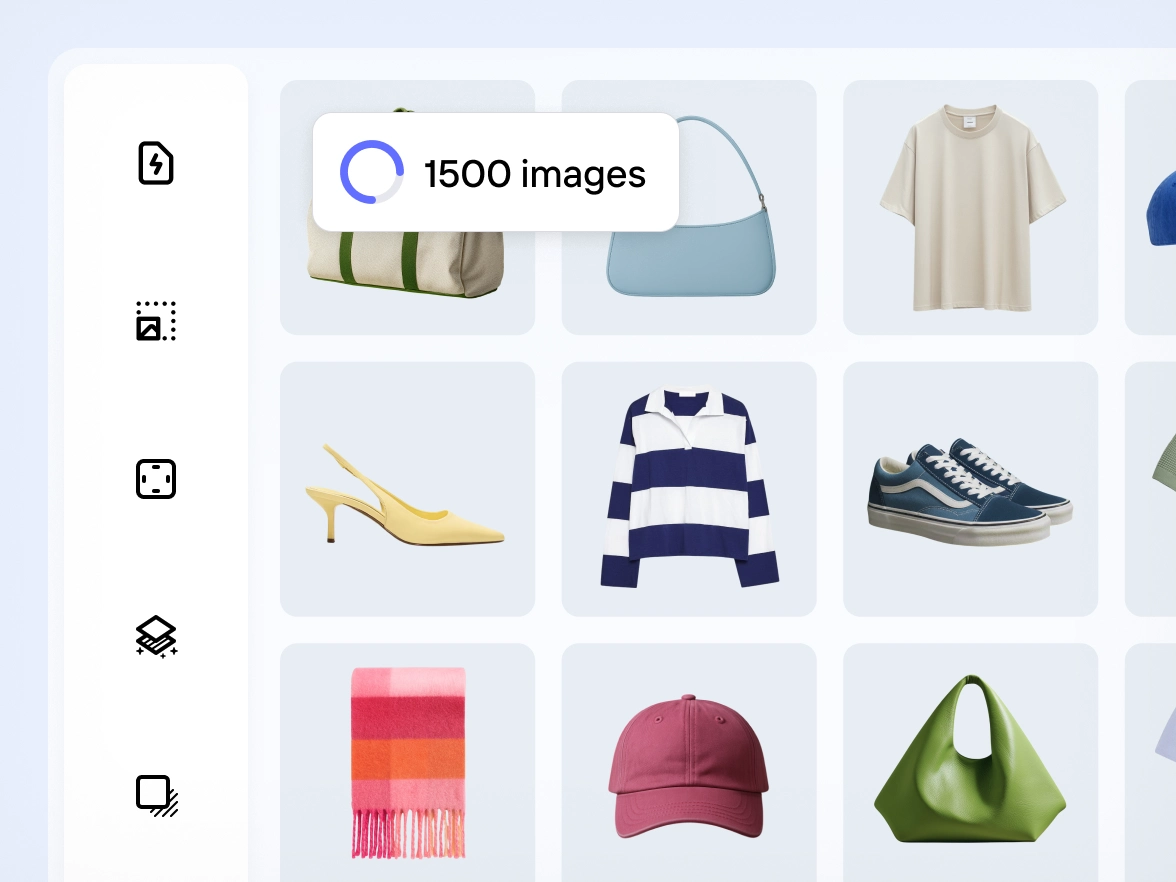
Brands often struggle to keep product photos aligned. Small changes in lighting, framing or background can break the visual flow of a catalog. Photoroom applies your chosen edits across images in bulk, so every product photo follows the same style. Colors stay balanced, framing stays steady and each SKU matches the next. Your catalog looks unified and professional, ready for marketplaces, and PDPs.
Skip repetitive edits and let AI handle the bulk work
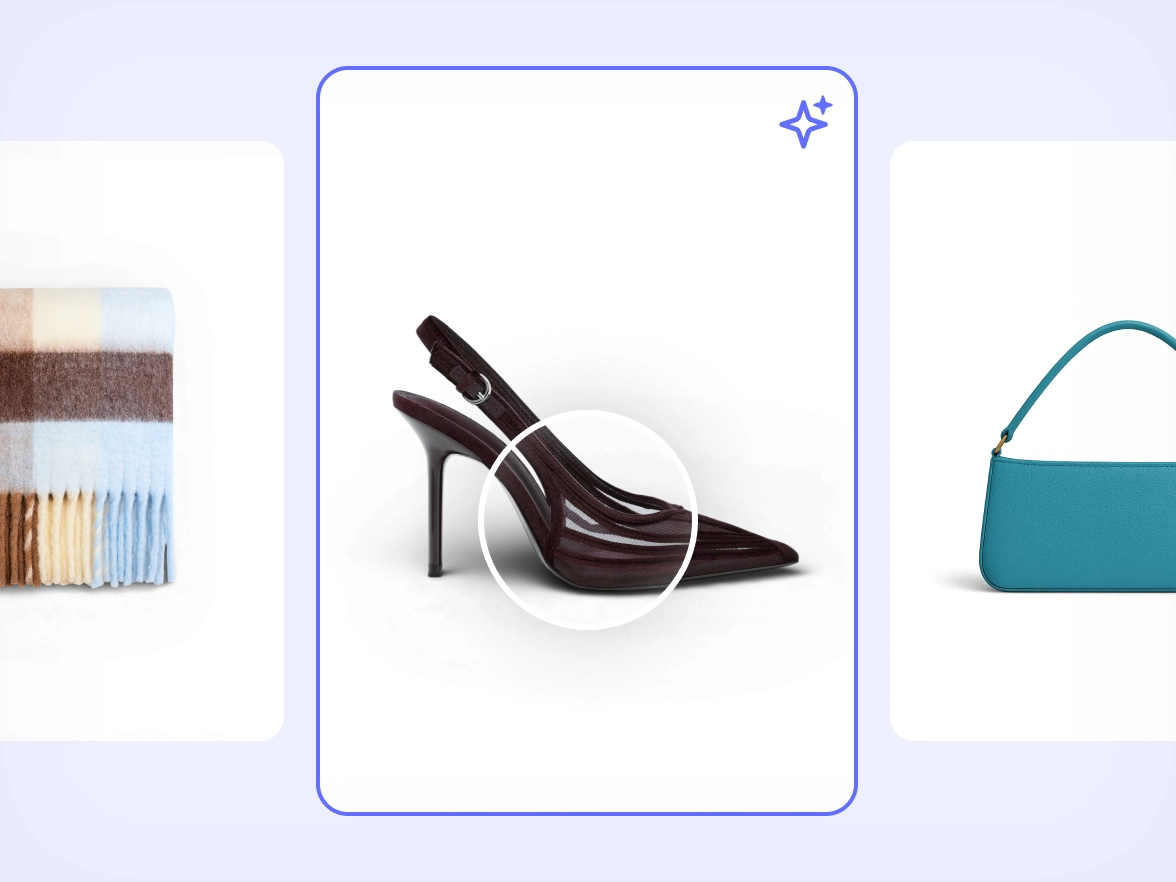
Manual editing slows down launches. Repeating the same adjustments for dozens of photos increases the chance of errors and drains team time. Photoroom automates repetitive steps across all images at once using the same accurate AI model behind our most famous tools, including Background Remover and AI Shadows. Cleanup, lighting fixes, object removal and shadows stay reliable across large batches so your team can move faster without sacrificing quality.
If your team spends hours redoing backgrounds, framing and lighting for every collection, you’re stuck in a loop that slows down launches. With Photoroom you save your preferred setup once and apply it to any batch of images. The same style repeats across all SKUs without manual work, so your team moves faster and every product line looks consistent from the start.
Fast workflows often sacrifice quality. When deadlines are tight, product details get lost or textures look off. Photoroom keeps product edges, shapes and materials intact across all files, even when applied in bulk. AI retouching adapts to each image so the final result stays true to the product. You publish updates quickly and maintain the level of detail your brand depends on.
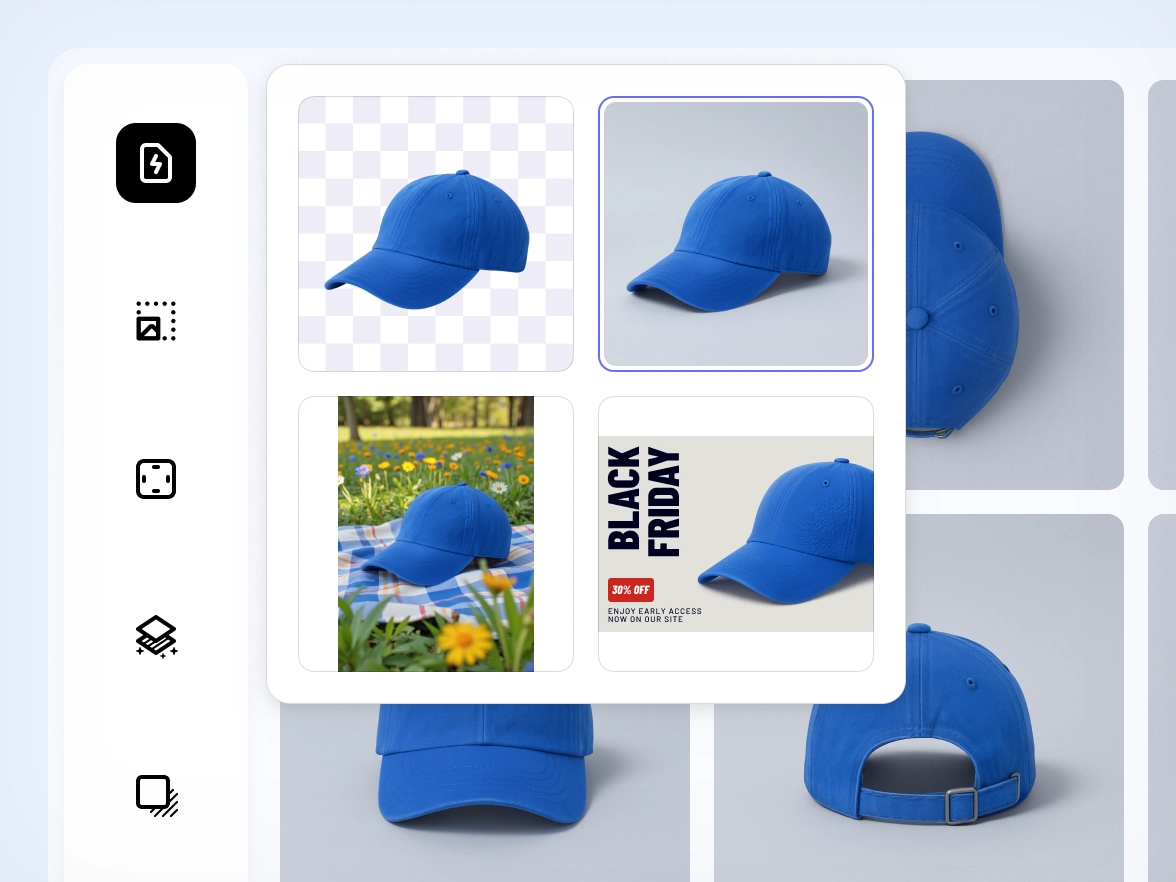
Meeting marketplace requirements usually means switching between tools, adjusting every image and double-checking dimensions or backgrounds. Photoroom gives you one workflow that supports bulk editing for ecommerce catalogs. Framing, backgrounds, color accuracy and cleanup stay aligned across images in batch. Your catalog meets platform standards from the start, ready for upload anywhere.
Many editors are designed for one-off fixes, not high-volume product updates. As collections grow, manual work becomes unmanageable. Photoroom handles small and large batches with the same workflow. Whether you upload a few images or thousands, edits apply consistently across all files. You handle launches, new drops and seasonal changes with confidence and without adding tools or extra staff.
Watch how sellers edit hundreds of product photos in seconds — fast, simple, and consistent every time.
Why edit product photos in bulk with Photoroom
Edit multiple product photos at once
Apply backgrounds, lighting fixes, retouching and framing across images in batch so you can move through full collections in a fraction of the time.
Built on Photoroom’s most accurate AI
The batch editor uses the same superior AI model behind Photoroom’s tools, giving you clean edges, reliable cutouts and consistent results across large volumes.
Keep every SKU aligned with the same style
Apply one visual style across your entire catalog so every product photo follows the same look, ready for marketplaces, feeds and ads.
사람들이 사랑하는 Photoroom
Etsy 판매부터 대규모 캠페인까지, Photoroom은 매출을 만드는 비주얼 제작의 파트너입니다.
고객 스토리
고객 스토리
“이메일 마케팅 성과를 추적합니다. Photoroom 이미지로 SMS와 이메일을 보내면 매출이 최대 200%까지 증가합니다.”
Sarah Hoorfar
Founder at Cowgirl Clutch.
고객 스토리
고객 스토리
“사진 편집에 Photoroom을 사용해요. 여러 이미지를 빠르게 일괄 편집할 수 있어서 정말 좋아요.”
Ashley Peek
A top seller on Poshmark and eBay
고객 스토리
고객 스토리
“Photoroom 덕분에 시간을 크게 절약했어요. 더 자유롭게 작업할 수 있고, 캔들 제작과 판매에 집중할 수 있습니다.”
Nick Hawkins
Founder, The 1994 Candle Co
Frequently asked questions
어떻게 시작하나요?
Apple App Store 또는 Google Play Store에서 모바일 기기에 Photoroom 앱을 다운로드하세요. 데스크톱에서 사진을 편집하고 싶다면 Photoroom 웹 앱에 로그인하면 됩니다.
무료 플랜에는 무엇이 포함되나요?
무료 플랜에는 배경 제거, 리터치, 템플릿 사용 시 월 250회 내보내기가 포함되며, 일부 AI 기능을 제한적으로 사용할 수 있습니다. Photoroom의 AI 기능을 미리 경험해볼 수 있습니다.
Pro 플랜에는 무엇이 포함되나요?
Pro 플랜에서는 모든 AI 기능, 전체 템플릿 이용, 배치 모드, 더 높은 내보내기 한도를 사용할 수 있습니다. 제품 목록과 일부 마케팅 콘텐츠를 제작하는 리셀러와 1인 사업자에게 적합합니다.
Max 플랜에는 무엇이 포함되나요?
Max 플랜에는 Pro 플랜의 모든 기능에 더해, 가장 진보된 AI 모델과 최고 수준의 내보내기 한도가 포함됩니다. 대규모로 고품질 비주얼이 필요한 소규모 비즈니스와 파워 유저에게 적합합니다.
어떤 결제 수단을 사용할 수 있나요?
데스크톱에서는 신용카드 결제만 가능합니다. 모바일 앱에서는 Apple App Store 또는 Google Play Store에 등록된 결제 수단을 통해 결제가 처리됩니다.
VAT/GST가 추가로 부과되나요?
아니요. VAT/GST는 이미 가격에 포함되어 있습니다.
구독이나 체험을 어떻게 취소하나요?
앱에서 계정 설정으로 이동한 뒤 “구독 관리”를 선택하세요. Pro 또는 API 구독은 한 번의 클릭으로 취소할 수 있습니다.
구독을 변경할 수 있나요?
네. 앱의 계정 설정에서 “구독 관리”를 선택하면 플랜을 변경할 수 있습니다.
환불 정책은 어떻게 되나요?
구매 후 최대 1주일 이내에 환불이 가능합니다. 처음 구독한 플랫폼에 따라 환불 요청 방법이 다를 수 있습니다. 자세한 내용은 “환불 받는 방법” 가이드를 참고하세요.