Upgrade your product photos by editing them in batch
Get the same look across all your product photos
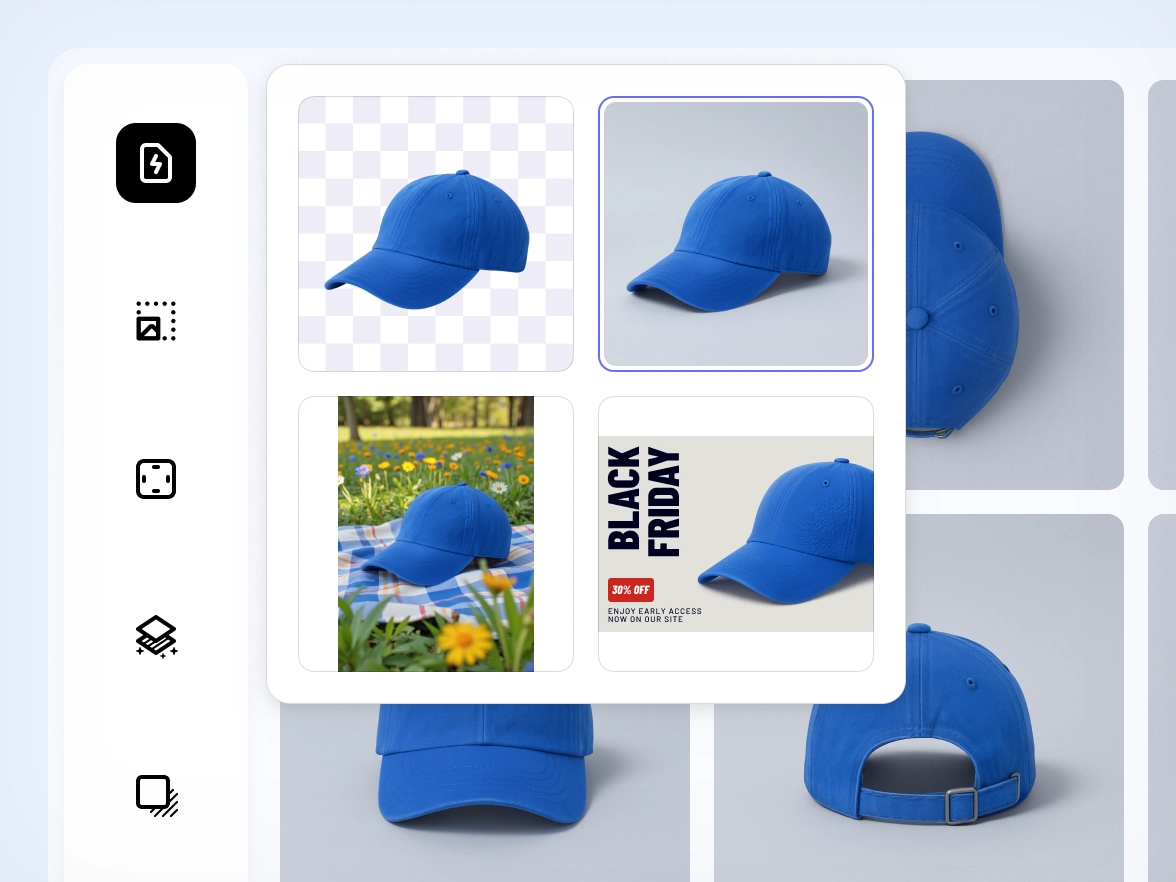
Brands often struggle to keep product photos aligned. Small changes in lighting, framing or background can break the visual flow of a catalog. Photoroom applies your chosen edits across images in bulk, so every product photo follows the same style. Colors stay balanced, framing stays steady and each SKU matches the next. Your catalog looks unified and professional, ready for marketplaces, and PDPs.
Skip repetitive edits and let AI handle the bulk work
Manual editing slows down launches. Repeating the same adjustments for dozens of photos increases the chance of errors and drains team time. Photoroom automates repetitive steps across all images at once using the same accurate AI model behind our most famous tools, including Background Remover and AI Shadows. Cleanup, lighting fixes, object removal and shadows stay reliable across large batches so your team can move faster without sacrificing quality.
If your team spends hours redoing backgrounds, framing and lighting for every collection, you’re stuck in a loop that slows down launches. With Photoroom you save your preferred setup once and apply it to any batch of images. The same style repeats across all SKUs without manual work, so your team moves faster and every product line looks consistent from the start.
Fast workflows often sacrifice quality. When deadlines are tight, product details get lost or textures look off. Photoroom keeps product edges, shapes and materials intact across all files, even when applied in bulk. AI retouching adapts to each image so the final result stays true to the product. You publish updates quickly and maintain the level of detail your brand depends on.
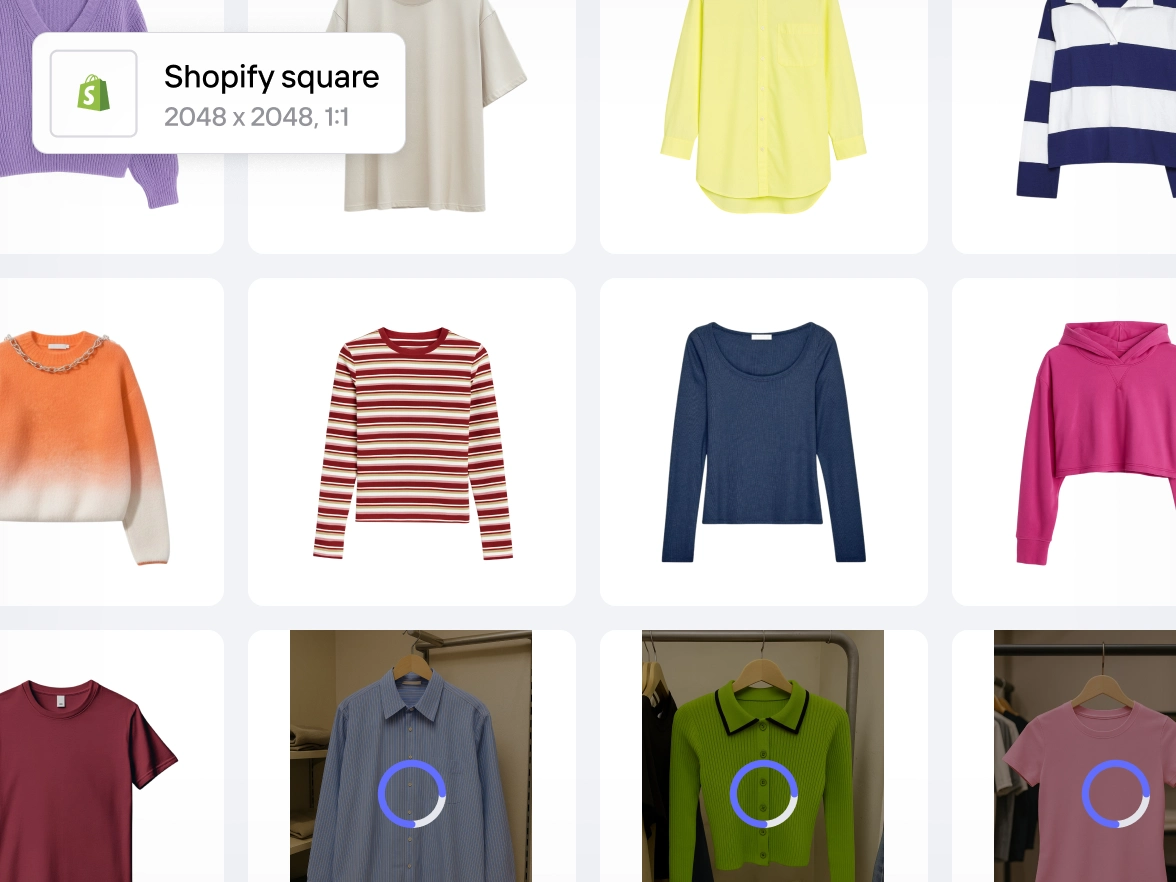
Meeting marketplace requirements usually means switching between tools, adjusting every image and double-checking dimensions or backgrounds. Photoroom gives you one workflow that supports bulk editing for ecommerce catalogs. Framing, backgrounds, color accuracy and cleanup stay aligned across images in batch. Your catalog meets platform standards from the start, ready for upload anywhere.
Many editors are designed for one-off fixes, not high-volume product updates. As collections grow, manual work becomes unmanageable. Photoroom handles small and large batches with the same workflow. Whether you upload a few images or thousands, edits apply consistently across all files. You handle launches, new drops and seasonal changes with confidence and without adding tools or extra staff.
Watch how sellers edit hundreds of product photos in seconds — fast, simple, and consistent every time.
Why edit product photos in bulk with Photoroom
Edit multiple product photos at once
Apply backgrounds, lighting fixes, retouching and framing across images in batch so you can move through full collections in a fraction of the time.
Built on Photoroom’s most accurate AI
The batch editor uses the same superior AI model behind Photoroom’s tools, giving you clean edges, reliable cutouts and consistent results across large volumes.
Keep every SKU aligned with the same style
Apply one visual style across your entire catalog so every product photo follows the same look, ready for marketplaces, feeds and ads.